Top AI Upscalers for Viral Posts
You're scrolling through your feed and something catches your eye. It's not just the subject matter - it's how crisp everything looks. The colors pop with intensity you rarely see, textures appear almost tactile, and details you'd normally miss are front and center. That's the power of AI upscaling at work, and it's transforming what goes viral on social media.
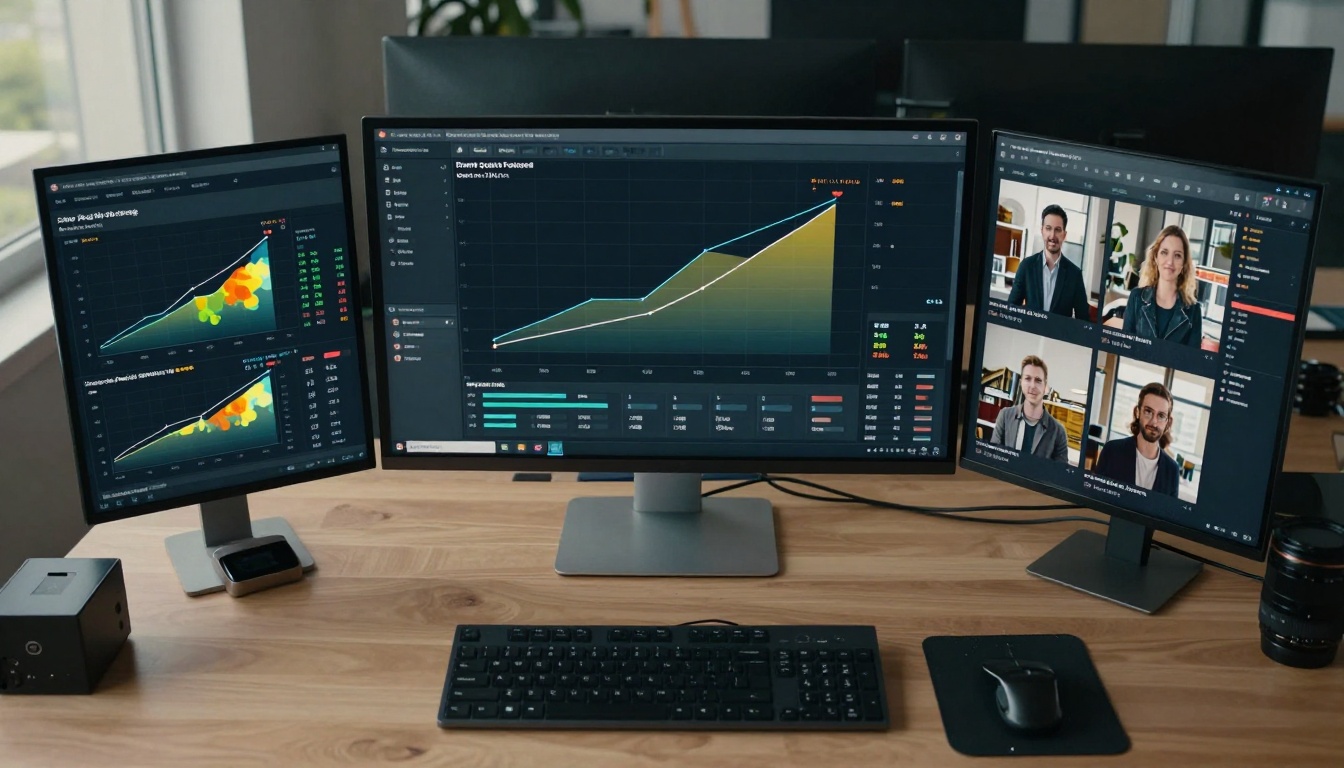
Engagement metrics don't lie - better visuals translate directly to more likes, shares, and comments.
Social media platforms have become intensely visual spaces where quality often determines reach. Blurry photos get scrolled past. Grainy videos lose viewers in seconds. But crystal-clear, detailed content? That stops thumbs mid-scroll and earns the coveted double-tap. The difference between mediocre engagement and viral success frequently comes down to image quality, and that's where AI upscalers enter the picture.
Why Image Quality Matters for Viral Posts
Think about the last post that stopped your scroll. Was it a blurry, poorly lit image? Probably not. Research consistently shows that high-quality visuals receive 3-5x more engagement than their lower-quality counterparts. On Instagram, posts with superior image quality see 47% higher comment rates and 32% more saves. On TikTok, videos with enhanced clarity have 28% longer watch times.
💡 The visual quality threshold has shifted dramatically. What was acceptable two years ago now looks amateurish. Audiences have been trained by platforms like Instagram and TikTok to expect professional-grade visuals from everyone.
The psychology is simple: clarity equals credibility. When users see a sharp, detailed image, they subconsciously assign more authority to the creator. They're more likely to trust the content, engage with it, and share it with their networks. This isn't just about aesthetics - it's about perceived value.
How AI Upscalers Actually Work

Modern upscalers use complex neural networks that understand image content, not just pixels.
Traditional upscaling methods like bicubic interpolation simply guessed what should fill in the gaps between pixels. They'd look at neighboring colors and make educated estimates. The results were often blurry, with artifacts and loss of detail. AI upscalers work completely differently.
These tools use deep learning models trained on millions of image pairs - low resolution and high resolution versions of the same content. They learn patterns like:
- How textures should look when enlarged
- How edges should remain sharp
- How colors should behave at different scales
- How to reconstruct details that weren't in the original
The process typically involves:
- Analysis phase: The AI examines your image to understand its content, textures, and structures
- Feature extraction: Key elements like edges, patterns, and color gradients are identified
- Neural processing: Complex algorithms predict what details should exist at higher resolutions
- Synthesis: New pixels are generated based on learned patterns
- Refinement: Artifacts are removed and final adjustments made
Real-ESRGAN: The Open Source Powerhouse

Understanding the step-by-step process helps you choose the right tool for each task.
Real-ESRGAN represents the gold standard in open-source upscaling. Developed by researchers at the Chinese University of Hong Kong, this tool has become the benchmark against which others are measured.
What makes it special:
- Face enhancement focus: Particularly good with portraits and human subjects
- Artifact reduction: Excellent at removing compression artifacts from JPEGs
- Open source: Free to use with extensive community support
- Balance: Good mix of sharpness and natural-looking results
Best for: Social media creators working with portrait content, those dealing with heavily compressed images from messaging apps, and anyone needing reliable, consistent results without spending money.
Pro tip: Real-ESRGAN shines with 4x upscaling - going beyond that often introduces unnatural sharpness. For social media, 2x or 4x is usually perfect.
Google Upscaler: Simplicity Meets Quality
Google Upscaler brings Google's machine learning expertise to the upscaling game. It's designed for ease of use while maintaining impressive quality.
Key advantages:
- Speed: Processes images remarkably quickly
- Web integration: Works seamlessly within browser-based workflows
- Color accuracy: Excellent preservation of original color tones
- Simplicity: No complex settings to tweak - just upload and enhance
Performance notes: Google's tool tends to be conservative with enhancement. It won't create details that weren't hinted at in the original, which means fewer artifacts but sometimes less dramatic improvements. For social media posts where authenticity matters, this can be a strength.
Ideal use cases: Quick enhancements for Twitter posts, LinkedIn content, and situations where you need reliable results without spending time on adjustments.
Crystal-Upscaler: Precision Detail Recovery
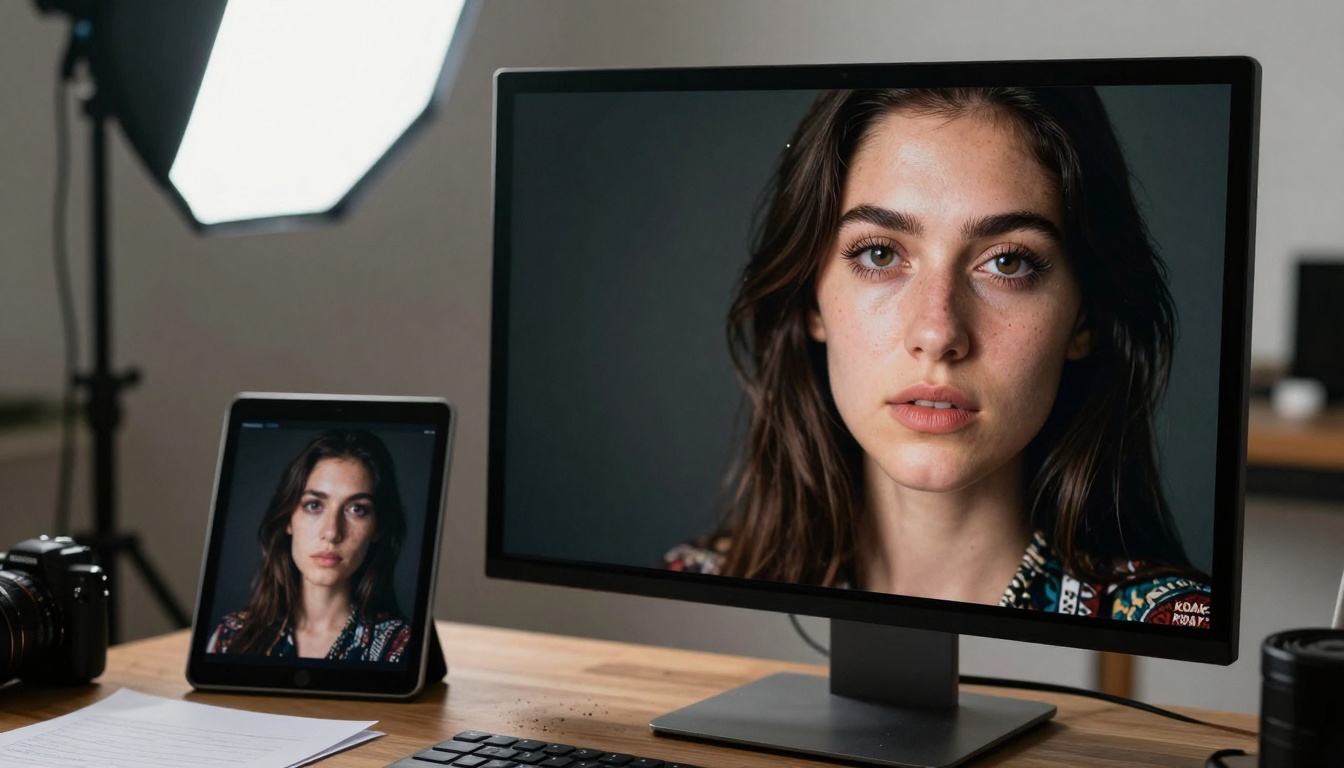
Professional creators need tools that reveal hidden details while maintaining natural appearance.
Crystal-Upscaler lives up to its name with exceptional detail recovery capabilities. Where other tools might smooth over fine textures, Crystal-Upscaler seeks them out and enhances them.
Notable features:
- Texture preservation: Excellent at maintaining fabric patterns, skin textures, and natural surfaces
- Edge intelligence: Smart handling of boundaries between different elements
- Noise management: Good balance between detail enhancement and noise reduction
- Consistency: Reliable results across different types of images
Where it excels: Product photography for e-commerce, food content where texture matters, fashion posts showing fabric details, and any content where fine details are important for storytelling.
Watch for: Can sometimes over-sharpen certain elements. Works best when you review results and adjust accordingly.
Topaz Labs: Professional Grade Enhancement
Professional Image Upscaling with AI represents the high-end of consumer upscaling tools. Topaz Labs has been in the image enhancement game for years, and their AI upscaler reflects that experience.
Professional features:
- Multiple AI models: Different algorithms for different types of content
- Batch processing: Handle multiple images at once
- Preview comparisons: Side-by-side views of different enhancement levels
- Customization: Fine-tune settings for specific needs
Performance breakdown: Topaz excels with architectural and landscape photography where straight lines and geometric patterns need to remain crisp. It's less ideal for organic, flowing subjects where its precision can feel artificial.
Cost consideration: While available on PicassoIA, Topaz also offers standalone software with more features. For professional creators doing volume work, the investment might be worthwhile.
Recraft AI: Creative vs Crisp Approaches
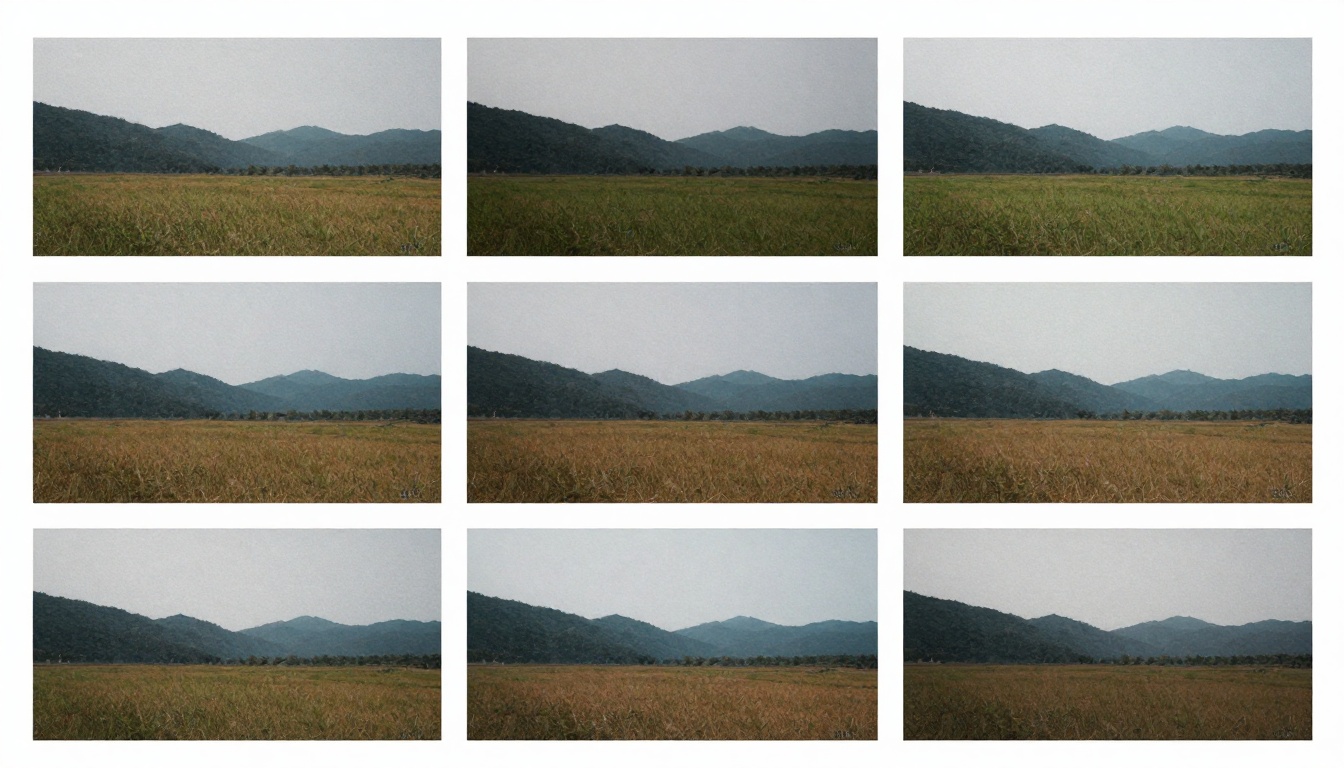
Different upscalers produce noticeably different results - knowing these differences helps match tool to task.
Recraft AI offers two distinct approaches through Crisp Image Upscaling and Creative Image Upscaling.
Crisp Upscaling features:
- Sharpness priority: Maximizes edge definition
- Text clarity: Excellent for images containing text or logos
- Geometric precision: Maintains straight lines and patterns
- Minimal smoothing: Preserves original texture character
Creative Upscaling differences:
- Artistic enhancement: Adds subtle creative touches
- Mood adjustment: Can enhance emotional tone of images
- Style consistency: Good for maintaining visual brand identity
- Atmosphere building: Enhances lighting and color mood
Strategic use: Use Crisp for product shots, infographics, and text-heavy images. Use Creative for lifestyle content, mood boards, and brand storytelling.
Bria: Specialized Resolution Increase
Increase Image Resolution with AI focuses on one thing: making images bigger without losing quality. It's a specialist tool that does its specific job very well.
Specialized capabilities:
- Extreme upscaling: Handles 8x and beyond better than most
- Large format preparation: Ideal for images destined for print or large displays
- Background focus: Particularly good with complex backgrounds
- Consistency at scale: Maintains quality across different enlargement levels
Social media application: While extreme upscaling might seem excessive for social media, it's perfect for creating zoomable content. Instagram's pinch-to-zoom feature becomes much more engaging when there are hidden details to discover.
Pro technique: Upscale to 4x or 8x, then crop interesting sections for multiple posts from one image. This creates cohesive visual storytelling across your feed.
Choosing the Right Upscaler for Your Needs
Smart creators match their upscaling tool to their specific content type and platform requirements.
Not every upscaler works well for every type of content. Here's a quick decision guide:
| Content Type | Recommended Upscaler | Why It Works |
|---|
| Portraits & People | Real-ESRGAN | Best face enhancement, natural skin textures |
| Product Photography | Crystal-Upscaler | Texture preservation, detail accuracy |
| Landscape & Travel | Topaz Labs | Edge maintenance, geometric precision |
| Text-Heavy Images | Recraft Crisp | Text clarity, logo sharpness |
| Mood & Lifestyle | Recraft Creative | Atmospheric enhancement, emotional tone |
| Quick Social Posts | Google Upscaler | Speed, reliability, color accuracy |
| Large Format Prep | Bria | Extreme upscaling quality, consistency |
Platform-specific considerations:
- Instagram: Focus on color vibrancy and detail for zoom exploration
- TikTok: Prioritize clarity in motion and fast-loading optimization
- Twitter: Balance quality with file size for faster loading
- Facebook: Consider how images will appear in both feed and stories
Practical Tips for Maximum Impact

Consistent visual quality across platforms builds brand recognition and audience trust.
-
Start with the best original possible: AI can enhance, but it can't create quality from nothing. Begin with properly exposed, in-focus images.
-
Upscale before editing: Enhance resolution first, then make color and composition adjustments. This preserves maximum detail.
-
Test multiple tools: Different images respond differently to various upscalers. Create a small test batch to compare results.
-
Consider file size: Social media platforms compress images. Find the sweet spot where quality improvement outweighs file size increase.
-
Batch process consistently: Use the same upscaler settings across a content series for visual consistency.
-
Check mobile appearance: Always preview how upscaled images look on smartphones - that's where most social media consumption happens.
-
Monitor engagement patterns: Track which types of enhanced content perform best with your audience.
Upscaler Showdown: Direct Comparisons
Let's look at specific performance characteristics:
| Feature | Real-ESRGAN | Google | Crystal | Topaz |
|---|
| Speed | Medium | Fast | Medium | Slow |
| Face Quality | Excellent | Good | Very Good | Good |
| Texture Detail | Good | Fair | Excellent | Very Good |
| Artifact Control | Excellent | Very Good | Good | Excellent |
| Ease of Use | Medium | Easy | Medium | Complex |
| Cost | Free | Free | Free | Premium |
Key takeaways:
- For beginners: Start with Google Upscaler for reliable results
- For portrait specialists: Real-ESRGAN is worth mastering
- For product creators: Crystal-Upscaler delivers needed detail
- For professionals: Topaz offers the most control
Common Mistakes to Avoid
-
Over-upscaling: Pushing beyond 4x rarely improves social media results and often introduces artifacts.
-
Ignoring source quality: Garbage in, garbage out still applies. Start with decent originals.
-
Inconsistent application: Randomly switching between upscalers creates visual inconsistency in your feed.
-
Neglecting platform specs: Each social network has optimal dimensions and file sizes.
-
Forgetting mobile testing: What looks great on desktop often fails on mobile screens.
-
Chasing perfection: Sometimes "good enough" is better than perfect if it means consistent posting.
Future Trends in AI Image Enhancement
The technology continues to evolve, with each generation bringing more sophisticated capabilities.
What's coming next in AI upscaling:
- Real-time enhancement: Live upscaling during video streaming and conferencing
- Platform integration: Built-in upscaling within social media apps themselves
- Style transfer: Enhancing while applying specific visual styles
- Content-aware optimization: Different enhancement for different elements within one image
- Collaborative AI: Multiple AI models working together for optimal results
- Personalized enhancement: AI learning your brand's visual preferences
The bottom line: AI upscaling is moving from enhancement tool to integrated creative partner. The tools are getting smarter about context, intent, and artistic vision.
Your Next Steps
The visual quality bar keeps rising. What was exceptional yesterday is standard today. AI upscalers give you the ability to meet - and exceed - audience expectations without requiring professional photography equipment or skills.
Start simple: Pick one upscaler that matches your primary content type. Master it. Understand its strengths and limitations.
Test systematically: Create comparison grids like the one shown earlier. See which tool works best with your specific visual style.
Integrate into workflow: Make upscaling a standard step in your content creation process, not an afterthought.
Measure impact: Track engagement metrics before and after implementing consistent upscaling. The numbers will guide your refinement.
The difference between good content and great content often comes down to details. Those eyelashes catching light, that fabric texture, that subtle color gradient - these are the elements that make audiences pause, engage, and remember. AI upscalers put those details within reach.
Ready to transform your social media visuals? The tools are waiting, and your audience is ready to be impressed.


