The landscape of video creation has transformed overnight. What used to require expensive equipment, large crews, and weeks of production now happens with a few typed words and seconds of processing time. AI video generators have reached a point where the results aren't just impressive—they're production-ready. If you're looking to create videos today, these tools deliver professional quality without the traditional barriers.
The Video AI Revolution Happening Now
Video production costs have dropped from thousands to literally pennies per second. The technology has moved beyond experimental novelty to practical utility. Marketers use these tools for ad campaigns. Educators create explainer videos. Filmmakers prototype scenes before shooting. Business owners produce training content.
The shift happened because three critical improvements arrived simultaneously:
- Photorealistic quality: Early AI video looked like abstract art. Today's outputs match professional cinematography.
- Consistent motion: Characters move naturally, objects obey physics, camera movements feel intentional.
- Audio synchronization: Some platforms now generate matching soundtracks and dialogue.
💡 Professional insight: Most creators start with 4-second clips. That's the sweet spot for testing prompts while keeping costs minimal. Once you refine your approach, scale up to longer durations.
Sora 2 Pro: OpenAI's Flagship Video Creator
When Sora 2 Pro launched, it reset expectations for what AI video could achieve. The model generates videos with synchronized audio—a feature that separates it from competitors. You describe a scene, and it produces footage with matching sound effects, music, or dialogue.
What makes Sora 2 Pro stand out:
- Audio-video sync: The only mainstream model that generates matching audio
- Professional resolutions: 720p standard, 1024p high-quality options
- Duration control: 4, 8, or 12-second clips
- Image references: Start videos from existing photos
Real applications right now:
- Social media ads with voiceovers
- Product demonstration videos
- Educational content with narration
- Scene prototyping for filmmakers
The interface keeps things simple. You type a prompt, select duration and resolution, then generate. For those with OpenAI API keys, costs drop significantly. Without one, you pay per generation on PicassoIA's platform.
Parameter recommendations:
- Start with 4-second clips at standard resolution
- Use portrait aspect ratio for social media (720x1280)
- Landscape works for YouTube and presentations (1280x720)
- Add "cinematic lighting" or "professional photography" to prompts
Veo 3.1: Google's Cinematic AI Video System
Veo 3.1 represents Google's approach to video generation: cinematic quality with exceptional motion handling. The model excels at creating footage that feels like it was shot with professional camera equipment. Natural camera movements, realistic lighting, and consistent character motion define its output.
Veo 3.1's technical advantages:
| Feature | Benefit |
|---|
| Motion consistency | Characters move naturally without glitches |
| Cinematic lighting | Automatic exposure and color grading |
| Fast generation | Veo 3.1-fast variant for rapid prototyping |
| Physics accuracy | Objects interact realistically with environments |
Where Veo 3.1 shines:
- Documentary-style footage
- Product showcase videos
- Nature and wildlife scenes
- Architectural visualization
The platform includes both standard and fast versions. Veo 3.1-fast sacrifices some quality for speed—perfect for testing concepts. The regular version delivers higher fidelity for final productions.
Prompt writing for Veo:
- Include camera movement terms: "dolly shot," "slow pan," "crane movement"
- Specify lighting: "golden hour," "studio lighting," "natural daylight"
- Reference film styles: "documentary style," "cinematic," "commercial look"
Kling v2.6: Kuaishou's Realistic Motion Generator
Kling v2.6 comes from Kuaishou, a Chinese company with deep video expertise. Their model focuses on one thing: realistic human motion. While other platforms handle environments well, Kling specializes in character movement that looks authentic rather than robotic.
Kling's motion-specific features:
- Motion control variant: Separate model for precise movement control
- Human anatomy accuracy: Natural walking, running, gesturing
- Facial expression detail: Subtle emotions register clearly
- Clothing physics: Fabric moves realistically with body motion
Ideal use cases:
- Character animation for games
- Training video demonstrations
- Dance and performance footage
- Social media influencer content
The platform offers two main versions: Kling v2.6 for general video and Kling v2.6-motion-control for specific movement patterns. The motion control variant lets you dictate exact camera angles and character actions—something unique in the market.
For best results with Kling:
- Describe movements precisely: "walks from left to right," "turns head slowly"
- Include emotional cues: "smiles warmly," "looks confused," "expresses excitement"
- Reference camera positions: "medium shot," "close-up," "over-the-shoulder"
Seedance 1.5 Pro: ByteDance's Dynamic Video AI
ByteDance, creator of TikTok, built Seedance 1.5 Pro with social media specifically in mind. The model generates videos optimized for short-form platforms: vertical aspect ratios, attention-grabbing motion, and meme-friendly content.
Seedance platform options:
- Seedance 1.5 Pro: Highest quality, slightly slower
- Seedance 1 Pro Fast: Balanced speed and quality
- Seedance 1 Lite: Fastest, lower resolution
Why creators choose Seedance:
- Social media optimization: Native vertical format (9:16)
- Fast iteration: Generate multiple variants quickly
- Trend-aware: Creates content that matches platform aesthetics
- Cost-effective: Lower pricing than premium models
Content that works well:
- TikTok/Instagram Reels
- YouTube Shorts
- Product teasers
- Quick tutorials
- Meme videos
The interface mirrors TikTok's simplicity: type prompt, select duration, generate. No complex parameters to adjust. For social media managers producing daily content, this streamlined approach saves hours.
Wan 2.6 Series: High-Fidelity Video Generation
The Wan 2.6 series represents the most technically advanced option for pure video quality. These models prioritize resolution, detail preservation, and color accuracy above all else. If you need footage that could pass for 4K camera recording, Wan delivers.
Wan model lineup:
| Model | Purpose | Best For |
|---|
| Wan 2.6 T2V | Text-to-video | Highest quality from prompts |
| Wan 2.6 I2V | Image-to-video | Animating existing photos |
| Wan 2.5 series | Faster alternatives | Rapid prototyping |
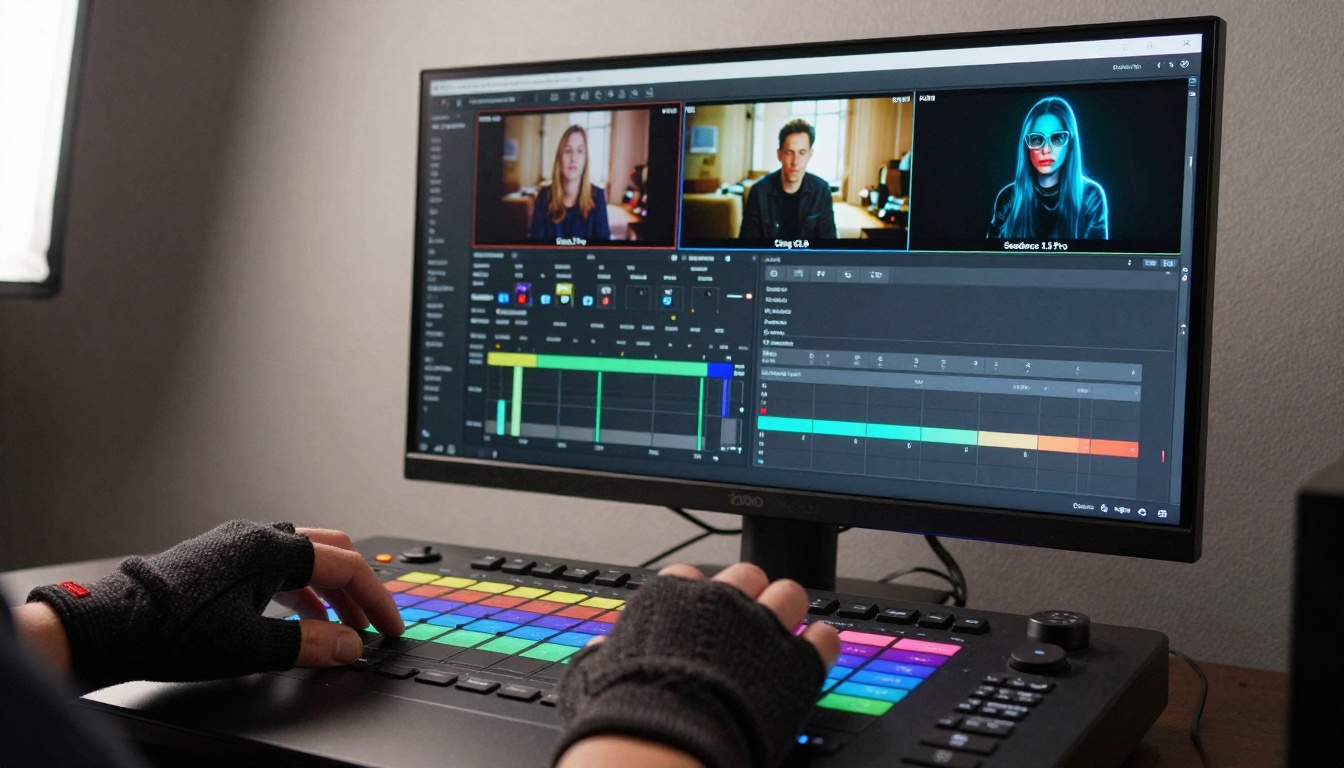
Technical superiority details:
- Resolution: Up to 1280x720 native output
- Frame consistency: Minimal flickering between frames
- Detail preservation: Textures remain sharp throughout motion
- Color science: Professional-grade color reproduction
Professional applications:
- Commercial advertising
- Corporate presentations
- Real estate visualization
- Medical training videos
- Architectural walkthroughs
The image-to-video capability deserves special mention. Upload a photo, and Wan animates it with realistic motion. This works exceptionally well for product shots, architectural renderings, and character portraits.
Hailuo 2.3 focuses on professional workflows rather than casual creation. The model includes features specifically for business and educational use: subtitles, multiple aspect ratios, and structured output options.
Hailuo's professional features:
- Subtitle generation: Automatic caption creation
- Multiple durations: 2, 4, 6, 8-second options
- Aspect ratio flexibility: Square, vertical, horizontal
- Batch processing: Generate multiple videos simultaneously

Business use cases:
- Training materials: Create standardized instructional videos
- Internal communications: CEO messages, team updates
- Product documentation: Step-by-step tutorials
- Sales enablement: Client presentation materials
The platform's structured approach appeals to organizations needing consistency across multiple videos. Unlike creative-focused tools, Hailuo provides templates and standardized outputs.
For corporate teams:
- Establish brand voice in prompts
- Create template prompts for different video types
- Use consistent aspect ratios across all content
- Leverage batch generation for volume production
The practical reality of using AI video generators involves more than just typing prompts. Successful creators develop systematic approaches that maximize quality while minimizing costs.
The professional workflow:
- Concept testing: Use fast models (Veo 3.1-fast, Seedance 1 Lite) to test ideas
- Prompt refinement: Iterate 5-10 times with 4-second clips
- Quality generation: Switch to premium models for final output
- Post-processing: Add transitions, text, and music in video editors
Cost management strategies:
💡 Budget tip: Generate 4-second clips during development, then combine them into longer sequences using traditional editing software. This cuts generation costs by 60-75% compared to creating full-length videos directly.
Prompt engineering techniques that work:
- Be specific about camera movements: "slow zoom in," "static tripod shot," "handheld follow"
- Describe lighting conditions: "overcast daylight," "studio softbox lighting," "sunset golden hour"
- Include emotional tone: "joyful atmosphere," "serious documentary style," "energetic commercial"
- Reference visual styles: "cinematic movie look," "social media vertical video," "corporate presentation"
How to Use Sora 2 Pro on PicassoIA
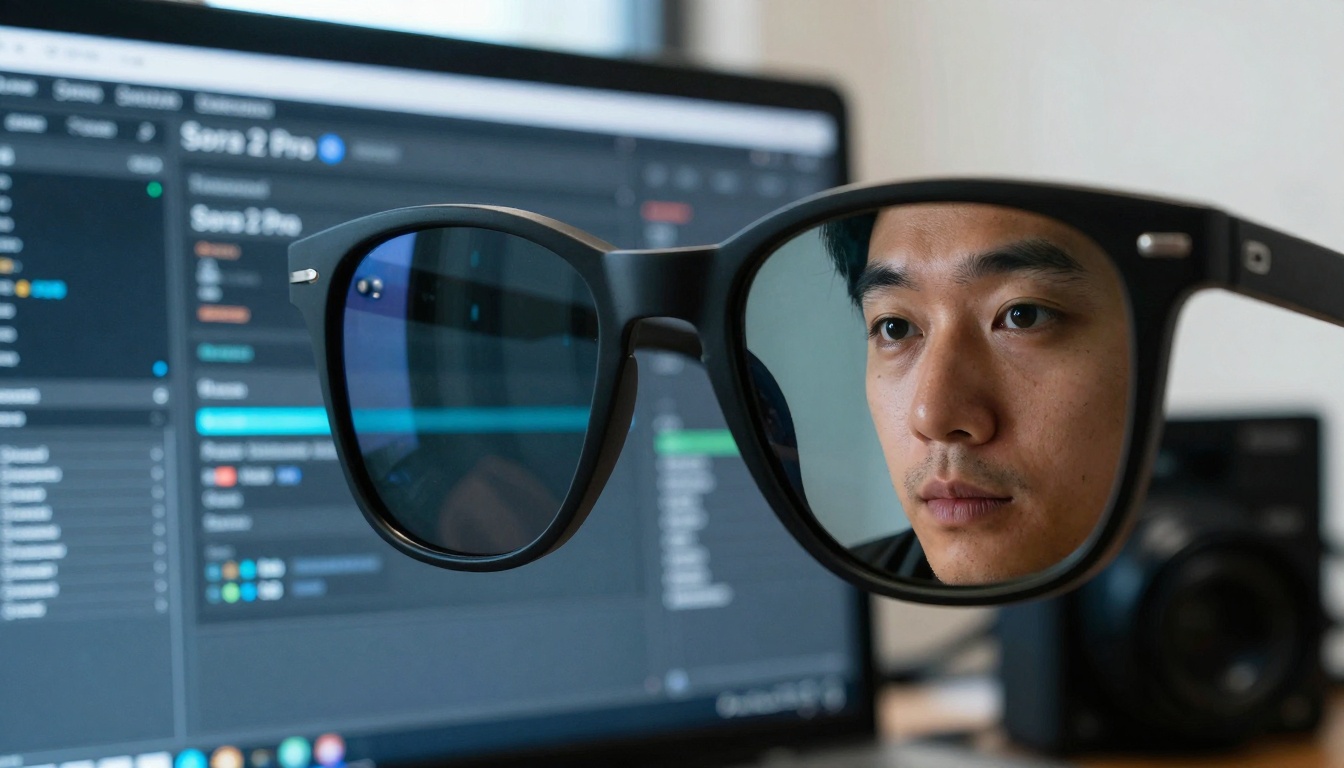
Since Sora 2 Pro exists on PicassoIA, here's exactly how to create videos with it today:
Step 1: Access the model
Navigate to Sora 2 Pro on PicassoIA. The interface loads immediately—no installation required.
Step 2: Craft your prompt
Write descriptive text that includes:
- Main subject and action
- Camera perspective
- Lighting conditions
- Desired mood or style
Example prompt that works well:
"A chef preparing sushi in a modern restaurant kitchen, close-up shot of hands skillfully arranging fish and rice, cinematic lighting with soft shadows, professional cooking video style"
Step 3: Configure parameters
| Setting | Recommendation |
|---|
| Duration | Start with 4 seconds |
| Resolution | Standard (720p) for testing |
| Aspect Ratio | Match your target platform |
| Image Reference | Optional—use for consistent branding |
Step 4: Generate and refine
Click generate, review the output, then adjust your prompt based on results. Most creators need 3-5 iterations to perfect their approach.
Advanced techniques:
- Use image references for consistent character appearance
- Combine multiple clips into longer sequences
- Add your own OpenAI API key for reduced costs
- Experiment with different aspect ratios for various platforms
Start Creating Your Own AI Videos Today
The barrier to professional video production has disappeared. These tools work right now, today, without special hardware or software. The only requirement is willingness to experiment.
What you should do first:
- Pick one platform from the list above
- Start with 4-second test clips
- Invest $5-10 in generation credits
- Create 20-30 variations of one concept
- Refine your approach based on results
The platforms mentioned all operate on PicassoIA's infrastructure, meaning you access them through a unified interface. No separate accounts, no different payment systems. One platform gives you access to 66 different video AI models.
For immediate results today:
Each generates videos in seconds, not hours. Each costs pennies, not dollars. Each produces quality that rivals traditional production. The only question is which one you'll try first.


