Generate imagesLarge Language ModelsVisual Effects
The Best Top AI Waifu Apps for Anime Fans in 2027
From AI image generators that produce stunning anime companions to LLM-powered chat apps that hold real conversations, this breakdown covers every top AI waifu app anime fans need in 2027. Includes uncensored generators, free options, and a full step-by-step creation workflow for any budget.
Anime fans have been building fictional waifus in their heads for decades, drawing them in notebooks and commissioning artists for portraits. Now AI has made something remarkable possible: you can generate a fully original AI anime companion, chat with her using one of dozens of large language models, and style her exactly the way you want, all without leaving your browser. The apps that do this well are few, the ones that do it with real image quality and uncensored generation are even fewer. This breakdown covers every category, from pure image generators to chat-first waifu apps, with honest rankings and direct links to the best options.
What Anime Fans Want From Waifu Apps
Not all waifu apps deliver the same thing. Some are built around chat, some around image creation, and a small number actually do both at a high level. Knowing which category you need will save you hours of trial and error.
Image Quality vs Conversation Depth
The two main things anime fans care about split cleanly into two camps:
Image side: Resolution, realism, and whether the generator can actually produce the look you have in mind. Anime-inspired features on a photorealistic base (large eyes, smooth skin, expressive faces) are harder to get right than purely stylized outputs. Most models overshoot into cartoon territory or miss the subtle proportional differences that make a character feel distinctly anime-influenced.
Chat side: Whether the AI companion actually maintains character, has long-term memory across conversations, and responds with personality rather than generic filler. This is where large language models like GPT 5 and Claude Sonnet 5 have raised the bar significantly in 2027. A frontier LLM with a well-written persona prompt delivers a more convincing waifu companion than any dedicated chatbot app with a custom model.
Customization Depth
The best apps let you set:
Physical traits: Hair color, eye shape, body type, outfit style
Personality: Tsundere, kuudere, genki, yandere, or fully custom
Voice: Text-to-speech options that match character personality
Scenario: School setting, fantasy world, modern slice-of-life, historical
💡 If the app only lets you pick from preset templates, you are working with a limited tool. The best AI waifu generators give you a prompt box and let you describe exactly what you want.
Free Tiers vs Unlimited Access
Most free-tier waifu apps throttle daily generations to 3-10 images. If you want to iterate on a character until she looks exactly right, that limit runs out fast. Platforms with unlimited generation tiers, like PicassoIA Image Editor Pro, are built for users who generate dozens of variations in a single session without worrying about hitting a cap mid-workflow.
Best AI Waifu Image Generators Right Now
Seedream 4.5 on PicassoIA
Seedream 4.5 is the top pick for AI waifu image generation in 2027. Developed by ByteDance, it handles the specific intersection of photorealistic rendering and anime-inspired aesthetics better than almost any other model available right now. It produces large expressive eyes with natural corneal detail, soft but defined skin textures, and hair that renders individual strands rather than blobs of color.
For NSFW waifu generation specifically, Seedream 4.5 is the current benchmark. It does not artificially censor suggestive content, supports detailed prompt control for body type and outfit, and generates at high enough resolution to look sharp at full screen. The outputs feel genuinely artistic rather than generic.
Why Seedream 4.5 stands out:
Uncensored generation with prompt-level control
Handles anime-inspired proportions without full cartoon output
Fast inference speed even on detailed prompts
Consistent character face across multiple generations with similar seeds
PicassoIA Image Editor Pro
PicassoIA Image Editor Pro is the platform's dedicated tool for iterative character creation. Where most generators stop at a single output, Image Editor Pro lets you inpaint specific regions (fix the face, adjust the outfit, change eye color), outpaint the canvas to add background elements, and upscale the final result without losing detail.
For building a waifu character you will actually use across multiple scenarios, this is the workflow tool. Generate the base with Seedream 4.5, then refine details with Image Editor Pro.
What it includes:
Inpainting for precise face, hair, and outfit adjustments
Outpainting to add new environments around existing characters
Object replacement for swapping accessories or props
Upscaling to 4x resolution for print-quality outputs
Unlimited generation sessions with no daily cap
Flux Redux Dev
Flux Redux Dev from Black Forest Labs excels at creating consistent image variations. Feed it an existing waifu image and it generates new versions with different expressions, angles, or outfits while preserving the core character design. Anime fans who want a consistent AI girlfriend aesthetic across many images use Redux Dev specifically for this variation-from-reference workflow.
Seedream 5 Pro
Seedream 5 Pro produces razor-sharp 2K resolution outputs with exceptional prompt adherence. It handles complex multi-element scenes (character plus background plus specific lighting) better than any previous Seedream release. The tradeoff is that it applies stricter content filters than Seedream 4.5 for certain types of suggestive content, making 4.5 the better pick for non-explicit NSFW waifu work.
GPT Image 2 on PicassoIA
GPT Image 2 handles text-in-image tasks exceptionally well. If you want your waifu to hold a sign, write something on a chalkboard, or appear in a scene with readable book titles, this is the model to use. For pure character generation, Seedream 4.5 has an edge, but GPT Image 2 adds a practical layer of text-rendering capability no other model matches.
This section walks through the full creation process on PicassoIA, which hosts all the models mentioned above under one platform with no switching between sites.
Step 1: Pick Your Base Model
Go to picassoia.com/en/all-models and select Seedream 4.5 for your first generation. This sets the visual foundation. If you want stricter quality at 2K, use Seedream 5 Pro instead and account for the content filter differences.
Step 2: Write a Detailed Prompt
The prompt is everything. Generic prompts produce generic results. Be specific about six elements:
Outfit: Specific garment, color, material ("white sailor uniform with red ribbon, subtle wrinkle detail")
Setting: Environment, time of day, light source ("school rooftop at sunset, golden hour light from the right")
Camera specs: Lens and aperture ("85mm f/1.8, shallow depth of field, creamy bokeh background")
A prompt that covers all six of these elements will outperform a prompt that covers two every single time.
Step 3: Iterate with Image Editor Pro
Once you have a base image you like, switch to Image Editor Pro and use inpainting to fix anything that did not turn out right. Common fixes include:
Face symmetry: Inpaint just the face area with a more specific prompt on the problematic feature
Outfit details: Inpaint the clothing region with added color and texture descriptors
Background replacement: Outpaint the canvas edges to put the character in a new environment
Step 4: Upscale the Final Image
Run the finished character through PicassoIA's super-resolution tools for a 2-4x size boost with preserved sharpness. This takes a solid base image and makes it wallpaper-quality or print-ready.
Top AI Waifu Chat and Companion Apps
Image generation covers the visual side. The companion experience depends entirely on which large language model powers the conversation.
LLM-Powered Anime Companions
The best AI girlfriend and waifu chat experiences in 2027 run on frontier language models, not purpose-built chatbot systems. The reason is straightforward: general-purpose LLMs are better at roleplay, character consistency, and emotionally responsive conversation than any narrow chatbot architecture. They have absorbed vastly more conversational data and respond with more nuance across a wider range of scenarios.
PicassoIA gives direct access to multiple top LLMs without separate subscriptions:
GPT 5: The best at long-form character roleplay. Maintains personality details across very long conversations and handles complex emotional scenarios with genuine depth.
Claude Sonnet 5: Excels at nuanced emotional responses and adapts its tone precisely to the persona you establish. Particularly strong at tsundere and complex dual-personality types.
Gemini 3.5 Flash: Fast response times with solid character adherence. Best pick for rapid back-and-forth dialogue in active roleplay sessions.
Llama 4 Maverick Instruct: Open-source base with strong instruction following. Good for custom persona setups where you want full control over the character configuration.
Setting Up a Waifu Persona
The trick to getting a good waifu chat experience from any LLM is the system prompt. Write a detailed character description before the first message:
You are [Character Name], a [personality type] [occupation or student role] who [specific defining trait].
You speak in [communication style]. You are [emotional register].
You care deeply about [interests]. You always [signature behavior or verbal pattern].
The more specific the persona description, the more consistently the AI companion behaves across the full conversation. Add quirks, speech patterns, and emotional triggers to make the character feel genuinely distinct.
💡 Deepseek v3.1 is a strong free alternative for waifu chat. It handles persona instructions well and supports extended roleplay sessions without breaking character mid-conversation.
Non-Explicit Waifu Generation: What's Possible
The most searched category in AI waifu generation is non-explicit NSFW. This covers content that is suggestive, glamorous, and visually attractive (swimwear, lingerie, artistic partial nudity) without crossing into explicit territory. For this category, model choice matters enormously.
What Non-Explicit Means in Practice
Non-explicit NSFW waifu images typically include:
Bikinis and swimwear in beach, poolside, or tropical settings
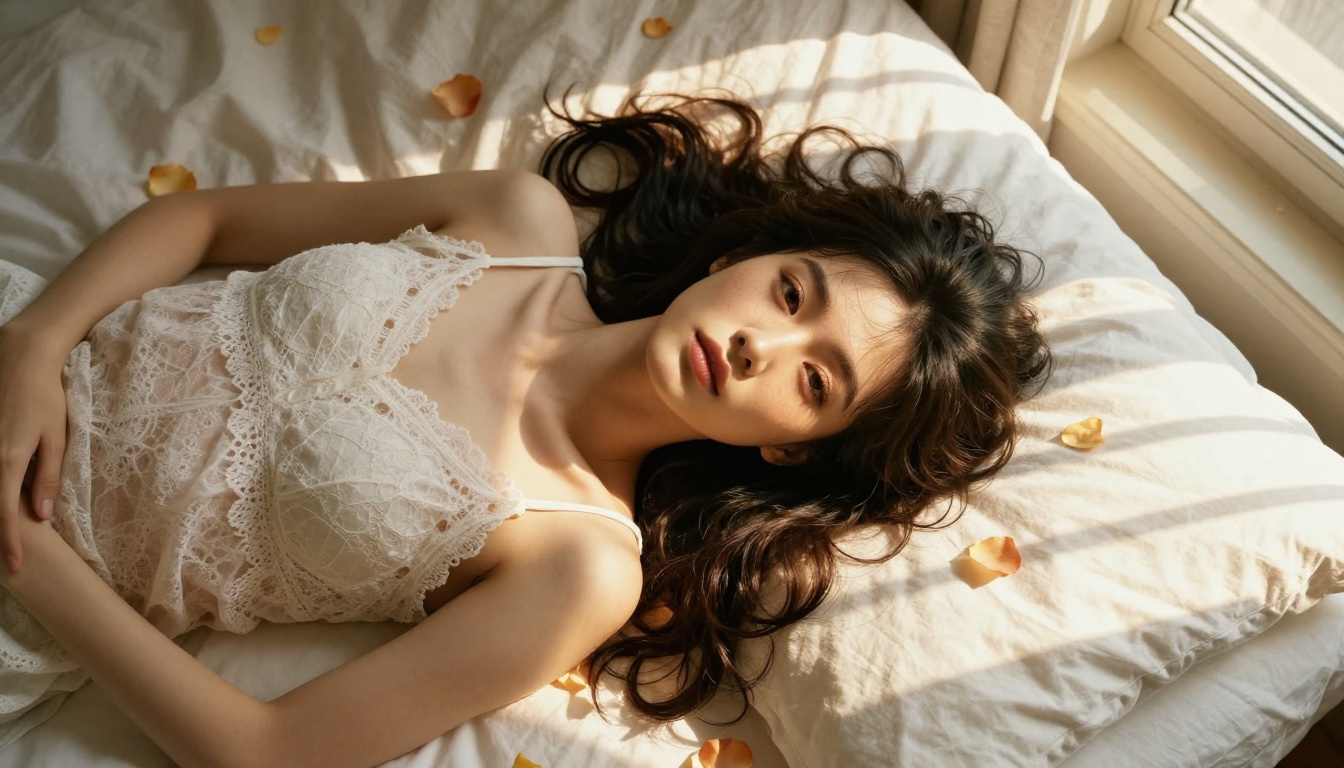
Lingerie in boudoir or intimate room settings with tasteful framing
Towel or bath scenes where composition preserves artistic intent
Form-fitting outfits that emphasize figure without explicit exposure
Implied nudity where the composition and framing remain within artistic bounds
The goal is images that feel beautiful and sensual, comparable to high-end fashion photography or fine art portraiture, with none of the aesthetic shortcomings of typical AI-generated explicit content.
Best Models for This
Seedream 4.5 is the first recommendation here, consistently. It produces the aesthetic quality that makes these images look like professional photography rather than AI renders, and it does not apply the blanket content filters that block other models on perfectly tasteful prompts.
PicassoIA Image Editor Pro handles this well too, with the added advantage of unlimited generations. When you are iterating to get the exact composition right, removing the daily generation cap changes the workflow entirely.
💡 Do NOT use Seedream 5 Lite for this category. It applies strict content filters that block even tasteful suggestive prompts. Seedream 4.5 is the correct choice for non-explicit waifu generation.
Free vs Paid Waifu Apps: Real Comparison
The free vs paid question comes down to what you actually need per session and how seriously you want to pursue character creation.
What Free Tiers Actually Give You
Most standalone waifu apps (Character.AI, Replika, and similar platforms) offer a free tier that covers basic chat but paywalls the features anime fans want most: custom character images, no content filters, longer conversation memory, and voice interaction. The image generation on free tiers is often powered by older models from 2023-2024 that do not match what Seedream 4.5 produces today.
PicassoIA's free access to Seedream 4.5 and the LLM catalog covers the fundamentals without a paywall. Image generation is available immediately upon signing up.
Where Paid Access Pays Off
Feature
Free
Paid
Daily image generations
Limited
Unlimited with Image Editor Pro
Output resolution
Standard
Up to 2K with Seedream 5 Pro
Chat model access
Basic LLMs
GPT 5, Claude Sonnet 5
Content filter bypass
No
Yes with appropriate models
Image editing tools
No
Full inpaint and outpaint suite
Voice output
No
Yes via TTS models
Face swap capability
No
Yes via Face Swap AI
The paid tier on PicassoIA consolidates what most users would otherwise pay for across three or four separate subscriptions: image generation, LLM chat, voice synthesis, and editing tools all live under one platform.
Visual Effects and Styling for Waifu Images
Once the base character exists, the styling layer is what separates a good waifu image from a great one. This is where prompt craft and model selection intersect most visibly.
Lighting and Atmosphere
The most impactful single change you can make to any waifu image prompt is being more specific about the light source. Compare these two approaches:
Weak: "in good lighting"
Strong: "volumetric golden hour light from the left at 45 degrees, rim light catching hair from behind, soft cool fill from the right side diffusing facial shadows"
The second version tells the model exactly what to render and produces dramatically better results. Lighting specificity is the fastest single way to elevate output quality without changing any other variable.
For atmospheric effects, describe the full scene: time of day, weather conditions, interior or exterior, distance to each light source, and the color temperature of each. "Soft overcast morning light filtered through frosted glass" generates something far more specific and visually interesting than "nice lighting" every time.
Background Environments
Anime fans tend to favor specific visual aesthetics for waifu backgrounds:
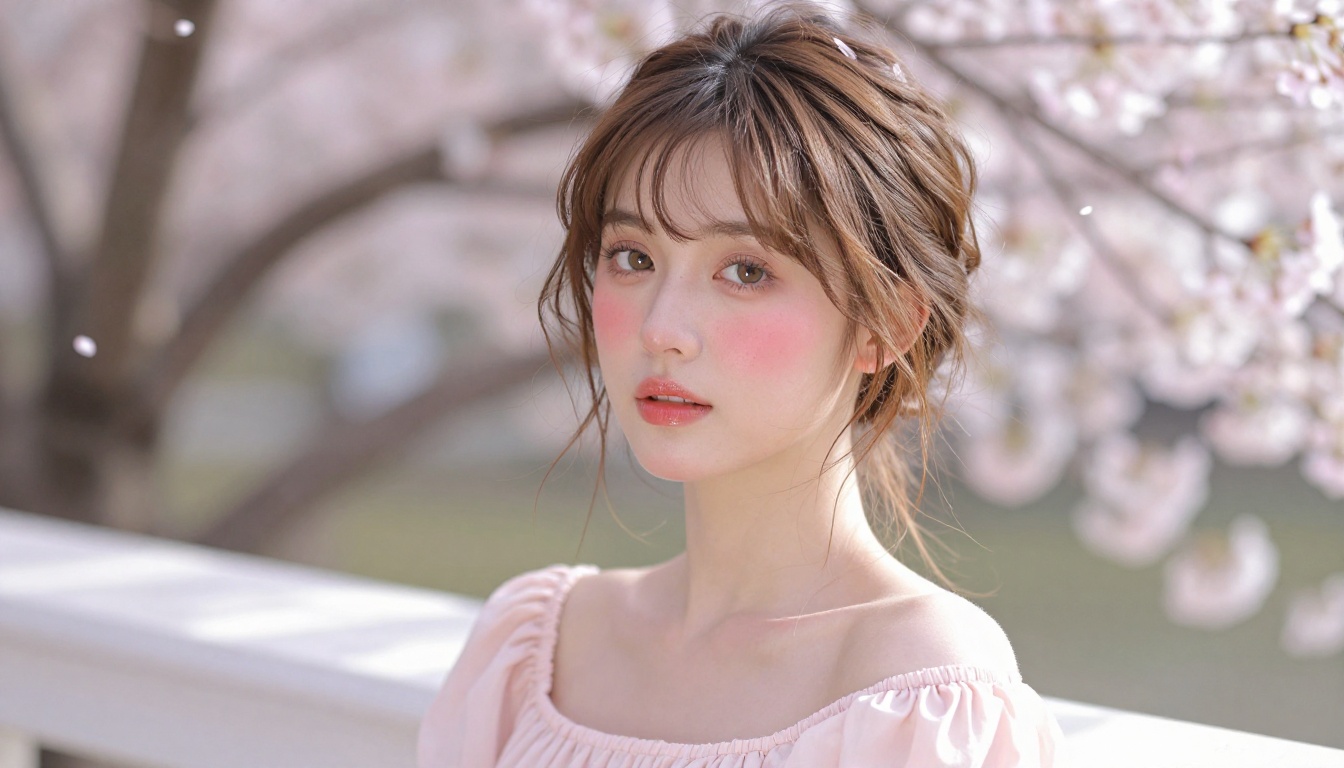
Sakura season: Cherry blossoms, soft pink and white bokeh, outdoor school or park settings
Cozy interior: Warm wood surfaces, bookshelves, soft lamp glow, rain streaking against windows
Fantasy worlds: Castle stone architecture, starlit night skies, forest clearings at blue-hour dusk
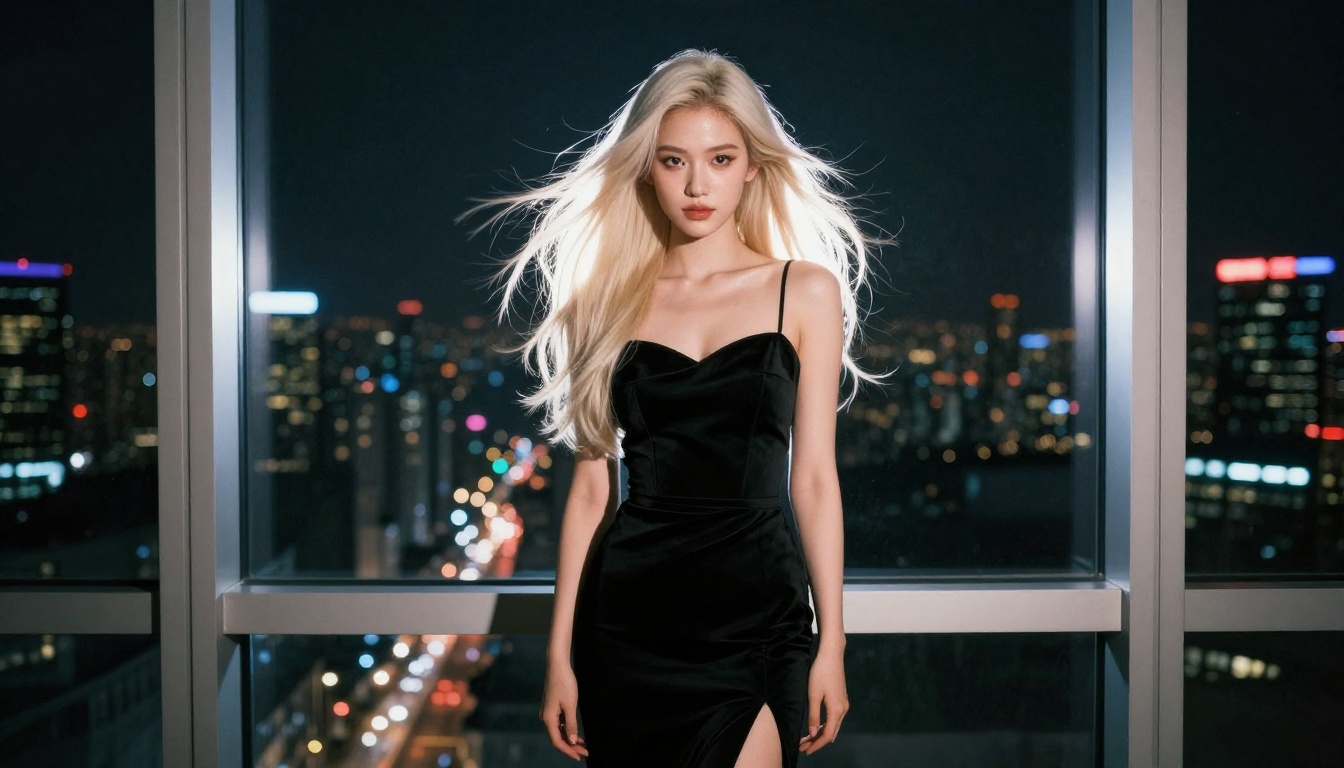
Urban night: Rain-slicked rooftops, distant city skylines, vending machine warm glow, reflections on wet concrete
Krea 2 Large handles stylized backgrounds particularly well when you want something with an editorial rather than purely photographic feel. Reve 2.1 offers strong environmental accuracy if you need a specific setting rendered precisely.
Face Consistency Across Images
This is the technical challenge that separates casual waifu creation from a serious consistent character series. To keep a character's face stable across many generations:
Record and reuse a fixed seed from a generation you are happy with
Use Flux Redux Dev to generate new poses and expressions from a reference image
Include highly specific descriptors for eye color, brow arch, nose shape, and lip detail in every prompt
💡 Hunyuan Image 2.1 is worth testing for waifu consistency across poses and angles. Tencent's model has strong face identity preservation compared to most alternatives at its resolution tier.
Start Creating Your Waifu Today
Every tool covered in this article is accessible right now through PicassoIA. You do not need design skills, a high-end GPU, or experience with machine learning to get professional-quality results. The workflow is straightforward: pick a model, write a detailed prompt, iterate with the editor, and chat with one of the top LLMs to bring the character to life beyond the image.
If your goal is pure image quality for non-explicit waifu content, start with Seedream 4.5. If you want iterative character building with no daily cap, start with Image Editor Pro. If you want an AI companion with real personality depth and conversational range, set up a system prompt and test GPT 5 or Claude Sonnet 5. The right app is the one that matches what you actually want to do, and PicassoIA puts all the options in one place without juggling separate subscriptions.