Every content creator knows the feeling: you have a brilliant idea, but the tools to execute it cost hundreds of dollars per month. That reality is changing fast. In 2027, free AI platforms give independent creators access to the same image generation, video synthesis, and audio production capabilities that studios pay thousands for. The gap between professional content and amateur content is no longer about budget. It is about knowing where to look.
Three years ago, generating a photorealistic image required either a professional photographer or an expensive stock subscription. Today, you type a sentence and get a result in seconds. The same shift happened with video, music, and voiceovers. The platforms enabling this shift are not just cheap alternatives to paid tools. Many of them match or beat the quality of premium software in specific use cases.
What makes 2027 different is the sheer range of free options. Platforms like PicassoIA aggregate hundreds of AI models under one roof, letting creators pick the right tool for every job without subscribing to a dozen separate services. Whether you need to generate product images, create a short-form video, or produce a podcast voiceover, the workflow now fits on a single platform.
💡 The key insight: Free AI tools work best when you know which model fits your specific output type. A model optimized for portraits will not give you the best architecture shot. Picking the right model is half the battle.

AI Image Generation Without Spending a Dime
Image generation is the most mature category in the free AI space. The range of quality, style, and use case is wider than ever. For content creators making social media posts, blog headers, YouTube thumbnails, or product visuals, several free models on PicassoIA deliver results that once required a professional photoshoot.
The Best Free Image Models on PicassoIA
PicassoIA hosts over 90 text-to-image models spanning realism, portrait photography, and creative illustration. Each model page on PicassoIA includes example outputs, prompt guidance, and direct access with no account required for basic generations.
For creators who need variety, rotating between models is the smartest strategy. A portrait session might call for a different base model than a product render or a landscape shot. PicassoIA's full collection at picassoia.com/en/all-models organizes every tool by output type, making model selection fast and informed.
The platform also supports ControlNet-style pose control, so you can feed in a reference image and generate variations that match the composition exactly. This is particularly useful for creators building branded visual content where consistency across posts matters.
How to Get Consistent Results
Consistency is the hardest part of AI image generation for content creators. The same prompt can produce very different results across different runs. A few practices make outputs more repeatable:
- Use fixed seeds when you find a composition you want to reproduce
- Describe light sources specifically, such as "warm afternoon sunlight from the left at a 45-degree angle"
- Specify camera lens and focal length to control depth of field and subject isolation
- Add texture descriptors like "Kodak Portra 400 grain" or "rough linen fabric" to anchor the image in physical reality
After generating, images that need higher resolution for print or large-format displays benefit from a pass through a free upscaling tool. Clarity Pro Upscaler, Real ESRGAN, and P Image Upscale can sharpen and enlarge images up to 4x without visible degradation. For extreme enlargements, Image Upscale by Topaz Labs pushes to 6x.
Video is where the gap between free and paid tools was widest, until recently. In 2027, free text-to-video models produce clips that hold up in short-form content, social media ads, and explainer videos. The quality ceiling has risen dramatically, and several free options on PicassoIA are now legitimate production tools.
Text-to-Video Models Worth Trying
The best place to start for free video generation is PicassoIA Video, the platform's own unlimited free video generator. It handles both text-to-video and image-to-video workflows, making it versatile for any content type.
For creators who want the best-in-class models from major AI labs, PicassoIA also hosts:
| Model | Best For | Resolution |
|---|
| Seedance 2.0 | Text-to-video with built-in audio | 1080p cinematic |
| Kling v3 Video | Cinematic motion, long scenes | 1080p smooth |
| Veo 3 | Realistic scenes with native audio | 1080p photorealistic |
| LTX 2 Pro | 4K video from text prompts | 4K |
| Wan 2.7 T2V | Sharp 1080p text-to-video | 1080p detailed |
| Pixverse v5 | Fast high-quality generation | 1080p |
| Hailuo 02 | Cinematic AI video | 1080p stunning |
| Ray by Luma | Short cinematic clips | Fluid, natural |
💡 Tip: For social media turnaround, Seedance 2.0 Fast delivers rapid results. For premium brand content, prioritize LTX 2 Pro or Veo 3.
Animate Your Photos for Free
One of the most powerful use cases for content creators is turning still images into short video clips. If you already have a photoshoot, an AI image-to-video model can give every frame motion, turning a static asset library into a video production pipeline.
Several models on PicassoIA handle this workflow without any cost:
The motion control models are especially relevant for creators building character-driven content. Instead of filming an actor, you generate a still portrait and animate it with precisely controlled movement paths.
Audio production has historically been one of the most expensive parts of content creation. Voice talent, studio time, and music licensing add up fast. AI audio tools have largely eliminated this cost barrier for indie creators across every genre and platform.
Voice Generation for Any Language
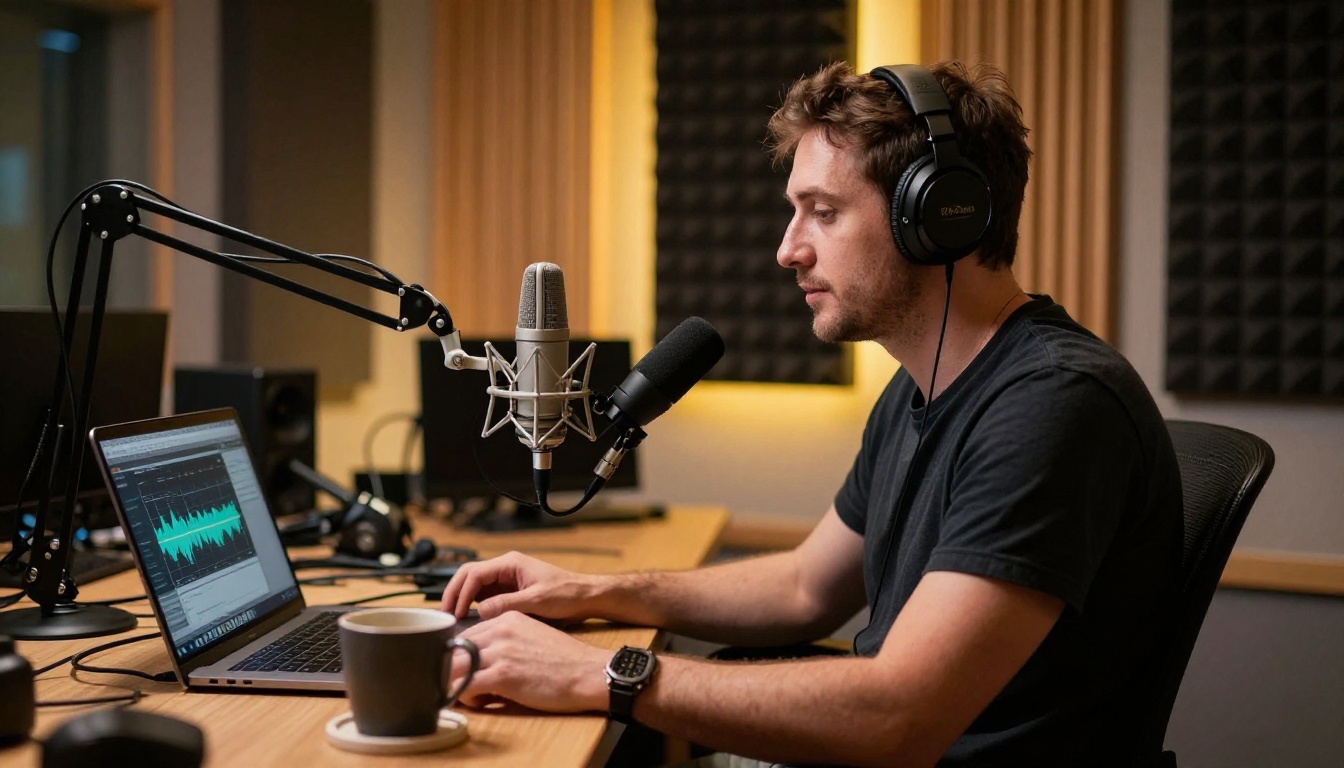
The quality of AI voice generation in 2027 is solid enough for YouTube narration, podcast production, explainer videos, and e-learning content. PicassoIA hosts over 20 text-to-speech models covering dozens of languages and voice styles.
For natural-sounding narration, the top options are:
For podcast-style content with dialogue between two characters, Play Dialog by PlayHT generates natural back-and-forth conversation without any audio editing required.
Make Your Own Music with AI
Background music is one of the most overlooked pain points for creators. Stock music licensing is expensive, and most free tracks are overused to the point of recognition. AI music generation solves both problems simultaneously.
PicassoIA's music generation category gives creators direct access to:
- Google Lyria 3: Full-song generation from a text prompt, covering any genre with professional production quality
- Music 2.6 by Minimax: Generates complete songs with vocals from a brief description
- Stable Audio 2.5: High-quality instrumental tracks optimized for video background use
- ElevenLabs Music: Short-form music pieces from text prompts with fast turnaround
All AI-generated music on PicassoIA is royalty-free for content use, which removes the licensing headache entirely. You describe the mood, tempo, and genre, and the model delivers a track that fits.
Upscale and Restore Your Visual Content
Not every creator starts with high-resolution assets. Older photos, compressed images from client archives, or screenshots pulled from video all have quality limitations that used to be permanent. AI upscaling and restoration tools change that entirely.
PicassoIA's super-resolution category hosts nine dedicated models for this task. For photographers and visual creators, the most useful are:
- Clarity Pro Upscaler: Specialized for photorealistic detail enhancement, adding texture and sharpness that reads as natural rather than AI-processed
- Real ESRGAN: The trusted open-source upscaler, reliable across a wide range of image types at 4x, completely free
- Image Upscale by Topaz Labs: Pushes up to 6x enlargement while preserving fine detail in hair, fabric, and architectural surfaces
- Recraft Crisp Upscale: Clean and fast upscaling optimized for flat graphics and product photography
These tools are particularly valuable when you generate an image at 512px for speed and then need a print-ready 2048px version. The workflow is three steps: generate, review, upscale. No cost at any stage.
Visual Effects and Background Removal
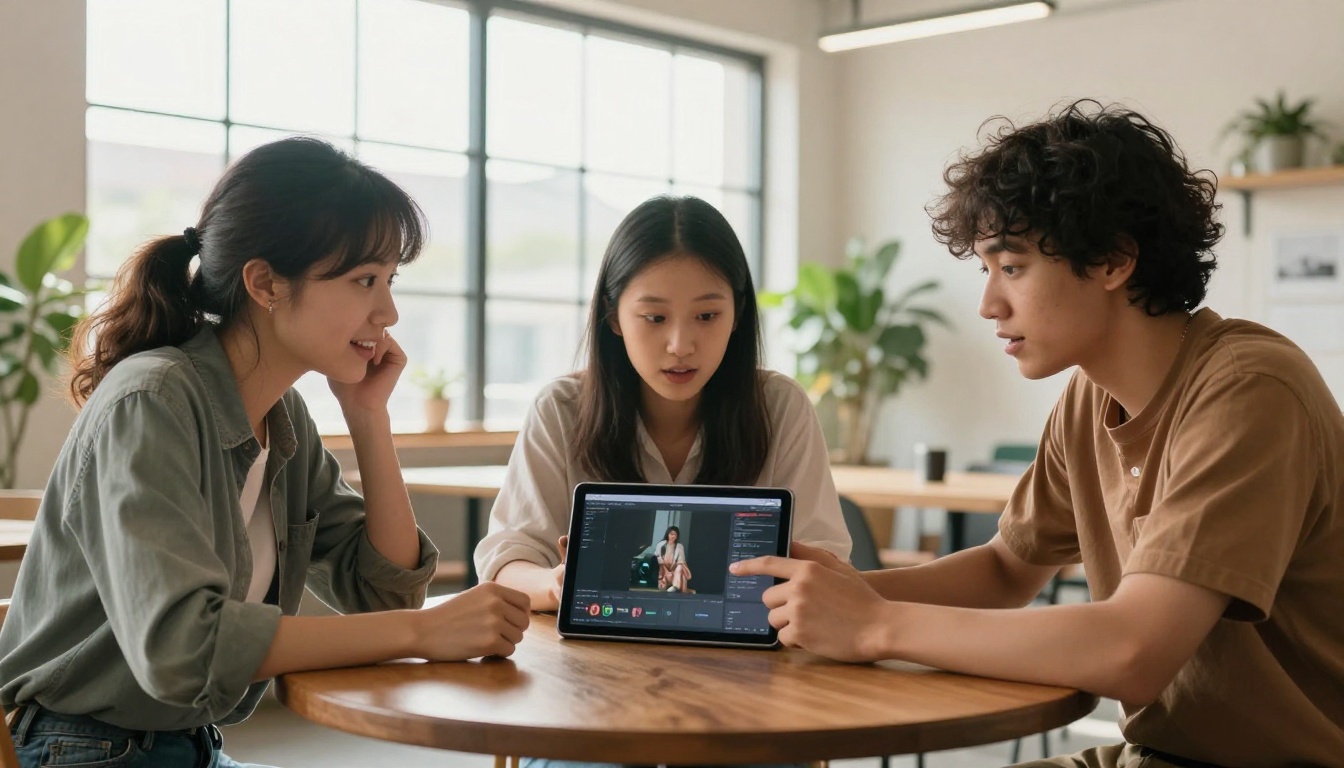
Two tasks that used to require Photoshop expertise are now one-click operations with AI. For content creators, this changes the economics of visual production at the individual level.
Background removal with Remove Background by Bria produces clean cutouts from any photo. Product photography, portrait editing for thumbnails, and composite image work all benefit from this tool. The output is a transparent PNG ready for any background replacement without manual masking.
Image restoration via PicassoIA's enhancement tools recovers details from damaged, blurry, or noisy photos. Old client archives, low-light shots from mobile cameras, and compressed social media images can all be cleaned up without manual retouching.
For video creators, the platform also hosts lipsync and video enhancement models that handle syncing AI-generated voiceovers to a talking head video, stabilizing shaky footage, and applying stylistic effects to existing video content.
💡 Workflow tip: Pair background removal with an image-to-image model to swap backgrounds entirely while keeping the subject photorealistic. This is the fastest way to adapt a single photo shoot to multiple branded environments.
How to Build Your Full Workflow on PicassoIA
The most efficient way to use free AI tools is to build a repeatable workflow around a single platform rather than hopping between a dozen different services. PicassoIA is built for exactly this. Here is what a complete production workflow looks like in practice:
Images
- Generate the base image using a text-to-image model matched to your output type, whether portrait, product, landscape, or abstract
- Edit the image with inpainting if any specific area needs adjustment or replacement
- Upscale with Clarity Pro Upscaler or P Image Upscale when print resolution is needed
- Remove background with Remove Background by Bria for product shots or composite work
Videos
- Generate or animate using PicassoIA Video for unlimited free access, or premium models like Seedance 2.0 or Kling v3 Video for higher output quality
- Enhance the result with AI video enhancement tools for smoother motion and higher output resolution
- Add lipsync if you are building a talking avatar or character narration video
Audio
- Generate narration with ElevenLabs V3 or Speech 2.8 HD for studio-quality voiceover
- Compose background music with Google Lyria 3 or Stable Audio 2.5 for royalty-free tracks
- Combine with your video in any standard video editor
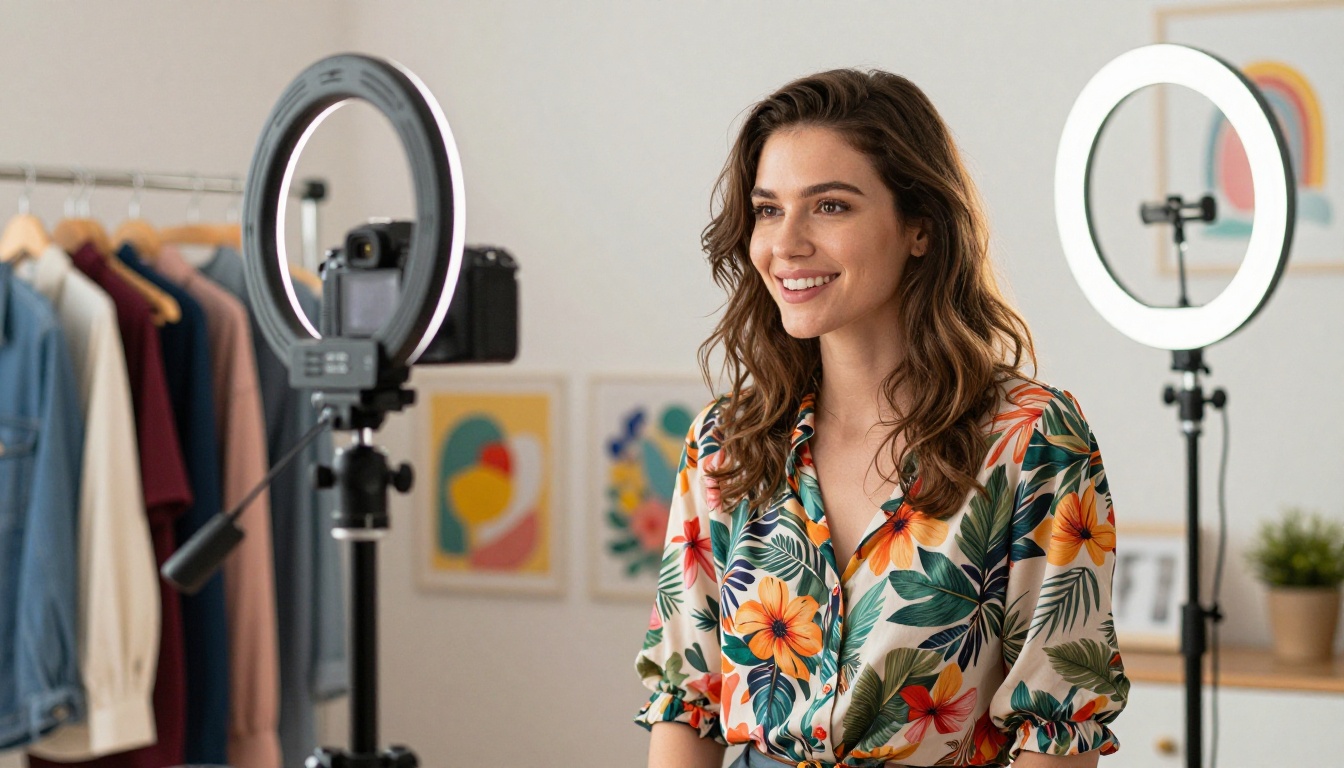
The whole pipeline, from blank prompt to finished video with voiceover and music, costs nothing and takes minutes instead of days.
Start Creating Right Now
If you are new to AI content creation, the fastest way to see what these tools can do is to pick one format you regularly create and run a few test generations. Write a detailed prompt, try three or four different models, and compare the outputs side by side. That comparison alone will show you which tools fit your style and workflow better than any guide can.
PicassoIA's full model library at picassoia.com/en/all-models organizes everything by category, so you can browse text-to-image, text-to-video, and audio tools without getting lost. No account is required to start, and each model page shows example outputs so you know what to expect before committing a prompt.
The creators who get the most out of these tools treat AI generation as a production layer rather than a replacement for creative direction. You still control the concept, the tone, the composition, and the narrative. The AI handles execution at a speed and scale that no traditional workflow can match.
💡 Ready to try it? Head to picassoia.com and pick any model from the image, video, or audio categories. Run your first generation, then experiment with prompt variations to see how quickly you can produce content that actually matches your creative vision.