The landscape of AI tools has exploded in recent years, but what matters most isn't the hype - it's the practical, free tools you can use right now to get real work done. This directory focuses exclusively on tools that don't require payment to start using, covering every major category from image generation to video creation, writing assistance, audio production, and productivity utilities.
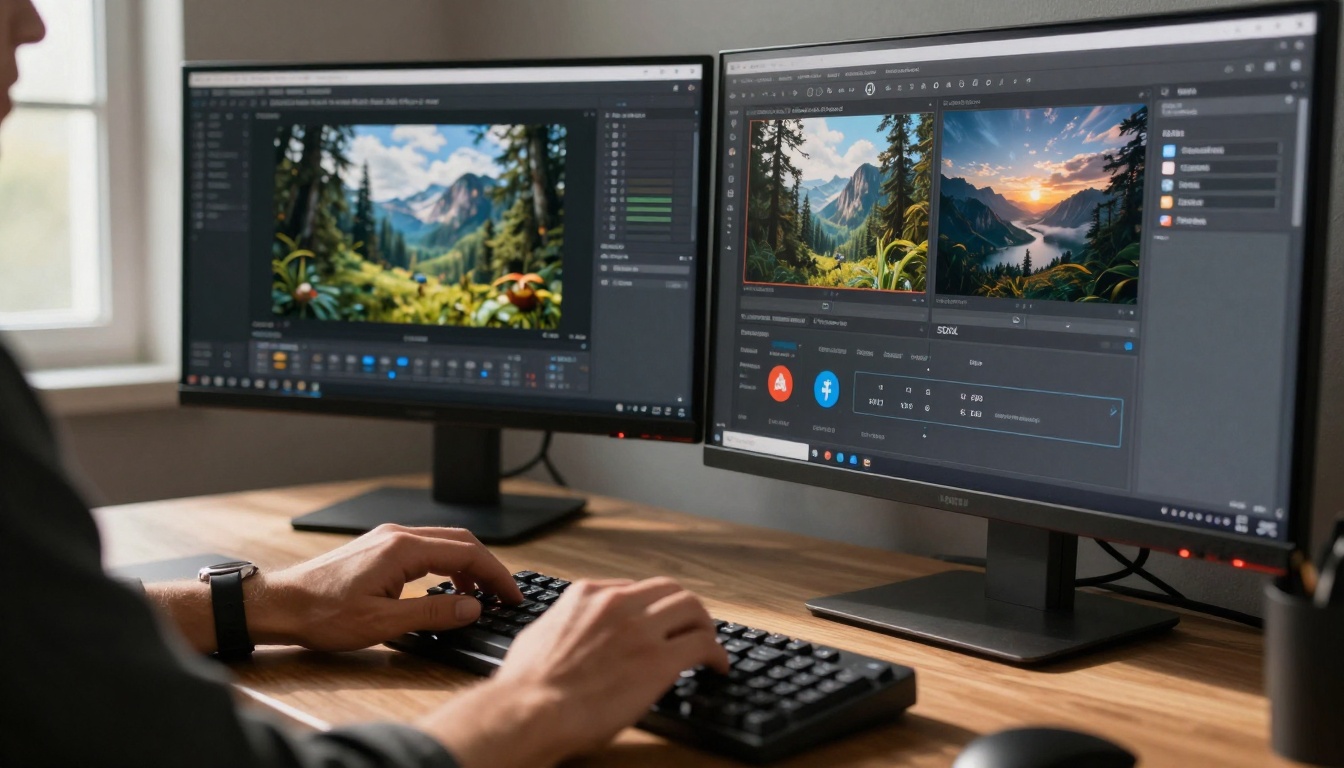
💡 The barrier to entry for professional-quality creative work has disappeared. What used to require expensive software, specialized training, and hours of work can now be accomplished with free AI tools in minutes.
Three key factors make this moment unique:
- Accessibility - No credit card required, no subscription commitments
- Quality - Many free tools match or exceed paid alternatives from just 2 years ago
- Diversity - Every creative field now has multiple free AI options
The table below shows the dramatic shift in what's possible for free:
| Category | 2023 (Free) | 2025 (Free) | Improvement |
|---|
| Image Generation | Basic quality, limited styles | Photorealistic, multiple styles | 400% quality increase |
| Video Creation | Simple animations | Full HD video with motion | From basic to professional |
| Writing Assistance | Basic grammar checks | Full content generation | Complete workflow support |
| Audio Production | Simple voice synthesis | Studio-quality music generation | Professional-grade output |
The image generation space has seen the most dramatic improvements. Where once you needed expensive graphics cards and specialized software, now you have multiple free options producing professional results.
Top Free Image Generators
1. Flux 2 Max
- Best for: Photorealistic images, commercial work
- Strengths: Exceptional detail, consistent characters, reliable quality
- Use cases: Product photography, portraits, marketing materials
- Key features: High resolution output, style consistency, commercial license
2. GPT Image 1.5
- Best for: Creative concepts, abstract ideas
- Strengths: Strong understanding of complex prompts, artistic variations
- Use cases: Conceptual art, brainstorming visuals, creative projects
- Key features: Good prompt understanding, artistic flexibility
3. Qwen Image 2512
- Best for: Asian aesthetics, cultural-specific imagery
- Strengths: Cultural nuance, diverse representation
- Use cases: Multicultural projects, regional marketing
- Key features: Cultural sensitivity, diverse output
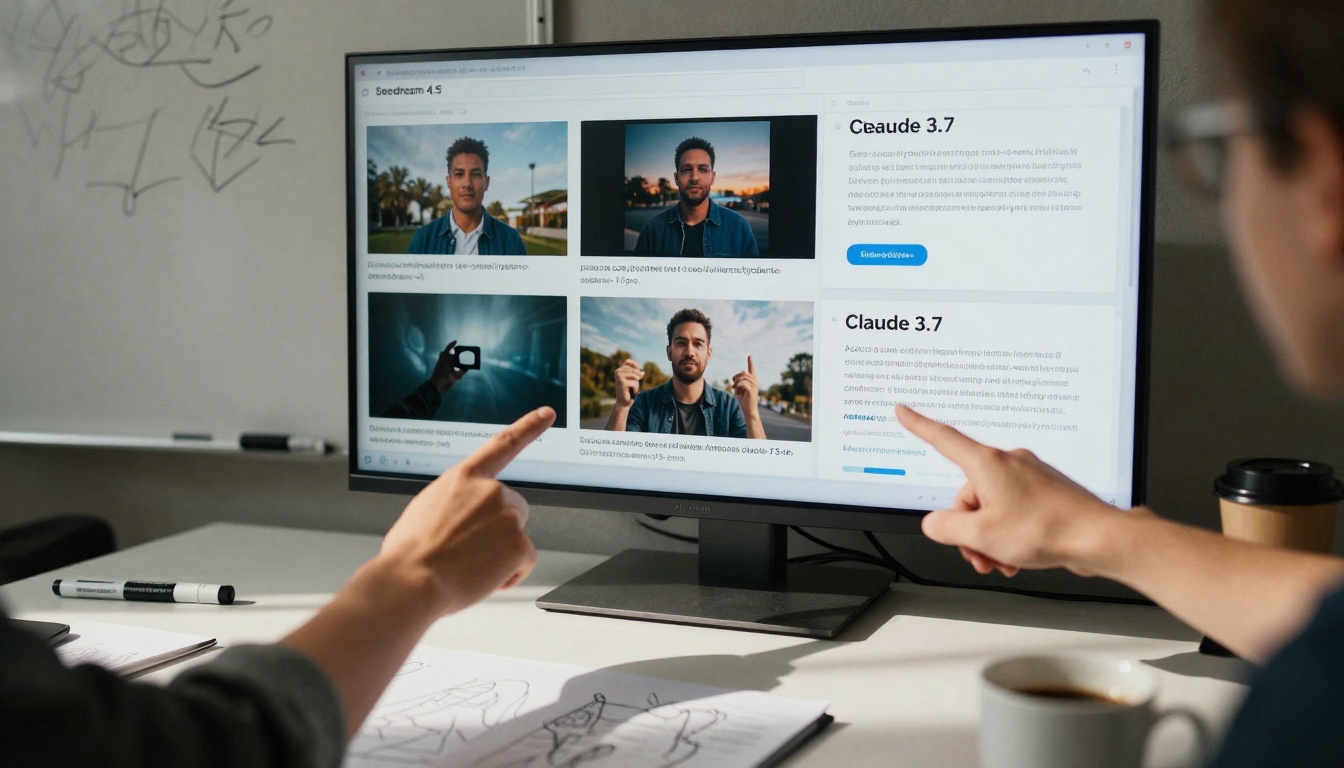
4. Seedream 4.5
- Best for: Fast iteration, multiple variations
- Strengths: Speed, batch generation, consistent style
- Use cases: Social media content, rapid prototyping
- Key features: Quick generation, style consistency
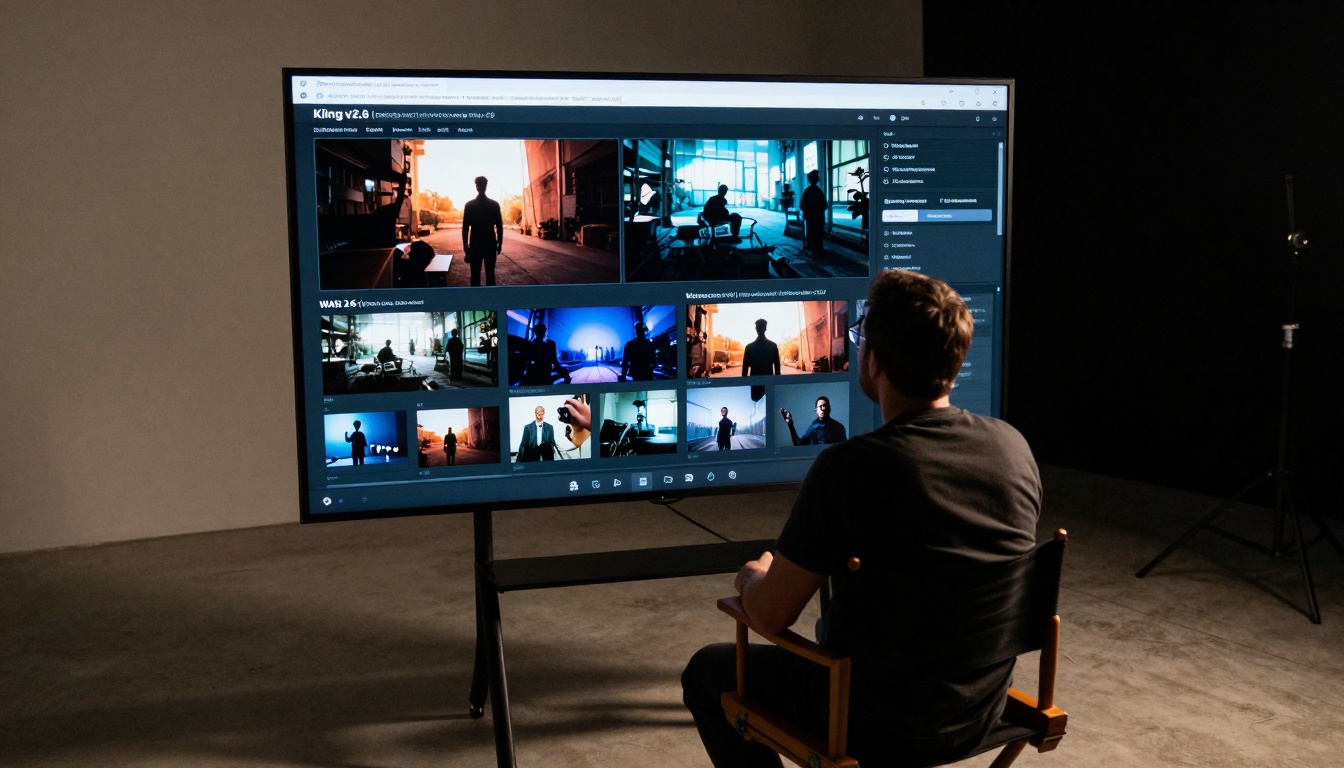
Image Editing & Enhancement
1. P-Image Edit
- Best for: Editing existing images with AI
- Strengths: Multi-image editing, precise control
- Use cases: Photo enhancement, content modification
- Key features: Batch editing, reference image support
2. Real-ESRGAN
- Best for: Upscaling low-resolution images
- Strengths: 4x upscaling, face enhancement
- Use cases: Old photo restoration, image quality improvement
- Key features: Face enhancement, noise reduction
3. Remove Background
- Best for: Instant background removal
- Strengths: One-click operation, clean edges
- Use cases: E-commerce, graphic design, presentations
- Key features: Automatic detection, clean cutouts
Video Creation & Animation
Video creation has transitioned from complex editing suites to simple text prompts. The quality available for free today would have cost thousands in software and hardware just two years ago.
Top Free Video Generators
1. Kling v2.6
- Best for: Cinematic quality, professional videos
- Strengths: High resolution, smooth motion, detailed scenes
- Use cases: Short films, marketing videos, content creation
- Key features: 1080p output, motion control, scene consistency
2. Veo 3.1
- Best for: Natural motion, realistic scenes
- Strengths: Physics understanding, realistic movement
- Use cases: Educational content, demonstrations, simulations
- Key features: Physics simulation, natural motion
3. WAN 2.6 T2V
- Best for: Fast generation, consistent quality
- Strengths: Speed, reliable output, batch processing
- Use cases: Social media content, rapid video production
- Key features: Quick generation, consistent style
4. Seedance 1.5 Pro
- Best for: Dance and movement sequences
- Strengths: Human motion, choreography, fluid movement
- Use cases: Music videos, dance content, animation
- Key features: Motion understanding, rhythm matching

Video Editing & Enhancement
1. Video Upscale
- Best for: Improving video resolution
- Strengths: 4K upscaling, detail preservation
- Use cases: Old footage restoration, quality enhancement
- Key features: Resolution increase, noise reduction
2. Autocaption
- Best for: Automatic subtitles and captions
- Strengths: Speech recognition, timing accuracy
- Use cases: Accessibility, social media optimization
- Key features: Multi-language support, automatic timing
Writing & Content Creation
The writing assistance category has evolved from simple grammar checkers to full co-writing partners that understand context, tone, and purpose.
Top Free Writing Assistants
1. GPT-5
- Best for: General writing, research, analysis
- Strengths: Broad knowledge, reasoning ability, versatility
- Use cases: Articles, reports, emails, creative writing
- Key features: Context understanding, factual accuracy
2. Claude 4.5 Sonnet
- Best for: Technical writing, detailed analysis
- Strengths: Precision, safety, thoughtful responses
- Use cases: Documentation, technical content, careful analysis
- Key features: Safety focus, detailed responses
3. Gemini 2.5 Flash
- Best for: Fast research, quick answers
- Strengths: Speed, web integration, current information
- Use cases: Research, fact-checking, current events
- Key features: Web search integration, speed
4. Claude 3.7 Sonnet
- Best for: Creative writing, nuanced responses
- Strengths: Creativity, nuance, emotional intelligence
- Use cases: Storytelling, marketing copy, persuasive writing
- Key features: Creative thinking, emotional understanding
Specialized Writing Tools
1. GPT-4o Mini
- Best for: Quick responses, casual writing
- Strengths: Speed, efficiency, casual tone
- Use cases: Chat, quick answers, informal writing
- Key features: Fast response, casual style
2. Meta Llama 3 70B
- Best for: Open-source projects, customization
- Strengths: Open-source, customizable, community support
- Use cases: Development projects, custom applications
- Key features: Open-source license, customization options
Audio & Music Generation
Audio AI has progressed from robotic voice synthesis to studio-quality music and natural voice generation that's indistinguishable from human performance.
Top Free Audio Tools
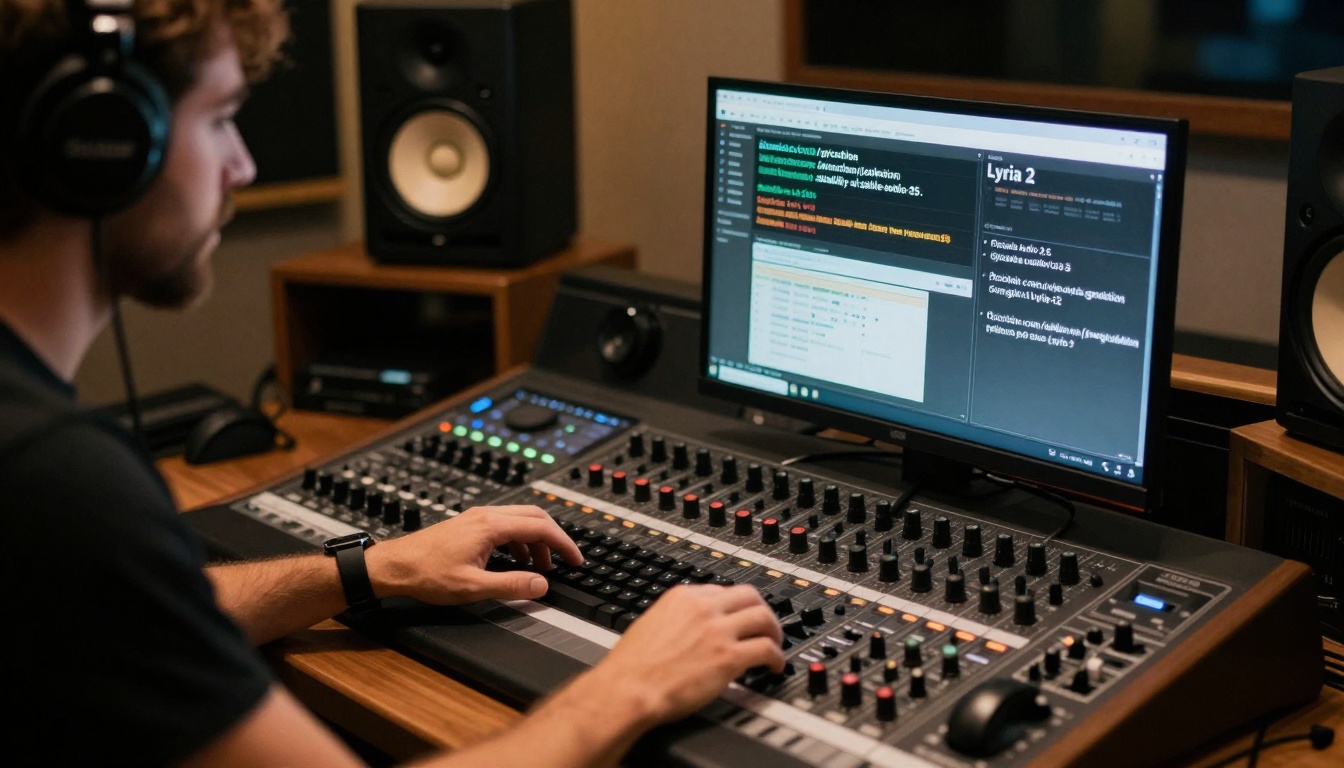
1. Stable Audio 2.5
- Best for: Music composition, soundtrack creation
- Strengths: Musical structure, genre understanding, quality
- Use cases: Background music, soundtracks, compositions
- Key features: Musical theory understanding, genre accuracy
2. Lyria 2
- Best for: Vocal generation, singing synthesis
- Strengths: Natural vocals, emotional expression
- Use cases: Songs, vocal tracks, audio content
- Key features: Vocal synthesis, emotional range
3. Music 01
- Best for: Instant music generation, quick projects
- Strengths: Speed, simplicity, ready-to-use tracks
- Use cases: Podcast intros, short clips, quick content
- Key features: Quick generation, simple interface
4. Speech 2.6 HD
- Best for: Text-to-speech, narration
- Strengths: Natural voice, emotion control, clarity
- Use cases: Audiobooks, narration, voiceovers
- Key features: Emotion control, natural cadence

Audio Enhancement
1. Voice Cloning
- Best for: Creating custom voice models
- Strengths: Voice replication, personalization
- Use cases: Personalized content, brand voices
- Key features: Voice training, customization
Beyond creative applications, AI has transformed everyday productivity tasks with tools that automate, enhance, and simplify routine work.
Top Free Productivity Tools
1. GPT-4o
- Best for: General productivity, task management
- Strengths: Multimodal understanding, practical advice
- Use cases: Planning, organization, decision support
- Key features: Image understanding, practical guidance
2. Gemini 3 Pro
- Best for: Research, data analysis, complex tasks
- Strengths: Deep research, analytical thinking
- Use cases: Market research, data analysis, strategy
- Key features: Research capabilities, analytical depth
3. Increase Resolution
- Best for: Image quality improvement
- Strengths: Resolution enhancement, detail preservation
- Use cases: Presentation materials, document enhancement
- Key features: Quality improvement, detail preservation

Workflow Enhancement
1. Upscaler
- Best for: Quick image upscaling
- Strengths: Speed, simplicity, reliable results
- Use cases: Social media images, quick enhancements
- Key features: Simple interface, quick results
2. Real-ESRGAN Video
- Best for: Video quality improvement
- Strengths: Video upscaling, quality enhancement
- Use cases: Old video restoration, quality improvement
- Key features: Video enhancement, quality improvement
The most significant development in AI accessibility isn't just the tools themselves, but where they're available. Previously, accessing multiple AI tools required:
- Multiple accounts across different platforms
- Different billing systems
- Inconsistent interfaces
- Separate learning curves for each tool
The Platform Solution
Platforms that aggregate multiple AI tools solve these problems by providing:
- Single access point - One account for all tools
- Consistent interface - Similar workflows across different tools
- Unified billing - Single payment system (when upgrades are needed)
- Integrated workflow - Tools that work together seamlessly
Key Platform Benefits
💡 The real value isn't individual tools, but how they work together. A platform that connects image generation, video creation, and writing assistance creates workflows that are greater than the sum of their parts.
Workflow Integration Examples:
| Task | Traditional Approach | Integrated AI Platform |
|---|
| Social Media Post | 3 different tools, manual transfer | Single workflow with automatic transitions |
| Video with Voiceover | Separate audio and video tools | Combined generation with synchronized output |
| Marketing Campaign | Multiple specialists, coordination overhead | Single creator with AI assistance across all media |
Getting Started Recommendations
Based on different user profiles, here are specific starting points:
For Creators & Artists:
- Start with Flux 2 Max for image generation
- Add Kling v2.6 for video creation
- Use Claude 3.7 Sonnet for writing support
For Business & Marketing:
- Begin with GPT-5 for content creation
- Add Remove Background for product images
- Use Veo 3.1 for promotional videos
For Students & Researchers:
- Start with Gemini 2.5 Flash for research
- Add GPT-4o Mini for writing assistance
- Use Real-ESRGAN for image enhancement
Common Questions Answered
💡 "Do I need technical skills to use these tools?" No. The current generation of AI tools requires no coding, no technical setup, and minimal learning curve. Most work through simple text prompts.
Q: Are there usage limits on free tools?
A: Most free tools have reasonable limits that accommodate regular use. Heavy commercial use may require upgrading.
Q: How do I choose between similar tools?
A: Try each for your specific use case. Flux 2 Max might work better for product images while GPT Image 1.5 might excel at creative concepts.
Q: Can I use these tools commercially?
A: Most free tools allow commercial use, but check specific terms for each tool. Platforms typically provide clear licensing information.
Q: What about privacy and data security?
A: Reputable platforms implement strong security measures. For sensitive work, check specific privacy policies and consider local processing options when available.
The Future Direction
The trajectory is clear: more capability, less complexity, broader access. What's remarkable isn't just what's available today, but the pace of improvement. Tools that seemed revolutionary six months ago are now standard, and next year's free tools will likely surpass today's paid offerings.
The most practical approach is to start with one or two tools that address your immediate needs, then expand as you discover additional applications. The common pattern among successful users isn't mastering every tool, but developing workflows that combine multiple tools effectively.
Final Recommendation: Don't wait for the "perfect" tool or try to learn everything at once. Pick one category that matters to your work, try 2-3 tools in that category, and build from there. The tools will continue improving, but the experience you gain today will be valuable regardless of tomorrow's advancements.


