Free doesn't mean weak. In 2027, the gap between paid and free AI image generators has narrowed dramatically, and for NSFW content specifically, several open-weight models are producing results that rival expensive subscription services. But sorting the genuinely capable tools from the overhyped ones takes time most people don't have.
This article ranks the top free NSFW image generators based on what real users actually report across forums, Discord communities, and hands-on testing. We cover output quality, prompt responsiveness, skin texture realism, and how each model handles suggestive content without falling into plastic, airbrushed results that look nothing like real photography.
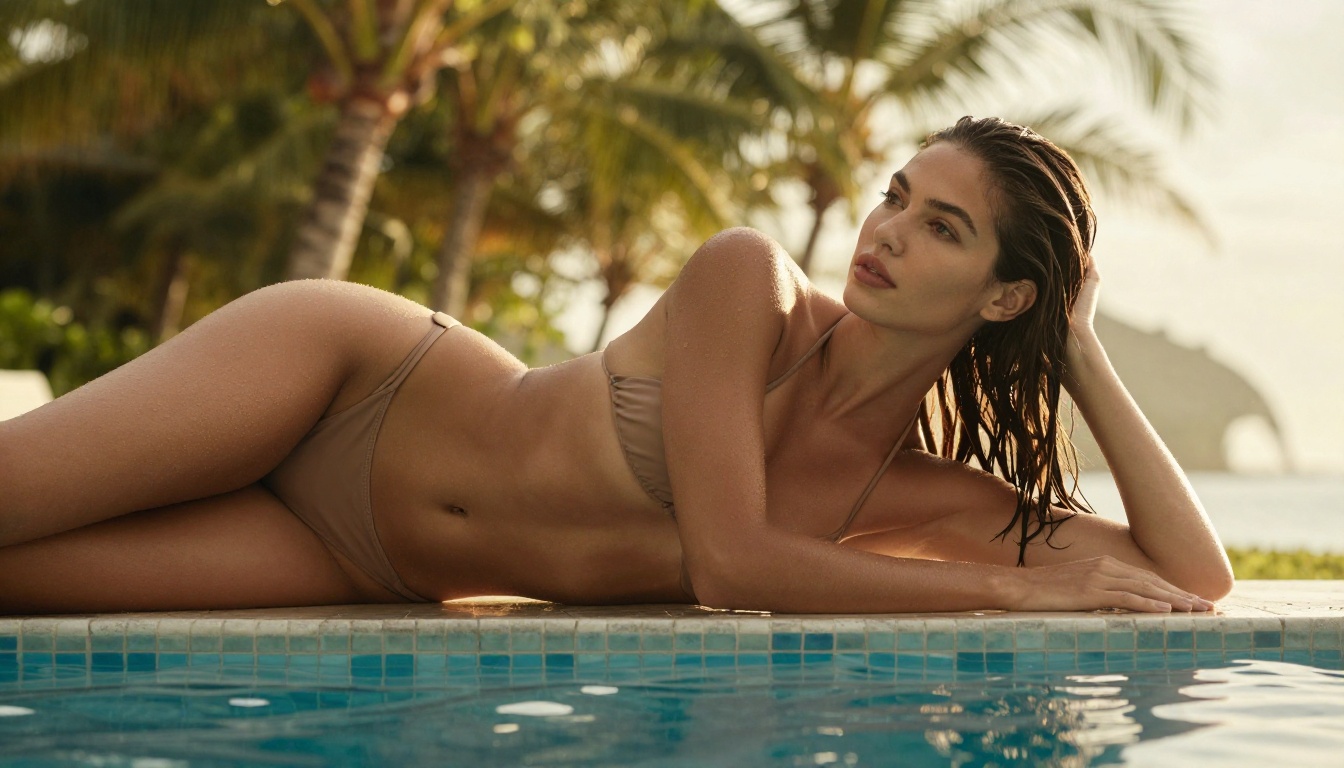
What "Free NSFW" Actually Means
The phrase "free NSFW generator" gets thrown around loosely. Let's be direct about what it means in practice before diving into rankings.
Free Tiers vs. Truly Free Models
There are two distinct categories operating under the same label:
- Credit-based free tiers: Platforms give you a daily or monthly allocation of credits. You can generate NSFW images within limits, but burn through your credits and you hit a paywall.
- Open-weight free models: Models like Flux Dev or SDXL are released publicly with permissive licenses. Anyone can run them locally or access them through platforms without model-level licensing fees.
For most users who don't want to manage local GPU setups, the practical option is platforms that host powerful open-weight models with generous free tiers and no complex installation. That's the category this ranking focuses on.
What Real Users Actually Want
Based on aggregated community discussions, the top priorities for NSFW AI image users are consistent:
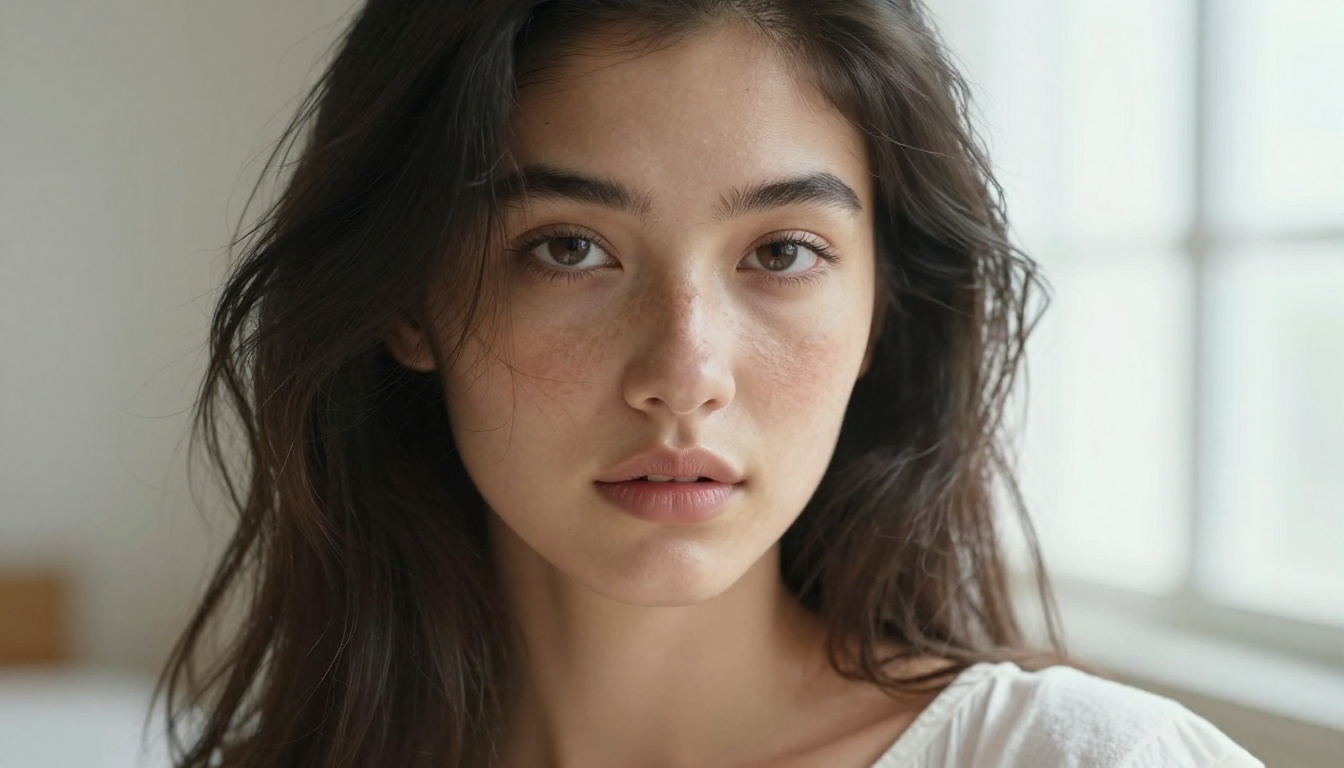
- Photorealism above all: Skin that looks like skin, not plastic. Natural pores, realistic shadows, fine hair detail that holds up at close inspection.
- Prompt adherence: The model actually does what you describe, including specific poses, clothing details, lighting conditions, and environmental elements.
- Anatomy accuracy: Hands, fingers, and body proportions that remain coherent rather than melting into abstract shapes.
- Responsive to suggestive content: Models that handle non-explicit NSFW prompts without constant refusals or heavy censorship of artistic content.
- Speed at scale: The ability to iterate quickly through variations without waiting minutes per image.
The Top Generators, Ranked
These rankings come from aggregated user feedback, community posts on Reddit and Discord, and direct output analysis across thousands of shared results.
#1 Flux Dev: The Free Realism Standard
Flux Dev consistently lands at the top of free NSFW generator rankings for one fundamental reason: photorealism that's genuinely hard to beat at zero cost. Developed by Black Forest Labs and released as an open-weight model, it was trained on a dataset with strong emphasis on natural human rendering and environmental detail.
Why users consistently rank it first:
- Skin texture with visible pores, natural imperfections, and subsurface scattering that mimics real photography
- Strong prompt adherence even for complex multi-element scene descriptions
- Excellent handling of fabric drape, water surfaces, and environmental lighting
- Responds well to camera-specific instructions like "85mm f/1.4 depth of field" or "Kodak Portra 400 film grain"
Where it falls short:
- Slower generation speed compared to the Flux Schnell variant
- Occasionally requires 3-4 runs to nail highly specific pose configurations
- Very detailed backgrounds can sometimes compete with the subject for sharpness
💡 Pro Tip: For best photorealistic results with Flux Dev, always describe the camera lens and lighting conditions explicitly. "85mm f/1.4, volumetric golden hour light from the left, natural skin texture" gets dramatically better output than vague prompts like "beautiful woman outdoors."
#2 Stable Diffusion 3.5 Large: Versatility at Scale
Stable Diffusion 3.5 Large from Stability AI is the most versatile free option for glamour and artistic NSFW content. Its 8-billion parameter architecture gives it real muscle for generating detailed, complex scenes that smaller models struggle with.
What distinguishes it from the competition:
- Outstanding handling of multi-element compositional prompts
- Better anatomical accuracy than earlier Stable Diffusion versions
- More nuanced fabric texture and environmental rendering
- Strong performance on outdoor lighting scenarios, particularly natural landscapes
Users specifically praise SD 3.5 Large for environmental realism: beach scenes, architectural interiors, and natural landscapes look genuinely convincing rather than pasted-in backdrops.
| Feature | SD 3.5 Large | SD 3.5 Medium |
|---|
| Parameters | 8B | 2.5B |
| Generation Speed | Moderate | Fast |
| Detail Quality | High | Medium |
| Complex Scenes | Excellent | Good |
| Free Access | Yes | Yes |
Stable Diffusion 3.5 Medium is worth considering if you need faster iteration cycles at slightly reduced detail levels.
#3 SDXL: The Community Workhorse
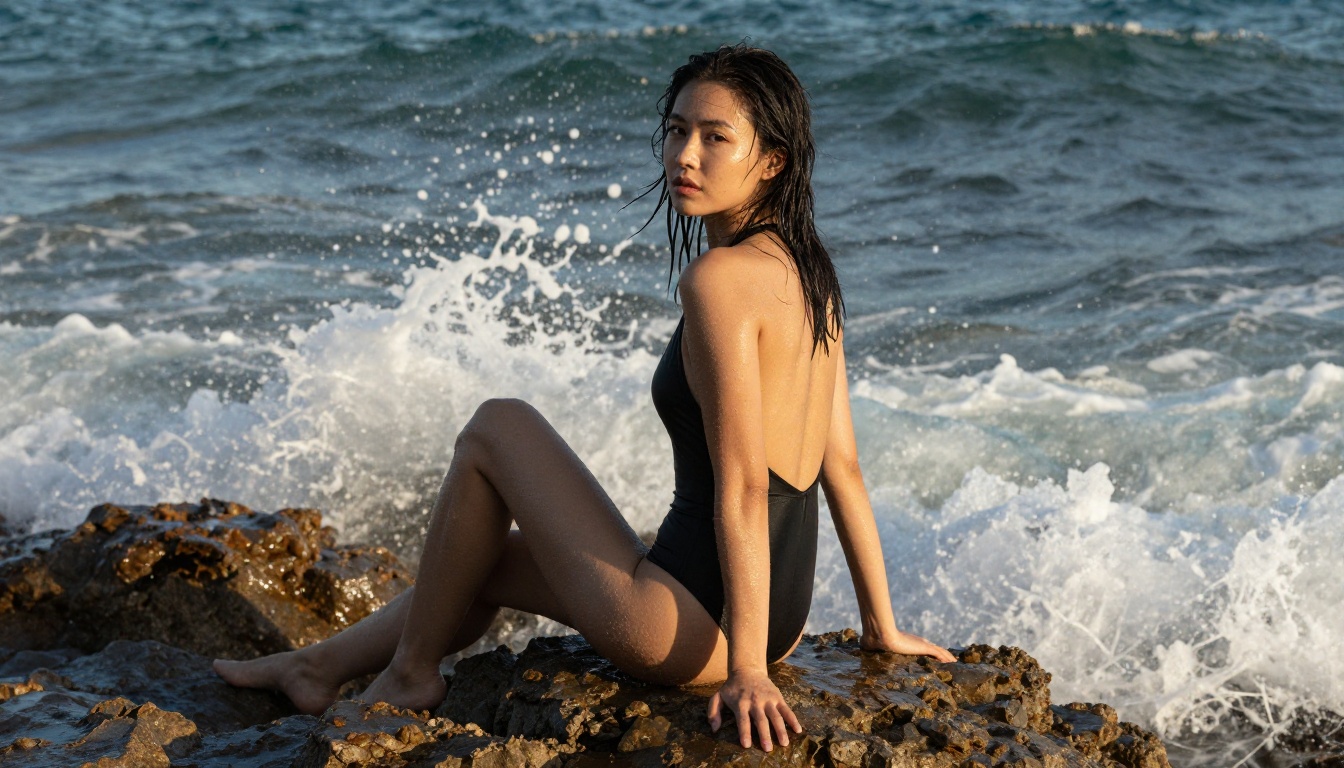
SDXL by Stability AI remains one of the most actively used free models two years after its release. The community ecosystem around it is enormous, producing a continuous flow of tips, LoRA fine-tunes, and prompt templates specifically optimized for photorealistic NSFW output.
Core strengths:
- Massive community support with tens of thousands of shared prompts and workflows
- Compatible with a wide range of style LoRAs that dramatically shift output aesthetics
- Reliable for consistent character rendering across multiple generations
- Strong portrait and close-up performance with the right prompt structure
Straight SDXL without tuning can feel slightly stylized rather than strictly photographic. Combining it with a realism LoRA via SDXL Multi ControlNet LoRA addresses this effectively, and the combination is still entirely free to use.
💡 Community insight: Users across Reddit and CivitAI consistently recommend adding "RAW photo, 8k, photorealistic, Kodak Portra 400, film grain" to SDXL prompts as a baseline for more natural, less synthetic-looking skin output.
#4 Realistic Vision v5.1: Built for Portraits
Realistic Vision v5.1 was fine-tuned with a singular focus: photorealistic human subjects. If your primary output is portraits and close-up glamour shots rather than complex environmental scenes, this model regularly outperforms options with larger architectures.
Standout qualities that users highlight:
- Exceptional facial detail with natural asymmetries, subtle skin imperfections, and realistic catchlights in eyes
- Hair texture that shows individual strands and natural movement rather than blurred masses
- Body proportions that hold up accurately in close inspection
- Natural color temperature that doesn't require aggressive post-processing
The acknowledged limitation is that complex outdoor backgrounds can look slightly flat, and extreme dynamic action poses sometimes show anatomy inconsistencies. For static glamour, boudoir, and portrait work, though, it's among the strongest specialized free options available.
#5 DreamShaper XL Turbo: Speed Meets Style
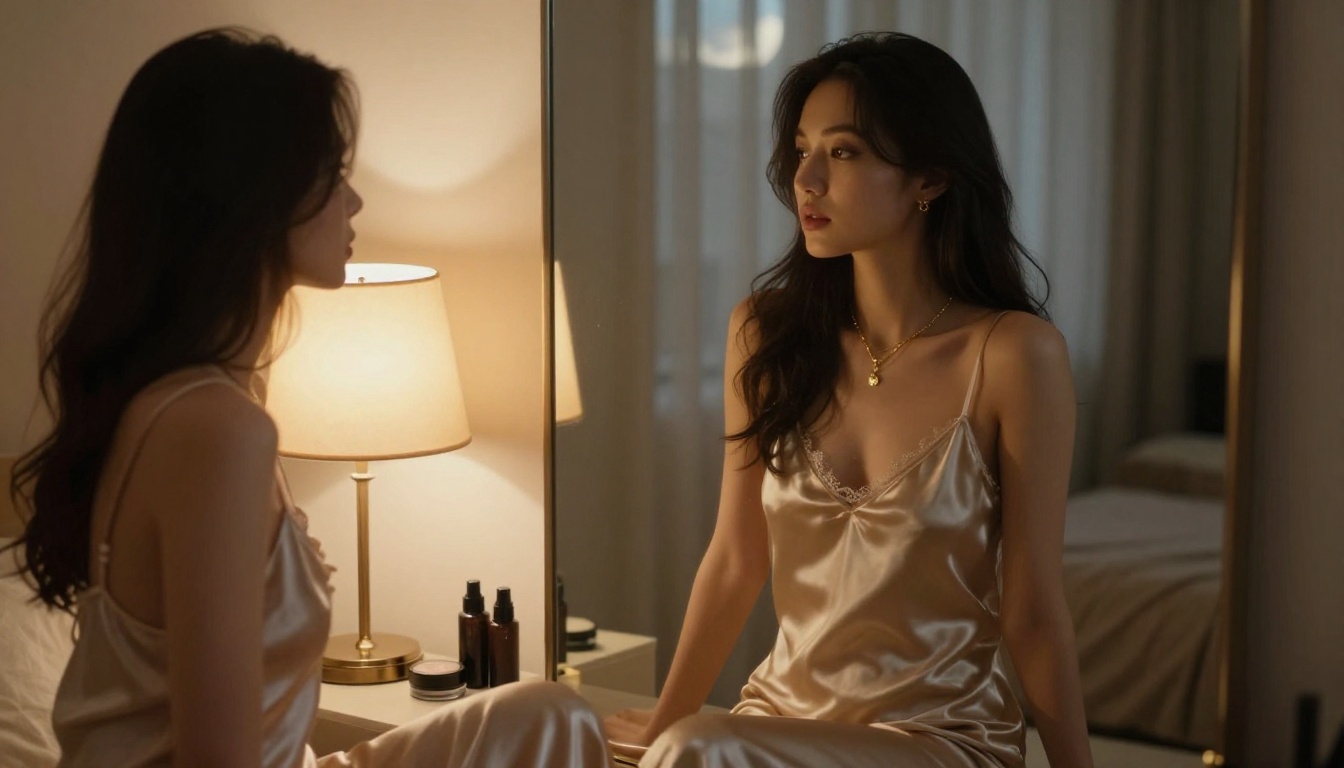
DreamShaper XL Turbo hits a specific sweet spot between generation speed and output quality. It produces results faster than most high-detail models while still generating compelling images for glamour and suggestive content.
Real users frequently describe it as their primary rapid iteration tool: when testing prompt variations or working through compositional ideas, DreamShaper XL Turbo allows 10-15 test runs in the time other models complete 3-4.
Best use cases based on user reports:
- Prompt testing and rapid composition exploration before committing to a slower, higher-quality model
- Fashion and clothing visualization where overall look matters more than micro-detail
- Semi-stylized glamour photography with an editorial quality
- Batch generation workflows where speed is a priority
#6 Flux Schnell: Realism Without the Wait
Flux Schnell is the speed-optimized architecture from Black Forest Labs. It generates images in seconds while maintaining surprisingly high output quality. For free users who want Flux-level photorealism without waiting, this has become the default everyday model for many in the community.
What users consistently report:
- 3-5x faster generation compared to Flux Dev
- Quality holds up well for portrait and medium-shot compositions
- Slight reduction in ultra-fine-detail rendering for extreme close-ups
- Excellent for social-media-style photography aesthetics and lifestyle content
💡 Workflow tip: The most efficient free workflow many users have landed on is Flux Schnell for iteration and Flux Dev for final outputs. Run 8-10 variations fast, identify the best compositional direction, then re-run that specific prompt through Flux Dev for the final high-detail version.
#7 Playground v2.5 Aesthetic: The Editorial Choice
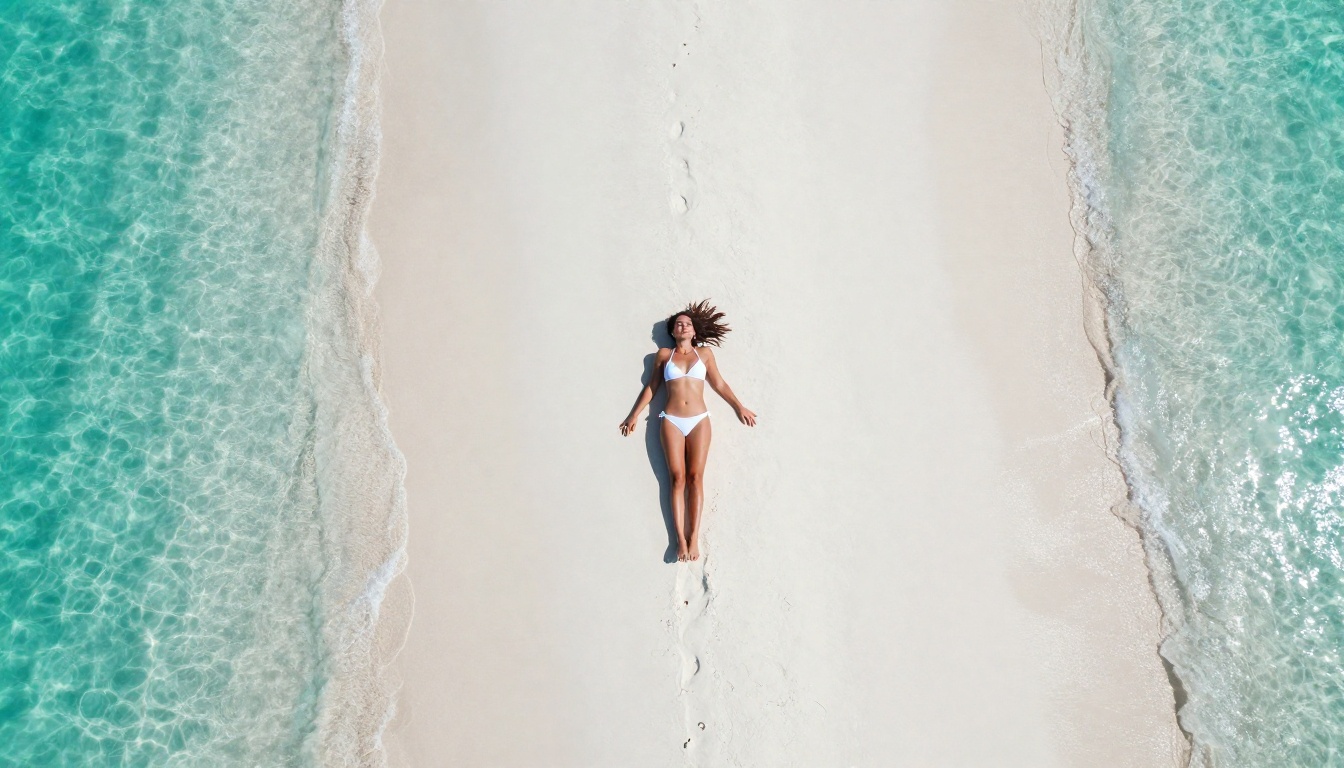
Playground v2.5 1024px Aesthetic takes a different approach than raw photorealism. It was trained with aesthetic polish as a primary objective, producing images that feel more intentionally composed and editorially refined.
For users who want glamour photography with a high-fashion magazine aesthetic rather than raw documentary realism, Playground v2.5 consistently comes up as the best free option.
Its signature output characteristics:
- Clean, well-composed images with natural color grading that requires minimal adjustment
- Strong performance on fashion and editorial-style shots with complex clothing
- Beautiful soft lighting with smooth gradients between shadows and highlights
- Less film grain than Flux family models, with a more polished, commercial finish
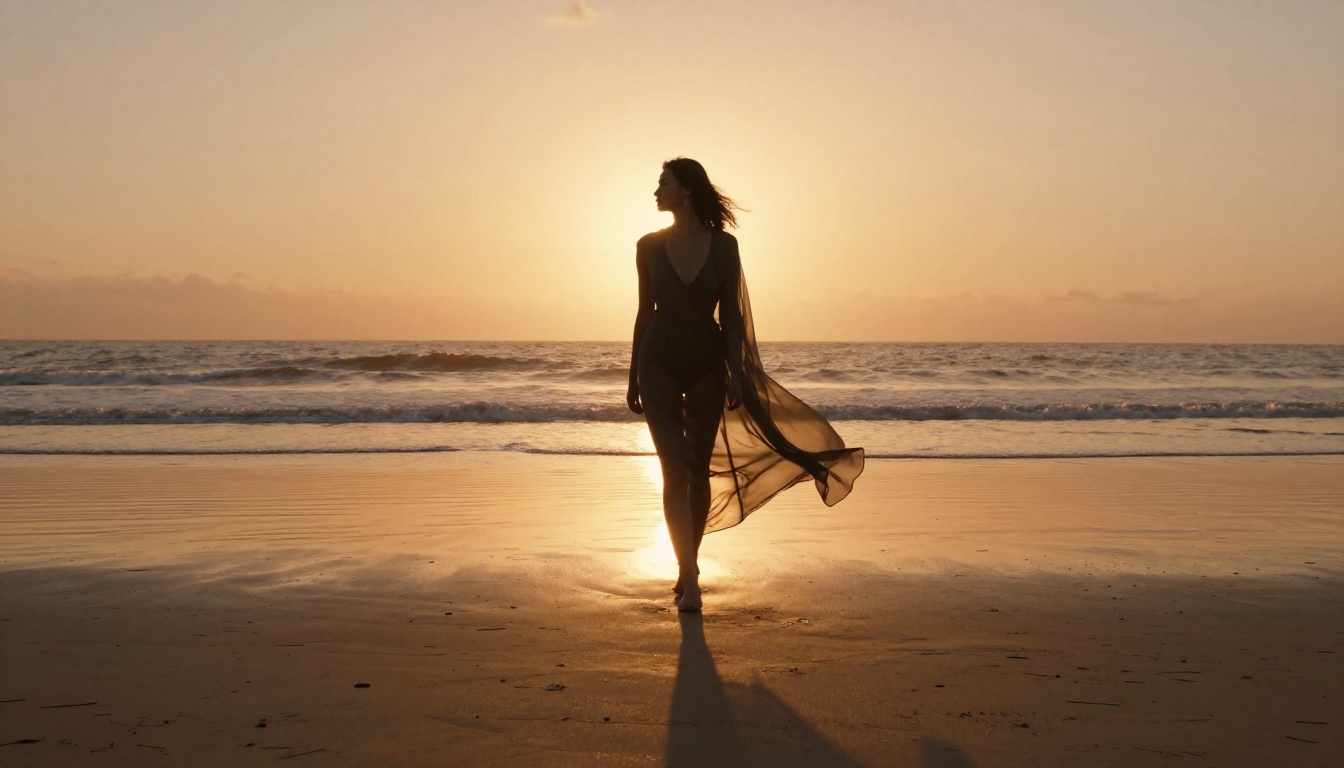
Side-by-Side: How They Stack Up
How to Use Flux Dev on PicassoIA
PicassoIA hosts Flux Dev with a clean, no-install browser interface. Here's a step-by-step process to get the best results from the model.
Step 1: Access the Model
Open Flux Dev on PicassoIA and navigate to the generation panel.
Step 2: Structure Your Prompt in Layers
The most effective prompts for photorealistic NSFW content follow this structure:
- Subject (person description, clothing, expression, pose)
- Environment (location, background elements, props)
- Lighting (direction, color temperature, quality)
- Camera specs (focal length, aperture, shooting distance)
- Quality tags (RAW, 8K, Kodak Portra 400, photorealistic, film grain)
Step 3: Dial In Your Parameters
- Aspect Ratio: Use 16:9 for landscapes and scenes, 9:16 for portraits
- Guidance Scale: 3.5 to 4.5 for photorealistic results. Higher values produce more stylized output that departs from natural photography.
- Inference Steps: 28 to 35 for final quality renders, 20 for fast test iterations
Step 4: Iterate Systematically
Run 3-5 variations with one prompt element changed at a time. Swap the lighting description, adjust the environment, or modify the clothing detail before making larger structural changes. Random seed variation alone often produces the result you're looking for.
Step 5: Upscale the Best Output
Use Super Resolution to upscale your best result 2-4x. Fine skin texture and hair detail that gets compressed in preview thumbnails become fully visible at higher resolution.
What Real Users Actually Report
Community feedback from Reddit threads, Discord servers, and AI image forums surfaces consistent patterns worth knowing before you invest time in any specific model.
💡 "Flux Dev for finals, Flux Schnell for testing. That single workflow change cut my generation time in half without losing any final output quality." — r/StableDiffusion
💡 "Realistic Vision v5.1 is seriously underrated for portrait work. I've gotten results that pass for real photography when shown to people who don't know AI." — AI Art Discord
💡 "SDXL with a quality realism LoRA still competes with anything free. The community extensions are what make it what it is." — CivitAI community boards
💡 "Playground v2.5 for anything I want to look polished and editorial. Flux Dev for anything I want to look like it was actually shot on film." — AI glamour photography Discord
The consistent thread running through all of it: prompt quality outweighs model choice for the majority of users. The same detailed, structured prompt on Flux Dev and Realistic Vision v5.1 will produce different but both high-quality results. Learning to write layered, specific prompts returns larger gains than constantly switching models.
Picking the Right Model for Your Creative Direction
For Strict Photorealism
Flux Dev and Realistic Vision v5.1 are the two strongest options. Flux Dev handles complex multi-element scenes better; Realistic Vision v5.1 wins on close-up portrait and facial detail. Run both on a test prompt to see which visual language resonates with your work.
For Artistic and Glamour Work
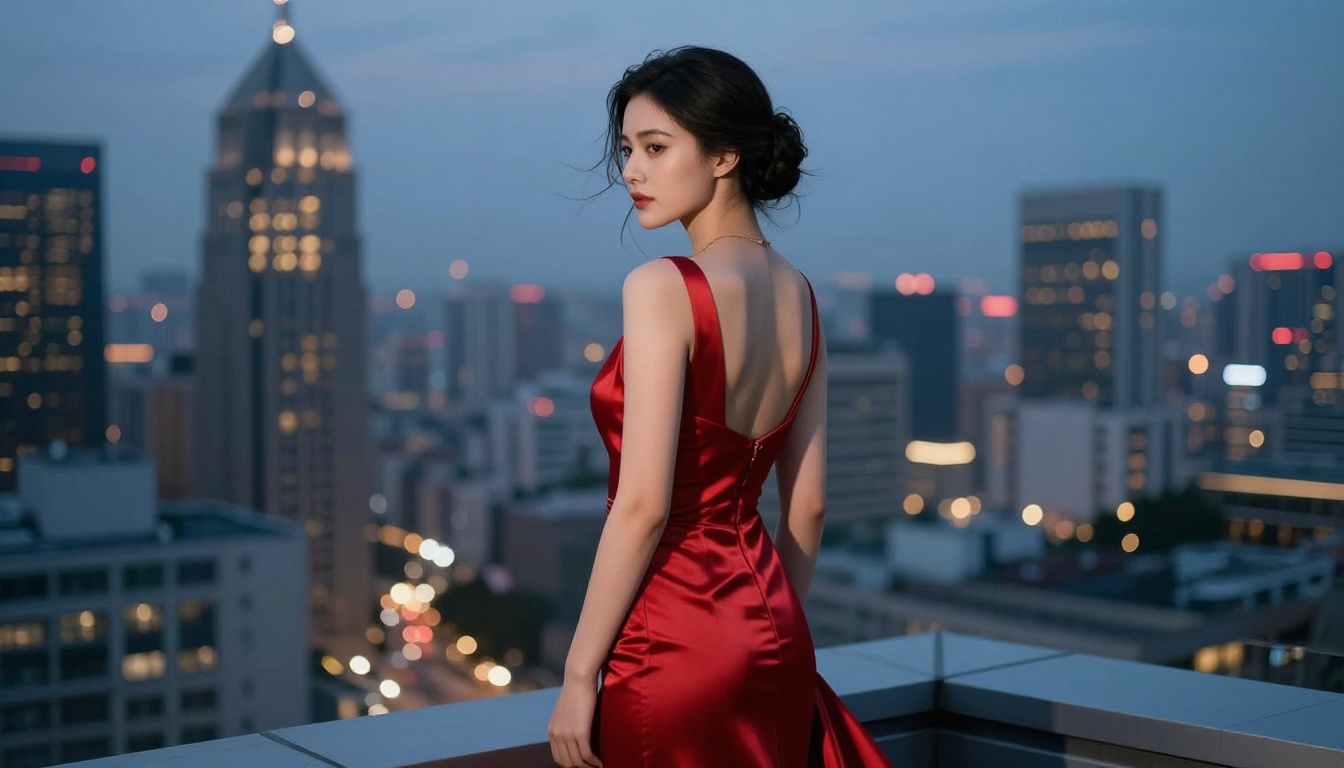
Playground v2.5 and DreamShaper XL Turbo produce more polished, editorial-feeling results. If you want images that look intentionally composed and styled rather than documentary-realistic, these deliver a consistently strong aesthetic.
For Speed and High Volume
Flux Schnell is the clear choice. It generates in seconds at quality levels that are difficult to distinguish from Flux Dev at typical viewing sizes.
For Complex Environments and Scenes
Stable Diffusion 3.5 Large handles intricate compositional scenes best. When your prompt includes detailed architectural elements, specific natural environments, or multiple interacting subjects, the 8B parameter model shows its advantage over lighter alternatives.
Beyond Still Images: What Else Is Available
If you've been working exclusively with still image generation, several adjacent tools in the same platform are worth adding to your workflow.
Super Resolution upscales outputs 2-4x, recovering fine detail that compressed previews lose. Running any of the above models at standard resolution and then upscaling typically produces better final results than trying to generate at maximum resolution directly.
Face Swap AI enables realistic face swapping across generated images, useful for maintaining consistent character identity across multiple scenes without complex LoRA setup.
The Flux Kontext Pro and Flux Kontext Max models extend still image work into text-based editing: describe the specific change you want applied to an existing image and the model applies it directly. This is particularly useful for adjusting clothing, lighting, or background elements without regenerating from scratch.
Imagen 4 from Google brings a distinct visual language into the mix, with particularly strong soft lighting and naturalistic color rendering that differs noticeably from the Flux family's more film-inspired aesthetic. Worth running side-by-side comparisons for portrait work especially.
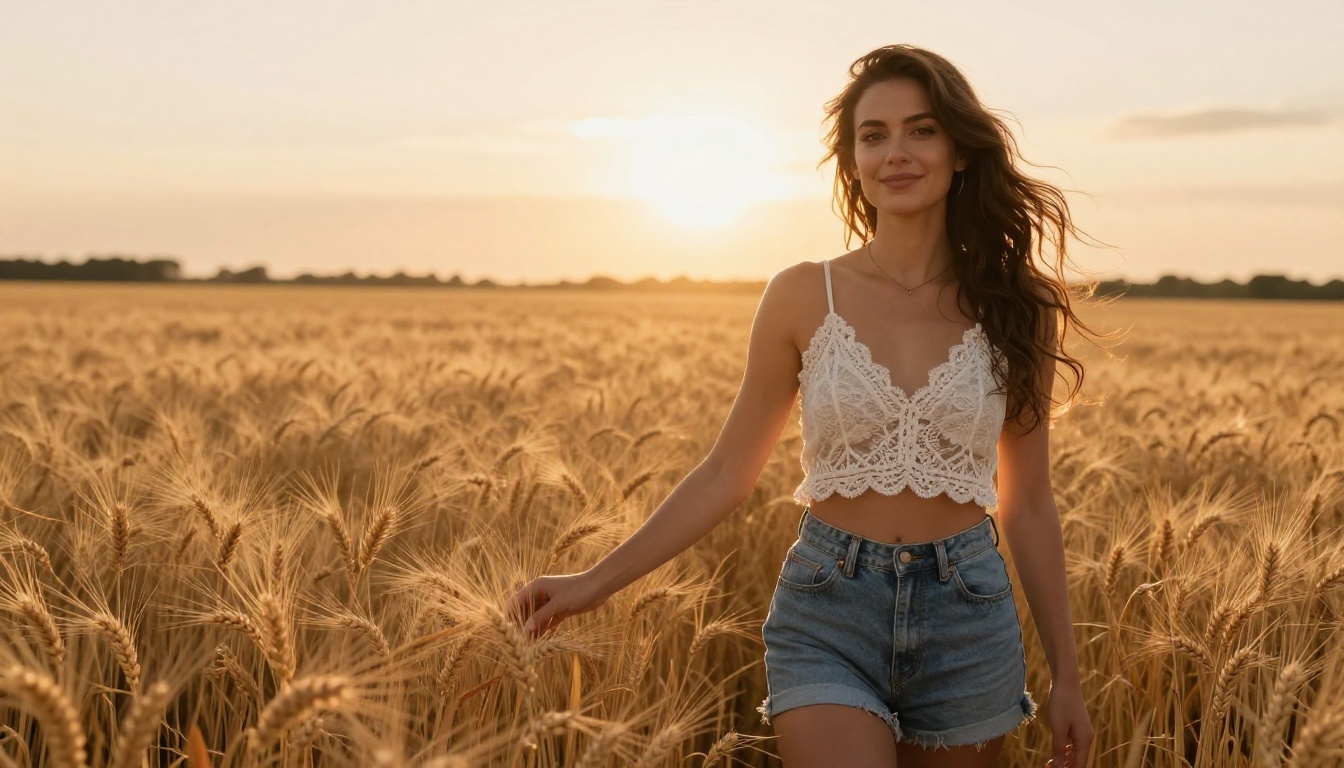
Start Creating Right Now
Every model on this list is accessible without a paid subscription for your first sessions. The fastest way to find which one fits your creative style is to write one solid, detailed prompt and run it across three or four models simultaneously to compare outputs side by side.
PicassoIA brings all of these models into a single browser interface. Flux Dev, Flux Schnell, Realistic Vision v5.1, SDXL, DreamShaper XL Turbo, and every other model covered in this ranking are available without local installation or GPU setup.
Start with a detailed prompt that includes your subject, specific lighting conditions, camera lens, and quality tags. Run it through Flux Dev first for your realism benchmark, then through Playground v2.5 for the editorial comparison. The difference in aesthetic will immediately indicate which model fits the visual direction you're after, and from that point the creative process gets genuinely fast.


