The landscape of digital content creation has shifted dramatically. Where static images once dominated social feeds and marketing materials, motion now captures attention and drives engagement. For creators working with AI-generated artwork, this presents both a challenge and an opportunity. The transition from still frames to moving sequences requires specific tools and techniques, particularly when working with sophisticated platforms like Google's Veo 3.
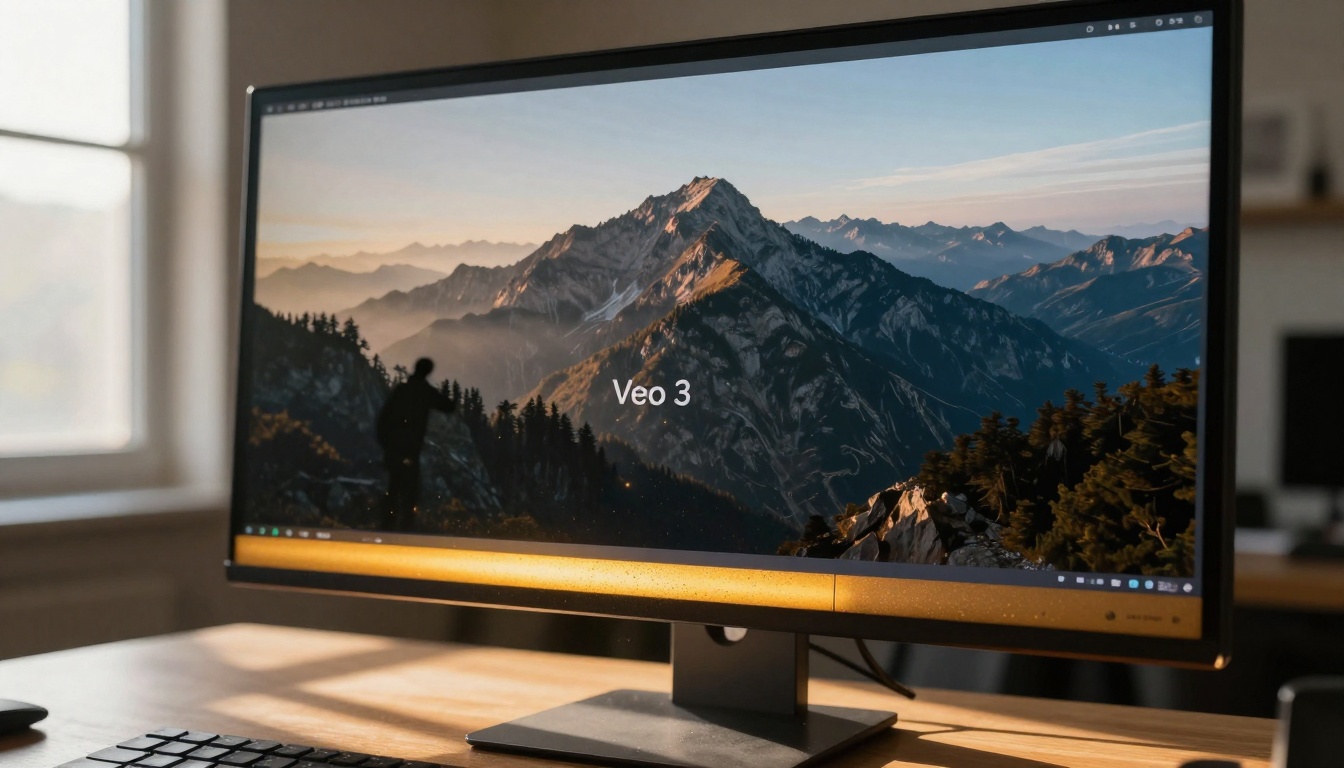
Visual storytelling evolves when images gain motion. A mountain range at dawn becomes a time-lapse showing the sunrise progression. A cityscape transforms into a living environment with traffic flow and weather patterns. This isn't just about adding movement—it's about creating narrative, establishing mood, and building emotional connection through temporal dimension.
Why Motion Matters for AI Content
Static AI images, whether generated with Flux or GPT Image 1.5, represent single moments frozen in time. They capture composition, lighting, and subject matter effectively. However, they lack the temporal continuity that makes video compelling.
💡 Key Insight: Motion increases viewer retention by 40-60% across social platforms. Animated content receives 3x more engagement than static equivalents.
The human visual system prioritizes movement. Our evolutionary wiring makes us attentive to changes in our environment. When AI images transform into videos, they tap into this fundamental biological response, creating content that feels more alive and engaging.
Technical Foundations of Image-to-Video Conversion
Converting AI images to video involves several technical considerations:
| Parameter | Static Image | Video Output |
|---|
| Resolution | Single frame (e.g., 2048x1152) | Multiple frames (e.g., 1280x720 at 24fps) |
| File Size | 2-8 MB | 20-100 MB (for 15-second clip) |
| Processing Time | 2-10 seconds | 30-120 seconds |
| Output Format | PNG, JPEG, WEBP | MP4, MOV, WEBM |
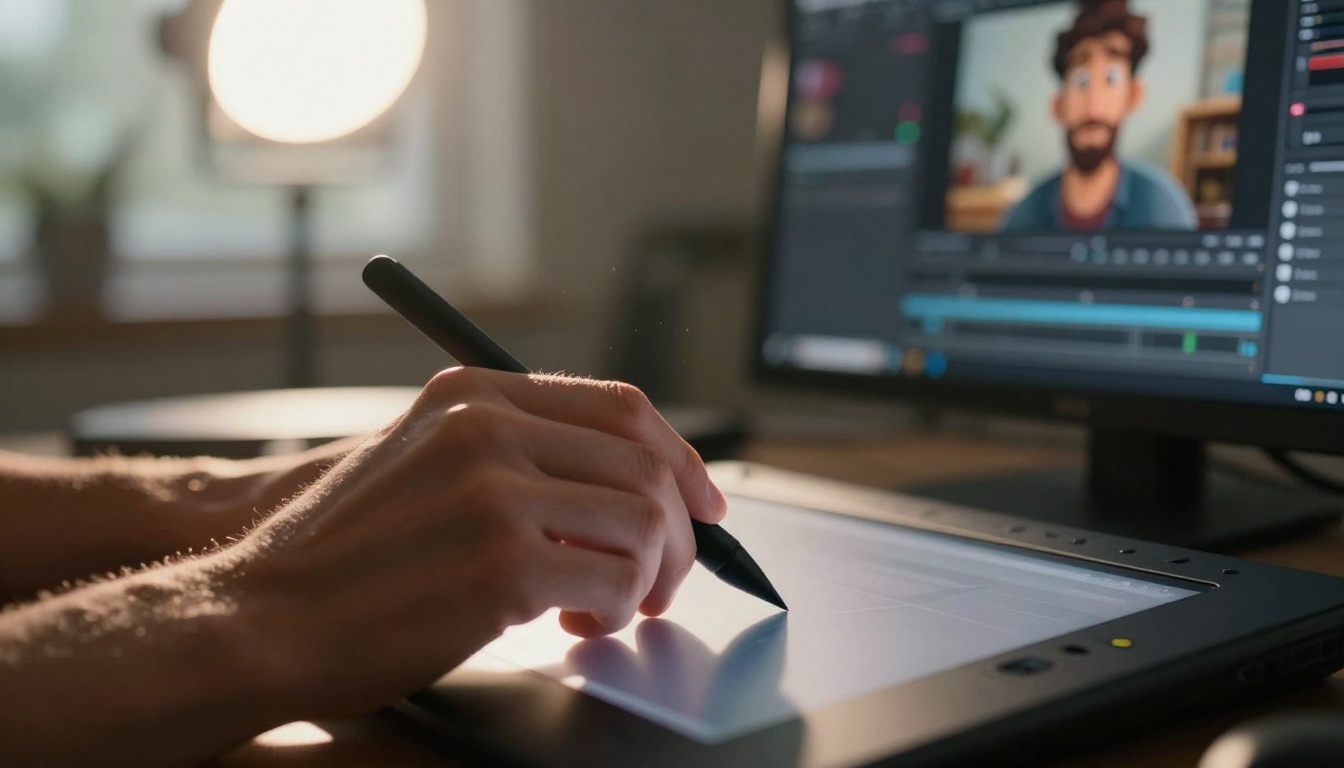
Frame consistency becomes critical when animating AI images. Veo 3 maintains visual coherence across frames, ensuring that characters, objects, and environments remain recognizable throughout the animation sequence. This differs significantly from generating video from text prompts, where consistency must be maintained from the first frame.
Not all AI images animate equally. Certain characteristics make images more suitable for video conversion:
1. Composition with Implied Motion
- Images suggesting movement (flowing water, blowing hair, flying birds)
- Scenes with directional elements (roads, paths, lines of sight)
- Subjects in action poses or mid-movement states
2. Depth and Layering
- Foreground, middle ground, and background separation
- Multiple visual planes that can animate independently
- Spatial relationships that create parallax opportunities
3. Lighting Consistency
- Even illumination without extreme shadows
- Natural light sources that can simulate time progression
- Consistent color temperature throughout the scene
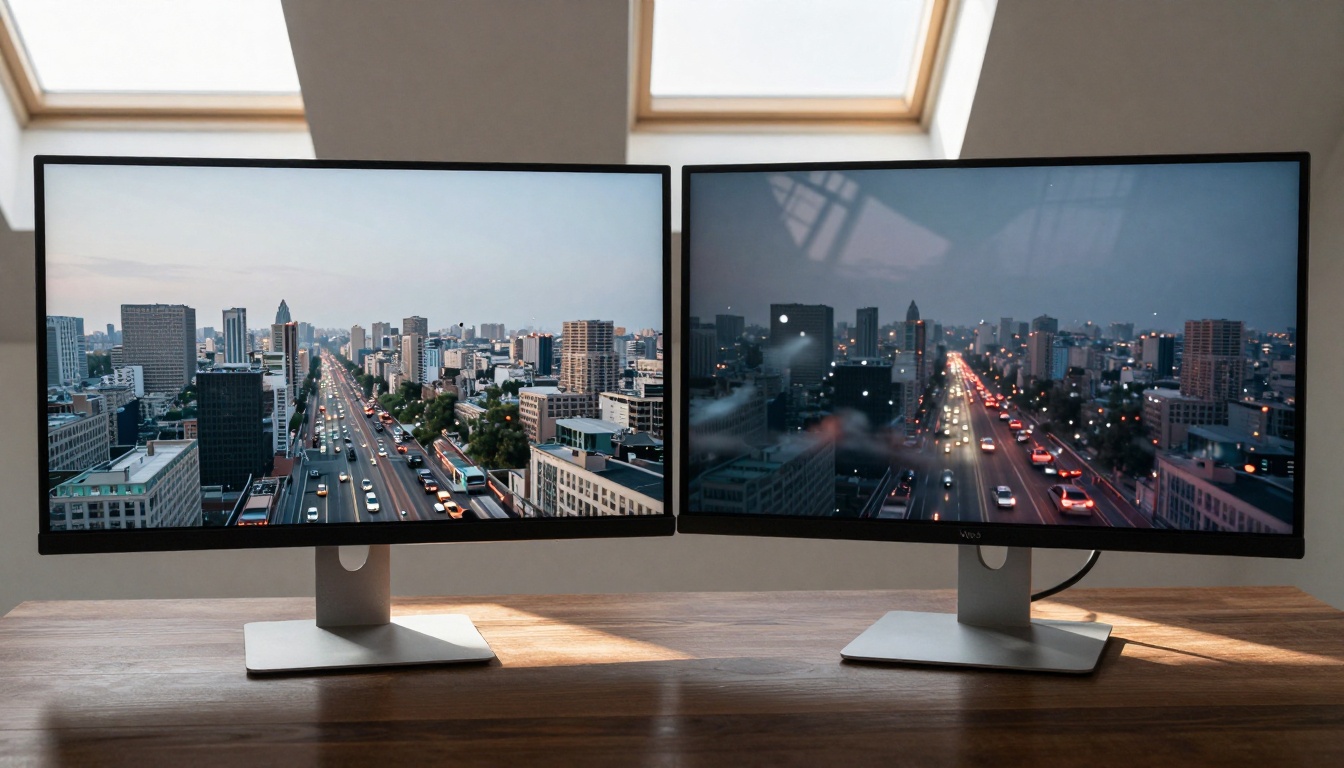
Pro Tip: Generate AI images with specific animation in mind. When using Seedream 4.5 or Qwen Image 2512, include prompts like "mid-action," "flowing," or "dynamic composition" to create images with built-in motion potential.
Veo 3 Workflow: From Image to Video
The transformation process follows a logical sequence:
Step 1: Image Selection and Preparation
- Choose images with strong visual storytelling potential
- Ensure resolution matches Veo 3 requirements (minimum 512x512)
- Remove any artifacts or inconsistencies that might disrupt animation
Step 2: Parameter Configuration
- Set animation duration (5-30 seconds optimal for social media)
- Define motion intensity (subtle, moderate, or dramatic)
- Establish pacing (slow, medium, or fast transitions)
Step 3: Style and Effect Application
- Add atmospheric elements (fog, rain, lens flares)
- Incorporate camera movements (pan, zoom, dolly)
- Apply color grading for mood enhancement
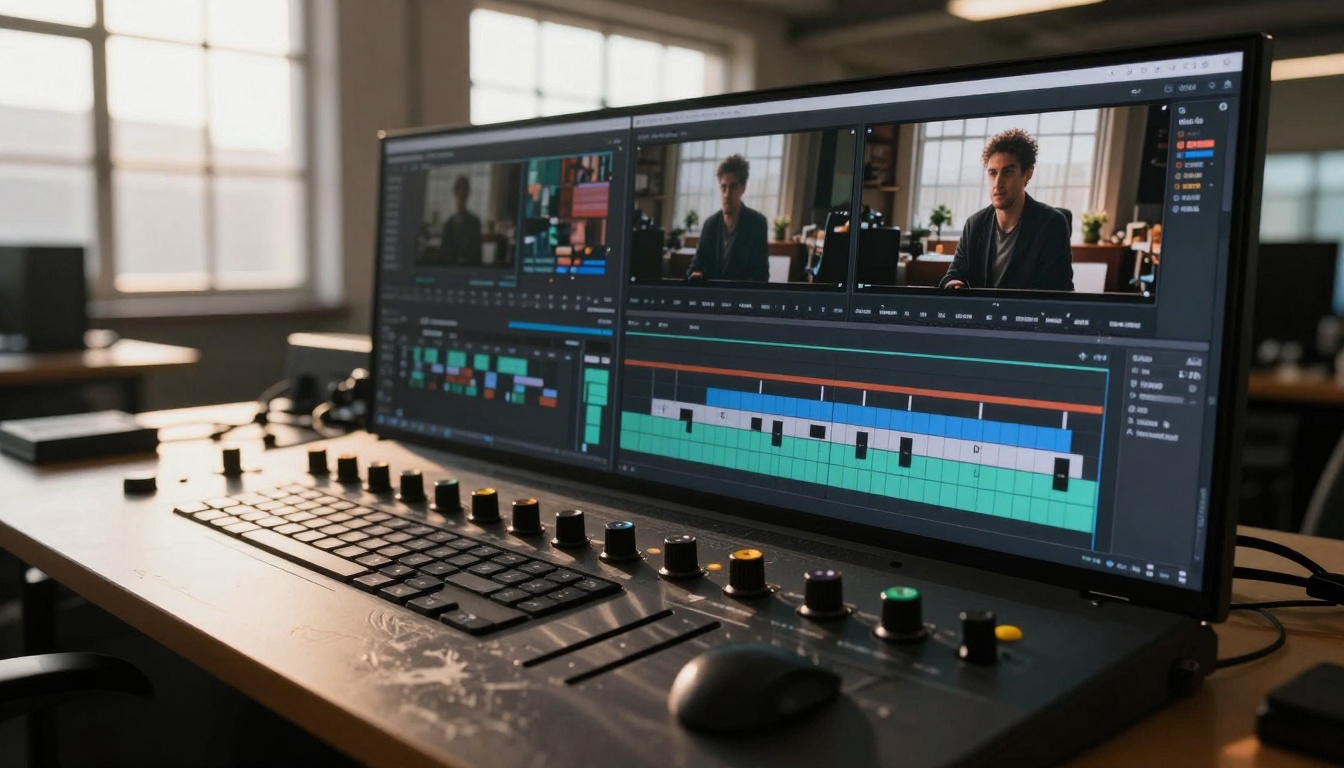
Step 4: Output Optimization
- Adjust compression for platform requirements
- Add sound design or music synchronization
- Create multiple versions for different platforms
Advanced Techniques for Professional Results
Beyond basic animation, several techniques elevate AI image videos:
Layered Animation
Different elements move at different speeds. Background elements drift slowly while foreground subjects move more dramatically. This creates depth perception and visual interest.
Procedural Motion Patterns
Implement mathematical movement patterns (sine waves, easing curves, parabolic arcs) rather than linear animation. This feels more natural and less robotic.
Environmental Interaction
Elements interact with each other. Wind affects multiple objects simultaneously. Water ripples propagate outward. Characters respond to environmental changes.
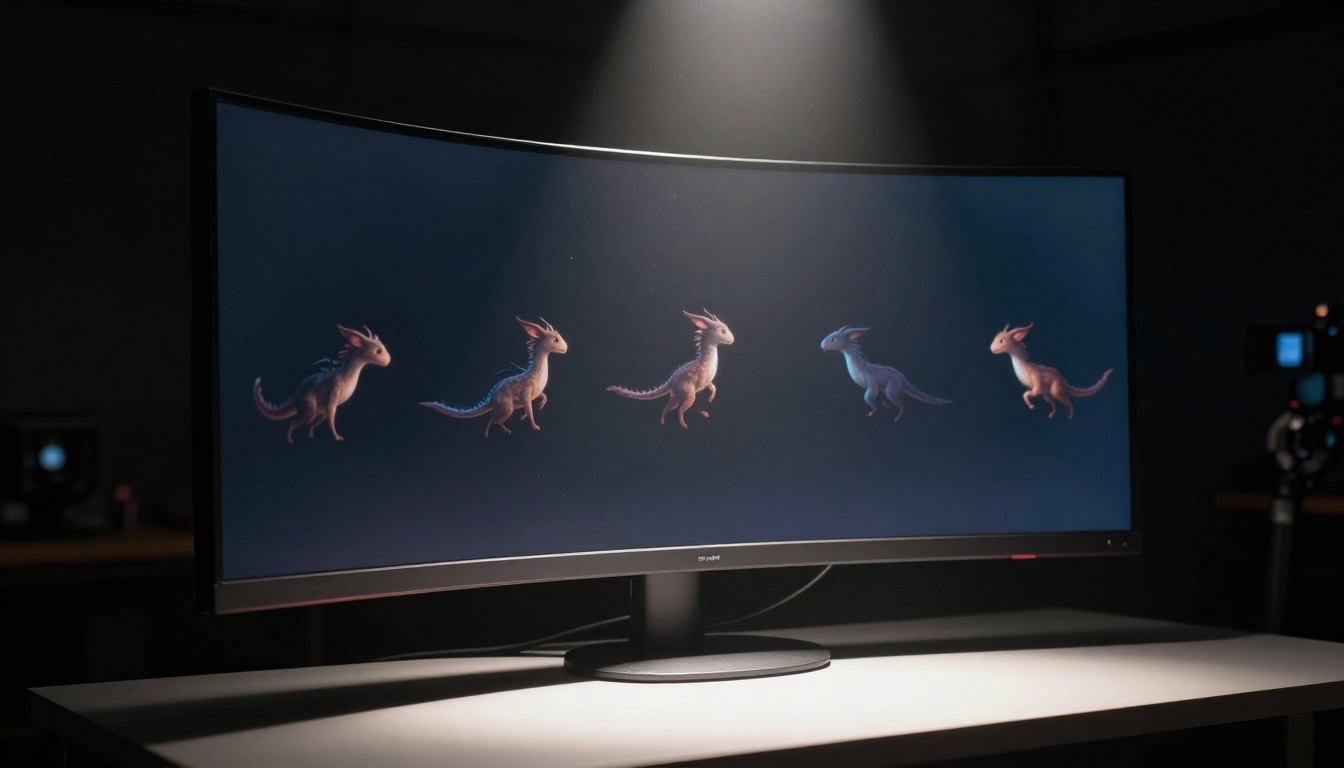
Temporal Effects
- Day-to-night transitions
- Seasonal changes within a single shot
- Aging or weathering effects over time
Different platforms demand different video characteristics:
Instagram Reels & TikTok
- 9:16 vertical format
- 15-30 second duration
- Bold, immediate visual impact
- Sync with trending audio
YouTube Shorts
- 9:16 or 1:1 square format
- 15-60 second storytelling
- Strong opening hook within first 3 seconds
- Clear value proposition
LinkedIn & Professional Platforms
- 1:1 or 16:9 horizontal format
- 30-90 second educational content
- Subtle, professional animation style
- Information density over entertainment
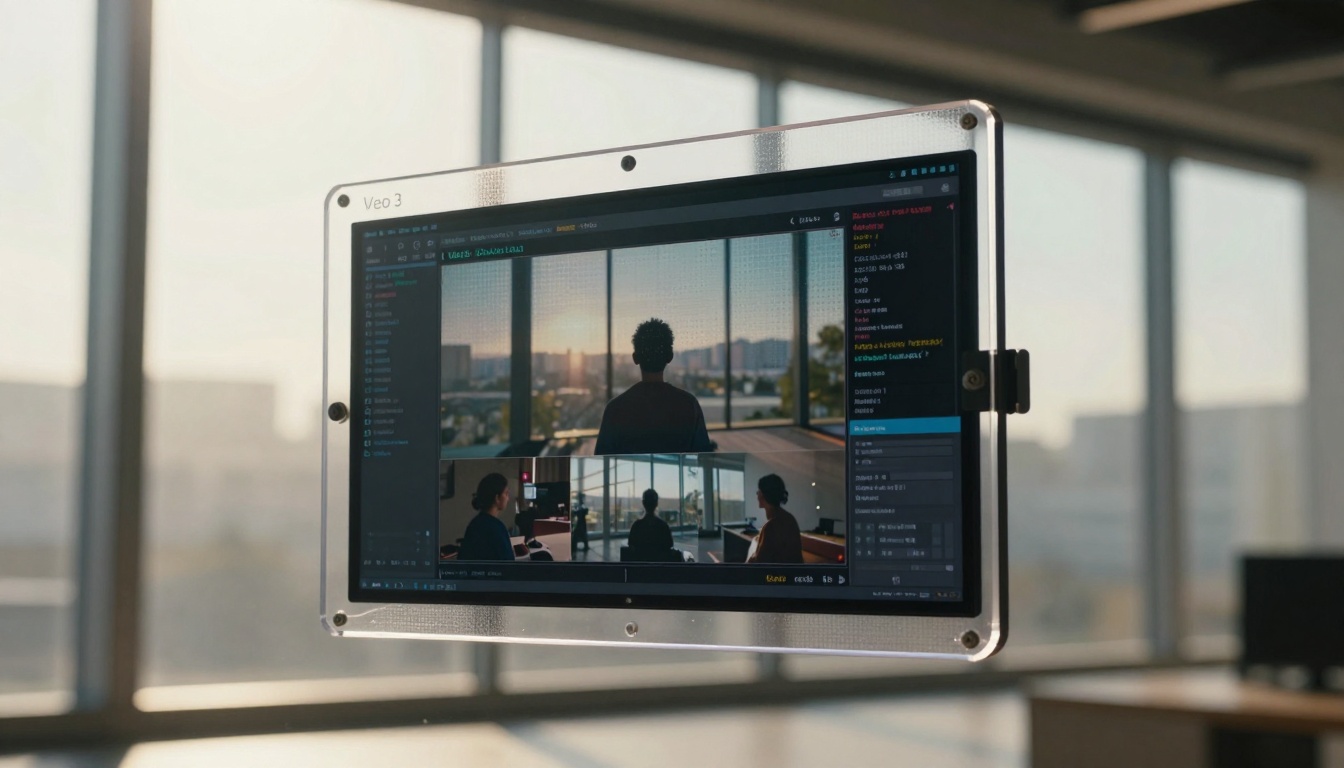
Common Challenges and Solutions
Artifact Propagation
AI generation artifacts can become exaggerated during animation. The solution involves pre-processing images with noise reduction and edge smoothing before feeding them to Veo 3.
Temporal Inconsistency
Objects that should remain stable might wobble or shift. This requires careful parameter tuning and sometimes frame-by-frame correction in post-production.
Unnatural Movement
AI sometimes creates physically impossible motion. The fix involves providing clearer motion instructions and using reference videos as guides.
💡 Workflow Optimization: Batch process multiple images simultaneously. Veo 3 handles parallel processing efficiently, allowing you to create entire video sequences from related images in a single session.
Veo 3 doesn't exist in isolation. It integrates seamlessly with:
Kling V2.6 for text-to-video generation when starting from scratch
Wan 2.6 I2V for alternative image-to-video approaches
Sora 2 Pro for high-quality cinematic results
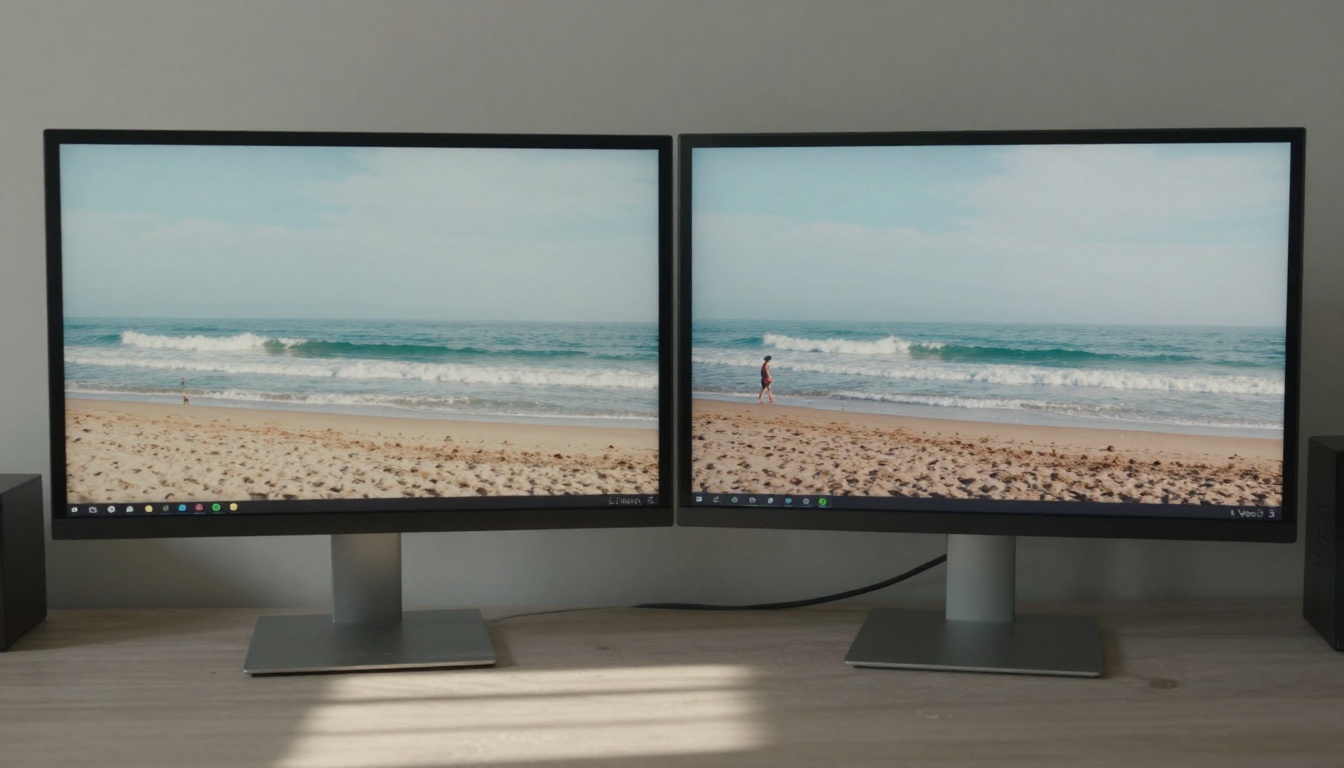
The combination creates powerful workflows:
- Generate base images with Flux 2 Pro
- Refine details with P-Image Edit
- Animate with Veo 3
- Enhance resolution with Real-ESRGAN
Different use cases demand different quality settings:
| Use Case | Resolution | Frame Rate | Render Time | Quality Priority |
|---|
| Social Media | 720p | 24-30 fps | 30-60 seconds | Speed > Quality |
| Marketing | 1080p | 24 fps | 60-120 seconds | Balance |
| Cinematic | 4K | 24 fps | 120-300 seconds | Quality > Speed |
| Prototyping | 480p | 15 fps | 15-30 seconds | Speed only |
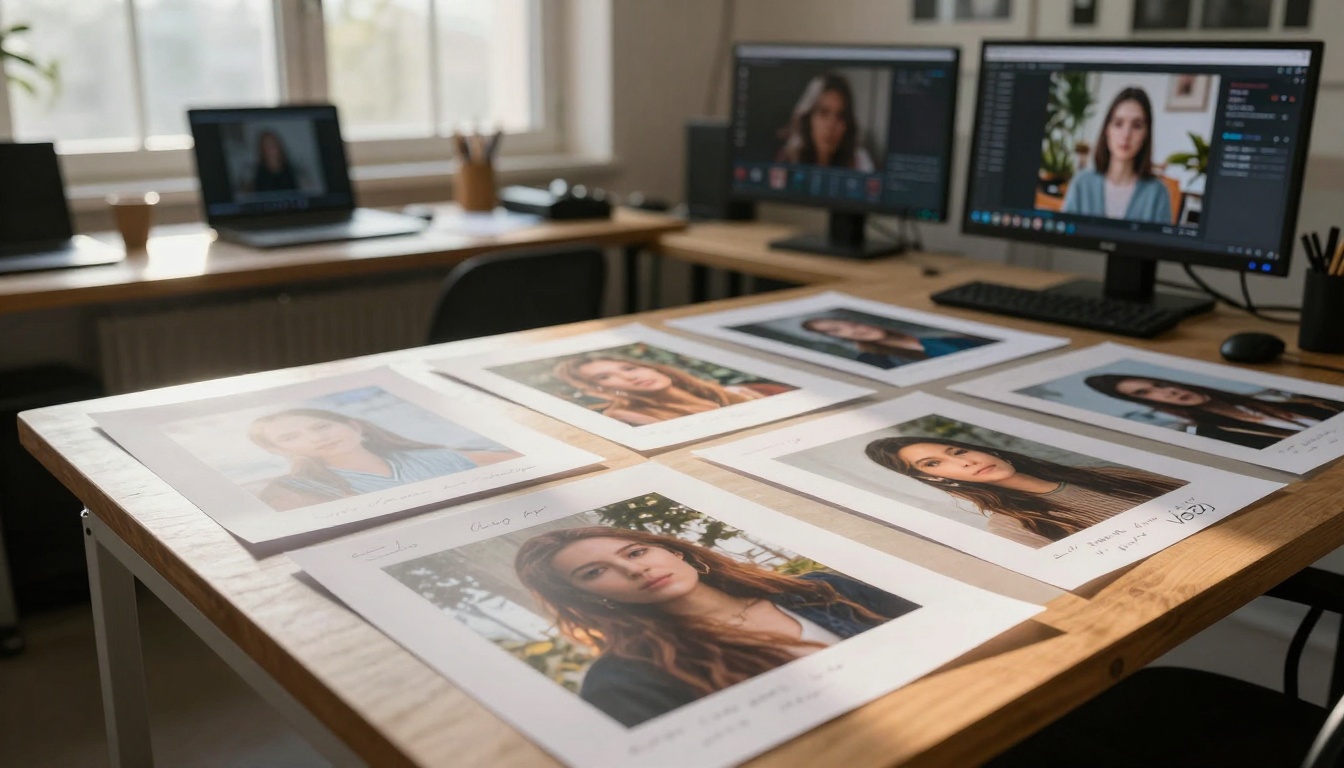
Cost Considerations
Veo 3 operates on a credit system similar to other AI platforms. Image-to-video conversion typically requires 2-4x the credits of image generation alone. However, the engagement multiplier often justifies the increased investment.
Future Developments and Trends
The image-to-video space continues evolving:
Real-time Animation
Emerging technologies promise near-instant conversion, opening possibilities for interactive applications and live content creation.
Style Transfer Animation
Applying specific artistic styles not just to static images but to entire motion sequences, creating consistently styled animated content.
Multi-image Narrative
Linking multiple AI images into cohesive storylines with smooth transitions and logical progression.
Interactive Video Elements
Viewer-controlled animation paths and exploration within animated AI environments.
Getting Started with Your Own Projects
Begin with simple transformations:
- Choose an AI image with clear motion potential
- Start with 5-second animations to understand the process
- Experiment with different motion intensities
- Gradually increase complexity as you gain confidence
Essential First Steps:
- Create an account on platforms offering Veo 3 access
- Generate or select 3-5 test images with varied subjects
- Run basic conversions to observe how different image types animate
- Document what works and what doesn't for your specific style
Progression Path:
Week 1: Master basic image-to-video conversion
Week 2: Experiment with layered animation techniques
Week 3: Integrate sound and music synchronization
Week 4: Develop platform-specific optimization strategies
The transformation from static AI images to dynamic video content represents one of the most significant advancements in creative technology. Tools like Veo 3 democratize animation, making motion accessible to creators without traditional video production skills. The combination of AI image generation with sophisticated animation technology creates entirely new categories of content—visual stories that move, breathe, and engage audiences in ways static images never could.
Your existing AI artwork contains untapped potential. Each image represents not just a single moment but the beginning of a visual narrative waiting to unfold. The transition from still to motion isn't merely technical—it's creative expansion, opening possibilities for storytelling, engagement, and artistic expression that redefine what's possible with AI-generated content.
Next Steps: Select one of your favorite AI-generated images and explore how it might transform with motion. Consider what elements would benefit from animation, what pacing would suit the content, and how the addition of temporal dimension might change the emotional impact. The tools exist; the creative potential awaits exploration.


