Most blog posts live and die on a single traffic spike. You hit publish, it gets shared, it ranks, and then it slowly fades into the archive. Meanwhile, over 100 million Americans listen to podcasts monthly, and that audience grows every year. Converting your existing blog content into podcast episodes is one of the fastest ways to tap into that audience without starting from scratch. And with today's AI voice technology, you can do it in under 30 minutes per episode, without a microphone, a recording booth, or a voice actor.
This is not about dumping your blog text into a converter and calling it a day. It is about adapting your written content into something that actually sounds like a real conversation, then generating it with a voice model that listeners will want to hear for 10 to 20 minutes straight.

Why Audio Reaches People Text Cannot
The attention gap nobody talks about
Written content demands active attention. You have to sit down, focus on a screen, and read from start to finish. Audio is different. A podcast episode can be consumed while commuting, exercising, cooking, or doing anything else that keeps the hands and eyes busy. That means your podcast audience is accessing your content during time slots that are completely inaccessible to blog posts.
The practical result is additive: the same person might read your blog at lunch and listen to your podcast on their evening run. You are not cannibalizing one audience for another. You are doubling your reach with the same content and zero extra writing.
Podcast vs blog traffic in 2027
Content consumption patterns shifted significantly after 2022. Blog traffic increasingly depends on search rankings, which are harder to hold as AI-generated content floods search results. Podcast listeners, by contrast, subscribe and return automatically. A subscriber to your podcast feed downloads every new episode without you doing anything extra, creating a direct distribution channel that does not depend on algorithms.
| Factor | Blog Post | Podcast Episode |
|---|
| Discovery | Search engines | Podcast apps, word of mouth |
| Repeat visits | Low, needs new content | High, subscription model |
| Consumption context | Active, screen required | Passive, hands-free |
| Average session length | 3 to 5 minutes | 20 to 45 minutes |
| Production cost with AI | Low | Low |
What "Repurposing" Actually Means Here
It is not a copy-paste job
Running your blog post directly through a text-to-speech model and publishing the result is the fastest way to produce something nobody will finish. Blog writing is structured for scanning. Readers skim headers, jump to bullet points, and skip around. Listeners cannot do any of that.
What sounds natural in audio is a sentence you could actually say out loud without stumbling. Short, active, direct. No bullet lists read aloud as "dash, dash, dash." No parenthetical asides buried in a run-on sentence. Audio needs breath, rhythm, and flow.
3 things to change before converting
Before you feed your blog post to any voice model, make these three adjustments:
- Rewrite bullet points as sentences. "Three ways to do X" becomes "There are three ways to do this. First, you..." Every bullet becomes a spoken transition.
- Remove all visual references. "As shown in the table above" means nothing in audio. Describe the data instead with spoken context.
- Add verbal signposting. Listeners cannot see your section headers. Say "Now let us talk about..." or "Here is the part most people miss..." to keep them oriented.
These three changes alone take a 1,500-word blog post from "robot reading a webpage" to something that sounds professionally produced. The process takes 15 minutes and makes an enormous difference to completion rates.
Picking the Right AI Voice Model
Natural vs robotic: what makes the difference
The gap between a voice that holds attention and one that people abandon after 90 seconds comes down to three things: prosody (the natural rise and fall of speech), pacing (appropriate pauses at the right moments), and expressiveness (slight emotional variation that signals importance or emphasis).
First-generation TTS systems were monotone because they had no model of sentence structure or meaning. Modern voice models trained on large datasets of human speech learn how a sentence feels, not just how it sounds phonetically. That is why models like ElevenLabs v3 and Minimax Speech 2.8 HD produce results that feel conversational instead of mechanical.
The best models for podcast-quality audio
Here is how the top options stack up for podcast production:
For podcast-quality audio where you want listeners to genuinely enjoy long-form narration, ElevenLabs v3 is the current benchmark. It handles long paragraphs without losing natural rhythm, and its emotional range is close enough to human narration that most listeners cannot tell the difference on the first episode. If you need speed for drafts or are processing several episodes at once, ElevenLabs Flash v2.5 cuts generation time significantly while maintaining strong quality for most formats.
Step-by-Step: Blog Post to Podcast Episode
Step 1: Rewrite for the ear, not the eye
Take your blog post and read every sentence aloud. If you stumble, rewrite it. If a sentence runs longer than 20 words, split it in two. Replace every passive construction with an active one. "The article was written to help you..." becomes "This article helps you..."
Add an audio-specific opening hook. Blog posts often start with context and background. Podcast episodes need to grab attention in the first 15 seconds or listeners skip forward. Open with a specific claim, a provocative question, or a concrete fact that immediately signals value.
💡 Tip: Write a one-sentence "previously on" summary if you plan to release episodes regularly from the same blog series. It builds listener habit and gives context to new subscribers finding older episodes.
Step 2: Choose your voice
Your voice choice is a branding decision. A calm, measured baritone signals authority and expertise. A warm, slightly conversational voice signals approachability. A faster-paced, energetic delivery works well for tech or productivity content.
ElevenLabs v3 offers a library of preset voices with distinct personalities. Resemble AI's Chatterbox Pro allows emotion control, letting you specify whether the voice should sound confident, calm, or engaged for different sections. Qwen3 TTS goes further with voice cloning, letting you design a completely custom voice from scratch using just a short audio sample.
Step 3: Generate and review
Paste your rewritten text into the model, generate the audio, and listen back at 1.0x speed. Not 1.5x. This is the step most people skip, and it is why so many AI podcasts sound unpolished. Common issues to listen for:
- Mispronounced names: Proper nouns and brand names often need phonetic correction in your script
- Unnatural pauses: Long paragraphs without punctuation get read without breath or rhythm
- Flat delivery on questions: Add a "?" and a paragraph break after rhetorical questions so the model treats them correctly
Adjust your text based on what you hear, not what you read. The text is now a script, not a blog post. Every edit you make improves the audio, not the page.
How to Use ElevenLabs v3 on PicassoIA
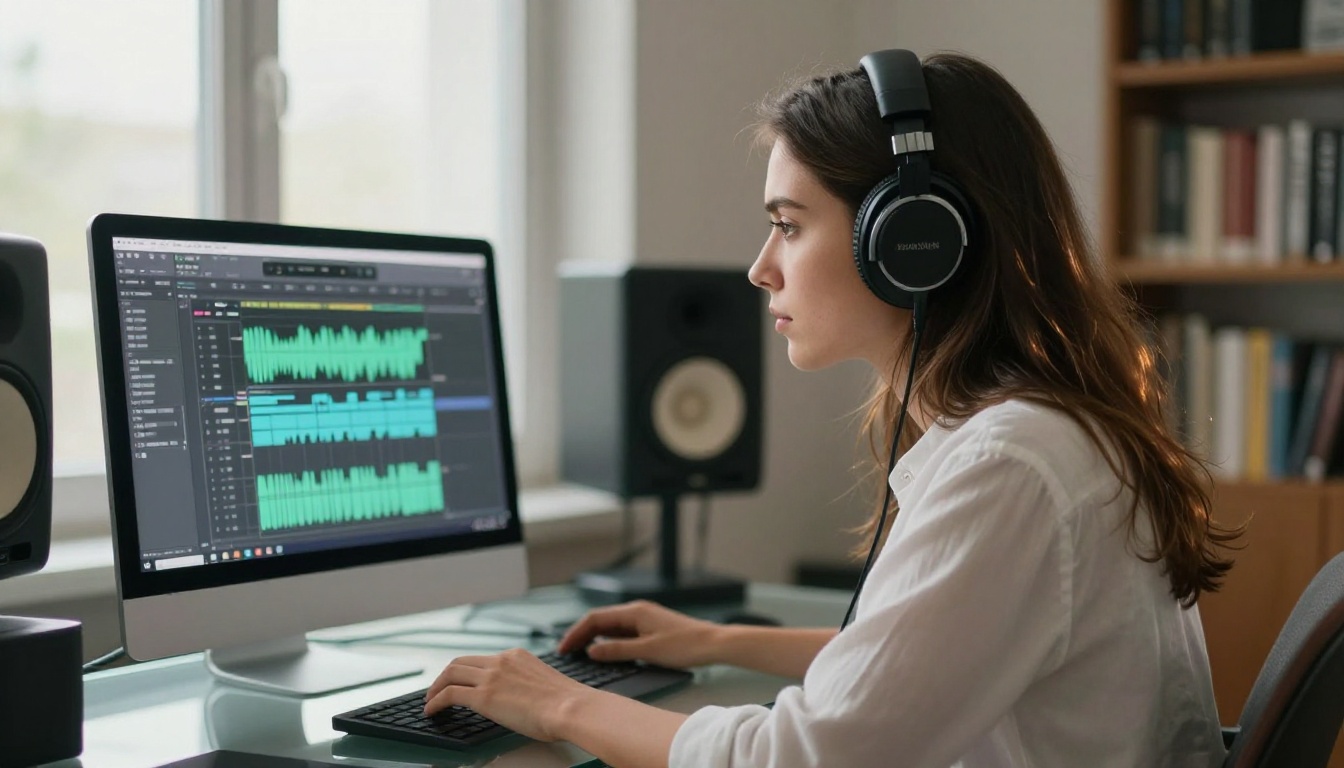
ElevenLabs v3 is available directly on PicassoIA with no software to install and no accounts to create elsewhere. Here is the full workflow:
Step 1: Open the ElevenLabs v3 model page on PicassoIA.
Step 2: Paste your rewritten blog post into the text input field. Keep each generation under 2,500 characters for best results. For longer posts, split into sections and merge the audio files afterward using any free audio editor.
Step 3: Browse the voice library. For podcast narration, voices in the "Narrative" and "News" categories perform best. Select one and run a short 2 to 3 sentence test with your opening paragraph before committing to the full piece.
Step 4: Click generate. The model returns an audio file you can download immediately in high quality.
Parameters that matter
ElevenLabs v3 exposes two settings that significantly affect output quality:
- Stability: Higher values produce consistent, predictable delivery. Lower values introduce variation and expressiveness. For podcast narration, a setting between 0.4 and 0.6 hits the right balance between consistency and natural-sounding delivery.
- Similarity Boost: Controls how closely the output matches the selected voice preset. Keep this above 0.7 for consistent brand audio across episodes so your show sounds cohesive over time.
💡 Tip: Run the same paragraph through ElevenLabs Flash v2.5 first to check pacing and flow. Flash is faster for iteration. Switch to v3 for the final high-quality render once you are happy with the script.
Adding Background Music the Right Way

Intro music: yes or no?
Short answer: yes for the intro, no for the body. An intro of 5 to 10 seconds with a music sting signals that this is a produced show, not a raw recording. It sets listener expectations and gives your podcast a professional identity. Background music under the narration, however, competes for attention and makes the spoken word harder to process, which increases drop-off rates significantly.
The rule of thumb is simple: music in, music out. A brief musical opener, then pure narration, then a brief musical outro.
AI music tools for podcasters
You do not need to license music or hire composers. ElevenLabs Music generates royalty-free original tracks from a text prompt in seconds. Describe the mood: "upbeat, professional, modern, suitable for a tech podcast intro, 8 seconds" and it produces exactly that.
For longer outro music or background beds used during transitions, Google Lyria 3 creates full-length original compositions you own completely. The quality is noticeably better for extended pieces where ElevenLabs Music excels at short punchy stings.
💡 Tip: Generate 3 to 5 variations of your intro music and pick the one that best matches your brand's tone. Consistency across episodes matters more than finding the single "best" track you can imagine.
Voice Cloning: Your Brand's Sonic Identity

When to clone, when to pick a preset
Voice cloning lets you capture your own voice and use it to narrate content without recording a single word. Minimax Voice Cloning requires only a short sample (30 to 60 seconds of clean audio) to build a reliable voice model that can narrate any text in your voice.
This makes strong sense if you already have an established audience that associates your voice with your brand. Your subscribers want to hear you, not a preset. Cloning lets you narrate 10 episodes a week without spending time speaking them.
For new podcasters who have not yet established a sonic identity, preset voices from ElevenLabs v3, Chatterbox Pro, or Gemini 3.1 Flash TTS are faster to deploy and allow testing different voices before committing to one long-term.
Play Dialog is worth a mention for a distinct format: two-voice podcast conversations. If your blog post has a Q&A structure or presents opposing perspectives, you can assign different voices to each position and generate a dialogue-format episode that feels like a hosted show with two speakers, all from a single blog post.
Getting Your Podcast Out There
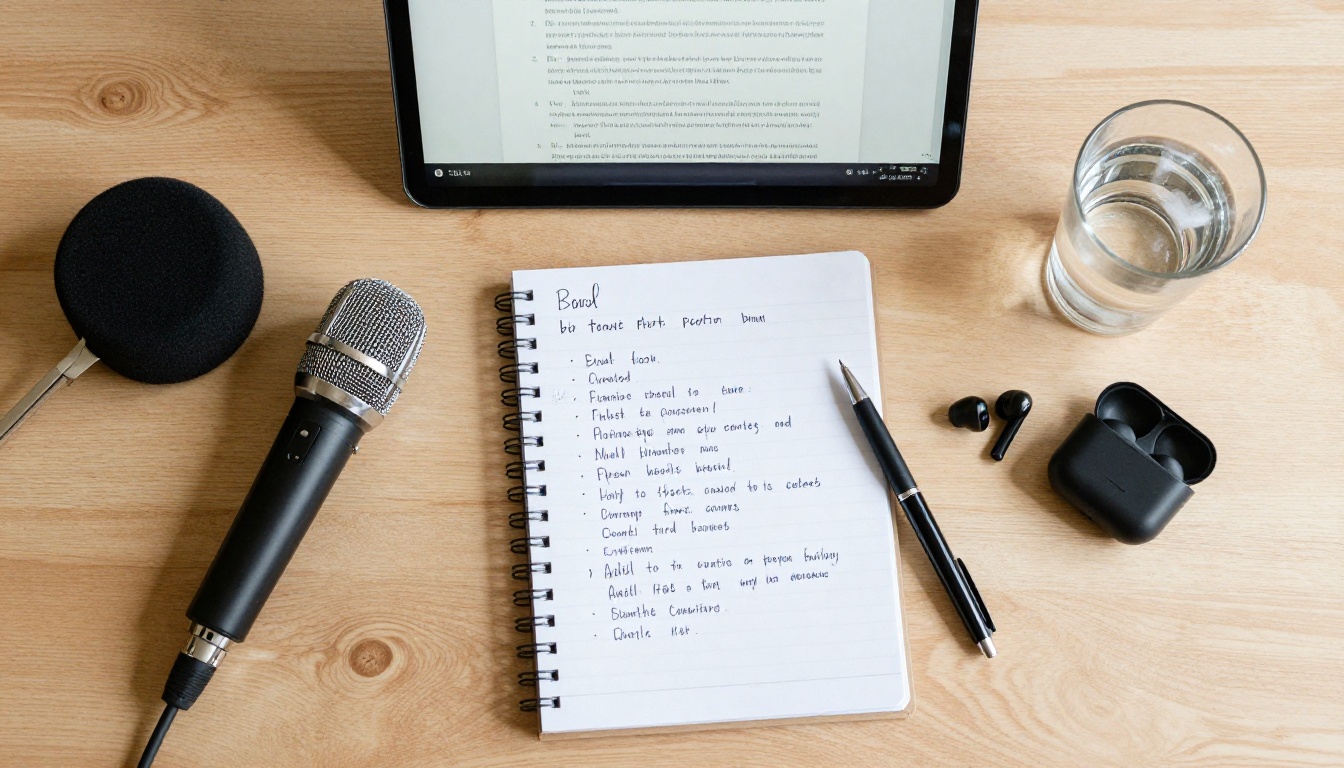
Hosting platforms that matter
Your generated audio file needs a home before it can reach Spotify, Apple Podcasts, or YouTube Music. Podcast hosting platforms handle the RSS feed, distribution, and analytics automatically. The main options worth considering in 2027:
- Buzzsprout: Best for beginners, clean interface, direct Spotify and Apple submission
- Podbean: Strong free tier, built-in monetization tools for later stages
- RSS.com: Most affordable paid option for high-volume publishers pushing multiple episodes weekly
- Transistor: Best for running multiple shows under one account
Upload your episode, write a title and description (treat this exactly like on-page SEO), add cover artwork, and publish. The platform pushes the episode to all connected directories within 24 to 48 hours.
RSS and distribution basics
Every podcast runs on an RSS feed. It is a text file that tells podcast apps "here is the latest episode, here is the title, here is the audio file URL." You do not need to manage this manually. Your hosting platform generates and maintains the RSS feed automatically.
The practical step is to submit your RSS feed once to the major directories: Apple Podcasts, Spotify, and Amazon Music. After that initial one-time submission, every new episode you publish pushes automatically to all three. You publish once and it appears everywhere your listeners already are.
💡 Tip: Use GPT-4o Transcribe to generate episode transcripts automatically. Upload your finished audio file, get back a full text transcript in minutes, and add it to your episode description page. It doubles as SEO content and improves accessibility for deaf and hard-of-hearing audiences.
4 Mistakes That Kill Audio Quality
Most AI-generated podcasts fail in predictable, fixable ways. Here are the four that show up most often:
1. No script rewriting. Feeding raw blog text to a TTS model produces audio that sounds like a robot reading a webpage because that is exactly what it is. Always rewrite for the ear before generating.
2. Wrong voice for the content. A slow, monotone delivery for fast-paced tech content loses listeners inside the first 2 minutes. Match the voice energy to the content type. ElevenLabs Turbo v2.5 has energetic voice options well-suited for productivity and startup topics.
3. No quality review. Generate the audio, then listen to all of it at 1.0x speed before publishing. Every single episode, without exception. Mispronounced words and unnatural pauses are only findable by listening, not by reading the script again.
4. Inconsistent voice across episodes. Switching between different TTS models breaks the sonic identity you are building with repeat listeners. Pick one voice, stick with it, and only change it deliberately as a branding decision.
💡 Tip: When you find a combination of voice, stability settings, and script style that sounds right, document it. Build a "voice template" you reuse for every episode. Consistency beats perfection every time.
Start Publishing Today

You already have a blog. That means you have the raw material for an entire podcast library sitting in your archives right now. Every post you have already published is a potential episode. Every future post you write is two pieces of content at once, for two different audiences, on two different distribution channels.
The tools to do this are available today with no recording equipment, no studio time, and no voice acting skills. ElevenLabs v3 handles narration that sounds genuinely human. Minimax Speech 2.8 HD delivers studio-grade audio on demand. ElevenLabs Music generates your intro and outro in seconds. The entire production stack costs nothing to start.
Pick your best-performing blog post. Rewrite it for audio using the three adjustments above. Run it through ElevenLabs v3 on PicassoIA. Listen once, adjust once, publish. Your first episode can be live within the hour.
The audience that does not read your blog is waiting to listen to it.


