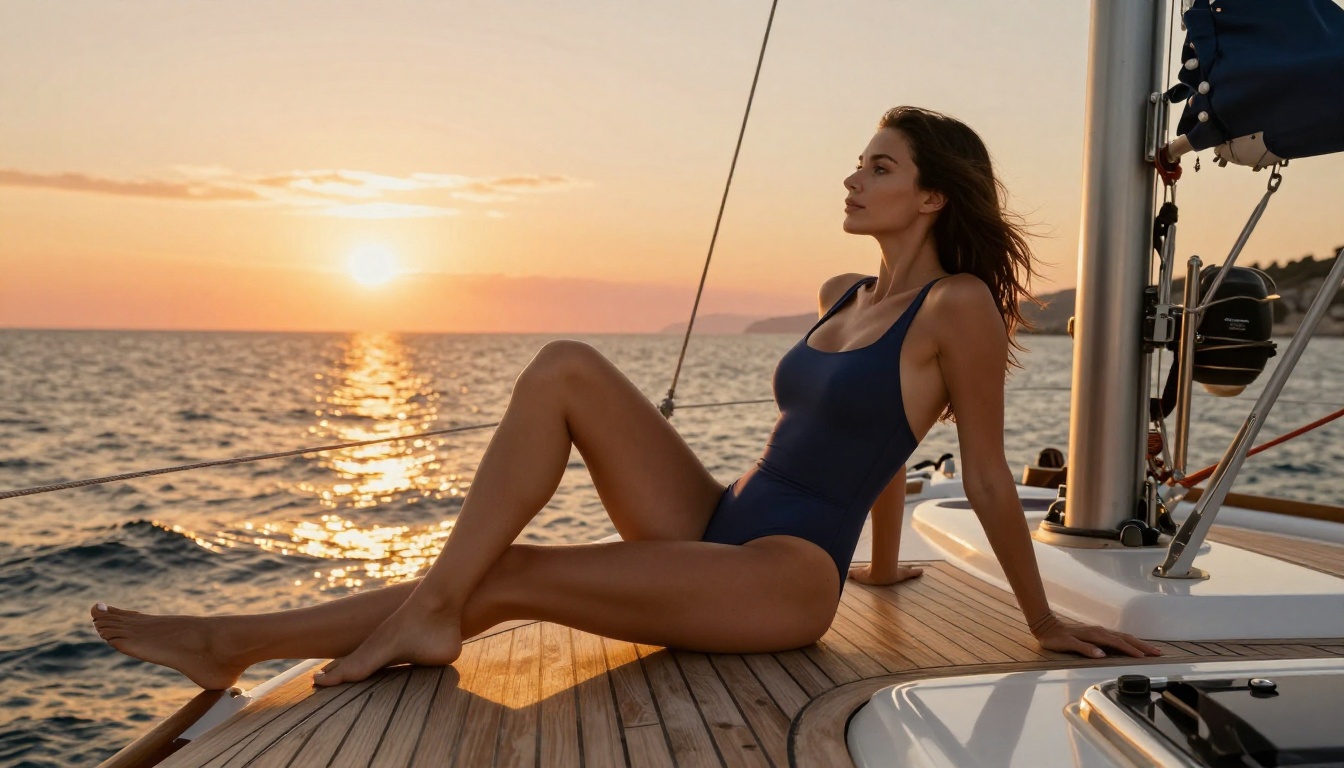
Turn Drawings Into NSFW Photos with Seedream 5.0 is a workflow that used to demand significant technical skill. You needed Stable Diffusion, a local GPU, a ControlNet model setup tuned to your sketch style, and hours of trial and error before getting something that passed for a photograph. Today, the same result runs from a browser tab in under a minute. Seedream, ByteDance's flagship image generation family, has made sketch-to-photo conversion fast, photorealistic, and uncensored for adult content through one specific model in its lineup.
This article breaks down exactly how to do it: which Seedream version handles NSFW prompts without blocking you, how to configure generation settings for convincing skin texture and lighting, what makes a sketch a strong reference versus what the model ignores, and how resolution choices affect the realism of what you get back. If you have ever wanted to take a rough figure drawing or a detailed line sketch and see it rendered as a photorealistic photograph, this covers the complete picture.
How Sketch to Photo AI Actually Works
Most people imagine that turning a drawing into a photo means the AI "colors in" the lines. What actually happens is more useful. The model reads your sketch as a structural constraint: it takes the implied shapes, the composition, and the relative positions of forms and figures, then rebuilds the entire scene from scratch in a photorealistic style.
The sketch tells the model where things are. The prompt tells the model what those things look like in photograph form. A gesture sketch of a standing figure becomes, in Seedream's output, a subject with natural skin pores, soft studio lighting sculpting the collarbone and shoulders, fabric with realistic drape and weight, and a background with appropriate depth of field.
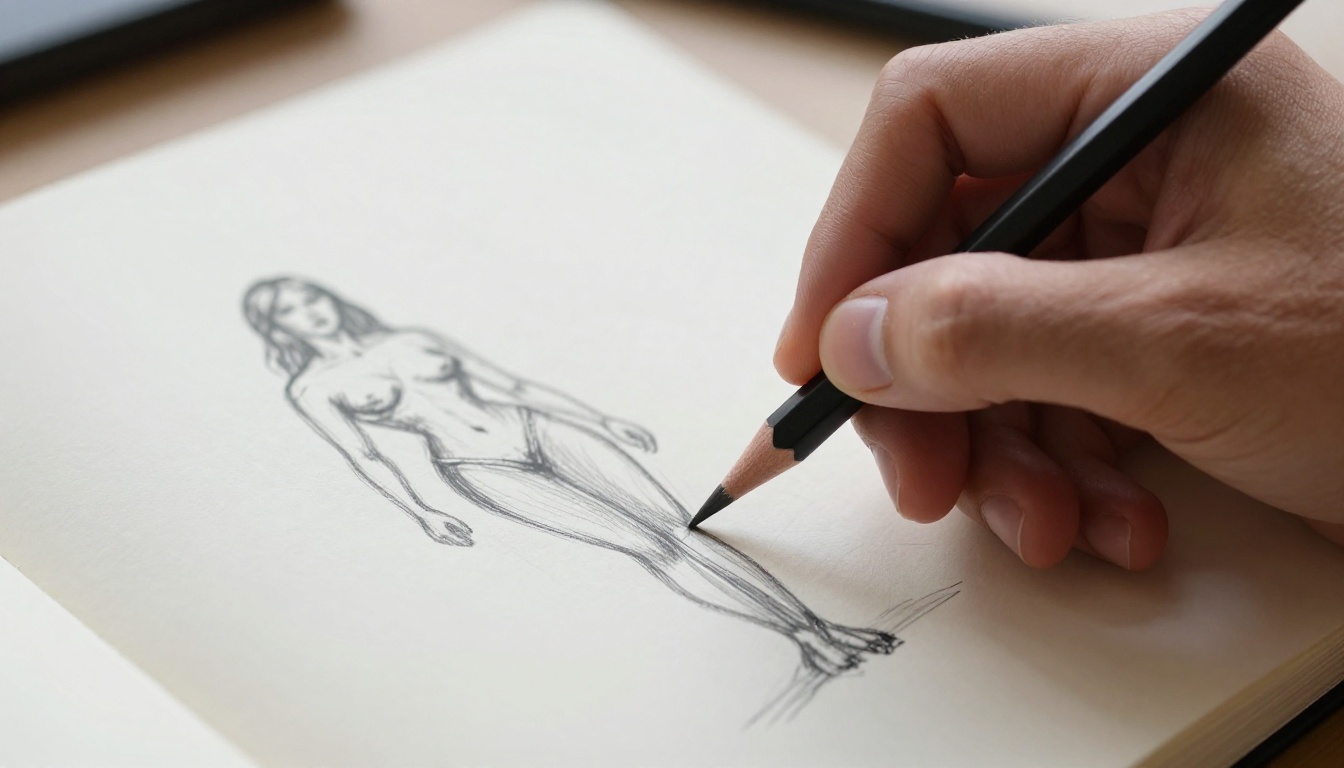
What this means practically is that the quality of your sketch matters less than you think. A loose, gestural drawing with confident lines is often more useful than a tight, overworked sketch with heavy correction marks. The AI reads the gesture, not the precision of each individual line. A clear indication of pose and proportion is all it needs. The photorealism comes entirely from the model itself.
What Seedream 5.0 Adds to the Formula
The Seedream 5 generation introduces stronger multi-part prompt reasoning. When you describe a complex scene with specific lighting, a particular environment, and detailed styling, the model now parses all of those simultaneously rather than prioritizing some elements and dropping others. This is most visible when you combine a reference sketch with a detailed text prompt: the output reflects both inputs more faithfully than earlier versions managed.
Seedream 5 also adds sequential generation, where the model produces up to 15 related images in one session. For character work where you want the same figure in multiple poses, or for content series that need visual consistency across frames, this removes the need to manually run each generation separately.
What the Lite Version Does Not Do
Seedream 5 Lite is the version currently available on PicassoIA for the 5.0 generation. It is excellent for clean content: fashion photography, concept art, portrait work, product visuals, editorial illustration. For NSFW sketch conversion, it blocks. The safety checker in Seedream 5 Lite cannot be disabled, and adult prompts will either return a modified safe image or a refusal. This is not a setting you can work around; it is how the model is configured at this version.
💡 Important: For NSFW output, use Seedream 4.5. It is the version with disable_safety_checker support and outputs at full 4K resolution.
The Right Model for NSFW Drawing Conversion
The Seedream family has four distinct versions available on PicassoIA. They are not interchangeable for adult content work.
Seedream 4.5: The Primary Recommendation
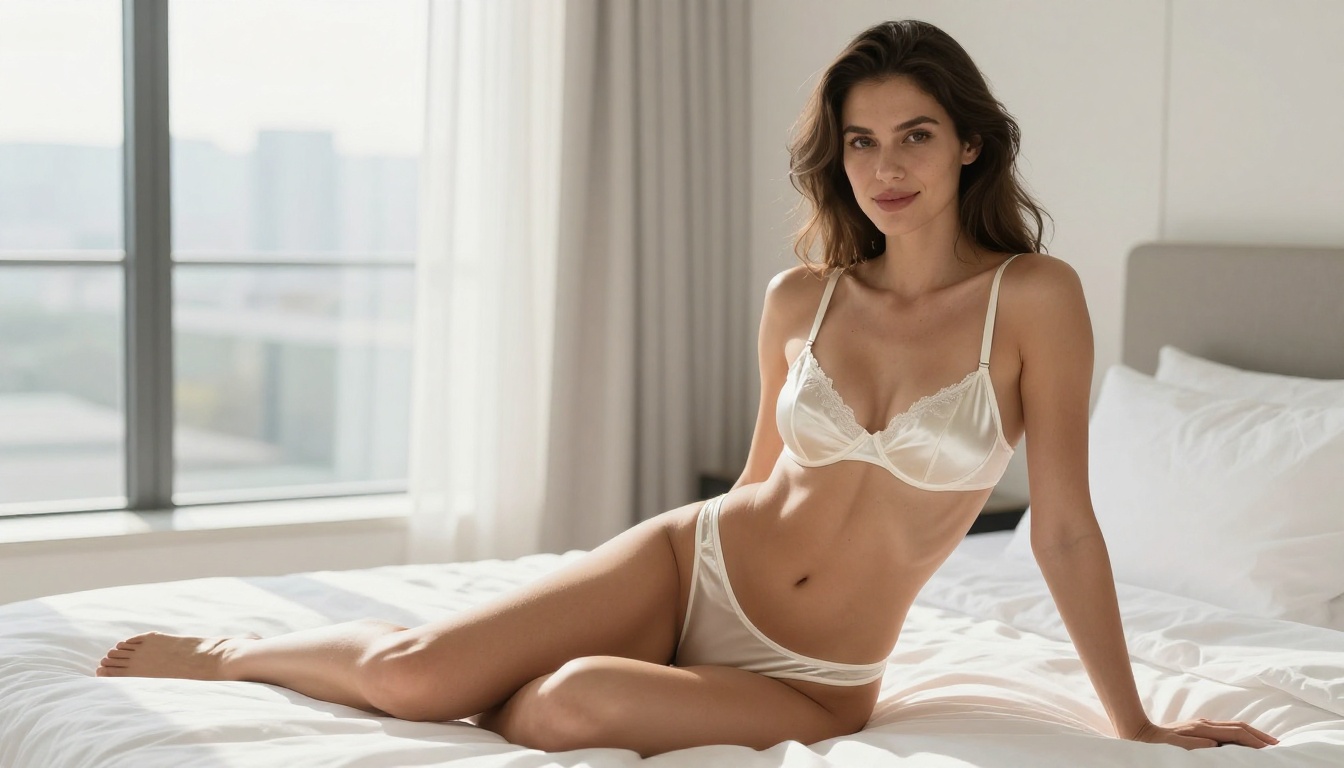
Seedream 4.5 is where you start for any sketch-to-NSFW workflow. This version includes a configurable safety system: when you disable the safety checker, the model switches from the standard filter set (which blocks most adult content) to a narrower gate that only restricts illegal material. Everything else, glamour, suggestive imagery, implied nudity, tasteful boudoir work, goes through without interference.
Technical specs for Seedream 4.5:
- Output resolution: 2K (2048px) or 4K (4096px)
- Input: Text prompt or 1 to 14 reference images
- Safety checker: Disableable for adult content
- Sequential generation: Up to 15 images per session
- Aspect ratios: 9 presets or custom pixel dimensions
- Speed: 15 to 45 seconds per image at 4K
The multi-reference input system in Seedream 4.5 lets you upload your sketch plus a reference photograph for the lighting style you want plus a second reference for the environment. All of these feed into the generation simultaneously, giving you composite control that single-reference models cannot match.
PicassoIA Image Editor Pro for Unlimited Work
If you are generating content regularly, credit limits become practical friction. PicassoIA Image Editor Pro removes that friction entirely. You get unrestricted generation access across every model on the platform, which matters when you are iterating on prompts, testing 10 pose variations before choosing one, or running a large batch of character images from sketches. The output quality is identical to the standard tier; there is simply no meter running.
For anyone doing serious volume with sketch-to-photo conversion, the Pro plan is the setup that makes the work sustainable rather than rationed.
Comparing All Four Seedream Versions
The Step-by-Step Workflow
The actual process runs in your browser on PicassoIA. No local setup, no GPU, no command line required.
Step 1: Prepare Your Drawing
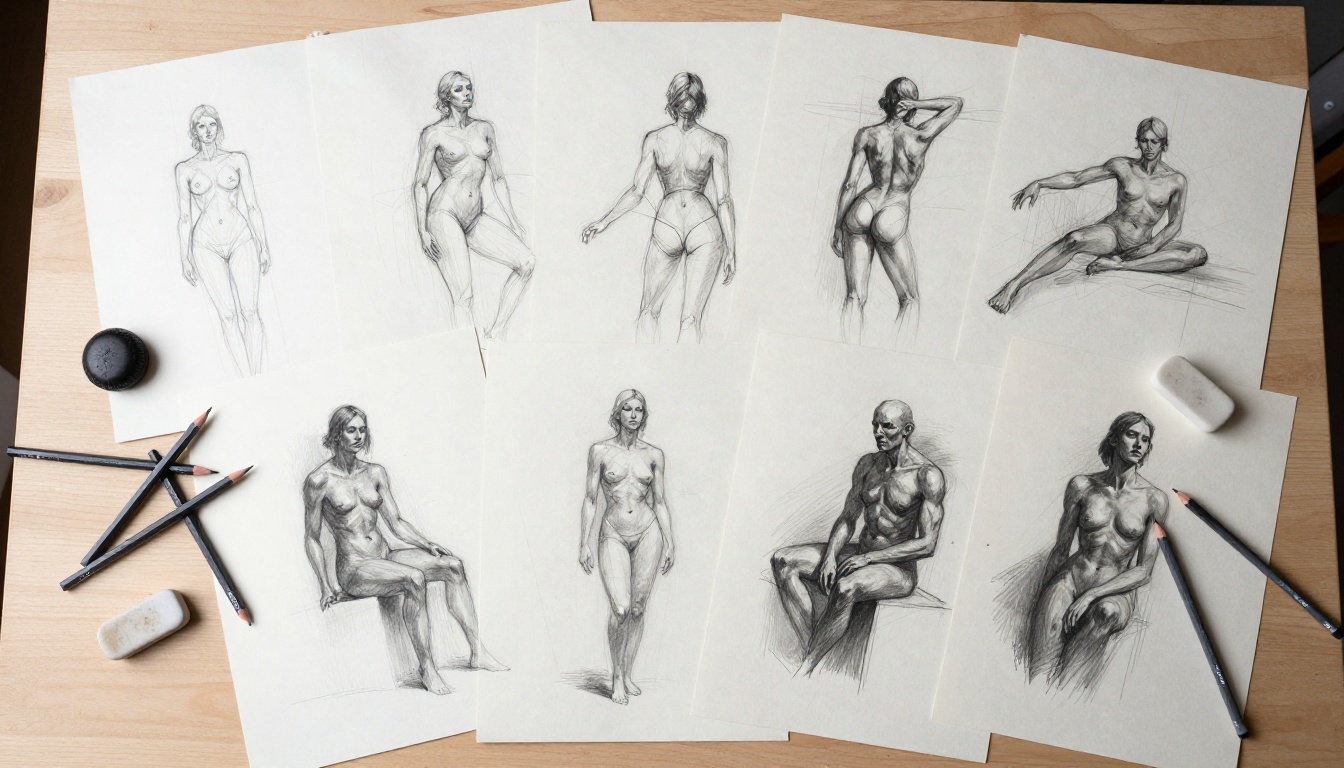
A photograph of a sketch works. A scanned line drawing works. A digital drawing exported as PNG or JPEG works. The model accepts all standard image formats.
What actually matters for good input:
- Clear gesture: The figure's main pose should read at a glance without analysis
- Minimal correction clutter: Heavy erasing and re-drawing creates confusing lines the model may misinterpret
- Simple background in the sketch: A plain background lets the model create its own environment rather than inheriting sketch noise
- High contrast: Dark lines on white or light paper give the model clean structure to read
If you do not have a physical sketch, skip the reference image entirely and write a more detailed text prompt. The model generates from text alone with strong results; the sketch adds pose precision but is not a requirement.
Step 2: Open Seedream 4.5 and Configure
Go to Seedream 4.5 on PicassoIA. In the model interface:
- Upload your sketch to the Image Input field
- Write your generation prompt (see prompt structure below)
- Set Size to
4K for maximum detail output
- Set Aspect Ratio to match your intended output (16:9 for landscape, 9:16 for portrait, 2:3 for full-body figures)
- Toggle Disable Safety Checker to ON
- Hit generate
Generation time at 4K is typically 20 to 45 seconds depending on server load.
Step 3: Write a Prompt That Works
The prompt is where most users leave results on the table. A vague prompt produces a vague result. Write the prompt like a professional photography brief.
A strong NSFW portrait prompt structure:
Subject and Pose + Lighting Direction + Camera and Lens + Skin Detail + Film Aesthetic + Style Tags
Example: "A beautiful young woman with bare shoulders, sitting on white linen bedding, looking directly at camera, soft diffused morning light from floor-to-ceiling windows on the left, Canon EF 85mm f/1.4, natural skin pores visible, collarbone shadow, Kodak Portra 400 film grain, RAW photography, photorealistic, 8K"
💡 The phrases "Kodak Portra 400" and "RAW photography" consistently push Seedream toward natural color science and film-like tonal curves rather than the oversaturated look that plagues many AI generators. Use them.
What Drives Realism in the Output
Two factors separate a convincing photograph from an obviously AI-generated image: skin texture at full resolution and physically plausible lighting.
Skin Texture at 4K
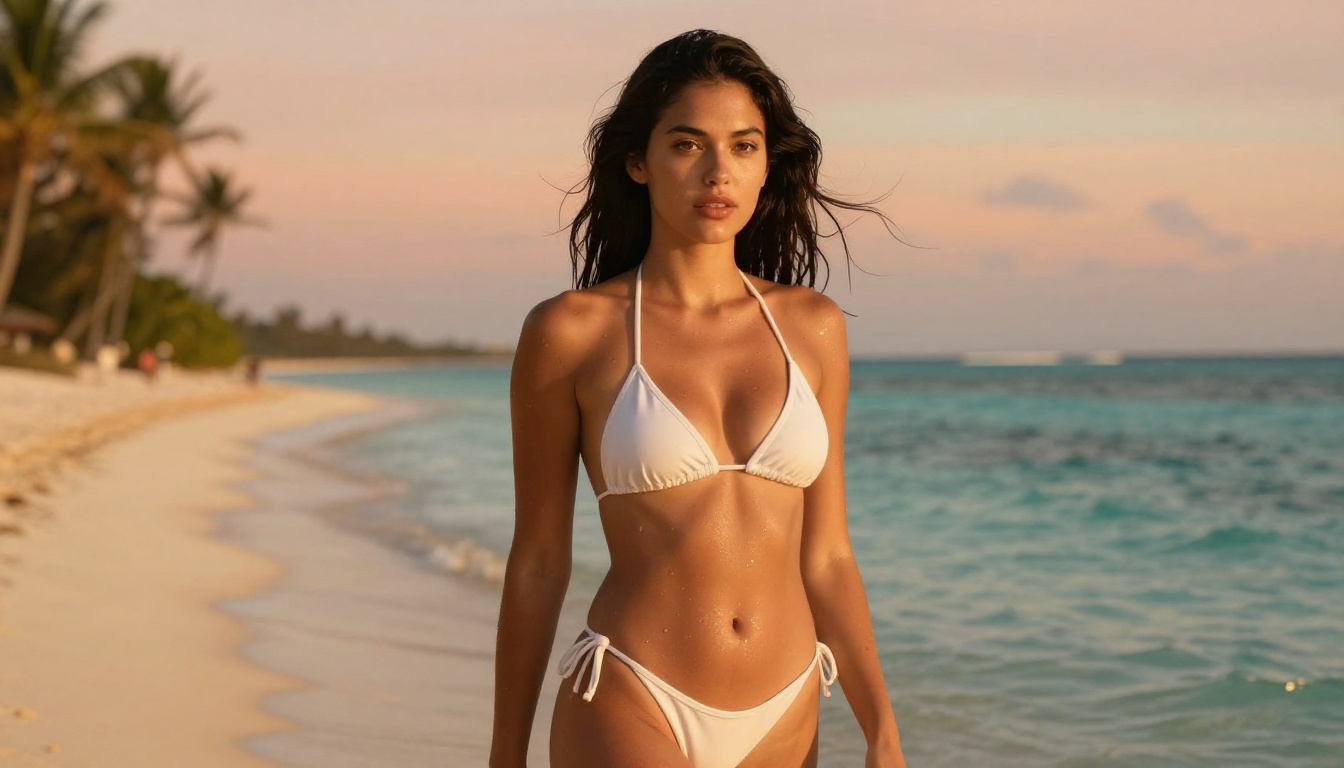
At 4K from Seedream 4.5, the model renders micro-detail that simply does not fit in a 2K pixel budget. Individual skin pores become visible at medium distances. Natural uneven skin tone reads convincingly, including the subtle color difference between sun-exposed areas and shadow. The shadow under the jaw, the texture of lip skin, and the way muscle definition shows through the skin at certain poses all become distinct at 4096px.
The test: crop into the output and zoom. If the skin holds detail under magnification, the resolution and prompt were strong. If it degrades into smooth plastic-looking texture, you need more resolution or more specific skin detail in the prompt.
Lighting That Reads as Real
Seedream 4.5 handles several specific lighting scenarios particularly well:
- Rembrandt lighting: One key light creating a triangular highlight on the cheek opposite the shadow side. Describes easily in prompts and renders consistently.
- Backlit window silhouette: A figure against a bright window with sheer fabric creates elegant translucency effects with beautiful rim lighting.
- Golden hour skin warmth: Warm amber light on skin with water droplets produces convincing warmth and specular highlights.
- Studio octabox: Single large softbox from 45 degrees above. Clean, controllable, closest to professional studio photography.
Hard direct flash from the front is one of the harder scenarios for AI models. If realism is the goal, describe indirect, wrapped, or directional natural light sources in your prompt.
The Artistic Silhouette Approach
For a different visual style that still reads as photographic, describe a backlit figure in sheer or translucent fabric against a bright window. The model handles this remarkably well, producing images with luminous fabric texture and artistic body silhouettes that are aesthetically compelling without requiring explicit content in the prompt.
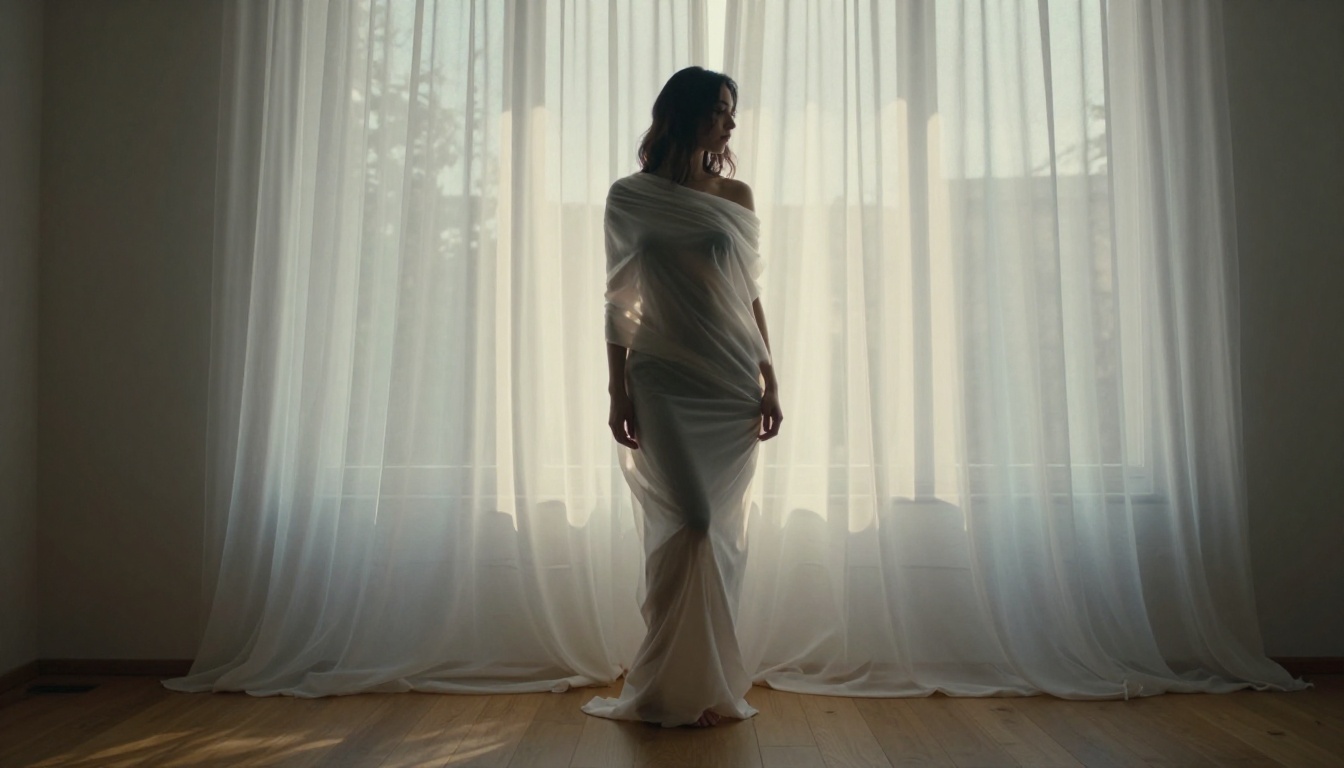
This approach works particularly well for artistic NSFW content that prioritizes aesthetic composition over literal depiction.
Prompt Variables That Change Everything
Small changes to specific prompt elements produce dramatically different results. Here are the variables worth testing systematically:
Lighting Variables
| Lighting Description | Visual Effect |
|---|
| "Rembrandt lighting from upper left" | Dramatic shadows, sculptural face |
| "Soft octabox from 45 degrees" | Even, professional studio look |
| "Golden hour from west-facing window" | Warm amber, romantic tone |
| "Backlit diffused window, sheer curtain" | Silhouette, translucent fabric |
| "Overcast natural light, no direct sun" | Flat, soft, even skin tones |
Camera and Lens Variables
| Lens Description | Effect on Image |
|---|
| "85mm f/1.4 shallow depth of field" | Soft background, face in focus |
| "35mm f/2.0 wide" | More environmental context |
| "135mm f/1.8 telephoto compression" | Compressed perspective, intimate |
| "50mm f/2.0 standard" | Natural perspective, balanced |
Testing two or three lighting variations on the same sketch often reveals which direction best serves the subject and mood you are after.
While Seedream 4.5 is the recommended model for final NSFW output, the other versions serve useful roles in a complete workflow.
Seedream 3 for Rapid Iteration
Seedream 3 outputs at 2K and is the fastest model in the lineup. Use it in the early ideation phase when you need to see 10 different prompt variations before committing to the one you want to refine at full resolution. The cost of a long 4K generation on a prompt you would have discarded adds up fast. Seedream 3 gives you answers quickly.
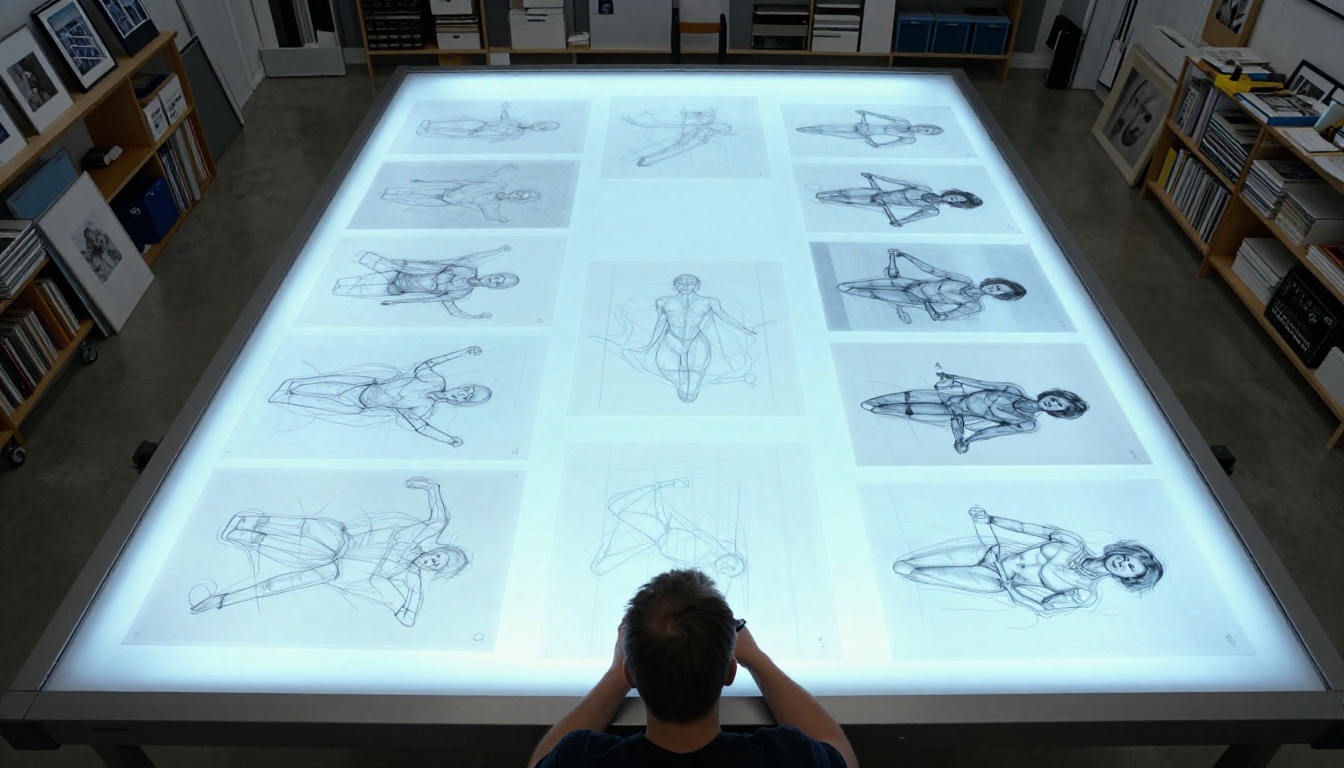
Practical use cases for Seedream 3 in this workflow:
- Test 5 to 10 pose variations in under 10 minutes
- Find the lighting direction before committing to a 4K generation
- Rough out mood and atmosphere before adding detail
- Confirm that your sketch reads correctly as a reference before the full run
Seedream 4 for Mid-Detail Work
Seedream 4 supports 4K output and includes the reference image input system. For content that sits in suggestive rather than explicitly adult territory, glamour and fashion-adjacent work that stays within standard platform content guidelines, Seedream 4 often produces strong results with slightly different aesthetic tendencies than 4.5. It is a solid option when partial content guidelines are sufficient for the project.
The Super-Resolution Option
After generating at 4K with Seedream 4.5, you can push detail even further. PicassoIA includes super-resolution upscaling models that take your generated output and scale it up while sharpening micro-details rather than simply interpolating pixels.
The two-step process:
- Generate at 4K with Seedream 4.5
- Pass the output through a super-resolution model on PicassoIA
The resulting image at 2x or 4x upscale holds additional skin detail, sharper hair strands, and improved fabric texture that the 4K source did not fully resolve. For large-format output or content intended for zoomed display, this two-step approach produces the highest detail ceiling available on the platform.
Portrait Photography Results: What to Expect
For portrait-oriented NSFW content, the Seedream 4.5 output at 4K in 9:16 or 2:3 aspect ratio consistently delivers:
- Photorealistic facial skin with natural pores at medium distances
- Convincing hair strand detail with appropriate light interaction
- Natural shoulder, collarbone, and upper body anatomy
- Accurate fabric behavior (drape, translucency, texture) on clothing and lingerie
- Background that recedes naturally with appropriate depth of field
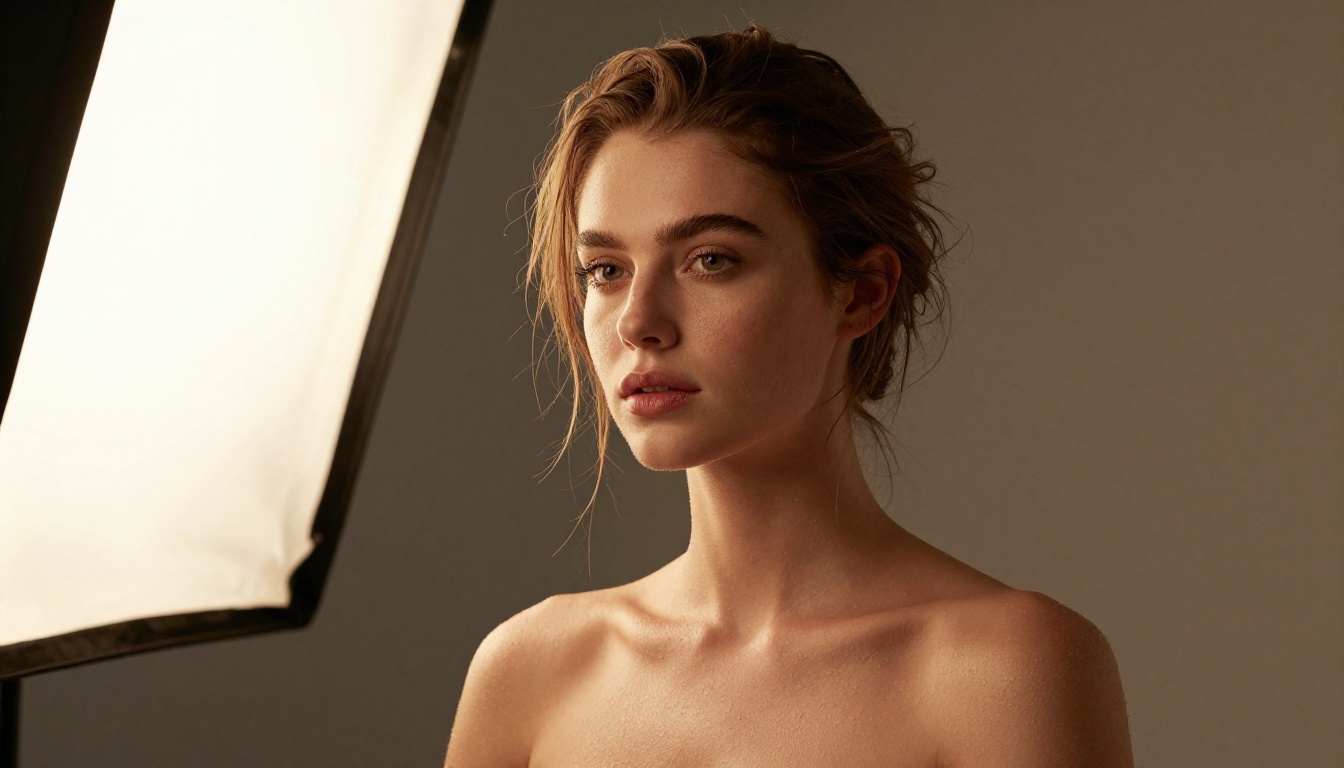
Where results vary most is in extremity detail: hands, feet, and complex multi-person compositions. For single-figure portraits from the waist up, the model is consistently strong. For full-body compositions or complex poses with hand gestures, the reference sketch becomes more important because it constrains the anatomy the model would otherwise generate with less guidance.
What You Can Build with This Workflow
The sketch-to-NSFW workflow serves several distinct creative use cases beyond simple experimentation:
- Character concept art: Take a rough figure sketch of an original character and see it rendered as a photograph at any resolution
- Pose reference library: Build a personal library of reference photographs in specific poses by starting from gesture drawings
- Fashion and styling visualization: Sketch clothing concepts and render them on a photorealistic figure at full detail
- Sequential character series: Use Seedream 4.5's batch mode to generate 10 to 15 consistent images of the same character in varied poses from one session
- Storyboard realization: Convert rough storyboard panels into detailed photorealistic scene photographs for pre-production reference
The common thread across all of these is that your drawing does not need to be polished or technically precise. It needs to communicate intent clearly enough that the model can read the composition and fill in the rest. That is the entire value of this workflow.
Start Generating on PicassoIA
Every model in the Seedream family is available right now on PicassoIA, with no software installation required. Seedream 4.5 runs in your browser, accepts your sketch as a reference image, and outputs at 4K resolution with the safety checker disabled for adult content.
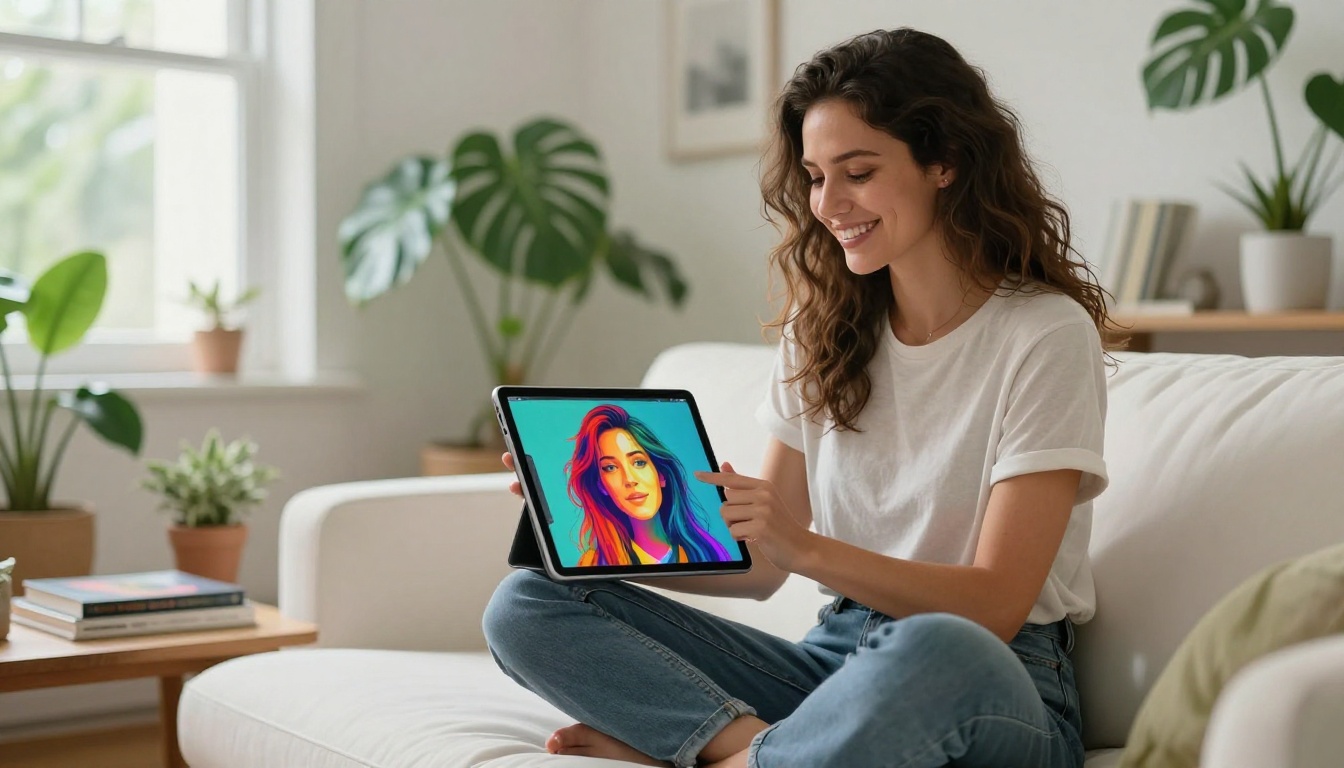
Open Seedream 4.5, upload a sketch or write a detailed prompt with specific lighting and camera lens specs, set the resolution to 4K, toggle the safety checker off, and run your first generation. The result will tell you far more than any written description can.
The full model library, including over 90 text-to-image models beyond the Seedream family, is at picassoia.com/en/all-models. Pick your starting point and see what your first sketch produces at full resolution.