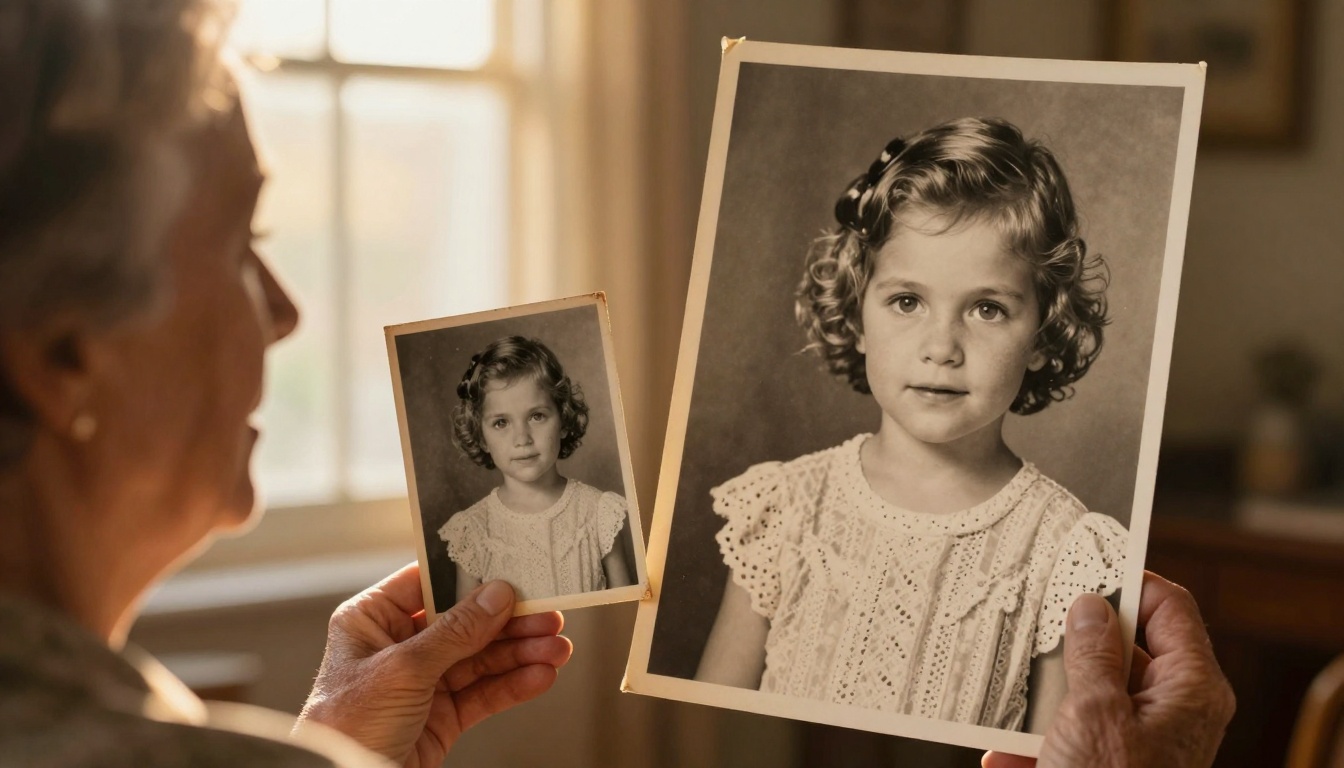
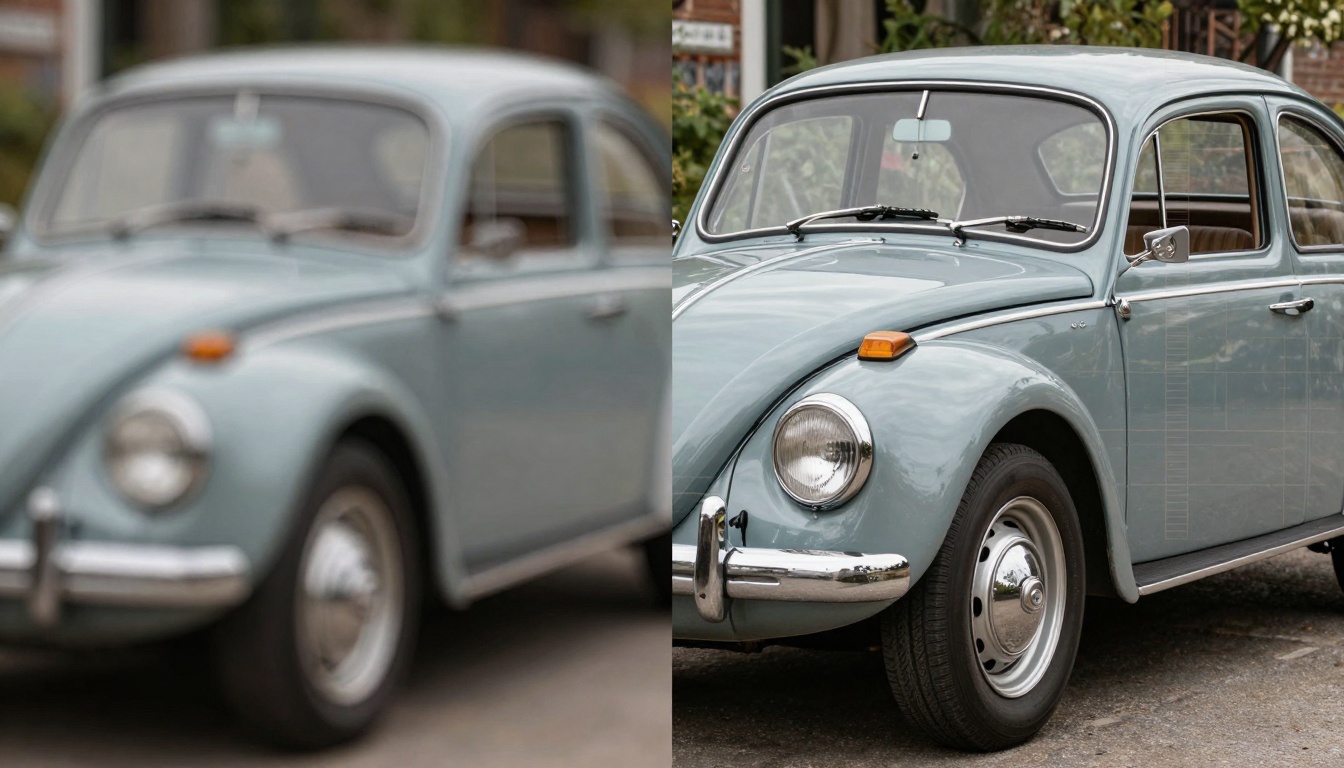
The faded photograph in your grandmother's album holds more than memories—it contains details waiting to be discovered. That grainy black-and-white image from 1957, the washed-out vacation photo from 1972, the scratched portrait from your childhood—each contains visual information that modern AI upscaling technology can resurrect in breathtaking 8K resolution.

What AI Upscaling Actually Does
Traditional photo enlargement relied on simple mathematical interpolation. When you zoomed in on a pixelated image, software would guess what colors should fill the gaps. The result? Blurry, artificial-looking images that lost more detail than they gained.
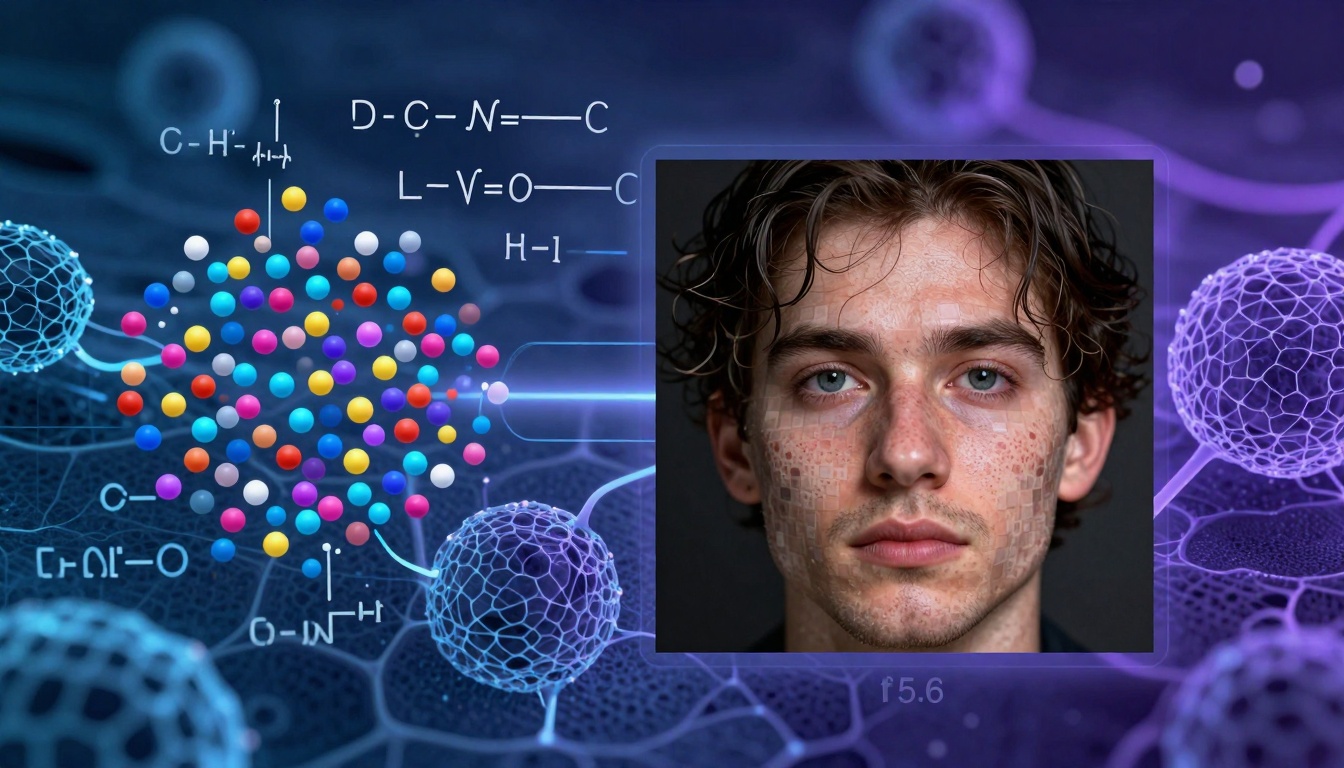
AI upscaling works fundamentally differently. Instead of guessing, neural networks analyze millions of image patterns to understand how photographs naturally look. When presented with a low-resolution image, these systems don't just fill pixels—they reconstruct missing details based on learned visual patterns.
💡 The Breakthrough: AI doesn't "enhance" what's there—it intelligently reconstructs what should be there based on photographic principles, texture databases, and contextual understanding.
How Neural Networks Restore Lost Details
The magic happens through several simultaneous processes:
- Noise Reduction: AI separates photographic grain from actual image content
- Edge Detection: Algorithms identify boundaries that need sharpening
- Texture Synthesis: Missing textures are generated based on surrounding patterns
- Color Reconstruction: Faded colors are restored based on hue relationships
- Detail Prediction: Missing facial features, fabric patterns, and environmental elements are recreated
The Hardware You Actually Need
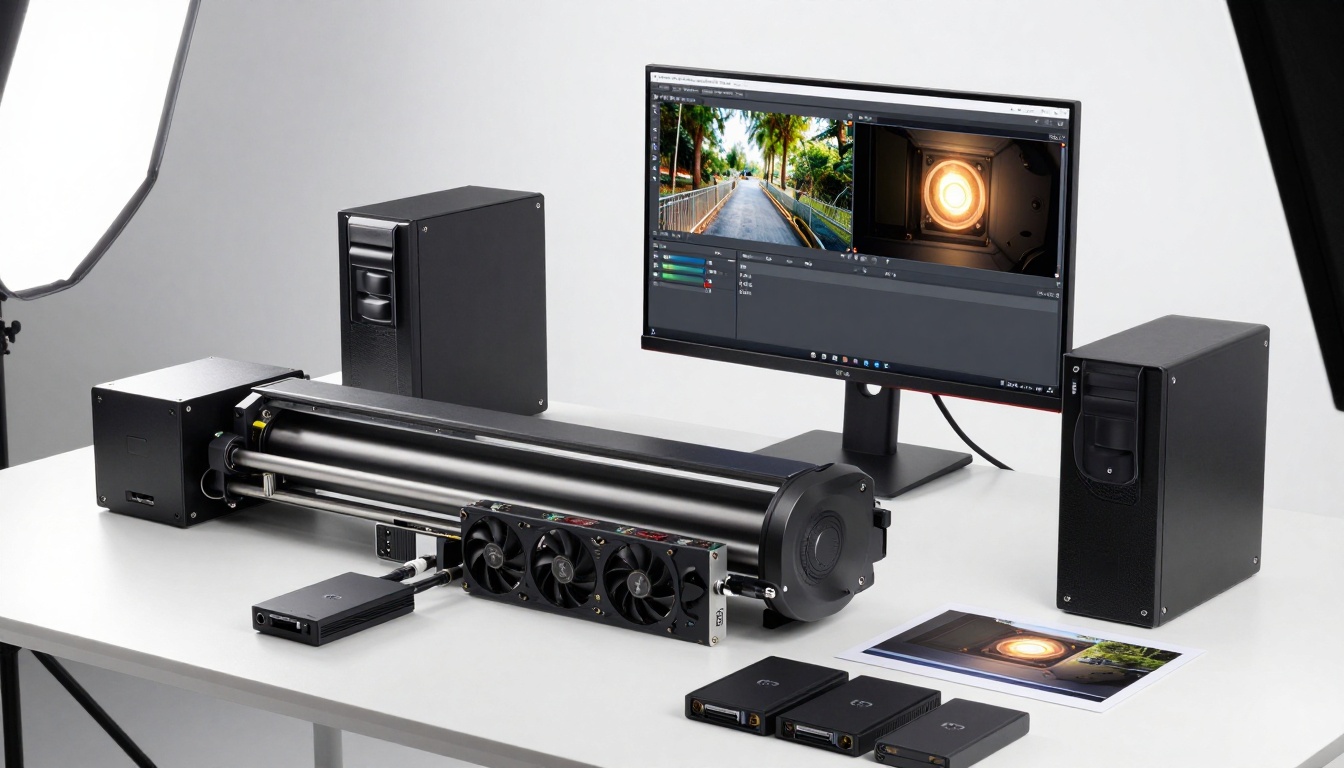
Contrary to popular belief, you don't need a supercomputer. Most AI upscaling happens through:
| Component | Minimum Requirement | Recommended |
|---|
| Scanner | 2400 DPI flatbed | 4800+ DPI film scanner |
| Computer | 8GB RAM, basic GPU | 16GB RAM, RTX 3060+ |
| Storage | 500GB free space | 2TB SSD for workflow |
| Monitor | 1080p display | 4K/8K color-calibrated |
Step-by-Step Restoration Workflow
1. Digital Capture Preparation
Before any AI touches your photos, proper digitization matters most:
- Clean the original: Use compressed air and microfiber cloths
- Choose scanning resolution: 600 DPI for small prints, 1200+ DPI for important images
- Save in lossless format: TIFF or PNG, never JPEG for the master file
- Create backups: Always work on copies, never originals
2. Initial Digital Cleaning
Remove obvious flaws before upscaling:
- Dust and scratches: Use healing tools manually for major damage
- Color correction: Adjust faded tones to neutral baseline
- Perspective correction: Straighten crooked scans
- Cropping: Remove damaged edges while preserving composition
3. AI Upscaling Tool Selection
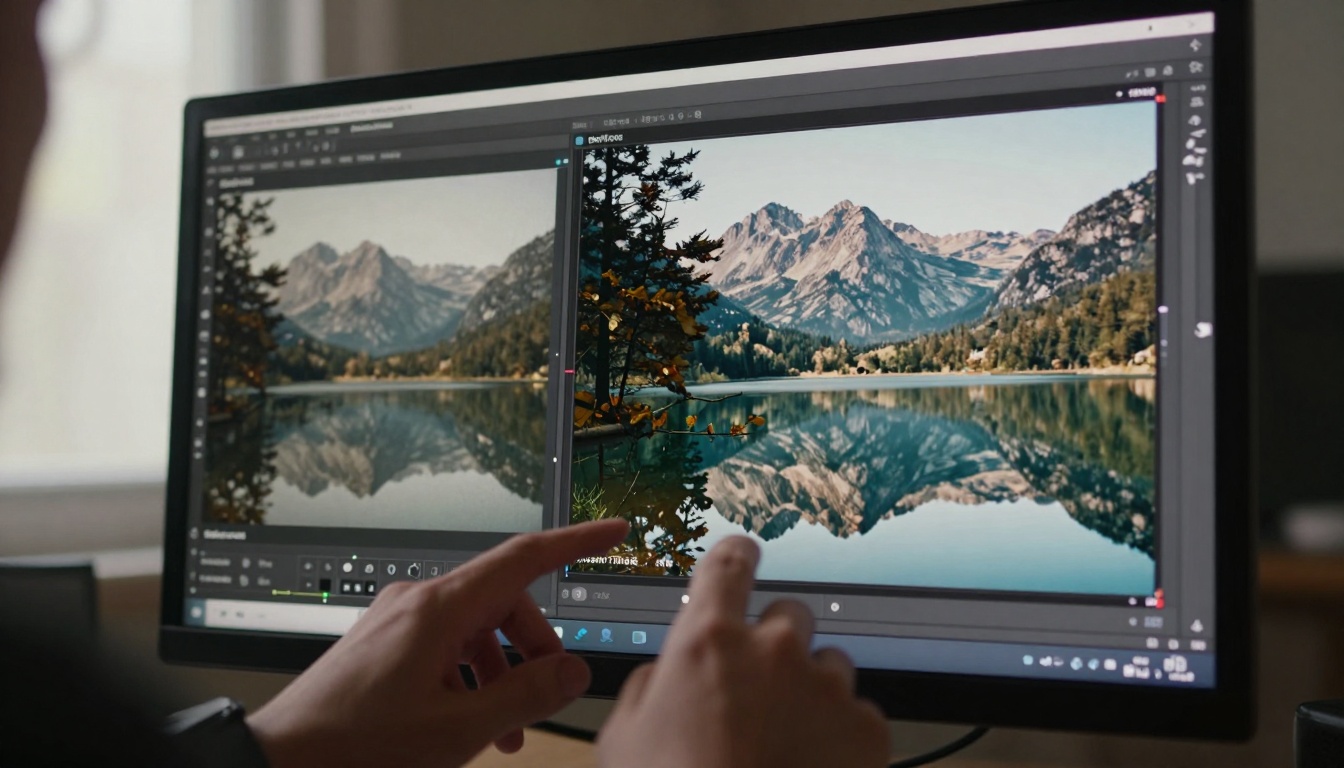
Different tools excel at different tasks:
4. Parameter Optimization
AI tools aren't "set and forget." Each image needs tuning:
- Strength settings: Start at 50%, adjust based on results
- Noise reduction: Balance between clean image and lost detail
- Sharpening: Apply after upscaling, not during
- Batch processing: Use consistent settings for similar photos
5. Post-Processing Refinement
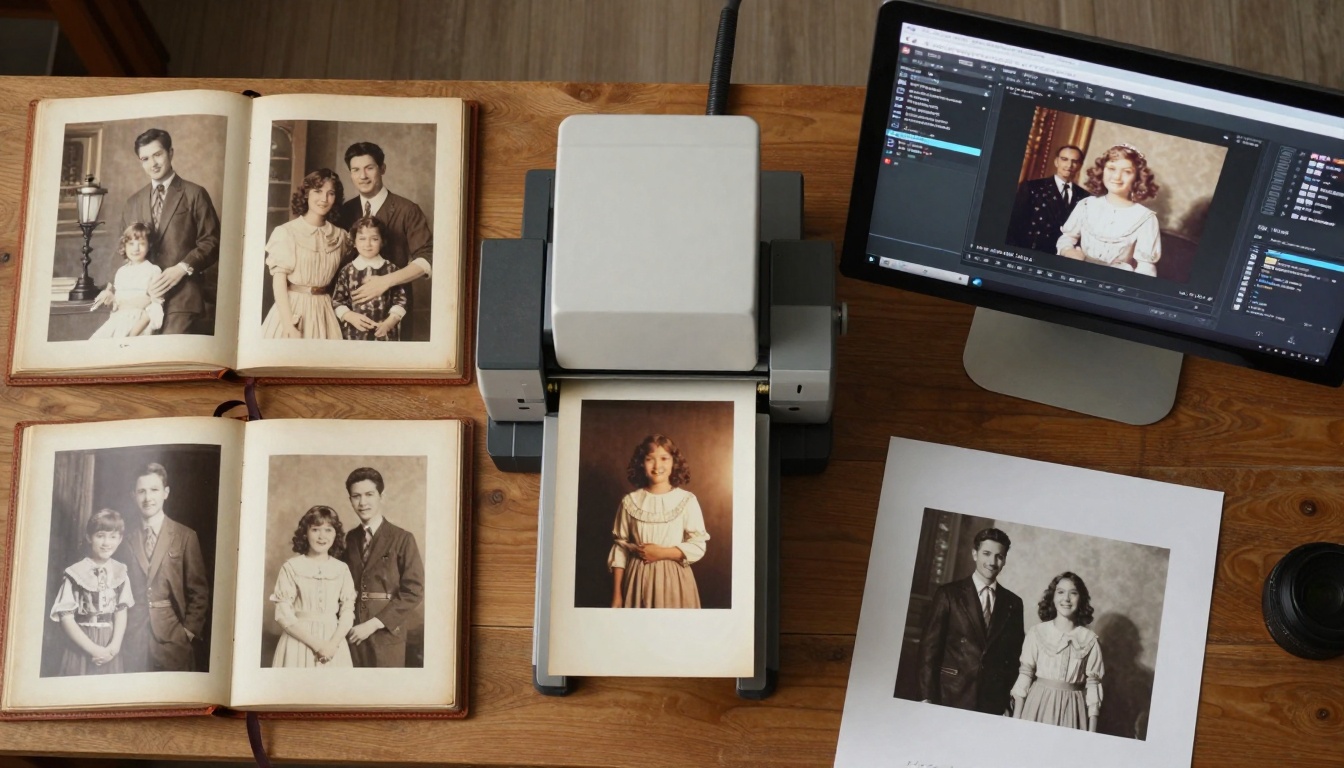
After AI does the heavy lifting:
- Manual touch-ups: Fix any AI artifacts
- Local adjustments: Enhance specific areas
- Final color grading: Apply consistent look
- Output preparation: Format for intended use (print, digital, archive)
Real-World Results: Before and After Analysis
Let's examine specific transformation cases:
Case Study: 1940s Wedding Portrait
Original State: 3×5 inch print, severe fading, surface scratches, yellowing
Problems: Lost facial details, dress texture invisible, background murky
AI Approach: Real-ESRGAN with face model, 4× upscale, careful color reconstruction
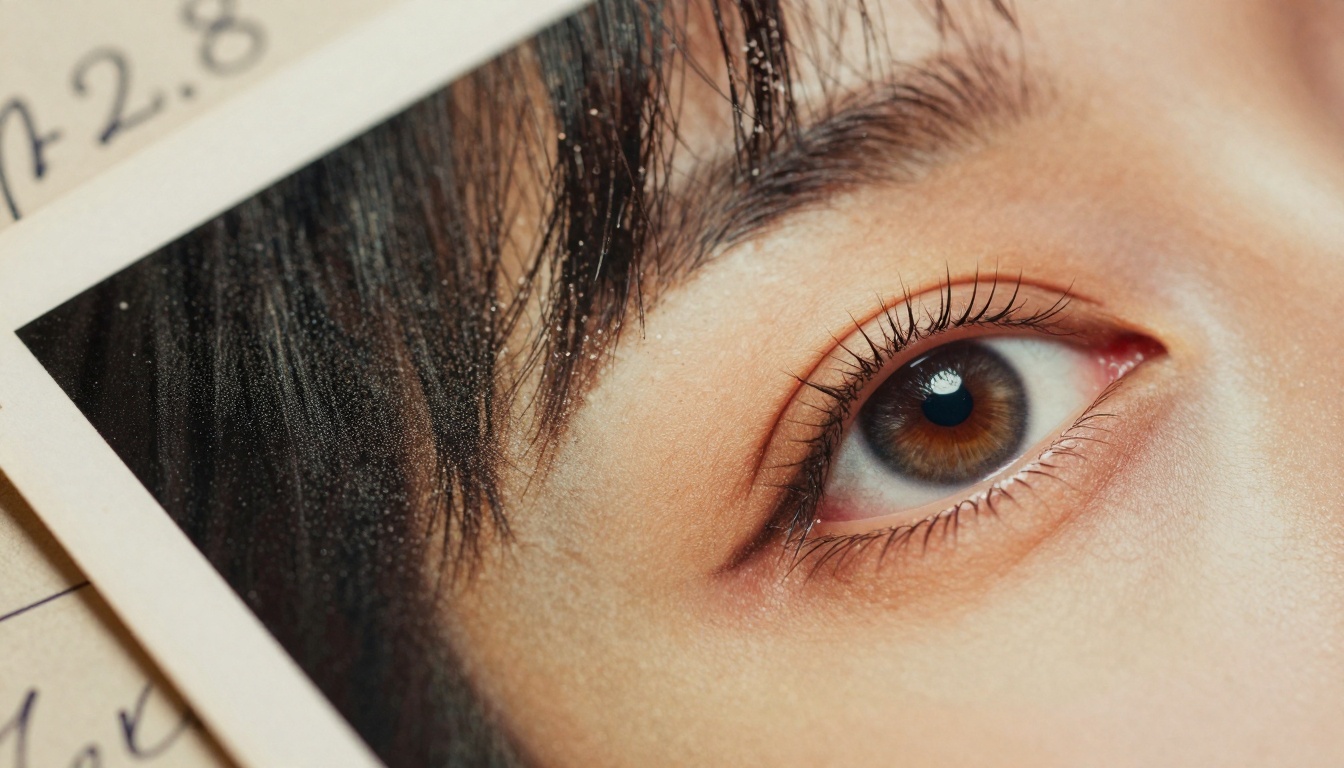
Result: Visible eyelash details, fabric pattern reconstruction, background clarity restoration
Time Required: 15 minutes scanning + 3 minutes processing
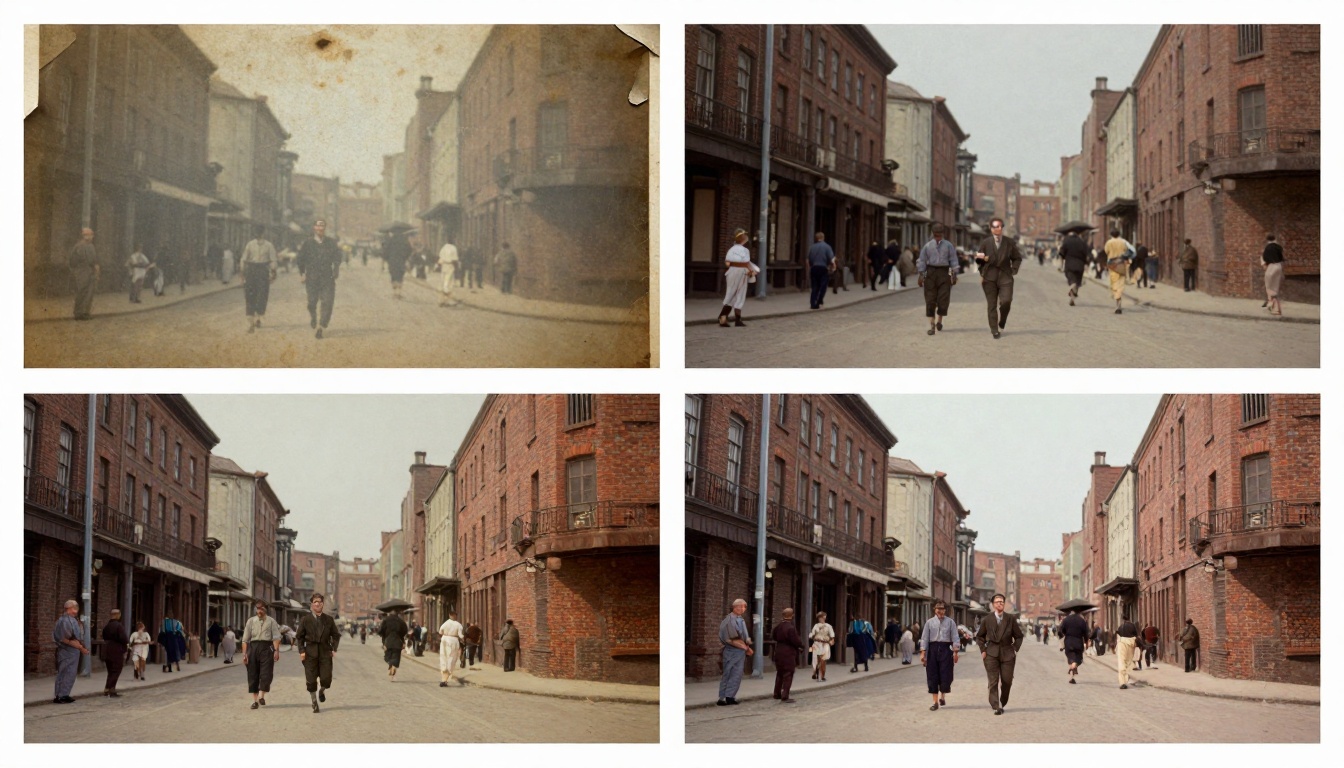
Case Study: 1970s Vacation Slide
Original State: 35mm slide, color shift, dust spots, underexposed
Problems: Blue color cast, lost shadow detail, visible film grain
AI Approach: Topaz Labs with color recovery, 8× upscale, exposure correction
Result: Accurate color restoration, shadow detail recovery, grain converted to texture
Time Required: 8 minutes scanning + 2 minutes processing
Case Study: Damaged Newspaper Photo
Original State: Newsprint clipping, ink bleeding, paper texture interference
Problems: Textural noise, low contrast, ink smudges
AI Approach: Google Upscaler with texture separation, 6× upscale, contrast enhancement
Result: Clean separation of image from paper texture, contrast restoration, detail clarification
Time Required: 10 minutes scanning + 4 minutes processing
Common Pitfalls and How to Avoid Them
Over-Enhancement Syndrome
The temptation to push sliders to maximum creates artificial-looking results. Signs of over-processing:
- Waxy skin textures: Faces look plasticine
- Over-sharpened edges: Halos around objects
- Unnatural colors: Oversaturated, cartoon-like hues
- Pattern repetition: AI "hallucinates" repeating textures
Solution: Work incrementally. Save versions at each adjustment. Compare against the original frequently.
Source Quality Misunderstanding
AI can't create information that wasn't captured originally. Limitations include:
- Blurry originals: Motion blur won't magically sharpen
- Extreme underexposure: Shadows without detail remain empty
- Severe damage: Major tears or stains leave permanent gaps
- Tiny originals: Postage-stamp sized photos have physical limits
Solution: Manage expectations. Some photos can only be improved, not perfected.
Batch Processing Efficiency
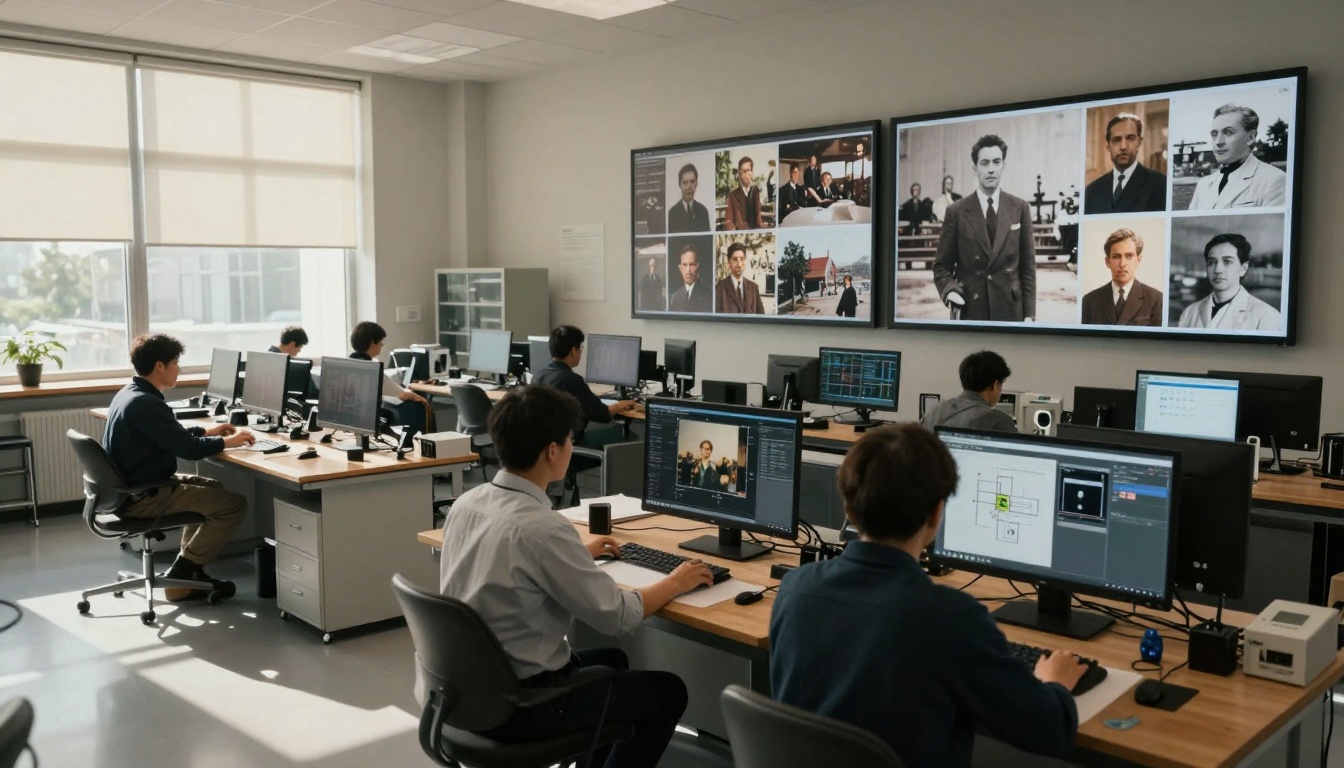
When dealing with entire photo albums:
- Categorize by type: Portraits, landscapes, documents
- Create presets: Save optimal settings for each category
- Quality check samples: Process 5-10% first, adjust presets
- Automate workflow: Use batch processing with watch folders
- Organize output: Consistent naming, metadata embedding
Advanced Techniques for Professionals
Multi-Model Stacking
Combining different AI models produces superior results:
- First pass: Real-ESRGAN for base upscaling
- Second pass: Topaz Labs for detail refinement
- Third pass: Manual adjustments for specific areas
- Fourth pass: Light sharpening and color finalization
Selective Enhancement Zones
Not all image areas need equal treatment:
- Faces: Gentle enhancement preserving natural textures
- Textures: Moderate enhancement showing patterns
- Backgrounds: Minimal enhancement maintaininggonality
- Damaged areas: Focused reconstruction where needed
Historical Accuracy Considerations
When restoring historical images:
- Research era colors: Use reference materials for accurate hues
- Preserve period characteristics: Don't "modernize" vintage looks
- Document changes: Keep records of what was altered
- Respect original intent: Maintain the photographer's vision
Different purposes require different preparations:
For Digital Display
- Resolution: Match display capabilities (4K, 8K)
- Format: JPEG at quality 90-95%
- Color space: sRGB for web, Adobe RGB for professionals
- Sharpening: Screen-optimized (subtle)
For Printing
- Resolution: 300 PPI at final print size
- Format: TIFF 16-bit for maximum quality
- Color space: Printer profile specific
- Sharpening: Print-optimized (slightly stronger)
For Archiving
- Resolution: Maximum possible from source
- Format: TIFF or DNG with lossless compression
- Metadata: Complete EXIF and IPTC information
- Organization: Logical folder structure with backups
Cost Considerations and Alternatives
Professional Services Pricing
| Service Type | Typical Cost | Turnaround |
|---|
| Basic upscaling | $5-10 per image | 24-48 hours |
| Enhanced restoration | $15-25 per image | 3-5 days |
| Historical reconstruction | $50+ per image | 1-2 weeks |
| Batch processing | Volume discounts | Varies |
DIY Software Options
- Free: Real-ESRGAN, Waifu2x
- Mid-range: Topaz Labs ($199), Adobe Enhance ($10/month)
- High-end: Professional suites ($500+)
Hybrid Approach: Process easy images yourself, send challenging ones to specialists.
Future Developments in AI Upscaling
The technology continues evolving rapidly:
- 3D reconstruction: Creating dimensional models from flat photos
- Motion addition: Animating still photographs realistically
- Context-aware enhancement: Using historical databases for accuracy
- Real-time processing: Instant enhancement during scanning
- Multi-spectral recovery: Extracting information beyond visible light
Getting Started Today
Your first restoration project should follow this sequence:
- Choose one meaningful photo: Emotional connection motivates quality work
- Scan at highest quality: Don't compromise on digitization
- Use free tools first: Real-ESRGAN provides excellent baseline
- Compare results: Keep original visible during processing
- Share the outcome: Show someone who remembers the original
The family photographs gathering dust in attics and albums contain irreplaceable visual history. Each faded image represents moments otherwise lost to time. With current AI upscaling technology, what was once permanent degradation becomes reversible. The scratches, the fading, the grain—these aren't final states but temporary conditions awaiting correction.
The technical barrier that once required professional studios and thousand-dollar equipment now fits on consumer hardware. The hours of manual restoration condensed to minutes of intelligent processing. The difference between a cherished memory and a visible memory has never been smaller.
Start with that one photo—the one that matters most. Scan it properly. Feed it to the algorithms. Watch details emerge that haven't been visible for decades. The technology works. The results speak. The memories await.
Ready to restore your photographic history? Explore the upscaling tools available on PicassoIA and begin transforming your visual heritage today. The combination of Real-ESRGAN's face enhancement capabilities with Topaz Labs' detail recovery provides professional-grade results accessible to anyone with digital files. Test a single image and witness the transformation—your photographic past has never looked more present.


