Turn Old Photos Into Motion Videos With AI: Breathe Life Into Silent Memories
Discover how artificial intelligence transforms faded photographs into moving memories. This technology analyzes vintage images and adds natural motion—waves lap at beach scenes, leaves rustle in garden photos, smiles become animated expressions. The process preserves historical authenticity while adding emotional depth, creating living archives that bridge generations. Learn which AI models deliver the most realistic results and how to apply this innovation to your family history projects.
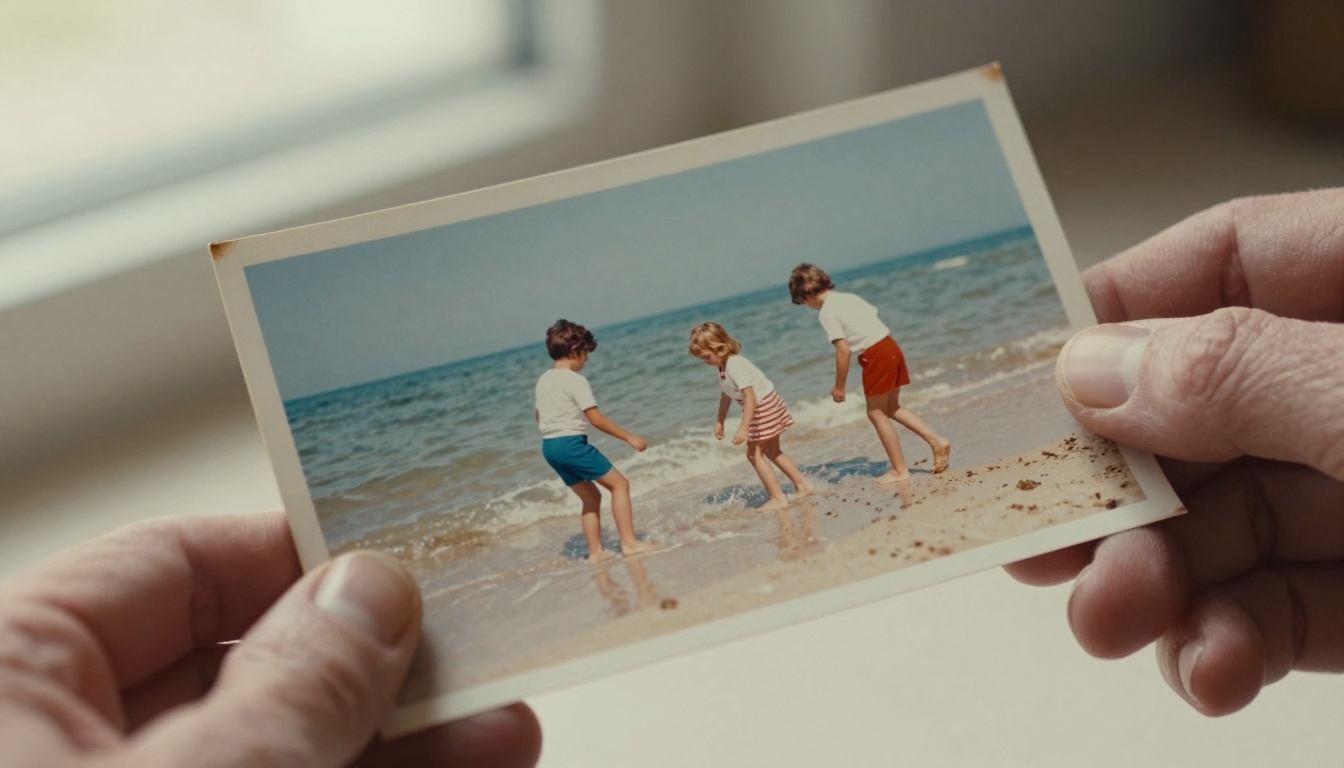
That faded photograph in your family album holds more than just an image—it contains untold stories waiting to be released. For decades, we've accepted that memories remain frozen in time, captured at a single moment and preserved in stillness. But what if those moments could continue? What if the waves in that beach photo could lap at the shore again, if the leaves in that garden scene could rustle in a gentle breeze, if the smile on a loved one's face could become an animated expression rather than a static pose?
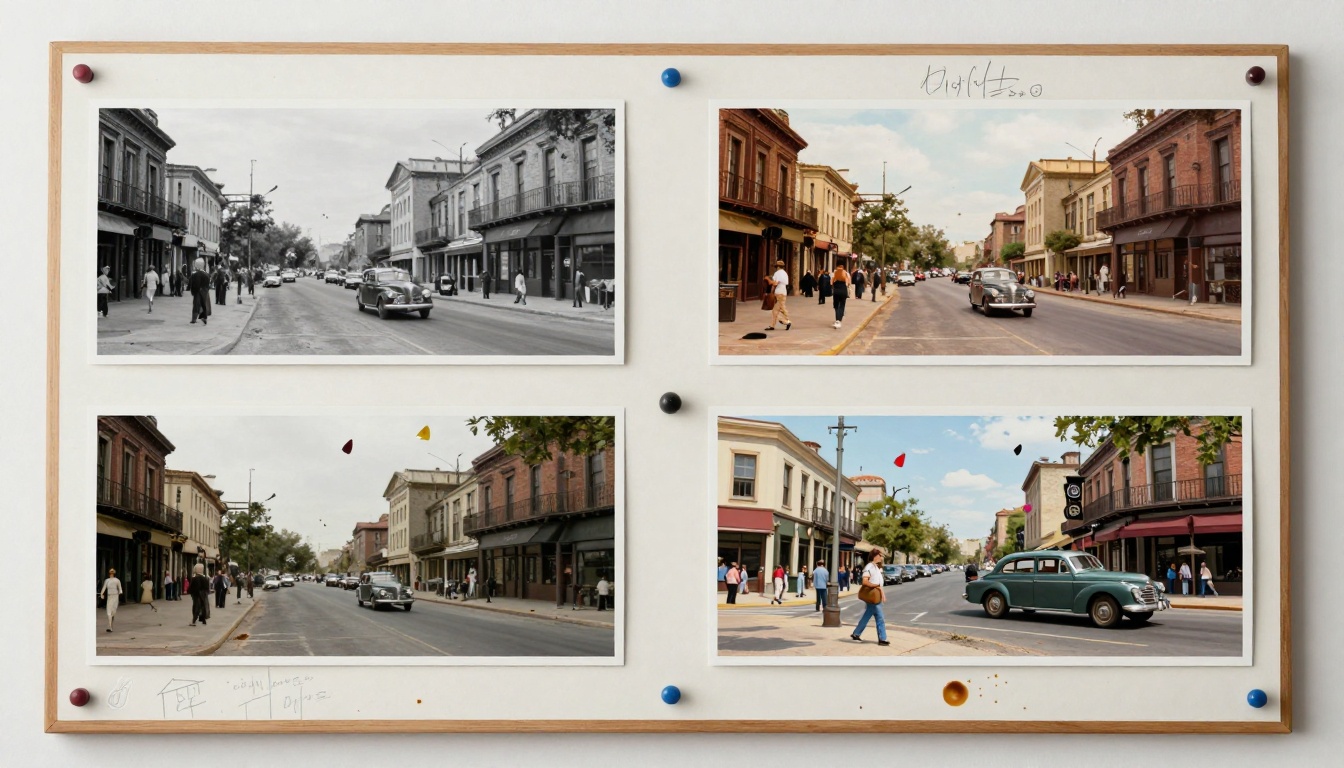
This isn't science fiction. Artificial intelligence has quietly crossed a threshold where static images gain motion, where photographs become living archives. The technology analyzes visual content, understands spatial relationships, and applies natural movement patterns that feel authentic to the original scene. The result isn't jarring animation but subtle, believable motion that respects the photograph's historical context.
💡 The magic happens in the details: AI doesn't just add random motion—it analyzes elements within the photo and applies movement that makes logical sense. Water flows downward, leaves sway with wind patterns, fabric moves according to gravity and body position.
Why Motion Changes Everything
Static photographs tell us what happened. Animated photographs show us how it happened. The difference is emotional, psychological, and deeply human.
Consider these psychological impacts:
Memory reinforcement: Motion creates stronger neural connections in our brains. Seeing movement in a childhood photo triggers more vivid recall than viewing a static image.
Emotional resonance: Subtle animation adds emotional depth. A smile that becomes animated feels warmer than a frozen expression.
Generational connection: Younger family members connect more deeply with animated historical photos—the motion bridges the temporal gap.
Historical context: Motion provides environmental context that static images can't convey—weather conditions, social dynamics, activity rhythms.
The Technical Foundation: How AI Understands Photos
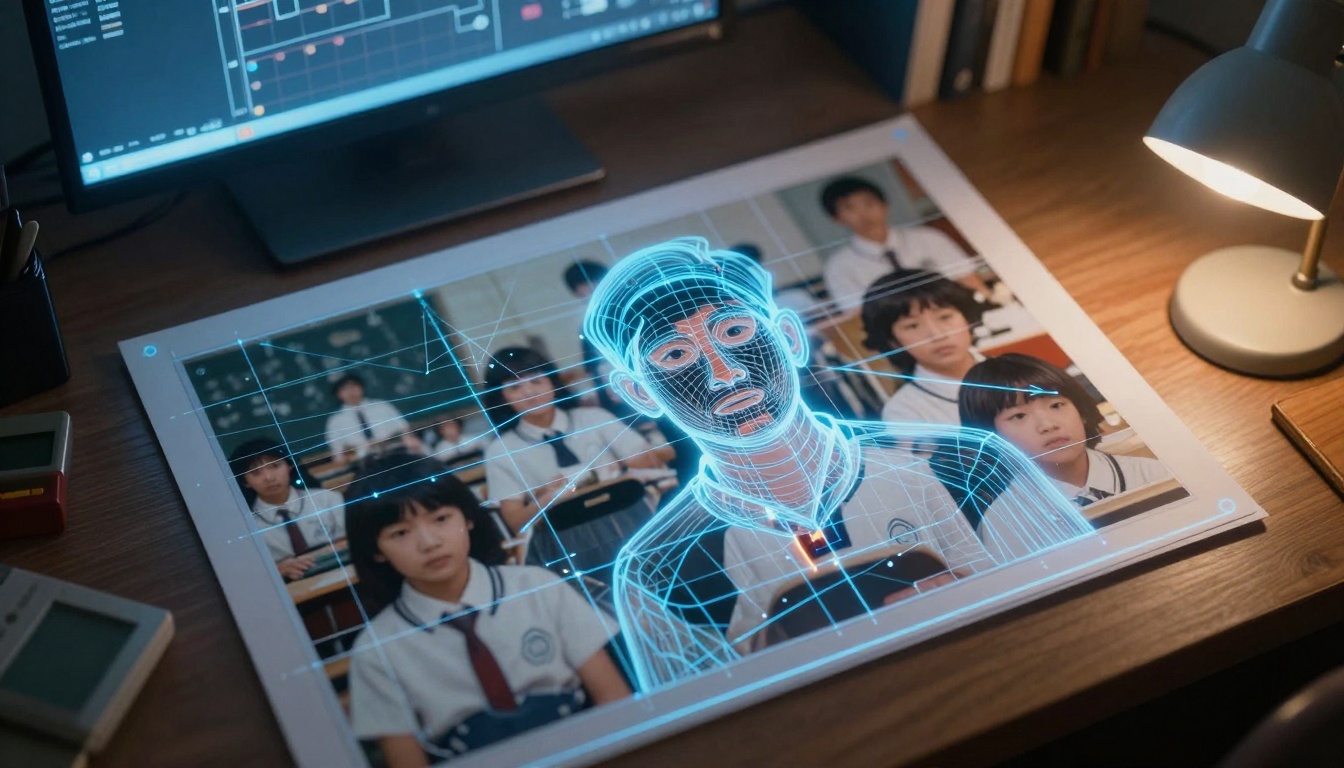
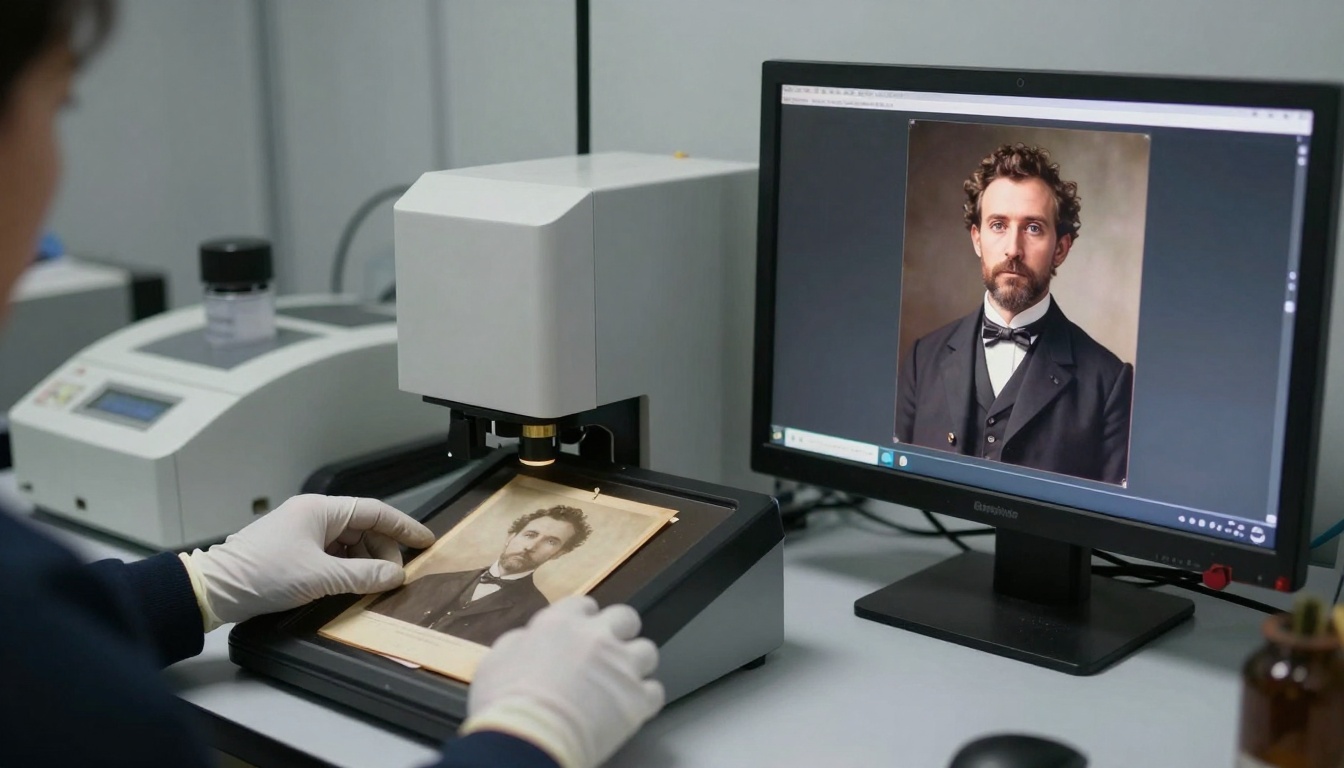
Before any motion appears, the AI performs a sophisticated analysis of your photograph. This happens in milliseconds but involves multiple processing stages:
Content recognition: The system identifies elements—people, objects, natural features, architectural details.
Depth mapping: AI creates a 3D understanding of the scene's spatial relationships.
Motion potential analysis: Each element receives a "movement probability" score based on its nature (water moves, buildings don't).
Historical style matching: The animation respects the photographic era's characteristics—1930s motion differs from 1980s motion.
Key technical considerations:
Element Type
Motion Characteristics
Realism Factors
Water surfaces
Wave patterns, flow direction, reflection movement
Best for: Creative projects, artistic interpretations
Strength: More dynamic motion options
Motion style: Can handle dramatic movement when appropriate
Processing time: 45-90 seconds per image
Output quality: High-definition with artistic filters
Step-by-Step: Transforming Your First Photo
The process is simpler than most people expect. Here's exactly what happens when you animate a photograph:
Phase 1: Preparation
Select the right photo: Choose images with clear elements that naturally move—water, foliage, fabric, people in action poses.
Scan or digitize: Ensure high-quality digital version (minimum 1200 pixels on longest side).
Basic cleanup: Remove dust spots, adjust contrast if faded, but preserve original character.
Phase 2: Platform Selection
Access PicassoIA: Navigate to the image-to-video section.
Choose your model: Select based on your priorities (quality vs. speed).
Upload your photo: The system accepts JPEG, PNG, TIFF formats.
Phase 3: Parameter Adjustment
Most models offer these controls:
Motion intensity: How much movement to apply (10-100% scale)
Motion style: Natural, cinematic, or dramatic
Loop options: Create seamless looping animations
Duration: How long the animation lasts (3-10 seconds typical)
Phase 4: Processing & Review
AI analysis: The system examines your photo (15-30 seconds)
Preview generation: View a low-resolution preview
Adjustments: Fine-tune based on initial results
Final render: Create high-quality output
Real-World Applications: Beyond Personal Memories
While family photos represent the most emotional use case, photo animation technology serves multiple purposes:
Historical Preservation
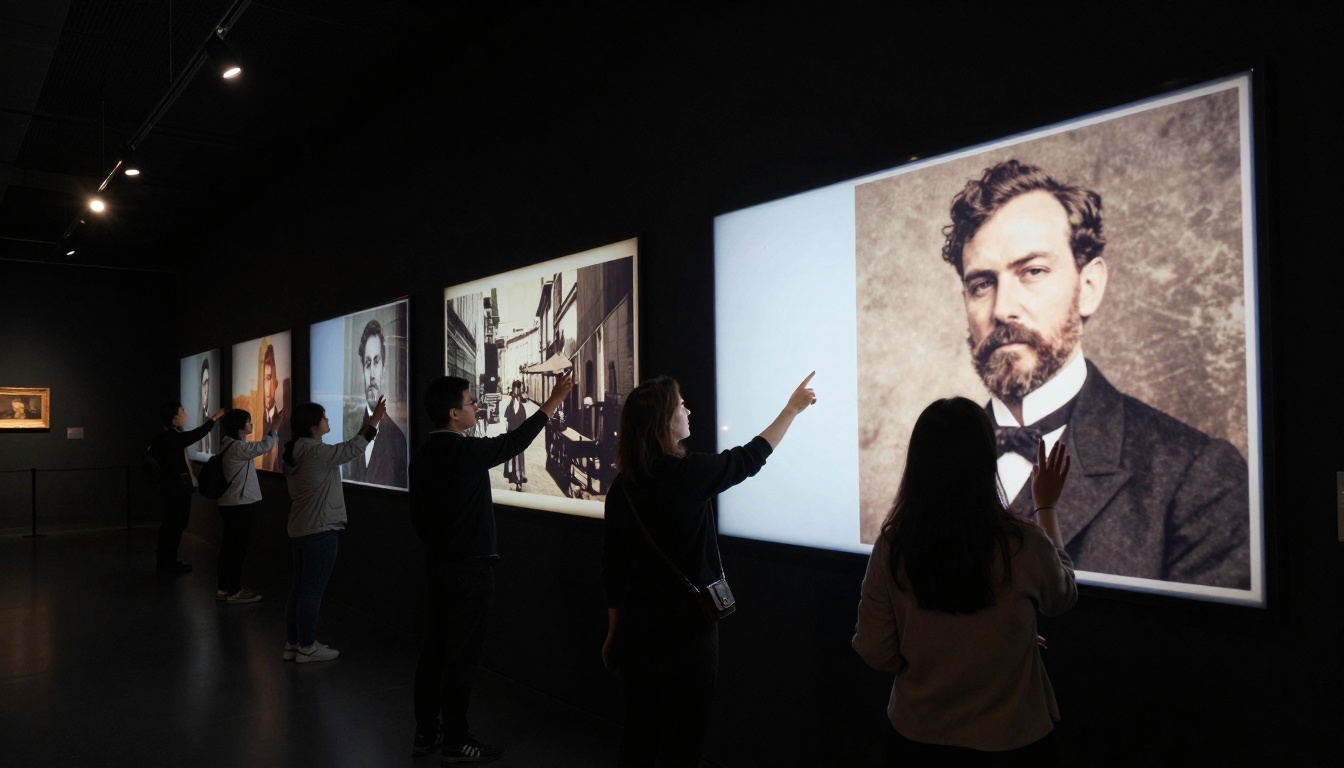
Museums and archives use this technology to engage visitors with historical collections. Static exhibits become interactive experiences where visitors can "activate" historical images.
Documentary filmmakers incorporate animated historical photos to add movement to archival materials without expensive recreation shoots.
Educational Resources
Teachers use animated historical photos to help students visualize historical moments. A static image of a Civil Rights march gains emotional power when participants appear to move toward the camera.
Therapeutic Applications
Memory care facilities use animated family photos with dementia patients. The motion often triggers stronger recall than static images, providing comfort and connection.
Commercial Creative Projects
Advertising: Vintage product photos come alive in retro-themed campaigns
Publishing: Book covers and interior illustrations gain subtle motion
Exhibitions: Gallery installations where visitors interact with animated portraits
Common Challenges and Solutions
Like any technology, photo animation faces specific challenges. Here's how to address them:
Challenge 1: Over-animationProblem: Too much movement feels artificial and disrespectful to the original.
Solution: Start with 20-30% motion intensity and increase gradually. Natural scenes need less motion than people realize.
Challenge 2: Period InaccuracyProblem: Modern movement patterns applied to historical contexts.
Solution: Research period-appropriate movement. 1920s dance moves differ from 1970s dance moves.
Challenge 3: Technical LimitationsProblem: Low-resolution or damaged photos don't animate well.
Solution*: Use AI upscaling tools like Real-ESRGAN first, then apply animation.
Challenge 4: Ethical ConsiderationsProblem: Adding motion to sensitive historical moments.
Solution: Establish guidelines—some images should remain static out of respect.
Quality Checklist: What Makes Great Photo Animation
Not all animated photos work equally well. Use this checklist to evaluate results:
✅ Successful Animation Characteristics
Motion feels natural to the scene's environment
Original photo quality is preserved, not degraded
Animation respects the historical period
Emotional tone matches the original image
Motion enhances rather than distracts from the subject
❌ Problematic Results
Jarring or unnatural movement patterns
Loss of photographic detail or color accuracy
Anachronistic elements (modern motion in historical scenes)
Overemphasis on trivial elements
Disrespectful handling of sensitive subjects
Technical Deep Dive: How the AI Actually Works
For those curious about the underlying technology, here's what happens at the code level:
Neural Network Architecture
The AI uses a specialized variant of diffusion models trained specifically on:
Still-to-motion datasets: Millions of paired still images and video clips
Temporal consistency: Ensuring motion flows naturally across frames
Style preservation: Maintaining the original photo's aesthetic
Context awareness: Understanding what should and shouldn't move
The Human Element: Emotional Impact Stories
Technology means nothing without human experience. These real scenarios illustrate the emotional power of photo animation:
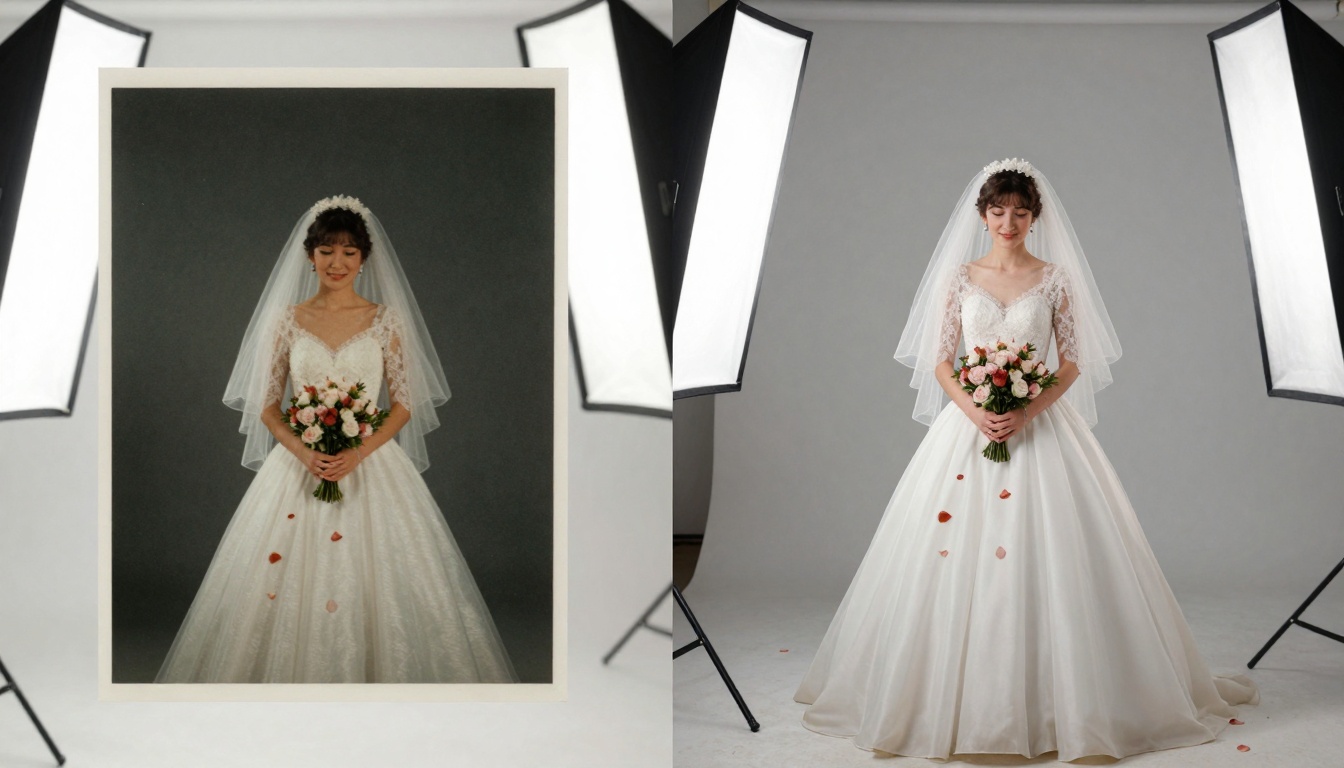
Case 1: The Wedding PhotoA 1972 wedding photograph showed the bride's father with a slight smile. After animation, his eyes showed the subtle movement of holding back tears—a detail the family never noticed in the static version.
Case 2: Childhood MemoryA faded 1955 beach photo showed children building sandcastles. The animated version included waves lapping at their creation and sand trickling through fingers. Elderly siblings reported "hearing the ocean again" when viewing the result.
Case 3: Historical DocumentationA 1930s factory photograph showed workers at machines. Animation revealed the rhythmic movement of assembly line work, providing historians with insights into work pace and patterns.
Future Developments: What's Next for Photo Animation
Current technology represents just the beginning. Several developments are already in progress:
Enhanced Temporal Understanding
Future models will understand not just what can move, but how it would have moved in its specific historical and cultural context.
Interactive Archives
Museums will deploy systems where visitors can "explore" photographs—touch different areas to see specific elements animate.
Multi-photo Narratives
Systems that connect related photographs into cohesive animated stories, showing progression across multiple captured moments.
Personal Memory Banks
Home systems that automatically animate personal photo collections, creating living family histories that update as new AI capabilities emerge.
Getting Started with Your Own Photos
Ready to transform your photographs? Follow this practical guide:
Week 1: Collection & Selection
Gather 10-20 candidate photos
Prioritize images with natural motion elements
Digitize at highest possible quality
Week 2: Technical Preparation
Learn basic photo restoration if needed
Create backup copies before processing
Organize by theme or chronology
Week 3: First Experiments
Start with less emotionally significant photos
Test different models and settings
Document what works and what doesn't
Week 4: Refinement & Sharing
Apply lessons learned to important photos
Create viewing experiences for family
Consider archival storage for animated versions
Preservation Ethics: Responsible Use of Technology
As with any powerful technology, ethical considerations matter:
Respect for Subjects
Some photographs shouldn't be animated—particularly those documenting trauma, tragedy, or private grief moments.
Historical Accuracy
Avoid adding motion that contradicts historical reality. Research period-appropriate movement if uncertain.
Cultural Sensitivity
Different cultures have different relationships with imagery and animation. Respect these differences.
Informed Consent
When animating photos of living people or recent subjects, consider whether they would approve of the result.
Your Turn: Start the Conversation with History
The photographs in your possession represent more than paper and chemicals—they're frozen moments of human experience waiting to continue their stories. The technology exists, the platforms are accessible, and the emotional payoff is real.
Begin with that one photograph you've always wished could tell you more. Upload it to WAN 2.6 I2V or WAN 2.2 I2V Fast, apply subtle motion at 30% intensity, and watch what happens. You're not changing history—you're allowing it to breathe.
The conversation between past and present continues through these animated moments. What will your photographs say when they can move again?