If you have a stunning photo and want to see it breathe, move, and come alive in seconds, Wan 2.7 Pro is the model you have been waiting for. This is not a basic loop filter or a face-swap gimmick. The Wan 2.7 image-to-video engine reads the spatial depth, lighting conditions, and subject dynamics in your photo, then generates fluid, realistic motion that would take a professional camera operator hours to capture. And when your content is adult in nature, the fact that PicassoIA runs Wan 2.7 with no censorship filters makes it the most practical destination available right now.
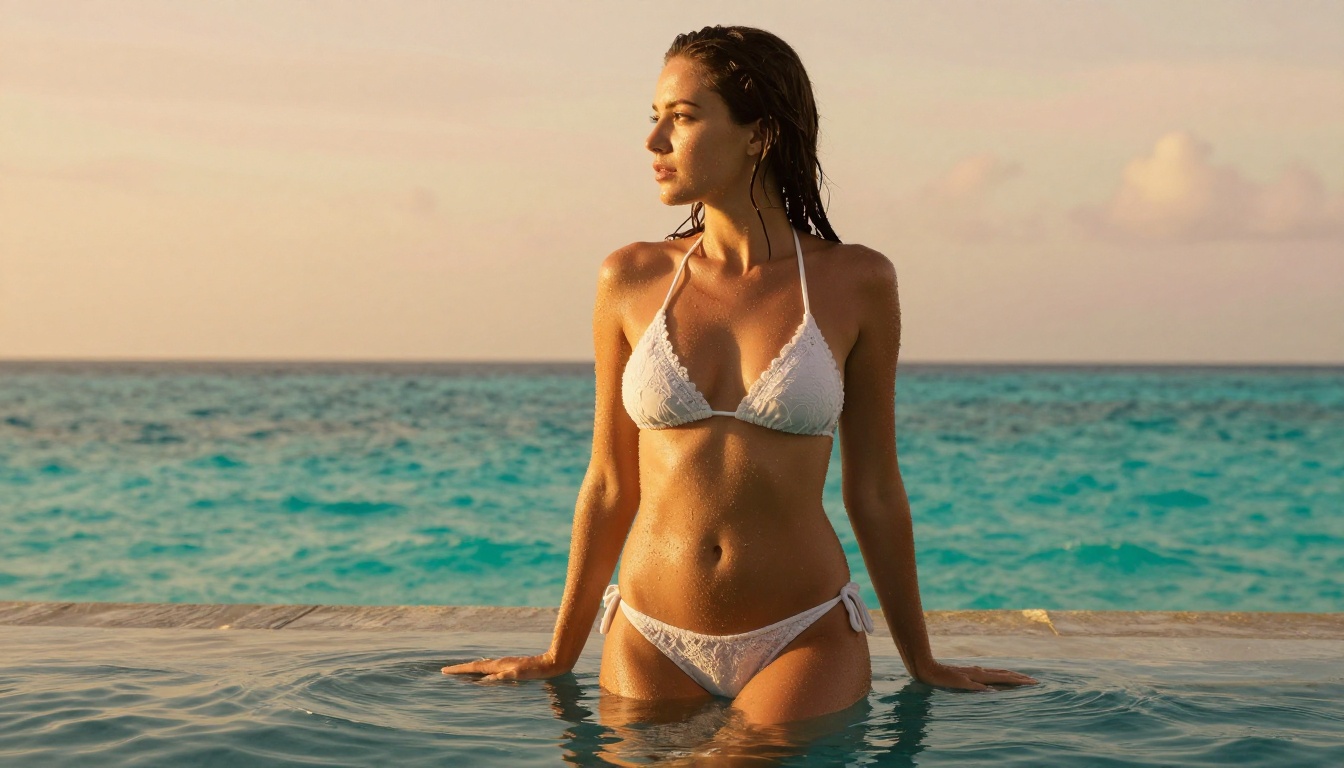
The numbers tell the story clearly. Wan 2.7 from the Wan-Video team delivers 1080p output with temporal coherence that keeps skin texture, fabric detail, and facial identity locked across every frame. Previous generations of image-to-video models struggled with skin rendering, producing a waxy, plastic quality that immediately broke immersion. Wan 2.7 resolves this with a new temporal attention mechanism that samples fine texture from the source image and propagates it naturally through the motion sequence. The result looks like it was filmed, not generated.
What Wan 2.7 Pro Actually Does
There is an important distinction between Wan 2.7's three core variants on PicassoIA, and picking the right one for adult photo animation changes everything about your output quality.
Three Variants, One Ecosystem
Wan 2.7 I2V is your primary tool. It takes a single image as the first frame and generates a smooth 5-second video clip that follows your motion prompt. This is the variant used for turning portraits, glamour shots, and boudoir photos into animated video content. The identity preservation across frames is the strongest feature here.
Wan 2.7 T2V operates purely from text. If you want to generate entirely new adult video content without starting from a photo, this model creates original footage from a written description at 1080p with excellent motion diversity and scene consistency.
Wan 2.7 R2V uses a reference subject: you provide a photo of a person and describe what you want them to do. R2V applies the subject's visual identity to a new motion sequence, which is particularly powerful for maintaining consistent character appearance across multiple clips.
Beyond Simple Loops
Most consumer-level photo animation tools produce repetitive loops: a slight head tilt, blinking eyes, a gentle hair sway. Wan 2.7 Pro operates on an entirely different level. You can prompt full body movement: a model slowly turning to face the camera, a subject stepping forward and running fingers through their hair, a figure lying back across a surface with natural weight and fabric physics responding realistically. The temporal window is 5 seconds at 24fps, which gives 120 frames of genuine cinematic motion per clip.
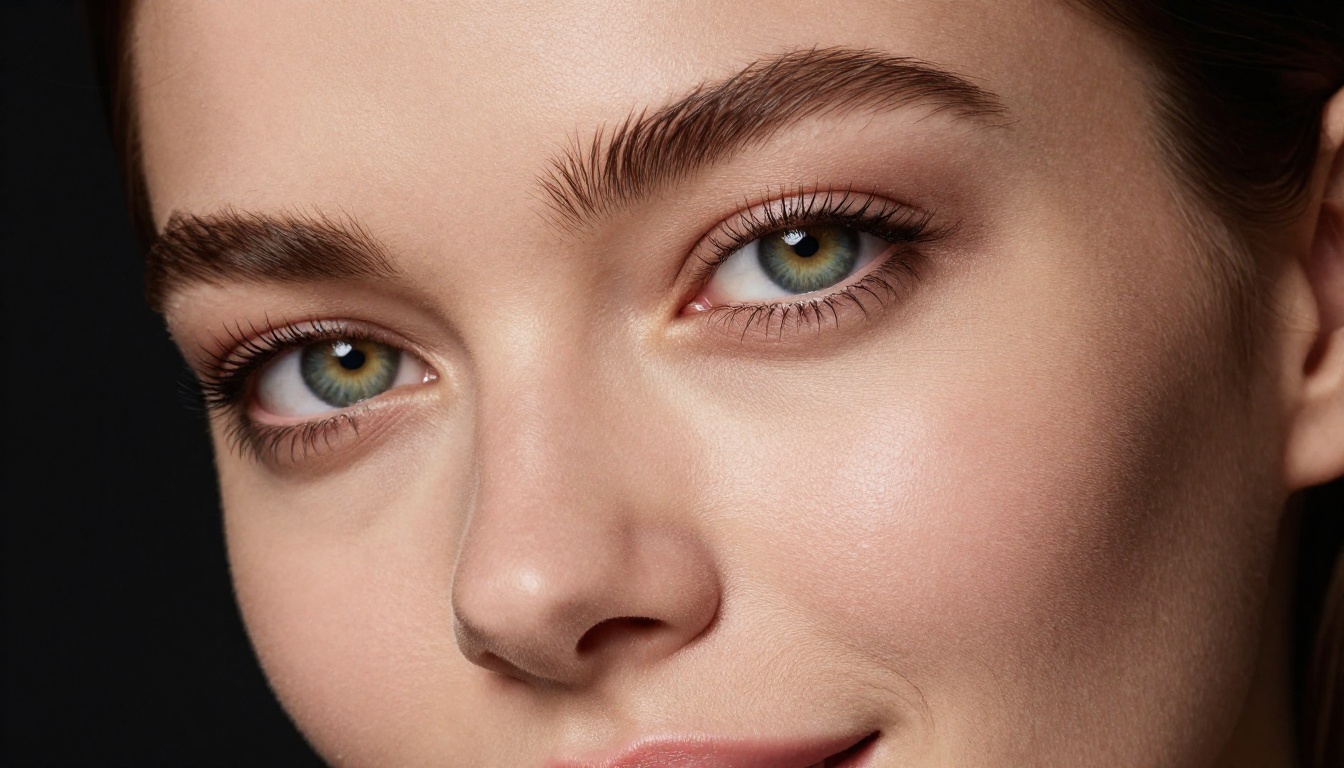
💡 Pro Tip: The more spatial information your source photo contains, the better Wan 2.7 will animate it. Photos with clear foreground and background separation and consistent, directional lighting produce the most realistic motion outputs.
The Source Photo That Makes or Breaks Your Video
Before you ever open the video generation interface, the quality of your source image determines 70% of your final result. This is true of every image-to-video model, but Wan 2.7 is particularly sensitive to source quality because it uses the image's depth cues to construct a pseudo-3D scene understanding.
Resolution and Lighting Requirements
Your source photo should be at minimum 1024x576 pixels, but ideally 1920x1080 or higher. The model downsamples to its internal processing resolution, but higher input quality gives it more fine texture information to preserve. For adult content specifically:
- Natural lighting produces the most realistic skin motion across frames
- Avoid heavy filters: heavy processing flattens depth cues and degrades video output
- A single strong primary light helps the model understand surface normals for skin rendering
- Avoid motion blur in the source: the model cannot distinguish intentional blur from low-frequency texture
Shoot or generate your source images in maximum quality when possible. JPEG compression artifacts, particularly around hair and skin edges, will appear amplified in the video output.
Poses That Animate Naturally
Not every pose translates well to video. The Wan 2.7 Pro engine works best with certain starting positions:
| Pose Type | Animation Potential | Notes |
|---|
| Three-quarter standing | Excellent | Full body freedom, natural weight shift |
| Reclining on side | Very Good | Hair and fabric physics work beautifully |
| Seated, camera-facing | Good | Upper body motion, expressive results |
| Full-face closeup | Good | Subtle micro-expressions, head turns |
| Aerial or overhead | Moderate | Limited motion range, good for fabric movement |
| Back to camera | Excellent | Hair, spine, and shoulder motion all work naturally |
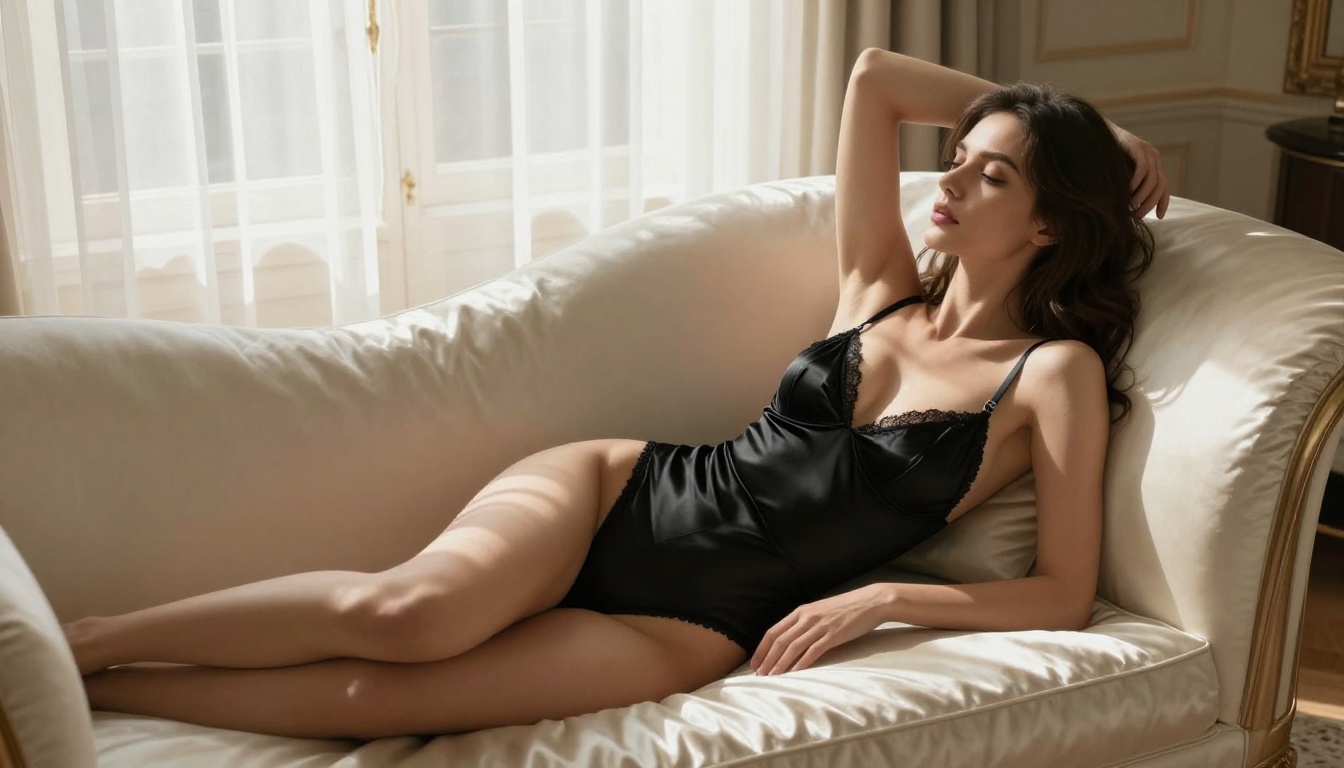
For adult photo animation specifically, reclining and standing three-quarter poses tend to produce the most fluid and visually compelling results because the full body surface area gives the model more to work with during motion generation.
Generating NSFW Source Photos First
If you do not already have source photos, PicassoIA gives you the tools to create them before animating. This is where the platform's uncensored image generation becomes critical to the workflow.
Seedream 4.5 for Uncensored Images
Seedream 4.5 is the starting point for adult image generation on PicassoIA. Built by ByteDance, it delivers exceptional photorealism with a particular strength in human anatomy, skin rendering, and lighting response. Unlike many censored models, Seedream 4.5 operates without content restrictions on PicassoIA, making it the most practical tool for generating source material before video animation.
What sets it apart from other image models:
- Anatomical accuracy: joint positions, natural body proportions, and realistic weight distribution
- Lighting response: the model correctly renders specularity on skin, fabric sheen, and depth-of-field falloff
- Detail retention: fine elements like individual hairs, skin pores, and fabric weave texture are preserved at high resolution
- Speed: generation completes in 8 to 12 seconds on average
For prompting Seedream 4.5 for adult content, structure your prompt as: subject description and specific outfit or state, then specific pose, then location and setting, then lighting type and direction, then camera and lens specifics, then style modifiers such as photorealistic, 8k, RAW.
PicassoIA Image Editor Pro for Unlimited Iterations
Once you have a base image you like, PicassoIA Image Editor Pro gives you unlimited generation credits for editing and refining it. You can inpaint specific areas, adjust pose, change wardrobe, modify lighting, or outpaint the composition to get exactly the framing that will animate best with Wan 2.7.
The unlimited generations model means you can iterate rapidly without worrying about credit consumption. Try 10 variations of a pose, pick the one with the best lighting and composition, then send it into Wan 2.7 I2V. This is the professional workflow for adult content creators on the platform.
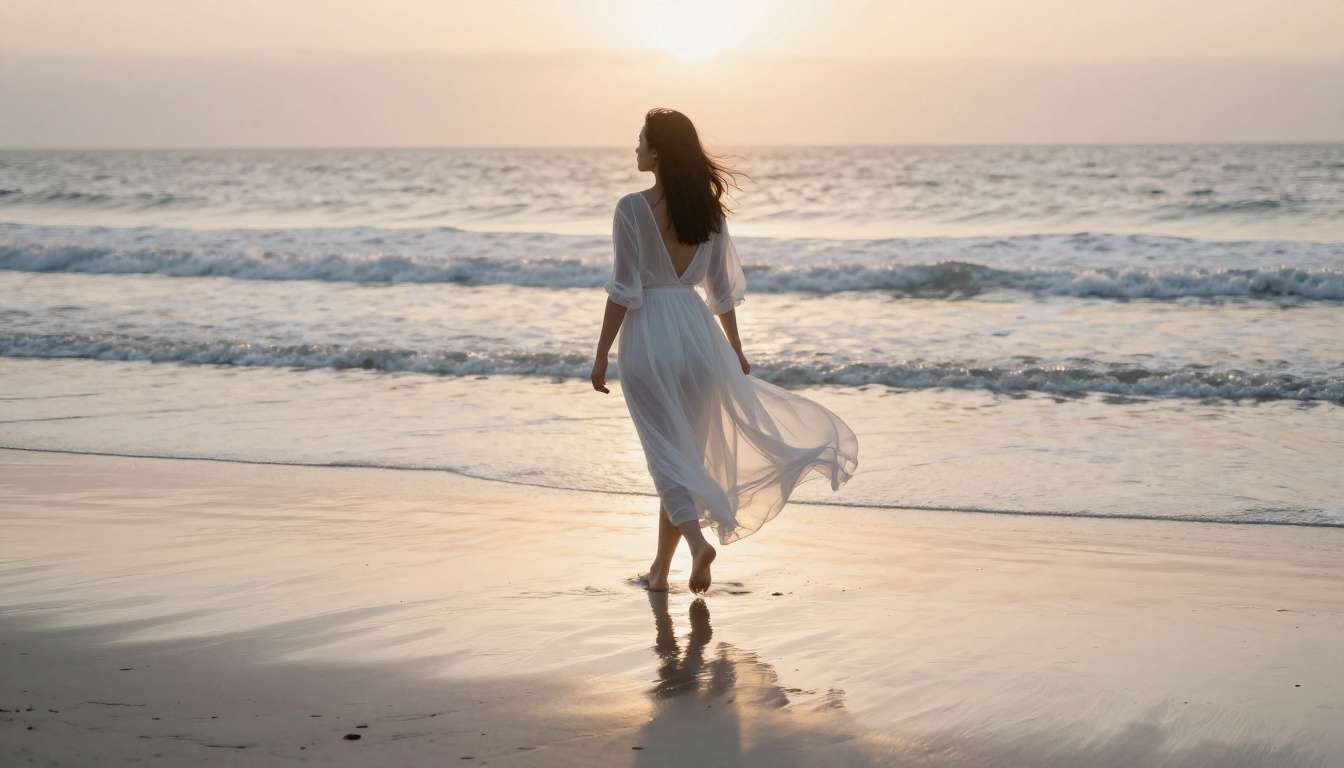
💡 Workflow Tip: Generate 5 to 10 source image variations in Seedream 4.5, then use PicassoIA Image Editor Pro to fine-tune the best one before animating. This gives you maximum control over the final video output.
How to Use Wan 2.7 I2V on PicassoIA
Here is the exact step-by-step process for animating your adult photos with Wan 2.7 I2V on PicassoIA.
Step 1: Upload or Generate Your Source Photo
Navigate to Wan 2.7 I2V on PicassoIA. The interface shows an image upload area at the top. You can either upload a photo you already have in JPEG, PNG, or WebP format at minimum 512px wide, or generate directly using Seedream 4.5 or PicassoIA Image Editor Pro in the same browser tab and copy the resulting URL.
For best results, ensure your image is 16:9 aspect ratio if you want full-width video output. Portrait images work but will produce pillarboxing or slight cropping depending on your prompt.
Step 2: Set Resolution and Parameters
Wan 2.7 I2V on PicassoIA offers resolution selection. For adult content distribution:
- 480p: Fastest, good for previews and testing motion prompts before committing
- 720p: Standard distribution quality, 3 to 4 times faster than 1080p
- 1080p: Maximum quality for final distribution and archiving
Leave the aspect ratio at match_input_image unless you specifically want to reformat the output. The model uses the input image ratio as its native working space and produces the most coherent results when it matches.
Step 3: Write the Motion Prompt
This is where most people underperform. A weak motion prompt gives you a generic, uninspired result. A precise motion prompt tells the model exactly what to animate and how. Structure it like a film direction that describes time sequentially:
Strong motion prompt example:
"Subject slowly turns head toward camera with a knowing smile, right hand rises to run fingers through hair, fabric of her lingerie moves naturally with subtle body weight shift, camera holds static, soft window light from left remains constant throughout"
Weak motion prompt to avoid:
"Make her move around sexily"
The model responds to spatial, temporal, and physical descriptions. Tell it what moves first, what moves second, how fast, what the camera does, and what the lighting does throughout the clip.
Step 4: Review and Refine
Click generate and wait for the model to process. At 480p, expect 25 to 45 seconds. At 720p, expect 45 to 90 seconds. At 1080p, expect 2 to 4 minutes depending on server load.
When the video appears, review it critically on three points: does the face identity hold consistently across all frames? Does the clothing move naturally or does it appear to swim artificially? Is the motion magnitude appropriate, not too subtle and not too extreme?
If any of these fail, adjust your motion prompt specifically to address the issue and regenerate. The 30-second server cooldown between generations means you should refine your prompt mentally before clicking again rather than rapid-firing retries.
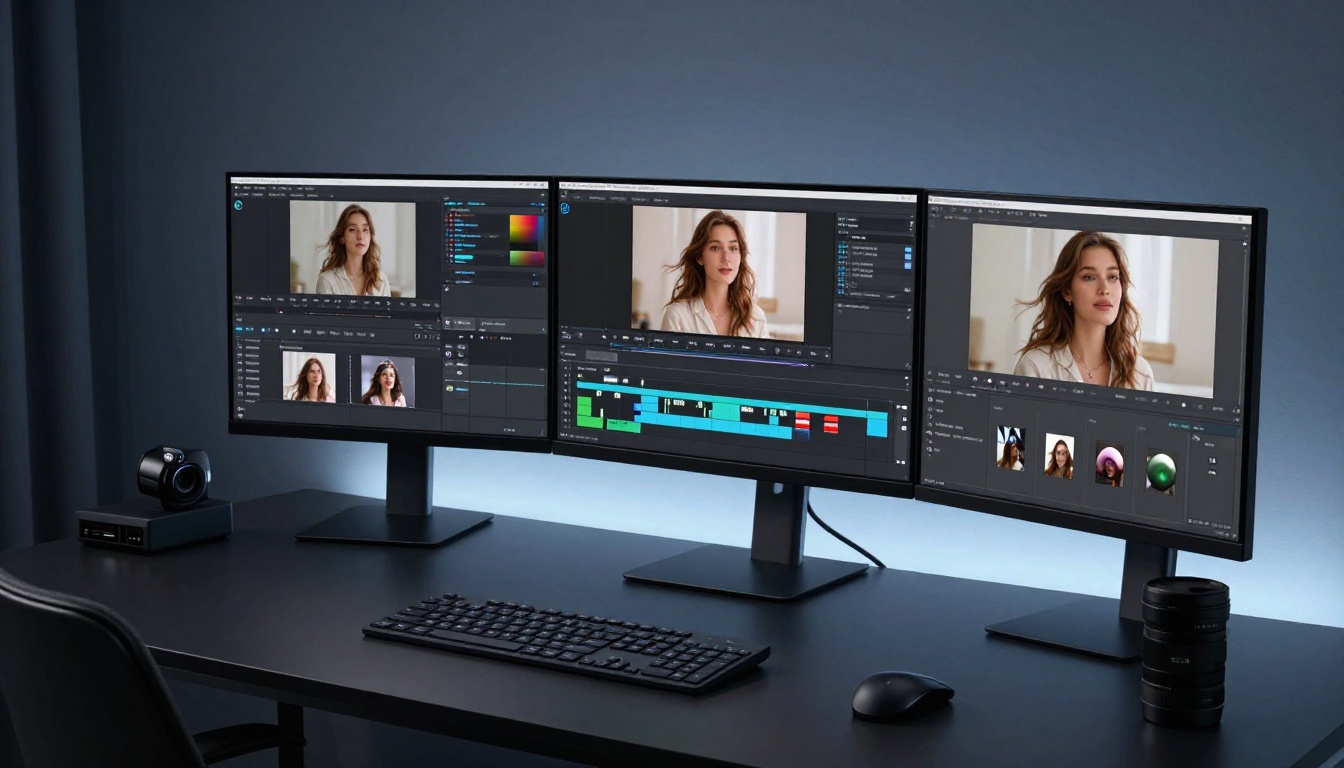
Motion Prompts That Actually Work
After extensive testing, these five motion prompt structures consistently produce high-quality results with Wan 2.7 I2V for adult photo content:
1. The Confident Turn
"Subject rotates torso 30 degrees toward camera over 3 seconds, weight shifts to rear foot, chin lifts slightly, hair swings with natural momentum, static camera at eye level"
2. The Slow Recline
"Subject already lying on side shifts weight forward, extends arm toward camera slowly, head tilts back and rests on raised arm, fabric moves with body weight, soft overhead studio light throughout"
3. The Hair Toss
"Subject raises both hands to hair, runs fingers through from roots to tips in one fluid motion over 2 seconds, head tilts back slightly with closed eyes, hair cascades back, golden hour backlight creates rim on hair"
4. The Slow Approach
"Subject walks toward camera from 3 meters, each step slow and deliberate, heels visible, hips move naturally with walking gait, slight bounce in hair, focus sharpens as subject approaches, camera holds still"
5. The Look-Back
"Subject facing away turns head 180 degrees over 3 seconds to look directly into lens, expression builds from neutral to a warm smile, shoulder rotates slightly, hair swings with head turn, shallow depth of field stays fixed on eyes"
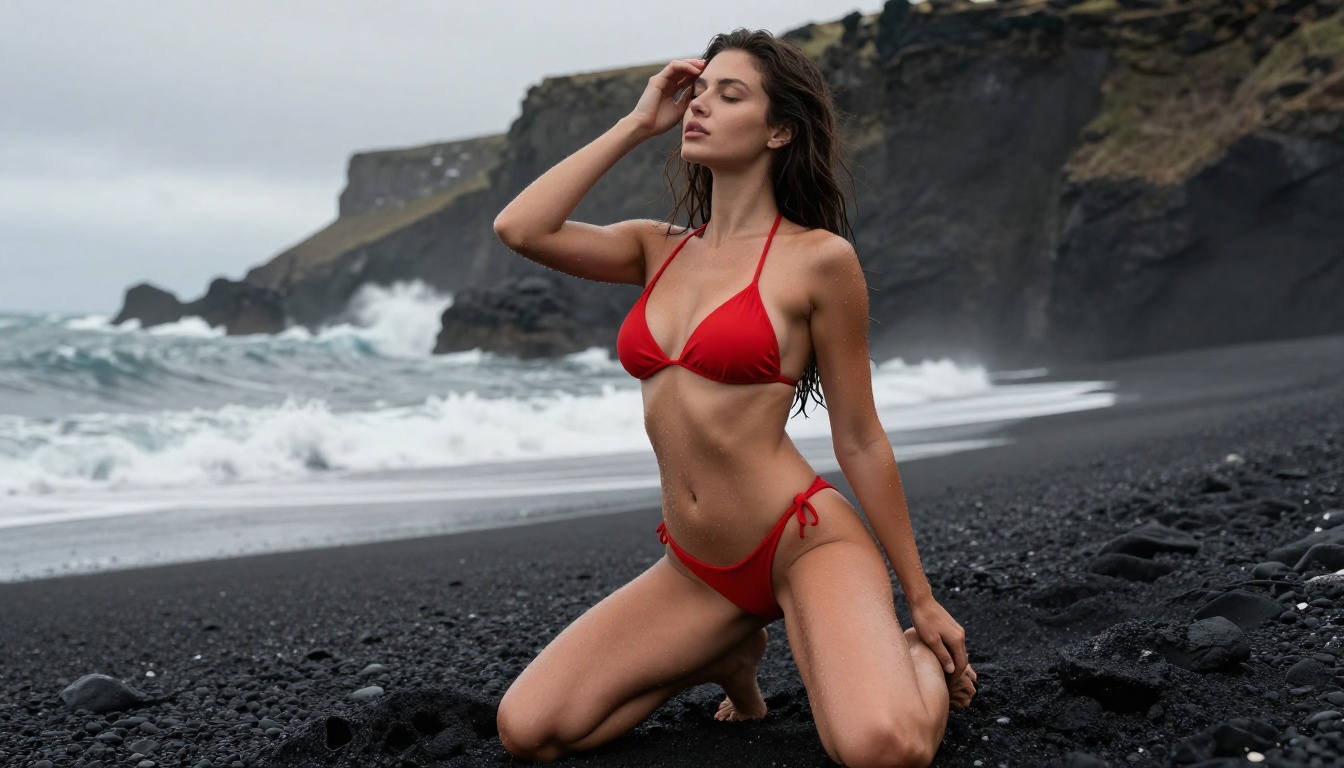
Wan 2.7 vs the Competition
How does Wan 2.7 Pro stack up against the other video models available on PicassoIA for adult content animation?
For pure adult content, the clear top tier is Wan 2.7 I2V and Seedance 2.0. Both operate without content filters on PicassoIA and both deliver 1080p output with strong temporal stability across clips.
Seedance 2.0 is actually slightly faster and has the added benefit of native audio generation. If you want your adult video clip to include ambient audio, Seedance 2.0 is the better choice. Wan 2.7 I2V wins on raw motion quality and identity preservation across longer or more complex motion sequences.
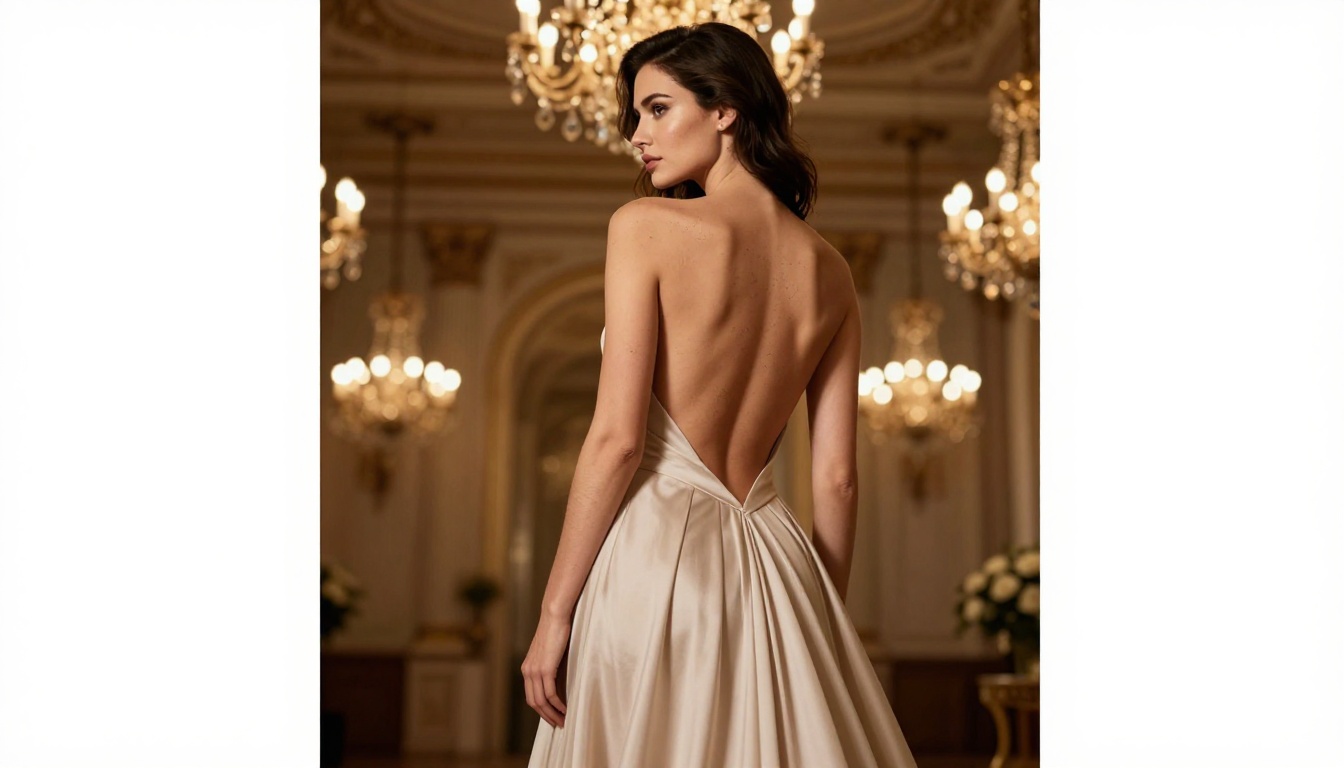
💡 Content Note: PicassoIA does not apply content restrictions to Wan 2.7 I2V generations. All models operate within legal adult content guidelines. Generate responsibly and only with content you have rights to use.
Other Models Worth Knowing
The PicassoIA video catalog extends well beyond Wan 2.7. These models each serve a distinct purpose in the adult content creation workflow:
For fast concept testing: Wan 2.7 T2V lets you describe a scene entirely in text and get a video back without needing a source photo. Excellent for testing a motion concept before investing in detailed image generation.
For character consistency: Wan 2.7 R2V takes a reference photo of your subject and applies their visual identity to a new motion sequence. This is the tool for creators who want a recurring character across multiple clips without re-uploading the same image each time.
For cinematic camera moves: Kling v2.6 and LTX 2.3 Pro both handle complex camera movements. If your scene requires a cinematic dolly push or pan-tilt combination, these models handle it better than Wan 2.7.
For audio-synced content: Seedance 2.0 generates native audio alongside video. The audio is synthesized to match the visual content, adding production value without any post-processing work.
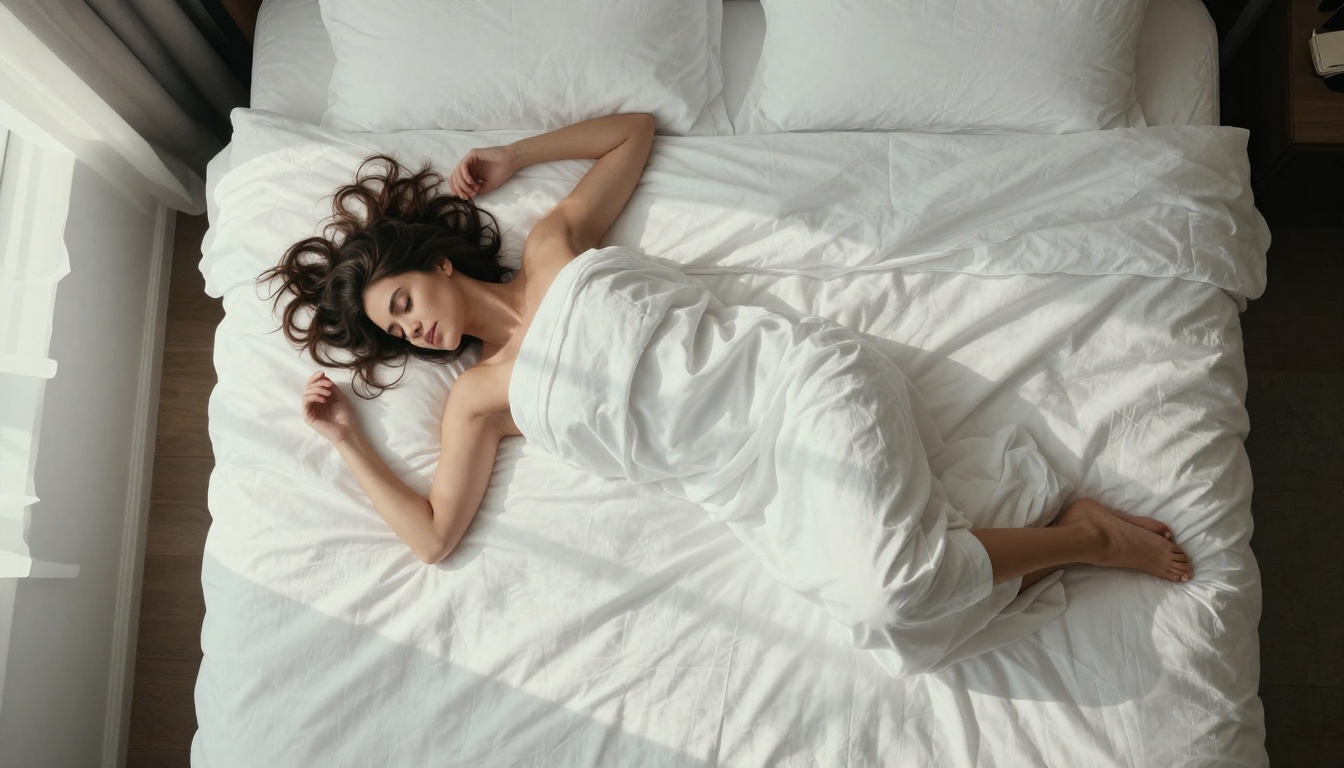
The full catalog of video models available on PicassoIA covers over 87 unique models across text-to-video, image-to-video, and video editing categories. Browse the complete selection at picassoia.com/en/all-models to find the model that fits your specific project requirements.
Start Animating Your Photos Now
The gap between a great photo and a great video clip has never been smaller. With Wan 2.7 I2V available on PicassoIA, you are three steps away from motion: generate or upload your source photo, write a precise motion prompt, and click generate. No installation, no local hardware requirements, and no subscription gatekeeping of adult content.
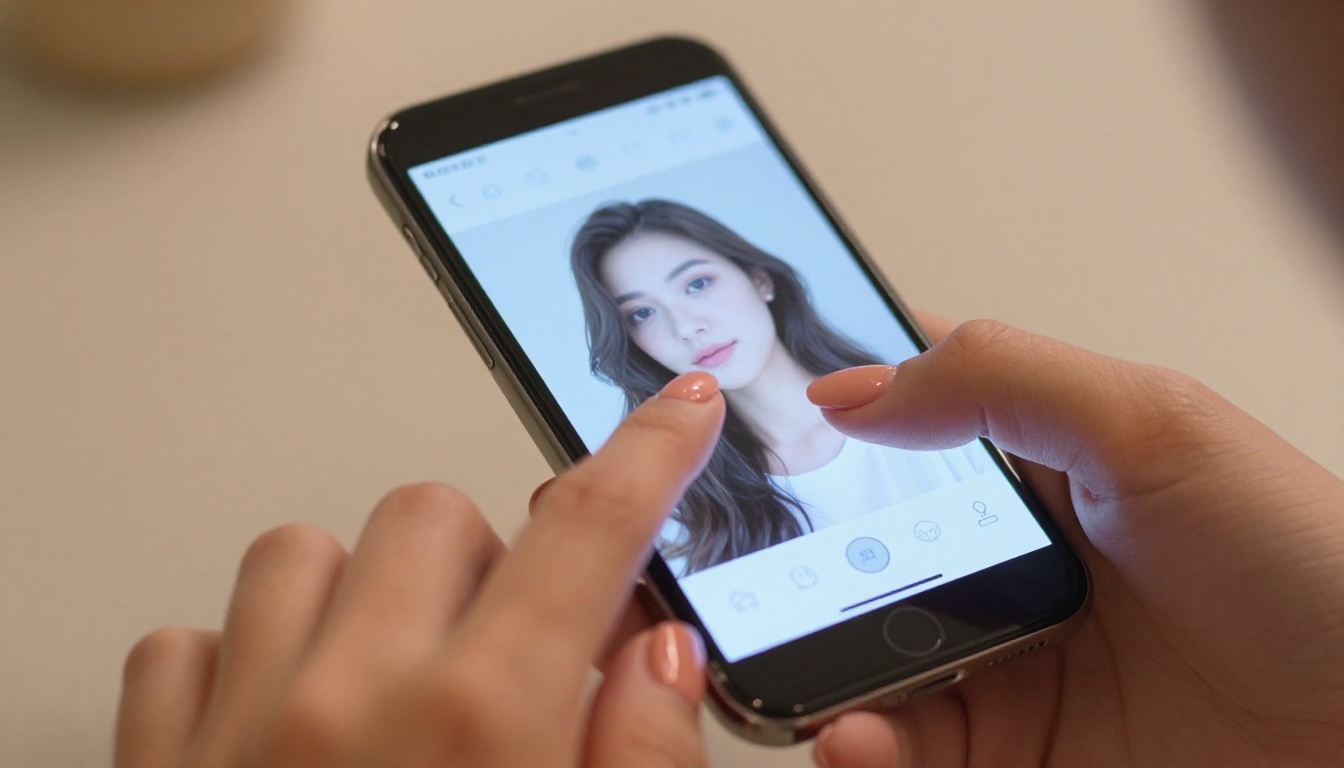
For creators who are new to the platform, start with Seedream 4.5 to generate your first source image, then open Wan 2.7 I2V in a second tab and paste the image URL into the upload field. Write a specific, directional motion prompt using the structures from the section above and run your first generation. The result will immediately show you what the model is capable of at its best.
The complete library of AI models at picassoia.com/en/all-models covers every stage of this workflow: from initial concept to final video, including image editing, super-resolution upscaling, face swapping, and video upscaling and restoration. Every tool works together in the same account, same credits, same interface.
Your photos are already good. Now make them move.


