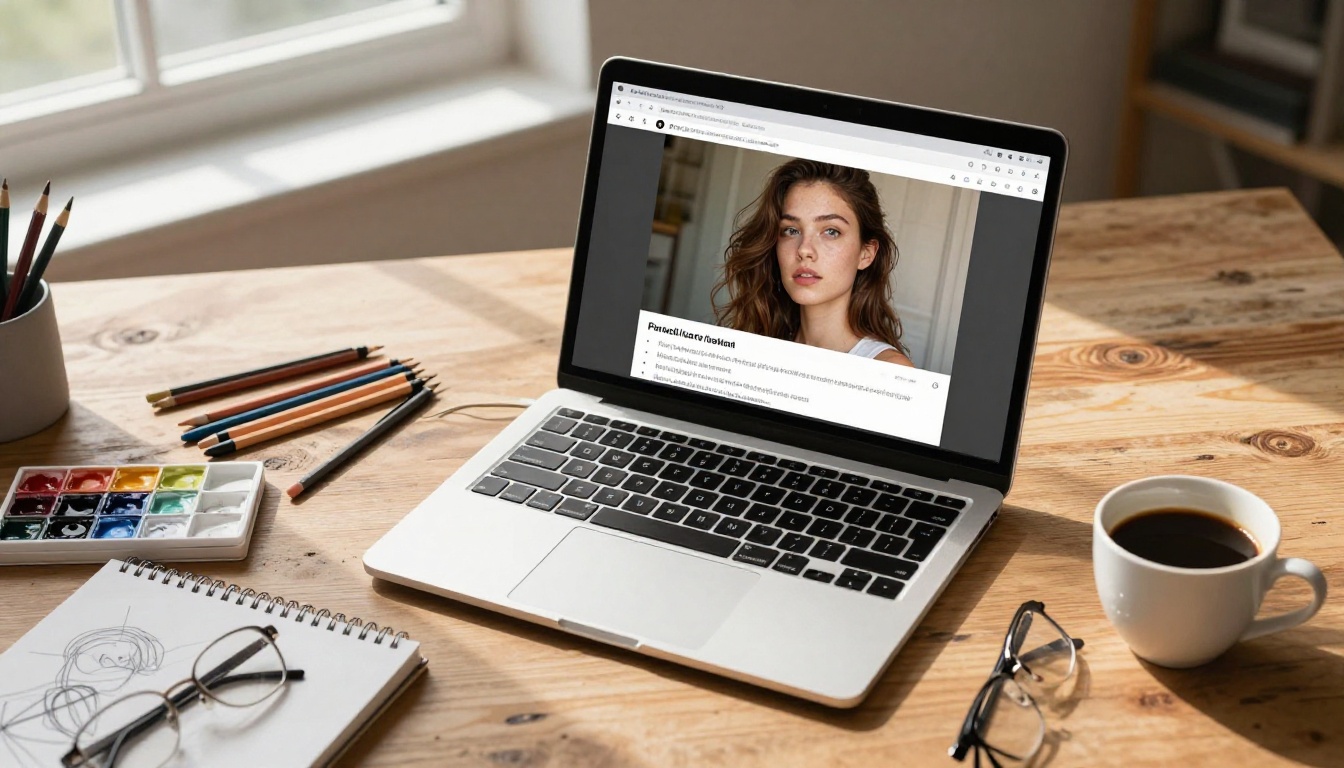
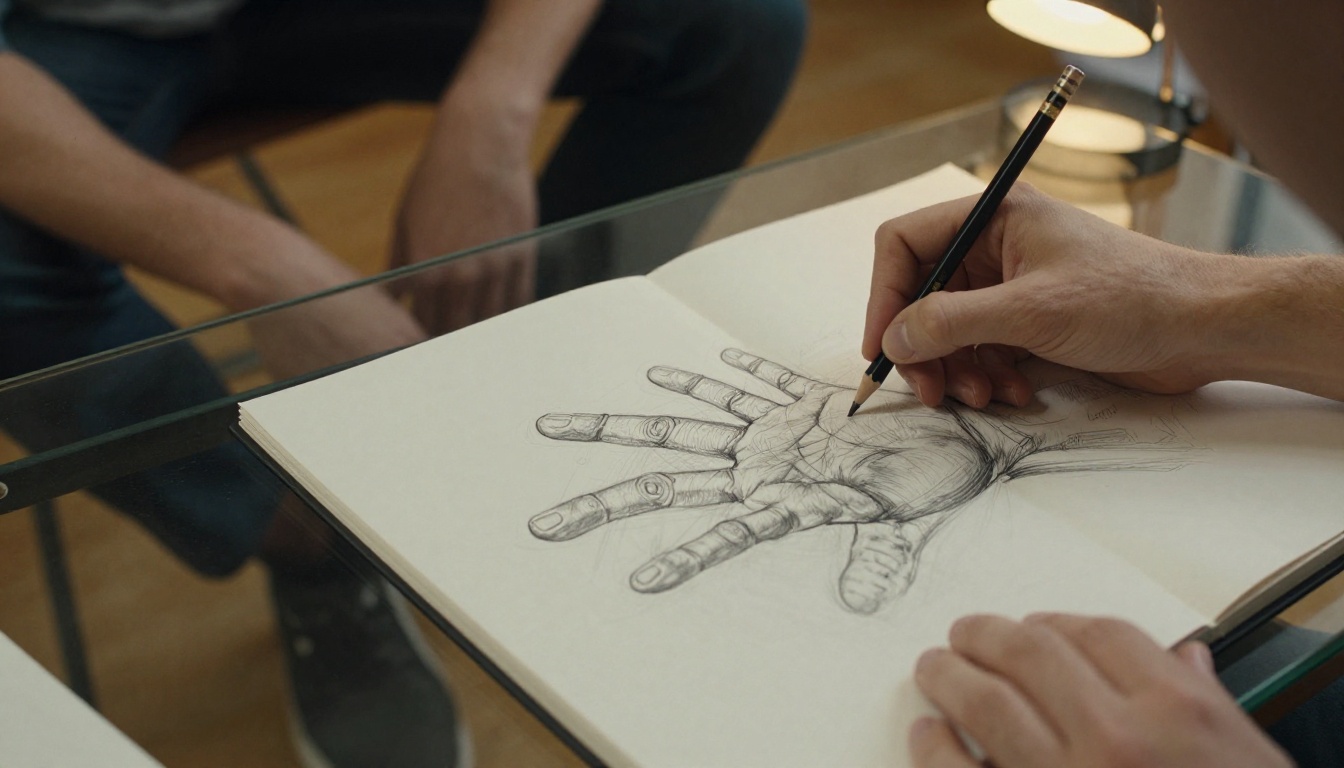
You sketched something. Maybe it is a face, a landscape, or a building. The lines are there. The idea is there. But it looks like a sketch. What if you could describe that sketch to an AI and get back a photograph-quality image in under a minute?
That is exactly what modern AI image generators do, and they are better at it than most people realize. Whether you are an artist looking to speed up your workflow, a designer who needs realistic mockups fast, or someone with zero drawing skills who just wants to see their ideas rendered in stunning photorealism, AI has you covered.
This article breaks down the best AI models for turning sketches into realistic art, the exact prompts that produce professional-grade results, and the tools that take your output from good to gallery-quality.
What AI Actually Does to Your Sketch
When you describe a sketch to an AI image generator, you are not just typing words into a search box. You are giving the model a blueprint. The AI has been trained on billions of images paired with text descriptions, which means it has seen every possible version of "a woman's face," "a mountain at sunset," or "a stone bridge over a river."
From Rough Lines to Finished Detail
The magic happens because AI models do not simply reproduce what you describe. They fill in everything you did not mention: the direction of light, the texture of skin, the way fog sits above a river at dawn. A rough sketch becomes a finished artwork because the model adds all the detail that a sketch leaves out.
This is why your prompt quality matters so much. The more specific you are about lighting, camera angle, texture, and mood, the more the AI output will match what you had in mind.
The Model Does the Heavy Lifting
Different AI models have different strengths. Some are optimized for photorealistic human faces. Others produce stunning landscapes or architectural renders. Picking the right model for your sketch type is the single biggest factor in output quality.
The Best AI Models for Realistic Art
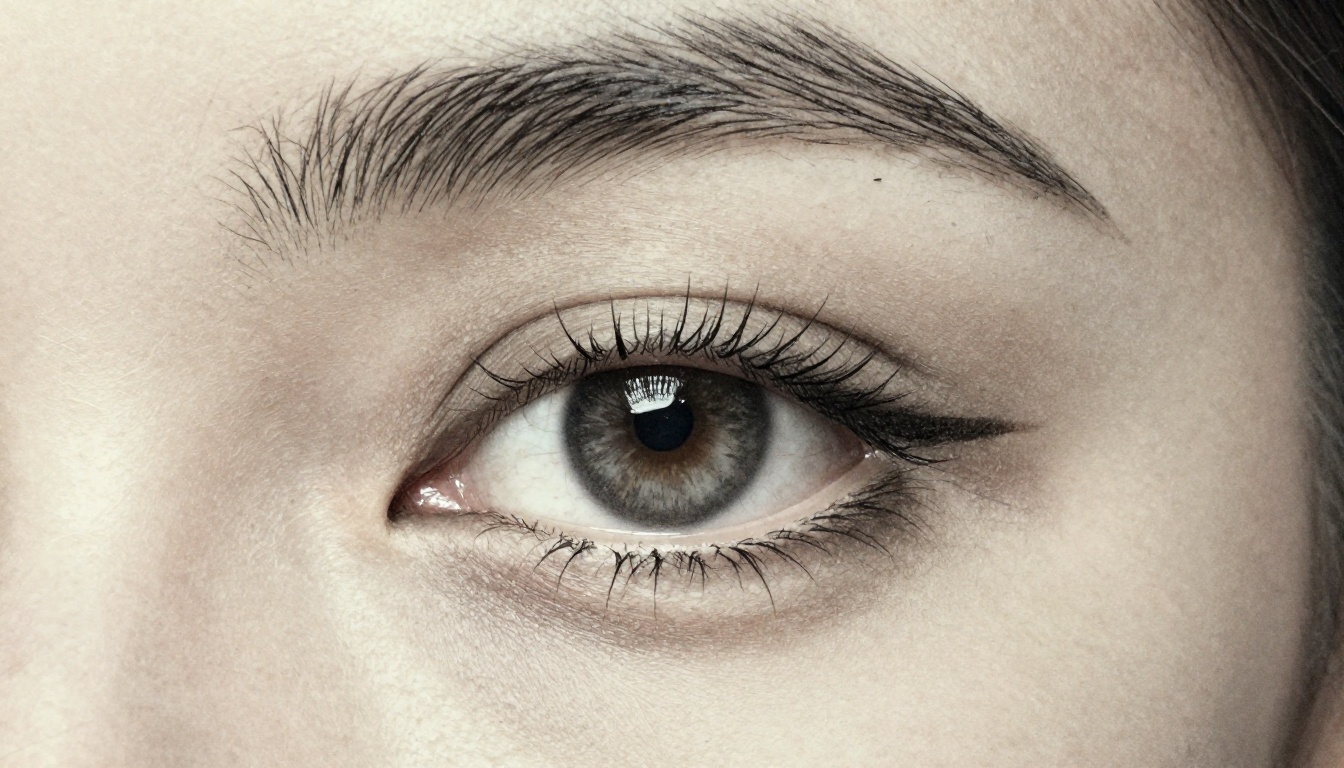
Not all AI image generators are built the same. Here are the top models available on PicassoIA for turning sketch concepts into photorealistic images.
GPT Image 2
GPT Image 2 is one of the most capable text-to-image models available today. Built on OpenAI's latest generation architecture, it excels at following complex, detailed prompts and rendering photorealistic results with natural lighting and accurate proportions.
For sketch-to-art workflows, GPT Image 2 is particularly strong with portraits, editorial-style fashion images, and scenes with multiple objects. Its ability to interpret nuanced lighting descriptions makes it ideal when you are describing a specific mood or atmosphere from your sketch.
💡 Pro tip: When using GPT Image 2 for portraits, always specify the lighting setup (e.g., "soft Rembrandt lighting from the upper left") and the camera lens (e.g., "85mm f/1.4 bokeh"). This dramatically improves realism.
Seedream 4.5
Seedream 4.5 by ByteDance is a powerhouse for generating 4K-quality images from text descriptions. It handles fine detail exceptionally well, which makes it perfect for architectural sketches, landscape concepts, and scenes that require rich environmental texture.
Seedream 4.5 is the model to reach for when you need every pixel to hold up at maximum zoom. Its training on high-resolution image pairs gives it an edge in reproducing material textures: stone, fabric, water, and foliage all look physically accurate.
Hunyuan Image 2.1
Hunyuan Image 2.1 by Tencent delivers exceptional 2K image generation with a focus on compositional accuracy. If your sketch has a specific spatial arrangement you want to preserve, this model tends to respect the structure of your description more faithfully than others.
It performs especially well with:
- Complex scenes with multiple subjects or depth layers
- Atmospheric conditions like fog, rain, or dramatic cloud formations
- Interior spaces with controlled lighting environments
Wan 2.7 Image Pro
Wan 2.7 Image Pro is the highest-resolution option in the lineup, capable of generating true 4K output with exceptional sharpness. For artists who want to print their AI-generated realistic art at large format, this is the model that delivers.
How to Turn a Sketch into Realistic Art
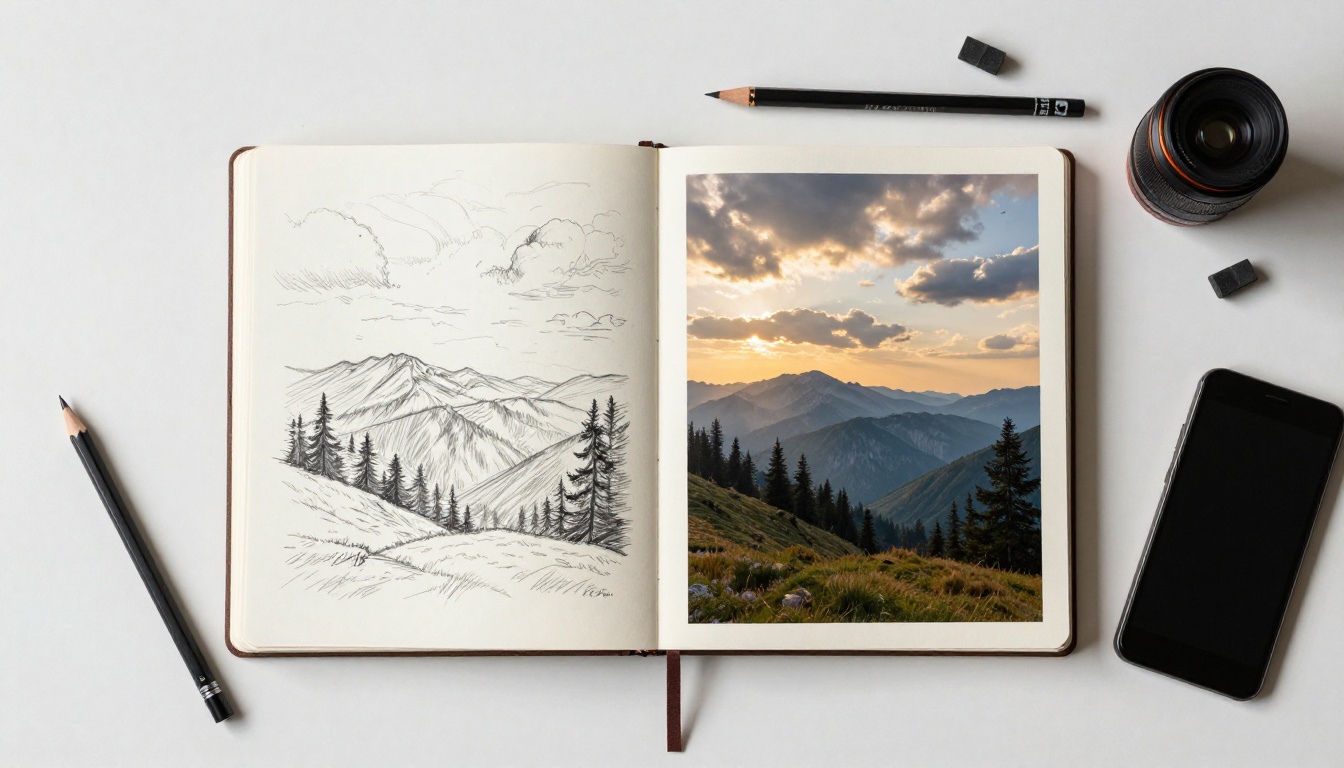
The process is simpler than most people expect. You do not need the original sketch file. You need a clear, detailed description of what that sketch depicts.
Step 1: Describe Your Sketch in Words
Look at your sketch and answer these questions:
- Who or what is the subject? (A woman's face, a mountain range, a building exterior)
- What is the setting? (Indoors, outdoors, urban, natural)
- What is the mood? (Calm, dramatic, romantic, tense)
- Where is the light coming from? (Morning sun from the left, studio softbox, golden hour backlight)
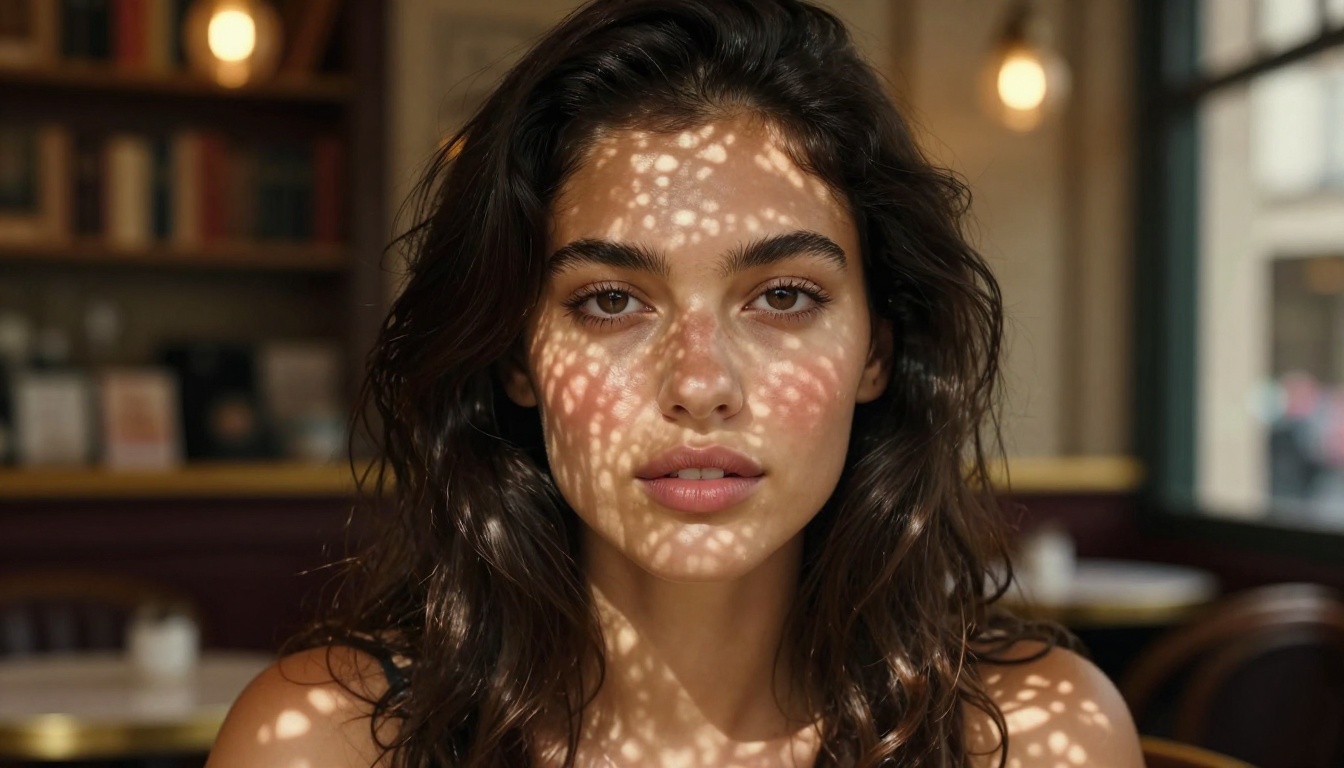
The more precisely you answer these questions in your prompt, the better the AI output will be. A weak prompt like "woman portrait" produces generic results. A strong prompt like "close-up portrait of a young woman with dark wavy hair, seated in a Parisian cafe, morning sunlight through lace curtains casting soft patterns on her face, shot with 50mm f/1.7 lens, Kodak Portra 400 film grain" produces something that looks like it came from a professional editorial shoot.
Step 2: Pick the Right Model
Once you have your prompt, choose your model based on the type of image:
Step 3: Refine with Realistic Parameters
After your first result, look at what worked and what did not. Then add more specificity to the parts that fell short. If the lighting looks artificial, describe it more precisely. If the skin texture looks smooth and plastic, add "photorealistic skin texture, visible pores, natural imperfections" to your prompt.
Realism in AI art is an iterative process. Your second prompt is almost always better than your first.
Prompts That Actually Produce Realism
The difference between a mediocre AI image and a stunning one almost always comes down to the prompt. Here are proven prompt structures for the most common sketch types.
Portrait Prompts
For realistic portraits, always include:
- Subject description: Age, hair color, skin tone, expression
- Lighting: Direction, quality (hard/soft), color temperature
- Camera: Focal length and aperture (e.g., 85mm f/1.4)
- Film grain: Kodak Portra 400, Fuji 400H, Ilford HP5
- Background: Specific environment, not just "blurred background"
Example prompt:
"Portrait of a woman in her late twenties, chestnut hair pulled back loosely, freckles across the nose and cheekbones, soft smile, seated in a golden-lit library, afternoon sun from the right casting warm shadows, shot with 85mm f/1.4, Kodak Portra 400, shallow depth of field on distant bookshelves"
Landscape Prompts
For landscapes, depth and atmosphere are everything:
- Time of day: Golden hour, blue hour, midday, overcast
- Atmospheric effects: Fog, mist, rain, haze, god rays
- Foreground element: Something close to anchor the composition
- Middle and background: Layer the scene for depth
- Camera and lens: Wide angle (24-35mm) for landscape drama
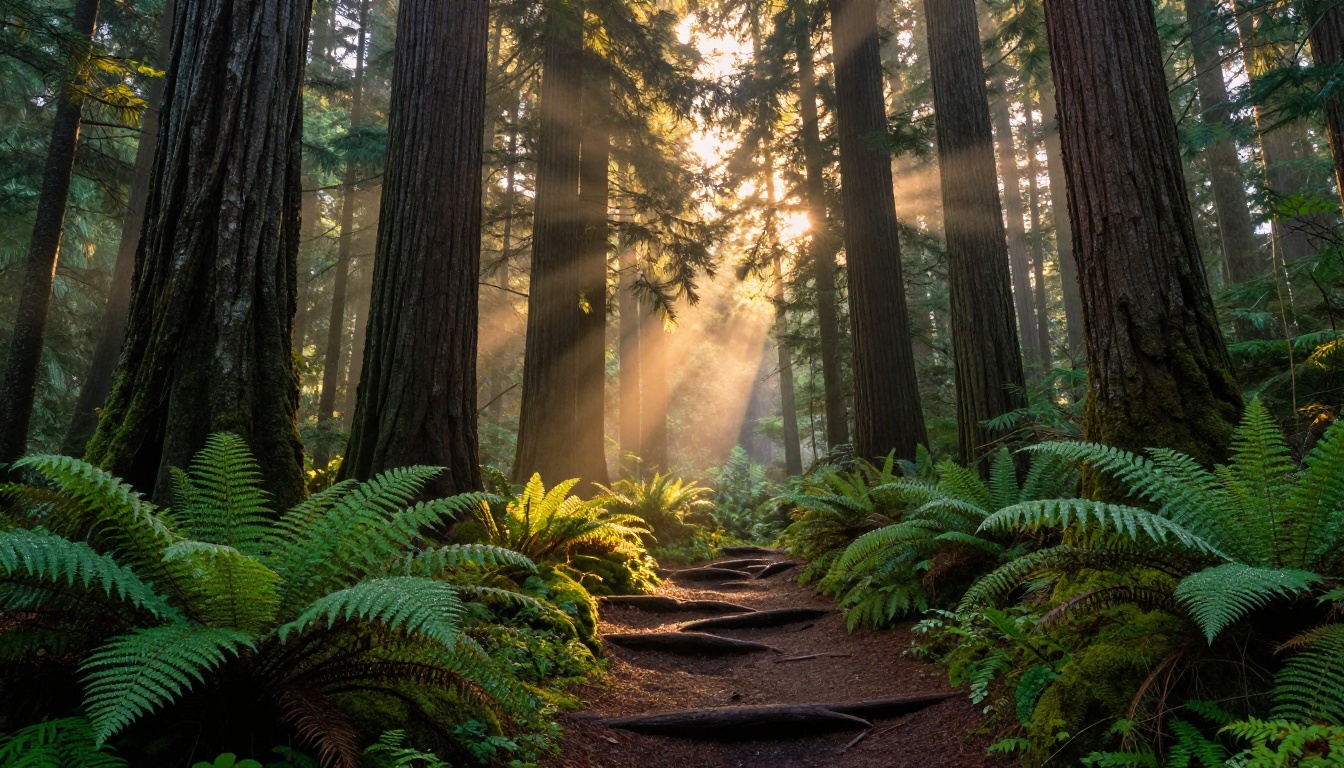
Example prompt:
"Pacific Northwest old-growth forest at golden hour, towering Douglas firs with furrowed bark, luminous green moss forest floor with dewdrops, god rays filtering through dense canopy, a narrow dirt path in the foreground, morning mist in the middle distance, Canon 24mm f/8, Fujifilm Velvia 50"
Architecture Prompts
Architecture demands precision and perspective:
- Building style: Medieval, Art Deco, Brutalist, contemporary
- Perspective: Eye level, low angle, aerial, tilt-shift
- Lighting: Natural (time of day) or artificial (street lights, interior glow)
- Environmental context: Setting, weather, surrounding elements
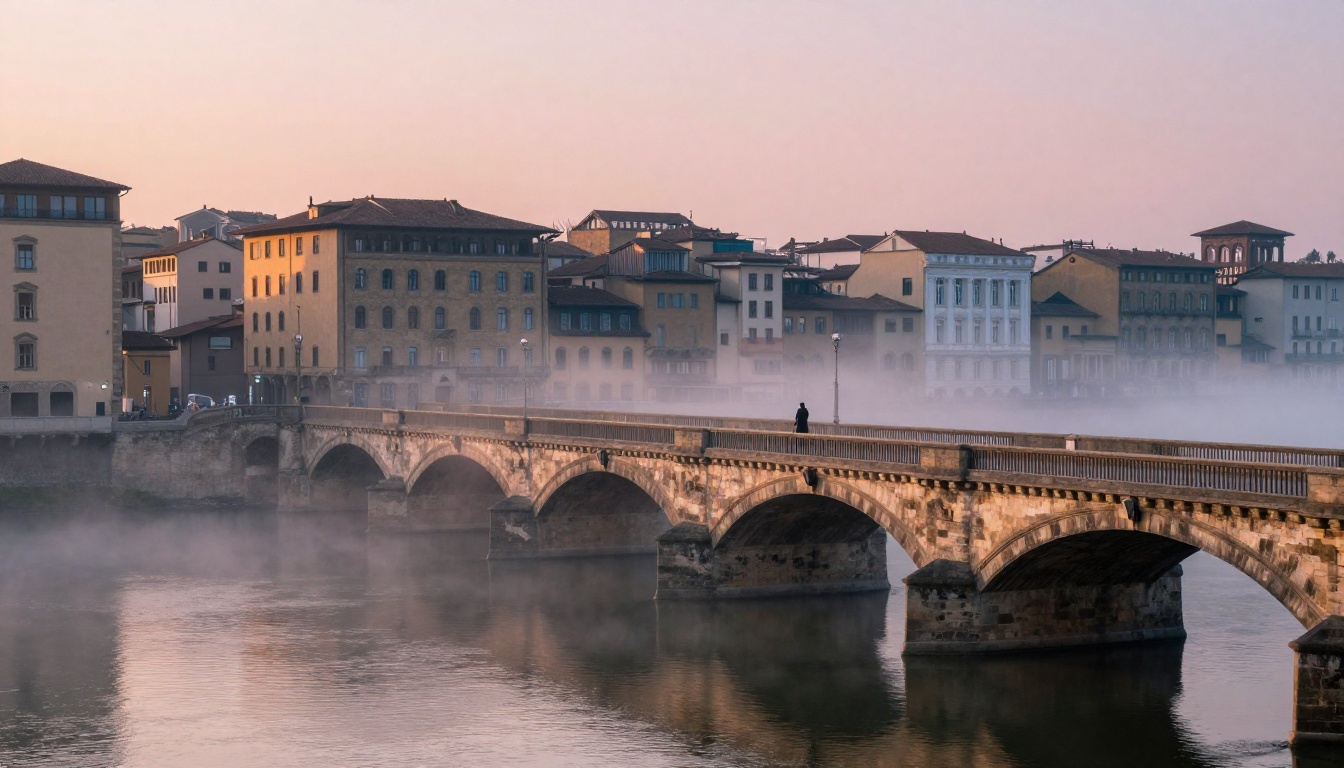
Example prompt:
"European stone bridge at dawn, worn limestone arches over a misty river, pink and golden light reflecting off calm water, ancient terracotta-roofed buildings along the riverside, a lone figure midground, Nikon 24mm tilt-shift, Velvia 50 film grain"
Fashion Sketches to Photorealistic Photos
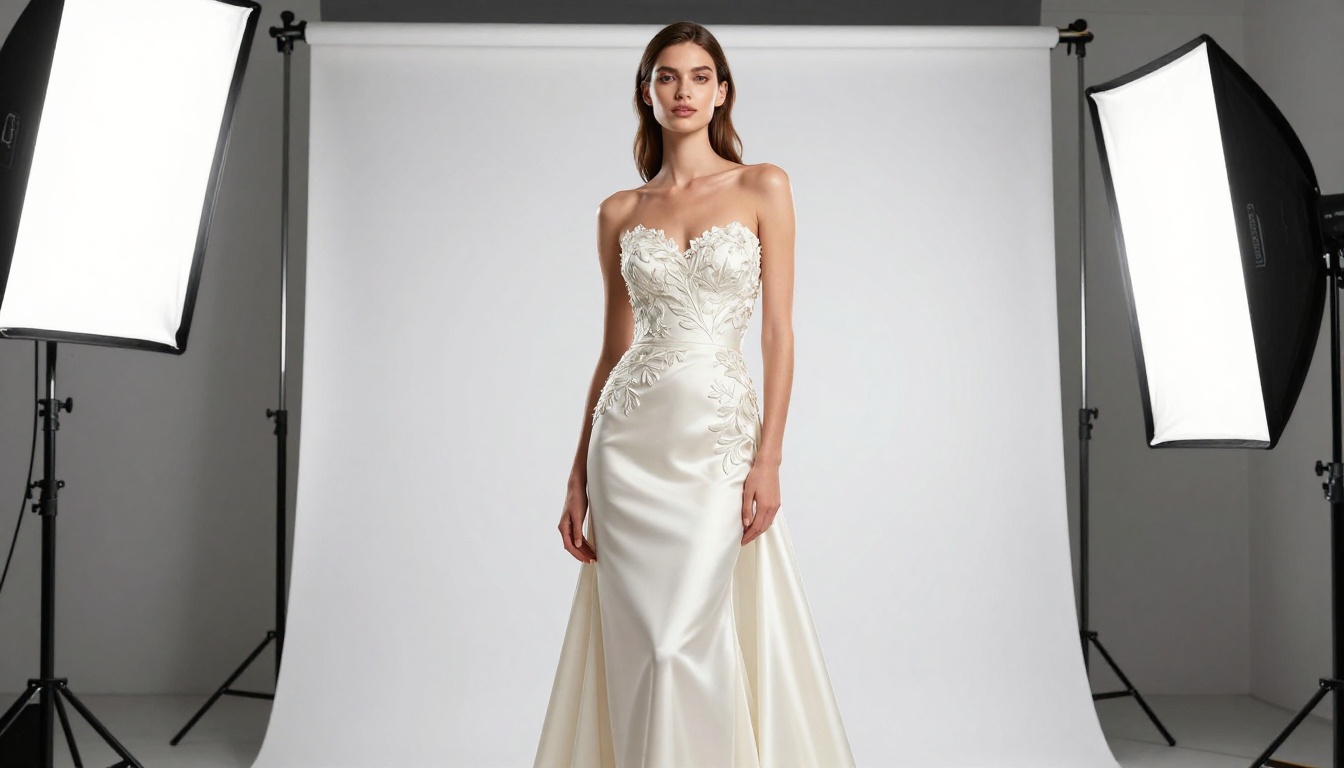
Fashion is one of the most satisfying sketch-to-art workflows because the results can look indistinguishable from a real editorial shoot. A rough croquis sketch of a dress silhouette becomes a high-resolution studio photograph complete with fabric texture, lighting, and model presence.
For photorealistic fashion output, fabric description is everything. You need to tell the AI exactly what the garment is made of: silk, linen, wool, sequins, embroidered satin. "A white dress" gives you something generic. "An ivory silk evening gown with intricate hand-embroidered floral details on the bodice, the fabric catching studio light with a lustrous sheen" gives you something that could appear in Vogue.
💡 For fashion prompts: Always specify the photography setup. "Shot with a Phase One IQ4 camera, 80mm f/5.6, perfectly even studio lighting with slight warm fill" tells the AI exactly what kind of professional output you want.
Fashion sketch conversion works especially well with GPT Image 2 because of its superior ability to interpret garment descriptions and render fabric physics accurately. Pair it with Seedream 4.5 when you need 4K fabric detail that holds up in print.
Nature and Environment Scenes
Environmental sketches, from quick plein air studies to detailed landscape compositions, translate beautifully into AI photorealism because nature scenes give the AI enormous creative latitude to fill in atmospheric and textural detail.
The critical factor is specificity about time and weather. "A forest" could be anything. "Old-growth Pacific Northwest forest at golden hour with god rays, moss-covered floor, morning mist in the middle distance" gives the AI a complete visual recipe.
Pay attention to these elements when describing natural environments:
- Light quality: Hard and directional (clear sky) vs. soft and diffused (overcast)
- Seasonal cues: Spring green, autumn gold, winter frost, summer haze
- Ground texture: Moss, dead leaves, snow, sand, grass species
- Water presence: Still reflections, rushing current, morning dew, rain on leaves
Seedream 4.5 and Wan 2.7 Image Pro both shine for environmental scenes, with Seedream producing richer color saturation and Wan delivering the sharper pixel-level detail.
Upscaling Your Art to 4K
Even the best AI image generators sometimes produce output that needs a resolution boost for large-format printing or high-DPI display. This is where PicassoIA's super-resolution tools come in.
Real ESRGAN for Photos
Real ESRGAN is the go-to for upscaling general photorealistic images up to 4x. It is particularly strong with complex textures like foliage, water, stone, and fabric. If you generated a landscape or architectural image, running it through Real ESRGAN produces a significant quality improvement without artifacts.
Crystal Upscaler for Portraits
Crystal Upscaler is specifically optimized for portrait images. It sharpens facial detail, refines eyes, and preserves skin texture in a way that general upscalers cannot match. For any portrait workflow, this is the right tool for the final upscale step.
Topaz Image Upscale for Everything
Topaz Image Upscale by Topaz Labs can enlarge any image up to 6x without quality loss, making it the most powerful option when you need maximum resolution for print or commercial use. It handles a wider variety of image types than more specialized models.
💡 Upscaling workflow: Generate at standard resolution first. Review the composition, lighting, and detail. Only upscale when you are satisfied with the result. This saves time and processing.
You can also try Google Upscaler for a fast 4x result, or Recraft Crisp Upscale when you want crisp edge preservation without color shifting.
3 Mistakes That Ruin Realism
Most disappointing AI outputs trace back to three avoidable errors.
Vague, Generic Prompts
"A portrait of a woman" does not tell the AI enough. Without lighting direction, setting, camera specs, and texture cues, the model defaults to the most average version of that prompt in its training data. The result looks like a stock photo from 2015.
Fix it: Add at least three of these to every prompt: lighting direction, camera lens, film grain, specific setting, time of day, texture description.
Choosing the Wrong Model
Using a landscape-optimized model for a portrait, or vice versa, produces suboptimal results even with a strong prompt. Each model has been fine-tuned on different image distributions, and that shows in the output.
Fix it: Refer to the model comparison table above and match your sketch type to the model's documented strength.
Stopping at the First Result
The first output is a starting point, not a finished product. Every professional who uses AI image generators runs multiple iterations, refining the prompt each time based on what worked and what did not.
Fix it: Run 3 to 5 variations of each prompt. Change one element at a time so you can isolate what drives the improvement. Lighting is usually the single most impactful variable to adjust.
Start Creating Your Realistic Art Today
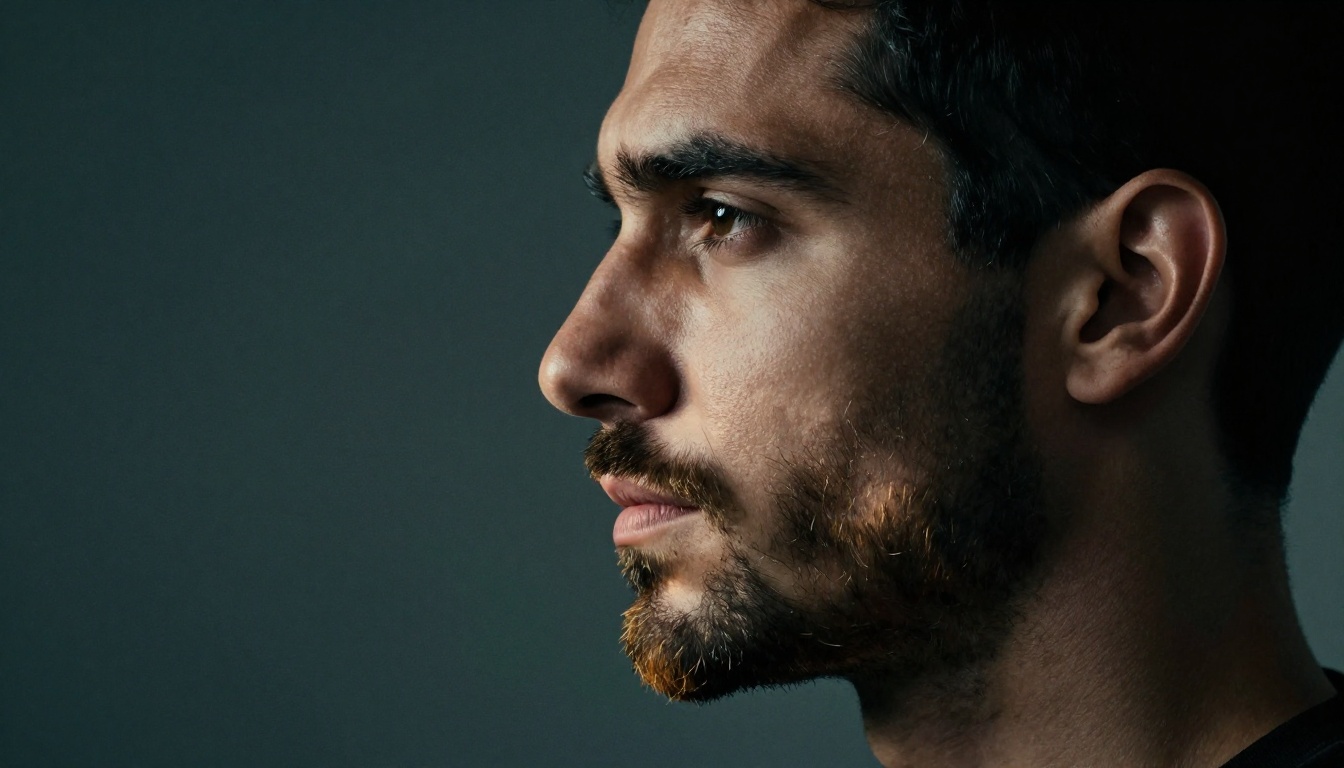
Every image in this article started as a text description, exactly the kind you would write when describing a sketch you already have in front of you. The technology is not complicated. The barrier is lower than it has ever been.
PicassoIA gives you access to GPT Image 2, Seedream 4.5, Hunyuan Image 2.1, and Wan 2.7 Image Pro, plus the full suite of upscaling tools including Real ESRGAN, Crystal Upscaler, and Topaz Image Upscale in one place. No subscriptions to juggle. No software to install.
Take your sketch. Describe it in words. Pick a model. See what comes back. Then make it better. That is the whole process.
The gap between your sketch and a photorealistic image is now just a few well-written sentences.