If you've been trying to turn text into NSFW images with Seedream 5.0, you've probably already hit the first wall. The newest release from ByteDance ships as Seedream 5 Lite, a version built for broad consumer use with a content safety filter baked in that blocks adult imagery outright. No workarounds, no prompt tricks. The filter is a hard architectural decision, not a setting you can toggle off.
That said, PicassoIA hosts a full lineup of text-to-image models that genuinely work for glamour photography, bikini art, artistic nudity, and suggestive content. This article tells you which models to use, how to write prompts that produce photorealistic results in seconds, and how to get unlimited generations without the price tag.
What Seedream 5 Lite Actually Does
ByteDance built the Seedream 5 architecture with commercial deployment in mind. Seedream 5 Lite is optimized for speed and image quality across safe categories: landscapes, product photography, architectural renders, character art, and similar content. It performs well in those areas.
For NSFW generation, however, it simply will not comply. The model flags and rejects prompts that reference bikinis in suggestive contexts, partial nudity, adult body language, or romantic scenarios that cross its safety threshold. Even carefully worded prompts that work on other platforms come back as error messages or sanitized outputs on Seedream 5 Lite.
Why Seedream 4.5 Is the Right Choice
The model you actually want is Seedream 4.5 on PicassoIA. It is the prior generation in the ByteDance family and it accepts adult-oriented prompts without filtering them. Beyond the NSFW capability, Seedream 4.5 has a genuine technical edge: results arrive in under 3 seconds and the model supports both text-to-image generation and image editing from the same interface.
For creators who want a photorealistic, fast, NSFW-capable text-to-image tool, Seedream 4.5 is the right starting point.
💡 Note: Seedream 5 Lite deliberately blocks adult content. If NSFW generation is your goal, go directly to Seedream 4.5 on PicassoIA. Do not waste time trying to engineer prompts around the Seedream 5 filter.
The Best NSFW Models on PicassoIA Right Now
PicassoIA aggregates more than 185 text-to-image models, and a significant subset of them explicitly support adult content. These are the ones worth your time, ranked by real-world performance for NSFW text-to-image generation.
Seedream 4.5 Leads Every Test
Seedream 4.5 earns the top slot for three reasons: realism, speed, and flexibility. The photorealism it produces for human subjects is among the best available anywhere. Skin texture, lighting response, fabric physics, and facial features all render with a level of detail that holds up at full zoom. Generation speed stays under 3 seconds per image, making iteration fast. And it handles image editing, so you can refine an output directly rather than restarting with a new prompt from scratch.
PicassoIA Image Editor Pro Solves the Volume Problem
If you need to generate large quantities of images, PicassoIA Image Editor Pro solves the cost problem that kills most AI workflows at scale. On models like Nano Banana 2, generating 1,000 images would cost roughly $100. On Image Editor Pro with an Elite or Infinite subscription, those 1,000 images cost nothing extra. Unlimited generations are included in the plan.
The model itself is an img2img editor, meaning it takes an existing image and modifies it according to your prompt. It accepts NSFW content, generates in under 1 second, and offers a free trial of 3 generations with no credit card required.
💡 Best workflow: Use Seedream 4.5 to generate your base images, then feed them into PicassoIA Image Editor Pro for variations, edits, or style adjustments at scale without per-generation costs.
Six More Models Worth Knowing
The platform offers strong options beyond the top two. Here is how the rest stack up:
| Model | Strength | NSFW | Speed |
|---|
| Qwen Image 2 | Open source, edits and creates | Yes | Fast |
| Grok Imagine Image | Bikini conversions, highly realistic | Yes | Fast |
| Recraft V4 | Text-to-image realism | Yes | Fast |
| P-Image | Sub-1-second generation | Yes | Under 1s |
| Wan 2.2 Image | Realistic from text, no filters | Yes | Fast |
| Wan 2.2 I2v Fast | Static image to animated video | Yes | Video |
Qwen Image 2 is an open-source model with strong realism and the ability to both create images from scratch and edit existing ones in seconds. It does not impose content filters, making it reliable for adult prompts across a wide range of subjects.
Grok Imagine Image specializes in realistic transformations, particularly converting existing photos into bikini-format outputs with impressive anatomical accuracy and natural skin rendering that avoids the uncanny valley.
Recraft V4 focuses on text-to-image only (no editing) but produces very realistic outputs for NSFW prompts and handles fine fabric textures and skin tones particularly well for glamour-style photography.
P-Image is the fastest option for pure text-to-image at under 1 second per generation. Useful for rapid iteration when testing prompt variations before committing to a full generation on a slower model.
How to Write NSFW Prompts That Produce Results
The model is only half the equation. The prompt determines whether your output looks like a magazine spread or a blurry mess. NSFW prompts for photorealistic text-to-image generation follow a clear structure once you know what the models respond to.
The Core Prompt Formula
Every strong NSFW prompt hits these elements in roughly this order:
- Subject description: Age appearance, hair color and length, expression
- Clothing or state of dress: Specific garment, fabric type, fit
- Environment: Location, time of day, surrounding elements
- Lighting: Direction, quality, color temperature
- Camera specifics: Lens (50mm, 85mm, 135mm), aperture, shot angle
- Texture details: Skin quality, fabric texture, surface reflections
- Film style: Kodak Portra 400, Fujifilm Provia, RAW rendering
Weak Prompt vs. Strong Prompt
Weak: "beautiful woman on beach in bikini"
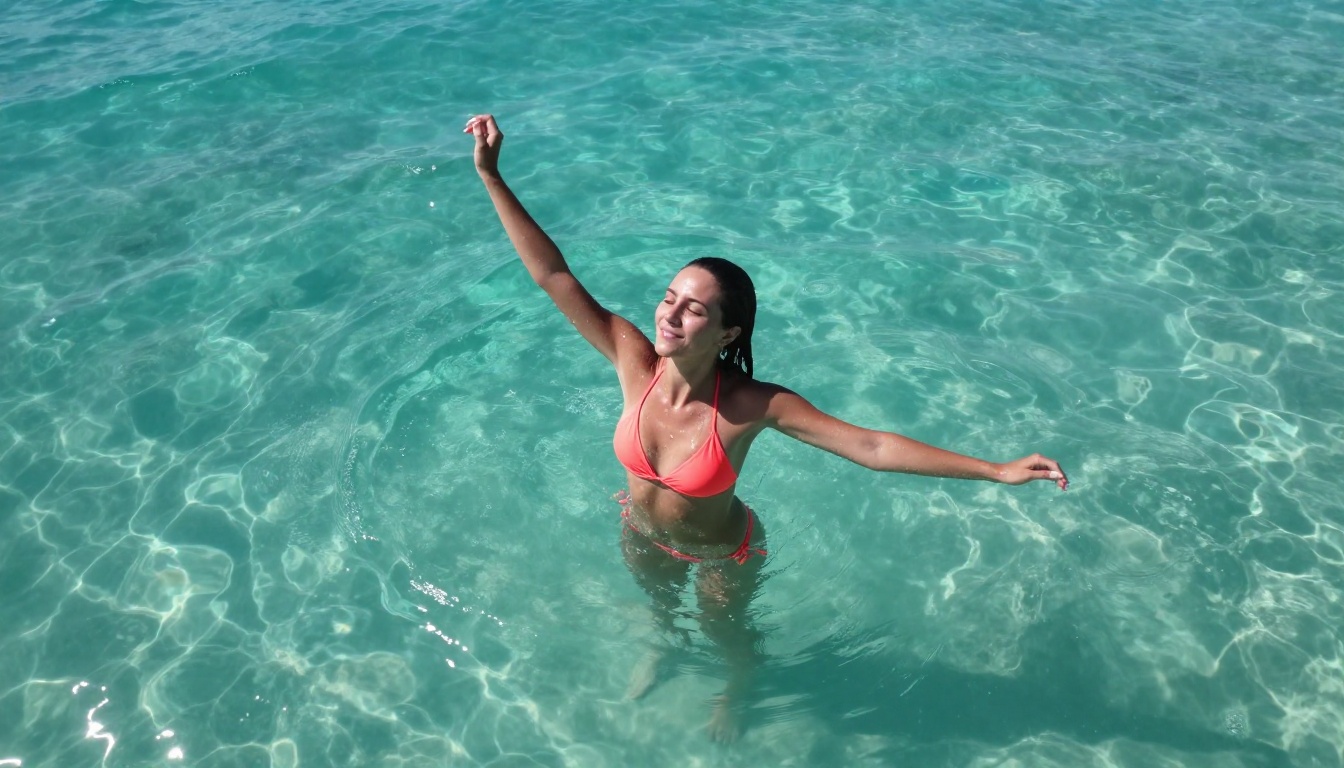
Strong: "Tanned woman with long dark hair standing at shoreline of tropical beach, wearing a minimal coral string bikini, gentle wave water at ankle height, golden hour sunlight from camera right creating warm rim light across bare shoulders and collarbone, aerial drone shot from 30 degrees above, fine sand texture between toes, water droplets on skin catching direct sunlight, 35mm f/2.0 lens, Kodak Portra 400 film grain, photorealistic 8K RAW --ar 16:9 --style raw"
The difference in output quality between these two prompts is dramatic. Models like Seedream 4.5 respond significantly better to detailed prompts because they use the additional context to resolve ambiguity in anatomy, lighting, and composition. More specificity equals more control.
What to Avoid
- Vague body descriptors: "perfect figure" produces inconsistent results. Describe specific proportions instead.
- Style contradictions: Do not combine "photorealistic" with "cinematic" without clarifying the intent of each.
- Overcrowded prompts: Beyond 120 words, attention dilutes. Keep the prompt tight and focused.
- Jumping to explicit language: Models like Seedream 4.5 handle artistic and glamour content extremely well. Staying in suggestive, aesthetic territory produces higher quality outputs than pushing into explicit descriptions, which often degrades realism.
💡 Tip: Add "35mm film grain, Kodak Portra 400" to any portrait prompt for immediately more photographic results. These style tokens are well-represented in the training data of most photorealistic text-to-image models.
Using PicassoIA Image Editor Pro: Step by Step
PicassoIA Image Editor Pro functions as an img2img editor, which means it transforms an input image according to your prompt. This is different from pure text-to-image generation and gives you a fundamentally different kind of control over the output.
How the Workflow Runs
Step 1: Generate a base image using Seedream 4.5 or any text-to-image model. Get the composition, pose, and general aesthetic right at this stage.
Step 2: Upload the base image into PicassoIA Image Editor Pro.
Step 3: Write an editing prompt describing what you want to change. For example: "change the blouse to a white bikini top, maintain same lighting and background, photorealistic 8K."
Step 4: Adjust the editing strength slider. A higher value gives the model more creative freedom to deviate from the original; a lower value keeps changes closer to the source image.
Step 5: Generate. Results arrive in under 1 second.
Step 6: Iterate freely. Because generations are unlimited on Elite and Infinite plans, you can run dozens of variations without tracking credits or managing costs.
The practical value here is significant. Once you have a solid base image, you can produce large batches of variations with different clothing states, lighting adjustments, or background changes, all at no additional cost.

Why Resolution and Upscaling Matter for NSFW Content
NSFW AI images lose their value quickly if the resolution cannot hold up to full-screen display or cropping. Many models generate at 512x512 or 768x768 natively, which looks fine as a thumbnail but falls apart when you zoom in on skin texture or fabric detail.
Getting to True 8K Photorealism
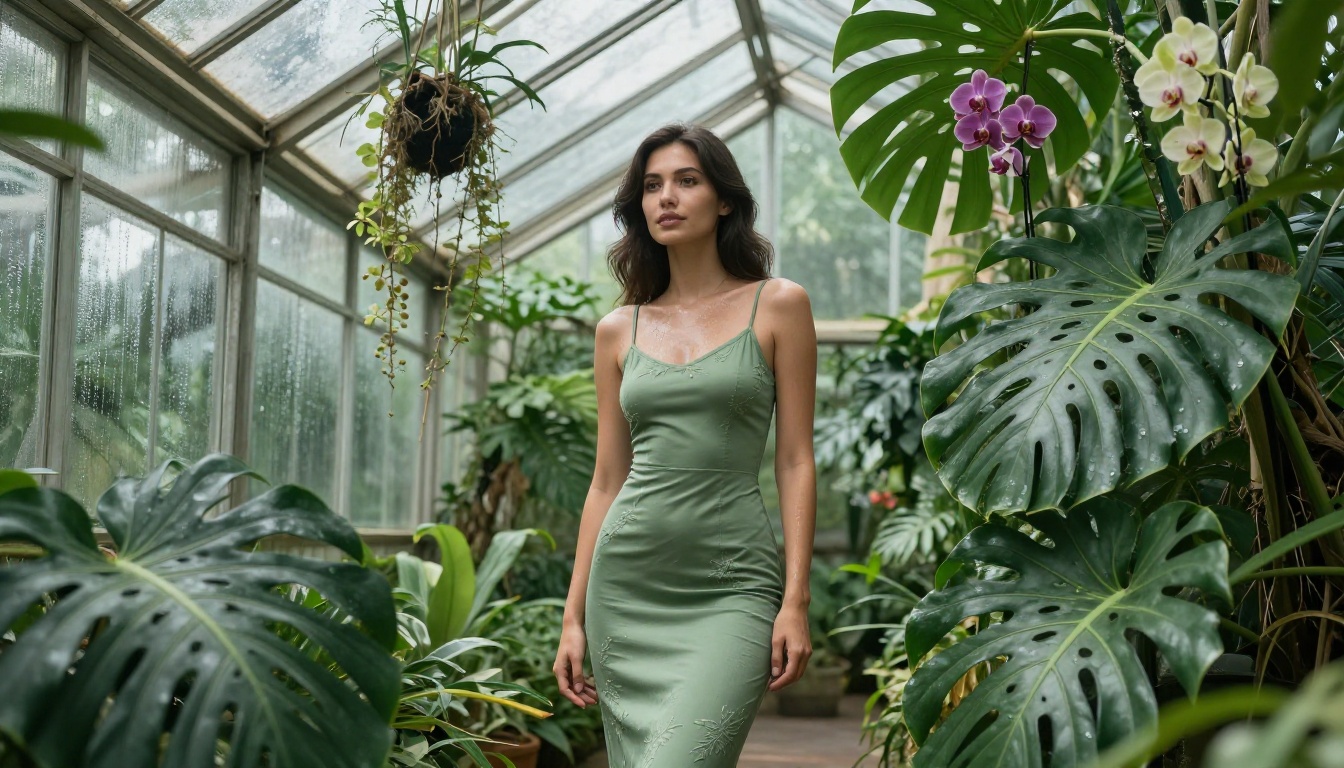
PicassoIA's super-resolution models let you take any generated image and upscale it 2x to 4x without the blurring artifacts that standard interpolation produces. For NSFW content specifically, this matters because skin texture, fabric weave, and hair detail are the elements viewers scrutinize most closely. A 2048x1152 output upscaled to 4K maintains all of those fine details in a way that single-pass generation rarely achieves.
The workflow: generate at standard resolution with Seedream 4.5, then pass the output through a super-resolution model to reach true 4K territory. This two-step process consistently produces better results than prompting for "8K" in a single generation, because the upscaler is purpose-built for detail enhancement rather than relying on the text-to-image model to infer resolution from a style tag.
Model Comparison: Speed, Quality, and Value
Picking the right model depends on what you are optimizing for. Here is a practical breakdown:
| Need | Best Model | Why |
|---|
| Best overall NSFW realism | Seedream 4.5 | Sub-3-second, edits included |
| Unlimited volume at no extra cost | Image Editor Pro | Unlimited with Elite/Infinite plan |
| Fastest single generation | P-Image | Under 1 second |
| Bikini and image transformations | Grok Imagine Image | Specialized image-to-image realism |
| Open-source flexibility | Qwen Image 2 | Edit or create, no filters |
| Maximum realism text-only | Recraft V4 | Text-to-image specialist |
The most common mistake is picking one model and using it for everything. The strongest workflow combines models: Seedream 4.5 for initial generation, Image Editor Pro for iteration and volume, and a super-resolution model for final output quality.

Lighting and Atmosphere in NSFW AI Photography
The most frequent quality problem in AI-generated NSFW content is flat, lifeless lighting. Real glamour and boudoir photography relies on very specific lighting setups, and text-to-image models replicate those setups best when you describe them explicitly.
Three Lighting Setups That Consistently Work
Golden hour backlight: Position the sun directly behind your subject, slightly above. This creates a warm rim light around hair and shoulders that separates the subject from the background and adds warmth to skin tones. In your prompt: "backlit golden hour sun creating warm rim light on hair and bare shoulders, flare visible."
Window light portraiture: Soft, diffused light from a large window on one side. Creates natural shadows on the far side of the face and body that add dimension and depth. In your prompt: "large window light from camera left, soft diffused daylight, natural shadow falloff on right side."
Underwater or pool reflection: Dynamic, moving light that creates patterns across wet skin. Particularly effective for beach and pool scenes where the environment and subject interact. In your prompt: "pool reflection caustics creating rippling light patterns across wet skin, overhead tropical sunlight."
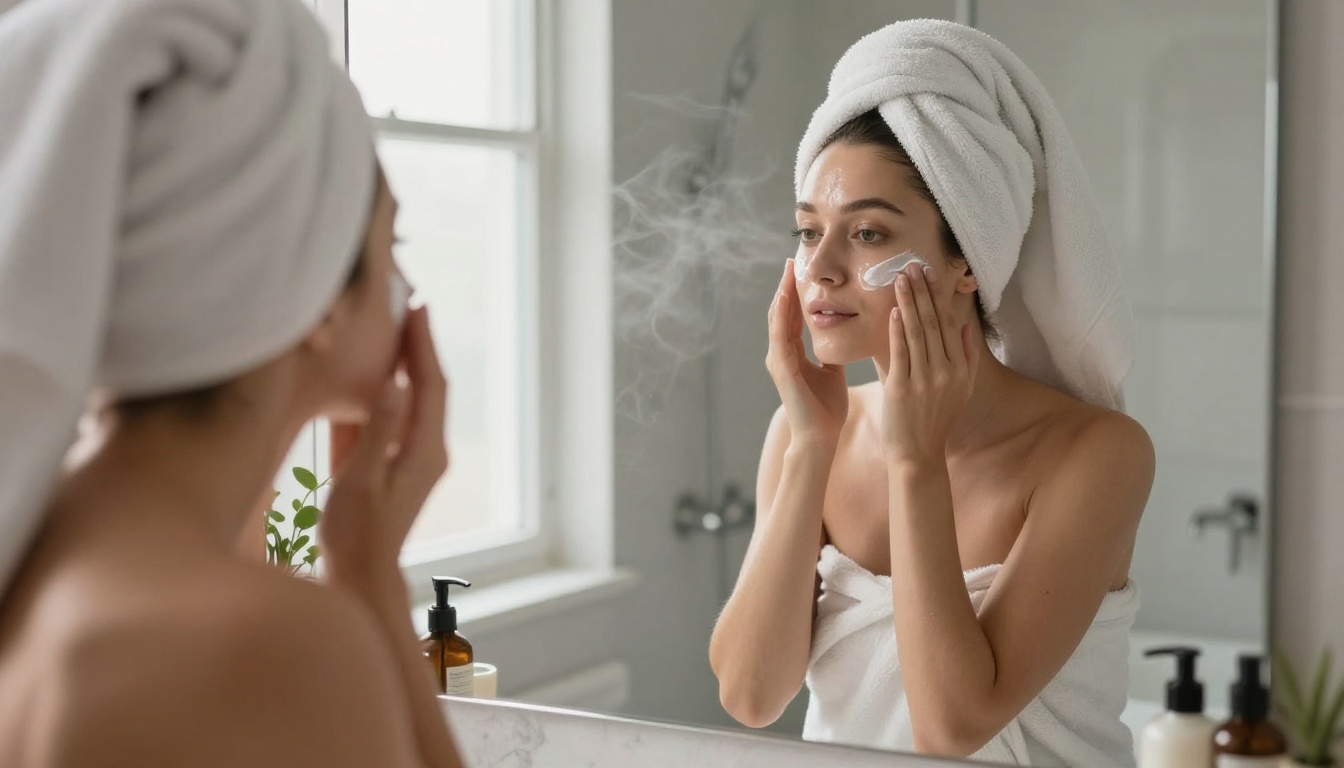
Each of these setups pulls from well-established photography traditions that the models have extensive training data on. They produce dramatically more photographic results than generic lighting descriptors like "good lighting" or "natural light."
The Full NSFW Model Lineup on PicassoIA
For reference, here are all the models available on PicassoIA that support adult content generation, from text-to-image through video:
- Seedream 4.5 ⭐ Top NSFW text-to-image model. Ultra-realistic results, image editing support, under 3 seconds.
- PicassoIA Image Editor Pro Unlimited img2img editing on Elite/Infinite plans. Under 1 second. Free trial, no credit card.
- Qwen Image 2 Open-source. Create or edit with very detailed realism, no content restrictions.
- Grok Imagine Image Realistic image-to-image transformations including bikini-style conversions.
- Recraft V4 Highly realistic text-to-image specialist for glamour-style outputs.
- P-Image Fastest text-to-image at under 1 second with full NSFW support.
- Wan 2.2 Image Generate realistic images from text descriptions without content filters.
- Wan 2.2 I2v Fast Convert static images to natural animated video clips with smooth motion.
- PicassoIA Video Unlimited text-to-video at up to 720p, 5 seconds per clip, with no generation limits.
- P-Video Text, image, or audio to video at up to 1080p. Safety filter off by default.
- Grok Imagine Video Clips up to 15 seconds, no watermarks, supports image reference input.
- LTX 2.3 Pro Highest fidelity video at up to 4K/50fps with retake and extend editing.
Unlike most mainstream AI platforms, PicassoIA gives creators access to these models without the blanket content filters that make adult AI generation impossible on consumer tools.
👉 See the full catalog at picassoia.com/en/all-models.

Start Creating Now
The direct answer to "how do I turn text into NSFW images with Seedream 5.0" is: use Seedream 4.5 instead. The Lite version of Seedream 5 filters adult content by design, and that is not going to change. Seedream 4.5 on PicassoIA is the tested, working alternative in the same family and it outperforms Seedream 5 Lite for realistic human photography regardless of whether the content is NSFW.
From there, the path is straightforward. Start with a detailed prompt structured around subject, clothing, environment, lighting, and camera lens. Generate on Seedream 4.5. Feed strong outputs into PicassoIA Image Editor Pro for unlimited variations. Upscale final picks through a super-resolution model for 4K output quality.
If you want to skip the setup and just start creating, PicassoIA lets you try Image Editor Pro free for 3 generations with no credit card. That is enough to see exactly how the workflow performs before committing to a plan.
Start at picassoia.com/en/all-models and pick the model that fits your use case.