Your dog has a personality that deserves more than a regular photo. Maybe it's the way they tilt their head, the intensity in their eyes, or that ridiculous grin they do when you say "walk." Whatever makes your dog them, AI can now capture it and translate it into something extraordinary: a full anime character portrait that looks like it belongs in a Studio Ghibli film.
The internet is absolutely wild for this right now. Dog-to-anime art is one of the fastest-spreading content formats across Instagram, TikTok, and Reddit, and for good reason. The results are genuinely stunning. A photo of a scruffy rescue mutt becomes a warrior companion. A fluffy corgi turns into the protagonist of a fantasy series. People share these constantly, and the reaction is always the same: how did you do that?
This article breaks it all down, from the AI models that make it possible to the exact steps for getting a result your followers won't stop talking about.
Why Dog Anime Art Is Everywhere Right Now
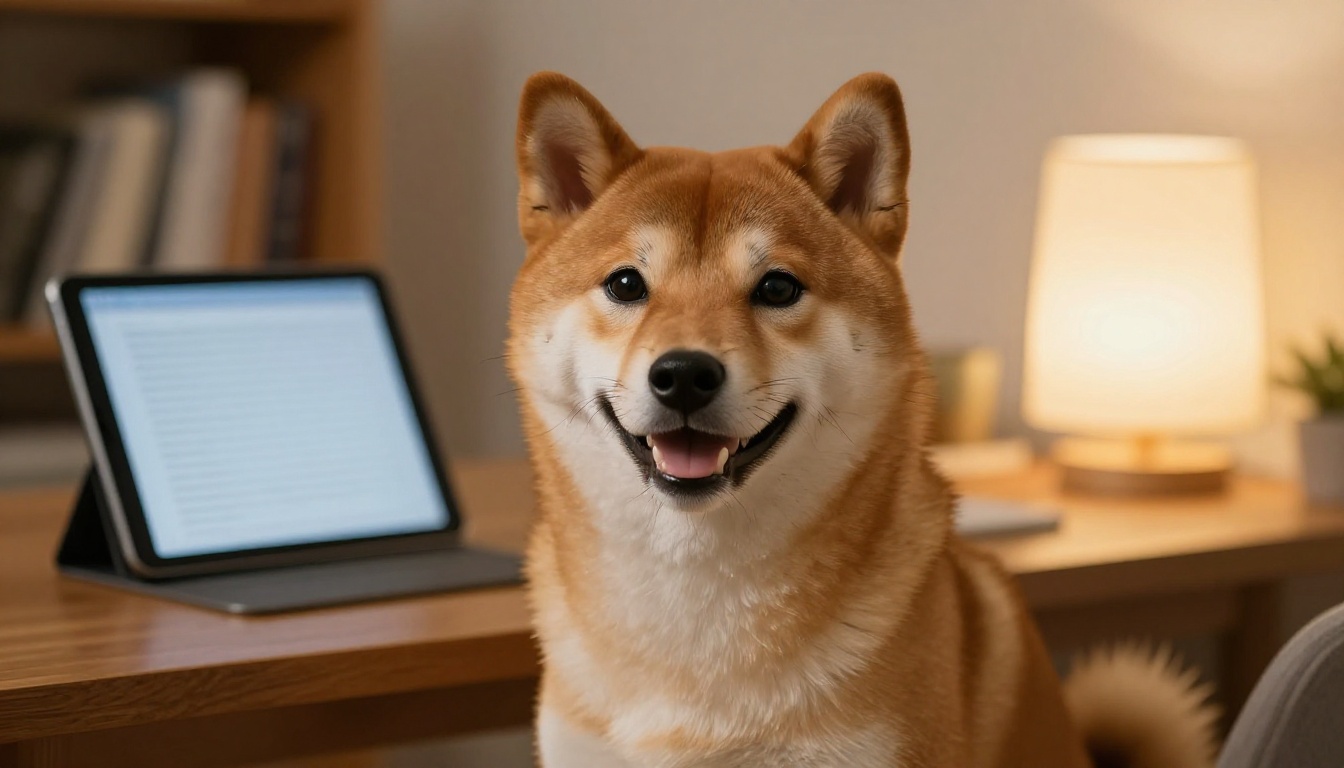
The viral moment that started it all
Anime-style pet portraits aren't entirely new, but the quality gap between what AI produces today versus two years ago is enormous. Models trained specifically on anime aesthetics can now preserve a dog's actual facial structure, markings, and expression while translating the whole thing into anime linework and color.
The result doesn't look like a filter slapped over a photo. It looks like a character. That distinction is what makes these images spread. When something looks genuinely crafted rather than auto-generated, people stop scrolling. They zoom in. They share it.
What makes dog anime art so shareable
Three things: recognition, novelty, and emotional resonance. People recognize the dog (it still looks like them), the anime style is visually exciting, and there's something deeply touching about seeing your pet rendered as a hero, a companion, or a protagonist. It hits differently than a regular cute dog photo.
💡 Tip: Posts that show the original photo alongside the anime result get 3 to 4 times more reach than just posting the final image alone. Always do a side-by-side when sharing on social media.
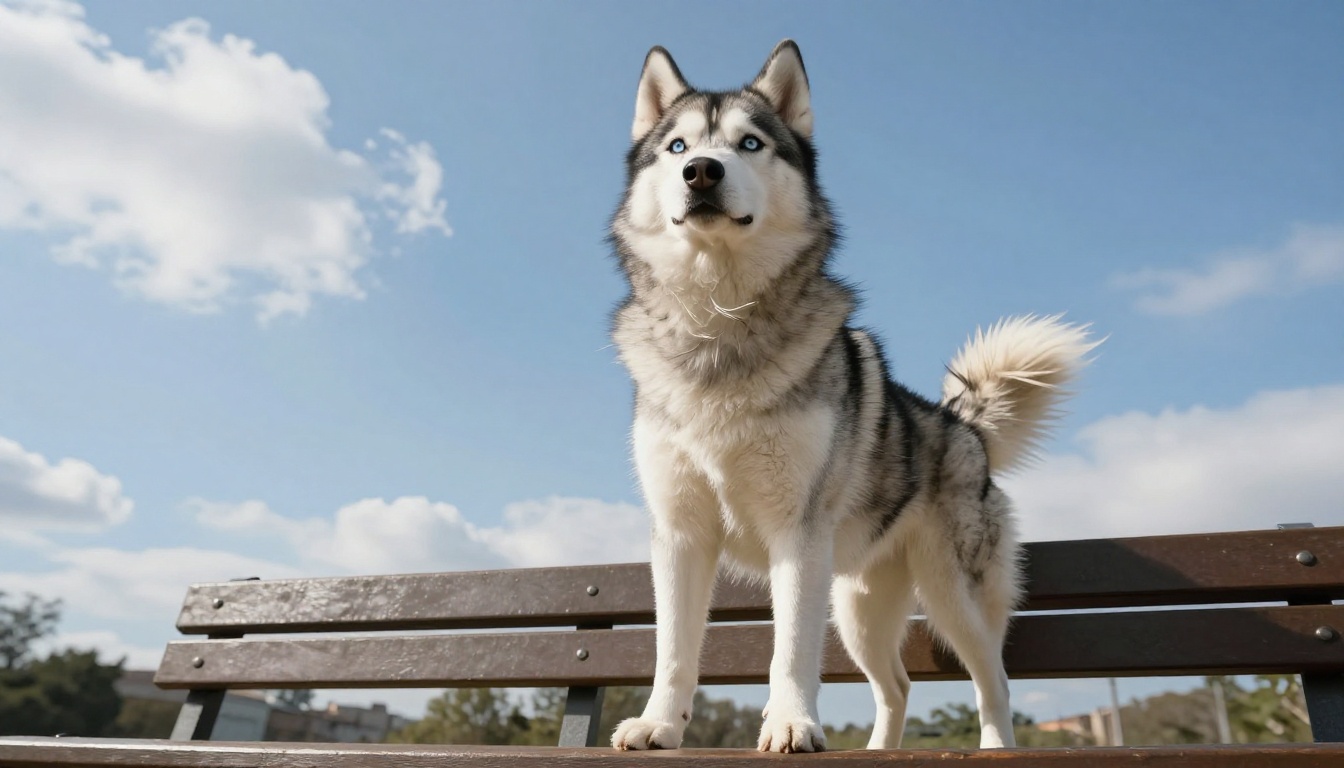
The breeds getting the most attention right now are Shiba Inus, Samoyeds, Huskies, and Golden Retrievers, but any dog with distinctive features and a strong expression works exceptionally well. Even mixed breeds with unusual coat patterns produce incredible results because the AI captures those unique markings.
What AI Actually Does to Your Dog Photo
How style transfer works in simple terms
When you upload a dog photo to an AI model like Qwen Image Edit Plus LoRA Photo To Anime, the model isn't just applying a color palette or a filter. It's doing something far more sophisticated.
The AI reads the structural features of the image: the shape of the muzzle, the placement of the eyes, the color regions of the fur, the angle of the ears. It then repaints all of that information using the visual grammar of anime, replacing photorealistic textures with clean linework, soft cel-shading, and those characteristic large, expressive eyes.
The dog's identity stays intact. The artistic language changes completely. This is why good AI anime art feels different from a Photoshop filter. The model isn't overlaying a style. It's rebuilding the image from scratch in a new visual language while keeping the subject recognizable.
The difference between cartoon and anime
This trips a lot of people up. Cartoon and anime are not the same thing, and the AI model you pick matters enormously for which result you get.
| Feature | Cartoon Style | Anime Style |
|---|
| Line weight | Thick, flat outlines | Fine, expressive lines with weight variation |
| Eyes | Simplified, wide | Large, detailed, emotionally complex |
| Color shading | Flat fills | Multi-tone cel shading with highlights |
| Background | Often minimal | Rich, atmospheric environments |
| Mood | Playful, simple | Dramatic, character-driven |
| Detail level | Low to medium | Medium to very high |
For a result that looks like it came out of a real anime production, you want a model trained specifically on anime data, not a general cartoon style. Qwen Image Edit Plus LoRA Photo To Anime is purpose-trained on anime aesthetics specifically, which is why it produces results that pass for genuine anime art rather than a stylized filter.
Best AI Models for Dog Anime Art
Top picks on PicassoIA
For turning a dog photo into anime, the clear standout is Qwen Image Edit Plus LoRA Photo To Anime. It's purpose-built for exactly this type of conversion and handles the tricky parts well: preserving the dog's recognizable features while fully committing to anime aesthetics. The LoRA fine-tuning means the style is deeply embedded rather than superficially applied.
If you want to generate a dog character from scratch without uploading a photo, Recraft 20B is a strong option. It produces rich, stylistically consistent images across a massive range of art directions, including anime, and gives you fine control over the visual outcome through detailed text prompts.
For styled image editing with LoRA fine-tuning capabilities, Flux 2 Klein 9B Base LoRA and P Image Edit LoRA both offer powerful ways to blend visual styles and push dog portraits in specific aesthetic directions. These are particularly useful if you want to mix anime with another style, like watercolor anime or retro 90s anime.
Which model fits your dog's vibe
Not every dog should get the same anime treatment. Here's a quick reference:
| Dog Personality | Recommended Approach |
|---|
| Calm, dignified (Great Dane, Greyhound) | Classic anime portrait, serious expression |
| Playful, energetic (Labrador, Beagle) | Action pose, bright color palette |
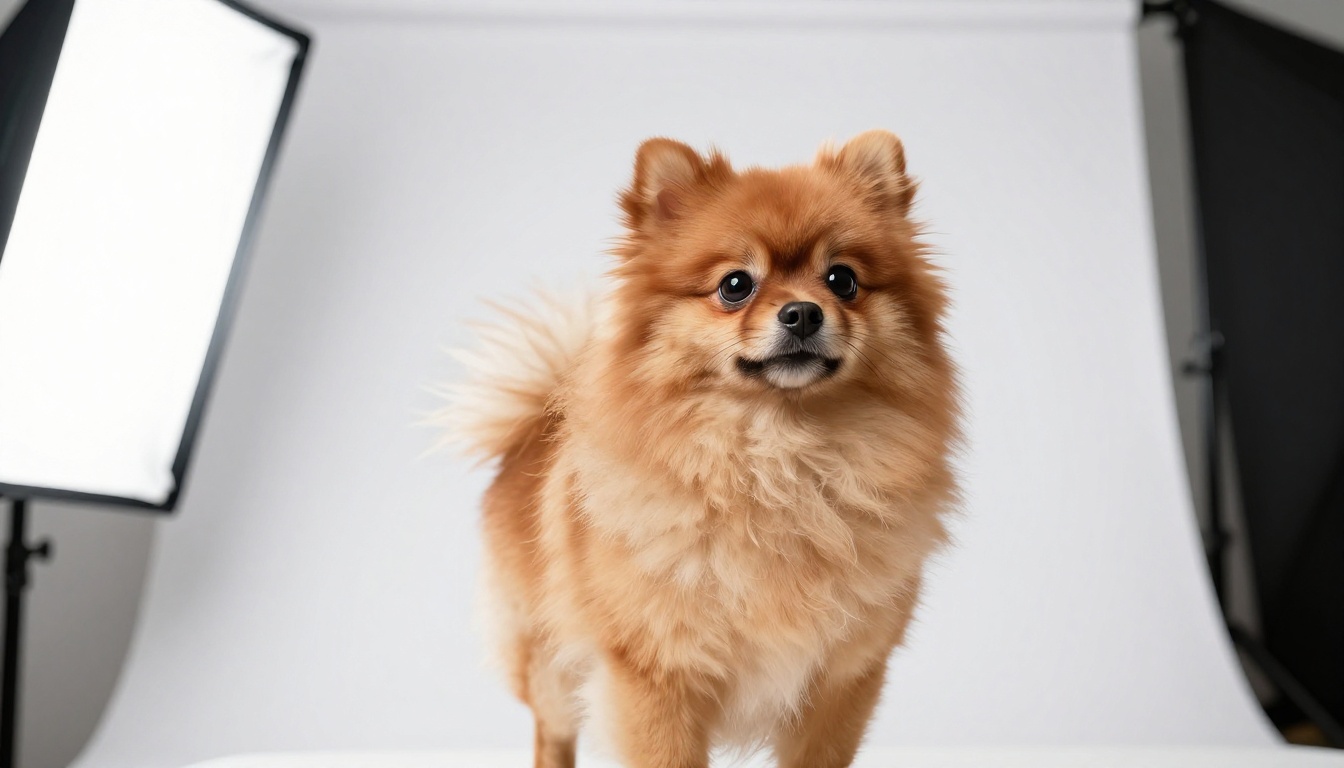
| Fluffy and cute (Pomeranian, Bichon) | Soft shojo anime style, pastel tones |
| Intense, focused (Border Collie, Malinois) | Dark fantasy anime, dramatic lighting |
| Small and sassy (Chihuahua, Jack Russell) | Big expressive eyes, comedy anime vibe |
| Regal and powerful (Akita, Chow Chow) | Samurai anime aesthetic, rich earth tones |
Qwen Image Edit Plus LoRA Photo To Anime handles all of these when you write the right prompt alongside your uploaded image.
Step-by-Step: Dog to Anime on PicassoIA
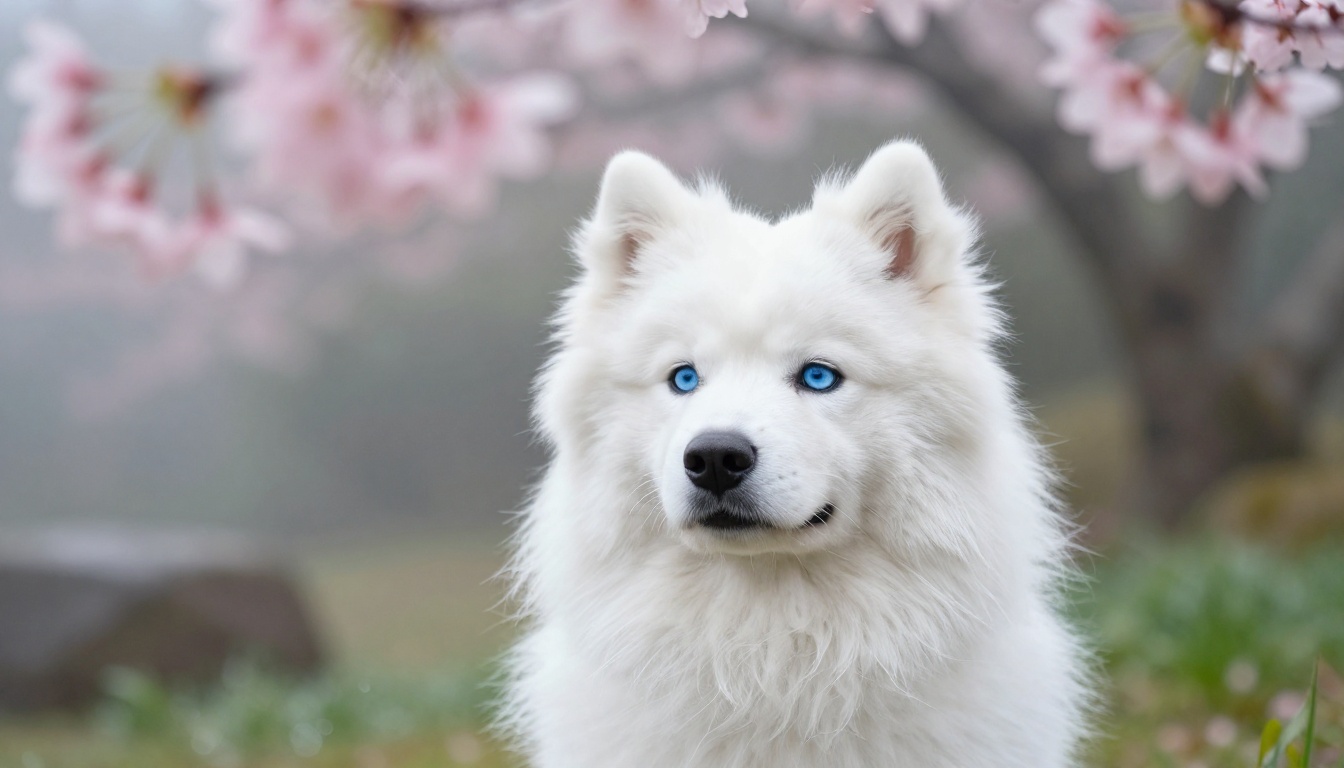
Upload and prep your photo
Head to Qwen Image Edit Plus LoRA Photo To Anime on PicassoIA. Before you upload, pick the right source photo. These factors make the biggest difference:
- Lighting: Natural light, front-facing. Avoid heavy shadows across the face.
- Angle: Straight-on or slight three-quarter turn. Full profile shots can lose key facial features in the conversion.
- Resolution: The higher the better. Blurry or heavily compressed photos produce muddy results.
- Background: Simple backgrounds such as grass, a plain wall, or a neutral outdoor scene work better than busy ones. The AI focuses on your dog more cleanly.
- Expression: Pick a photo where your dog's face is clearly visible and expressive. That's what the anime version will capture.
A smartphone portrait mode shot taken in good natural light is often better than a rushed DSLR photo in bad conditions. The AI can only work with what you give it.
Pick the right style settings
Once your photo is uploaded, your text prompt guides the aesthetic direction. You're not just saying "make it anime." You're describing which kind of anime.
Some prompts that work well:
- "Anime character portrait, shonen style, dramatic lighting, expressive eyes, detailed fur shading"
- "Studio Ghibli inspired character, soft warm colors, peaceful forest background, gentle expression"
- "Dark fantasy anime protagonist, intense gaze, detailed armor, volumetric dramatic lighting"
- "Cute chibi anime style, pastel colors, big round eyes, cheerful expression, soft background"
💡 Tip: Adding a background description to your prompt dramatically improves the final result. A scene with cherry blossoms, a mountain village, or a sunset ocean gives the AI full context to build a complete image, not just a portrait floating in a void.
Fine-tune for better results
If your first result isn't quite right, adjust one thing at a time:
- The eyes look off: Add "large expressive anime eyes, detailed iris, catchlights" to your prompt.
- Fur detail is lost: Add "detailed fur texture, individual strand definition, soft shading".
- Style isn't anime enough: Add "anime art style, cel shading, clean outlines" and remove any photorealistic language from your prompt.
- Dog isn't recognizable: Mention the specific breed in your prompt ("golden retriever, anime version") so the AI anchors the output to that breed's physical characteristics.
- Colors are wrong: Specify the palette directly, like "warm amber tones, orange-gold fur, soft brown eyes".
Pro Tips for Stunning Results
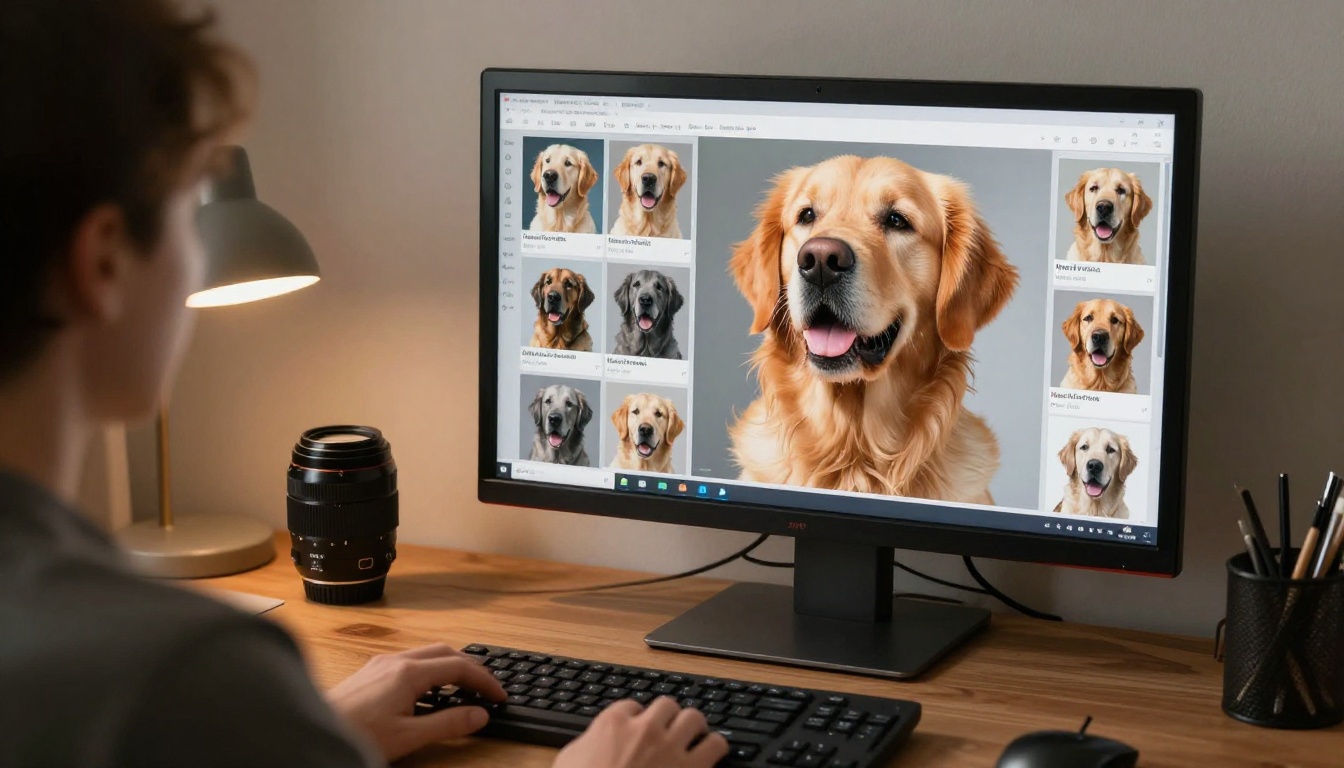
Photo quality matters more than you think
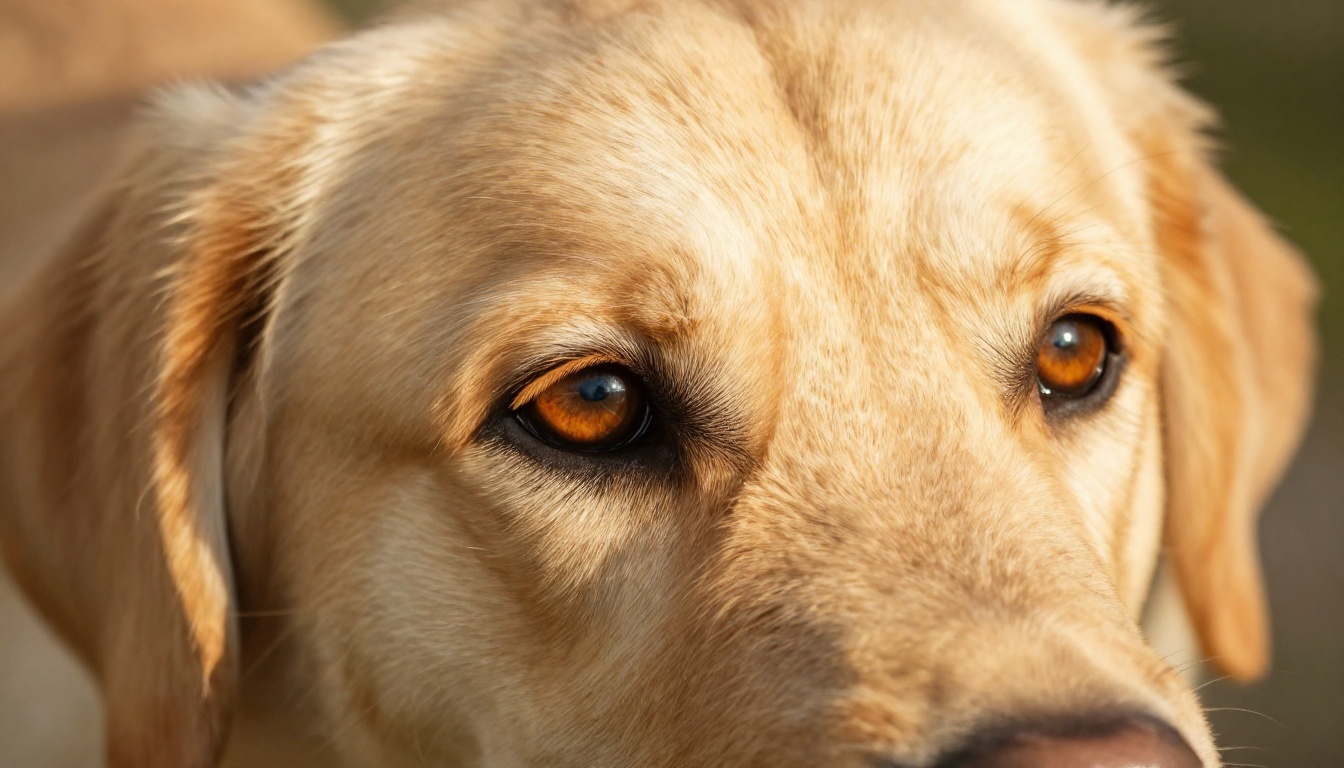
The AI can't invent detail that isn't in your source photo. If your image is blurry, dark, or shot from too far away, the output will look generic. A sharp, well-lit close-up of your dog's face gives the model everything it needs to preserve what makes your dog unique.
The sweet spot is a photo where you can clearly see each eye, the shape of the nose, and the distinctive markings of the coat. Overcast daylight is the secret weapon for dog portrait photography. The soft diffused light wraps around every curve of the face and picks up every strand of fur without harsh shadows. That same detail carries directly into the anime output.
Lighting and background tips
| Source Photo Condition | Effect on Anime Result |
|---|
| Harsh direct sunlight | Blown-out details, loss of fur texture in the output |
| Overcast natural light | Soft, even result with full detail preserved |
| Indoor artificial light | Can work well; avoid mixed color temperatures |
| Busy cluttered background | AI may incorporate background elements awkwardly |
| Simple clean background | Dog features take full center stage |
| Backlit subject | Face loses detail, output loses recognizability |
Shoot during the golden hour or on a lightly overcast day for the best source material. If you're indoors, position your dog near a large window with natural light coming in from one side.
Breed-specific style notes
Different breeds have features that respond differently to the anime conversion process. Here's what to watch for:
Long-haired breeds (Shih Tzu, Maltese, Afghan Hound): The flowing fur translates beautifully into anime. Lean into it with prompts about wind-swept hair or dramatic movement to let that coat become a visual centerpiece.
Short-coated breeds (Boxer, Pitbull, Weimaraner): The muscle definition and clean facial structure become very clear in anime style. These breeds work especially well with serious, warrior-style anime prompts.
Flat-faced breeds (French Bulldog, Pug): The wide, expressive eyes and distinctive facial structure make stunning anime characters. The face already has a somewhat anime quality naturally, so the AI conversion tends to be particularly seamless.
Pointed-ear breeds (Husky, Shiba Inu, German Shepherd): The ear shape adds an iconic, immediately recognizable element to the anime character that carries through perfectly. These breeds also tend to have strong facial markings that the AI preserves very well.
What to Do with Your Dog's Anime Art
Print it, post it, frame it
Once you have a result you love, the obvious first move is to share it. Post the side-by-side of the original photo and the anime version. The contrast is the hook. People who don't follow you will share it because they want their own followers to see the technology. That's how these posts go viral.
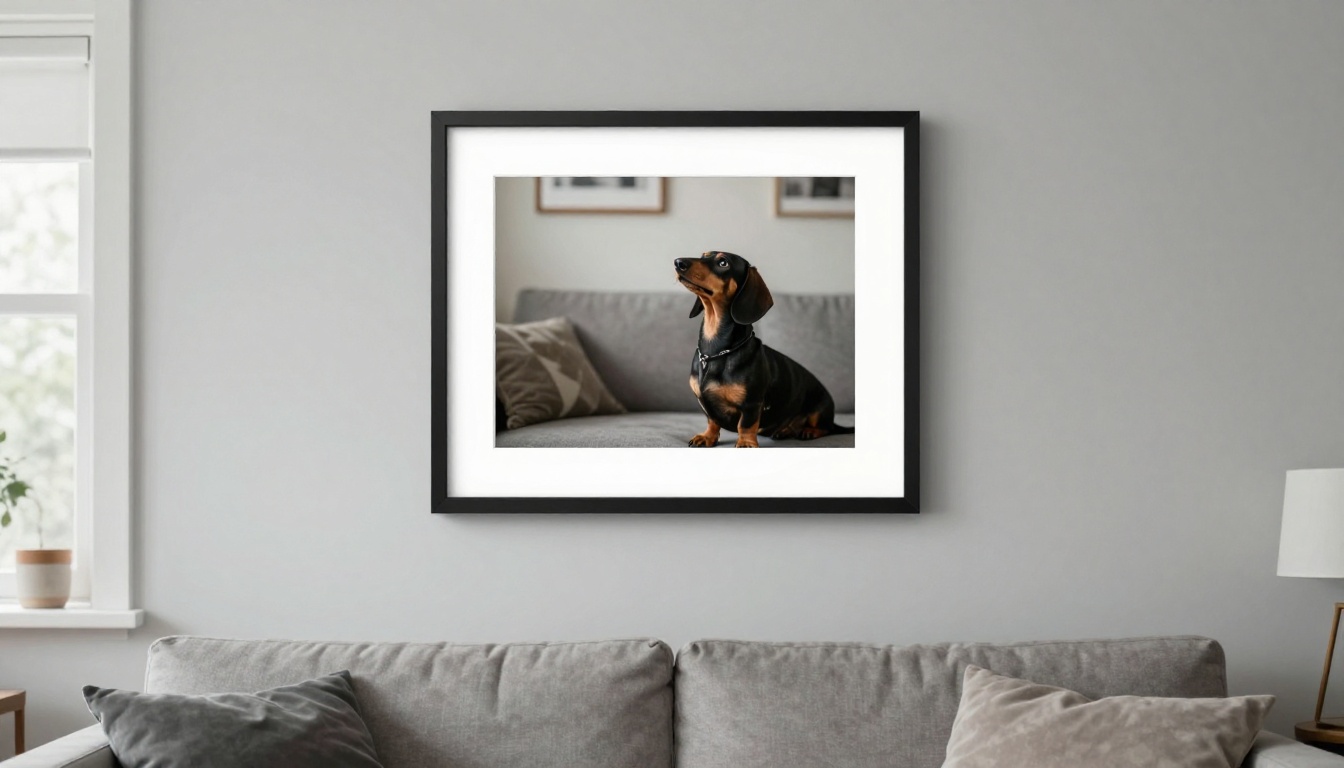
Beyond social media, these images are genuinely beautiful as physical objects. A high-quality print of your dog as an anime character, framed and hung on the wall, is something people actually want. It's personal, it's unique, and it looks legitimately like professional art.
For print quality, run your anime result through P Image Upscale on PicassoIA first. This super resolution model scales your result up to 4x without losing detail, making it print-ready at poster sizes. The difference in print quality between a raw AI output and an upscaled version is significant.
Turn it into stickers or merch
Dog anime art translates incredibly well into merchandise because the clean lines and bold colors of anime artwork reproduce well on physical products.
- Enamel pins: The anime style's clean outlines make excellent pin designs. High contrast, bold shapes.
- Acrylic charms: Small transparent charms with your dog's anime portrait attached to a bag or keys.
- Custom phone cases: The 16:9 art format adapts well to phone case designs with a central portrait.
- Sticker sheets: A set of your dog in different anime expressions or outfits across a single sheet.
- Tote bags: A single large centered portrait with strong visual impact that makes a statement.
The background removal capability on PicassoIA lets you isolate your dog's anime character from any background, giving you a clean cutout that works on any product or design layout. From there, the possibilities are as wide as your imagination.
💡 Tip: Sticker sheets with multiple expressions of the same character tend to sell better than single stickers. Generate your dog in three or four different anime moods, remove the backgrounds, and compile them into one sticker sheet design.
Your Dog Is Already a Character
Every dog has a personality so vivid it barely fits in a regular photo. The anime format was literally invented to portray characters with outsized emotion and presence. The match was always obvious. AI just finally made it accessible.
What surprises most people the first time is how much of their dog actually comes through in the result. The AI isn't making a generic anime dog. It's reading your dog's actual features, their specific markings, the shape of their face, the angle of their ears, and encoding all of that into anime visual language. The result is recognizably your dog, just rendered in a way that feels like they always belonged in an animated world.
Start with Qwen Image Edit Plus LoRA Photo To Anime on PicassoIA. Upload a clean, well-lit photo, write a prompt describing the anime style you want, and let the model do the rest. The whole process takes about 30 seconds.
If you want to go further, Recraft 20B opens up even more creative directions, and Flux 2 Klein 9B Base LoRA lets you dial in precise stylistic variations. The platform has everything you need to take a simple dog photo and produce something that stops people mid-scroll.
Your dog has been waiting to be a main character. Now they can be. Head over to PicassoIA and see what your dog looks like in anime. You might not believe it's actually them until you look closely and realize: yes, that's exactly their face.


