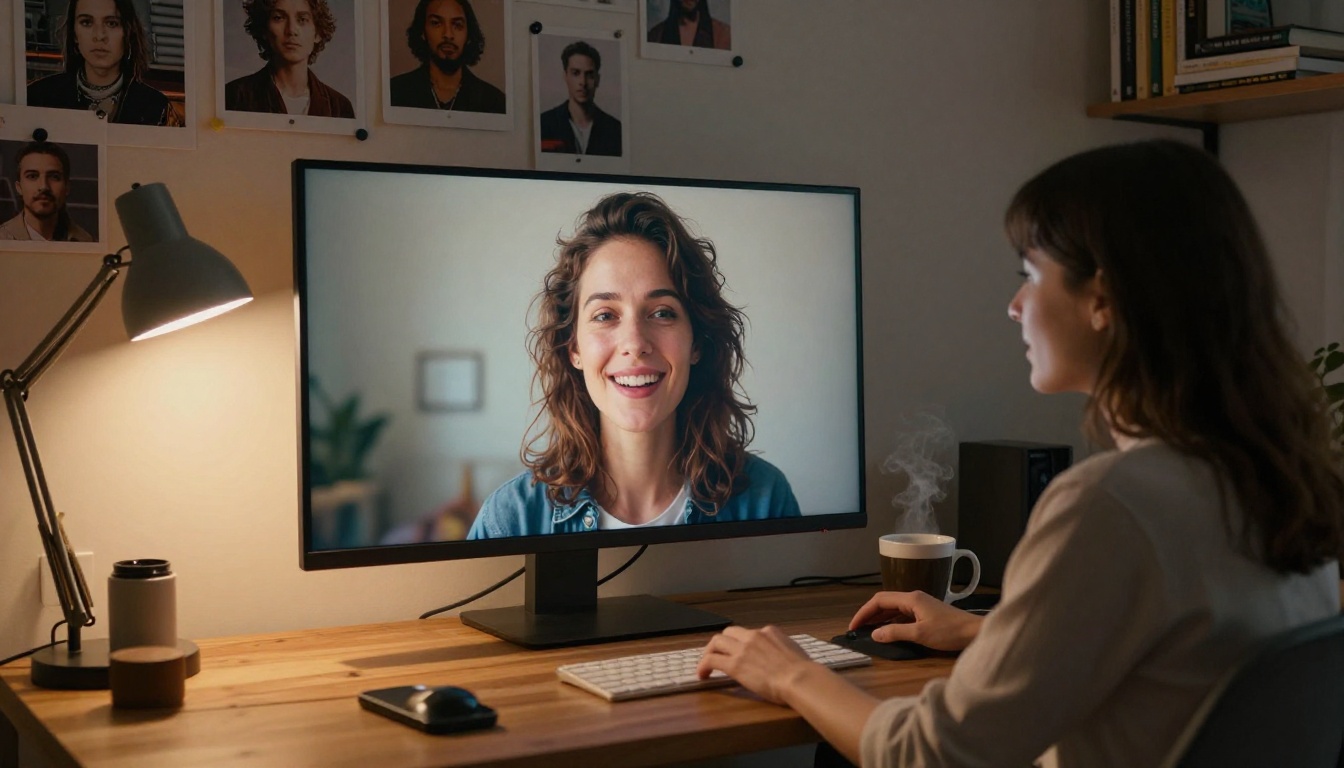
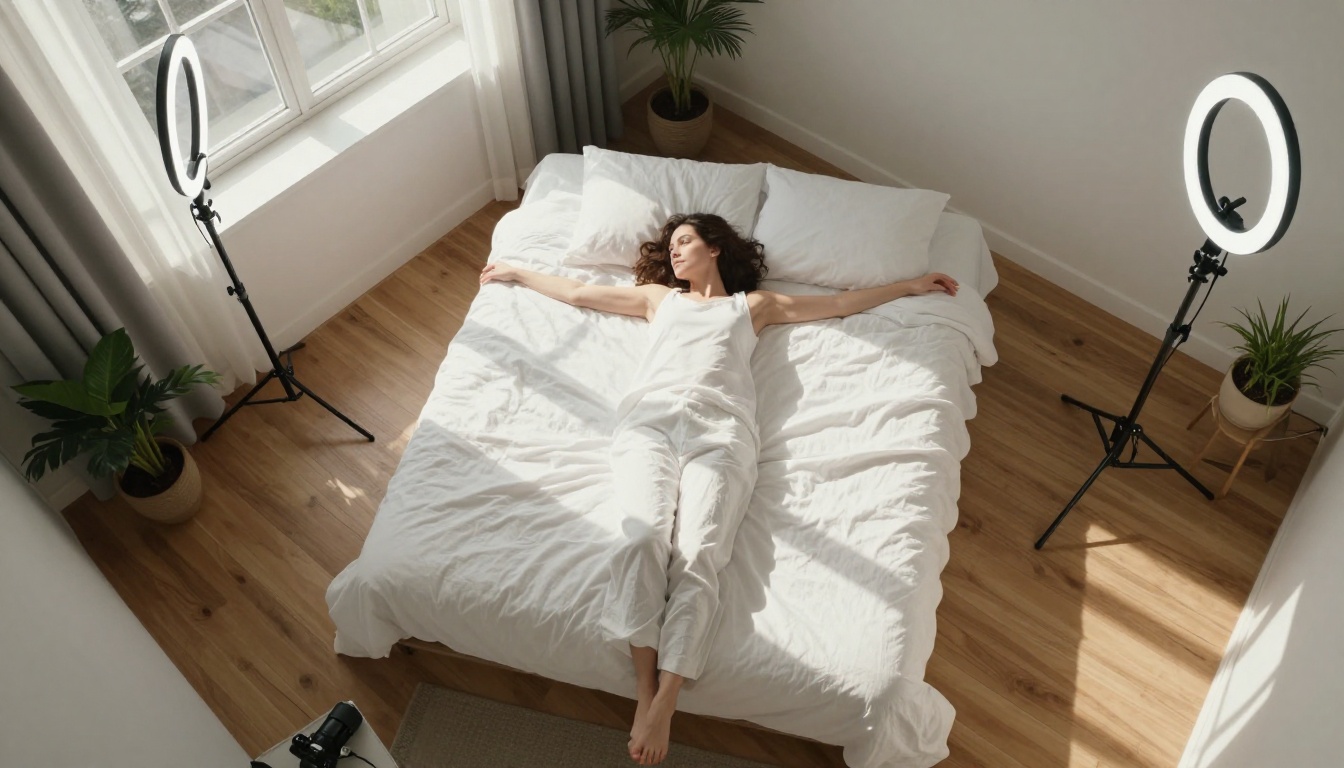
You don't need a production budget to shoot something cinematic. The bed, the curtains, the angled afternoon light cutting through your window, these are already the raw materials of a film set. What separates a flat snapshot from a scene that stops the scroll is almost never the room itself. It's the decision-making that happens before the shutter clicks.
This is about that decision-making process, and how AI image generation has made it available to anyone with a text prompt and fifteen minutes.
What Makes a Room "Cinematic"
The Three Elements Directors Never Skip
Every scene in every film you've ever watched is built from the same three foundations: light, texture, and depth. Remove one, and the image collapses into something that looks like a smartphone photo. Keep all three, and even the most ordinary bedroom starts to feel like a location.
Light is the most powerful variable. A single softbox placed at a 45-degree angle to your subject does more for an image than any camera upgrade. The direction, color temperature, and hardness of light define the entire emotional register of a scene.
Texture is what makes images feel physical. Velvet bedding, linen curtains, worn hardwood floors, these surfaces catch light in ways that feel real and dimensional. Flat, smooth surfaces kill cinematic depth.
Depth is created by layering your space. Put something in the foreground, your subject in the middle, and something interesting in the background. Three distinct planes. That's the architecture of every great photograph.
💡 The fastest upgrade to any room shot is to place something slightly out of focus in the foreground. A wine glass, a candle, a draped fabric. It costs nothing and immediately adds depth.
Which Rooms Actually Work
Not every room translates well to a film set, but the ones that do share common traits.
| Room Type | Why It Works | Main Challenge |
|---|
| Bedroom | Intimate, layered textures, soft light | Can feel flat without a strong background |
| Living Room | Large windows, architectural features | Too much furniture creates visual clutter |
| Bathroom | Vanity mirrors, tiles, steam effects | Small space limits camera distance |
| Home Office | Books, warm desk lamps, moodboard potential | Screens and cables distract the eye |
| Kitchen | Hard surfaces contrast with soft subjects | Overhead lighting is almost always unflattering |
The bedroom wins most of the time. It has the right combination of soft surfaces, practical lighting, and natural window light that, when timed correctly, produces something genuinely cinematic.
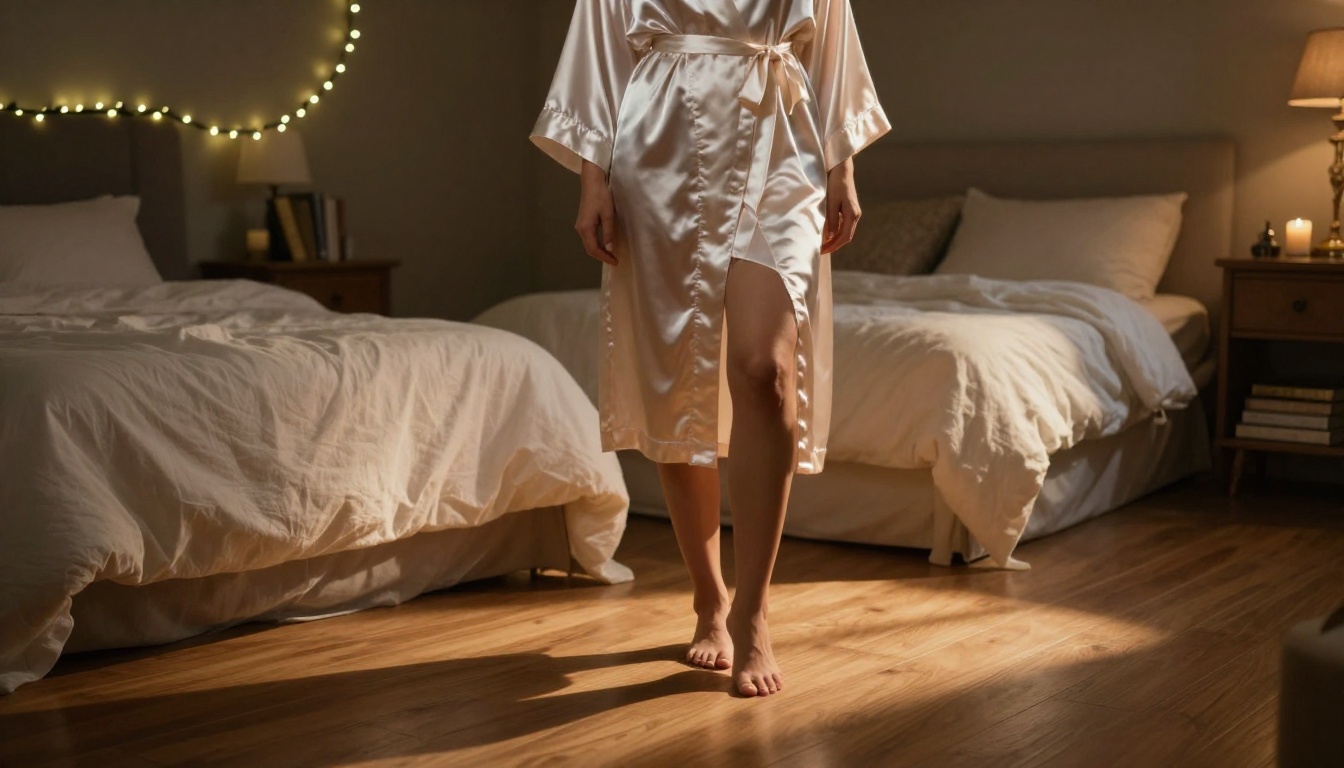
Lighting: The Variable That Changes Everything
Window Light as Your Primary Source
Natural light from a single window is the most cinematic source you have access to, and it costs nothing. The key is understanding what time of day gives you what quality of light.
- Early morning (7-9am): Cool blue tones, very soft shadows, flattering for skin
- Late afternoon (4-6pm): Warm golden tones, longer shadows, dramatic and romantic
- Overcast midday: Even, shadowless light, great for detail shots, less dramatic
Position your subject perpendicular to the window, not facing it. This creates a key light on one side of the face and a natural shadow on the other, the same logic as Rembrandt lighting used in professional portrait studios.
The Two-Light Setup Most People Skip
Once you add a second light source, the quality of your images jumps significantly. The classic bedroom two-light setup uses:
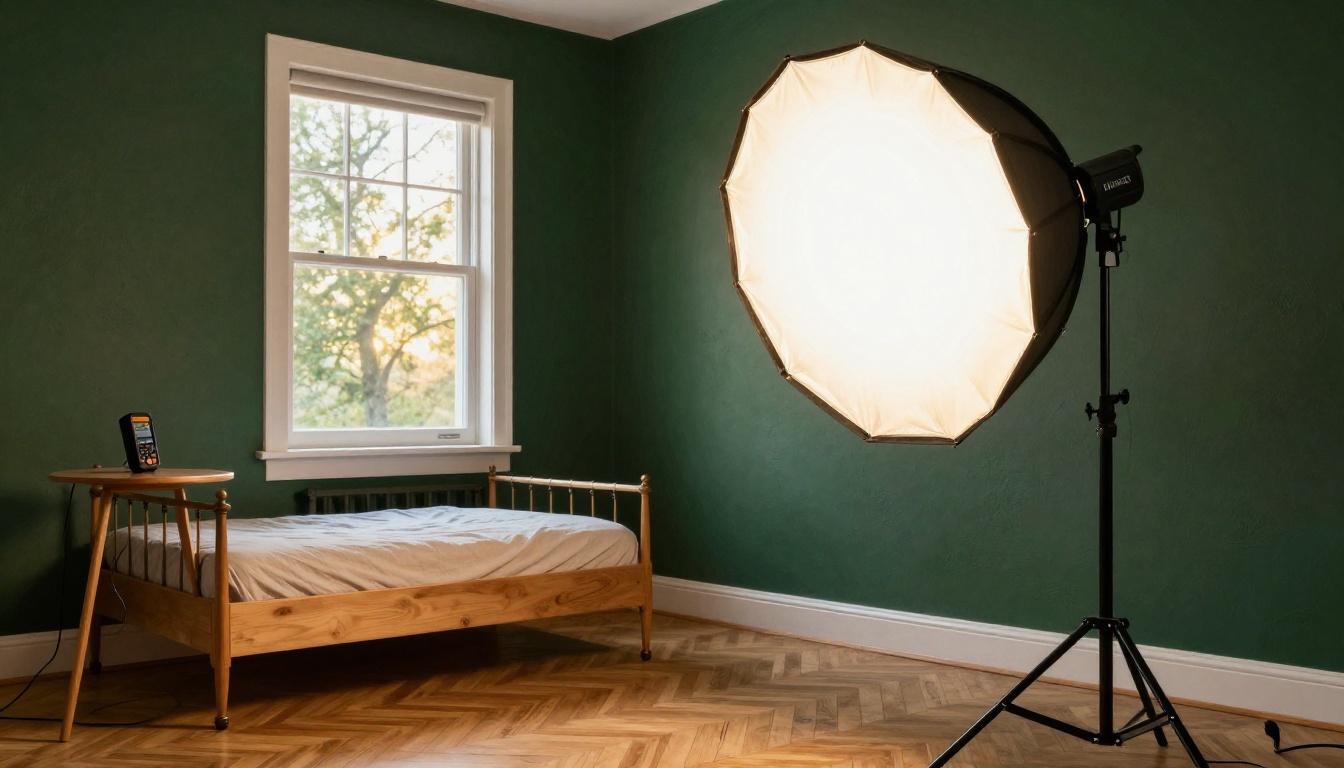
- Key light: A window or a large softbox at 45 degrees to the subject, placed slightly above eye level
- Fill light: A reflector, a white wall, or a second lamp with a warm bulb on the opposite side at lower intensity
The fill light should be about half the brightness of the key light. This ratio creates dimension without making shadows so deep they lose detail.
💡 A white foam board propped against the wall on the shadow side acts as a free reflector. It bounces just enough light back to open up shadows without eliminating them completely.
Practical Lights That Add Mood
Practical lights are the lamps and fixtures that are visible in the frame. They serve two purposes: they light the scene naturally, and they add narrative context.
String lights behind the subject create warm bokeh backgrounds. A bedside lamp with a warm 2700K-3000K bulb casts the kind of golden glow you see in film stills. A candle adds texture and movement. These aren't tricks. They're the same tools cinematographers use on actual sets.
Styling Your Room for the Shot
Props That Actually Read on Camera
Styling a room for photography is different from styling it for living. The camera compresses depth, flattens textures, and loses small details. Props need to be deliberate and bold enough to register visually.
The props that consistently work in cinematic room shots:
- Books: Stacked, open, or held. They add intellectual texture and vertical interest.
- Candles and wax drips: Movement, warmth, organic imperfection.
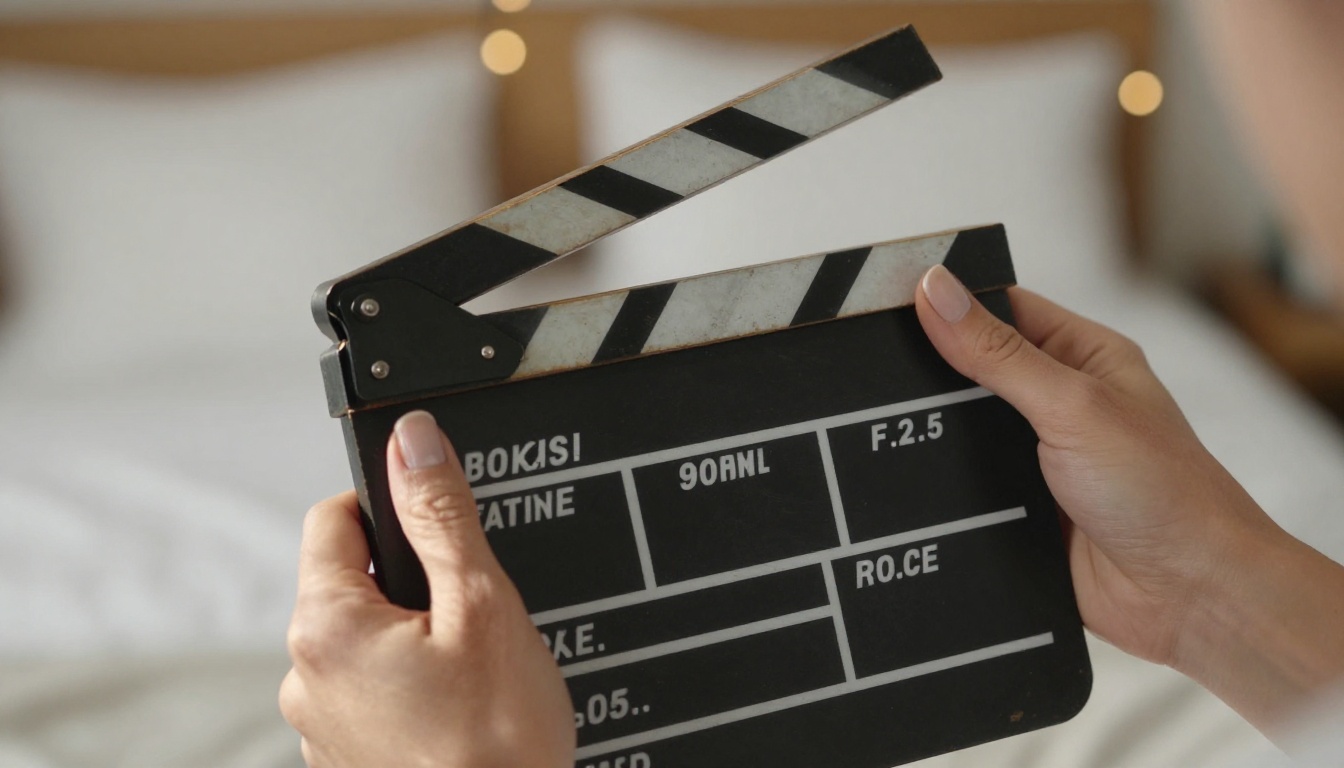
- Film reels and cameras: Narrative props that place the image in a specific world.
- Flowers in water: The refraction and transparency of glass reads beautifully on camera.
- Fabric and textiles: A thrown silk robe, a draped velvet curtain, a crumpled sheet.
What doesn't work: small objects, electronics (unless intentional), anything with logos or text unless you want that specific reference.
Textures and Fabrics That Photograph Well
The camera responds to texture the way your eye responds to touch. Surfaces that feel interesting in real life tend to look interesting on camera.
| Fabric | Why It Works | Light Response |
|---|
| Velvet | Deep directional pile catches light dramatically | Dark shimmers and bright highlights |
| Linen | Natural texture and wrinkle pattern | Soft, matte light absorption |
| Silk and satin | High-sheen reflectivity | Picks up color casts from practical lights |
| Aged leather | Surface cracking and patina add character | Absorbs and scatters light naturally |
| Sheer cotton voile | Backlit translucency effect | Glows when lit from behind |
Color Palettes That Work
Film sets operate on a limited color palette. For bedroom film set photography, these palettes consistently produce strong results:
- Amber and deep shadow: Warm 3200K lighting, dark wood furniture, cream or off-white bedding
- Cool and neutral: Daylight balanced light, grey tones, concrete or stone accents
- Rich earth tones: Terracotta, deep greens, warm browns visible in textiles and paint
The worst thing you can do is shoot in a room with many different saturated colors competing for attention. Pick a dominant tone and let everything else support it.
How AI Image Generation Simulates Your Room Setup
What Flux Dev Does With a Room Description
Flux Dev is a 12-billion parameter text-to-image model that processes detailed scene descriptions and returns photorealistic images at high resolution. When you write a prompt that describes the lighting setup, the room textures, the camera angle, and the subject position, it synthesizes all of those elements into a single coherent image.
This makes it genuinely useful for room photography planning. You can use it to:
- Test a lighting setup before committing physical equipment
- Generate reference images for styling decisions
- Create photorealistic portrait scenes without a physical set at all
- Iterate on composition and angle choices in minutes instead of hours
The key to cinematic outputs is specificity. "A woman in a bedroom" produces a generic result. "A woman in a flowing ivory silk robe sitting on a velvet emerald bed, warm Rembrandt lighting from a single softbox at 45 degrees, 85mm f/1.4, Kodak Portra 400, RAW 8K" produces something that looks like a film still.
How to Use Flux Dev on PicassoIA
Step 1: Open the model
Go to the Flux Dev page on PicassoIA. No account signup is required to start generating.
Step 2: Write a detailed prompt
Structure your prompt in this order: subject and pose, room environment, lighting conditions, camera angle and lens, texture and atmosphere.
Example: Woman in black satin slip dress sitting at the edge of a king-size bed, deep green velvet headboard behind her, single softbox key light from the left at 45 degrees, warm amber practical lamp on the nightstand, 85mm f/1.8, film grain, Kodak Portra 400, photorealistic RAW 8K, cinematic color grading
Step 3: Set the aspect ratio
For room photography, the 16:9 ratio works best for wide establishing shots. For portraits where the room is the background, try 3:2 or 4:3 for a more classical photographic feel.
Step 4: Adjust inference steps
The default of 28 inference steps is a strong starting point. Increasing to 40-50 steps produces more refined results with better texture detail, at the cost of slightly longer generation time.
Step 5: Iterate with a fixed seed
Once you have a composition you like, copy the seed number and keep it fixed. Then change one element of the prompt at a time: the lighting, the fabric, the color temperature. This lets you explore variations while preserving what already works.
💡 Use the Go Fast mode for rapid iteration on composition, then switch it off and run at full precision for your final image. The quality difference in fine textures like skin, fabric, and wood grain is noticeable.
If you want to work from an existing room photo, Flux Dev supports image-to-image mode. Upload your room photo, write a prompt describing the changes you want, and set the prompt strength. A value around 0.6-0.75 preserves the room's structural layout while applying new lighting and styling.
Also worth using is Flux Schnell, the faster version of the same model architecture. It generates in under five seconds and is ideal for rough concept testing when you want to cycle through a dozen composition ideas before committing to a detailed render.
Writing Prompts That Produce Cinematic Results
The Prompt Structure That Always Works
Cinematic room prompts have a reliable architecture. When you follow this structure, the quality of your outputs rises consistently:
[Subject + Clothing/Pose] + [Room Environment + Key Props] + [Lighting: Type, Direction, Color Temp] + [Camera: Angle, Lens, Aperture] + [Style Modifiers]
Every element adds information that constrains the model toward a more specific, high-quality result. Vague prompts get vague results.
5 Proven Room Prompts to Try Now
1. The Soft Morning Portrait
Young woman in white linen robe sitting at a wooden desk by a large window, early morning diffused daylight from the left, steam rising from a ceramic coffee mug, bookshelves in the background, 50mm f/2.0, photorealistic RAW 8K, Kodak Portra 400, warm neutral color palette
2. The Rembrandt Bedroom
Woman in silk slip dress sitting on the edge of a velvet bed, single softbox key light at 45 degrees from the left creating Rembrandt triangle shadow, dark background with barely visible headboard texture, 85mm f/1.4 portrait lens, film grain, cinematic shadows, photorealistic
3. The Film Set Establishing Shot
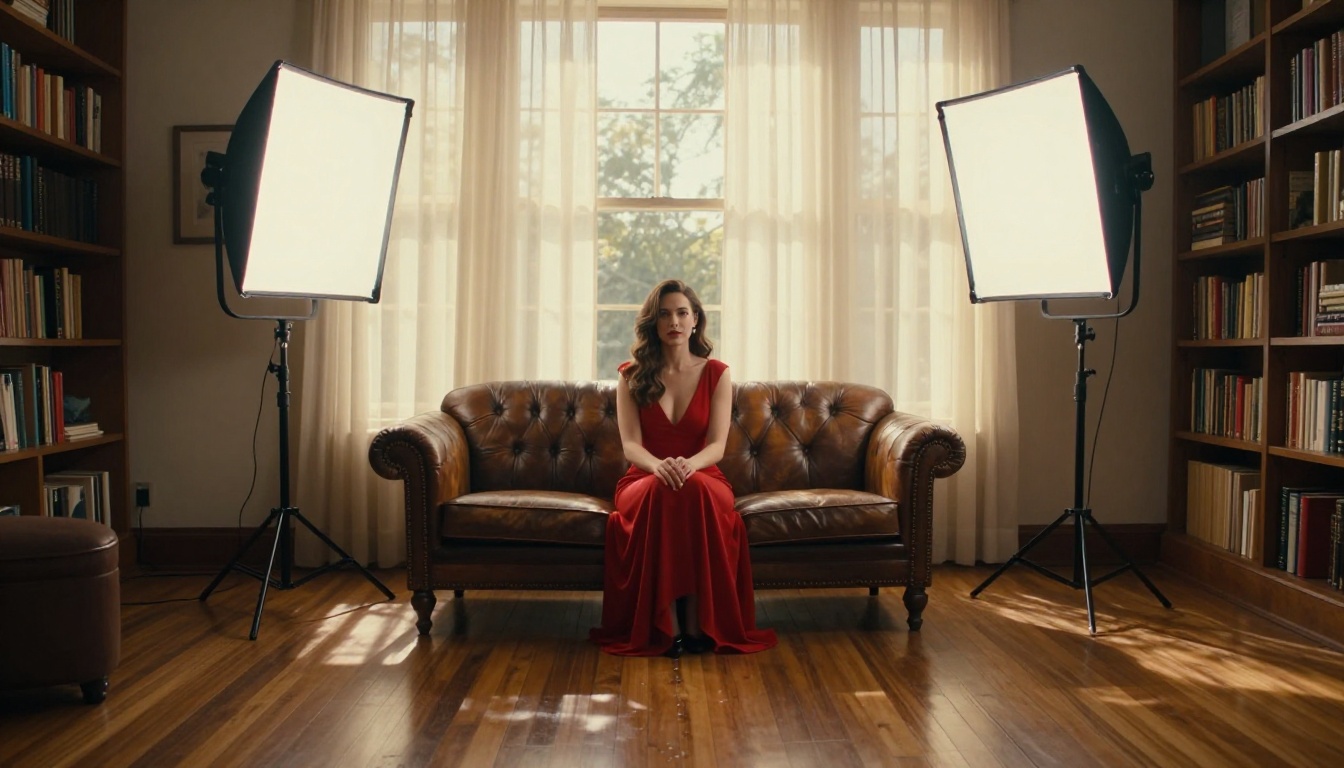
Wide shot of a bedroom converted into a film set, professional lighting stands with softboxes on both sides, camera on tripod in foreground, woman in elegant minimal clothing sitting on velvet sofa, golden hour window light mixing with studio lights, 35mm lens, cinematic color grading, RAW 8K
4. The Silhouette Window Scene
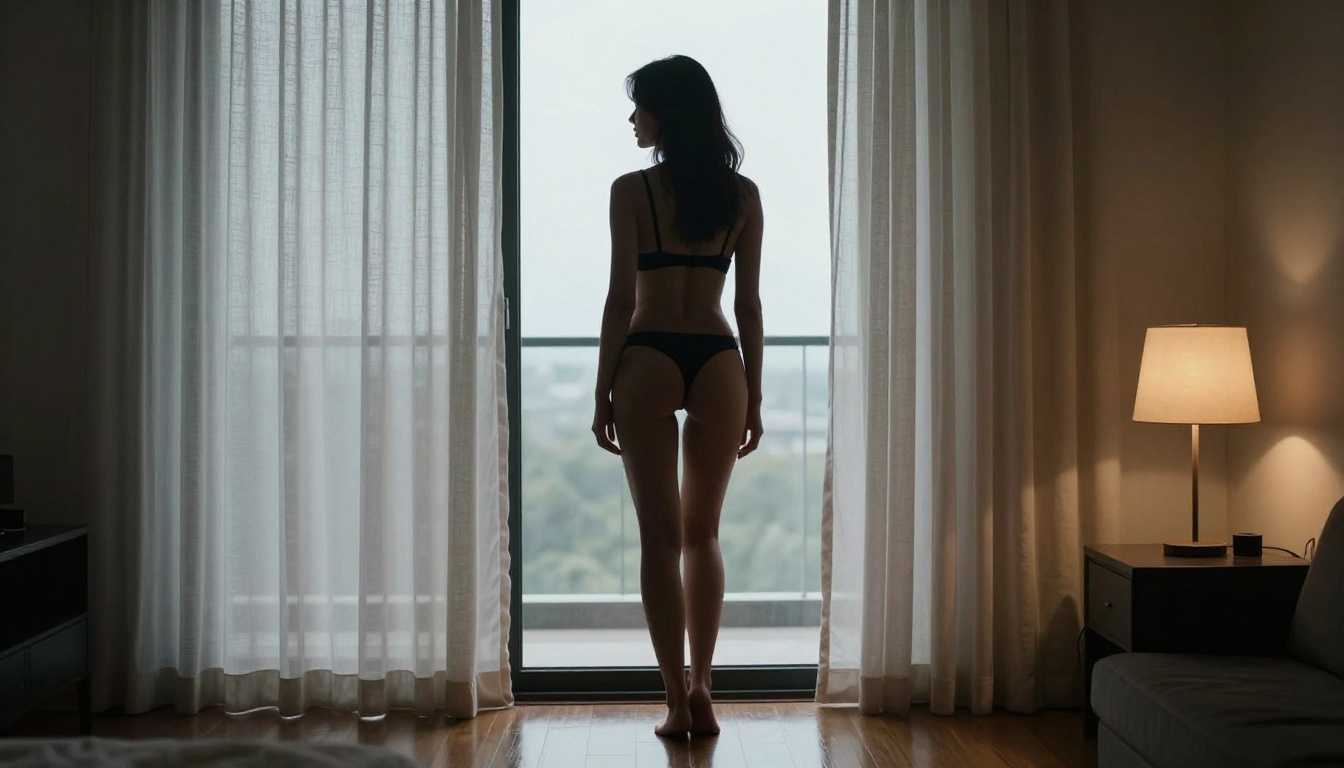
Woman in fitted black dress standing at a large window, strong backlight creating a halo silhouette rim effect, interior slightly underexposed, warm bedside lamp fill light, sheer curtain fabric backlit to translucency, 135mm telephoto lens, high contrast moody, film grain
5. The Vanity Mirror Scene
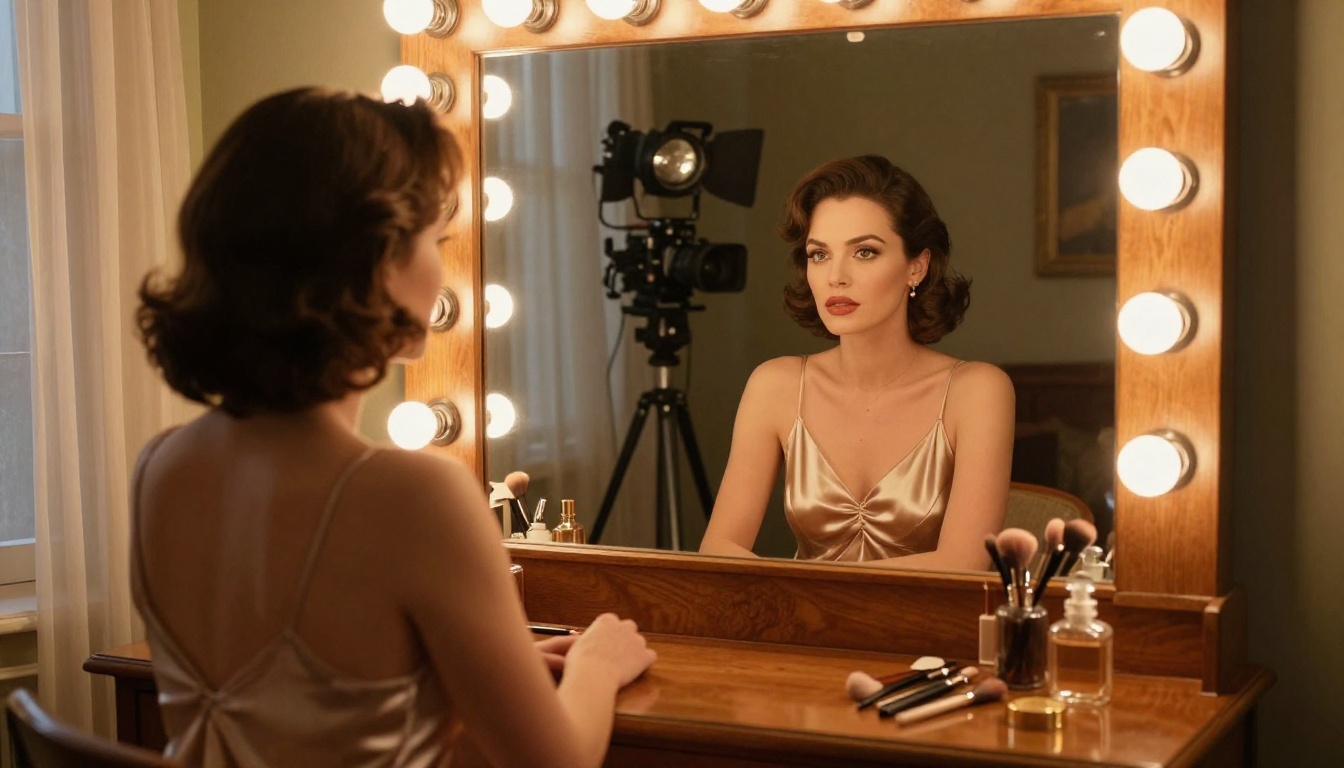
Woman in silk dress sitting at a vintage vanity mirror, Hollywood-style globe bulbs framing the mirror, reflection showing entire bedroom behind her, makeup and perfume bottles on the surface, 85mm f/2.0, warm amber color temperature, photorealistic RAW 8K, Kodak Portra 400
Upscaling and Finishing Your Room Portraits
When to Upscale and Which Model to Use
Once you have a strong image from Flux Dev or Flux Schnell, upscaling takes it from a good image to a print-ready asset. The right upscaler depends on what you're working with.
For room portraits where skin detail matters, Crystal Upscaler is the consistent winner. It was specifically designed for portraits and handles the micro-texture of skin and fabric in a way that generalist models don't.
For full room establishing shots without a human subject, Real ESRGAN does an excellent job sharpening architectural detail, wood grain, and fabric texture without over-processing or creating artifacts.
Removing Distracting Backgrounds
If your generated or captured image has a background element that competes with the subject, Bria's Remove Background produces clean cutouts with accurate edge detail on complex subjects including hair and fabric. This is useful when you want to composite your subject onto a different room backdrop, or when you want to strip a cluttered background and replace it with a single tone.
Real Shots You Can Set Up Tonight
The gap between knowing this theory and actually producing a great image is smaller than most people think. Here is a sequence you can run with what you likely already have:
Tonight's shoot plan:
- Pick one corner of your bedroom with a window on the left or right side, not behind you
- Move clutter out of frame. Keep one or two intentional props: a book, a candle, a plant
- Change one bulb to a warm 2700K lamp in a visible fixture within the frame
- Shoot in the hour before sunset from a low angle looking slightly upward
If you'd rather work with AI first and use the results as visual references for a real shoot, open Flux Dev, enter one of the five prompts above, and generate three variations. You'll have a concrete visual target to match in the physical world.
The other option is to skip the physical shoot entirely. AI-generated room portraits at full resolution with Flux Dev, upscaled with Crystal Upscaler, are indistinguishable from photographs at web resolutions. For content creation, portfolio work, or editorial use, this is a complete and production-ready workflow.
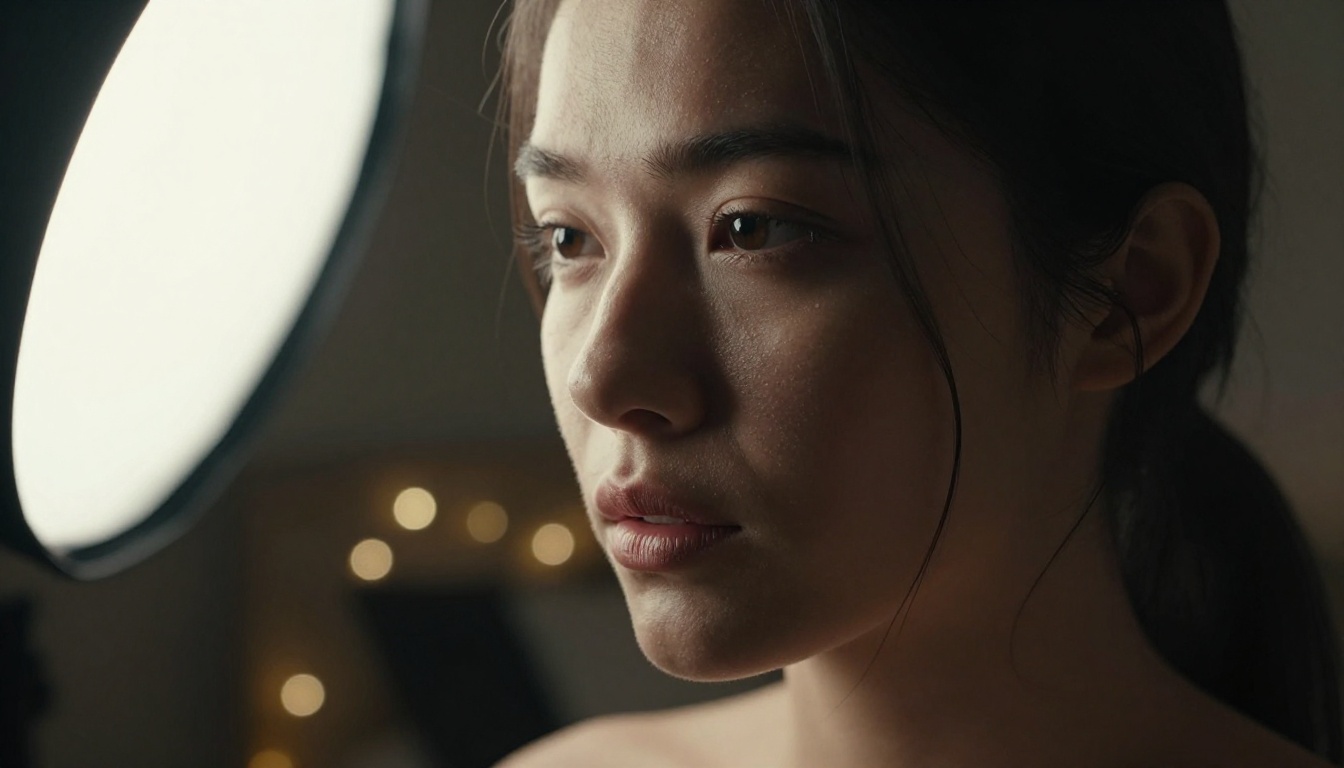
Create Your Own Room Scene
Every technique in this article is available to you right now, without a studio, a crew, or any gear you don't already own. The film set in your room is already there. It's a question of how you look at the light.
If you want to skip the physical setup and go straight to cinematic results, Flux Dev on PicassoIA handles the full workflow: prompt your scene in detail, generate a 16:9 photorealistic image, and upscale it with Crystal Upscaler to print resolution. No lighting equipment, no scheduling, no retouching.
Try one of the five prompts above and see what your room looks like as a film set.