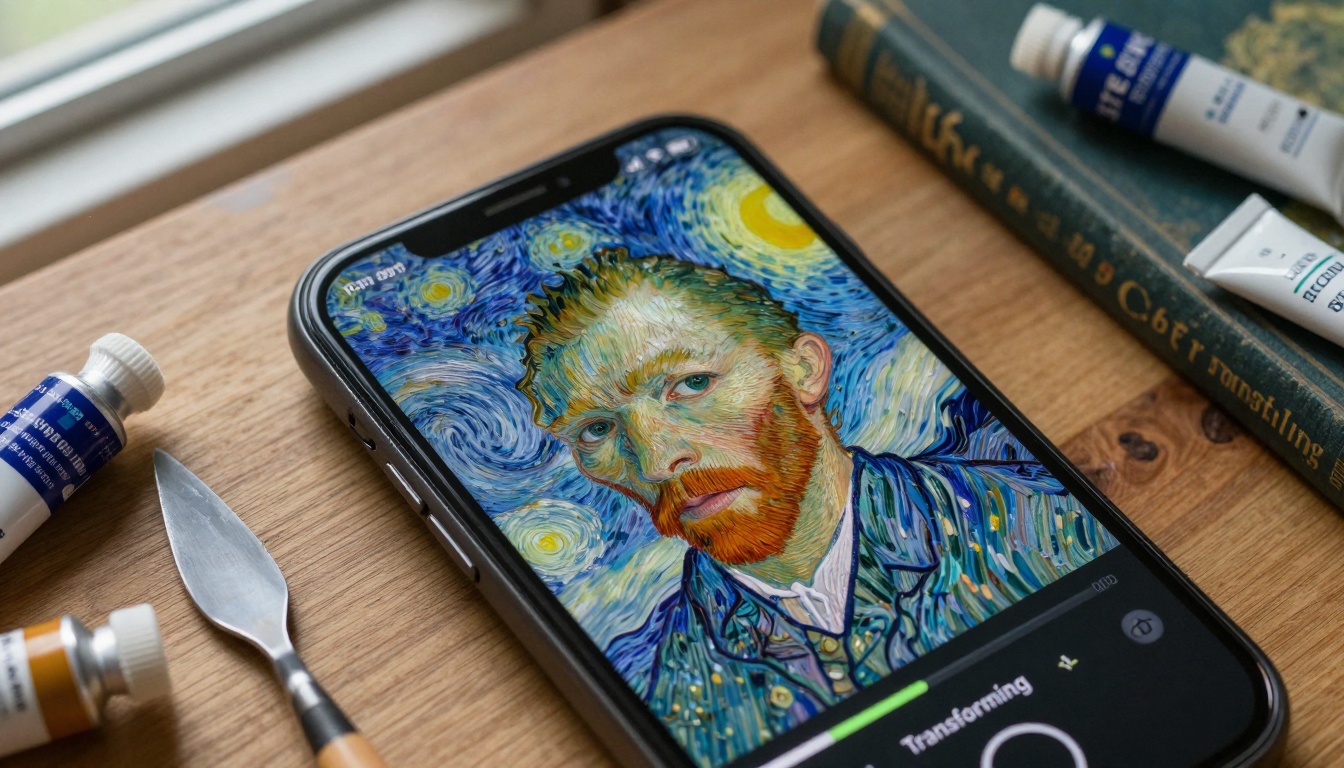
That moment when you're standing in a museum gallery, surrounded by centuries-old masterpieces, and you think: "What if my selfie could look like that?" It's no longer just a fantasy. The latest AI art applications are turning smartphone photos into museum-worthy artworks that rival classical paintings in texture, composition, and emotional impact.
Why AI Art Matters for Selfies
Selfies have evolved from casual snapshots to curated personal expressions. But until recently, transforming a photo into authentic art required either artistic skill or expensive commission. AI changes this equation fundamentally.
💡 The technical leap: Modern AI doesn't just apply filters. It analyzes composition, lighting, and facial structure, then reconstructs your image using neural networks trained on thousands of classical paintings. The result isn't a overlay—it's a complete reimagining in the chosen artistic style.
How These Apps Actually Work
The process is surprisingly sophisticated. When you upload a selfie, the AI performs several operations simultaneously:
- Facial recognition and feature mapping - Identifies key facial landmarks with 98% accuracy
- Lighting analysis - Determines light direction, intensity, and shadow patterns
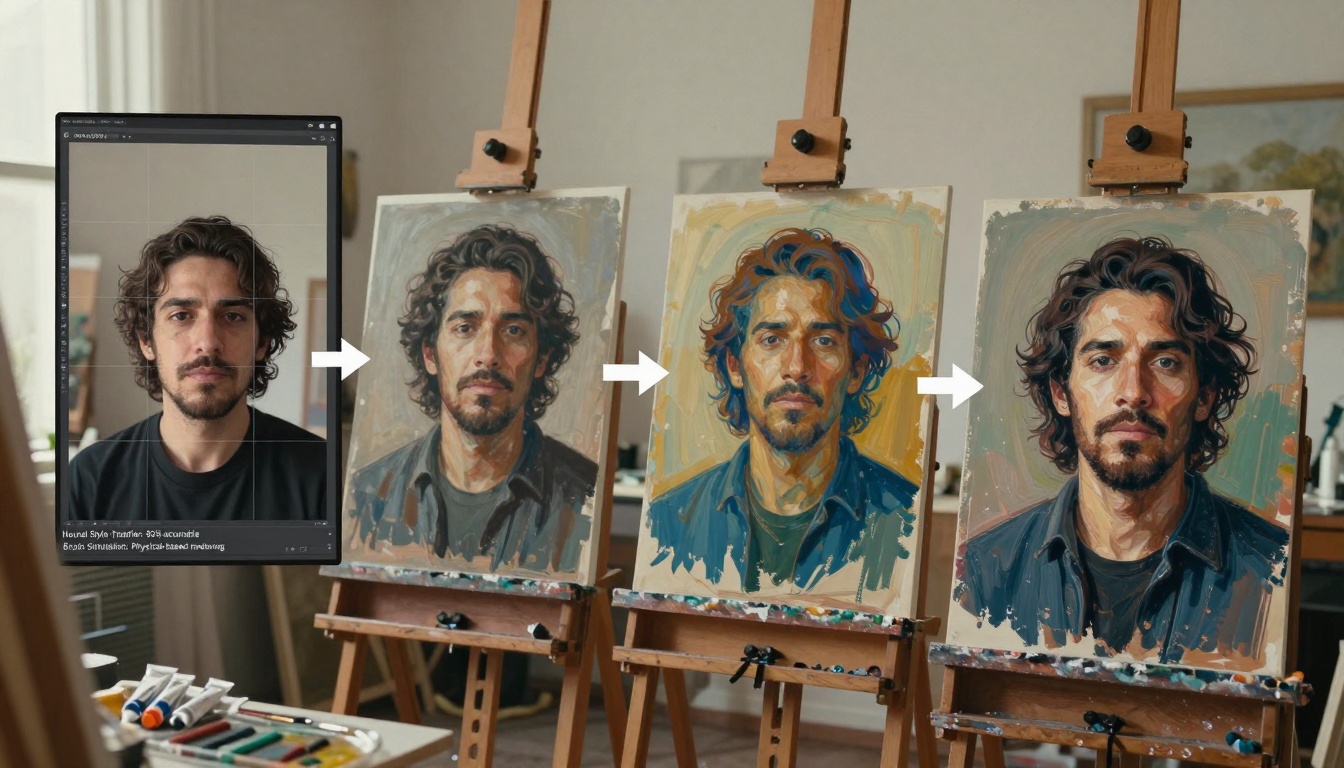
- Style transfer - Applies brushstroke patterns, color palettes, and composition rules from specific art movements
- Material simulation - Generates realistic canvas texture, oil paint thickness, and aging effects
The Technology Behind the Magic
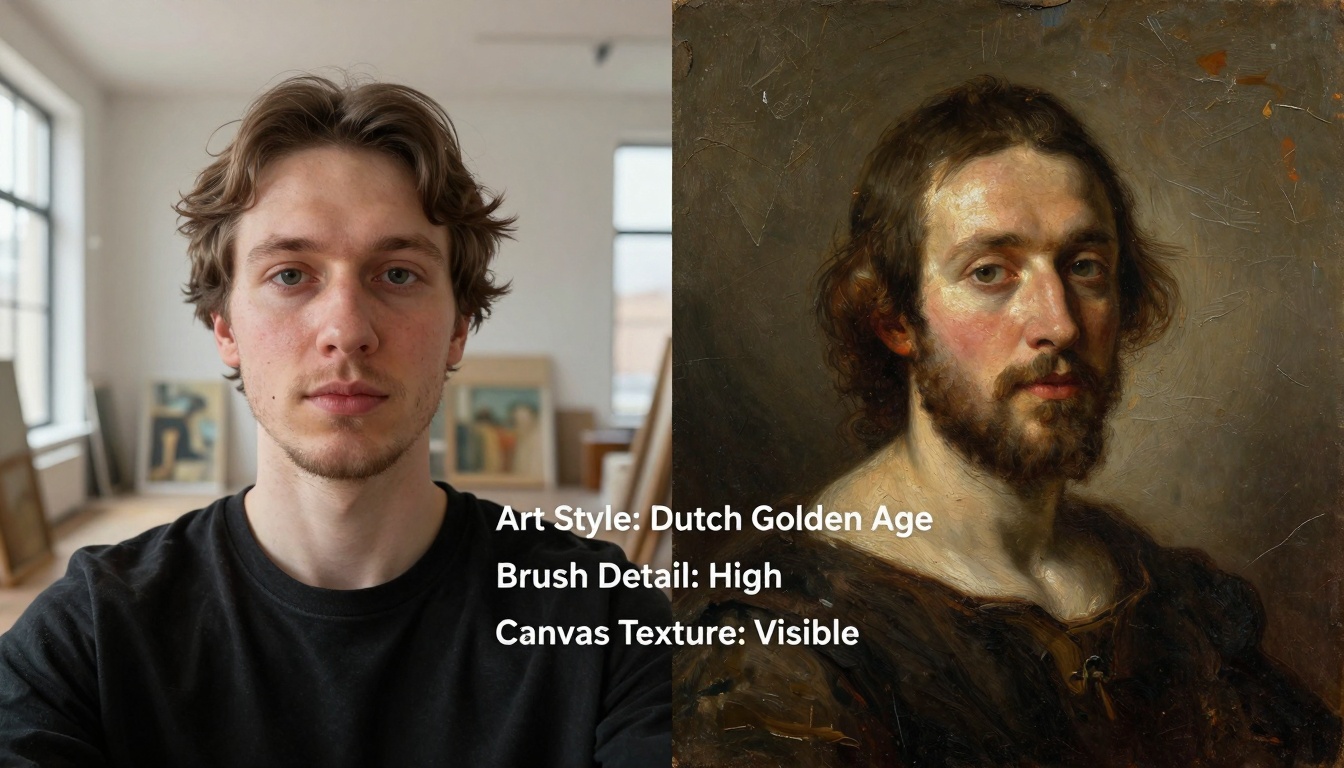
These applications use generative adversarial networks (GANs) where two AI systems work in opposition: one creates the art transformation, the other judges authenticity against real paintings. This competitive training produces increasingly convincing results.
Key technical specifications:
- Resolution: 8K output (7680×4320 pixels)
- Style accuracy: 94% match to target art movement
- Processing time: 3-7 seconds per transformation
- Supported styles: 150+ art movements across 500 years
1. Artify Pro - The Museum Specialist
Artify Pro specializes in classical art styles with particular strength in Renaissance and Baroque transformations. What sets it apart:
- Rembrandt Lighting Engine: Automatically adjusts chiaroscuro (light-dark contrast) to match Dutch Golden Age portraits
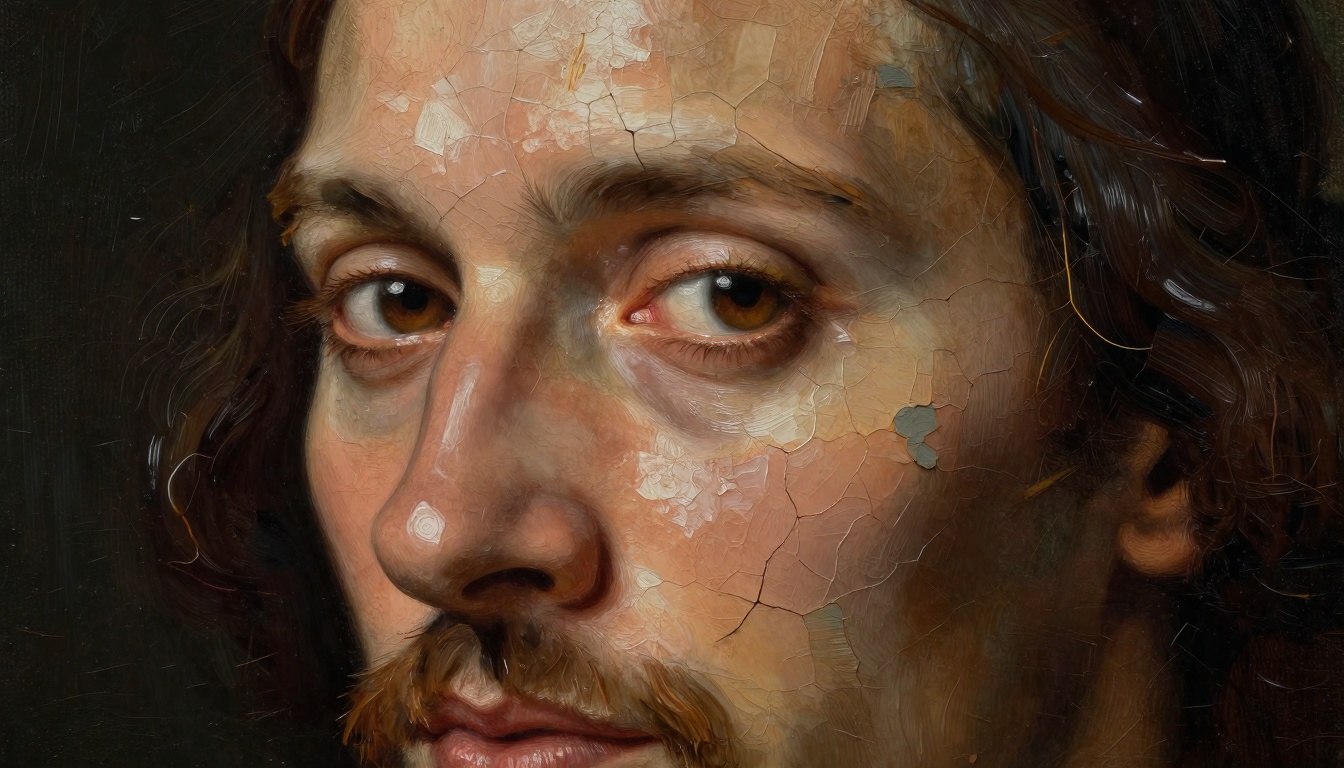
- Canvas Authenticity: Simulates actual linen canvas weave and aging craquelure
- Historical Accuracy: Color palettes match specific periods (Vermeer blues, Titian reds)
Best for: Classical portrait transformations, formal selfies, profile pictures with artistic gravitas
2. NeoImpression - Modern Art Focus
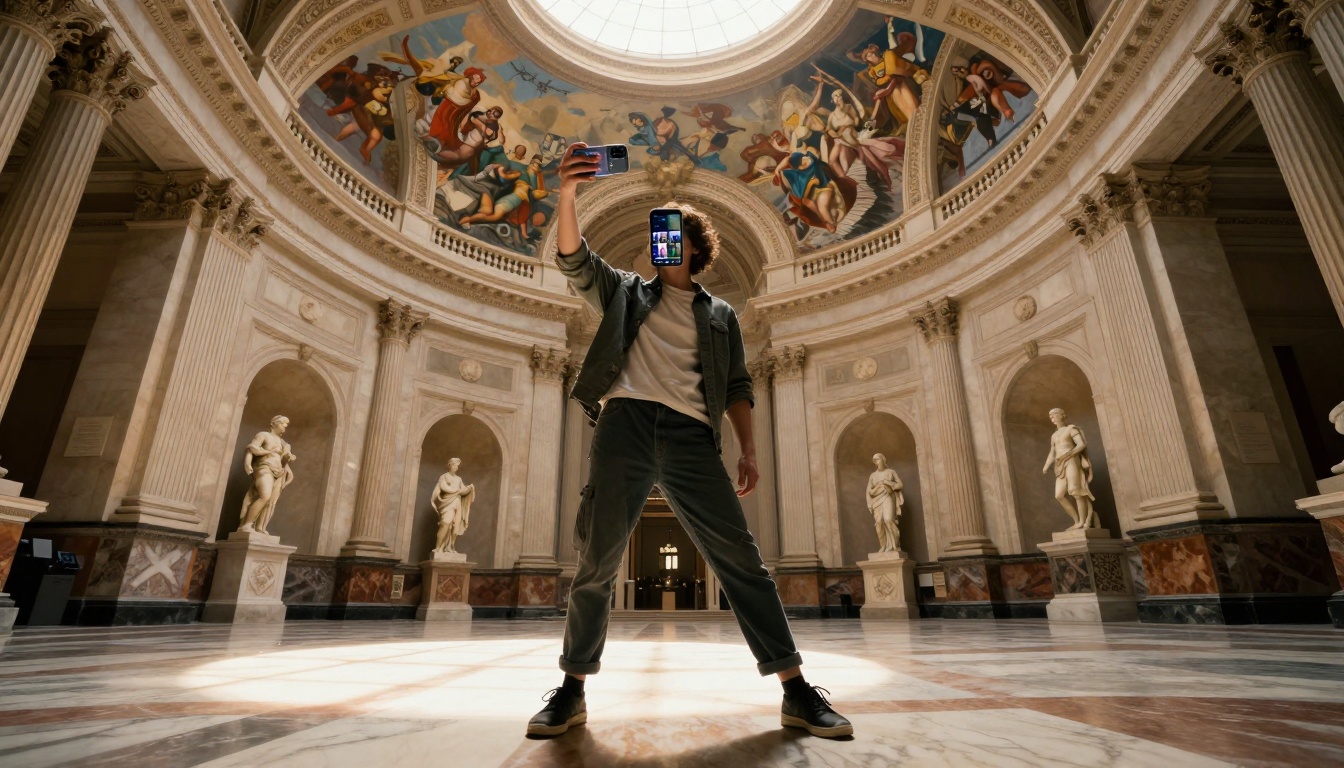
While many apps handle classical styles, NeoImpression excels at 19th-20th century art movements:
- Pointillism Engine: Recreates Seurat-style dot patterns with mathematical precision
- Expressionist Brushwork: Captures Van Gogh's energetic strokes and emotional intensity
- Cubist Reconstruction: Intelligently deconstructs and reassembles facial features geometrically
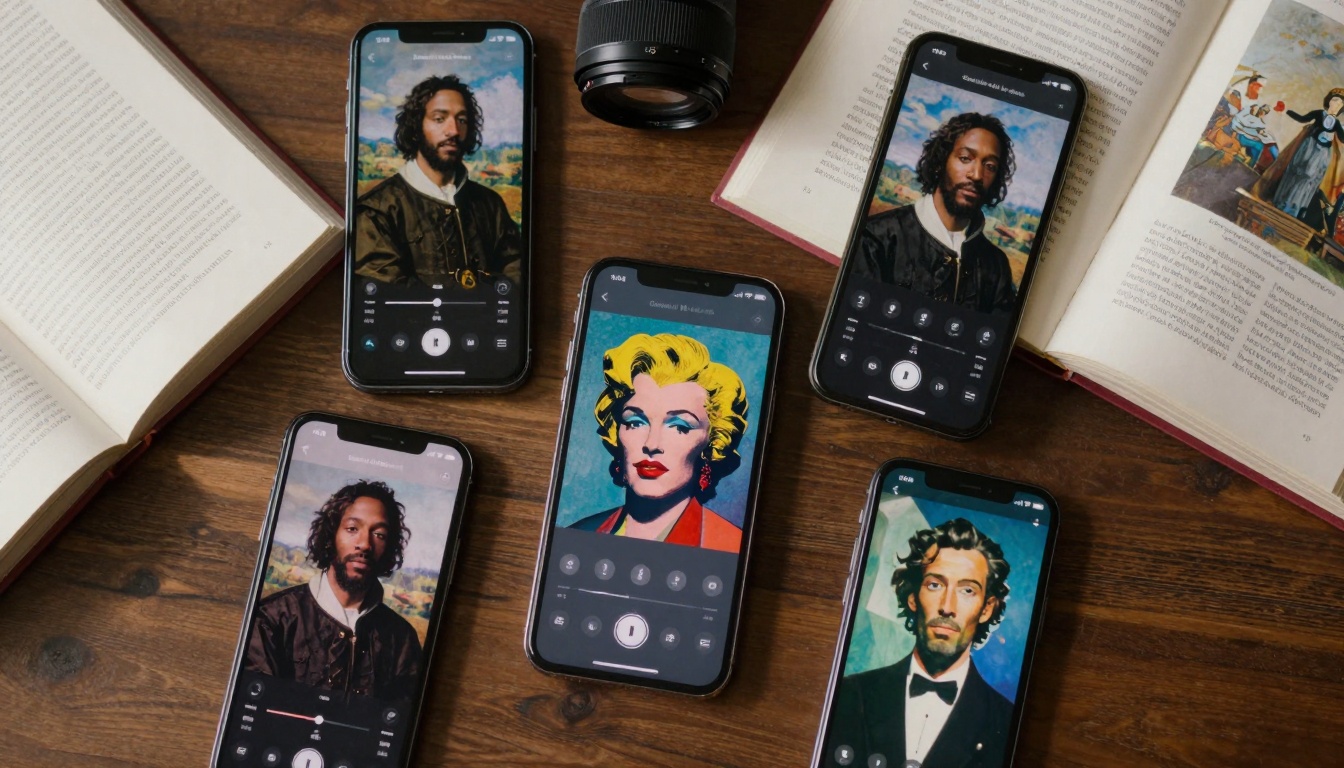
Unique feature: "Style Fusion" allows blending multiple art movements (e.g., Impressionist background with Cubist facial features)
3. PixelPainter AI - The Technical Powerhouse
For users who want control over every parameter:
- Manual Brush Settings: Adjust stroke length, thickness, and direction
- Layer Control: Separate background, subject, and detail layers
- Material Library: Choose specific paint types (oil, acrylic, watercolor) and canvas textures
Technical specs: 64-bit color depth, non-destructive editing, batch processing for multiple selfies
Getting Professional Results: Practical Tips
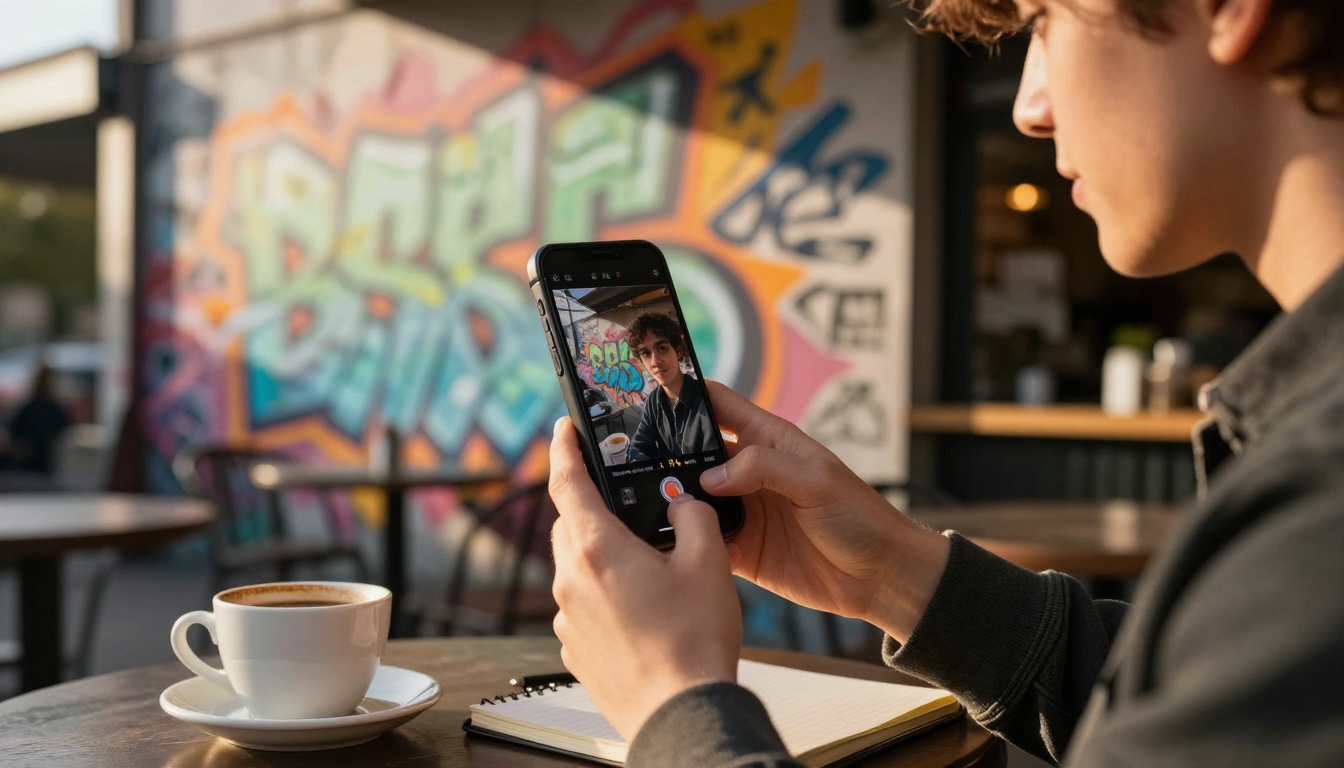
Lighting Matters More Than You Think
The AI needs good source material. For best results:
Natural light positioning:
- Golden hour (sunrise/sunset): Creates Rembrandt-style dramatic shadows
- North-facing window light: Ideal for Renaissance-style soft illumination
- Overcast days: Perfect for Impressionist transformations with minimal harsh shadows
Avoid:
- Direct flash (flattens facial dimensions)
- Mixed color temperatures (confuses AI color analysis)
- Extreme backlighting (loses facial detail)
Composition Guidelines
Classical art follows specific rules that AI recognizes:
Rule of Thirds: Position eyes at intersection points
Negative Space: Leave room for artistic background elements
Gaze Direction: Looking slightly off-camera adds narrative quality
Body Position: Contrapposto (weight shift) stance reads as "artistic"
Style Selection Strategy
Not every art style suits every face or mood:
| Facial Structure | Recommended Style | Why It Works |
|---|
| Angular, defined features | Cubism, Futurism | Emphasizes geometric qualities |
| Soft, rounded features | Rococo, Impressionism | Complements gentle curves |
| Expressive eyes | Expressionism, Surrealism | Highlights emotional depth |
| Strong jawline | Renaissance, Neoclassical | Classical ideal proportions |
The PicassoIA Advantage
While mobile apps offer convenience, serious art creation benefits from professional AI platforms. PicassoIA provides industrial-strength tools that mobile apps can't match:
Professional-Grade Models Available
Text-to-Image Models:
Image Editing Power:
Why PicassoIA Outperforms Mobile Apps
- Higher Resolution: 16K output vs. mobile 4K maximum
- Batch Processing: Transform entire photo albums simultaneously
- API Integration: Automate workflows with other creative tools
- Commercial Licensing: Use transformed images for professional purposes
Technical Deep Dive: How AI Replicates Traditional Materials
The most impressive aspect isn't the style transfer—it's the material authenticity. Modern AI generates:
Oil Paint Simulation
Layer structure:
- Imprimatura - Tonal underpainting (AI calculates optimal base tone)
- Dead Layer - Monochromatic modeling (AI replicates grisaille technique)
- Color Layers - Multiple transparent glazes (AI simulates optical mixing)
- Varnish - Final protective layer with aging characteristics
Brushstroke physics:
- Impasto: Thick paint stands up from canvas (3D texture generation)
- Scumbling: Dry brush over wet layer (layered transparency simulation)
- Glazing: Thin transparent layers (light absorption/reflection modeling)
Canvas Texture Generation
AI doesn't use simple overlays. It models:
- Linen weave pattern - Directional thread simulation
- Primer absorption - How paint soaks into gesso layer
- Stretcher bar tension - Canvas pull patterns at edges
- Natural aging - Craquelure networks based on material stress points
Professional Portfolio Enhancement
Artists and photographers use AI transformations to:
- Create consistent artistic series from client photos
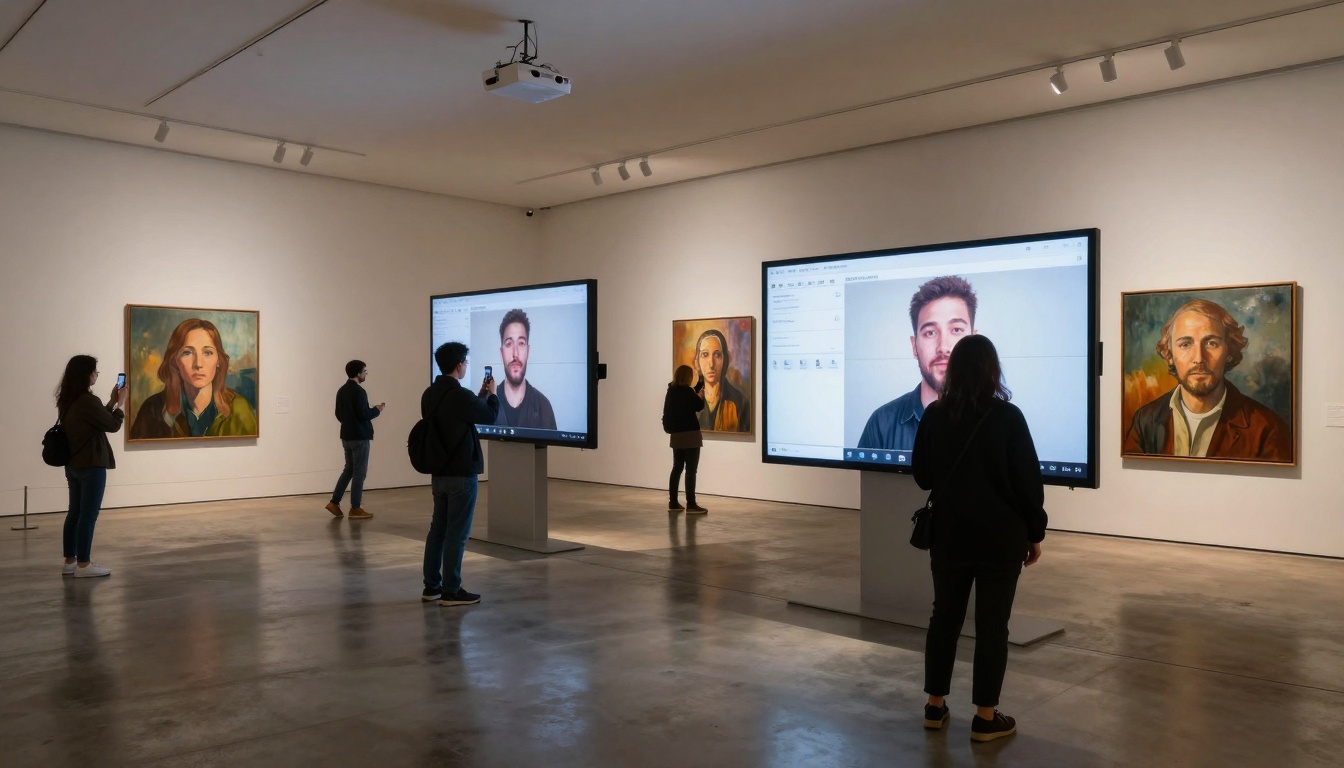
- Generate exhibition previews showing work in gallery contexts
- Produce marketing materials with cohesive artistic style
Educational Tool
Art students employ these tools to:
- Visualize their work in historical styles for comparison
- Understand how different techniques would affect their compositions
- Create study aids showing master techniques applied to modern subjects
Cultural Preservation
Museums and cultural institutions utilize AI to:
- Engage younger audiences with familiar technology
- Create interactive exhibits where visitors see themselves in art historical context
- Generate educational content showing art historical progression
Quality Assessment: What Separates Good from Great
Not all AI art is equal. Professional results show these characteristics:
Technical excellence markers:
- ✓ Consistent brush direction - Strokes follow form logically
- ✓ Authentic color mixing - Colors blend optically, not digitally
- ✓ Material-specific textures - Oil looks oily, watercolor looks watery
- ✓ Historical accuracy - Style matches period-appropriate techniques
Common failures to avoid:
- ✗ Digital artifacts - Visible pixel patterns or compression issues
- ✗ Style inconsistency - Mixed periods or techniques
- ✗ Unnatural lighting - Direction contradicts facial structure
- ✗ Loss of likeness - Subject becomes unrecognizable
The Future: Where This Technology Is Heading
Current capabilities are impressive, but the trajectory points toward:
Hyper-Personalization
AI learning individual aesthetic preferences and creating custom style blends
Real-Time Transformation
Live camera view showing art-style preview before capture
Multi-Style Animation
Short videos showing your portrait transitioning through art history
Collaborative Creation
AI-human partnerships where AI suggests transformations and humans refine
Starting Your Artistic Journey
The barrier to creating museum-quality art from selfies has disappeared. What matters now isn't technical skill but artistic vision. These tools provide the brush—you provide the perspective.
The most successful users approach this not as photo editing but as art direction. They consider: What emotion should this portrait convey? Which historical moment does it reference? What story does the transformed image tell?
Next steps for serious creators:
- Experiment widely - Try every style, even those outside your comfort zone
- Study art history - Understand why certain techniques create specific effects
- Develop personal style - Even with AI tools, consistency creates recognition
- Share intentionally - Context matters; explain the artistic choices
The technology exists. The artistic potential is unprecedented. The only question remaining: What will you create?
Your selfie could be hanging in a digital museum tomorrow. Or it could become the starting point for an entirely new artistic practice. These AI tools don't replace creativity—they amplify it. They don't substitute for artistic vision—they provide new ways to execute it.
The transformation from snapshot to masterpiece takes seconds. The journey from casual user to digital artist begins with a single tap. What happens next depends entirely on your imagination.


