Every professional photo session used to mean booking a studio, buying a new outfit, and spending hundreds of dollars hoping the photographer captured you on a good day. That era is over. Today, AI portrait generation lets anyone convert a casual selfie into a polished, studio-quality headshot, no appointment required, no equipment, no photographer.
Why Most Selfies Fall Short
You already know the feeling. You need a profile photo for LinkedIn, a headshot for a work bio, or a clean portrait for a client-facing page. You scroll through your camera roll and nothing looks right.
The Lighting Problem
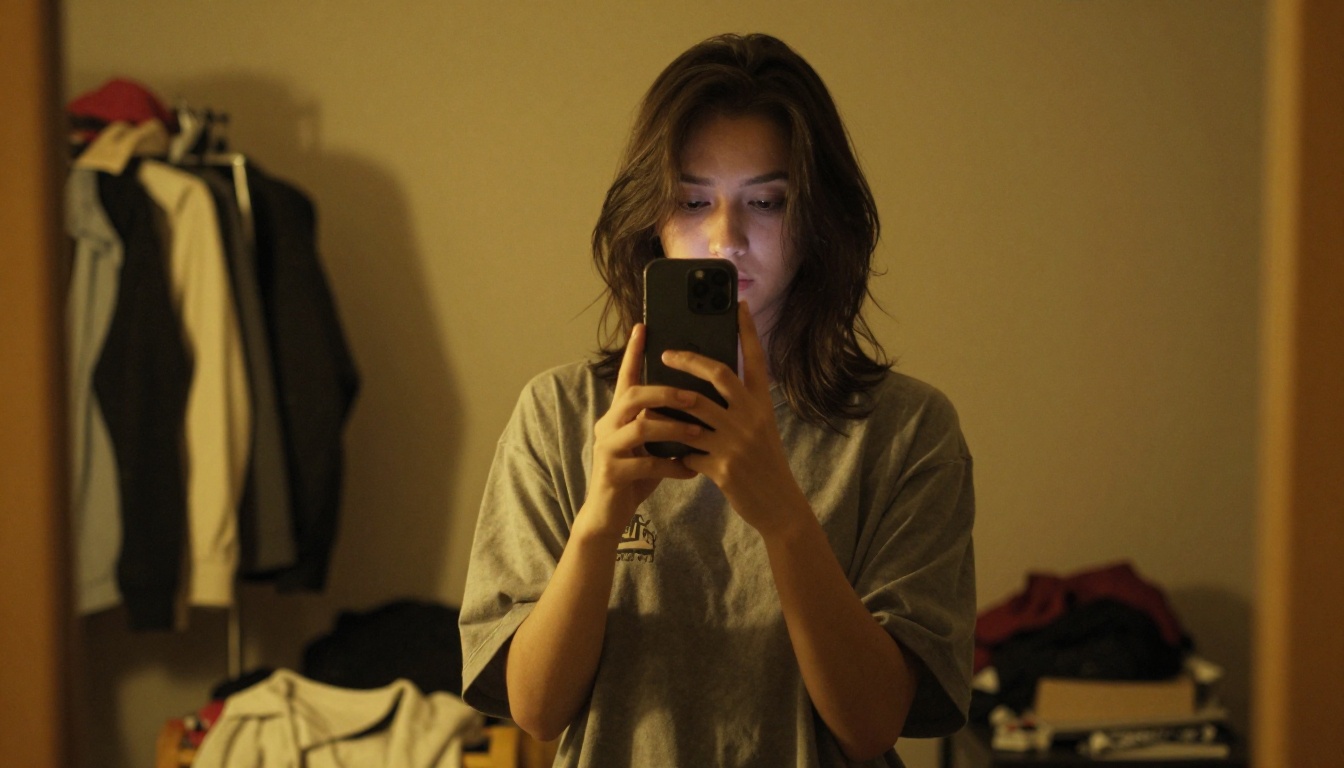
Phone cameras capture whatever light exists in the room. That usually means harsh overhead bulbs casting unflattering shadows under your eyes and nose, or a pale wash from a bathroom fluorescent that flattens every facial feature. Professional photographers spend years learning to shape light, using softboxes, reflectors, and careful light placement. A selfie bypasses all of that.
The Background Problem
Your bedroom wall, office cubicle, or kitchen counter behind you are rarely professional-looking. Even a clean room rarely has the neutral, distraction-free background that makes a portrait work on a LinkedIn profile or company website. The eye is drawn to clutter, and clutter kills professionalism in a photo.
Resolution and Lens Distortion
Front-facing cameras on smartphones use wide-angle lenses that distort facial features. Your nose looks bigger. The perspective feels wrong. Portrait photographers use 85mm or 105mm lenses specifically because they compress facial features in a flattering, natural way, something the front camera physically cannot replicate.
What AI Portrait Generation Actually Does
AI image models do not simply apply a filter over your existing selfie. Modern text-to-image models have been trained on millions of professional photographs, including commercial headshots, editorial portraits, and high-end studio work. When you describe a portrait using a detailed prompt, the model synthesizes a photorealistic result based on everything it has absorbed about light, composition, skin texture, and camera optics.
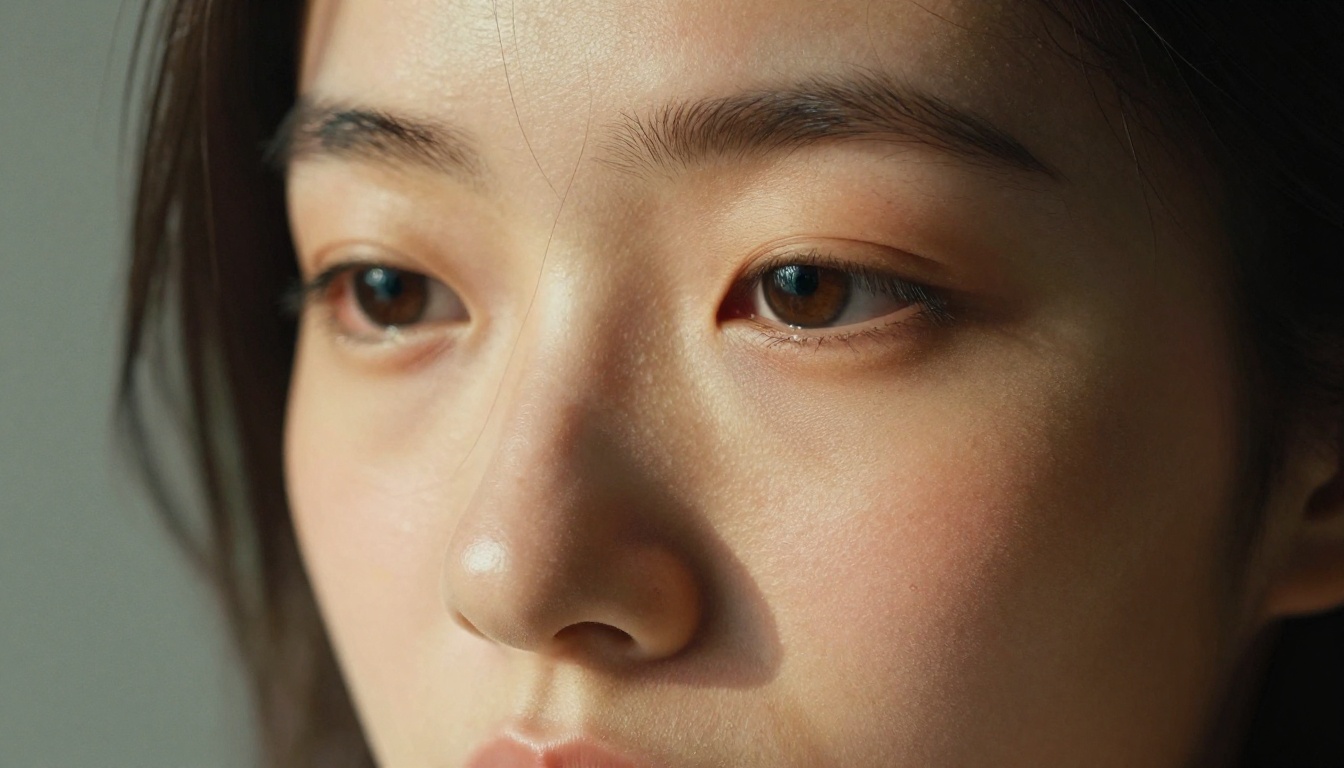
💡 The core insight: You are not editing a photo. You are generating a new one from scratch. This means you have complete control over every visual element: the lighting direction, the background material, the lens focal length, the mood, and even the season visible through the office window behind the subject.
The Tech Behind the Results
Models like GPT Image 1.5 and Flux 2 Pro generate images by predicting what pixels should exist given a text description. The photorealism in top-tier models comes from training on high-quality photography datasets, which means their natural output already tends toward the visual language of expensive camera equipment and professional studio lighting.
Prompt Engineering as the New Photography Skill
The equivalent of a photographer's technical skillset is now prompt specificity. Vague prompts produce average results. Detailed prompts that specify lens focal length, lighting direction, background material, skin texture style, and film stock produce results that rival real studio work. This is a learnable skill, and the payoff is immediate.
Best Models for Professional Portraits on PicassoIA
Not every AI model handles portraits equally. Here is a clear breakdown of the top performers available on PicassoIA, each with a distinct strength for different portrait scenarios.
GPT Image 1.5 for Maximum Realism
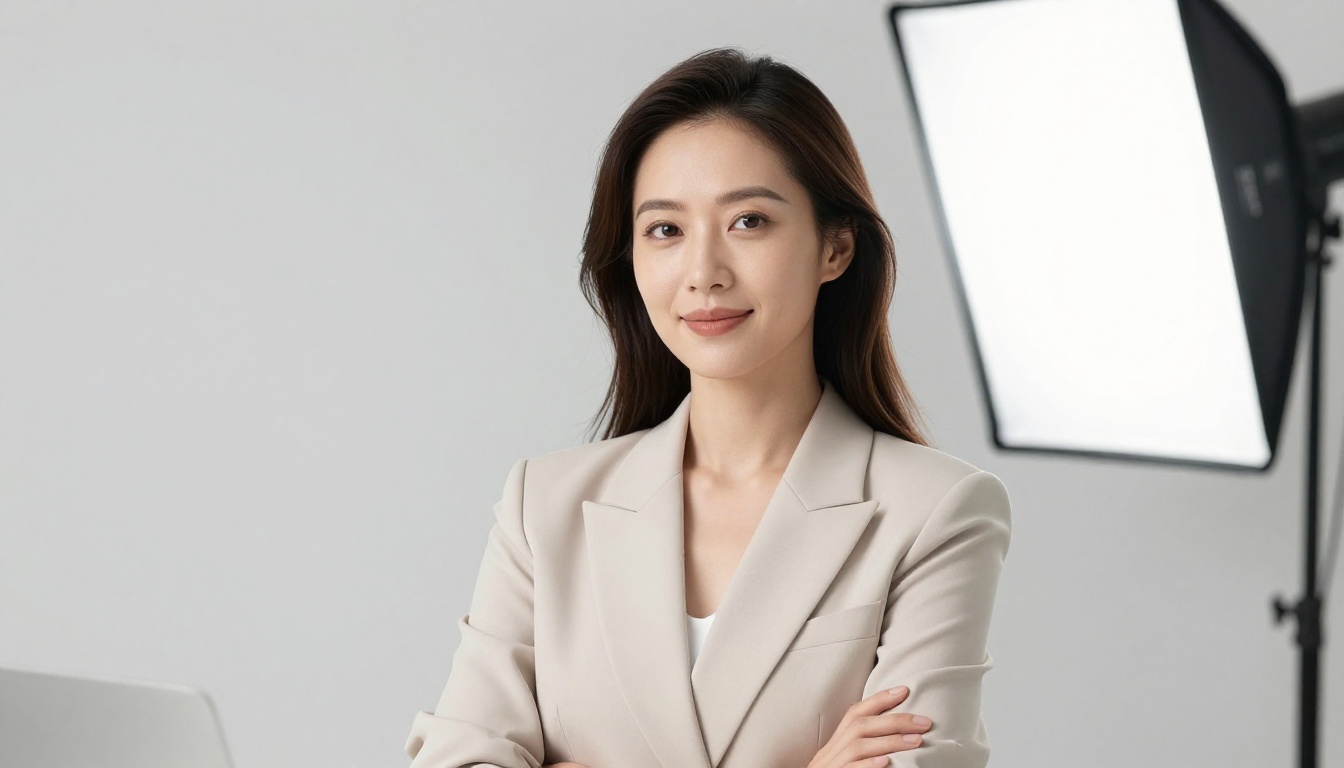
GPT Image 1.5 is the model you reach for when the portrait needs to be genuinely indistinguishable from a real photograph. It processes complex prompts with multiple technical variables, handles lighting cues with exceptional accuracy, and produces skin texture that looks photographically honest. For a LinkedIn profile picture, a corporate website bio, or any portrait that will be scrutinized up close, this is the right starting point.
Flux 2 Pro and Flux 2 Max for Studio Results
Flux 2 Pro and Flux 2 Max from Black Forest Labs are the workhorses for professional headshots. Both respond exceptionally well to photography-specific language: f-stop values, focal lengths, lighting setup descriptions, and backdrop colors. Flux 2 Max goes further on raw resolution and detail, making it the right choice when the portrait will be printed or displayed at large sizes.
RealVisXL for Natural Skin
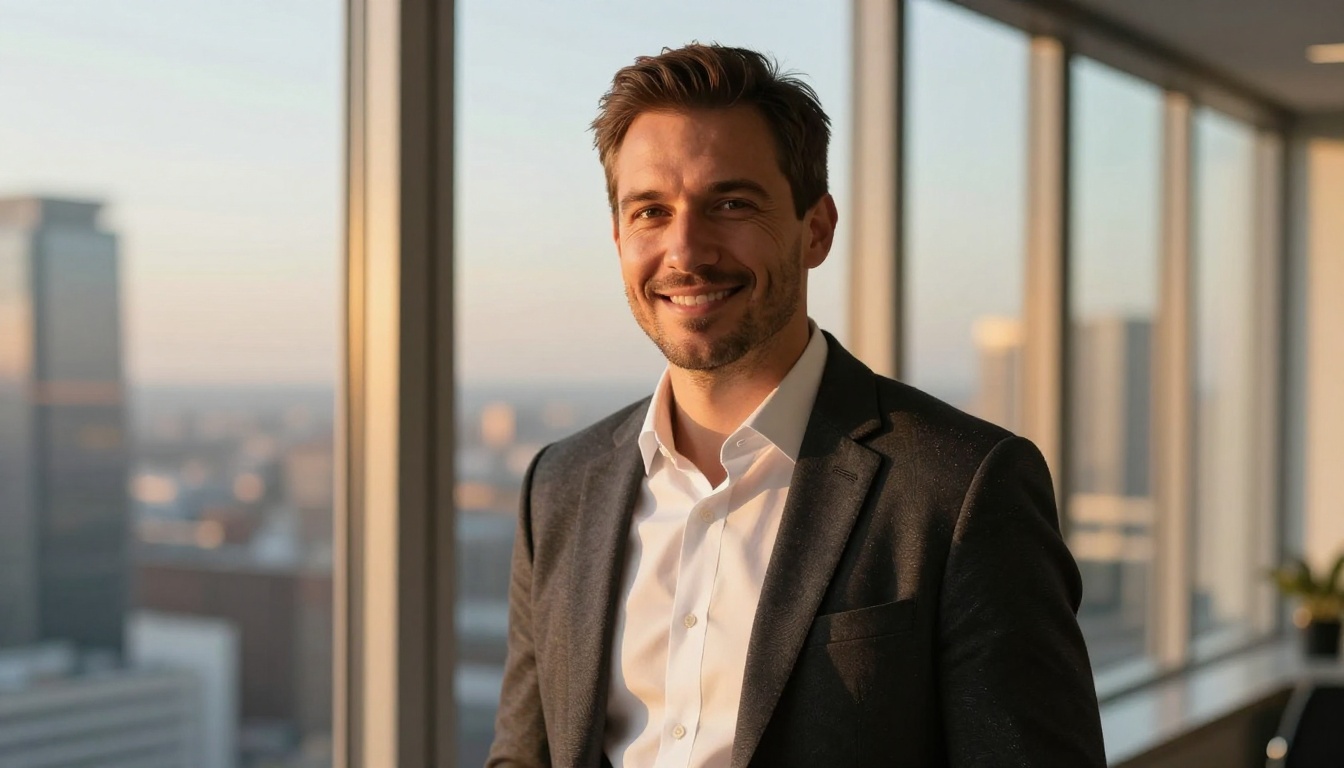
RealVisXL v3.0 Turbo was built with photorealism as its primary objective. Its skin rendering is particularly strong, producing portraits with natural pore structure, subsurface light scattering, and the kind of imperfect realism that prevents the "too polished, clearly AI" look. If you need a portrait that passes as a real photograph to anyone who sees it, RealVisXL is worth testing first.
Seedream 4.5 for Consistent Faces
Seedream 4.5 from ByteDance delivers consistent facial feature coherence across generations. This matters when you need multiple portrait variations for the same use case and want a consistent look across iterations without significant variation in the face structure.
How to Write a Portrait Prompt That Works
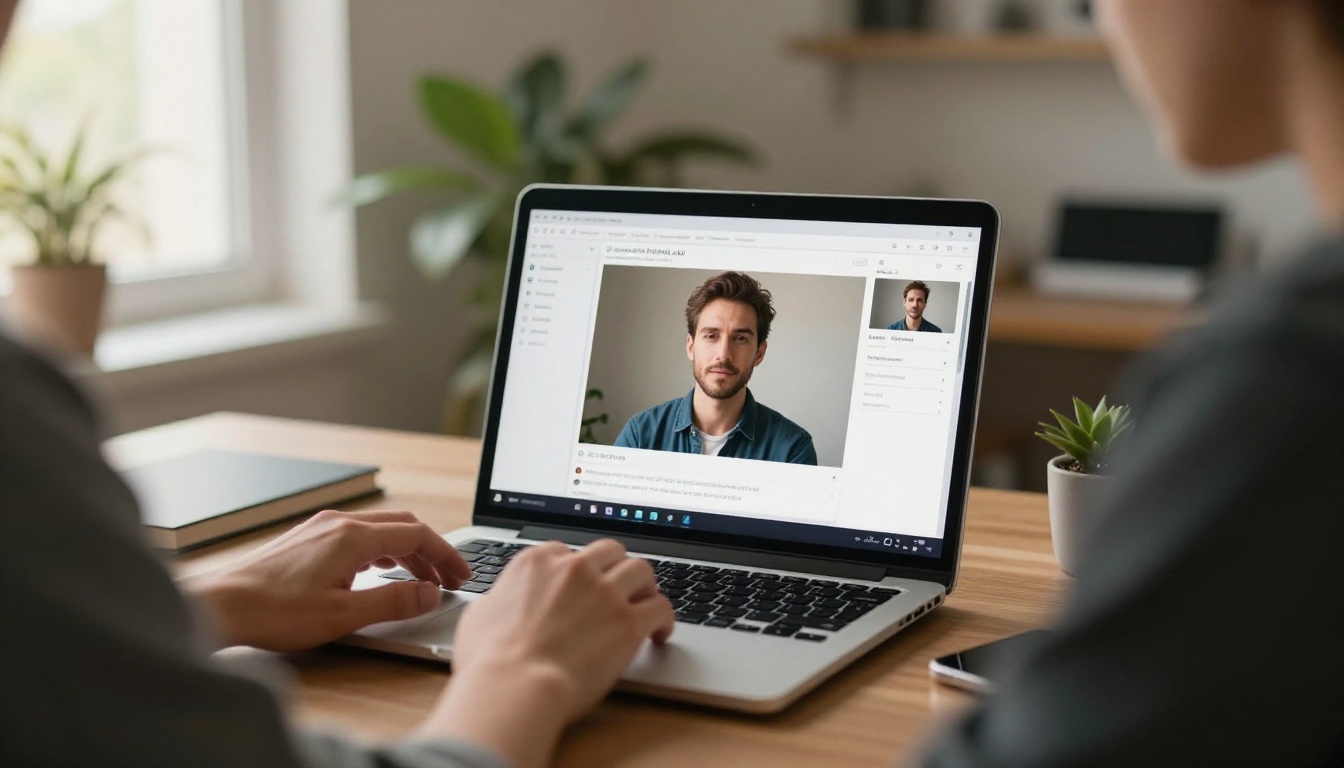
Most people type something like "professional woman headshot" and feel let down by the result. The problem is not the model. It is the prompt. Here is how to structure a portrait prompt that reliably produces professional results.
The Five-Element Formula
Every strong portrait prompt includes these five elements in sequence:
- Subject description: Gender, approximate age, clothing style, expression
- Lighting setup: Direction (left, right, front), quality (soft, hard, diffused), source (window, softbox, golden hour)
- Background: Color, texture, environment (studio, office interior, outdoor park)
- Camera specs: Focal length (85mm is ideal for flattering portraits), aperture (f/1.8 to f/2.8 for depth)
- Style and film stock: Kodak Portra 400, photorealistic, 8K, RAW photography, film grain
💡 Prompt that works well:
"Professional woman in navy blazer, slight natural smile, seated near large office window, soft morning light from left casting gentle shadow, blurred contemporary office interior background, 85mm f/1.8 shallow depth of field, warm catchlight in brown eyes, photorealistic skin texture, Kodak Portra 400 film grain, commercial headshot photography"
Lighting Is Everything
Lighting direction and quality should appear in every portrait prompt. Here are the most flattering setups for professional use:
- Window light: "large north-facing window light from the left, soft diffused daylight"
- Butterfly lighting: "front softbox slightly above eye level creating subtle butterfly shadow beneath nose"
- Rembrandt lighting: "single softbox upper-left creating triangular highlight patch on right cheek"
- Golden hour: "warm amber afternoon sunlight from left, soft rim light on jaw and hair"
- Ring light: "front ring light creating circular catchlight in both eyes, even skin illumination"
What to Avoid in Your Prompt
- Generic descriptors without specifics ("good lighting", "professional look")
- Requesting multiple people in one frame (portrait models work best with a single subject)
- Conflicting lighting sources described simultaneously
- Overly complex backgrounds that compete visually with the subject's face
Portrait Styles for Different Professional Uses
Not all professional portraits serve the same purpose. The platform determines the style. Here is how to adapt your approach for each context.
The LinkedIn Formula
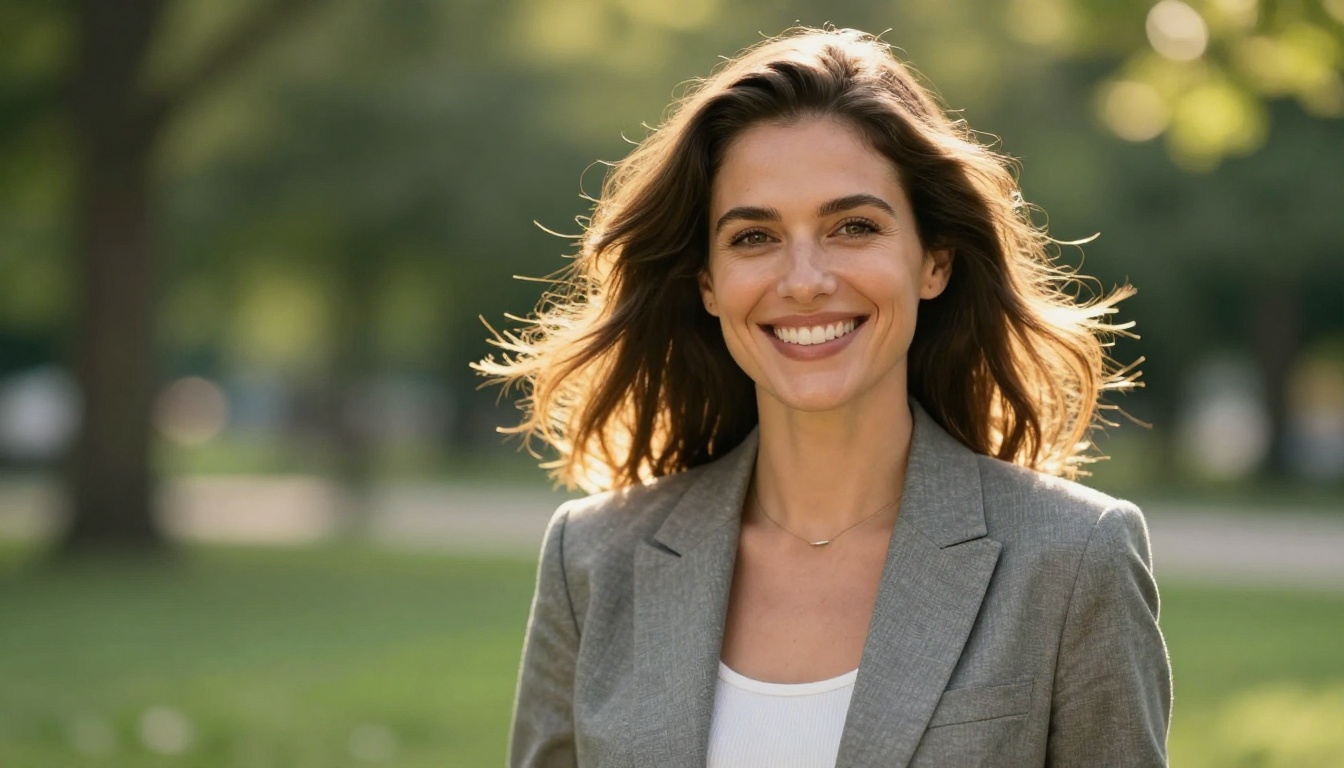
LinkedIn favors approachable, confident headshots with uncluttered backgrounds. The winning formula:
- Background: White, light gray, or softly blurred office interior
- Clothing: Business casual to formal, solid colors over patterns
- Expression: Natural relaxed smile, direct eye contact with camera
- Framing: Head and upper chest, not too tight or too wide
- Light: Soft, even, minimal harsh shadows on the face
Prompt base: "[Subject] in [solid color blazer], natural relaxed smile, direct eye contact, clean light gray seamless studio backdrop, soft front-right softbox lighting, 85mm f/2.0, photorealistic, commercial headshot"
Corporate and Executive Portraits
For board bio pages, press releases, or company websites, the portrait needs to communicate authority without feeling rigid or cold.
- Use slightly lower camera angles (at or just below eye level) for a confident feel
- Warmer, darker backgrounds work better than stark white for senior roles
- Natural window light reads as more authentic than obvious studio flash
- Solid-colored formal clothing reads cleanly at any size
Creative Professional Portraits
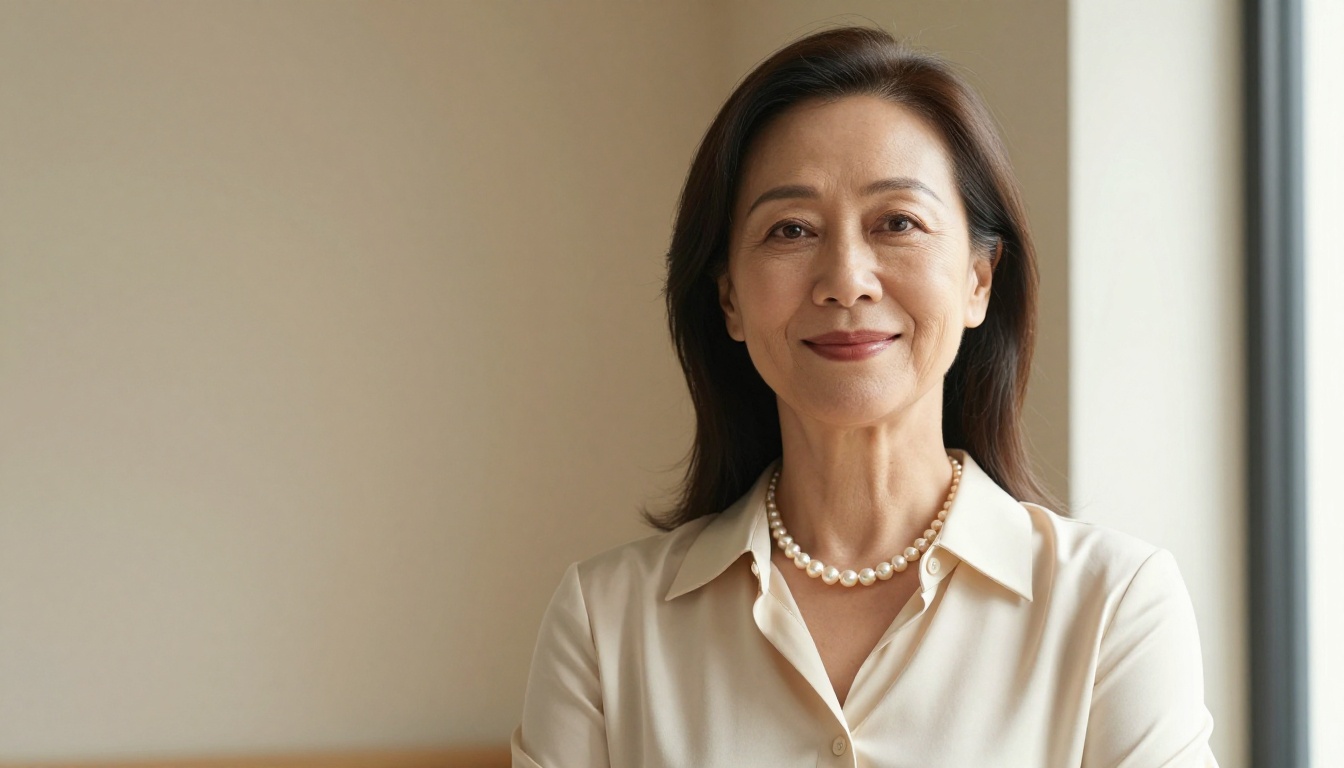
If you work in design, photography, marketing, writing, or any creative field, your portrait can break some corporate conventions. Flux 2 Dev handles creative portrait styles particularly well, responding to environmental and mood-driven prompts with strong results.
- Outdoor locations work: parks, urban architecture, interesting walls
- Slightly more casual clothing feels authentic rather than stiff
- Off-center framing with visible environment adds visual personality
- Warm golden hour light creates emotional warmth that studio light cannot fully replicate
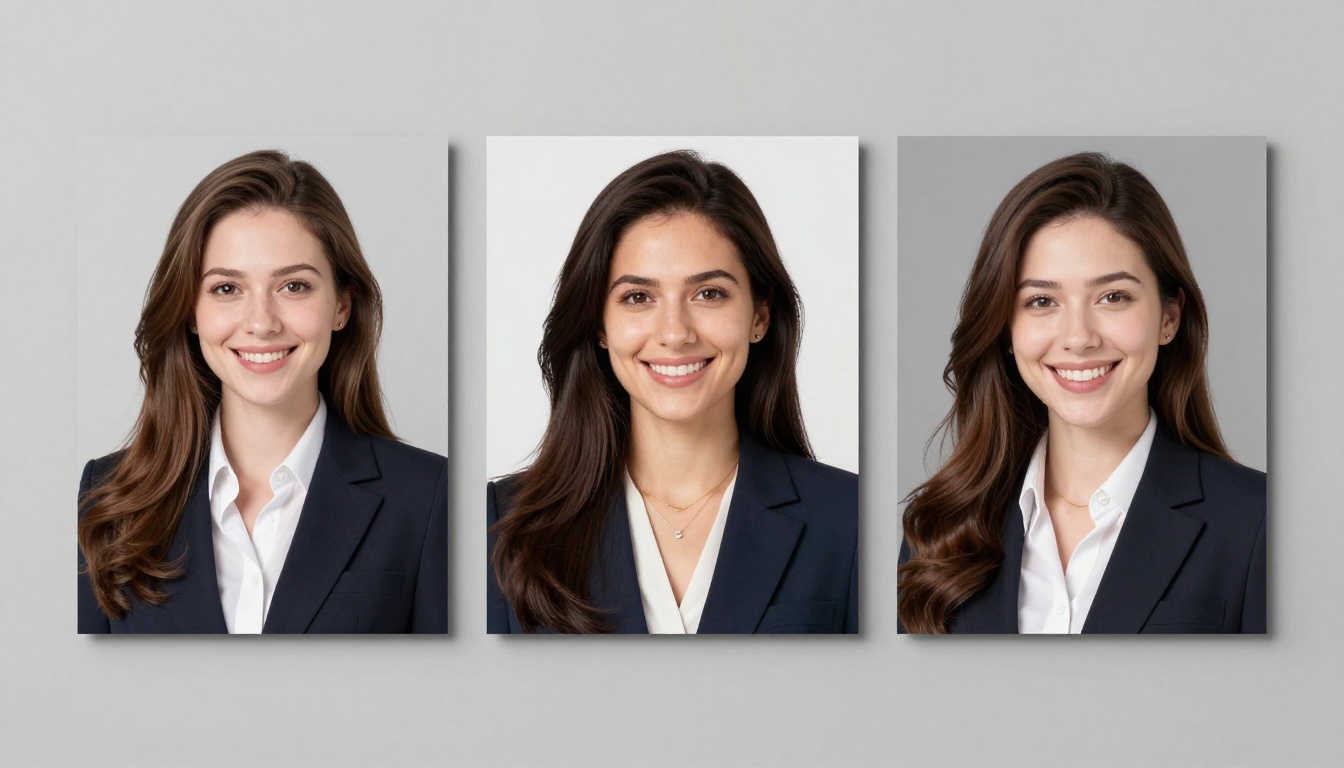
Three Styles Compared
| Platform | Background | Light Style | Expression |
|---|
| LinkedIn | Neutral gray or white | Soft, even front | Natural relaxed smile |
| Corporate bio | Dark office or warm tones | Window or Rembrandt | Confident, composed |
| Creative freelance | Urban, outdoor, or textured | Golden hour or dramatic | Relaxed, genuine |
| CV or resume | White or very light gray | Butterfly or loop | Neutral, direct |
When Results Need Fixing
AI portrait generation rarely produces a perfect result on the very first attempt. Here are the most common issues and the specific fixes that work.
When the Face Looks Wrong
Slightly off facial features are the most common complaint. This usually happens when the prompt is too vague or contains conflicting style references. Fix it by:
- Adding "symmetrical face, anatomically correct proportions" to the prompt
- Specifying the exact camera angle clearly: "frontal facing" or "slight three-quarter angle to the left"
- Avoiding mixing multiple artistic style references in a single prompt
- Switching to Flux 2 Pro which generally produces better facial coherence
Getting the Background Right
A portrait background that competes visually with the subject ruins the result. Specific background descriptions always outperform vague ones:
- Clean studio: "white seamless paper backdrop, no wrinkles, soft fill light"
- Blurred office: "blurred modern open-plan office interior, neutral warm tones, shallow bokeh"
- Outdoor natural: "lush green park foliage bokeh, dappled afternoon sunlight"
- Dark professional: "dark charcoal gray textured studio backdrop, subtle gradient"
💡 PicassoIA also offers background removal tools that let you strip and replace the background on any generated portrait after the fact, giving you two passes of creative control rather than one.
Skin Tone and Texture Problems
If the skin looks plastic, overly smooth, or unnaturally perfect:
- Add "natural skin texture, visible pores, subtle imperfections, film grain" to your prompt
- Specify a film stock: "Kodak Portra 400" or "Fujifilm Pro 400H" for organic analog texture
- Try RealVisXL v3.0 Turbo which was trained specifically for photorealistic skin rendering
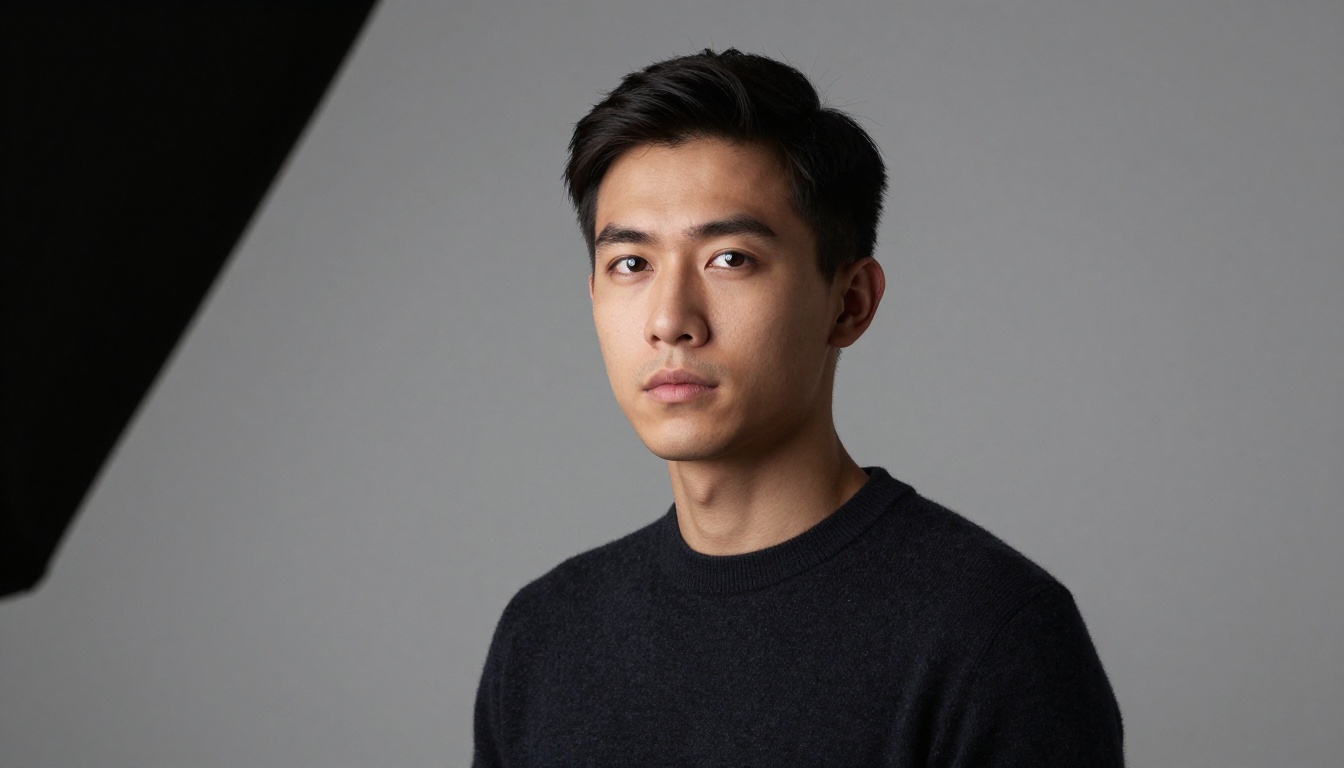
Sharpen Results with Super Resolution
Even an excellent AI portrait benefits from upscaling after generation. PicassoIA's super resolution tools increase the output size 2x to 4x, adding sharpness, fine skin detail, and individual hair strand clarity that elevate the result significantly. This matters most when the portrait will be printed on business cards, used on large-format displays, or published on a website at full resolution.
Run your generated portrait through super resolution as a final step, especially if you are using Flux Schnell for fast iterations. Schnell generates quickly but at slightly lower resolution than Max or Pro; super resolution closes that gap.
Your First Portrait Starts Now
Professional portraits no longer require a photographer, a studio, or expensive camera equipment. Every tool you need is on PicassoIA right now, from GPT Image 1.5 for maximum photorealism, to Flux 2 Max for executive-grade detail, to RealVisXL v3.0 Turbo for portraits that genuinely look like they came out of a real camera.
Start with a strong prompt using the five-element formula. Specify your lighting direction. Define your background precisely. Pick the right model for your use case. Generate, review, and refine. The gap between an average AI headshot and a genuinely professional result lives almost entirely in how specific your prompt is.
Open PicassoIA, write your first portrait prompt, and generate the headshot you have been putting off. It takes about 30 seconds and costs a fraction of what a studio session would.


