You don't need to know music theory. You don't need expensive gear. You don't need a producer on speed dial. All you need is your voice, and the right AI to do the rest.
The idea of turning a raw vocal recording or even a simple hum into a polished, full-length track with instrumentation, rhythm, and vocals has moved from science fiction into everyday reality. AI music generation has reached the point where the gap between "I have a melody in my head" and "I have a finished song" is measured in minutes, not months.
This is how it works, which tools do it best, and how you can record something today and hear a real song by tonight.
What "Voice to Song" Actually Means
Before diving into tools, it helps to know what these AI systems are actually doing when you hand them your voice.
Three Ways to Start
There are three distinct starting points for voice-to-song AI, and they each produce different results:
- Humming or singing a melody: You give the AI a tonal reference. It uses that as a structural framework for harmony, chord progressions, and arrangement.
- Spoken-word or lyric input: You provide words, either spoken aloud or typed, and the AI generates a vocal performance to match a selected genre.
- Voice cloning plus lyric composition: Your voice is sampled and replicated. Any lyrics you write get performed in your unique vocal signature.
Most people start with the first or second method. Voice cloning is the deeper path, and it gets its own section below.
What the AI Is Actually Doing
When you submit a vocal recording, the model does several things simultaneously. It analyzes pitch patterns and rhythm, infers a likely key signature, identifies emotional tone, and uses that data to generate a complementary musical bed. Drums, bass, lead instruments, harmony layers, and mastering all happen algorithmically based on your prompt and input audio.
The best modern models produce tracks that pass casual listening tests easily. A few years ago you could spot AI music instantly. Today, without prior knowledge, most listeners cannot tell the difference.
The Models That Make It Happen
There are several strong options for AI music generation right now, each with distinct strengths.
Minimax Music 2.6
Minimax Music 2.6 is one of the most capable full-song generators available right now. It accepts both text prompts and audio uploads, generates tracks with genuine vocal performances, and handles genre switching cleanly. Whether you want acoustic folk, trap, R&B, or cinematic orchestral, it delivers a complete song with lyrics, vocals, instrumentation, and production.
The key advantage here: it generates full-length tracks, not just clips. You can get a 3 to 4 minute song from a single prompt plus a voice reference.
Google Lyria 3 Pro
Google Lyria 3 Pro takes a different approach. It excels at music composition and instrumentation rather than vocal generation, making it ideal if you want to record your own vocals over an AI-generated backing track. The harmonic quality is exceptional, and it handles complex arrangements with multiple instruments more convincingly than most competitors.
Use it when you want to sing over a generated backing track rather than have AI sing for you.
ElevenLabs Music
ElevenLabs Music brings ElevenLabs' deep audio expertise into the music space. Known first for its voice technology, ElevenLabs applies the same precision to song generation. The output has notably natural vocal timbre, and its prompt-following is reliable. If you describe a specific emotional arc for a song, this model tends to honor it more consistently than others.
Minimax Music Cover
Minimax Music Cover serves a specific but powerful use case: you give it an existing song and ask it to restyle it by genre. Want a pop track turned into a jazz ballad? A hip-hop beat reinterpreted as lo-fi? This model handles that with good fidelity to the original structure while applying a convincing genre transformation.
This is particularly useful if you recorded yourself humming or playing a melody and want it produced in a specific style.
Stable Audio 2.5
Stable Audio 2.5 from Stability AI focuses on instrumental music generation with very high audio quality. It excels at creating textures, ambient soundscapes, and detailed instrumental arrangements. If you need a professional backing track or bed music, this is a reliable pick.
Tip: Pair Stable Audio 2.5 for the instrumental layer with a voice cloning model for the vocal layer to get maximum control over your final output.
Voice Cloning in Music
Voice cloning changes the equation entirely. Instead of AI generating a generic vocal performance, your actual voice is trained, replicated, and used to perform any lyric you write.
How It Works in Practice
- You record a short voice sample, typically 30 seconds to 3 minutes of clean audio
- The cloning model analyzes your pitch range, timbre, resonance, and articulation patterns
- A voice model is created from that data
- Any text you input gets synthesized in your voice
- That synthesized vocal is layered over an AI-generated or manually produced instrumental
The result is a song that genuinely sounds like you, without you having to nail every note perfectly on the first recording.
Minimax Voice Cloning
Minimax Voice Cloning is one of the strongest performers for creating custom voice models suited for music. It captures vocal character well, including warmth, breathiness, and emotional inflection, not just pitch accuracy. Once your voice is cloned, you can generate vocal performances across multiple languages, genres, and emotional registers.
Important: Always use voice cloning with content you own or have permission to reproduce. Cloning someone else's voice without consent is both unethical and legally problematic in most jurisdictions.
How to Use Minimax Music 2.6 on PicassoIA
This is the fastest path from a raw voice recording to a finished song. Here is the exact workflow.

Step 1: Prepare Your Voice Recording
Record your voice on any device: phone, laptop microphone, or audio interface. Aim for:
- A quiet room with minimal echo
- At least 15 to 30 seconds of content
- A consistent volume level throughout
- No background music playing simultaneously
A simple voice memo on your phone is enough to get started. You do not need professional studio equipment for this step.
Step 2: Open Minimax Music 2.6
Go to Minimax Music 2.6 on PicassoIA. You will see an interface with a prompt field and an audio upload option.
Step 3: Write Your Prompt
This is where most people underperform. A detailed prompt produces a dramatically better result. Instead of writing "a pop song," write something like:
"Upbeat indie pop song with female vocals, acoustic guitar lead, gentle drumbeat, warm bass, and a hopeful nostalgic mood. Verse-chorus-verse structure, medium tempo around 95 BPM."
Include: genre, instrumentation, mood, tempo, vocal style, and song structure.
Step 4: Upload Your Voice Reference
If you upload your voice recording as a reference, the model uses it to inform the vocal character and melodic feel of the output. This is where voice-to-song conversion happens most directly. It is optional but produces noticeably more personalized results.
Step 5: Generate and Review
Hit generate. The model typically takes 30 to 90 seconds to produce a full track. Listen through completely before deciding to regenerate. Often a track that sounds off in the first 10 seconds finds its footing in the chorus.
Step 6: Iterate on One Variable at a Time
Change one element per generation: genre keyword, tempo descriptor, mood word, or instrumental reference. Each iteration gets you closer to the sound in your head. Most users find their ideal version within 3 to 5 generations.
Tips That Actually Change the Output
Not all prompts are equal. These are the specific elements that separate mediocre AI music output from something you actually want to share.
Prompt Structure That Works
The models respond better to descriptive, sequential structure:
| Element | Weak Prompt | Strong Prompt |
|---|
| Genre | "pop" | "melancholic indie pop with 90s influence" |
| Instrumentation | "guitar" | "fingerpicked acoustic guitar, soft electric piano, brushed drums" |
| Mood | "sad" | "bittersweet, introspective, late-night drive feeling" |
| Tempo | "slow" | "85 BPM, rubato feel in verses" |
| Vocals | "good vocals" | "breathy female lead with subtle harmony layer in chorus" |
Genre Keywords That Produce Consistent Results
Certain descriptors generate more reliable, distinctive outputs across models:
- "lo-fi hip hop with vinyl crackle and muffled kick drum"
- "cinematic orchestral with cello lead and swelling strings"
- "country folk with lap steel guitar and reverb room"
- "dark R&B with 808 bass and reverb-heavy whispered vocals"
- "Brazilian bossa nova with light jazz chord voicing and nylon string guitar"
The more culturally specific you get, the more distinctive the output.
Voice Recording Clarity Tips
If you are uploading a voice reference, audio quality matters more than you think:
- Record in a closet or small carpeted room for natural sound dampening
- Hold the phone 6 to 10 inches from your mouth, not directly against it
- Sing or hum the melody at least twice in the recording
- Let the tone breathe naturally at the start and end, avoid abrupt cuts
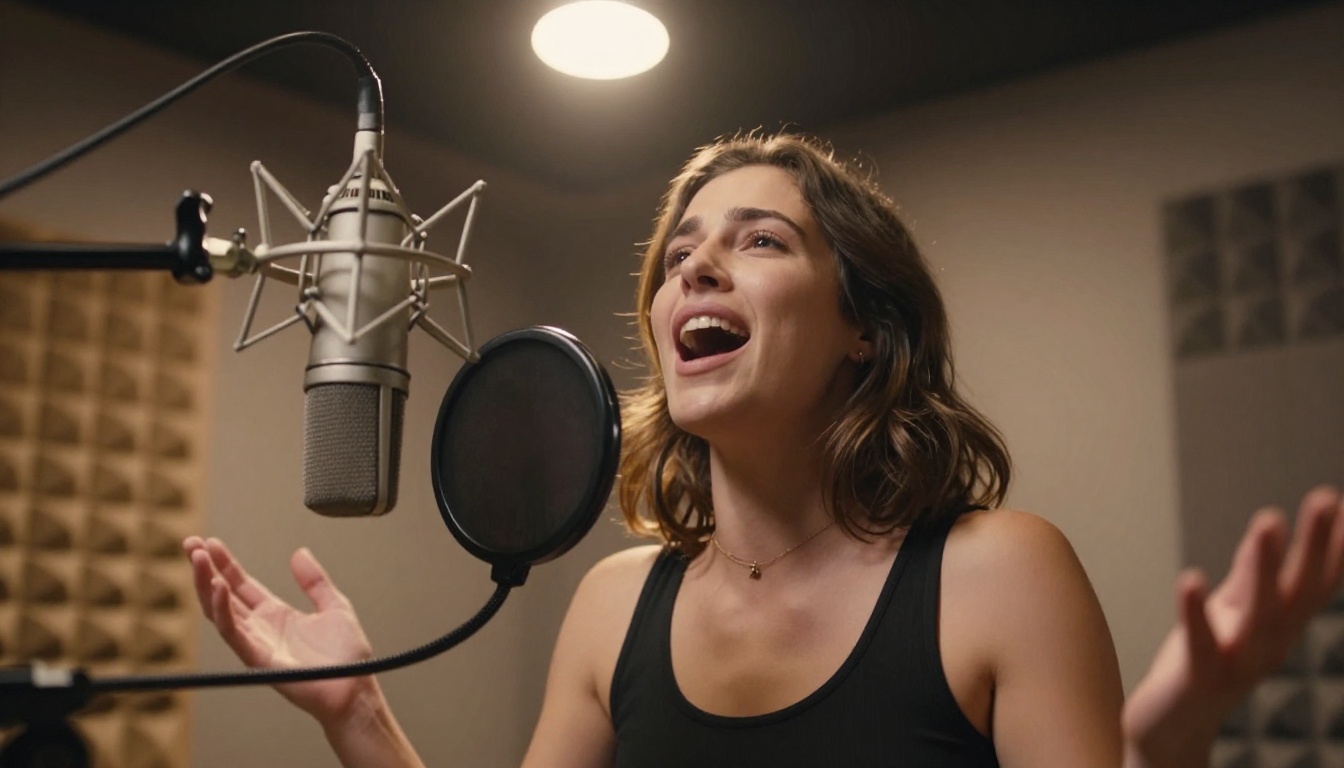
Comparing the Top AI Song Makers
Here is how the main models stack up across different use cases:
Tip: For the best voice-to-song result, use Minimax Music 2.6 for the full track, then refine with Minimax Voice Cloning to embed your personal vocal signature into the output.
The Real Barrier Is Not Talent
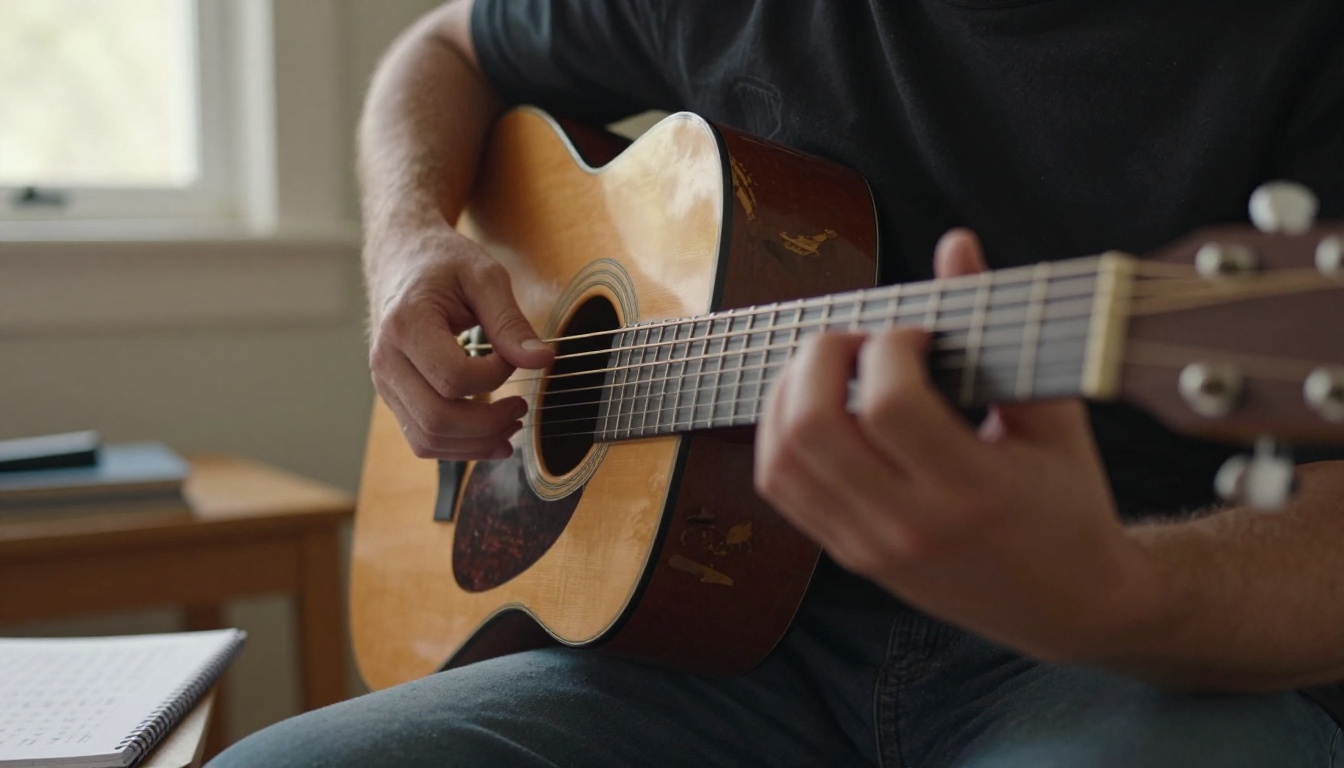
Here is what most people misunderstand about AI music creation: the barrier has never been technical skill. Most people who wanted to make music gave up because production was expensive, time-consuming, and required either years of practice or paid collaborators.
AI music generation removes every one of those blockers simultaneously. The cost is near zero. The time from idea to output is minutes. And your input, even a rough hum into a phone mic, is enough to get a real song started.
What AI Cannot Replace
AI is a production engine. It is not a creative compass. The models do not know what you feel, what story you want to tell, or what sonic identity you want to build. That direction has to come from you. The more specific and personal your prompts, the more distinctive your output.
Think of it this way: the AI is a studio-quality session band that plays exactly what you describe. If you give vague directions, you get vague music. If you describe exactly the sound in your head, you get surprisingly close to it.
Building on Your Output
Once you have a track you like, there are other tools in the ecosystem worth using:
Start With One Hum
The simplest possible action: open your voice memo app, hum the melody that has been living rent-free in your head, and take that file to Minimax Music 2.6 on PicassoIA. Add a detailed genre and mood prompt. Generate. Listen.
That is the whole process on the first attempt.
From there, you refine. You experiment with Music Cover to restyle the result, with Lyria 3 Pro for a richer arrangement, and with Minimax Voice Cloning to put your actual voice into the track.
Every model mentioned here is accessible directly on PicassoIA, with no subscriptions to juggle, no software to install, and no prior audio production experience required. All the AI music generation power is in one place, ready when you are.
Your voice is already the starting point. Everything else is a prompt away.


