Words have always been able to paint pictures. But Grok Imagine Video takes that idea to a completely different place — type a description, and a video clip appears. No timeline editing, no camera work, no crew. Just a sentence and a result that would have taken hours to produce any other way.
This is text-to-video generation done at a different level. xAI, the team behind Grok, built this model to handle natural language descriptions and convert them into smooth, coherent visual sequences. The output is not rough or abstract. The motion is intentional. The scenes feel composed.
If you've been watching the AI video space from a distance, this is a good reason to stop watching and start using.

What Grok Imagine Video Really Is
Grok Imagine Video is xAI's text-to-video model, purpose-built to interpret descriptive language and produce video sequences that match the intent of the written input. Unlike earlier generation tools that required structured prompt syntax or visual references, Grok Imagine handles everyday natural language well.
You don't need to memorize a list of trigger words. You describe a scene — the setting, the action, the mood, the lighting — and the model does the rest. That accessibility reflects a deliberate design choice to make the tool usable by writers, marketers, and storytellers, not just developers.
How It Handles Your Words
The model processes your prompt as a set of scene instructions. It interprets spatial relationships, temporal movement, lighting conditions, and subject behavior simultaneously. A phrase like "a woman walking through a sunlit wheat field at dusk" produces exactly that — with movement, color grading, and atmospheric detail baked into the output.
This is fundamentally different from text-to-image generation. In video, the model must maintain consistency across frames, coordinate motion with scene composition, and manage how elements change over time. Grok Imagine Video handles this without requiring the user to specify frame-by-frame details.
The xAI Approach
xAI has positioned Grok as a model that reasons differently from competing AI systems. That reasoning-first philosophy carries into the video model. Rather than treating a prompt as a keyword list, the model reads it more like a director would read a script — looking for narrative intent, not just descriptive tokens.
The result is output that tends to feel intentional. Camera angles feel chosen. Lighting feels appropriate for the scene. Movement feels motivated rather than random. That's the difference between a tool that executes instructions and a model that actually interprets them.
Writing Prompts That Actually Produce Results
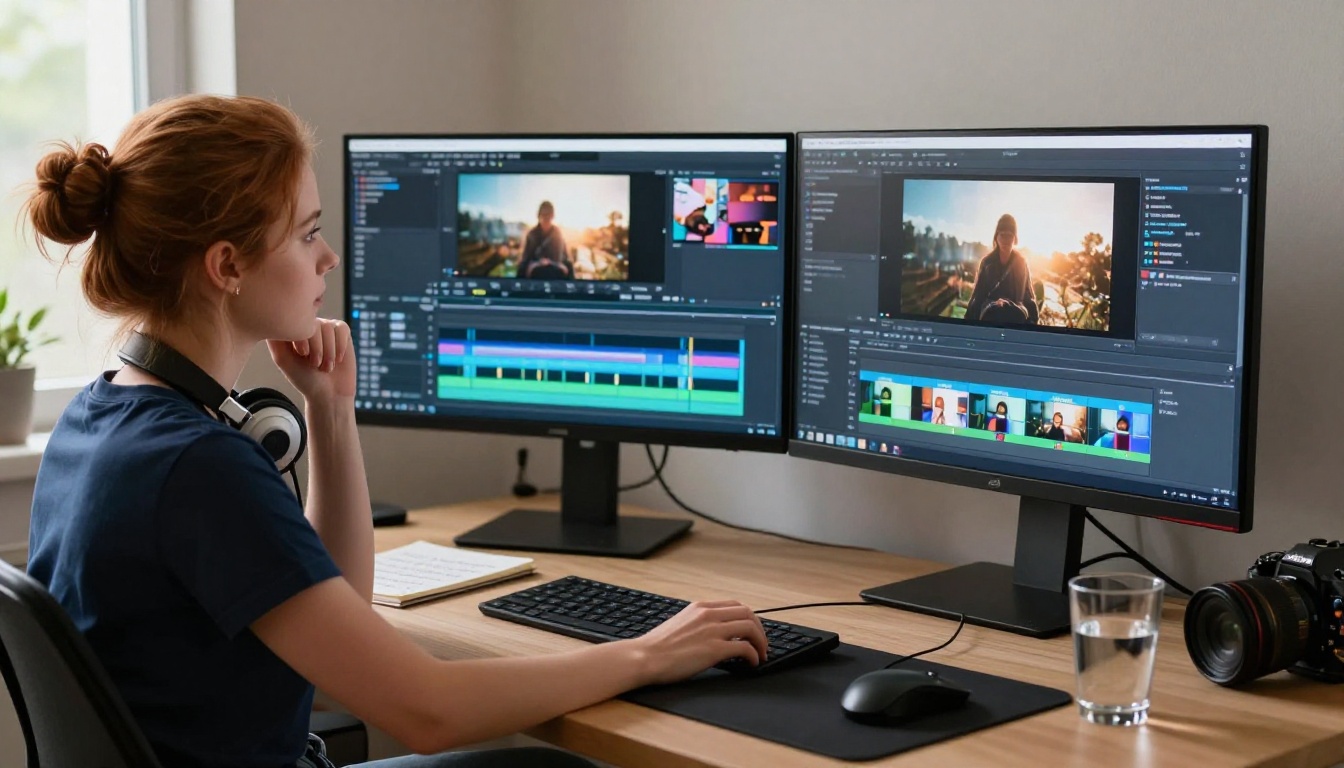
The single biggest factor in output quality is prompt quality. Not the model version, not the settings, not the platform — the words you type. A well-structured prompt produces a usable clip on the first try. A vague prompt produces something technically correct but visually forgettable.
Here's what actually makes a prompt work.
What a Strong Prompt Looks Like
A strong prompt contains four components, written in this order:
- Subject — who or what is the focus of the video
- Action — what is happening, including motion details
- Environment — where the scene takes place, with specifics
- Atmosphere — lighting, time of day, mood, visual tone
💡 Example: "A young woman in a yellow dress running through a cobblestone market street in the rain at night, neon signs reflected in wet pavement, shallow depth of field, cinematic warm tones"
That prompt gives the model a subject (woman in yellow dress), action (running), environment (cobblestone market in rain), and atmosphere (neon reflections, cinematic tones). The output will be specific and visually distinct, not generic filler.
3 Common Prompt Mistakes
| Mistake | What it produces | Better version |
|---|
| Too short: "a beach at sunset" | Generic, barely-moving clip | "Waves rolling onto white sand at golden hour, low angle, sea foam catching the light, wind moving the palm fronds" |
| Contradictory elements: "dark night with bright sunshine" | Confused lighting and tone | Choose one: nighttime atmosphere or daytime sun — not both |
| No action specified | A scene that barely moves | Always describe motion — "wind moving through grass," "a car turning a corner," "smoke rising slowly" |
💡 Tip: If your prompt sounds like a photo description, add one active verb. That single change shifts the model's focus from composition to motion.
How Long Should Your Prompt Be?
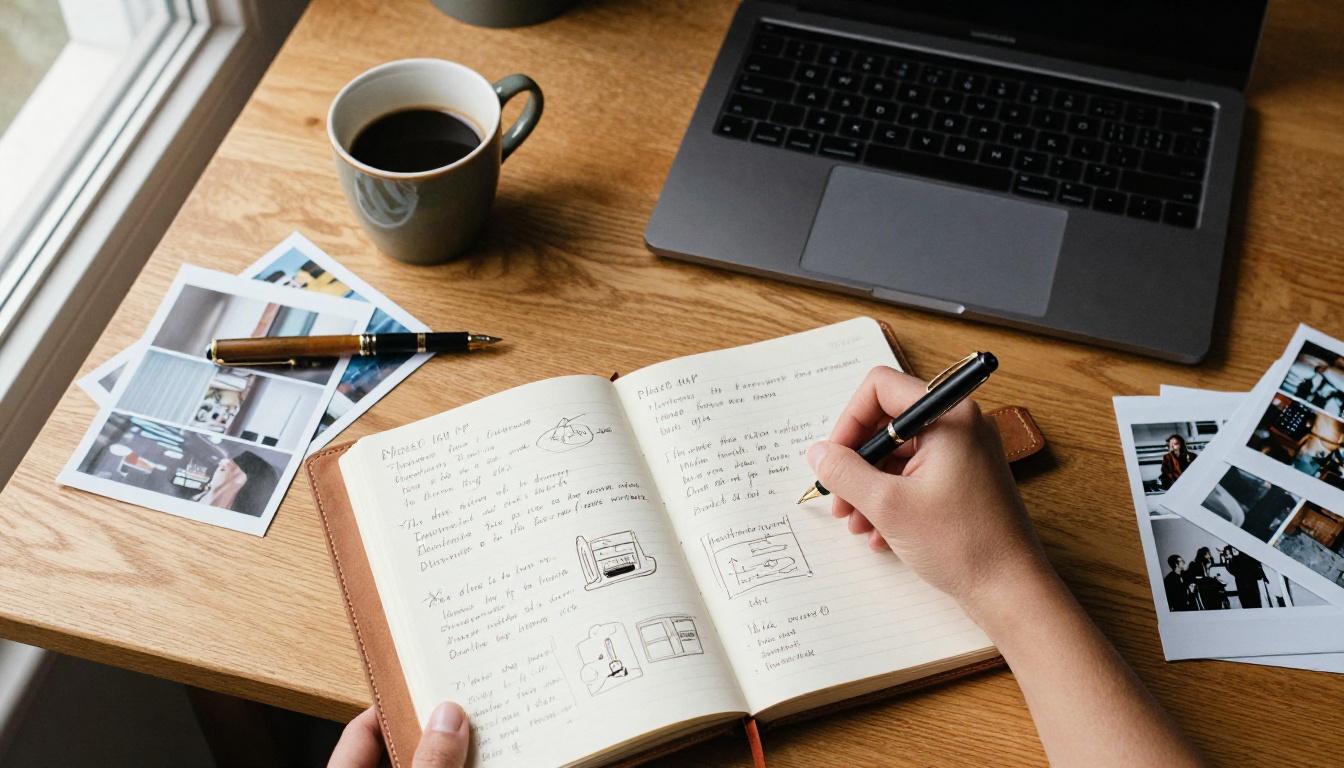
There's no perfect length, but the sweet spot is 40–80 words. Too short, and the model fills in the gaps with generic choices. Too long, and conflicting details start to cancel each other out.
Read your prompt aloud before submitting. If it sounds like a scene description from a film you'd actually want to watch, it's ready. If it reads like a list of search terms, rewrite it in full sentences.
Strong prompt example:
"A professional chef slicing fresh herbs on a wooden cutting board in a bright restaurant kitchen, steam rising from a pot in the background, warm overhead track lighting, close-up angle with shallow depth of field, natural morning light from the left"
That's 43 words. It has a subject, action, environment, and atmosphere. It will produce something worth keeping.
Grok Imagine vs. Other Text-to-Video Models
Grok Imagine Video doesn't exist in a vacuum. There are several capable text-to-video models available right now, each with different strengths.
| Model | Best For | Motion Quality | Natural Language |
|---|
| Grok Imagine Video | Narrative scenes, natural prompts | High | Excellent |
| Kling v3 Video | Dynamic action, complex motion | Very High | Good |
| Veo 3 | Cinematic quality, longer clips | Excellent | Very Good |
| Sora 2 | High fidelity, detailed scenes | Excellent | Very Good |
| WAN 2.6 T2V | Fast generation, creative visuals | Good | Good |
| Hailuo 2.3 | Stylized content, image-to-video | High | Good |
Where Grok Imagine Video stands out is in its natural language handling. If you describe a scene the way you'd describe it to another person — conversationally, with narrative context — the model interprets it accurately. You don't need structured syntax or specialized vocabulary.

For creators who spend more time writing than tweaking technical parameters, that's a meaningful advantage. You stay in a creative flow instead of stopping to optimize every variable before you can see a result.
Using Grok Imagine Video on PicassoIA
Grok Imagine Video is available directly through PicassoIA, where you can run it alongside dozens of other text-to-video models without needing separate accounts or API keys. Here's exactly how to use it.
Step 1 — Open the Model
Go to Grok Imagine Video on PicassoIA. You'll see the model interface with a text input field, aspect ratio selector, and duration controls.
Step 2 — Write Your Prompt
Type your scene description directly in the prompt field. Use the four-component structure: subject, action, environment, atmosphere. Aim for 40–80 words. Write in plain sentences — natural language performs better here than keyword strings.
Step 3 — Set Your Output Parameters
Before generating, configure:
- Aspect ratio: 16:9 for standard landscape video, 9:16 for vertical and mobile content, 1:1 for social square formats
- Duration: 4–6 seconds for tight, focused clips; 8–10 seconds when the scene needs room to develop
- Style or seed values (if available): use these to lock a visual aesthetic and reproduce consistent results across multiple generations
💡 Tip: For your first generation with any new prompt, use short duration. A 5-second clip is faster to evaluate and easier to iterate on than a 10-second one.
Step 4 — Generate and Evaluate
Watch the output at least twice before deciding to keep or regenerate:
- First watch: overall scene composition and motion quality
- Second watch: subject consistency, motion naturalness, and any visible artifacts
If the clip is close but not quite right, change one element of your prompt and regenerate. Changing multiple things simultaneously makes it impossible to identify what actually improved the result.
Step 5 — Download and Place
Once you have a clip worth keeping, download it from the interface. It exports as a standard video file, ready for direct social upload, editing software import, or integration into a longer production.
Real-World Use Cases
Text-to-video is solving real production problems for real people right now. Here's where Grok Imagine Video performs especially well.
Social Media Content at Scale
A single content creator can now produce multiple distinct video clips per day without filming anything. Travel content, lifestyle visuals, product ambiance, seasonal campaigns — all achievable through well-crafted prompts. The bottleneck shifts from production to writing, which is a dramatically cheaper and faster bottleneck to work with.
For platforms like Instagram Reels, TikTok, and YouTube Shorts — where visual variety and posting volume matter more than broadcast-level quality — this is a genuine production advantage.
Marketing Concepting and Client Presentations
Agencies and in-house marketing teams are using text-to-video to produce concept visuals before committing to full productions. A 10-second AI-generated clip can stand in for a $5,000 shoot day when you're presenting a concept to a client or validating an idea internally.
💡 Example: "Close-up of coffee being poured into a white ceramic mug in slow motion, morning light from the left, steam rising, dark roasted beans blurred in the background." That's a usable product ambiance clip, generated in under a minute.
Personal Creative Projects
Filmmakers, musicians, and visual artists are using text-to-video to iterate on ideas quickly — producing mood reels for pitches, placeholder footage for short films, or visuals for music videos without crew or location costs. The barrier between having a visual idea and actually seeing it has dropped dramatically.
What the Output Actually Looks Like
Knowing what to expect prevents disappointment and helps you evaluate results accurately.
Resolution and Clip Length
Grok Imagine Video produces HD-quality clips, with durations typically ranging from 4 to 10 seconds depending on your settings. That resolution is more than sufficient for social media, digital advertising, and presentation use cases.
For large-format display or broadcast applications, pairing the output with a super-resolution workflow makes sense. PixVerse v5.6 and LTX-2.3-Pro are strong companion models for demanding visual quality requirements.
Motion Coherence
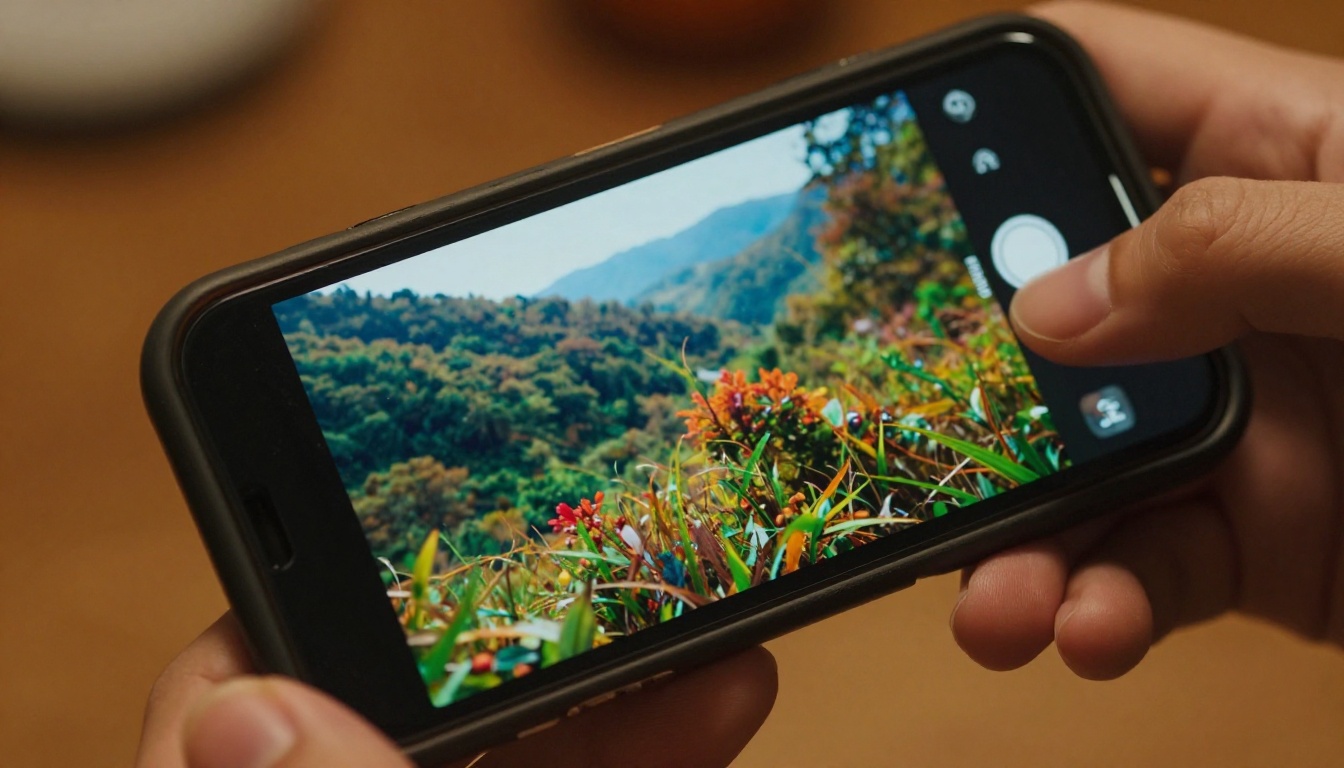
This is where Grok Imagine Video performs above average for text-to-video. Subjects maintain visual consistency across frames. Camera movement feels natural rather than jittery. Scene transitions, when present, are smooth rather than jarring.
The model occasionally loses fine detail in very rapid motion — hands in extreme close-up, facial microexpressions, and fast-moving small objects can degrade. For those specific scenarios, a multi-model workflow helps: generate the main clip with Grok Imagine, then use a specialized model for detail-heavy segments.
Color and Atmosphere
Color grading in Grok Imagine Video outputs tends toward cinematic warmth. Atmospheric effects — fog, smoke, rain, volumetric light — render convincingly when described clearly in the prompt. Write "golden hour backlight with warm rim lighting" and that's precisely what you'll see in the output.
Who This Is Actually For
Grok Imagine Video is particularly well-suited for:
- Writers and storytellers who think in scenes and description, not visual parameters
- Solo content creators who need consistent output volume without production budgets
- Marketing teams doing rapid concepting and client presentations
- Filmmakers and directors using AI clips as mood boards or placeholder footage
It's less ideal for:
- Projects requiring precise camera motion control — consider Kling v3 Video for that
- Outputs requiring maximum visual fidelity for large-format or broadcast display
- Image-to-video workflows where you're animating a specific still — try Hailuo 2.3 Fast instead

The models you need depend on what you're making. Grok Imagine Video is a strong default for most text-driven video creation tasks — straightforward to use, consistent in output, and honest about what natural language can produce.
Start Making Your Own Clips
The only way to get good at text-to-video is to generate a lot of it. Reading about prompts is useful; writing them is what actually builds the instinct.
PicassoIA gives you access to Grok Imagine Video alongside the full library of AI video models — Kling v3 Video, Veo 3, Sora 2, WAN 2.6 T2V, and more — all in one place. Run the same prompt through multiple models and compare outputs directly. Build a repeatable workflow. Stop spending days producing what now takes minutes.

Your next video already exists somewhere in a sentence you haven't written yet. Write it — and see what comes back.


