You upload one photo. Within seconds, the person in it blinks, the trees sway, the light shifts. That is what Hailuo 2.3 does, and it does it better than most tools available right now. Photo-to-video AI has existed for a few years, but the leap in quality between early experiments and what MiniMax ships in 2027 is significant enough to make this worth your full attention.
This article covers the mechanics, the workflow, the prompting strategy, and the honest tradeoffs, so you get results on the first attempt instead of burning time on failed renders.
What Hailuo 2.3 Actually Does
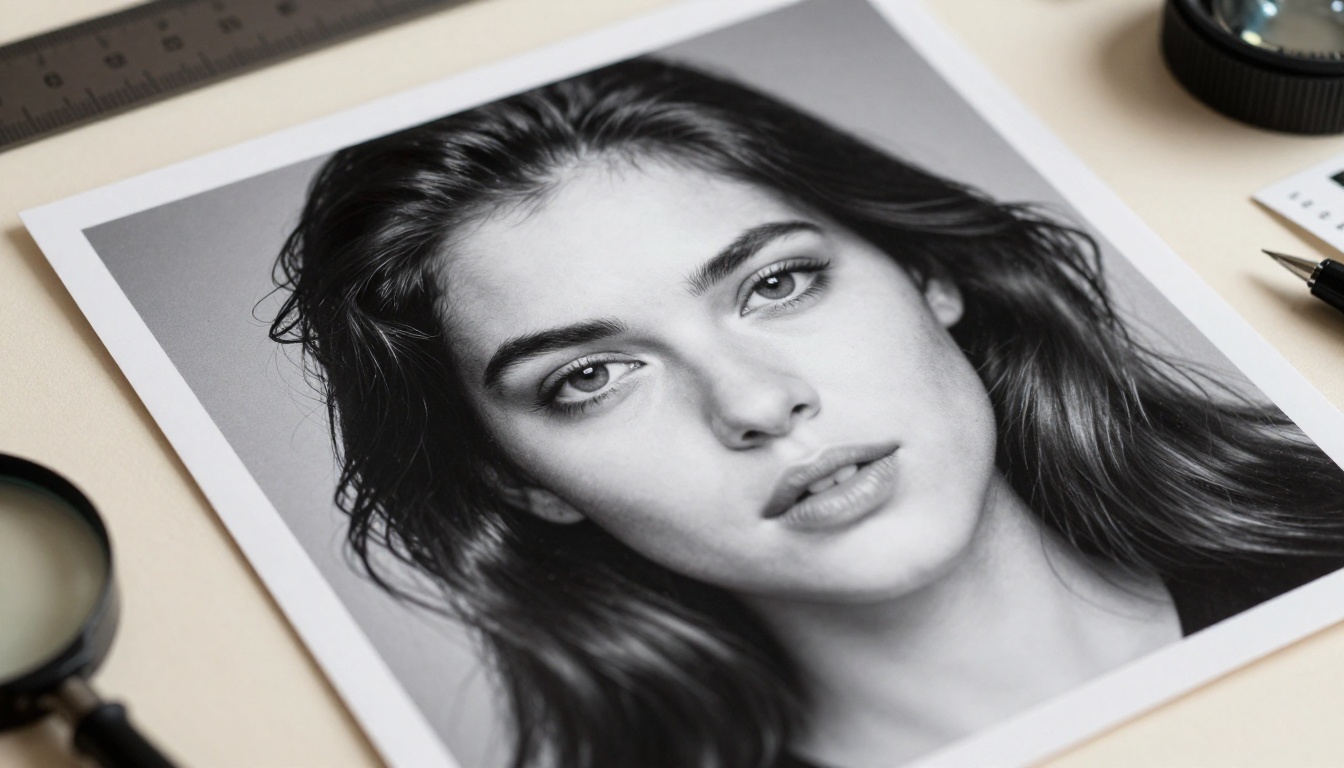
Most people think of photo animation as a face-warp filter. Hailuo 2.3 is something different. It treats your image as a spatial scene and infers 3D structure, lighting direction, and plausible physics from a single still frame, then synthesizes motion that is geometrically consistent across all five seconds of output.
That distinction matters. A warp filter moves pixels. Hailuo 2.3 reasons about what should move and how, given the scene it sees.
Not Just a Filter
When you feed Hailuo 2.3 a portrait photograph, it identifies separate layers: the subject, the background, ambient light sources, and fabric or hair that respond to motion independently. The model then generates motion that preserves the subject's identity while allowing natural environmental movement: a gentle head turn, hair catching a breeze, soft background parallax.
The result feels like a camera panning inside a scene that was always three-dimensional, not a flat image being warped. This spatial awareness is what separates Hailuo 2.3 from tools that treat every pixel equally regardless of its position in a scene.
Where It Beats the Competition
Hailuo 2.3 produces stronger identity retention than most image-to-video models in its class. If you animate a person's face, the face in the video still looks like the face in the photo. Competing models often introduce drift, blurring the subject's features within the first second of motion. Hailuo 2.3 is noticeably more stable here.
It also handles scene-level motion well. A landscape photo of a forest becomes a video where individual branches move at slightly different speeds, the sky shifts subtly, and depth is implied through differential parallax. That takes real spatial reasoning.
The model was built with a priority on temporal consistency, meaning consecutive frames do not flicker or jump. You do not get the stuttered look that older image-to-video tools produce. Motion flows naturally from one frame to the next, which is the single most important quality criterion for clips that will be shared publicly or used in professional contexts.
How to Use Hailuo 2.3 on PicassoIA

PicassoIA gives you direct access to Hailuo 2.3 alongside dozens of other image-to-video and text-to-video models in a single interface, without API keys or local installations. Here is the exact workflow.
Step 1 – Choosing the Right Photo
The photo you upload is the most important variable in the output. Hailuo 2.3 can only work with what it sees, and certain photo attributes produce dramatically better results:
- Resolution: Use at least 1024px on the short side. Low-resolution images produce blurry, artifact-heavy output.
- Subject clarity: The main subject should be clearly separated from the background, at least perceptually. Busy scenes with identical tones between subject and background confuse the model's depth estimation.
- Lighting direction: Photos with obvious directional lighting (window light, golden hour, studio key light) give the model clear cues for how shadows should shift during motion.
- Stable composition: Close-up portraits, medium shots, and landscape wides all work. Extreme close-ups where the face fills the entire frame often produce unstable facial motion.
- Format: JPEG and PNG both work. Avoid heavily compressed WebP files exported from social platforms, as compression artifacts translate directly into motion artifacts.
💡 Tip: A portrait shot with soft window light from one side, a moderately blurred background, and sharp focus on the face is the single most reliable input for Hailuo 2.3.
Step 2 – Crafting Your Motion Prompt

The motion prompt tells Hailuo 2.3 what kind of movement to synthesize. This is where most people get their results wrong. The model does not need a novel; it needs a concise, spatially specific motion instruction.
The most effective prompt format: [Camera movement] + [Subject motion] + [Environmental detail]
Examples that work consistently:
- "Slow push in, subject turns head slightly right, hair moves in light breeze, soft bokeh shifts"
- "Static camera, eyes blink naturally, slight smile, background trees sway gently"
- "Slow pan left, waves in background ripple, golden hour light warms the frame"
- "Hold static, subject breathes slowly, fabric settles, dust particles drift in foreground light"
Write in present tense. Describe motion as if narrating a scene happening right now. Avoid abstract concepts like "emotional" or "dramatic," since those do not map to any specific pixel movement.
Step 3 – Output and Export
Hailuo 2.3 generates 5-second clips at 24 frames per second. On PicassoIA, the rendered video is available for direct download in MP4 format, ready for social platforms, client delivery, or further editing in any video software.
The Hailuo 2.3 Fast variant is available if generation speed matters more than maximum fidelity. It runs at 512p and returns results significantly faster, making it useful for rapid iteration and prompt testing before committing to a full-quality render. The standard workflow most creators use: prototype with Hailuo 2.3 Fast, finalize with Hailuo 2.3.
Photo Quality Changes Everything
What Works Best
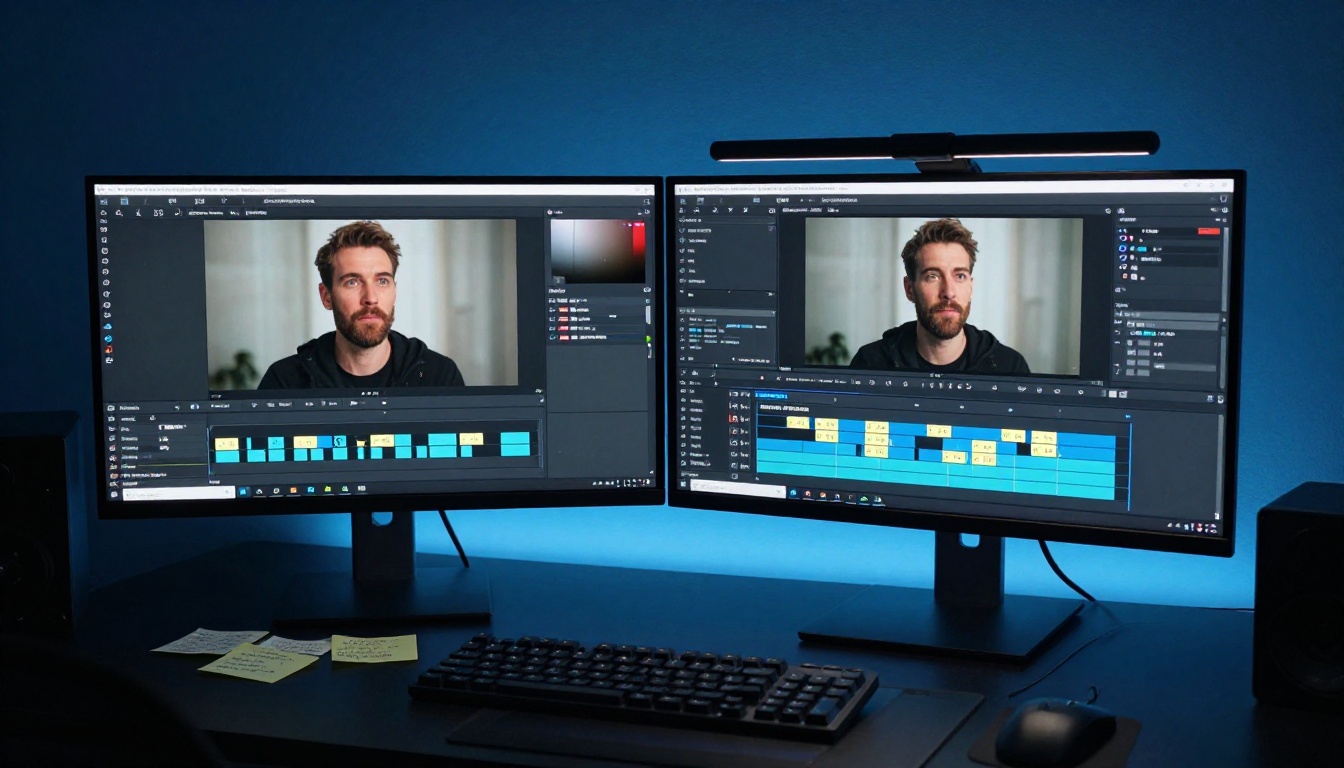
Not all photographs animate equally well. After extensive testing across photo types, certain characteristics produce consistently strong output from Hailuo 2.3:
| Photo Type | Why It Works Well |
|---|
| Window-lit portrait, medium shot | Clear subject separation, natural depth cues, face not overfilling the frame |
| Landscape with distinct foreground | Parallax motion possible between foreground, midground, and sky |
| Product on clean background | High-contrast subject allows clean spatial reasoning |
| Action pose, frozen mid-movement | Model can infer direction and physics of the interrupted motion |
| Architecture with sky visible | Sky motion adds realism with minimal risk of subject distortion |
| Group shot with clear depth layers | Multiple subjects at different distances create natural parallax |
The common thread across all of these: spatial depth must be implied in the photo itself. If the image looks flat, the video output will look flat too. A well-composed photograph with strong depth gives Hailuo 2.3 the raw material it needs to synthesize convincing motion.
3 Mistakes That Kill Your Results
1. Uploading compressed social media screenshots. When you save from Instagram or Twitter, the image has already been compressed twice. Fine texture disappears, and Hailuo 2.3 fills in the gaps with artifact motion. Always upload the original camera file or a full-resolution export.
2. Writing overly long, abstract prompts. Prompts longer than 30 words rarely improve output and often introduce conflicting instructions. Adding five adjectives to a motion prompt does not make the motion five times better. Keep prompts specific and short.
3. Animating photos with motion blur. A photo taken with a slow shutter speed already has blur baked into its pixels. The model cannot distinguish intentional blur from depth of field, and the result is motion that looks doubled or smeared. Use sharp photos where blur is applied by the camera's aperture, not shutter speed.
Writing Prompts That Actually Move
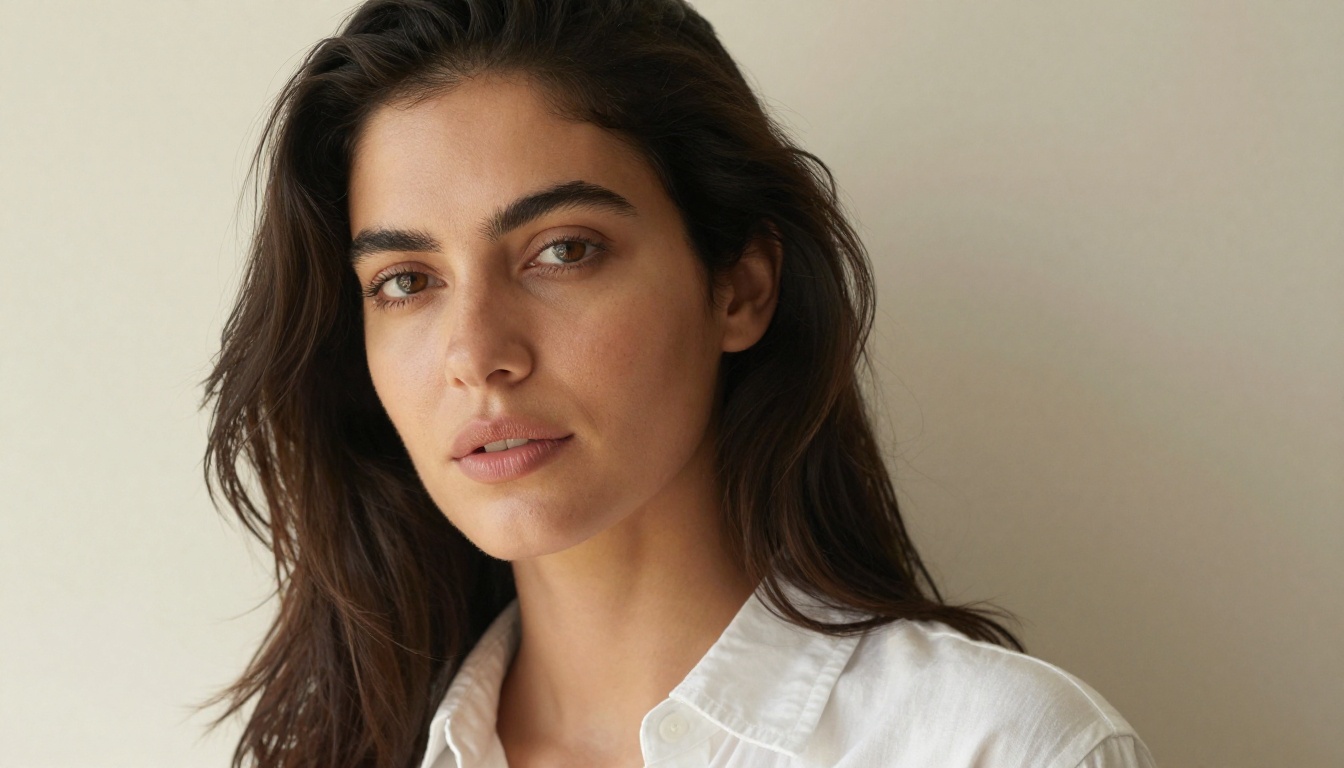
Good image-to-video prompts are not the same as good text-to-image prompts. You are not describing a scene; you are describing a scene changing over time. That shift in thinking changes everything about how you write.
The Motion Vocabulary That Works
Certain words produce reliable, predictable results with Hailuo 2.3:
- Camera verbs: push in, pull out, pan left, pan right, tilt up, tilt down, orbit, hold static
- Subject verbs: blinks, turns, tilts head, glances, smiles, shifts weight, raises hand, breathes
- Environmental verbs: sways, ripples, drifts, flickers, settles, shifts, disperses, gathers
- Temporal qualifiers: slowly, gently, subtly, gradually, briefly – use these to calibrate intensity
Use these as the foundation and layer in specifics. "Slow pan right, subject blinks once, hair catches wind from left, background trees sway gently" is far more effective than "create a beautiful realistic motion with soft emotional lighting and atmospheric depth."
The second example describes a feeling. The first describes physics. Hailuo 2.3 can simulate physics. It cannot simulate feelings directly.
Short Prompts vs. Detailed Prompts
The relationship between prompt length and output quality is not linear. For Hailuo 2.3 specifically:
- Under 15 words: Often produces generic motion with no specific direction. Works for very simple scenes but lacks control.
- 15-30 words: The sweet spot. Enough specificity to direct motion without conflicting instructions.
- Over 40 words: Diminishing returns. The model often picks the most dominant instruction and ignores the rest.
💡 Tip: Test your prompt at a shorter version first. If the motion goes in the right direction, add one more detail. If it does not, rewrite the core instruction rather than adding more words on top of a broken foundation.
How Hailuo 2.3 Stacks Up
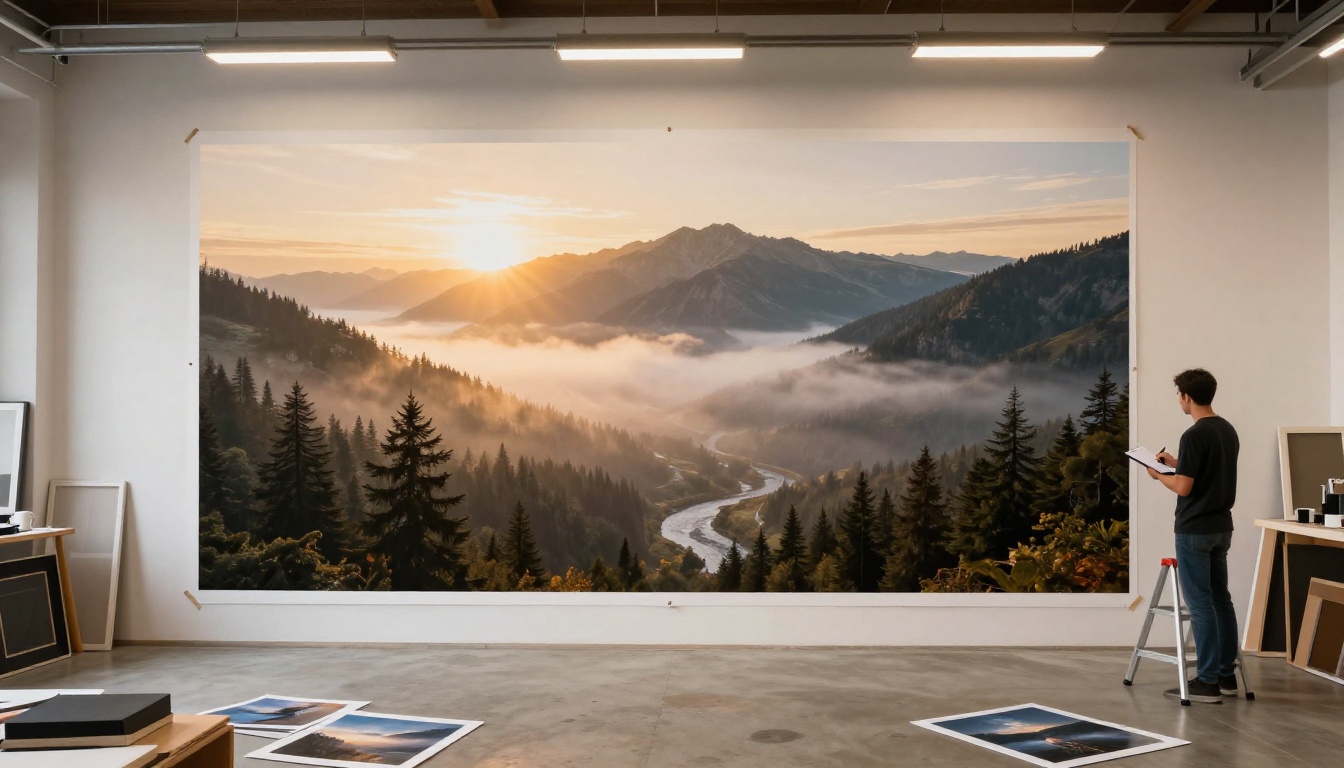
PicassoIA hosts a large library of image-to-video models. Knowing when Hailuo 2.3 is the right choice, and when something else serves better, saves time and money.
| Model | Best For | Resolution | Speed |
|---|
| Hailuo 2.3 | Portrait identity retention, cinematic motion | Up to 1080p | Moderate |
| Hailuo 2.3 Fast | Rapid iteration, concept testing | 512p | Fast |
| Wan 2.7 I2V | Complex scenes, full body motion | Up to 1080p | Moderate |
| P Video Animate | Simple photo animation, quick output | Standard | Fast |
| Kling v2.6 | Cinematic quality, smooth controlled camera motion | Up to 1080p | Slower |
| Video 01 Live | Expressive short clip from still image | Standard | Fast |
When to choose Hailuo 2.3 specifically: portraits where the face must remain recognizable throughout the entire clip, images where lighting consistency matters, and scenes that benefit from natural parallax depth. If you are animating a full body in complex motion (running, dancing), Wan 2.7 I2V often handles that better due to its stronger skeletal motion modeling. If you need the highest possible cinematic finish and have time budget to spare, Kling v2.6 is worth the wait.
Three Real Workflows Worth Trying
Portraits and Headshots
The most common use case, and the one where Hailuo 2.3 most consistently delivers. A clean headshot, a prompt instructing a slow head turn and natural blink, and the output is a living portrait that feels neither artificial nor uncanny.
This applies directly to social media content, digital memorials, client profile animations, and creative storytelling projects. The subject's identity stays intact. Their face does not morph or drift. That reliability is not universal across image-to-video models, and it is the reason portrait animators specifically return to Hailuo 2.3 over alternatives.
Another strong application is social media profile animations. A professional headshot that blinks or breathes performs measurably better on platforms that autoplay video content than a still image. The output from Hailuo 2.3 is clean enough to use directly without post-processing.
For portrait work, pair Hailuo 2.3 with a good source image and minimal motion instructions. The model fills in the nuance. You provide direction.
Product and Commercial Shots
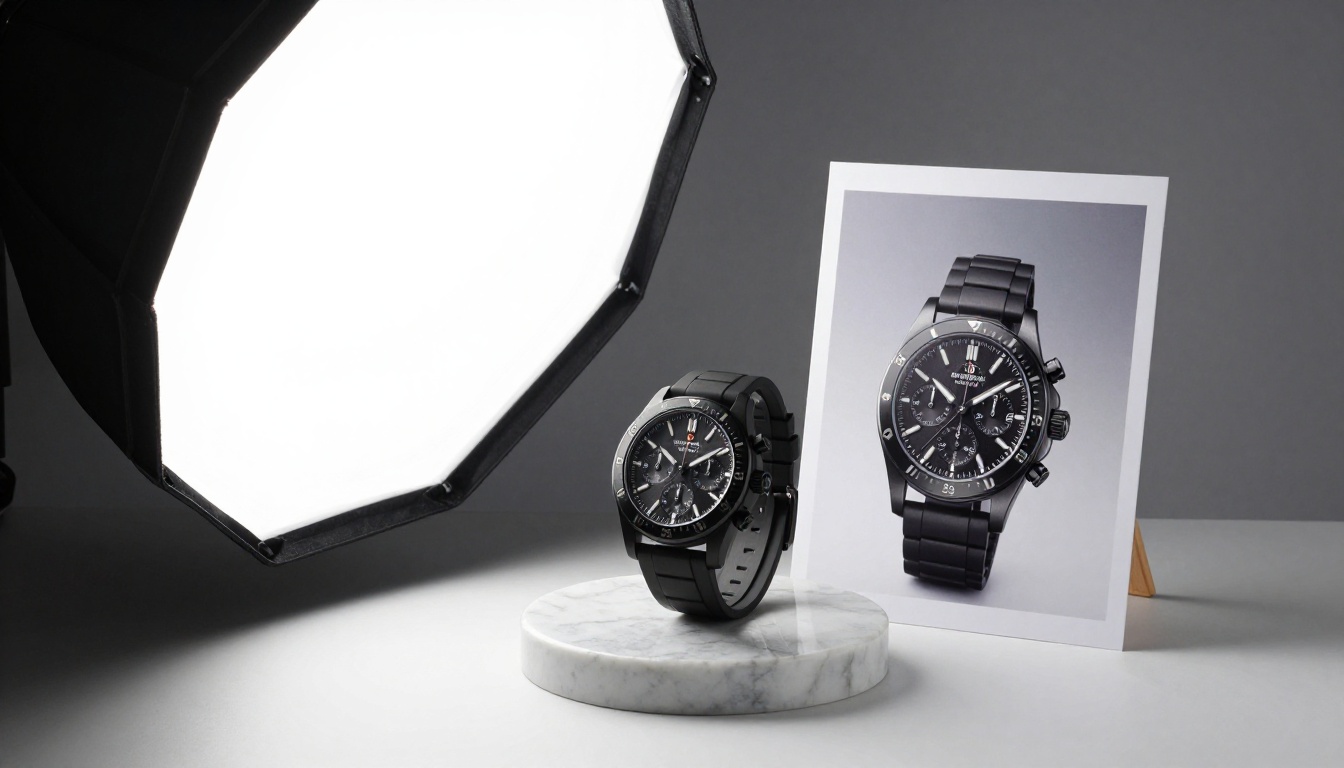
A still product photo animated with a slow orbit or subtle depth shift changes how that product reads. It takes a two-dimensional catalog image and introduces spatial presence. Watches, perfume bottles, shoes, and food photography all respond well to this treatment.
The most effective prompt addition for product shots: "hold static product, slow push in, subtle surface light shift, background blur deepens." That combination creates the impression of a camera move without destabilizing the product itself.
The value here is not replacing product photography. It is extending it. A single product shoot now produces both still images for print and motion content for digital use without any additional shooting. The animation step takes minutes, and the result is a video asset that did not exist before at effectively zero marginal cost.
For product work at scale, also consider P Video Animate as a faster alternative when you need bulk output, and Seedance 2.5 when you want native audio layered into the resulting video automatically.
Landscapes and Nature

Landscape animation is where depth matters most. A flat horizon photo will produce flat-looking motion. A photo with clear foreground interest (a rock, a bush, a figure in the distance) allows the model to apply parallax depth, where the foreground moves faster than the background as the simulated camera shifts.
Prompts for landscape work lean on environmental verbs: "slow pan right, foreground grasses sway in wind, background mountains hold still, clouds drift slowly left, golden light across entire scene."
If you are working with older or lower-resolution landscape photos, the super-resolution models available on PicassoIA can upscale your source image before you feed it into Hailuo 2.3. That preprocessing step alone can lift the quality of the final video significantly, particularly for archival photographs that were never digitized at high resolution.
The Bigger Picture: Why This Matters Now

One photograph, taken with any camera on any day, can now become a five-second cinematic clip. The gap between capturing a moment and experiencing it in motion has effectively closed.
For photographers, this means a portfolio shot can be an animated showcase. For marketers, a product image becomes scroll-stopping video content. For anyone with a family photo archive, a decade-old portrait can breathe again.
What makes Hailuo 2.3 specifically worth using in 2027 is not just that it works, but that it works consistently. The identity retention is solid. The motion physics respect the scene. The output does not require heavy post-processing to be usable. That combination of reliability and output quality is what separates it from the field.
The model sits in a category where the best results still come from pairing strong inputs with intentional prompting. But the ceiling has risen considerably. A thoughtfully chosen photograph and a 20-word motion prompt now produce something that would have required a motion graphics team two years ago.
Beyond Hailuo 2.3, PicassoIA also offers other top-tier image-to-video options worth knowing: Kling v3 Video for cinematic narrative output, Ray 3.2 for HDR-quality motion, and Pixverse v5 for fast 1080p turnaround. Each has a specific strength, and having access to all of them from a single interface means you can match the right tool to the right shot without switching platforms.
Start Creating on PicassoIA
PicassoIA gives you immediate access to Hailuo 2.3, Hailuo 2.3 Fast, and over 80 other video generation models with no setup required. Pick your photo, write a motion prompt, and get your result. If the first output is not quite right, refine the prompt before changing the image. That approach consistently produces better results faster.
Beyond image-to-video, you will find text-to-video generation, portrait animation, product video, lipsync, and audio synthesis all in one place at picassoia.com/en/all-models. The right model for what you need today is one click away.
Your next video is already sitting in your photo library. All it needs is a prompt.


