Most people type in something vague, hit generate, and wonder why Wan 2.7 spits out something that looks like it belongs in a 2019 AI demo reel. The model is capable of far more than that. What separates a realistic, cinematic NSFW video from a muddy, anatomically confused mess is almost always the prompt, not the model.
Wan 2.7 T2V is one of the most capable open video generation architectures available right now. On PicassoIA, it runs across three specialized variants, each built for a different workflow. If you want explicit-adjacent content that actually looks photorealistic, you need to know how the model reads your text, what it prioritizes, what it discards, and how to structure your prompts so the output matches what you had in mind.
This article covers the real mechanics of prompt-to-video conversion in Wan 2.7, with working examples, model breakdowns, and a step-by-step workflow you can run today.
What Wan 2.7 Actually Is
Wan 2.7 is a diffusion-based video generation model from Wan Video. It generates video by progressively denoising temporal frames from a noise distribution, conditioned on your text prompt or a reference image. The 2.7 release brought significant improvements to motion coherence, temporal consistency, and resolution output over previous versions.
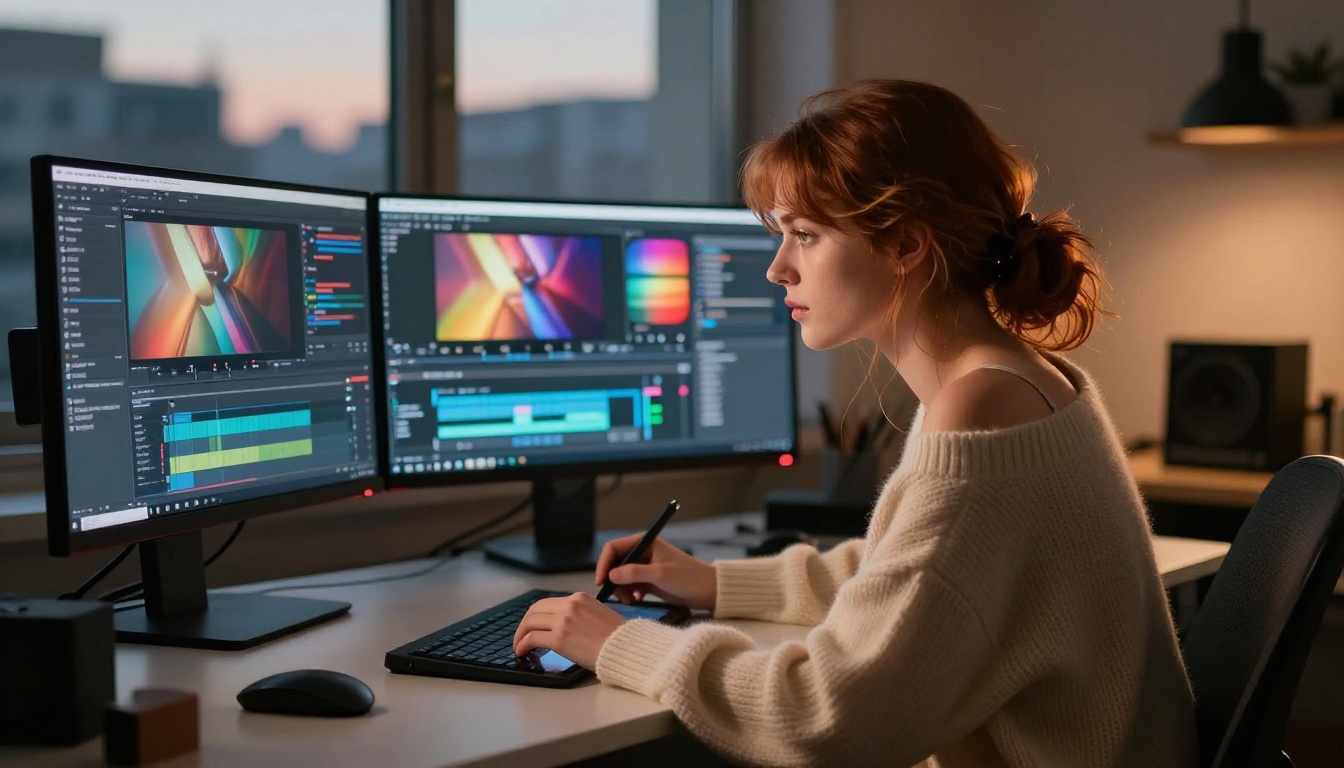
On PicassoIA, Wan 2.7 runs across three distinct variants:
Three Modes, One Pipeline
| Mode | Model | Best For |
|---|
| Text-to-Video | Wan 2.7 T2V | Generating entirely from a text description |
| Image-to-Video | Wan 2.7 I2V | Animating a still image you already have |
| Reference-to-Video | Wan 2.7 R2V | Keeping a specific subject consistent across motion |
For NSFW content, the I2V workflow is typically the strongest starting point. You generate a static image with full control over appearance, then animate it. This two-step approach lets you nail the look before committing to motion.
Why 1080p Matters for NSFW Content
Resolution in video generation is not just a quality setting. At lower resolutions, the model has fewer pixels to fill in fine detail, which means skin texture, fabric movement, and lighting nuances get averaged out or skipped entirely. At 1080p, Wan 2.7 has enough spatial headroom to render realistic skin tones, coherent anatomy across frames, and fabric that moves with physical weight.
Running below 720p for any suggestive or intimate content is one of the most common mistakes that accounts for a large share of poor-looking outputs.
How Prompts Actually Work in Wan 2.7
Wan 2.7 uses a dual-text-encoder architecture. Your prompt gets processed through two separate language models, and the outputs are fused before conditioning the video generation. The practical implication: both high-level concepts and fine-grained physical details need to be in your prompt, not one or the other.
The Anatomy of a Good Prompt
A Wan 2.7 prompt for NSFW video generation has roughly five layers:
- Subject description - Who is in the frame, how they look, what they are wearing
- Action and motion - What is happening, what moves and how
- Environment - Where the scene takes place, surfaces, objects around the subject
- Lighting - Direction, color temperature, quality and intensity of light
- Camera - Angle, movement, lens character
Every strong prompt covers all five layers. Most prompts only cover one or two, and the model fills in the rest with statistical averages, which almost always looks generic and flat.
What Wan 2.7 Ignores
The model struggles with:
- Exact counts: "three women in a pool" often renders as two or four
- Negative space instructions: "not wearing a top" sometimes confuses the motion encoder
- Abstract moods without visual anchors: "sensual atmosphere" produces nothing specific without physical detail
- Very short clips of complex action: 5 seconds is enough for a gentle movement, not a choreographed sequence
💡 Tip: Describe the result you want to see, not the absence of something. Instead of "without clothes," write "bare shoulders, uncovered back, wearing nothing above the waist."
Common Mistakes That Kill Your Output
- Writing a single-sentence prompt and expecting cinema-quality results
- Forgetting to describe camera movement (static vs. slow zoom vs. pan vs. tilt)
- Using abstract emotional language without physical anchors
- Ignoring lighting direction (the model defaults to flat, even light when not specified)
- Mixing too many conflicting actions into one prompt
Writing NSFW Prompts That Work
The core principle: be specific about what you can see. Every detail visible in a photograph needs to be in the prompt if you want it in the video. The model pattern-matches your words against its training distribution. It cannot infer your intent from vague language.
Body Language and Motion
This is where most NSFW prompts fail. "She moves sensually" tells the model almost nothing useful. Replace abstract motion language with physical description:
| Vague | Specific |
|---|
| "moves sensually" | "slowly arches her back, head falling to one side" |
| "dances" | "hips sway left to right, arms raised above head" |
| "relaxes" | "reclines deeper into cushions, one leg extending outward" |
| "stretches" | "arms reach overhead, spine elongating, toes pointing" |
The training data had captions describing specific physical positions and transitions, not abstract emotional states. Writing at that level of physical specificity is what produces coherent motion in the output.
Environment and Lighting
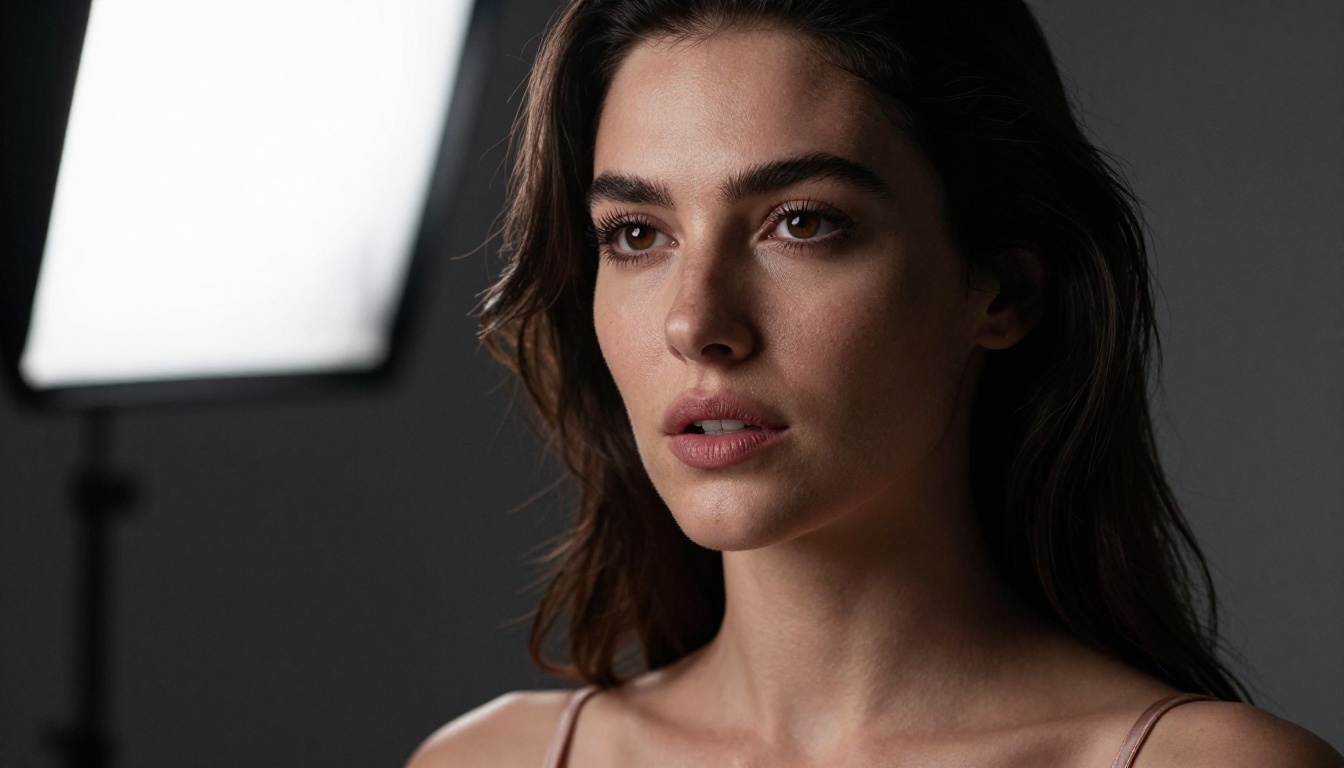
Lighting is the single most important variable for whether NSFW content looks photorealistic or cartoonish. Flat, undirected light makes skin look plastic. Directional light from a specific source creates the shadows and highlights that make a body look three-dimensional and real.
Describe light as a photographer would:
- "Warm tungsten light from a bedside lamp to the left" creates intimate, golden skin tones
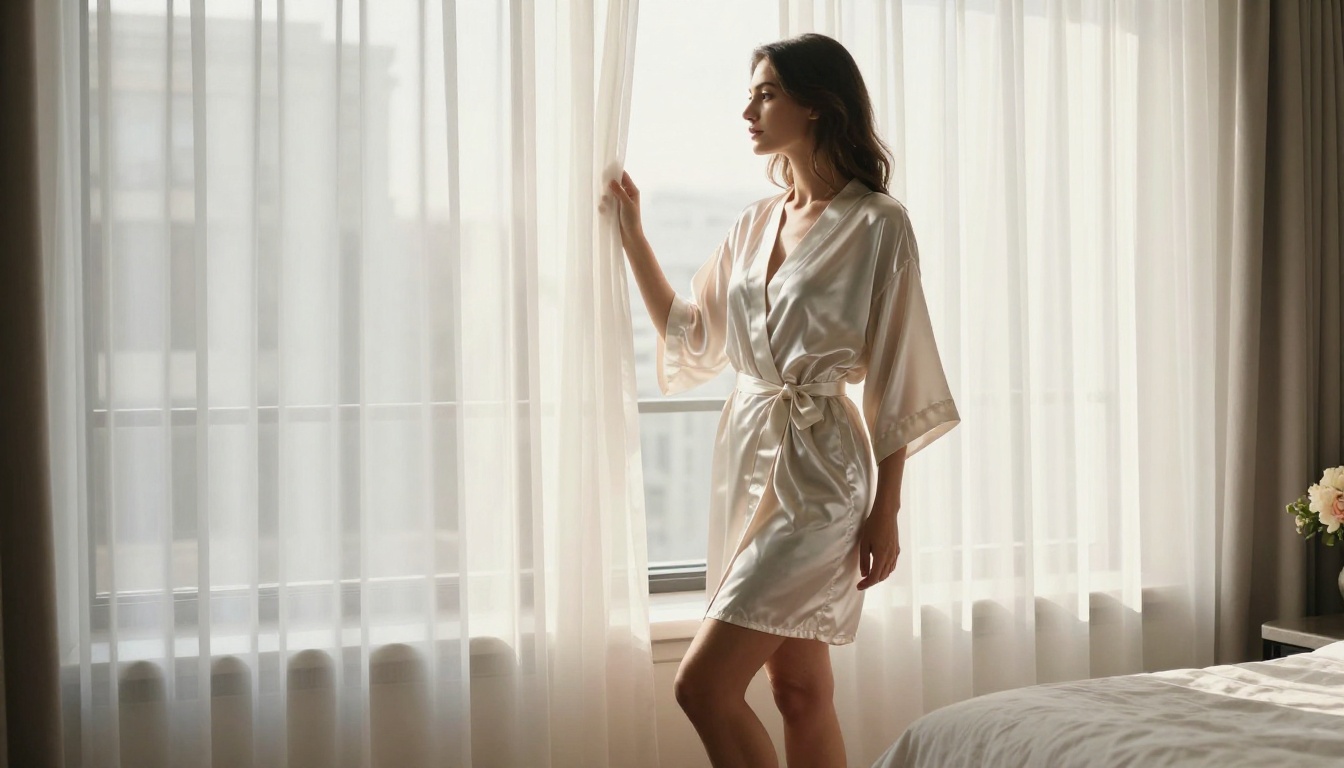
- "Diffused natural light through sheer white curtains" creates soft, even illumination without harsh shadows
- "Hard sunlight from directly above" creates dramatic shadows useful for outdoor beach and pool scenes
- "Candlelight" produces flickering, low-contrast warm light with dramatic falloff into darkness
Clothing and Texture Descriptions
Fabric and clothing descriptions matter far more in NSFW video than most creators realize. The model needs to know:
- What fabric it is (silk, lace, cotton, mesh, velvet, satin)
- How it sits on the body (fitted, draped, loose, clinging)
- What is visible and what is not
- How the fabric moves (flows, clings, shifts with body movement)
Example prompt fragment for an NSFW scene: "thin white silk slip, nearly translucent in the backlight, clinging to curves as she moves, the hem shifting with each step"
Best NSFW Models on PicassoIA
For a complete NSFW video and image workflow, Wan 2.7 is the video engine. The source images, reference images, and supplementary content come from the dedicated image models below. PicassoIA gives creators access to all of them without the content filters that block this type of work on mainstream platforms.
-
Seedream 4.5 ⭐ - The top recommendation for any NSFW image workflow. Accepts adult content, supports image editing, and generates ultra-realistic results in under 3 seconds. Its successor Seedream 5 Lite does not allow NSFW content, so stick with 4.5 for this type of work.
-
PicassoIA Image Editor Pro - An img2img model with one defining advantage: unlimited generations on Elite and Infinite plans. Need 1,000 source images for your Wan 2.7 workflow? They are included at no extra cost. That same volume would run around $100 on per-credit models. Results in under a second, full NSFW support, and a 3-generation free trial without a credit card.
-
Qwen Image 2 - Open-source model that edits or creates any image in seconds with very detailed realism, no content filter applied.
-
Grok Imagine Image - Converts any image to a bikini format in a highly realistic way. Useful for reference image preparation before feeding into Wan 2.7 I2V.
-
Recraft V4 - Strong text-to-image output with very realistic quality (text-to-image only, no editing functionality).
-
P-Image - NSFW text-to-image in under 1 second. Ideal for rapid iteration and reference generation before moving to video.
For video generation beyond Wan 2.7:
- PicassoIA Video - Unlimited video generation from text or image prompts at up to 720p, 5 seconds per clip. No per-clip cost on included plans.
- P-Video - Text, image, or audio to video at up to 1080p. Safety filter is off by default. Draft mode delivers instant low-res previews before committing to a full render.
- Grok Imagine Video - Up to 15-second clips from text or image. No watermarks. Useful for longer sequences where 5 seconds is not enough.
- LTX 2.3 Pro - Highest fidelity output at up to 4K, 50fps. Retake and extend features for precise clip-level editing without re-rendering the whole sequence.
👉 Browse the full lineup at picassoia.com/en/all-models
How to Use Wan 2.7 on PicassoIA
PicassoIA hosts all three Wan 2.7 variants with full NSFW prompt support and no content restrictions.
Text-to-Video (T2V)
- Open Wan 2.7 T2V
- Write your prompt covering all five layers: subject, action, environment, lighting, camera
- Set resolution to 1080p for NSFW content
- Duration: 5 seconds is the standard starting point
- Generate and review the motion output
- If the motion is wrong, refine the action description specifically
- If the look is wrong, refine the lighting or subject description
💡 Tip: Run T2V first to establish the right subject framing. Once you have a good composition, switch to I2V for finer motion control.
Image-to-Video (I2V)
- Generate your source image with Seedream 4.5 or PicassoIA Image Editor Pro
- Upload the image to Wan 2.7 I2V
- Write a motion-focused prompt describing what changes between the first and last frame
- The model uses the image as a locked starting frame and animates forward
- Outputs will respect the appearance established in your source image
This is the recommended workflow for character-consistent NSFW content. You control the appearance entirely in the image generation step, then let the video model handle only the motion.
Reference-to-Video (R2V)
Wan 2.7 R2V works differently from the other two modes. You provide a reference of the subject, and the model applies a new motion or scene described in your text prompt while keeping the subject's appearance stable across all frames.
Use R2V when:
- You have a specific character you need to maintain across multiple clips
- You want to place a consistent subject into a new environment
- You are building a series of clips that need strong visual continuity
Prompt Examples That Actually Deliver
These are structured, ready-to-use prompts for Wan 2.7. Modify the subject description to match your target output.
Outdoor Scenes
Beach, golden hour:
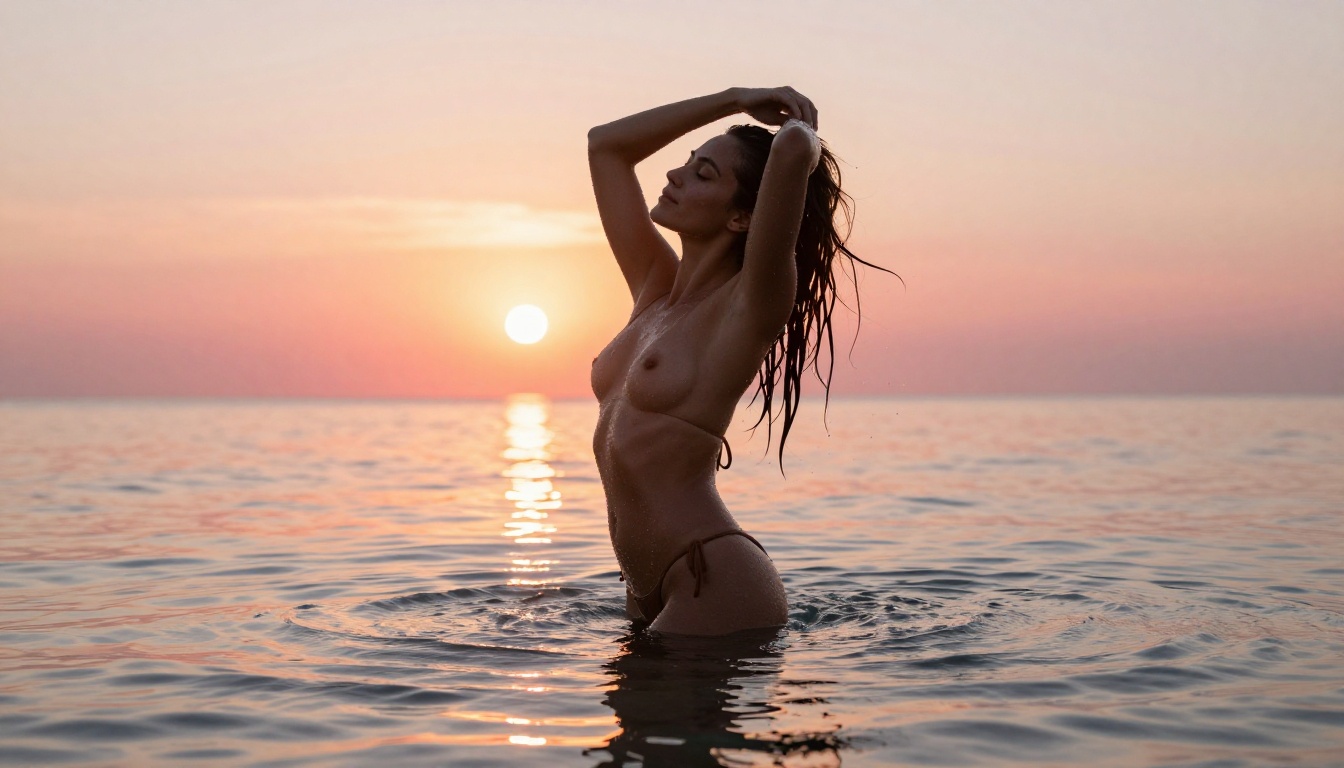
"A woman with long dark hair stands at the edge of the ocean at sunset, wearing a barely-there white string bikini. The water reaches her knees. She slowly turns toward the camera, hair lifting in the warm breeze. Volumetric golden backlight from behind creates rim lighting along her silhouette. Camera: slow dolly push-in at 200mm telephoto compression. Water surface reflects amber and pink light. Natural skin glow, photorealistic, 1080p, natural motion."
Pool terrace, midday:
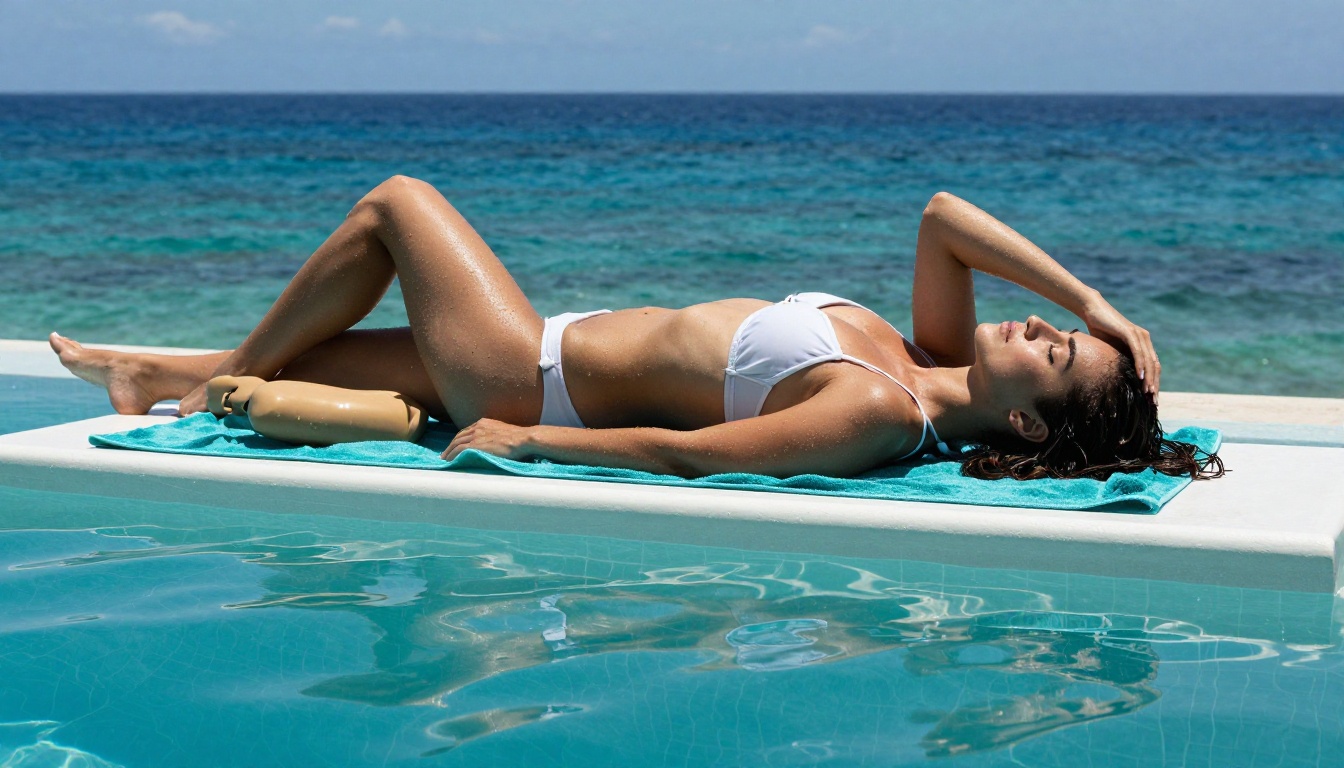
"A beautiful woman in a high-cut black swimsuit reclines on a white sunlounger beside an infinity pool. She reaches one arm above her head in a slow stretch, arching her back slightly. Hard overhead sunlight casts sharp shadows beneath her collarbone. Pool water in foreground ripples gently. Camera: wide 35mm from pool level, slow tilt up from water to her face. Photorealistic, natural lighting, 1080p."
Indoor/Intimate Scenes
Bedroom, morning:
"A woman lying face-down on white linen sheets in a sunlit room, wearing a thin cotton slip. Morning light streams through shutters creating horizontal light bars across the bed and her body. She slowly turns her head to the side and stretches her arms forward. Camera: overhead angle, slow zoom out. Cotton fabric shifts with her movement. Natural skin texture, authentic morning atmosphere, photorealistic, 1080p."
Hotel suite, evening:
"An elegant woman in a short silk robe stands near a floor-to-ceiling window overlooking city lights at night. She slowly unties the belt, the robe opening to one side. Warm tungsten lamp light from the left illuminates her face and torso. Camera: handheld slight push-in at 85mm. Silk fabric moves with cinematic weight and sheen. Natural skin tones, luxury interior, photorealistic, 1080p."
Motion-Focused Prompts
When using I2V mode with a locked source image, put everything into describing the motion:
- "Slow hair toss, head swinging from right to left, damp strands catching backlight individually, ending with direct eye contact to camera"
- "Hands slowly sliding up her sides from hip to ribcage as she inhales, chest rising, head tilting back slightly"
- "Standing and turning 180 degrees slowly, camera panning to maintain framing, ending with profile view against the window"
💡 Tip: Motion-focused prompts work best with I2V mode where the appearance is already locked from the source image. Let the text prompt handle only what moves.
Modifiers That Improve Output Quality
At the end of any prompt, these modifiers reliably improve Wan 2.7 results:
| Modifier | Effect |
|---|
photorealistic | Pushes toward realistic rendering vs. stylized output |
RAW photography style | Reduces over-smoothing of skin |
natural lighting | Avoids the model's default flat even light |
cinematic depth of field | Adds background blur, improves perceived realism |
natural skin texture | Prevents the plastic-skin effect |
1080p | Forces higher resolution output |
Realism vs. Speed
Wan 2.7 is not the fastest model on PicassoIA. For rapid iteration and prompt drafting, P-Video in draft mode returns results in seconds. Use it to test prompt structure and motion direction quickly, then switch to Wan 2.7 for the final 1080p render.
PicassoIA Video is the right option for high-volume runs. If you need 50 variations to find the output that works, the unlimited plan removes per-clip cost entirely.
For sequences longer than 5 seconds, Grok Imagine Video extends to 15 seconds per clip and works as a natural complement to Wan 2.7 for longer content pieces.
Try It Yourself
The best way to see what Wan 2.7 can produce is to stop reading and start running prompts. Take one of the examples above, swap in your own subject description, and generate at 1080p.
Wan 2.7 T2V, Wan 2.7 I2V, and Wan 2.7 R2V are all live on PicassoIA with no content restrictions on NSFW prompts.
For the full image-to-video workflow, start with Seedream 4.5 to generate your source image, then animate it with Wan 2.7 I2V. That two-step process produces the most consistent, highest-quality NSFW video output available without a local GPU setup.
If you want unlimited generations at no per-clip cost, PicassoIA Image Editor Pro for images and PicassoIA Video for video are the most cost-effective options in the catalog.
👉 Every model mentioned in this article is available at picassoia.com/en/all-models.


