text to imagetext to video

Uncensored Chat GPT: A Practical Guide for Bold Creators

Curious about NSFW image generation? This hands-on guide shows you how to write daring prompts, pick the right PicassoIA models, and even animate your beach photo-shoot—without annoying content blocks. Perfect for marketers, artists, and anyone exploring mature themes.

Uncensored Chat GPT: A Practical Guide for Bold Creators
Cristian Da Conceicao

What Does "Uncensored Chat GPT" Really Mean?

For many creators, an uncensored AI assistant simply means a tool that does not automatically blur, block, or refuse mature ideas. On PicassoIA, you can explore adult themes—like a beach bikini photo-shoot—without surprise content filters interrupting your workflow.

Locked vs unlocked chat bubbles

The Two Sides of the Coin

  • Safety-first models apply strict word lists and remove risky requests.
  • Freedom-first models hand control back to the user, expecting responsible use.

PicassoIA focuses on user responsibility—you decide where to draw the line, not a hard-coded filter.

Why Creators Need Unfiltered AI Tools

Imagine drafting a spicy ad campaign or illustrating a romance novel cover only to watch your AI refuse the brief. Fast iteration dies instantly. An uncensored workflow lets you:

  1. Test daring concepts in seconds.
  2. Keep the creative momentum alive.
  3. Avoid endless prompt work-arounds.

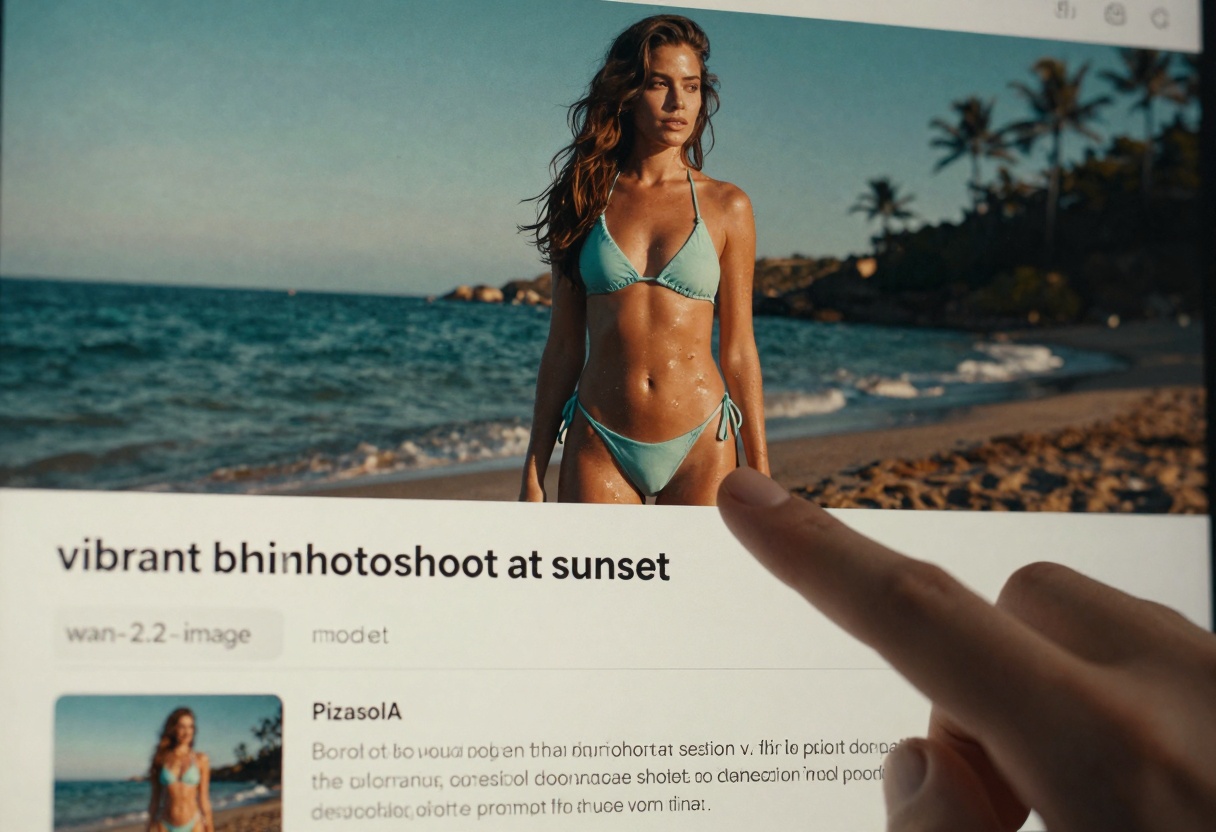
Beach cabana prompt session

Safety vs. Freedom: Finding the Balance on PicassoIA

PicassoIA doesn’t hide the risks. Instead it gives you clear guidelines and dedicated NSFW-friendly models. The platform logs every generation privately, so you retain accountability while staying free from public scrutiny.

ApproachWho Controls OutputTypical Use Case
FilteredPlatformClassroom demos, kid apps
UncensoredYouAdult art, edgy marketing, fetish fashion

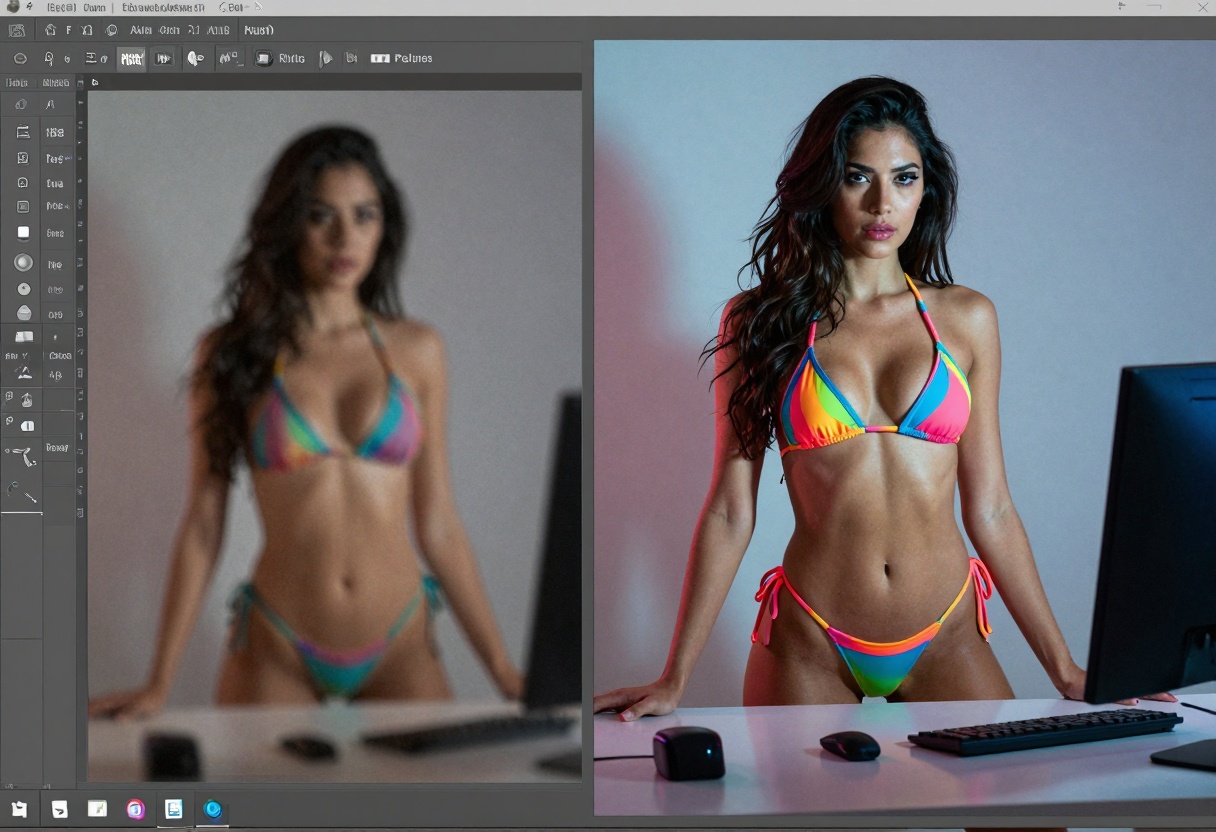
Before-and-after split screen

Getting Started with NSFW Image Generation

How to Write Effective NSFW Prompts

  • Be specific: anatomy, pose, lighting, mood.
  • Add style cues: magazine editorial, cinematic, glossy.
  • Use tasteful language: avoid graphic details that don’t impact visuals.

Typing detailed prompt

Example Prompts and Results

PromptExpected Result Quality
"woman in swimsuit"Bland stock photo
"sun-kissed brunette in teal bikini lounging on Bali beach, cinematic lighting, 8k"Vibrant editorial shot

Turning Static Shots into Dynamic Videos

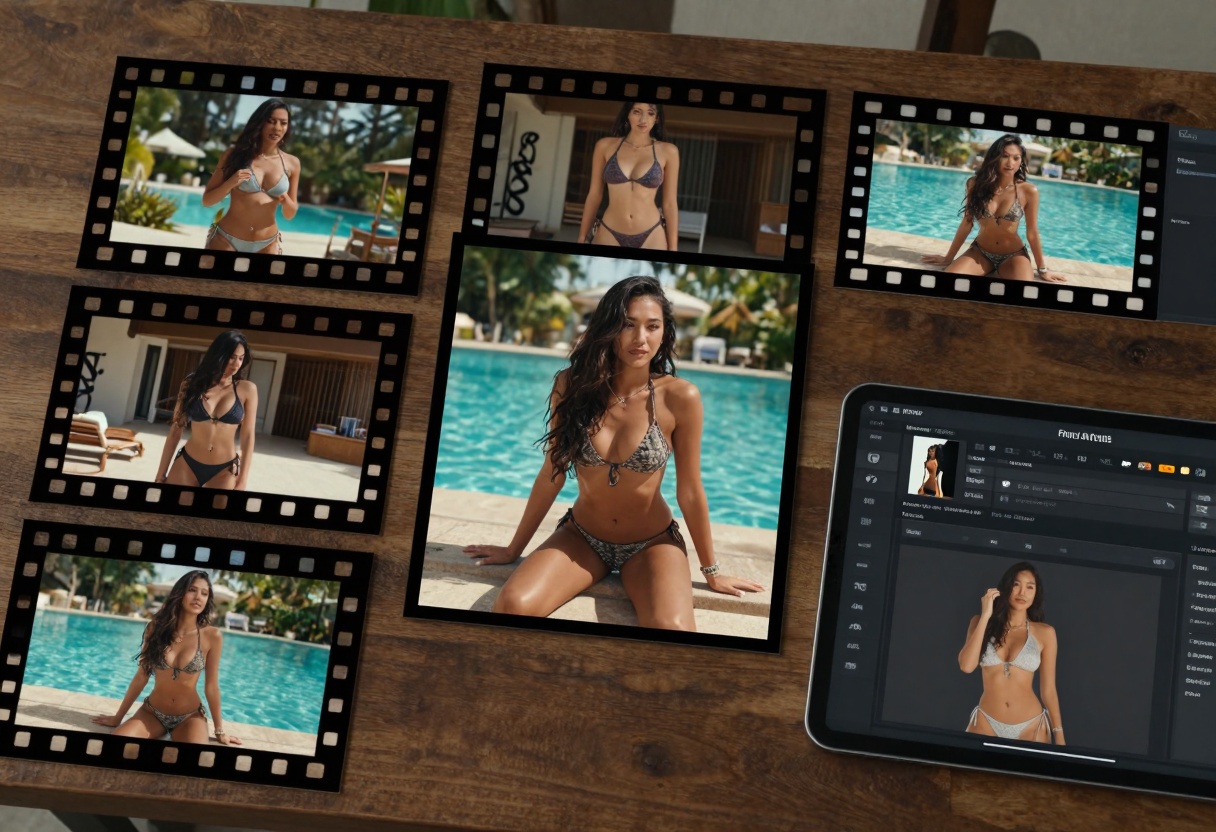
Static images are only half the fun. Use Wan 2.2 I2v Fast to transform a still into a 5-second motion loop—perfect for reels.

Storyboard turning still into motion

Steps:

  1. Generate (or upload) your image.
  2. Open Wan 2.2 I2v Fast on PicassoIA.
  3. Enter a short descriptive prompt for the motion ("gentle ocean breeze, hair flowing").
  4. Hit Generate Video and download a smooth 24 fps clip.

Best PicassoIA Models for Unrestricted Creation

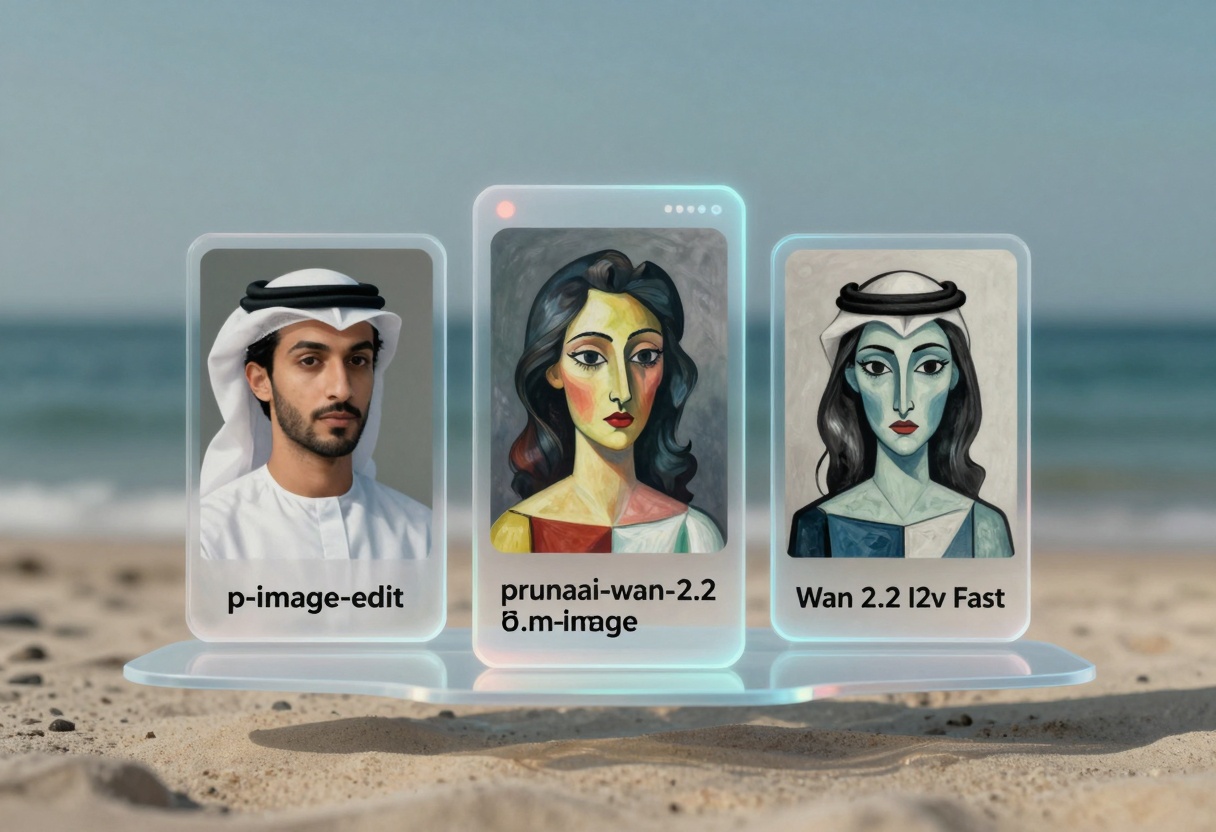
Model cards hologram

ModelTypePerfect For
p-image-editEdit ImagesQuick retouching, clothing swaps
prunaai-wan-2.2-imageText-to-ImageFast, cinematic, photorealism
Wan 2.2 I2v FastImage-to-Video120-frame loops in ~30 s

Step-by-Step Tutorial: prunaai-wan-2.2-image

Entering prompt on model page

  1. Access the model page – Visit the wan-2.2-image page on PicassoIA.
  2. Configure required parameters – Fill in your prompt. Example: “glamorous bikini photo-shoot, sunset back-lighting, shallow depth of field, 8k”.
  3. Adjust optional settings – Pick your aspect ratio (16:9 for banners), set quality to 90, maybe enable Juiced for speed.
  4. Generate the output – Click Generate and watch the preview render in ~4 seconds.
  5. Download the result – Save the WEBP or PNG and move on to editing or video conversion.

Pro tip: Re-use the same seed when you need several angles of the exact same model.

Ethical Considerations and Best Practices

Balancing two photo prints

  • Always secure consent if you’re basing prompts on real people.
  • Keep private content offline—PicassoIA never publishes your generations unless you share the link.
  • Respect local laws and platform terms when distributing adult material.

Key Takeaways

Quick start checklist

  • Unfiltered AI unlocks faster creative cycles.
  • PicassoIA provides dedicated NSFW-friendly models with no hidden blocks.
  • Well-written prompts and responsible use go hand in hand.

Generate Now button with waves


Ready to turn ideas into uncensored art? Try PicassoIA now and watch your boldest concepts come alive.

Share this article