The demand for uncensored AI for adults has exploded. Millions of people want to create images and videos that mainstream platforms outright block, whether for personal projects, artistic expression, or simply exploring AI without a corporate filter telling them what's appropriate. The good news? The tools are here, many of them are free, and the image quality has reached a point where results look genuinely photographic.
This article breaks down exactly what's available, which models deliver the best results, how to write prompts that work, and what to know about privacy before you generate anything.
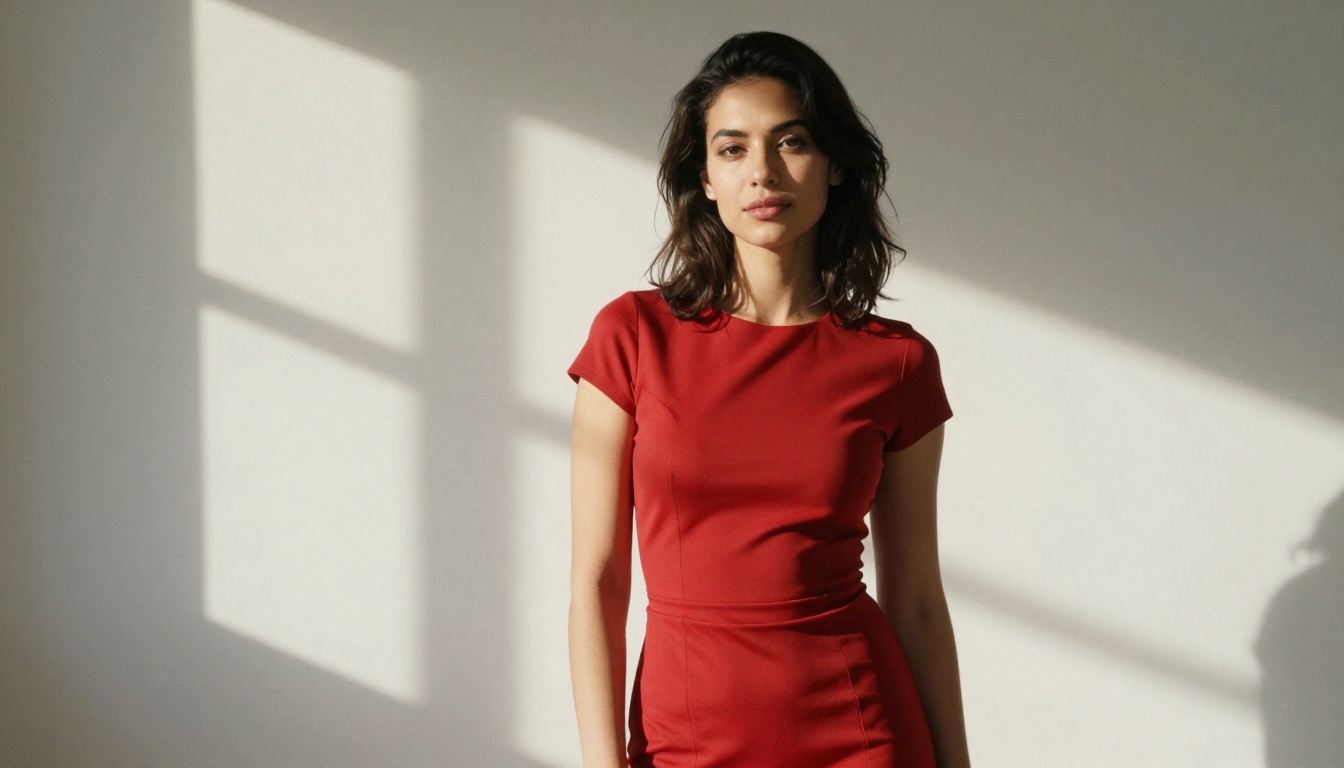
What "Uncensored" Actually Means in AI
Filters vs. Freedom
Every major AI image platform operates with a content policy. Those policies differ enormously. Some block anything suggestive. Others allow artistic nudity but reject explicit content. A few allow nearly everything for verified adult users. "Uncensored" in this context doesn't mean no rules exist anywhere. It means the platform's filters are either minimal, configurable, or absent for adult content categories.
Most blocked content on mainstream tools falls into three buckets:
- Nudity: Any visible skin beyond what's in a typical swimwear ad
- Suggestive scenarios: Romantic or intimate situations between adults
- Stylistic freedom: Images that imply rather than show explicit content
Platforms built specifically for adult AI work strip these limitations out. The result is the ability to describe virtually any adult scenario and receive a photorealistic image back within seconds.
The Real Demand Behind Adult AI
💡 Adult content is one of the oldest and most consistent drivers of technology adoption. From print to VHS to the internet, new media formats get their earliest mass adoption through adult use cases.
The same pattern is playing out with AI image generation. Adults want tools that don't judge their creative choices. They want privacy. They want quality. And increasingly, they want it free. The platforms that figured out how to deliver all three are seeing massive growth.
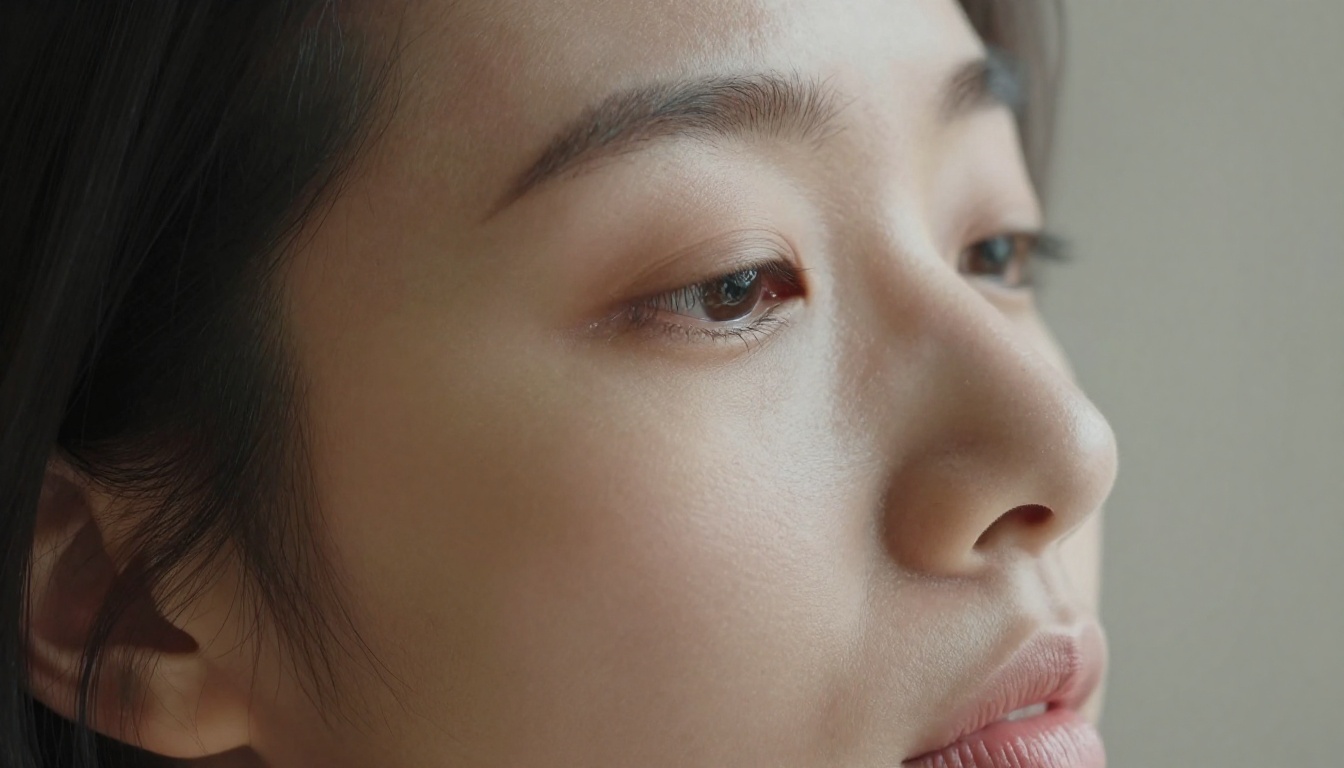
Best Free Models for Adult Image Creation
Flux 1.1 Pro: The Photorealism King
Flux 1.1 Pro from Black Forest Labs is the current gold standard for photorealistic image generation. Its handling of human anatomy is exceptional, producing natural skin tones, realistic body proportions, and accurate facial features that most other models still struggle with. For adult content specifically, anatomical accuracy is non-negotiable. Flux delivers it.
Key characteristics:
- Skin texture: Pore-level detail, natural subsurface scattering
- Lighting response: Handles complex lighting setups accurately
- Face coherence: Eyes, lips, and facial features remain proportional and detailed
- Speed: Results in under 15 seconds at standard quality
For users who want the absolute best output, Flux 1.1 Pro Ultra pushes resolution and detail even further, producing images at near-photographic quality that are difficult to distinguish from real photography.
Realistic Vision v5.1
Realistic Vision v5.1 is one of the most popular NSFW-capable models because it was specifically trained on photographic data with an emphasis on realistic human subjects. It consistently produces:
- Natural body proportions
- Accurate clothing and fabric texture
- Consistent lighting that doesn't look artificial
- Strong face generation
It's not as fast as Flux but delivers comparable quality for portrait and intimate scenarios. For those who prefer a slightly warmer, more film-like aesthetic, this model hits differently.
Stable Diffusion 3.5 Large
Stable Diffusion 3.5 Large is the open-source option that powers a huge portion of the adult AI ecosystem. Because it's open-source, many versions with different training data and fine-tuning exist. The base model from Stability AI on its own handles adult-adjacent content reasonably well, though it's more conservative than specialized models. Paired with the right LoRA weights, it becomes highly capable.
What makes it worth using:
- Free and open: No per-generation costs on compatible platforms
- LoRA support: Customize output style with minimal compute
- Community: Massive prompt library available publicly
- Speed: Fast generation, especially the Turbo variant
SDXL and Its Variants
SDXL remains one of the most versatile base models available. The SDXL Lightning 4-step variant generates images in a fraction of the time while maintaining solid quality. For adult content, SDXL benefits massively from LoRA fine-tuning, with community-created adapters that push its capabilities far beyond what the base model can do alone.
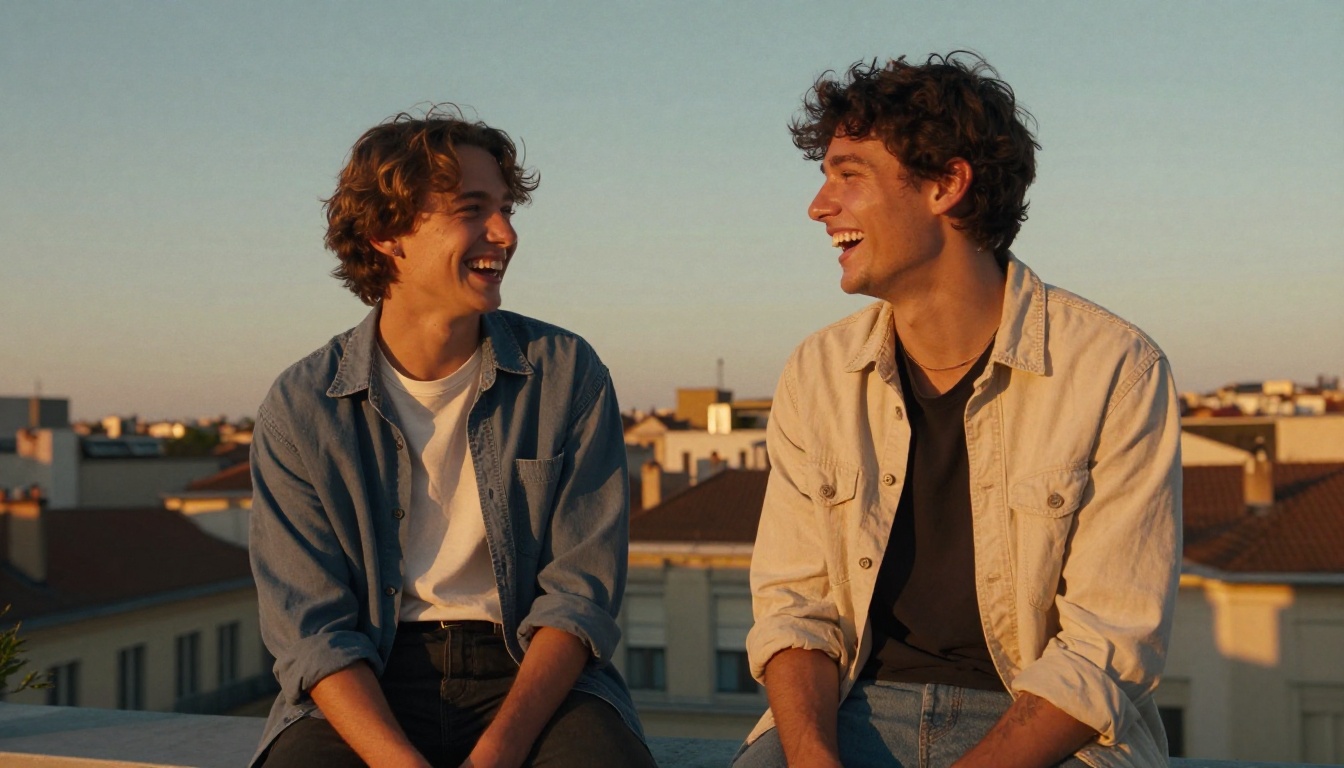
How to Write Prompts That Actually Work
The Anatomy of a Good Adult Prompt
Bad prompts produce bad images. This is the single biggest reason people get frustrated with AI image generators. The model is only as good as your instructions. For adult content specifically, vague prompts lead to weird anatomy, strange lighting, and off-putting results.
A strong prompt follows this structure:
[Subject description] + [Setting/Environment] + [Lighting conditions] + [Camera details] + [Style/Film modifiers]
Example of a weak prompt:
"beautiful woman, sexy, bedroom"
Example of a strong prompt:
"A woman in her late 20s in a silk robe, sitting at the edge of a bed in a dimly lit hotel room, warm amber bedside lamp on the left, 85mm f/1.4 portrait lens, shallow depth of field, natural skin texture, Kodak Portra 400 film grain, photorealistic"
The difference in output quality between these two prompts is enormous.
Negative Prompts: What to Block
Negative prompts tell the model what to avoid. For realistic adult images, always include:
cartoon, anime, illustration, 3D render, CGI (prevents non-photorealistic styles)extra limbs, malformed hands, distorted face (prevents common anatomy errors)watermark, text, logo (keeps images clean)blurry, low quality, pixelated (forces higher quality output)
Style Modifiers That Change Everything
These modifiers consistently improve photorealism in adult AI output:
| Modifier | Effect |
|---|
Kodak Portra 400 | Warm, natural skin tones |
85mm f/1.4 | Portrait depth of field |
volumetric lighting | Three-dimensional light feel |
RAW photography | Texture and detail boost |
subsurface scattering | Realistic skin light penetration |
film grain | Removes the "AI smoothness" |
8K photorealistic | Forces fine detail rendering |
💡 Tip: Add "photographed by Annie Leibovitz" or reference specific photography styles for dramatically different aesthetic results. The model responds to art direction language.
How to Use Flux on PicassoIA
Step-by-Step Walkthrough
PicassoIA gives direct browser access to Flux 1.1 Pro and Flux 2 Pro without requiring local installation, API keys, or GPU hardware. Here's how to get started:
- Go to the model page: Open Flux 1.1 Pro directly
- Write your prompt: Use the structured format described above. Be specific about subject, setting, and lighting
- Set aspect ratio: For portrait images, use 2:3 or 3:4. For landscape scenes, 16:9 works well
- Adjust steps: Higher step counts (30-50) produce more refined outputs. Lower counts (10-20) are faster but rougher
- Set guidance scale: Values between 7-9 balance prompt adherence with creative quality. Higher values force more literal interpretation
- Generate and iterate: First generation rarely perfect. Tweak one variable at a time
Parameter Tips for Best Results
- Seed: Save seeds for images you like. Same seed with minor prompt changes produces variations in the same style
- Guidance Scale 7.5: The sweet spot for most adult portrait work
- Steps 30-40: Sufficient for high-quality output without excessive wait time
- Prompt weighting: Use (parentheses:1.3) to emphasize specific elements. Boost anatomical accuracy descriptors to reduce errors
Also worth trying: Flux 2 Dev for experimental work and Flux Dev LoRA when you want fine-tuned style control.
Free vs. Paid: What's the Real Difference?
The Honest Comparison
Free access to AI image generation has improved dramatically. Here's what separates free and paid tiers in practical terms:
| Factor | Free | Paid |
|---|
| Image quality | High (same models) | Same or higher resolution |
| Generation speed | Slower queue | Priority processing |
| Daily limits | Limited generations | Higher or unlimited |
| Model access | Core models available | All models including newest |
| Privacy | Platform-dependent | Often stronger guarantees |
| Watermarks | Some platforms add them | Usually watermark-free |
The key takeaway: free tiers on quality platforms use the same underlying models as paid tiers. You get identical quality. What you pay for is speed, volume, and premium features.
For occasional use or experimentation, free is completely viable. For professional or high-volume creative work, paid tiers make sense purely for the time savings.
💡 Models like Flux Schnell are specifically designed for fast, low-cost generation without sacrificing too much quality. Great for rapid iteration on free tiers.
Privacy and Safety When Creating Adult Content
Who Sees What You Generate?
This matters. Before generating any adult content on any platform, understand their data policy. Most platforms fall into one of three categories:
- Store everything: Prompts and images saved, potentially reviewed by staff, possibly used for model training
- Temporary storage: Images available for download for a limited window then deleted
- No storage: Nothing retained server-side after delivery
Always assume the worst unless explicitly stated otherwise. Use platforms with clear privacy policies that specify how your generations are handled.
Age Verification and Consent
Reputable adult AI platforms implement age verification before enabling NSFW capabilities. This is both a legal requirement in many jurisdictions and a basic responsibility. If a platform allows adult content generation with zero friction, no age check, and no terms acceptance, that's a flag.
The right platforms:
- Require explicit consent acceptance for adult content
- Age-gate NSFW features behind verification
- Clearly prohibit minors and non-consensual depiction scenarios
- Have clear terms that define what's allowed
Only generate content involving fictional adults. Any depiction suggesting otherwise is not just ethically wrong but illegal in most jurisdictions.

Which Models Produce the Most Realistic Results Right Now
The Current Leaderboard
Model quality in AI image generation moves fast. As of early 2026, these models consistently top quality benchmarks for photorealistic human subjects:
Tier 1: Exceptional photorealism
Tier 2: High quality, widely accessible
Tier 3: Good for speed and volume
What "Realistic" Actually Requires
Photorealism in AI images breaks down most often in these areas:
- Hands: Still a known weakness across most models. Specify "detailed hands, correct finger count" in prompts
- Teeth: Use "natural teeth, slightly imperfect" to avoid the uncanny valley smile
- Eyes: "Catchlight in eyes, natural iris detail" produces dramatically better results
- Skin: "Natural skin with pores, subsurface scattering" prevents the plastic look
💡 The single biggest quality improvement most users can make: add negative prompts. Blocking "smooth skin, airbrushed, plastic skin" alone dramatically improves realism.
Beyond Images: AI Video for Adults
What's Possible Right Now
AI video generation for adult content is where image generation was about 18 months ago. It works. The results can be impressive. But consistency and length are still significant limitations.
Current capabilities:
- Short clips: 3-8 second clips with reasonable quality
- Image-to-video: Converting a strong generated image into motion
- Style consistency: Single character across a clip without major drift
Current limitations:
- Multi-scene coherence: Character consistency across cuts remains difficult
- Anatomy in motion: Movement still produces occasional artifacts
- Length: Anything over 10-15 seconds compounds quality issues
For adult content specifically, the best current workflow is generating a high-quality image first using one of the Tier 1 models, then using image-to-video to add subtle motion. This preserves the quality of the base image while adding realism through movement.
The video generation landscape is evolving rapidly. Models are improving quarterly, and what requires significant technical knowledge today will be a single-click operation within the next year.
Start Creating Your Own Images
Every model, every tutorial, every prompt tip in this article is accessible right now through PicassoIA's platform, without downloading software, without managing local hardware, and for many use cases, without spending anything.
The library includes over 91 text-to-image models, from fast experimental models to the highest-quality photorealistic generators available. You can compare outputs across multiple models in the same session, iterate on prompts, and save the results that work.
Start with Flux 1.1 Pro if you want the best photorealism right now. Try Realistic Vision v5.1 if you prefer a warmer, more film-like aesthetic. Use Flux Schnell when you're iterating fast and want rapid feedback on prompt ideas.
The models do the technical work. Your job is to describe exactly what you want in precise, vivid detail. The more specific your prompt, the closer the output matches your vision. That's the only skill this requires, and it's one anyone can develop with practice.
Write a prompt. Generate an image. Adjust. Repeat. The results you're looking for are closer than you think.


