If you've ever wanted an AI companion that looks exactly the way you imagine, with a sharp jawline, a specific eye color, and a particular kind of smile, you are in the right place. AI husbando customization has moved well past basic sliders and preset face shapes. With the right models and prompt strategies, you can now generate highly realistic, deeply personalized male AI characters with zero content restrictions. This article breaks down the models, the prompt techniques, and the complete workflow that separates forgettable outputs from genuinely compelling characters.

What Is an AI Husbando?
The term "husbando" comes from anime and fandom culture, describing a fictional male character someone feels a strong personal or romantic attachment to. In the AI era, that concept has evolved dramatically. You are no longer limited to characters from existing shows or games. With modern AI image generators, you can build your ideal character from scratch, precisely how you want him, with no compromises on appearance, style, or content.
More Than Anime
While the word has anime roots, today's AI husbando generation covers the full spectrum: realistic photographs, painterly portraits, fantasy designs, and everything in between. The demand for custom male AI characters has grown massively, driven by people who want something deeply personal, something that does not exist anywhere else in exactly that form. The applications range from personal companion art to character development for stories, games, and creative projects.
Why Customization Depth Matters
Generic presets produce generic results. The difference between a forgettable output and a character that genuinely feels like yours comes down to specificity at every level. Hair texture, iris color variation, the precise way a shirt drapes off a shoulder, the quality of light hitting a face at 7am versus 7pm. These details are not cosmetic flourishes. They are the entire point, and they are now achievable with the current generation of AI image models.
Best Models for Creating Your AI Husbando
Not every AI image model gives you full creative freedom. Many major platforms apply content filters that block or dilute prompts they consider too suggestive, too personal, or too specific to the human form. The models below, all available on PicassoIA, operate without those restrictions.
Seedream 4.5: The Clear Leader
Seedream 4.5 is the top recommendation for husbando generation. It handles NSFW prompts without filtering, generates results in under 3 seconds, and produces exceptional photorealism that currently outperforms most competitors in its category. Whether you want a fully dressed character in a cinematic setting or something more intimate and personal, Seedream 4.5 handles both with equal quality and fine-grained detail.
💡 Seedream 4.5 supports image editing. Generate a base character, then refine specific details like eye shape, hair length, or outfit without starting over.
One important note: the newer Seedream 5 Lite does not support NSFW content. For adult or suggestive content creation, stay with Seedream 4.5.
PicassoIA Image Editor Pro: No Limits on Volume
If you plan to generate hundreds of character variations, PicassoIA Image Editor Pro is the most economical choice by a significant margin. As an img2img model, it takes an existing image and transforms it based on your prompt. Results arrive in under 1 second and Elite or Infinite plan subscribers get unlimited generations with no per-image cost.
To put that in concrete terms: generating 1,000 character variations on premium per-credit models would cost you roughly $100. With PicassoIA Image Editor Pro, that same volume is included in your subscription at no extra charge. There is also a free trial with no credit card required, making it easy to test the quality before committing.
More Models Worth Using
How to Write Prompts That Actually Work
The model is only half the equation. The prompt is where customization lives or dies. Vague prompts produce vague characters. Specific, layered prompts produce characters you would recognize in a lineup. The structure below works across all the models listed above.
Physical Traits: Every Detail Counts
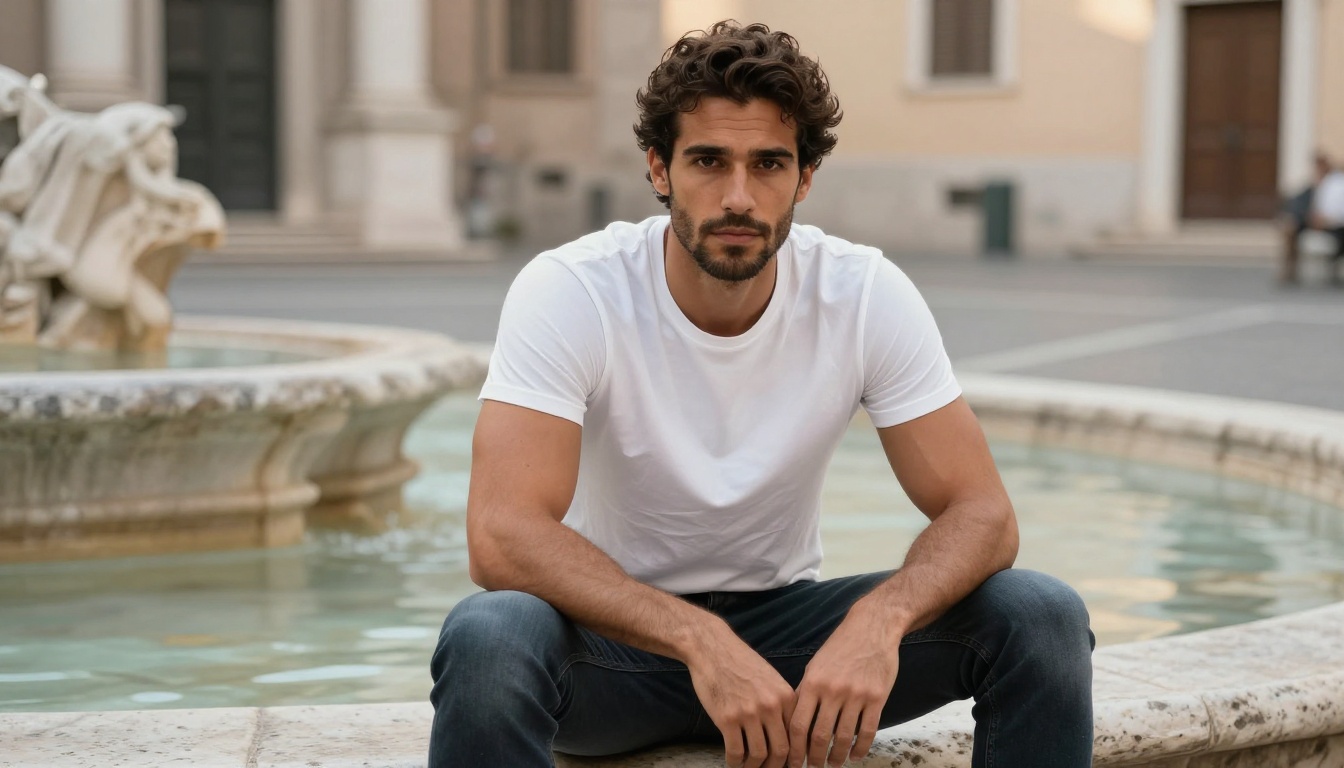
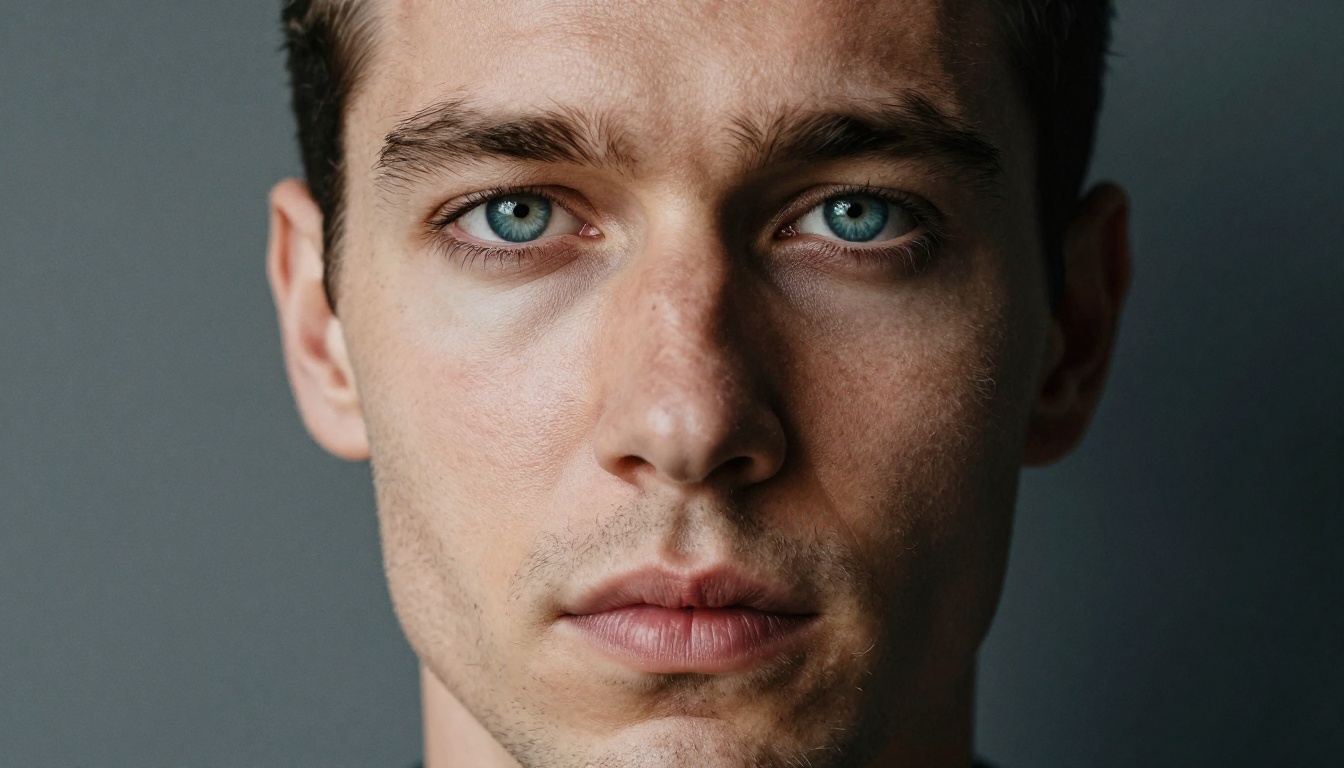
Do not write "brown eyes." Write "warm amber eyes with flecks of gold, natural catchlight from the left, long dark lashes, slight downward tilt giving a sleepy, half-lidded expression."
The same level of specificity applies to every physical dimension:
- Hair: texture (wavy, straight, thick, fine), length, natural color variation, how it falls or sits, styled versus loose
- Skin: undertone (warm, cool, olive, fair), visible pore texture, any marks, five-o'clock shadow growth pattern
- Build: proportions, visible muscle structure, neck width, shoulder-to-waist ratio, any defining physical feature
- Face shape: jawline definition, cheekbone prominence, nose bridge width, brow heaviness, lip shape
Personality Through Context
A character's personality is not stated in a prompt. It is shown through posture, expression, and setting. A confident, slightly guarded character does not smile wide at the camera. He has a half-smile, head slightly tilted, arms loosely crossed or one hand in a pocket.
Setting carries enormous emotional weight in the output:
- Library at night, single desk lamp: intellectual, quietly intense
- Rooftop terrace at sunset: reflective, romantic, emotionally open
- Rain-soaked city street: moody, cinematic, layered with feeling
- Coastal cliffs at dawn: peaceful, self-assured, physically grounded
- Gym at closing time, low light: casual confidence, approachable presence
Clothing and Style in Detail
Clothing prompts that produce strong, realistic results:
- "Dark fitted turtleneck, fine ribbed knit texture, slightly stretched at the shoulders from his build"
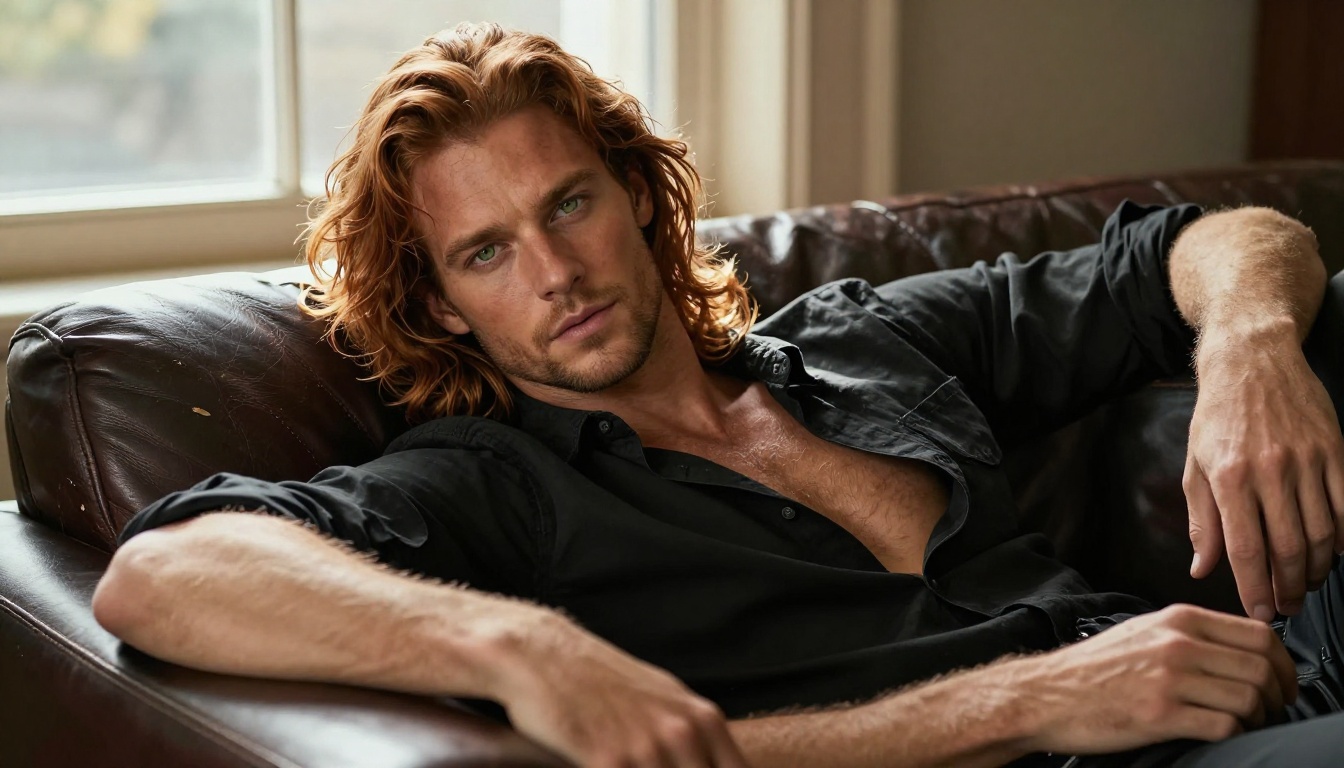
- "White linen shirt, top two buttons undone, natural wrinkle at the collar, sleeves rolled to the elbow, visible fabric weave"
- "Black leather jacket, matte finish, barely visible grain texture, natural worn-in creases at the elbows and wrist cuffs"
Avoid vague descriptors like "stylish" or "handsome." These words mean nothing to the model. Describe what you see, not what you feel. The model interprets visual instructions, not aesthetic impressions.
💡 Prompt power tip: Always add camera and lighting instructions. "85mm f/1.4 portrait lens, golden hour from the left, Kodak Portra 400 film grain" pushes the model strongly toward photorealism and away from illustration or digital art aesthetics.
3 Mistakes That Kill Your Character Output
Even with a strong model, certain common prompt errors consistently produce disappointing results. Here is what to watch for before you generate.
1. Forgetting the Camera
Prompts that describe the subject but skip the camera and light direction consistently produce flat, uninspired outputs. The model needs to know how to frame the scene. "Shot with 85mm f/1.4, soft natural window light from the upper left, Kodak Portra 400 grain" is as important as any physical description. Without it, you are leaving half the visual decision to chance.
2. Conflicting Style Signals
Mixing aesthetic signals cancels them out. "Photorealistic, cinematic, anime-inspired, painterly" in a single prompt produces incoherent results. Pick one aesthetic lane and build the entire prompt around it. For photorealistic husbando generation, your prompt should read like a professional photography brief, not a mood board with three competing styles.
3. No Negative Prompts
The negative prompt is where you define what you absolutely do not want. Without it, the model fills gaps in ways you may not like. A simple but effective negative prompt: "cartoon, CGI, digital art, illustration, anime style, 3D render, plastic skin, overly smooth texture, watermark."
💡 Before hitting generate, read your prompt out loud. If it sounds like vague praise ("beautiful, stunning, perfect") rather than a visual description, it needs more specificity.
How to Use Seedream 4.5 on PicassoIA
Here is the exact workflow for character creation with Seedream 4.5:
Step by Step
- Open Seedream 4.5 on PicassoIA
- Write your full character description in the prompt field: physical traits, setting, lighting, camera details, clothing
- Set your aspect ratio: 16:9 for cinematic wide scenes, 1:1 for clean portrait framing, 9:16 for vertical phone wallpapers
- For editing an existing image, upload it through the image input field
- Hit Generate. Your image appears in under 3 seconds
Settings That Improve Results
- Prompt length: 50 to 120 words produces the most coherent and detailed outputs. Below 40 words, the model fills in gaps you may not want. Above 150, instructions start to conflict.
- Negative prompts: Add "cartoon, CGI, illustration, digital art, anime style" to enforce photorealism throughout the output
- Seed numbers: Save the seed from a result you like, then reuse it with slight prompt tweaks to get the same character in a different pose or setting with maintained visual consistency
- Aspect ratio for presence: For a masculine, cinematic portrait, 16:9 with a slightly low camera angle creates a strong, naturally imposing composition
Building Character Consistency Across Images
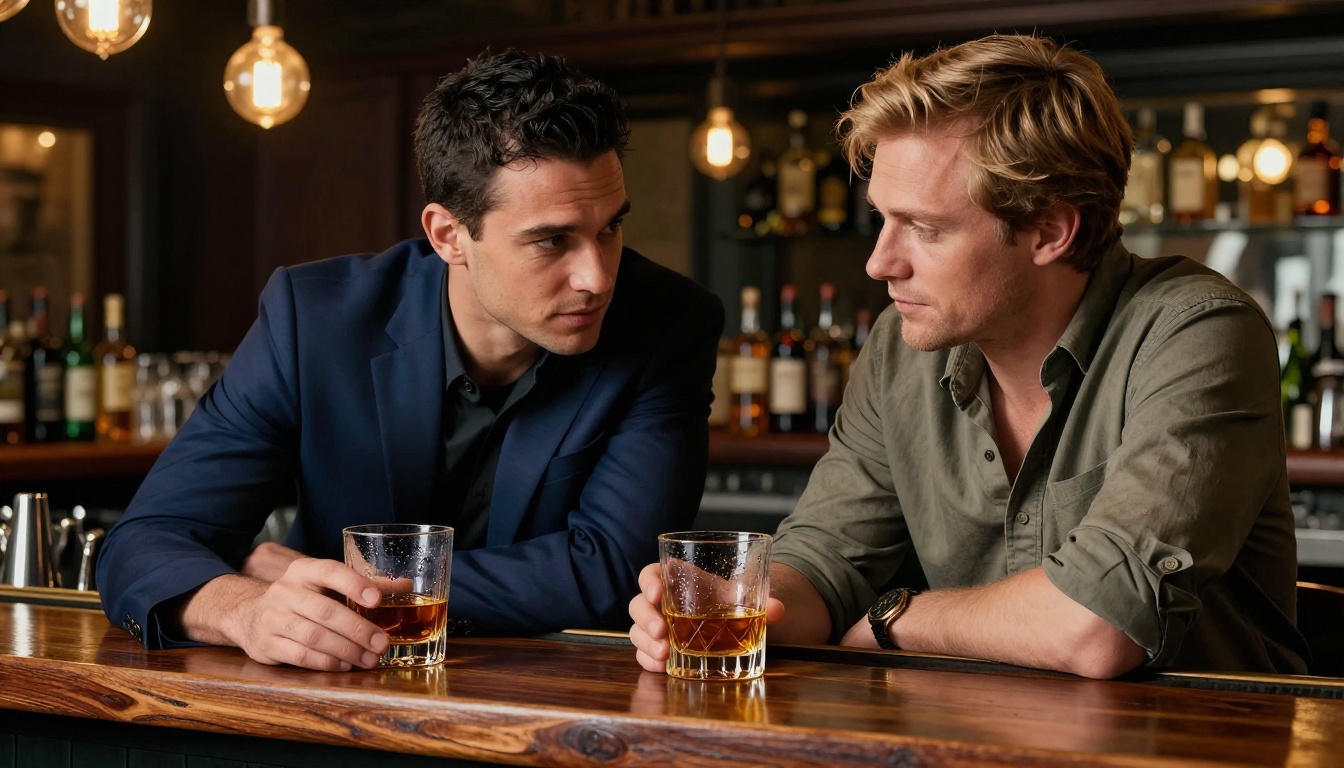
One of the most common challenges with AI character generation is maintaining the same person across multiple images. Different seeds and even small prompt variations cause the character to drift. Here is how to solve it systematically.
The Reference Workflow
Generate one image you are fully satisfied with. Then:
- Use that image as input for PicassoIA Image Editor Pro in img2img mode
- Write a prompt describing only what you want to change: a new pose, new outfit, different setting, different time of day
- Keep image strength closer to the source-preserve end for subtle changes, and push toward the prompt end for bigger variations like costume changes or dramatic scene shifts
This workflow keeps the core character recognizable and consistent while building a full portfolio of scenes, expressions, and situations.
LLMs as Creative Partners
Large Language Models are genuinely valuable for character work at every stage. Give an LLM your concept in plain language and ask it to write a detailed generation prompt.
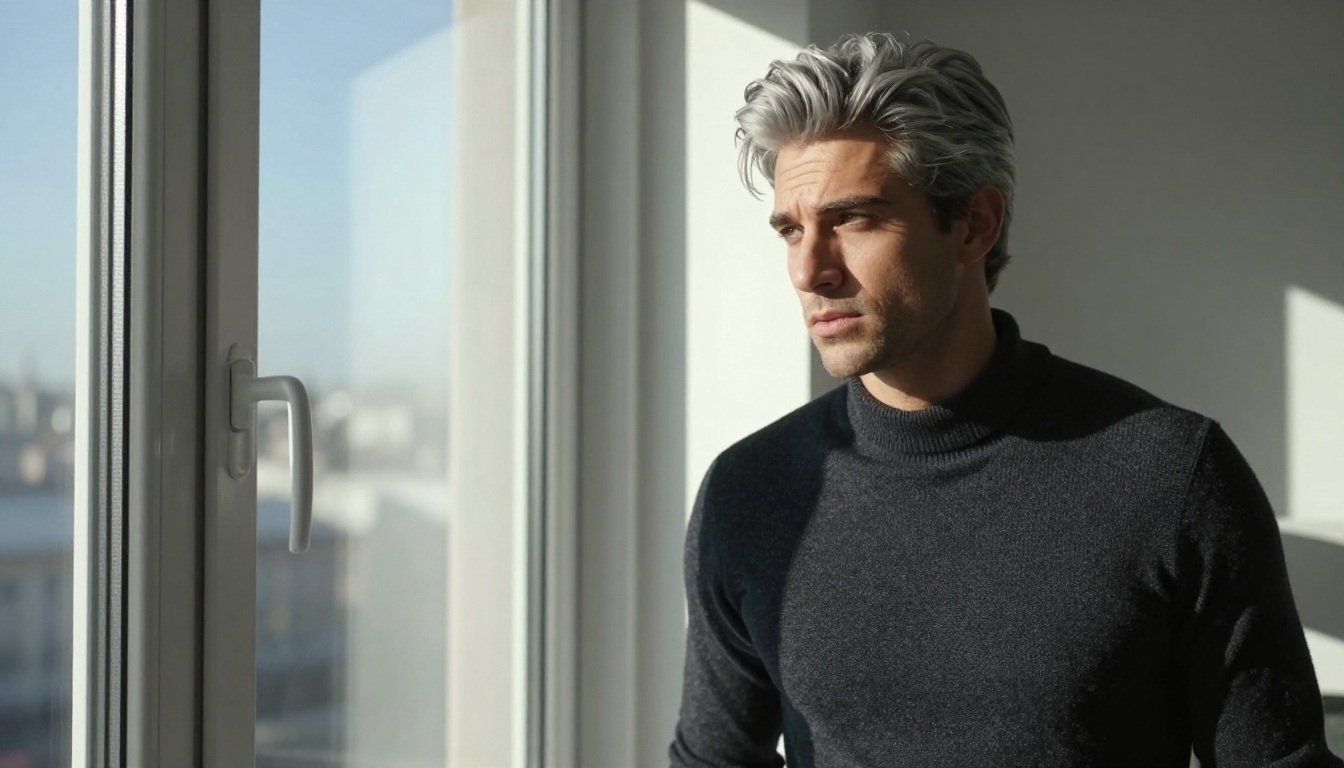
For example: "I want a man with silver hair, early 30s, sharp features, wearing a dark coat, standing in rain at night, moody cinematic feel." A model like GPT 5 or Claude Sonnet 5 will transform that sentence into a 100-word prompt with precise lighting angles, specific lens characteristics, and micro-texture details that dramatically sharpen the output.
PicassoIA hosts a full catalog of LLMs, including GPT 5, Claude Opus 4.7, Gemini 3 Pro, and Deepseek R1, all accessible from one platform without switching between different tools.
💡 Use an LLM to develop your character's full profile: backstory, speech patterns, wardrobe preferences, emotional tendencies. Then use those descriptions directly as generation prompt inputs. The more narrative context you build, the more coherent your character becomes across multiple images.
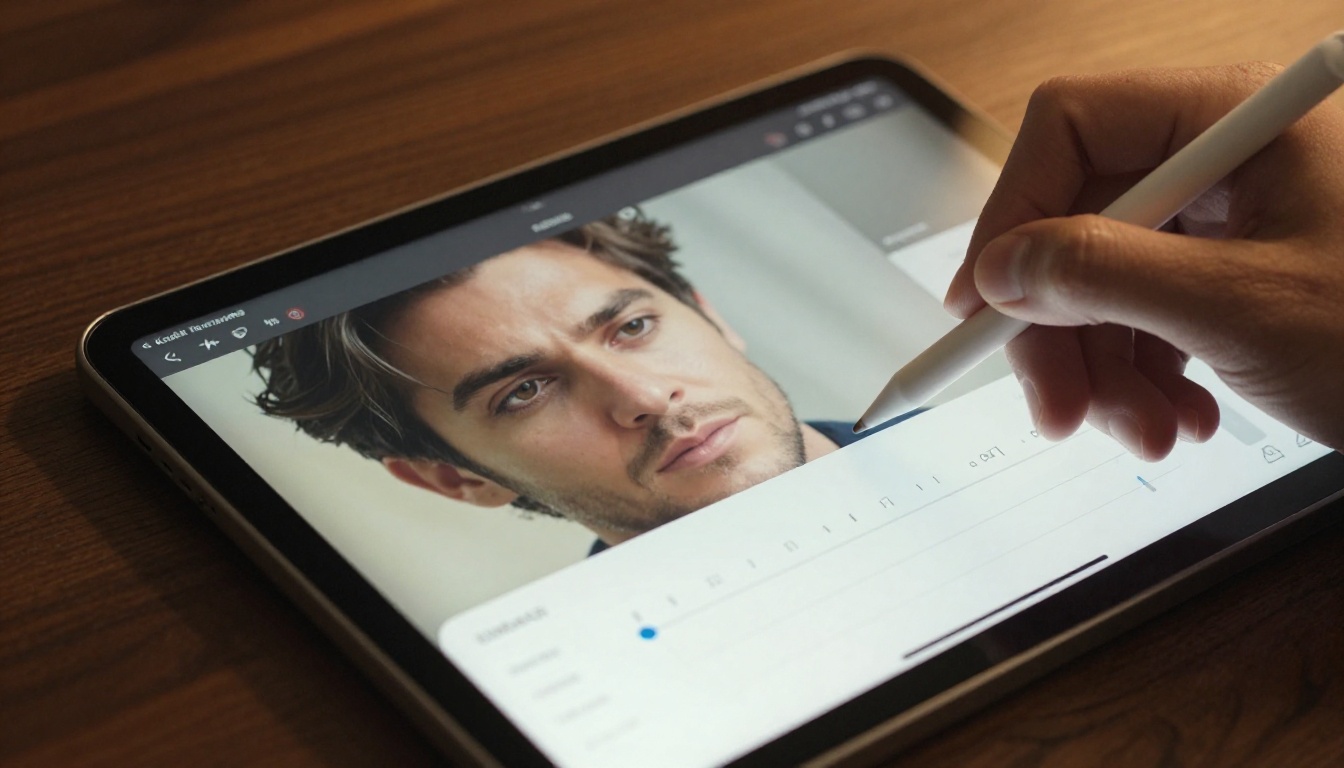
Once you have a base character you are fully satisfied with, editing tools let you make surgical changes without regenerating from scratch. This is where character refinement moves from frustrating to precise.
What the Editing Toolkit Includes
- Inpainting: Select a specific region (face detail, hands, outfit section) and regenerate just that area while the rest of the image stays unchanged
- Outpainting: Extend the canvas beyond the original frame to add more background, scene context, or additional body framing
- Object replacement: Swap a specific item, a shirt, a background element, or an accessory, without affecting anything else in the image
- Super Resolution: Upscale your final output 2x or 4x for high-resolution detail with natural texture enhancement
These tools function best as an iteration layer on top of initial generation, not just as correction for mistakes. The strongest character portfolios typically go through three to five editing passes after the initial generation.
3D Characters and Style Variations
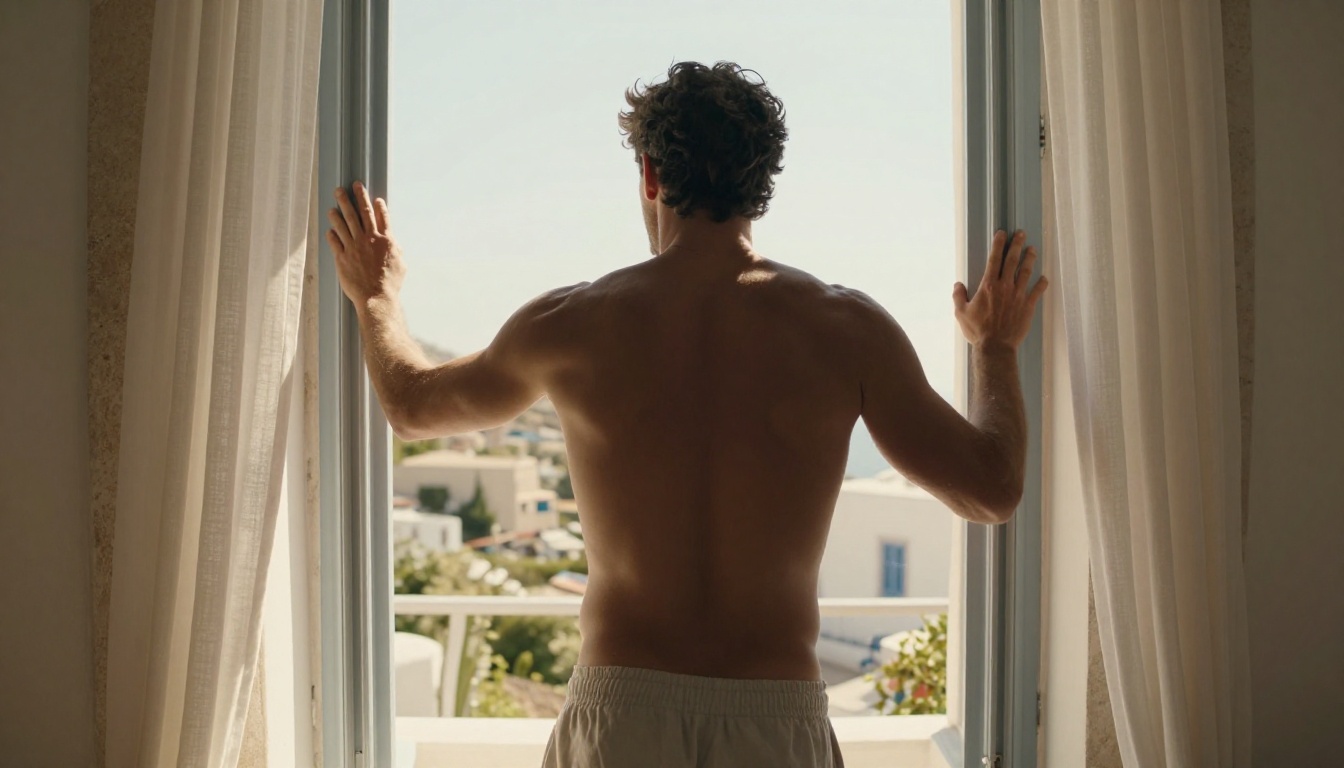
PicassoIA's image library covers far more than photorealistic photography aesthetics. If your husbando concept fits better in a stylized 3D aesthetic, closer to modern game character visuals or high-end animation stills, the same prompt-writing principles apply.
The shift in output style comes directly from prompt language: "clay figure render, 3D character model, subsurface scattering on skin, physically based rendering" alongside your physical descriptions will pull the output toward that aesthetic. For any style, running your final image through Super Resolution on PicassoIA delivers a 4x upscale with texture enhancement that holds up at large display sizes.
Voice and Motion
The husbando concept extends naturally beyond still images. PicassoIA's platform includes tools for every dimension of character creation:
- Text-to-Speech for generating your character's voice from a written description
- AI Music Generation for creating atmospheric scene music that fits your character's mood
- Video generation via PicassoIA Video for animated character scenes, or P-Video for clips up to 1080p with safety filters disabled by default
NSFW Models on PicassoIA
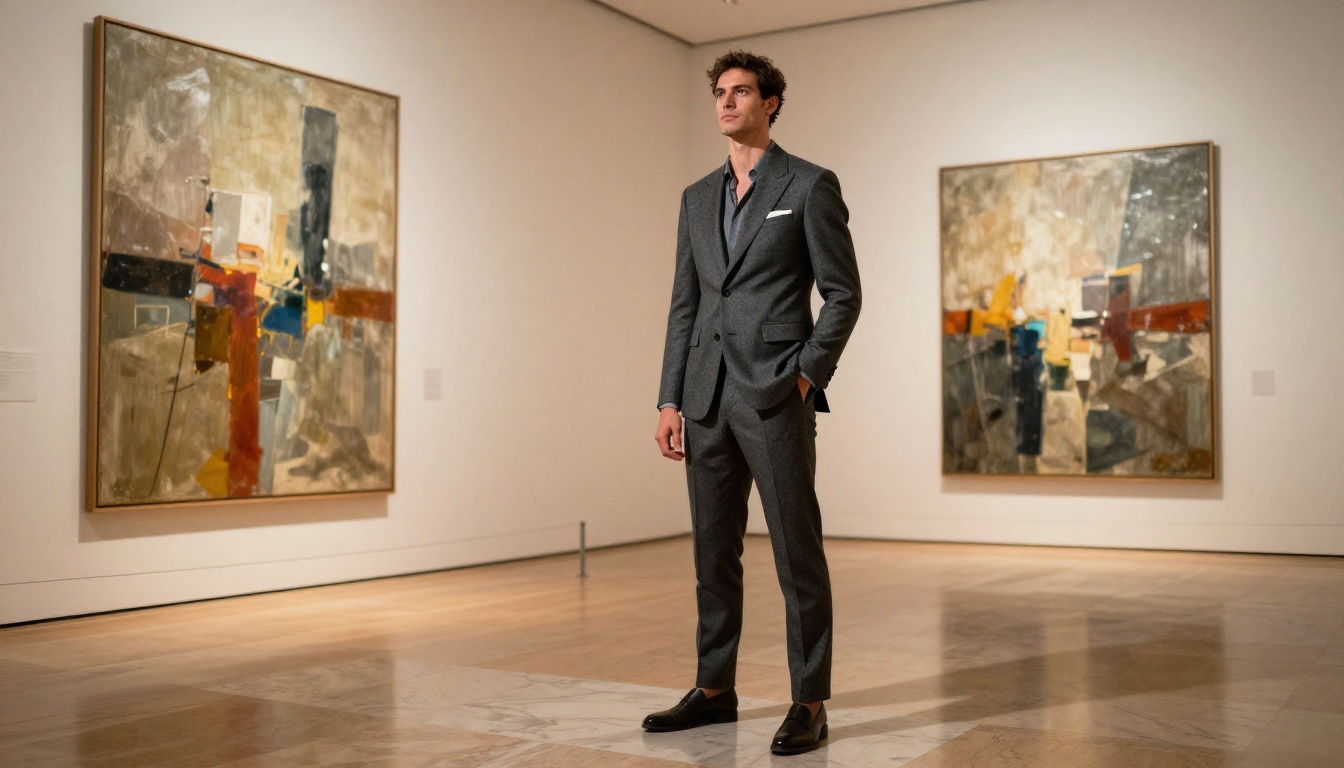
For creators working specifically with adult or suggestive content, PicassoIA offers a full lineup of unrestricted models. Here is the recommended order:
- Seedream 4.5 — Top all-around model. Accepts adult content, supports image editing, ultra-realistic results in under 3 seconds. (The newer Seedream 5 Lite does not support NSFW.)
- PicassoIA Image Editor Pro — Unlimited img2img generations included in Elite and Infinite plans. Results in under 1 second, free trial with no credit card required.
- Qwen Image 2 — Open-source, no content filtering, very detailed realism for any subject.
- Grok Imagine Image — Realistic reference image transformation, including suggestive style conversions.
- Recraft V4 — Clean, very realistic text-to-image with no content blocks.
- P-Image — NSFW text-to-image in under 1 second, high throughput.
- P-Video — Text, image, or audio to video up to 1080p, safety filter off by default.
- Grok Imagine Video — Clips up to 15 seconds from text or image, no watermarks.
- LTX 2.3 Pro — Highest fidelity video output, up to 4K at 50fps with retake and extend modes.
Unlike most mainstream AI platforms, PicassoIA gives creators full creative freedom with uncensored, high-performance models that work exactly as instructed.
👉 Browse the full catalog and generate without limits at picassoia.com/en/all-models.
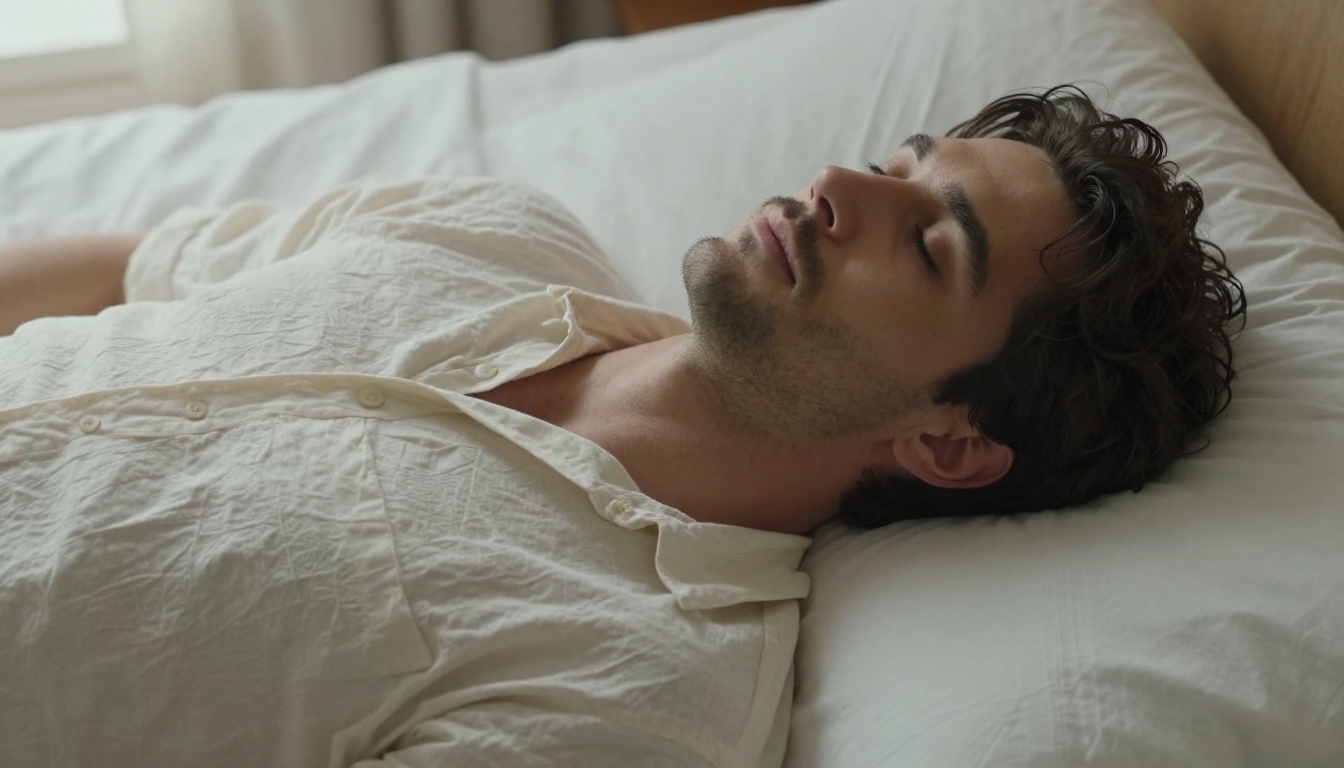
Create Your Character Now
The models are ready, the tools work, and the only remaining variable is the specificity of your vision. Write detailed prompts, pick the model that fits your use case, and use LLMs to sharpen your descriptions into precise, generation-ready language.
Start with Seedream 4.5 for your first generations. If unlimited iterations are your priority, PicassoIA Image Editor Pro is your long-term tool. For prompt development and character backstory work, GPT 5 or Claude Opus 4.7 will translate your raw ideas into precise instructions that consistently produce the character you have in your head.
Browse all 91+ image models, video generators, voice tools, and LLMs at picassoia.com/en/all-models.


