If you've spent any time searching for an AI image generator that actually delivers without slapping a red flag on every creative prompt, you already know the frustration. Most mainstream platforms treat their users like suspects. One mildly suggestive description and the generation fails, the account gets flagged, and you're left staring at a blank canvas.
The good news: there's a growing list of uncensored AI image apps you can use free today. Some run entirely in-browser with no install. Some give you unlimited generations on paid plans. All of them let you generate photorealistic imagery without the constant threat of a content block.
This piece breaks down the best options with real model-by-model detail, so you can stop wasting time on platforms that work against you.
What "Uncensored" Actually Means in AI Image Apps
Before diving into the list, it's worth being precise about terminology, because the word "uncensored" means different things depending on which platform is using it.
Filters, Policies, and Creative Blocks
Most AI image generators run a text classification pass on your prompt before anything is rendered. If the classifier finds anything that matches its blocklist, the generation simply fails. No error explanation. No workaround. The result: legitimate creative work, artistic nudity, glamour photography prompts, and even fictional storytelling gets blocked alongside genuinely harmful requests.
This isn't just a minor inconvenience. For photographers, digital artists, character designers, and content creators working in the adult or glamour space, restrictive filters make the tool actively useless for their work.
What Creative Freedom Looks Like in Practice
A genuinely uncensored AI image tool does two things:
- It does not run your prompt through a content-blocking classifier before generation.
- It does not retroactively flag or delete your generated images based on their content.
The best uncensored apps also pair this freedom with speed and quality. Generating a photorealistic portrait in under three seconds with no content restrictions is a very different experience from waiting 30 seconds only to get a refusal.
The Best Uncensored AI Image Apps Free Right Now
These are not ranked by popularity or marketing budget. They're ranked by actual performance, freedom level, and real-world usability for creators who need unrestricted output.
1. Seedream 4.5 on PicassoIA
Seedream 4.5 is the top pick for anyone who wants uncensored, photorealistic AI image generation.
Available directly on PicassoIA, this model accepts adult content, supports image editing in addition to text-to-image, and generates results in under 3 seconds. That speed combined with genuine NSFW support is rare. Most models that allow unrestricted content are slow or produce lower-quality output. Seedream 4.5 does neither.
💡 Note: The newer Seedream 5 Lite does not support NSFW content. Stick with Seedream 4.5 if unrestricted generation is your use case.
What makes it stand out:
- Dual-mode: text-to-image and image editing in one model
- Speed: results in under 3 seconds consistently
- Quality: photorealistic skin texture, accurate anatomy, natural lighting
- Free access: available with a trial account, no credit card required to start
2. PicassoIA Image Editor Pro
PicassoIA Image Editor Pro is the only tool on this list where you can generate unlimited images with no per-generation cost.
It's an image-to-image (img2img) model, meaning you start with a source image and modify it. This makes it ideal for:
- Glamour editing: adjust clothing, lighting, or style on an existing photo
- Artistic transformation: change mood, background, or composition
- Creative reinterpretation: generate alternative versions of the same scene
On PicassoIA's Elite or Infinite plans, generations are completely unlimited. Consider what that means for volume work: generating 1,000 images with most models costs around $100. With PicassoIA Image Editor Pro, it costs nothing beyond the subscription. Results arrive in under 1 second, and there's a 3-generation free trial with no credit card required.
For creators who want to iterate rapidly, this is a decisive advantage.
3. Qwen Image 2
Qwen Image 2 is an open-source model that supports both image creation from text and image editing with genuine NSFW support.
Being open-source means there's no corporate policy layer deciding what you can and can't generate. The model itself handles your prompt directly. The realism level is high, with very detailed skin and texture rendering, and it processes prompts fast.
Best used for:
- Detailed character creation with specific physical attributes
- Realistic portrait modifications on reference images
- Scene generation where prompt accuracy matters most
4. Grok Imagine Image
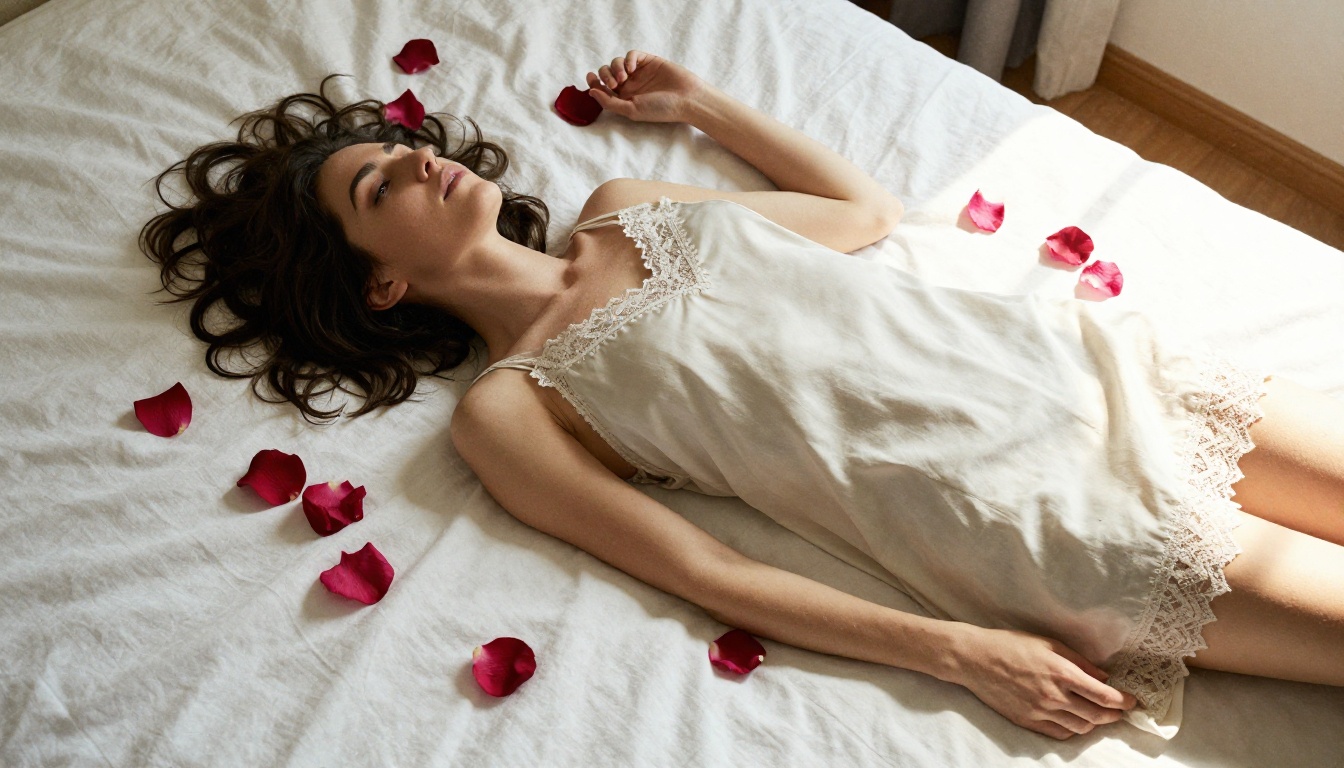
Grok Imagine Image does one thing particularly well: it converts any reference image into a realistic alternative version with stunning accuracy.
One common use case is transforming everyday photos into glamour-style outputs, adjusting styling in a photorealistic way. The output quality on this specific transformation task is noticeably higher than generic text-to-image models.
5. Recraft V4
Recraft V4 is a text-to-image only model that delivers very realistic results from detailed prompts. It accepts NSFW content and produces clean, photorealistic outputs without the artificial softening that many models apply to skin tones and textures.
Best for: straightforward text-to-image generation where you want reliable realism without heavy prompt engineering.
6. P-Image by PrunaAI
P-Image is built for speed. It generates NSFW text-to-image results in under 1 second, making it the fastest option on this list.
The tradeoff is that very fast generation sometimes means slightly less detail compared to slower models like Seedream 4.5. But for rapid iteration, drafting concepts, or high-volume creation where throughput matters more than per-image perfection, P-Image is the right tool.
How to Use Seedream 4.5 on PicassoIA
Since Seedream 4.5 is the top recommendation, here's exactly how to use it step by step.
Step 1: Open the Model Page
Go to picassoia.com/en/collection/text-to-image/bytedance-seedream-45. You can start with a free account or use the guest mode for initial testing.
Step 2: Write a Precise Prompt
The quality of your prompt directly determines output quality. A few principles that consistently improve results:
- Be specific about lighting: "soft morning light from the left" beats "good lighting"
- Describe camera angle: "close-up portrait at eye level" is better than no direction
- Include texture details: "fine skin pores," "natural lip texture," "linen fabric grain"
- Avoid vague adjectives: "attractive" is less useful than "wearing a fitted lace bodysuit, standing near a window"
Step 3: Set Aspect Ratio
For portraits and glamour content, 3:4 or 9:16 aspect ratios work best. For cinematic wide scenes, use 16:9.
Step 4: Iterate Fast
Seedream 4.5 generates in under 3 seconds, so rapid iteration is practical. Run 3-5 variants of the same prompt with minor adjustments until you land on the version that matches your vision exactly.
💡 Tip: If you want to refine a generated image rather than starting over from scratch, switch to PicassoIA Image Editor Pro and use your best result as the source image.
Free Tier Comparison: What You Actually Get
Not every platform is equally generous with free access. Here's how the main options stack up:
| Platform | Free Tier | NSFW Support | Generation Speed | Unlimited Option |
|---|
| Seedream 4.5 (PicassoIA) | Trial included | ✅ Full | Under 3 seconds | Yes, on paid plans |
| PicassoIA Image Editor Pro | 3 free gens, no CC needed | ✅ Full | Under 1 second | ✅ Unlimited on Elite/Infinite |
| Qwen Image 2 | Available via PicassoIA | ✅ Full | Fast | Yes |
| Grok Imagine Image | Available via PicassoIA | ✅ Full | Fast | Yes |
| P-Image by PrunaAI | Available via PicassoIA | ✅ Full | Under 1 second | Yes |
| Recraft V4 | Available via PicassoIA | ✅ Full | Moderate | Yes |
💡 All of the models above are available from one platform: PicassoIA. One account, one interface, no need to juggle multiple sign-ups across different services.
Most AI image apps today fall into one of two categories: platforms that restrict content to stay on good terms with their cloud provider or app store, and open-source tools that require technical setup just to run locally.
PicassoIA takes a different approach. It's a web-based platform that aggregates high-performance models, including ones that operate without content filters, into a single user-accessible interface. No local install. No environment variables. No Python packages.
What you get instead:
No install required. Open a browser, create an account, and generate within 60 seconds of landing on the page.
Multiple uncensored models in one place. Rather than bouncing between platforms to find one that doesn't block your prompts, PicassoIA offers Seedream 4.5, Qwen Image 2, Grok Imagine Image, P-Image, and others, all accessible from the same dashboard.
Unlimited generation on premium plans. The Image Editor Pro model doesn't charge per generation on Elite or Infinite plans. For anyone doing volume work, this is the only platform where that's possible without building your own infrastructure.
Speed that matches professional workflows. Models like P-Image return results in under a second. Seedream 4.5 in under three. Waiting 45 seconds per generation may be acceptable for occasional use, but not for any real production workflow.
Prompting for Photorealistic Uncensored Output: What Works
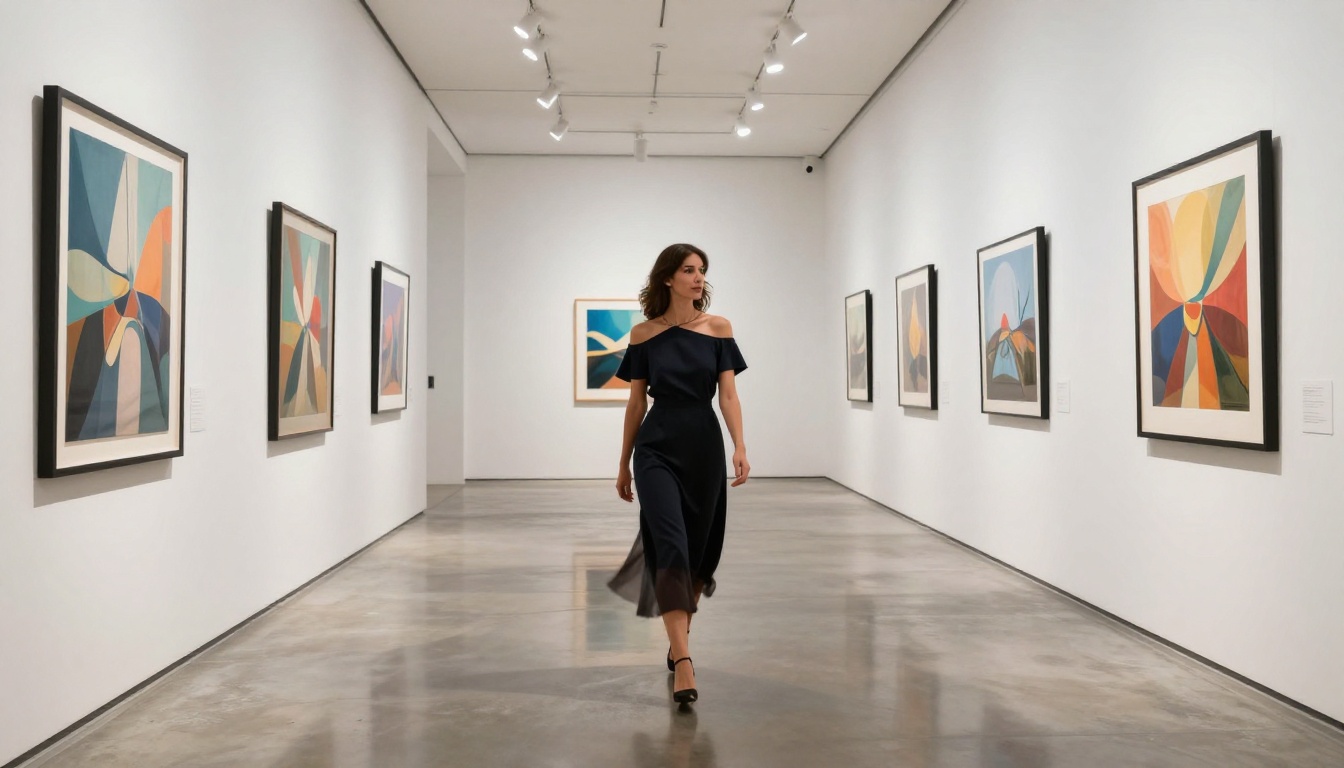
There's a clear gap between prompts that produce generic outputs and prompts that produce images you'd actually want to use. Here's what the difference looks like in practice.
Weak prompt:
"Hot woman in bikini on beach"
This gives the model almost no useful information. You'll get a generic output with average lighting, mediocre composition, and no distinctive character.
Strong prompt:
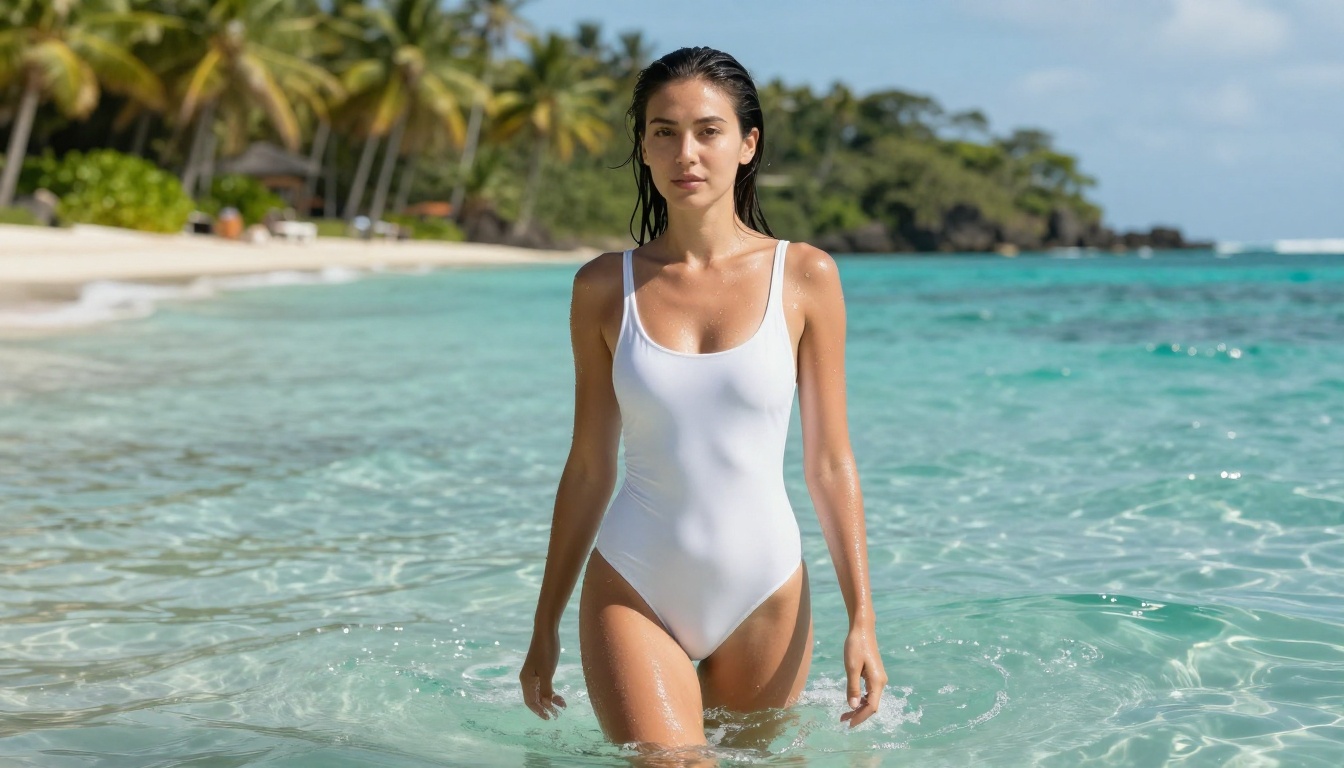
"Young woman standing at the ocean's edge in a white one-piece swimsuit, waves breaking at waist level, tropical coastline with palm trees blurred behind her, bright midday sun creating specular highlights on wet fabric, natural warm skin tone with water droplets on shoulders, 24mm wide-angle lens from low water level, Fujifilm Pro 400H film emulation, photorealistic, 8K"
This gives the model lighting direction, camera angle, lens specification, film style, and texture detail. The output reflects all of that.
The 5-Part Prompt Formula
Use this structure for consistent, photorealistic results:
- Subject + pose/action: "woman standing, arms relaxed at sides, facing camera directly"
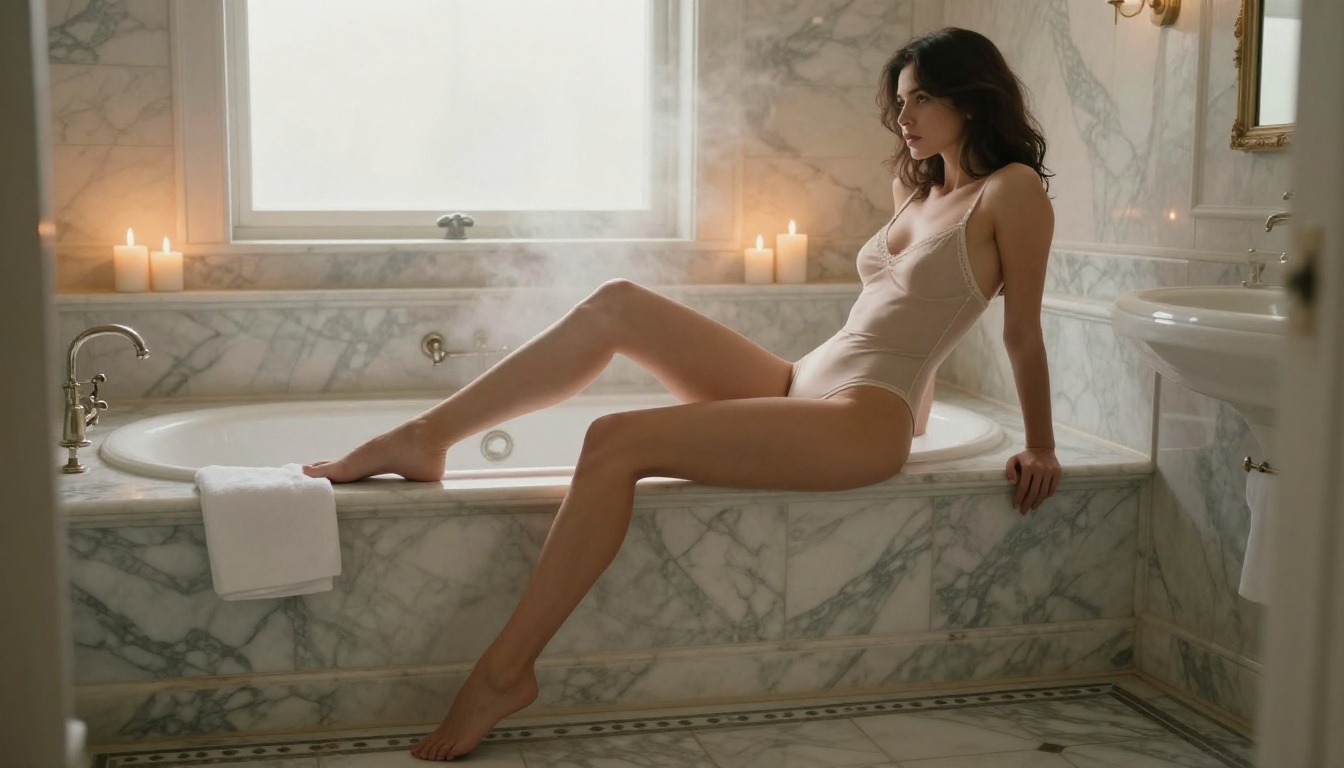
- Environment: "marble bathroom with frosted window, visible steam in the air"
- Lighting: "soft candlelight from behind, warm golden rim light on shoulders and hair"
- Camera specs: "85mm f/1.8, shallow depth of field, natural bokeh, Kodak Portra 400"
- Quality modifiers: "photorealistic, 8K, fine skin pores and texture, RAW photography style"
| Element | Weak Version | Strong Version |
|---|
| Subject | "attractive woman" | "woman in fitted satin slip dress, one hand resting on hip" |
| Environment | "bedroom" | "minimalist white bedroom, linen duvet, afternoon light from left window" |
| Lighting | "good lighting" | "volumetric afternoon light from upper-left, soft shadow across right side of face" |
| Camera | none specified | "50mm f/1.8, shallow DOF, natural bokeh on background elements" |
| Quality | "high quality" | "photorealistic, Kodak Portra 400, fine skin pores visible, RAW 8K" |
Beyond Still Images: Uncensored Video on PicassoIA
If static images aren't enough, PicassoIA also offers models for uncensored video generation. These are particularly useful for animating the photorealistic images you create with Seedream 4.5 or P-Image:
- PicassoIA Video: Unlimited video generation from text prompts at up to 720p, 5 seconds per clip. The unlimited quota on Elite/Infinite plans applies here too.
- P-Video by PrunaAI: Text, image, or audio to video at up to 1080p. The safety filter is disabled by default, and a draft mode delivers an instant low-res preview before the full render.
- Grok Imagine Video: Clips up to 15 seconds with no watermarks. Supports text-to-video, image-to-video, and re-editing existing clips.
- LTX 2.3 Pro: The highest-fidelity option on the platform, exporting at up to 4K at 50fps with retake and extend editing modes for precise post-generation control.
A strong workflow for video creators: generate a high-quality source image with Seedream 4.5, then pass it into P-Video or Grok Imagine Video for animation. You get both the best static frame and a moving version from the same creative session.
All Uncensored Models on PicassoIA at a Glance
For quick reference, here's the full recommended list of models on PicassoIA that support unrestricted content creation:
- Seedream 4.5 ⭐ The best all-around pick. Accepts adult content, supports image editing, generates ultra-realistic results in under 3 seconds.
- PicassoIA Image Editor Pro Img2img with unlimited generations on Elite/Infinite plans. Under 1 second per result. 3-generation free trial, no credit card.
- Qwen Image 2 Open-source model that creates or edits any image with very detailed realism.
- Grok Imagine Image Best-in-class for realistic style transformation from reference photos.
- Recraft V4 Very realistic text-to-image output without content blocking.
- P-Image by PrunaAI Fastest NSFW image generation on the platform, under 1 second per image.
Browse the full catalog of all available models at picassoia.com/en/all-models.
Start Creating Right Now
The apps on this list are available today. Most offer a free trial with no credit card required. The difference between reading about them and actually generating is a 60-second account setup.
Seedream 4.5 is the right starting point for most creators: it's fast, accepts unrestricted content, and produces photorealistic output that stands apart from the blurry, over-softened results you'd get on filtered platforms.
If you want to iterate without limits, PicassoIA Image Editor Pro is the only tool that gives you truly unlimited generation at a flat subscription cost. Generate 10 images or 10,000, the price is the same.
Try both. Build your own prompts using the 5-part formula above. See what you can produce when the platform isn't working against you.
Start generating for free at picassoia.com/en/all-models