Finding an AI image editor without content restrictions feels impossible. You upload a photo, write a simple prompt to change an outfit or remove a background, and the tool blocks your request. No explanation, no workaround, just a generic "content policy violation" message.
PicassoIA solves this problem by using open-source AI models. These models don't have the arbitrary content filters that block legitimate editing requests. Whether you want to change clothing details, swap backgrounds, or transform outfits entirely, the tool accepts your images and delivers results.
What Makes an AI Editor "Uncensored"?
Most AI image editors run on proprietary models with built-in content policies. These policies block:
- Editing clothing to more revealing outfits
- Removing certain items from photos
- Transforming images in ways the company deems inappropriate
- Processing photos that trigger automated content detection
Open-source models work differently. The code is public, the limitations are technical rather than policy-based, and you maintain creative control over your edits.
PicassoIA gives you access to these open-source models through a simple interface. Upload, describe your edit, download the result.
| Feature | Censored Editors | PicassoIA |
|---|
| Outfit changes | Often blocked | Accepted |
| Background removal | Limited | Full control |
| Swimwear/lingerie edits | Rejected | Accepted |
| Processing speed | Variable | Under 10 seconds |
| Price | Per-image fees | $4/month unlimited |
Get Unlimited Access for $4/month
Real Editing Examples
Here's what PicassoIA can do. Each example shows the original image, the edited result, and the prompt used.
Example 1: Winter Coat to Bikini (+ Video)
The type of edit that gets blocked everywhere else.
Before:
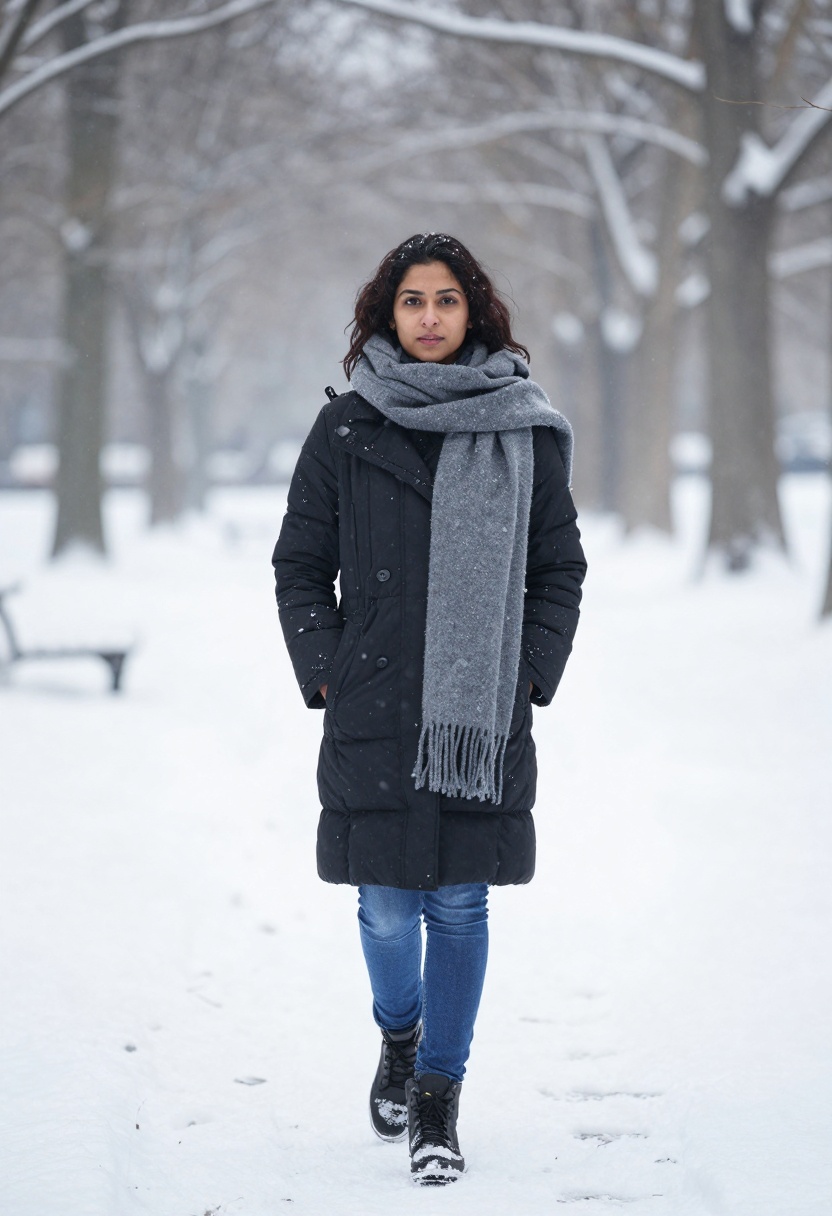
After:
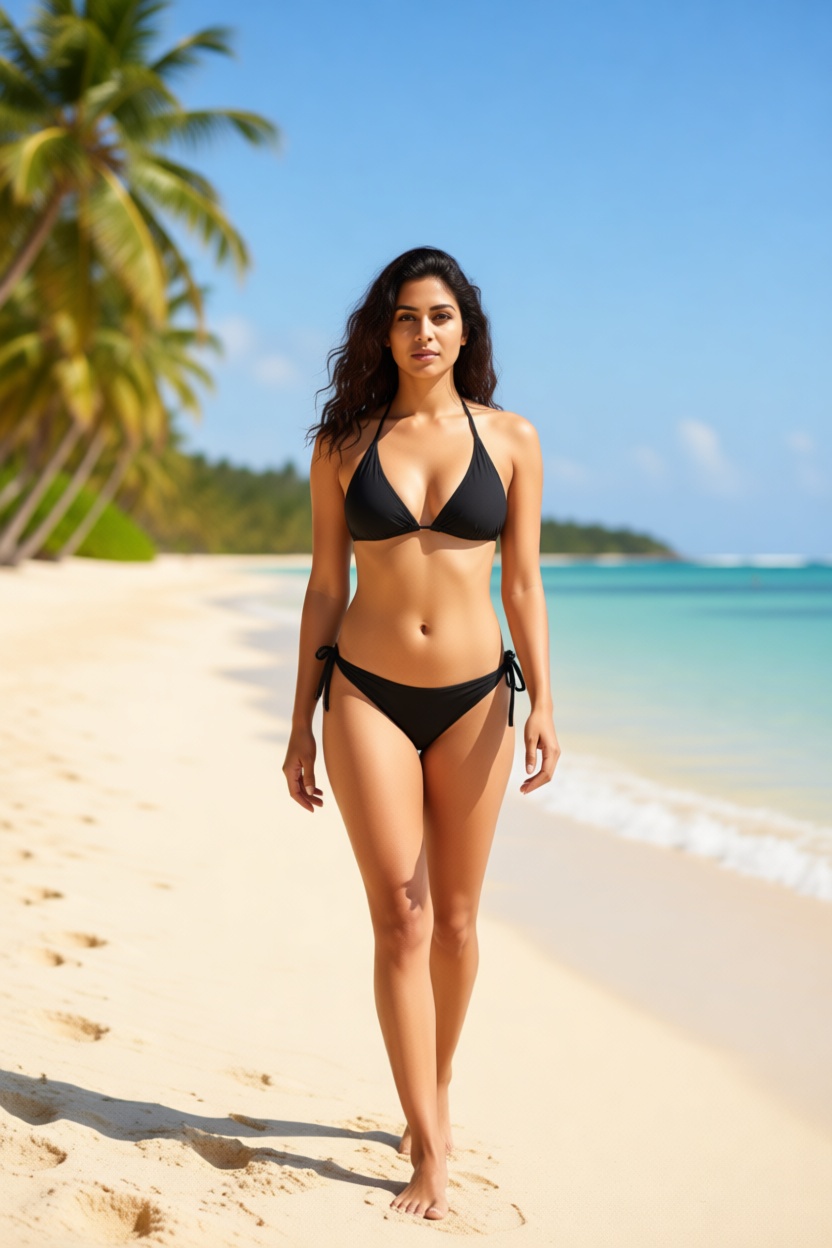
Prompt: "Woman wearing sexy black bikini on tropical beach, sunny summer day, photorealistic, warm natural lighting, confident beach pose"
Animated version:
Example 2: Business Suit to Cocktail Dress
Change formal office wear into elegant evening attire.
Before:

After:
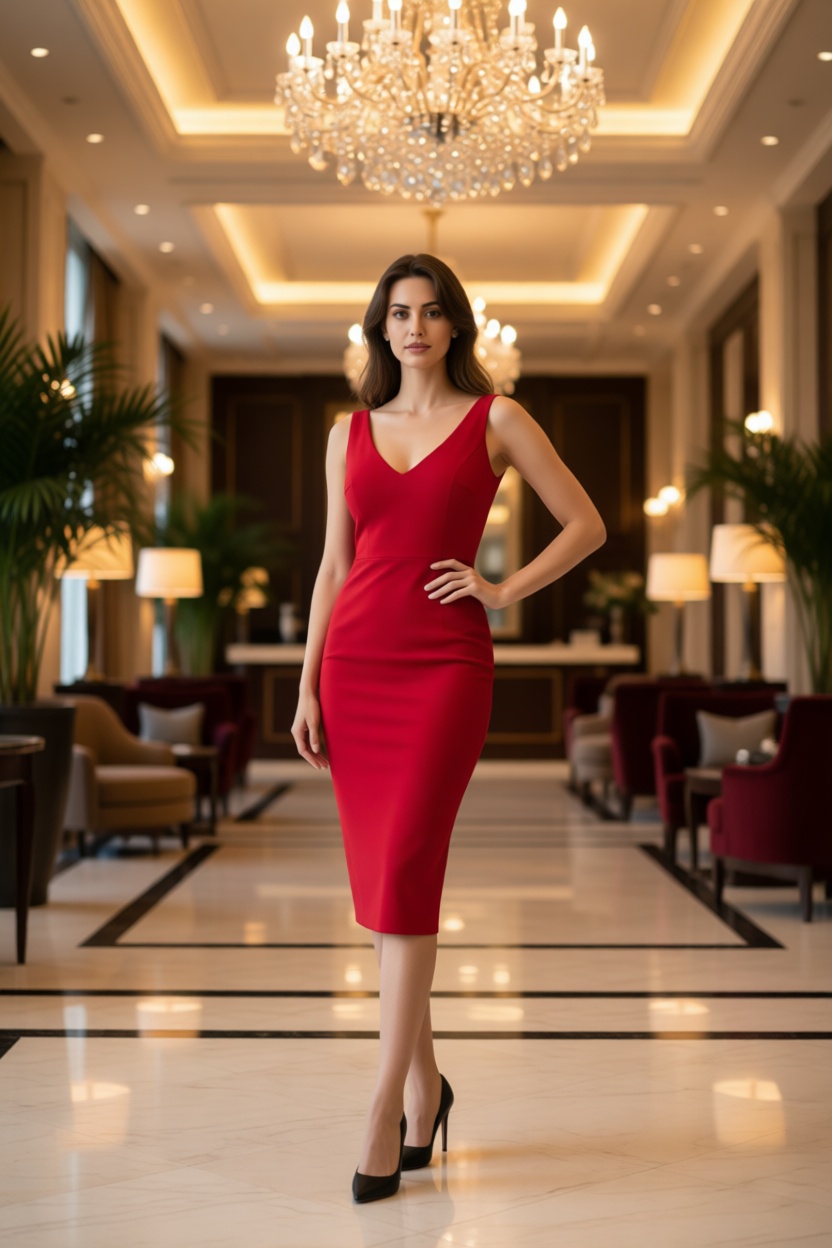
Prompt: "Woman wearing elegant red cocktail dress in luxurious hotel lobby, photorealistic, glamorous lighting, confident sexy pose, high fashion photography"
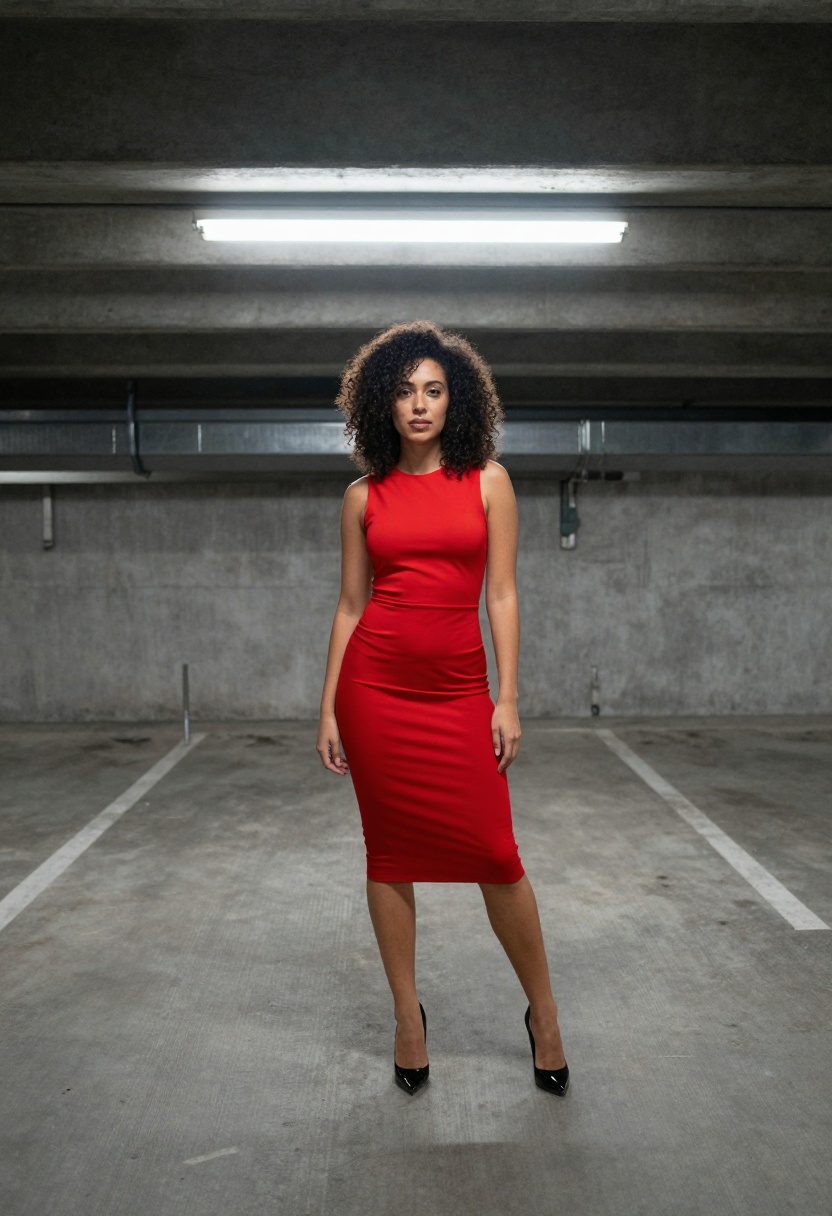
Example 3: Parking Garage to Tropical Beach
Transform a boring background into a stunning location.
Before:
After:
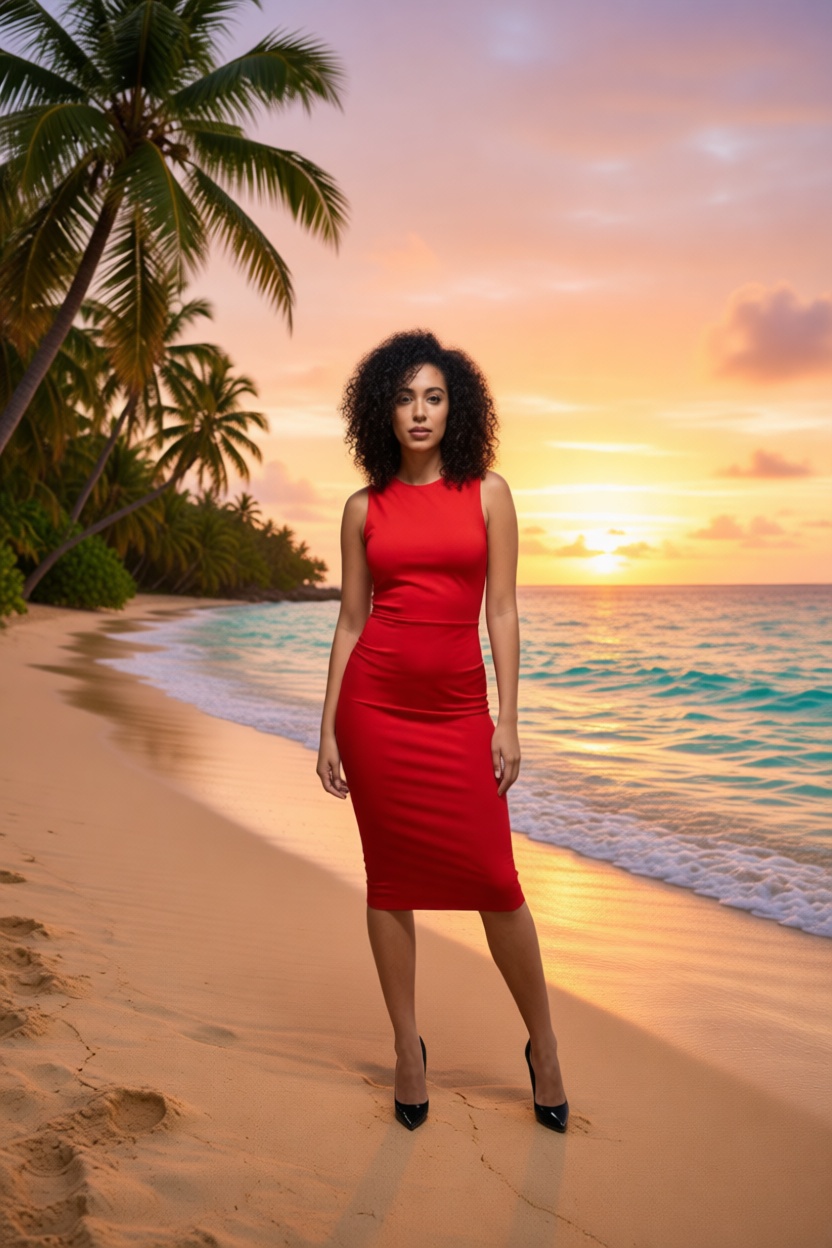
Prompt: "Woman in red dress standing on stunning tropical beach at golden hour sunset, turquoise ocean waves behind her, palm trees, photorealistic, warm beautiful lighting"
Example 4: Casual Clothes to Lingerie
Another edit that most platforms refuse to process.
Before:
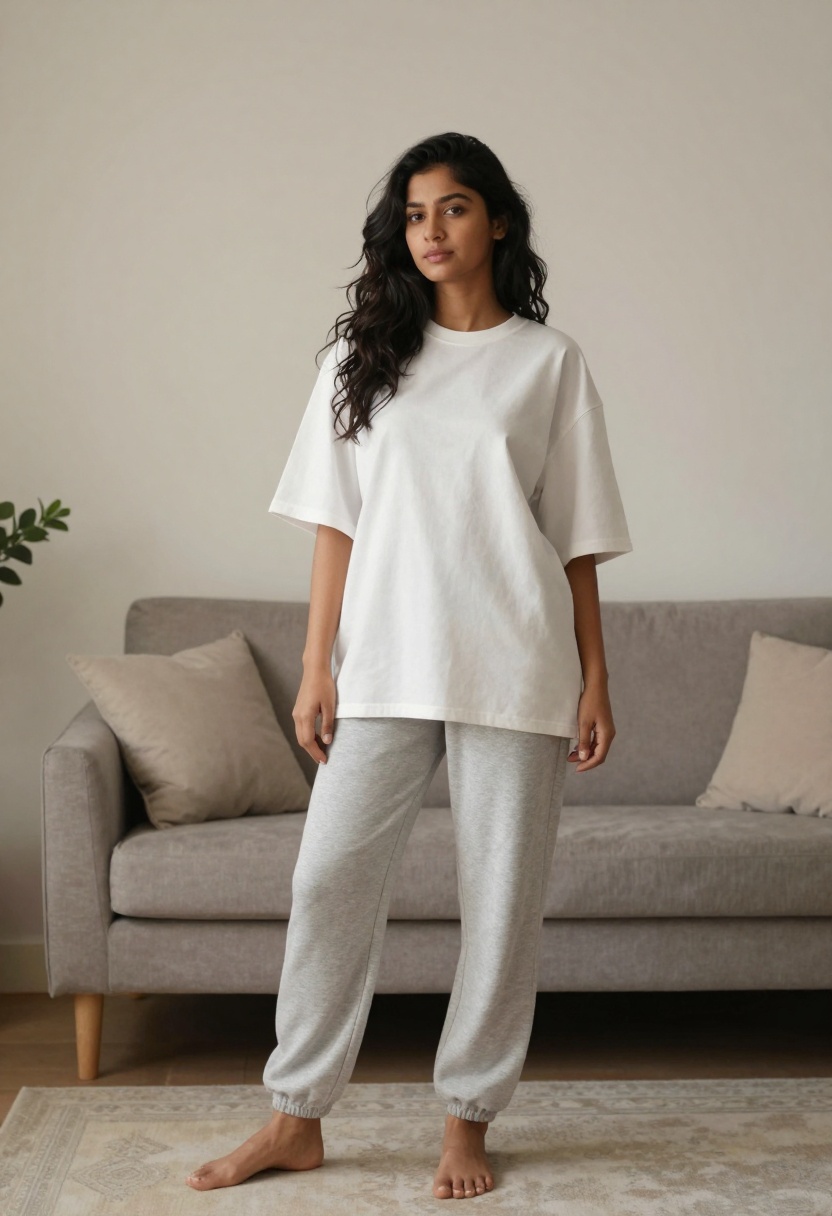
After:
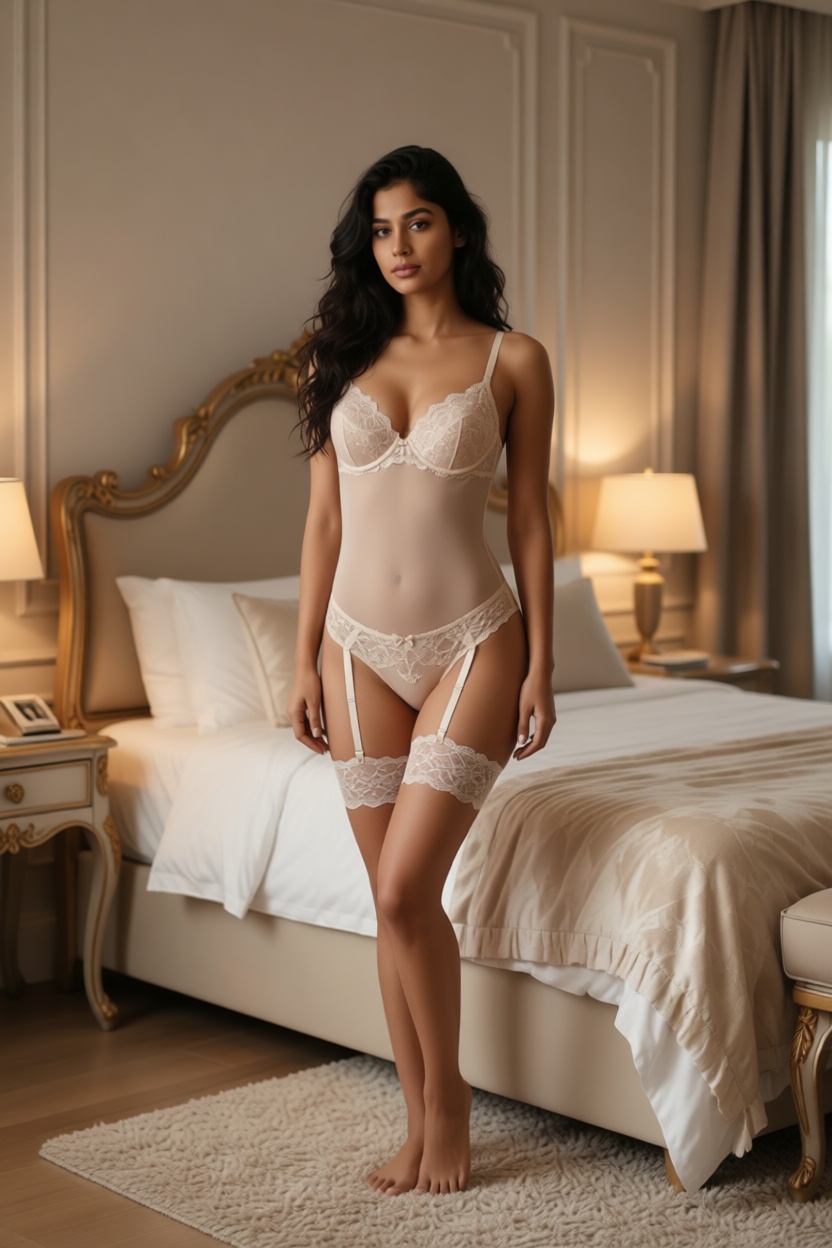
Prompt: "Woman wearing elegant lingerie in luxury bedroom setting, photorealistic, soft romantic lighting, sensual confident pose, boudoir photography style"
How to Use PicassoIA's Image Editor
Step 1: Access the Tool
Go to PicassoIA Edit Image and create your account.
Step 2: Upload Your Image
Click upload and select any photo. The tool accepts all standard image formats.
Step 3: Describe Your Edit
Write a clear prompt describing what you want. Be specific about:
- What the person should be wearing
- The background or setting
- Lighting and mood
- Style of photography
Step 4: Generate and Download
Click generate, wait a few seconds, and download your edited image.
Prompts That Work
Copy these templates for your own edits:
Outfit changes:
- "Woman wearing [clothing item] in [setting], photorealistic, [lighting description]"
Background swaps:
- "Same person standing in [new location], photorealistic, [lighting], keep original pose"
Style transformations:
- "Woman in [outfit] with [style] aesthetic, photorealistic, professional photography"
Examples:
- "Woman wearing blue bikini on beach, photorealistic, sunny day, confident pose"
- "Woman in elegant black dress at fancy restaurant, photorealistic, ambient lighting"
- "Woman wearing gym outfit in modern fitness studio, photorealistic, bright lighting"
Why Open-Source Models Matter
Proprietary AI editors answer to shareholders and legal teams. Their content policies prioritize avoiding controversy over serving users. One complaint can trigger new restrictions that affect everyone.
Open-source models answer to the community. Developers improve them based on actual use cases. Restrictions exist for technical reasons, not corporate liability concerns.
PicassoIA brings these open-source models to you without requiring technical setup. You get the freedom of open-source with the convenience of a web interface.
Pricing
For $4/month, you get unlimited access to the image editor and all other PicassoIA tools.
What's included:
- Unlimited image edits
- No content restrictions
- Sub-10-second processing
- Access to image-to-video generation
- All open-source models on the platform
No per-image fees. No daily limits. No surprise content blocks.
Start Editing for $4/month
Frequently Asked Questions
Will my edits be blocked?
PicassoIA uses open-source models without corporate content policies. Edits that get rejected elsewhere work here.
How fast are the results?
Most edits complete in under 10 seconds.
Can I edit any type of photo?
Yes. The tool processes portraits, full-body shots, and various image types.
Is there a free trial?
You can test the tool before subscribing to see how it handles your specific editing needs.
What about privacy?
Your images are processed privately and not used for training or shared with third parties.
Stop fighting with content filters. PicassoIA's uncensored AI image editor lets you make the edits you actually want.
Try PicassoIA Edit Image
View Pricing


