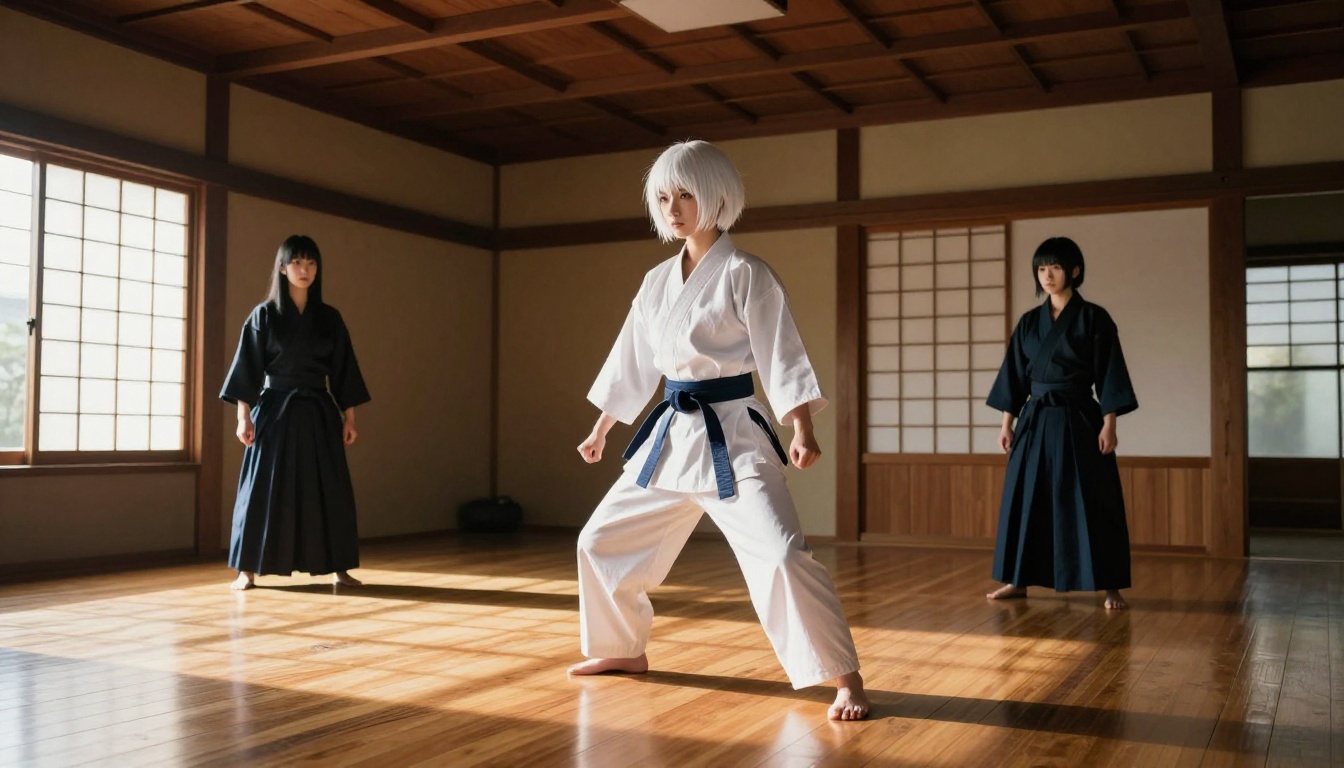
Anime fans have been fighting content filters for years. This deep-dive covers the best uncensored AI models available on PicassoIA right now, how fast they generate, which ones accept NSFW anime art, and the prompt strategies that produce stunning character outputs every time.
Anime fans have been asking the same question for years: why does every AI image generator treat creative freedom like a security threat? You type a prompt for a detailed waifu character, a romantic manga scene, or an expressive anime portrait, and the response is either a flat refusal or something so sanitized it barely resembles what you pictured. That era is ending. A new generation of uncensored AI models built specifically with anime fans in mind now lets creators generate exactly what they imagine, from expressive character art to full-scene compositions, without fighting through content restrictions at every step.
This piece covers the best uncensored AI models available right now, where to access them, how fast they perform, and the practical prompt strategies that separate average outputs from stunning anime art. Whether you are just starting with AI character generation or you have been building anime art for years, these tools will change what you think is possible.
The Filter Problem That Kills Creative Freedom
The irony of the modern AI art landscape is that the models with the most impressive technical capabilities often have the most aggressive content restrictions. Platforms built for mass-market adoption default to the most conservative possible settings, treating adult anime aesthetics, suggestive character poses, and mild romantic scenes as violations. Anime fans face this disproportionately because the genre sits in a different cultural context than Western content guidelines typically account for.
Why Mainstream AI Says No
Most commercial AI image platforms implement content filters that flag keywords, visual patterns, and stylistic elements common in anime art. A waifu prompt that feels completely standard within the anime community can trigger refusals on major platforms. The problem is not the underlying model architecture; it is the restriction layer applied on top. Remove those restrictions, and the same models are capable of generating exactly what anime fans want.
💡 The real issue: Content filters are calibrated for the widest possible audience, not for specialized creative communities. Anime has its own visual language, and that language conflicts with generic safe-mode settings on mainstream platforms.
What Anime Fans Actually Want
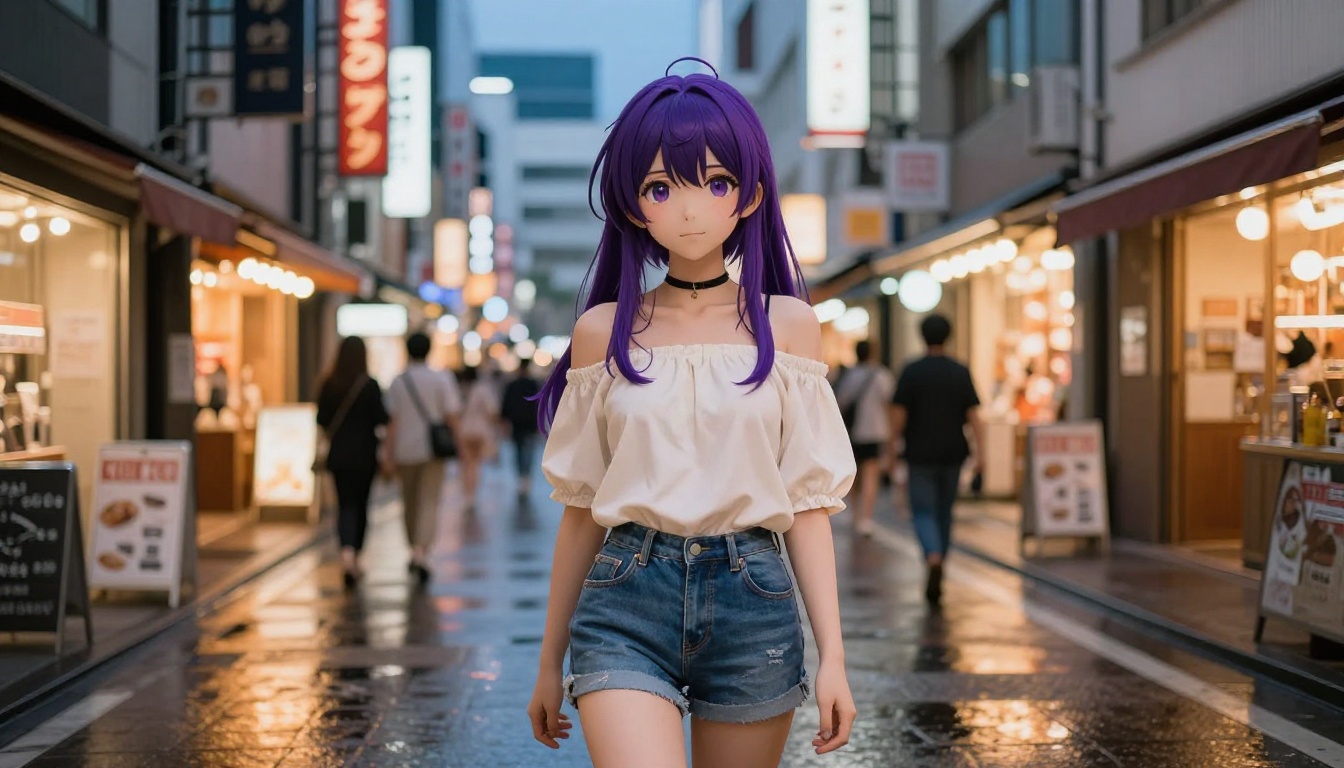
The anime creative community spans a wide range of styles and intentions. Some creators want idealized character portraits: expressive eyes, stylized hair colors, dramatic poses with strong silhouettes. Others want romantic or suggestive content that stays tasteful but goes beyond what mainstream platforms allow. A third group wants full creative flexibility for mature themes handled with artistic care. The common thread across all of these is autonomy: the ability to build a character vision without the AI second-guessing every prompt.
Uncensored AI models solve this by removing the content filter layer entirely or by giving creators the option to disable it. The best ones do not just remove restrictions; they actively optimize for outputs that align with anime aesthetics, with strong character consistency, vivid color expression, and the ability to fine-tune specific visual details.
Best Uncensored AI Models for Anime on PicassoIA
PicassoIA hosts a curated selection of uncensored AI models that operate without the restrictions you encounter on mainstream platforms. The following is a ranked breakdown of the top options for anime and character art generation.
1. Seedream 4.5: The Fastest Uncensored Generator
Seedream 4.5 is the top recommendation for anime fans who need unrestricted generation with serious output quality. It accepts NSFW prompts, handles anime character descriptions with precision, and generates in under 3 seconds. That speed matters: you can iterate through character variations, test different poses and expressions, and refine costume details rapidly without the wait that interrupts creative flow.
What makes Seedream 4.5 particularly effective for anime art is its image editing capability. You can start with a base character and adjust specific elements, hair color, outfit, expression, background, without regenerating from scratch. This is a significant workflow advantage when building a consistent character across multiple scenes.
💡 Speed advantage: Seedream 4.5 generates in under 3 seconds. For rapid character iteration across 50 or 100 variants, this difference versus a 30-second model saves hours per session.
One important note: The newer Seedream 5 Lite does not support NSFW content. Stick with Seedream 4.5 for uncensored anime generation.
2. PicassoIA Image Editor Pro: Unlimited Anime Art
PicassoIA Image Editor Pro is the second strongest option, and for prolific creators it may actually be the first choice. It is an image-to-image model, meaning you feed it a reference and it transforms or refines the output. The critical advantage: unlimited generations are included in Elite and Infinite subscription plans.
Consider the math: generating 1,000 anime character variations using a model like Nano Banana 2 would cost around $100. Using PicassoIA Image Editor Pro on an Elite plan, those same 1,000 images cost nothing beyond your subscription. For creators building large character libraries, visual novel sprite sets, or reference sheets, this changes the economics completely.
The model also returns results in under 1 second. That combination of unlimited volume and near-instant output is rare among uncensored models. A free 3-generation trial requires no credit card, so you can test the output quality before committing.
3. Qwen Image 2: Open-Source Freedom
Qwen Image 2 brings open-source architecture to the PicassoIA platform. Because it is open source, it avoids the proprietary content restrictions that commercial models often impose. The result is a model that handles both text-to-image and image editing with very detailed realism, and it does not restrict anime aesthetics, romantic character art, or expressive character scenes.
The open-source foundation also means the model was trained on a broader, less filtered dataset. For anime character generation, this translates into stronger knowledge of genre-specific visual conventions: eye shape proportions, hair volume dynamics, and the way light renders on anime character skin and clothing.
4. Grok Imagine Image: Quick Character Edits
Grok Imagine Image excels at a use case anime fans frequently need: taking an existing character image and making targeted visual changes. The model is particularly effective at costume adjustments and stylistic transformations applied to reference images, with photorealistic output quality.
For an anime creator who wants to take a reference character and quickly generate beach, school uniform, or fantasy costume variants, Grok Imagine Image handles this with minimal prompt engineering required.
5. Recraft V4, P-Image, and Wan 2.2
Recraft V4 focuses on text-to-image generation and delivers very realistic character portraits. It accepts NSFW content and is strong for full-scene generation where you describe both the character and the environment in detail.
P-Image sits at the fast end of the spectrum, generating NSFW-compatible anime character images in under 1 second. It is ideal for high-volume batch creation or rapid prototyping when you need many rough concepts before committing to a final direction.
Wan 2.2 Image produces cinematic, highly realistic images from text descriptions with no content filters blocking anime aesthetics. Strong for scene-level compositions where the environment and character need to feel equally rendered and detailed.
How to Use Seedream 4.5 for Anime Art
Because Seedream 4.5 is the top performer for anime character generation on PicassoIA, here is a practical workflow for getting the best results.
Select 16:9 aspect ratio for scene-based compositions, or 1:1 for character portraits.
Start with the character description: physical features, hair color and style, eye color, expression.
Add environment and lighting details after establishing the character.
End with style modifiers: "photorealistic, detailed skin texture, cinematic lighting, 8K."
Prompt Writing for Anime Characters
Strong prompts for anime character generation follow a consistent structure. Here is a template that works reliably with Seedream 4.5:
[Character: hair color/style, eye color, expression] + [Outfit/clothing details] + [Environment/setting] + [Lighting direction and quality] + [Camera angle and distance] + [Style modifiers]
Example prompt:
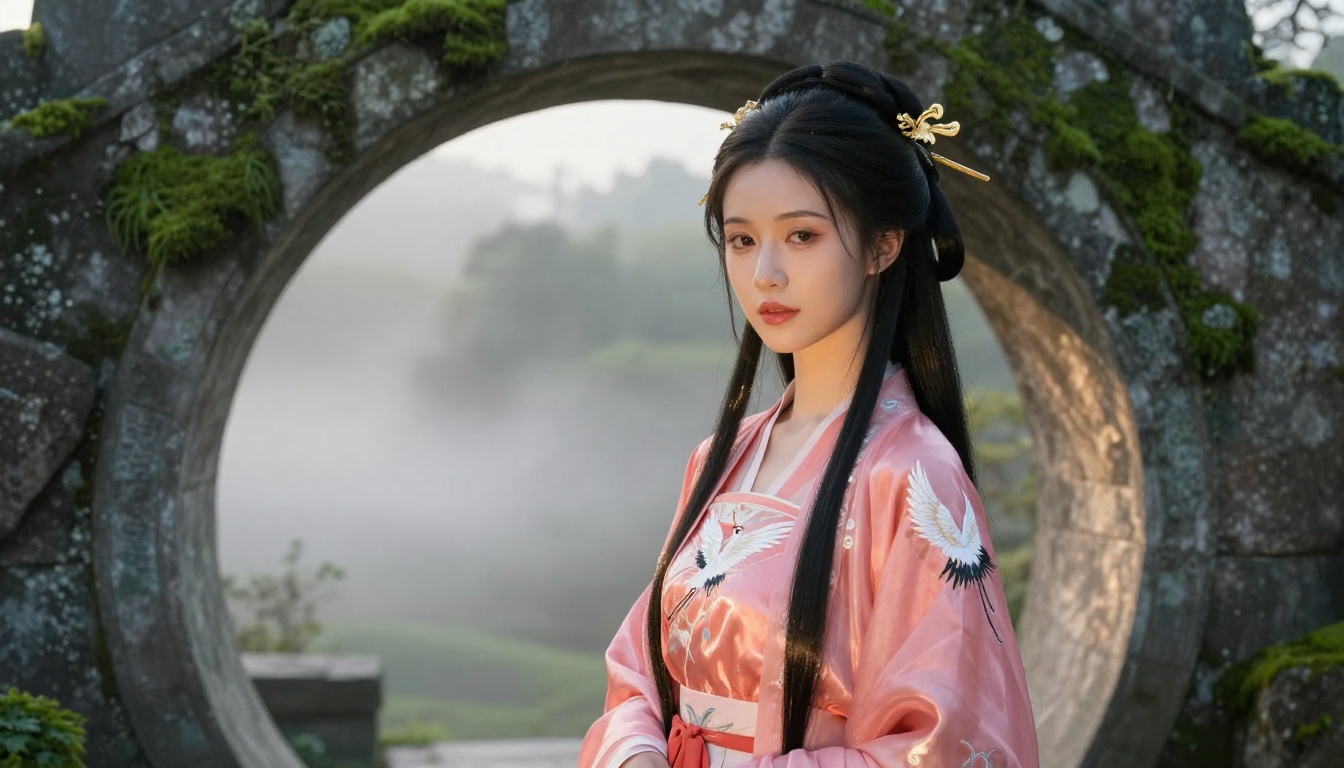
"Young woman with long silver hair, large violet eyes, gentle expression, wearing a white silk sundress with floral embroidery, standing in a sunlit Japanese garden, soft morning light from the left, 85mm portrait lens, photorealistic, 8K, Kodak Portra 400 grain"
Specificity is everything. Vague prompts produce generic outputs. When you describe hair texture, eye shape, and fabric details explicitly, the model locks into a far more precise interpretation of your character vision.
💡 Editing mode: Use Seedream 4.5's image editing mode after the initial generation to refine specific elements: swap the hair color, change the outfit, adjust the background, without rewriting the entire prompt from scratch.
Speed Numbers That Actually Matter
When you are iterating through character designs, generation speed compounds quickly. A 30-second wait per image across 100 iterations adds up to almost an hour of dead time. Here is how the top uncensored AI models compare:
Sub-1-second models are in a different category for workflow. When generation is faster than you can read the output, the creative process feels continuous instead of interrupted.
Upscaling and Polishing Your Anime Art
Generating a strong base image is step one. Getting it to print-quality resolution or professional output quality requires upscaling and post-processing. PicassoIA offers dedicated super-resolution tools that work directly with your generated anime character art.
Super Resolution Tools
Image Upscale by Topaz Labs enlarges any image up to 6x while preserving sharp edges and realistic texture. For anime character art, this means you can generate at standard resolution and upscale to poster-quality output without pixelation or artificial smoothing. Skin texture, hair detail, and fabric grain remain crisp at maximum magnification.
Recraft Creative Upscale takes a different approach. Rather than simply enlarging, it adds depth and detail during the upscaling process, potentially improving the image beyond its original quality. For anime scenes with complex backgrounds or intricate costume details, the creative upscale can surface texture and depth that was implied but not fully rendered in the base generation.
💡 Workflow tip: Generate your character at 16:9 with Seedream 4.5, then run the output through Image Upscale at 4x for a final asset that prints cleanly at poster size without quality loss.
The Right Model for Every Anime Style
Different anime styles have different requirements. Here is how to match your creative goal to the right model:
Realistic anime portraits (detailed face, clear expression, believable skin): Seedream 4.5. Its photorealistic tendencies work strongly in this direction.
High-volume character libraries (50 or more variations, batch cosplay sheets, visual novel sprite sets): PicassoIA Image Editor Pro for unlimited volume at no extra cost per image.
Quick costume or environment swaps on existing reference images: Grok Imagine Image.
Rapid prototyping at 20 to 100 images for concept exploration: P-Image at under 1 second per image.
Cinematic scene composition with characters in detailed environments: Wan 2.2 Image.
Image variations and iterative character refinement: Flux Redux Dev for generating consistent variations from a single character reference.
What Makes PicassoIA Different
Most AI platforms are built for the widest possible audience. PicassoIA is built for creators who need real output quality and real creative freedom, with a model library that does not apologize for what it can produce. The platform's approach is direct: access to high-performing models, removal of content restrictions that hobble creative work, and the infrastructure to build complete creative pipelines across speed, storage, upscaling, and editing.
The uncensored AI models on PicassoIA are not stripped-down versions of better models. They are the same core architectures, operating without the restriction layer that limits them on other platforms. Seedream 4.5, for example, is one of the most capable text-to-image models available anywhere; on PicassoIA it simply operates without a filter blocking anime character art.
For anime fans specifically, this matters because the genre has always pushed boundaries in ways that mainstream AI platforms struggle to accommodate. Character designs with bold aesthetics, romantic content presented with artistic care, and mature themes handled thoughtfully are all part of what makes anime a distinctive creative medium. The models on PicassoIA respect that.
Scene Types That Generate Best
Certain scene types consistently produce strong results with the models on PicassoIA. These are worth knowing because they help you set realistic expectations and build prompts around what the models handle well.
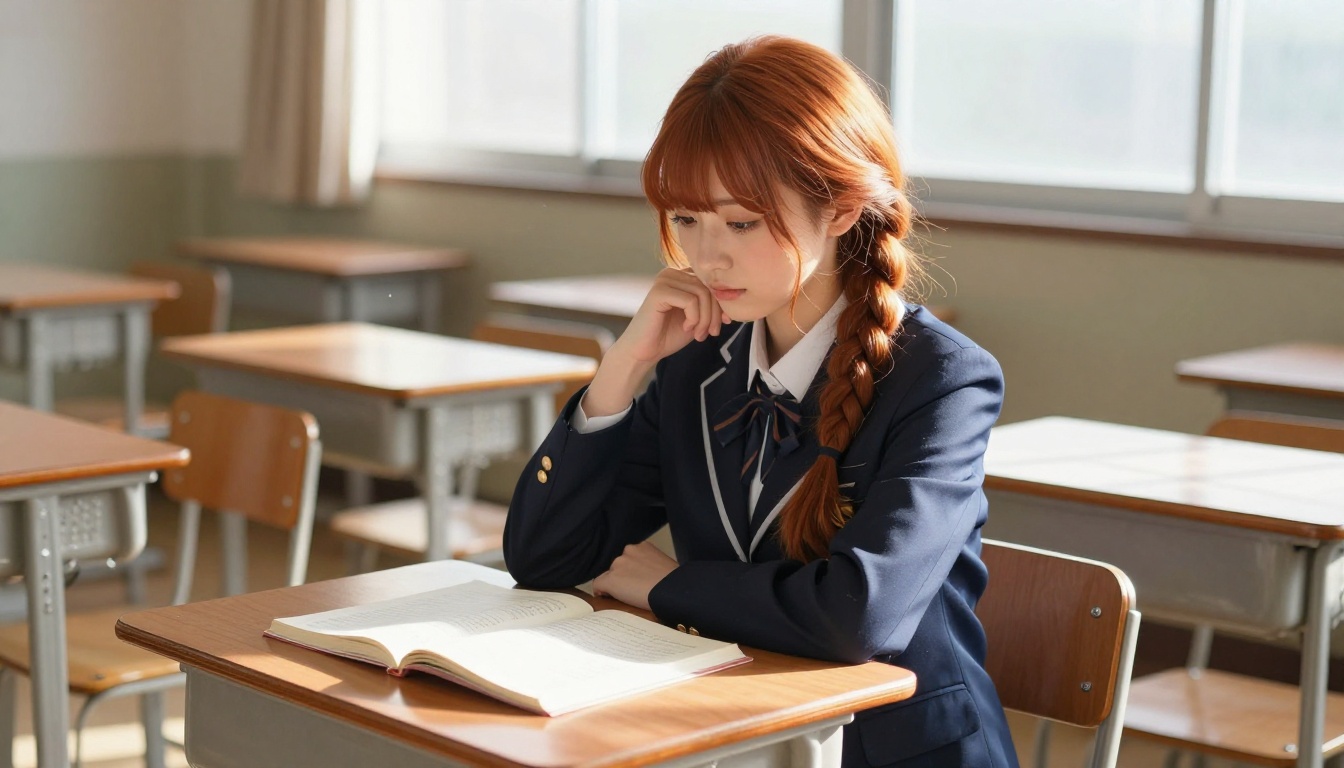
Indoor scenes with defined light sources: Japanese classrooms, dojo interiors, bedroom setups, and library environments with window light all render with strong depth and atmosphere. The clear light direction gives the model a concrete reference for shadow placement.
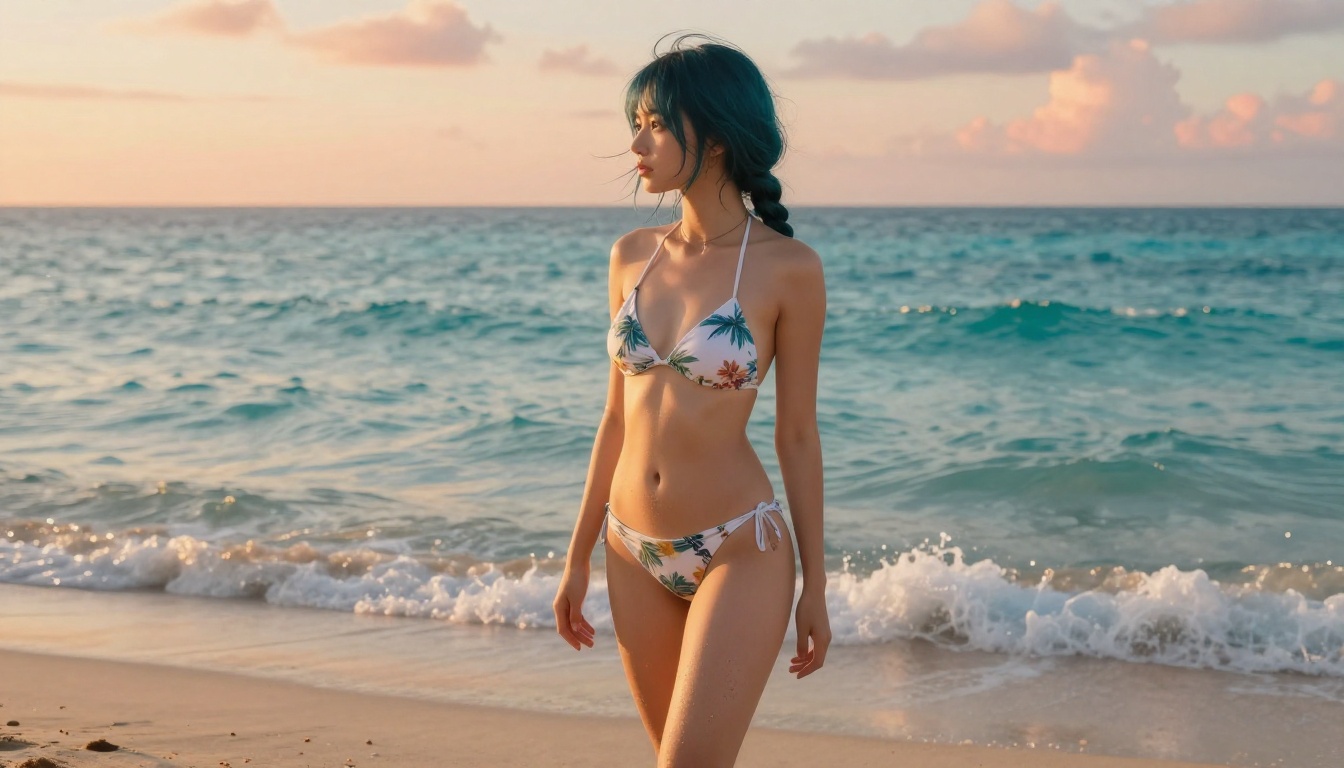
Outdoor scenes with dramatic skies: Beach scenes, garden environments, rooftop settings at sunset, and forest clearings all benefit from strong contrast between character and environment.
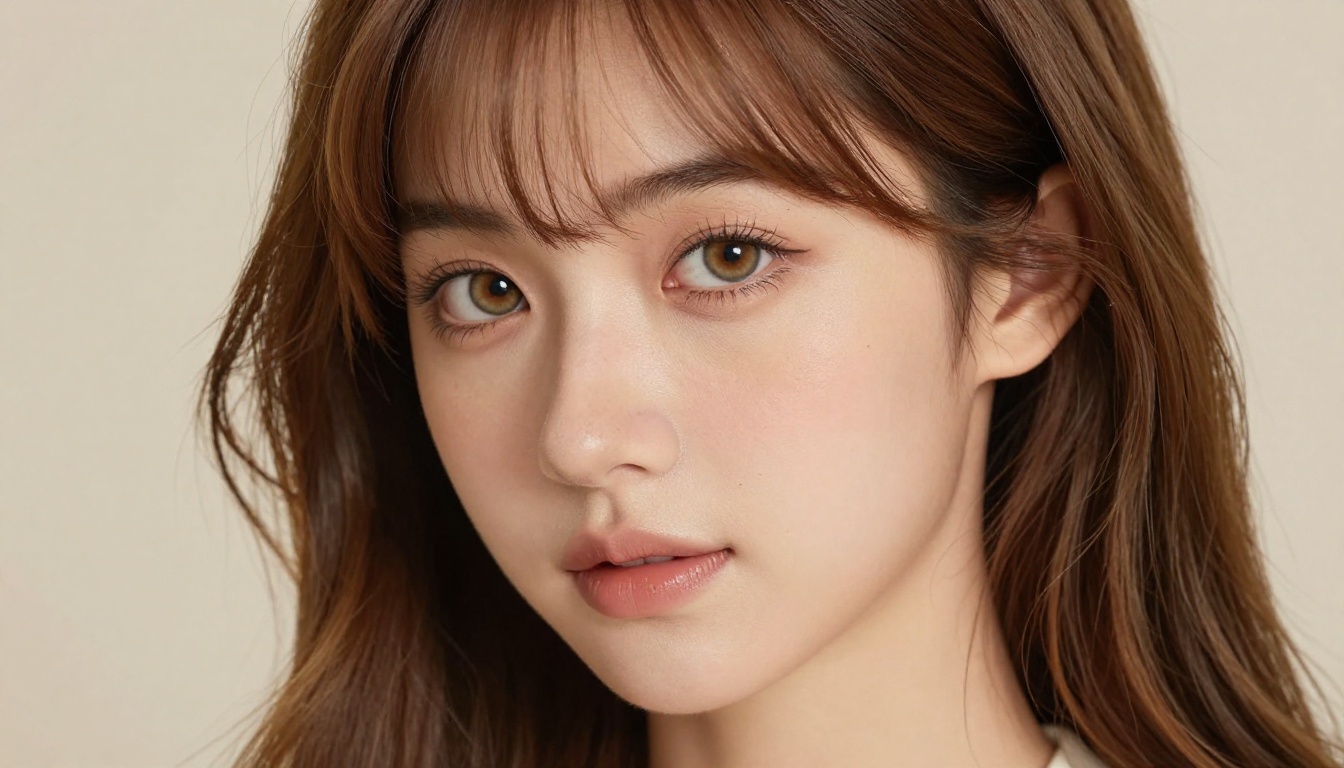
Close-up portraits: Face-focused compositions with blurred backgrounds allow the model to concentrate detail where it matters most. The result is character art with high facial expressiveness and natural skin rendering.
Traditional Japanese environments: Torii gates, temple gardens, traditional interiors, and festival settings render consistently well. These pair naturally with anime aesthetics.
💡 Avoid this common mistake: Over-describing the background at the expense of character detail. If the character is the subject, front-load your prompt with the character description and treat the environment as secondary. Models allocate generation capacity proportionally to prompt emphasis.
Comparing Visual Styles Across Models
One practical consideration when selecting a model is how it handles anime's distinctive visual language. The core elements that define anime aesthetics include:
Eye size and expressiveness: Anime eyes are larger relative to the face, with complex iris detail and often bright, saturated color
Hair dynamics: High volume and expressive movement, frequently in vivid or unusual colors
Color saturation: Higher saturation and contrast than typical photographic styles
Emotional expression: Exaggerated relative to realistic human faces, making mood immediately readable at any scale
When you prompt for these elements explicitly, the uncensored models on PicassoIA respond with far more accuracy than filtered models on mainstream platforms. Use descriptive language: "large almond-shaped eyes with detailed iris," "voluminous silver hair with gentle wave motion," "high-contrast lighting that emphasizes expressive features." Specificity in the prompt pulls the model toward the anime aesthetic even when the base architecture leans toward photorealism.
Anime Art at Scale With Unlimited Generations
For creators who think in volume, PicassoIA Image Editor Pro changes what is achievable. Visual novel developers typically need dozens of character sprites per character, covering different expressions, outfits, and poses. Trading card artists need large sets of character variations. Creators running active social channels need a continuous stream of fresh character art.
Traditional per-image pricing makes these use cases expensive fast. A 500-image character set at $0.20 per image costs $100. With PicassoIA Image Editor Pro on an Elite or Infinite plan, those same 500 images cost nothing beyond the subscription, with results delivered in under 1 second each.
The math scales quickly. 1,000 images across a week of iterative character development costs the same as a single unlimited subscription tier, with no wait time, no credit management, and no decisions about whether a particular iteration is worth the generation cost. You just generate.
HiDream L1 Dev and Proteus v0.2 are also worth checking out for high-detail anime character generation. Both are available on PicassoIA and offer strong character detail output with minimal content restrictions.
Start Creating Your Anime Art Now
The models described in this article are live on PicassoIA right now, without waitlists, without credit hoops, and without the content restrictions that have frustrated anime creators for years. Seedream 4.5 is the best place to start: type a character prompt, watch it render in under 3 seconds, and see what unrestricted anime generation actually feels like.
From there, the platform grows with your creative ambitions. PicassoIA Image Editor Pro handles unlimited iteration at no extra cost. The Image Upscale tool takes your best outputs to print-ready quality. Wan 2.2 Image, Qwen Image 2, and Grok Imagine Image provide alternative aesthetics and workflows when you need a different approach to a particular character vision.
The full catalog of uncensored AI models across text-to-image, image editing, video, audio, and more is available at picassoia.com/en/all-models. Anime fans finally have a platform that treats creative freedom as a feature, not a liability.