GPT Image 2.0 changed everything. Released as part of the GPT-4o multimodal update, it set a new bar for photorealistic AI photo generation that made older models look dated overnight. The detail, the lighting, the skin texture — it all landed at a level that genuinely surprised the AI community. But there is a catch most people run into within the first 10 minutes: the content filters.
If you have tried to push GPT Image 2.0 past PG-13 territory, you have already met the wall. Prompts for swimwear, lingerie, or anything remotely suggestive get refused or sanitized. That restriction is not a bug. It is a deliberate policy. For photographers, artists, and creators working with mature themes, it makes GPT Image 2.0 unusable for their actual workflow.
This is where the real conversation starts. Because the question is not "can GPT Image 2.0 produce uncensored photos?" — it cannot, by design. The question is: which platforms can, and which ones do it in seconds with the same quality?

What GPT Image 2.0 Actually Delivers
The quality jump nobody expected
GPT Image 2.0 — the native image generation built into GPT-4o — is genuinely impressive for what it does. It handles text in images better than almost anything before it, generates coherent scenes with multiple subjects, and maintains context across revisions in a way earlier diffusion models could not touch.
For commercial content, product photography, and creative direction, it is a solid tool. The instruction-following is precise, the color handling is rich, and the output at default settings looks like it came from a professional photographer rather than a neural network.
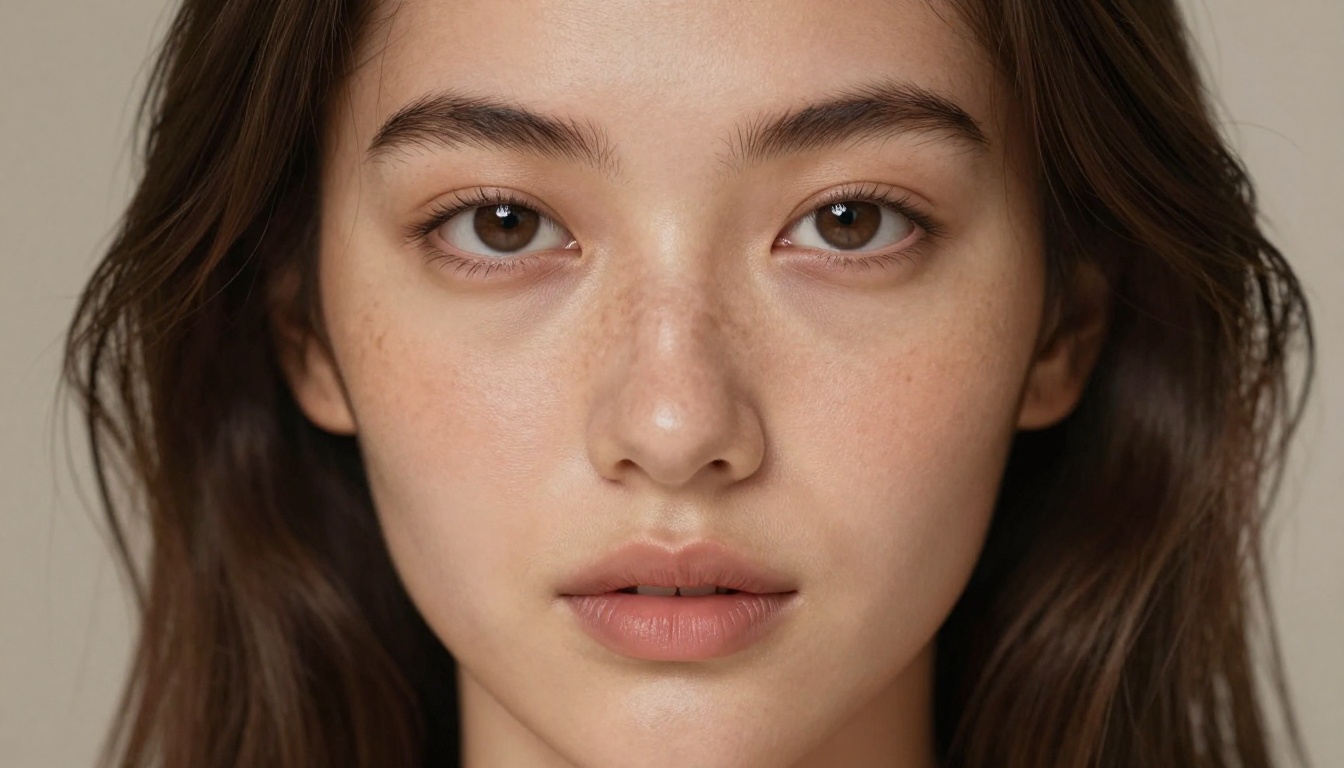
The photorealism it achieves for faces especially caught people off guard. Pores, lighting falloff, catchlights in eyes — these details were previously the province of heavily-tuned Stable Diffusion models with custom LoRAs. GPT Image 2.0 hits comparable quality without any setup, and it responds to conversational edits across a session with more coherence than most dedicated image tools.
For brands, marketers, and anyone generating safe-for-work content at scale, it represents a meaningful step forward.
Where the content wall hits
The content restrictions in GPT Image 2.0 follow OpenAI's usage policies, which prohibit sexually suggestive or explicit imagery. That is not ambiguous. Prompts involving bikinis, lingerie, implied nudity, or anything targeting an adult audience will either get refused outright or produce a sanitized version of what you asked for.
The frustration is not just philosophical. For photographers testing swimwear concepts, fine art photographers working with the human form, and adult content creators running subscription businesses, these restrictions mean GPT Image 2.0 is the wrong tool. You cannot build a workflow around a model that refuses half your prompts.
This is not a criticism of OpenAI's choices. It is a practical reality: certain creative categories require platforms that operate without those filters, and those platforms exist, they generate faster, and several of them match GPT Image 2.0 on quality.
Why Unrestricted AI Photo Generation Matters
Creators need output that matches their brief
A fashion photographer testing swimwear concepts does not want to iterate around a content filter. A fine art photographer working with the human form needs accuracy, not sanitized approximations. Adult content creators running subscription businesses cannot operate on a platform that refuses prompts on sight.
The demand for unrestricted AI photo generation is not niche. It spans commercial photography, artistic projects, adult entertainment, and personal creative work. The ability to generate photorealistic photos of human subjects without content restrictions is a core capability for a significant segment of AI users worldwide.
Speed changes the workflow
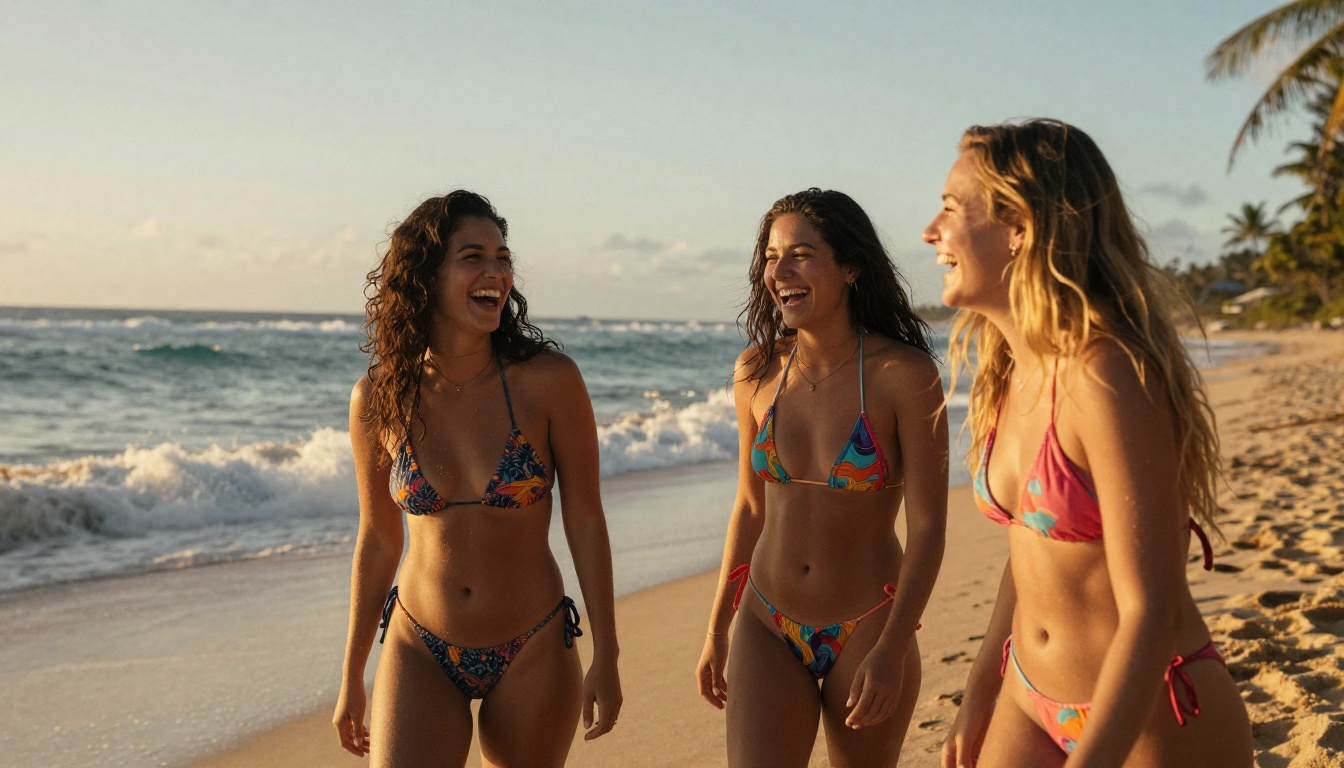
When you can generate a photo in under 3 seconds, iteration becomes cheap. You test 20 variations of a prompt in a minute. You find the shot you want without overthinking the first attempt.
GPT Image 2.0 is not fast. Depending on server load, generation takes 15 to 45 seconds per image. For a workflow requiring dozens of iterations, that latency compounds quickly into hours of waiting.
The platforms covered in this article generate in 1 to 3 seconds. That difference is not marginal. It is the difference between a fluid creative session and a waiting game.
Best Models for Uncensored AI Photos Right Now
These are the models that deliver unrestricted, photorealistic results with the speed and quality to back it up. All of them run on PicassoIA without API keys, local setup, or configuration files.
Seedream 4.5: the number 1 choice
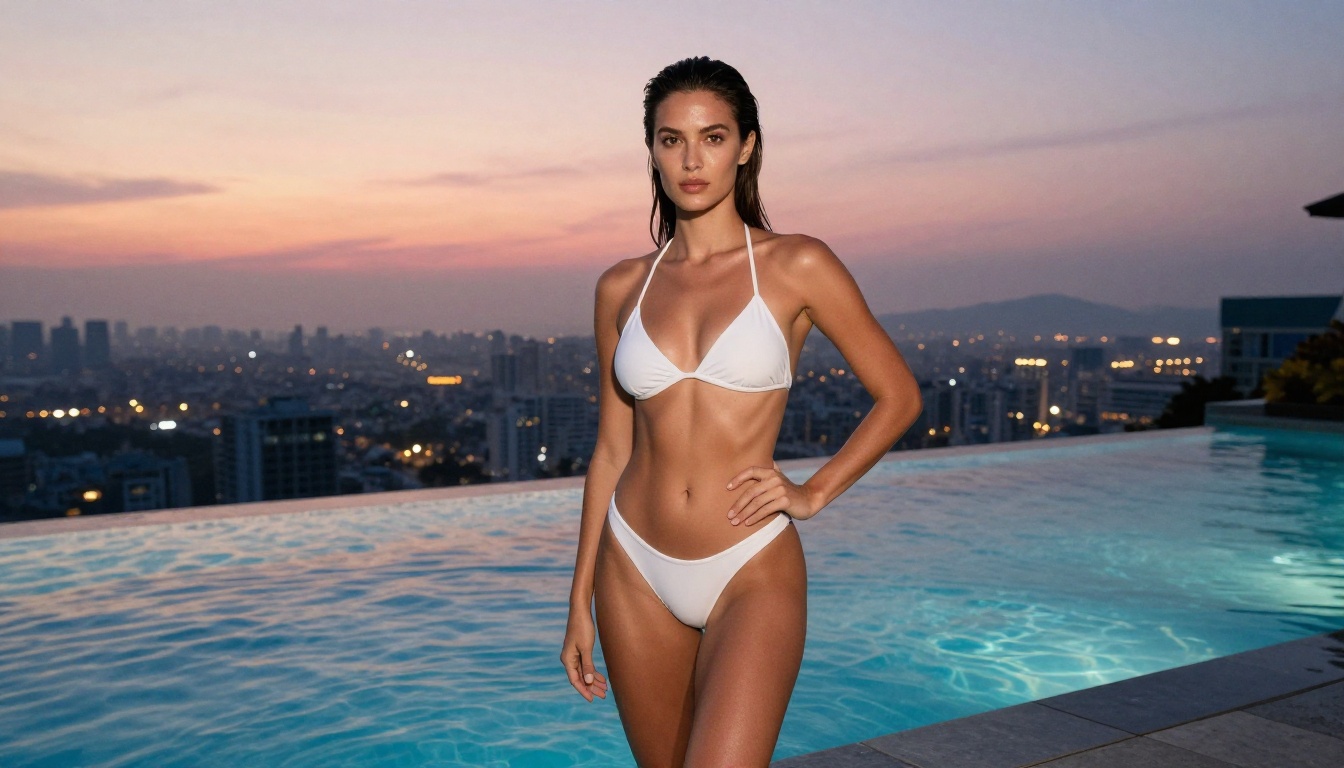
Seedream 4.5 by ByteDance is the top recommendation for uncensored AI photo generation right now. It accepts NSFW prompts, generates images in under 3 seconds, and produces results with a level of photorealism that competes directly with the best restricted models available.
What sets it apart is the combination. Most models that allow adult content compromise on quality. Seedream 4.5 does not. Skin texture, lighting, pose accuracy, and facial realism are all at a level that makes the output usable for professional work. Runway-quality glamour photography from a text prompt in three seconds — that is the practical reality of using this model.
It also supports image editing, so you can take an existing image and modify specific elements: change outfits, adjust lighting, refine details, or shift the background without regenerating from scratch. That editing capability transforms a single good generation into a refinement loop.
💡 Important note: Seedream's newer model, Seedream 5 Lite, does not support NSFW content. For unrestricted generation, use Seedream 4.5 specifically.
PicassoIA Image Editor Pro: unlimited output
PicassoIA Image Editor Pro operates differently from every other model on this list. It is an image-to-image model that accepts NSFW content and returns results in under 1 second. That speed alone makes it exceptional for iteration-heavy workflows.
But the real story is the pricing structure. On Elite and Infinite plans, generation is unlimited. That means you can run 1,000 images, 5,000 images, or more without any per-image cost. Compare that to models like Nano Banana 2, where 1,000 images would cost around $100. With Image Editor Pro, those same 1,000 images cost nothing additional beyond your subscription.
For workflows requiring high-volume output — content creators, adult subscription platforms, batch photography projects — this is the most cost-effective option available anywhere. It also offers a free trial of 3 generations without a credit card, so you can test the quality before committing.
More models worth using
Beyond the top two, PicassoIA offers a full roster of models that support unrestricted generation across multiple output types:
Qwen Image 2 is open-source and handles detailed prompts with high realism. Being open-source means no corporate content restrictions baked into the training process. It accepts both text-to-image and image editing requests, making it a versatile second option after Seedream 4.5.
Grok Imagine Image has a specific strength: converting existing photos to bikini format with a high degree of realism. For that specific use case, nothing else on the platform matches it.
P-Image by PrunaAI is the speed record holder. It generates text-to-image results in under 1 second, making it one of the fastest unrestricted generators available anywhere. Quality is strong for fast iteration; for final output, Seedream 4.5 edges ahead.
Recraft V4 by Recraft delivers very realistic results for text-to-image generation and supports adult content without restriction.
Speed Shootout: Who Generates Fastest?
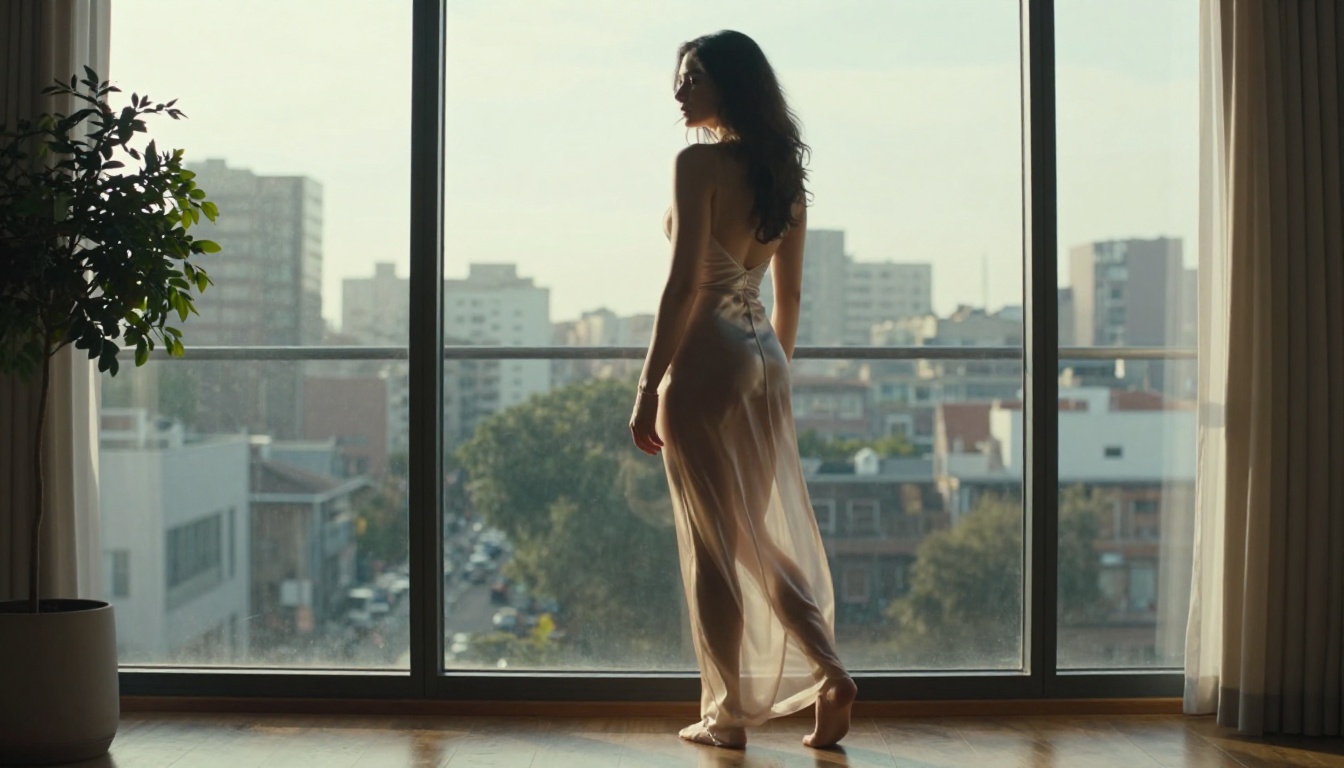
Speed matters in a creative workflow. Here is how the top unrestricted models compare to GPT Image 2.0:
The pattern is consistent. Every unrestricted model on PicassoIA generates faster than GPT Image 2.0. In a workflow where you are iterating through 20 to 50 prompts to find the right shot, that time difference adds up to hours across a session.
How to Use Seedream 4.5 for Uncensored Photos
Step 1: Open the model
Go to Seedream 4.5 on PicassoIA. No API key, no local installation, no configuration. The model runs directly in the browser.
New users get a trial allocation without a credit card. That is enough to run several real prompts and evaluate the quality before deciding on a plan. The interface is clean: type your prompt, set your aspect ratio, click generate.
Step 2: Write a strong prompt
The biggest factor in output quality is the prompt itself. Seedream 4.5 responds well to specific, descriptive language. Vague prompts produce average results. Detailed prompts produce remarkable ones.
Structure your prompt like this:
- Subject description (who, what they are wearing, their pose)
- Environment (location, time of day, specific background elements)
- Lighting conditions (direction, quality, color temperature)
- Camera and lens details (focal length, aperture, shooting angle)
- Style and mood (film stock, atmosphere, color palette)
A prompt structure that works:
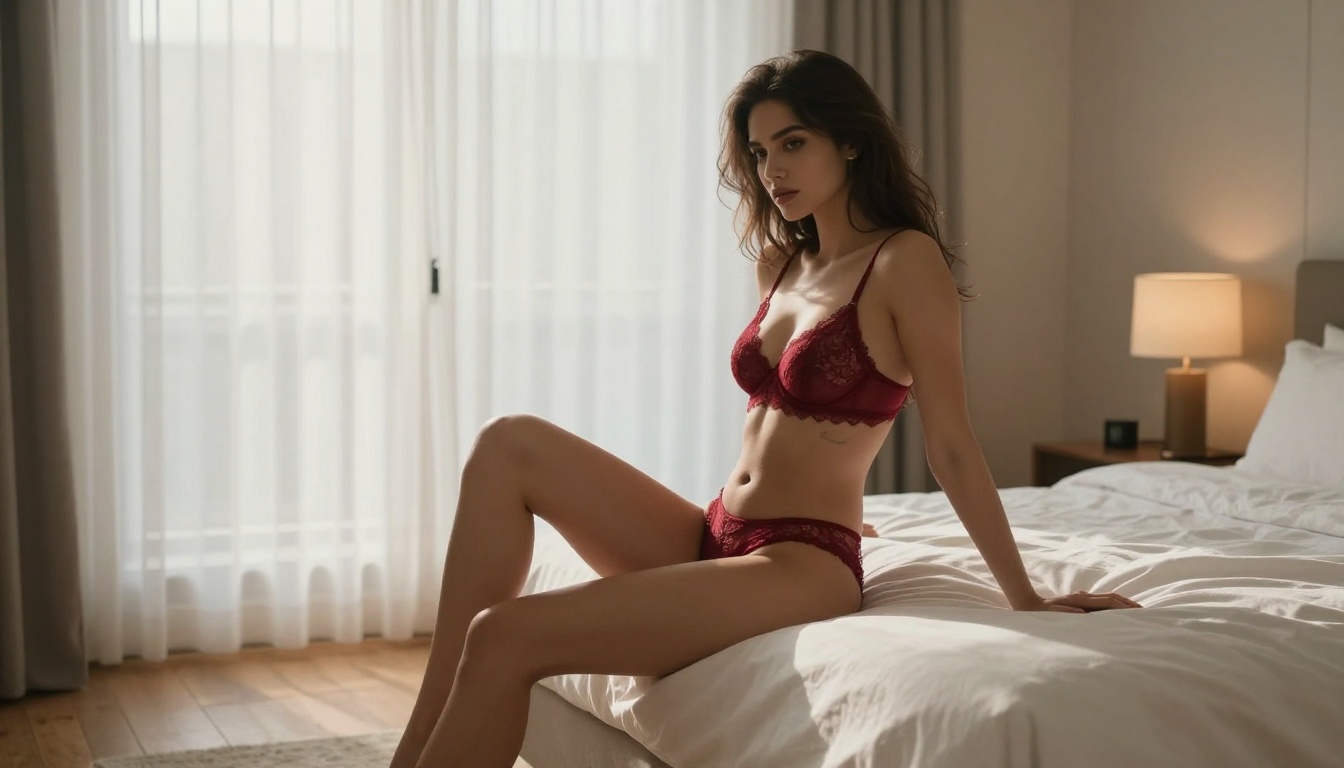
"A woman with dark hair in a white bikini standing at the edge of a blue ocean at golden hour, warm sunlight from the right creating strong edge lighting on her skin, shot at eye level with an 85mm f/1.4 lens, shallow depth of field blurring the distant waves, Kodak Portra 400 film grain, photorealistic, 8K"
This structure gives the model enough information to make intentional choices rather than random ones. The result looks like a shot a photographer planned, not a random generation.
💡 Start with a single subject in a clear environment. Nail the lighting and composition first, then add complexity across iterations.
Step 3: Iterate at speed
Seedream 4.5 generates in under 3 seconds. That means you can run 10 variations of a prompt in under a minute. Small changes in wording produce meaningfully different results, so rapid iteration is the actual workflow here.
Change the lighting direction. Adjust the pose description. Shift the time of day. Each variation costs seconds. Within 15 minutes of focused iteration, most users land on shots that would have taken hours to achieve in a traditional photo shoot.
The speed is not just a convenience feature. It is what makes the creative process feel fluid rather than transactional.
Step 4: Edit without starting over
When you have an image close to what you want but one element is off, use Seedream 4.5's editing capability to target that element specifically. Describe the change: "change the bikini color to red", "add sunlight from the left", "adjust the background to a rocky coastline". The model applies the change without regenerating the full composition from scratch.
This iterative editing workflow is where Seedream 4.5 pulls significantly ahead of text-only generation tools. You build on good outputs rather than gambling on fresh generations.
Writing Prompts That Actually Work
Anatomy of a photorealistic NSFW prompt
The difference between a generic output and a striking photo comes down to specificity in four areas: subject, light, lens, and mood. Most users nail the subject and skip the other three. That is why their outputs look like AI images rather than photographs.
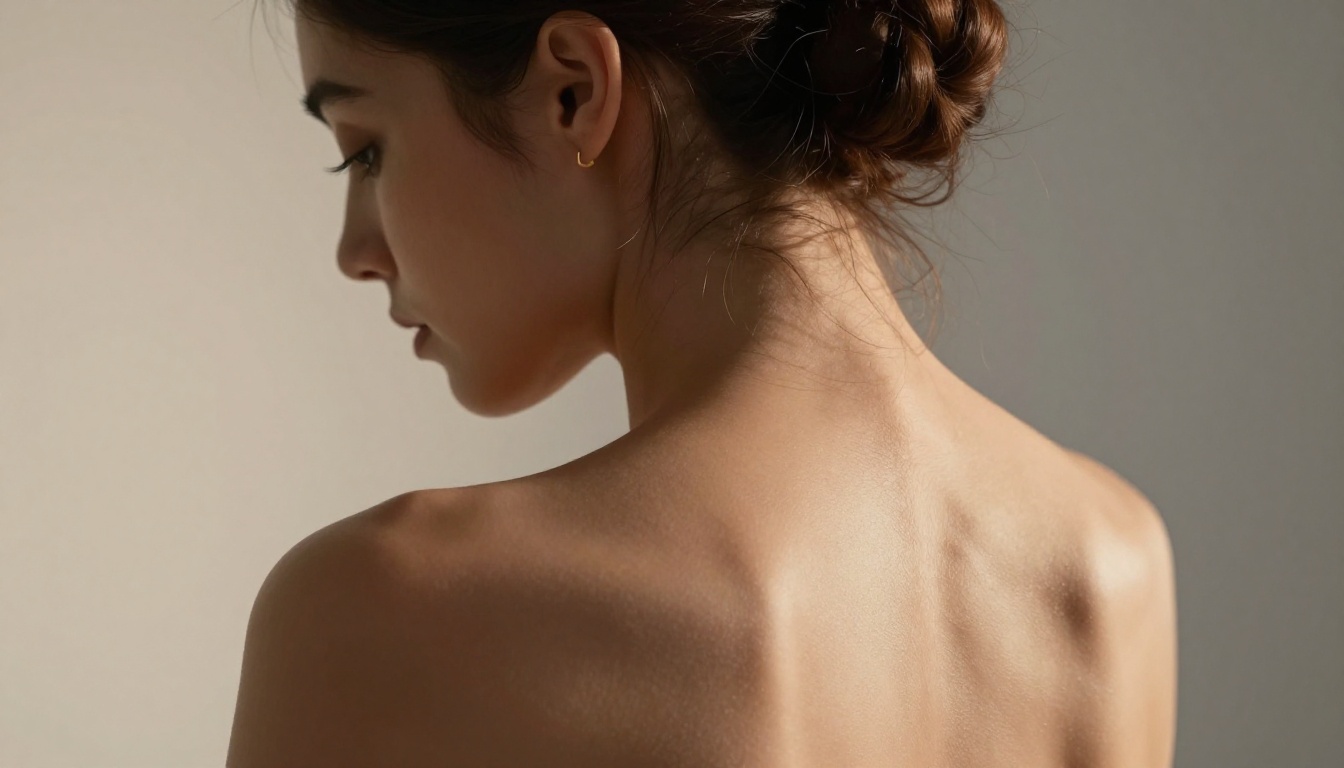
Subject: Be specific about clothing texture ("white lace with scalloped edges"), body language ("one shoulder slightly raised, weight shifted to left hip"), and facial expression ("lips parted, eyes slightly downcast"). Generalities produce generalities.
Light: Name the light source, its position, its quality, and its color. "Soft morning light from a north-facing window, diffuse shadows, cool 5500K color temperature" produces a completely different result from "warm afternoon sun streaming in at 45 degrees from the right, hard shadows with golden color cast."
Lens: Specify focal length and aperture. "85mm f/1.4" tells the model to produce a portrait-compressed image with heavy background blur. "35mm f/8" tells it to produce an environmental portrait with everything in focus. These are not decorative details. They shape composition.
Mood: Film stock references encode a lot of information. "Kodak Portra 400" means warm skin tones, slight grain, accurate color. "Fuji Velvia" means saturated, high-contrast, vivid. One line of film reference replaces a paragraph of mood description.
💡 Combine these four elements in every prompt and your hit rate on first generations will increase substantially. Seedream 4.5 and Qwen Image 2 both respond strongly to this structure.
Upscale Every Photo You Generate
AI-generated photos at standard output resolution look excellent on screen. At print sizes or large display formats, they need upscaling. PicassoIA has several dedicated upscalers available without leaving the platform.
Best upscalers on PicassoIA
Clarity Pro Upscaler is the top option for photorealistic content. It reconstructs detail rather than just enlarging the pixel grid: sharper hair strands, more defined skin texture, cleaner edges on fabric and surfaces. For final output that will be displayed at large size, this is the right tool.
P-Image Upscale by PrunaAI does it in under 1 second. Speed-first option when you need volume upscaling.
Crystal Upscaler is specifically tuned for portraits. For photos centered on faces and figures, it preserves more of the original detail during upscaling than general-purpose tools.
Image Upscale by Topaz Labs goes up to 6x enlargement, the highest ratio on the platform. For output that needs to be printed at large format or displayed at very high resolution, this is the right choice.
Real ESRGAN is a reliable open-source option that handles most content types well at 4x upscaling with good detail preservation.
💡 Generate at 1024x576 (16:9) in Seedream 4.5, then pass the output to Clarity Pro Upscaler. That combination delivers maximum generation quality plus the resolution needed for print or large-screen display.
GPT Image 2.0 vs. PicassoIA: What the Numbers Show
| Feature | GPT Image 2.0 | PicassoIA |
|---|
| Photorealism | Excellent | Excellent |
| NSFW Support | No | Yes |
| Generation Speed | 15-45 seconds | Under 1-3 seconds |
| Unlimited Plan | No | Yes (Elite/Infinite) |
| Image Editing | Yes | Yes |
| Upscaling | No | Yes (5 models) |
| Free Trial | Yes | Yes (no credit card) |
| Models Available | 1 | 91+ text-to-image |
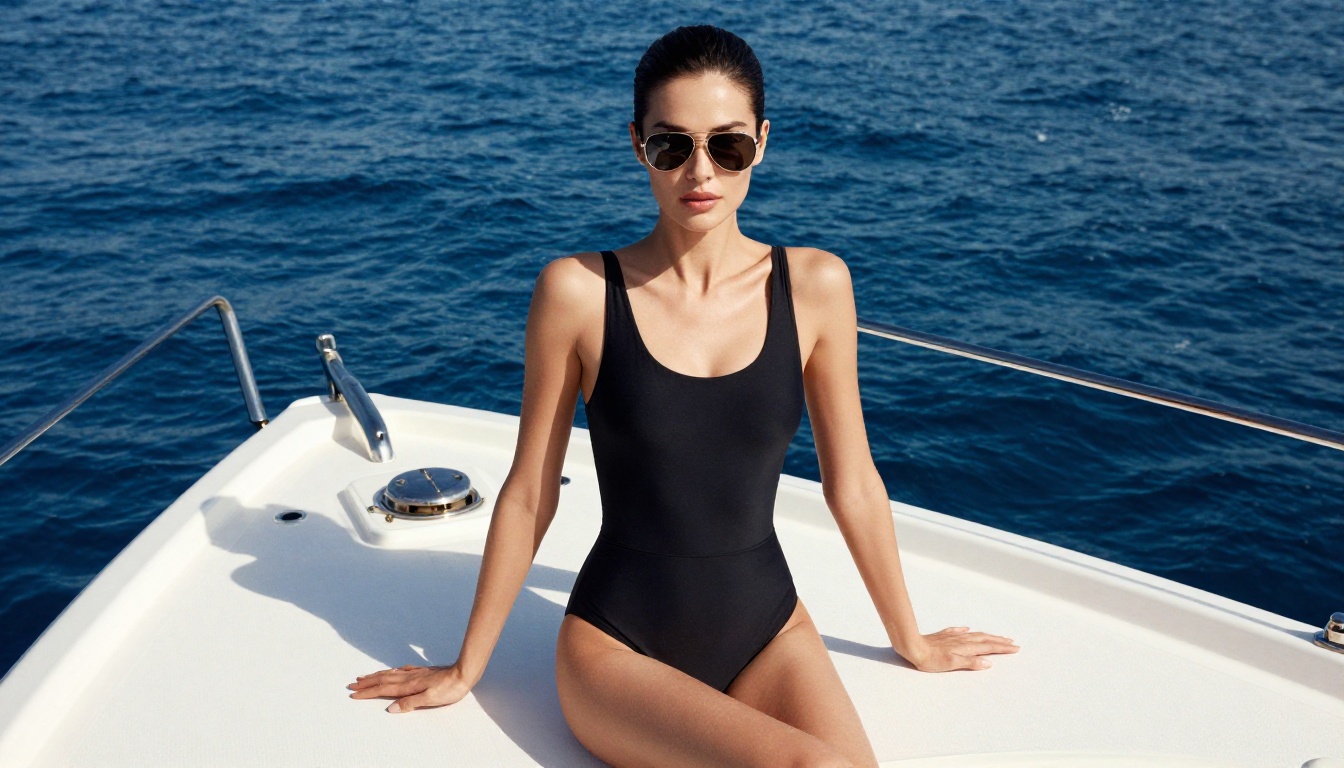
The quality gap between GPT Image 2.0 and the top models on PicassoIA is marginal for most use cases. Seedream 4.5 and Recraft V4 both operate at a photorealism level that matches GPT Image 2.0 for portrait and glamour photography. Where GPT Image 2.0 has a specific edge in rendering text within images, PicassoIA wins on speed, content freedom, model variety, and cost structure for high-volume work.
For creators specifically in the NSFW or adult content space, the comparison is not close. GPT Image 2.0 does not serve that use case by design. The models on PicassoIA do, and they do it faster.
Start Generating Your Photos Now
The tools are built, the models are running, and the quality is there. If GPT Image 2.0's content restrictions have been blocking your creative workflow, Seedream 4.5 solves that problem in under 3 seconds per image. If volume is your priority, PicassoIA Image Editor Pro handles unlimited generations on a single subscription with results landing in under a second.
For portrait upscaling after generation, Clarity Pro Upscaler and Crystal Upscaler take your output to print resolution without any loss of detail. The full workflow, from text prompt to print-ready photo, runs inside PicassoIA without any external tools.
Both models, along with 91 additional text-to-image options and the full catalog of video generation tools, are live at picassoia.com/en/all-models. No API key required, no local setup, no content walls in your way.
Your first photo is 3 seconds away.


