Seedream 5 Pro just landed on PicassoIA and the portrait quality is genuinely striking. ByteDance pushed this model hard toward native 2K resolution output, and the results show in every fine-detail test. But there is a critical nuance that creators keep running into: the model's content policy sits on the conservative side. Can you actually generate uncensored AI portraits with Seedream 5 Pro?
This piece addresses what the model does well, where its limits are, and which tools to reach for when your project demands full creative freedom.
What Seedream 5 Pro Actually Delivers
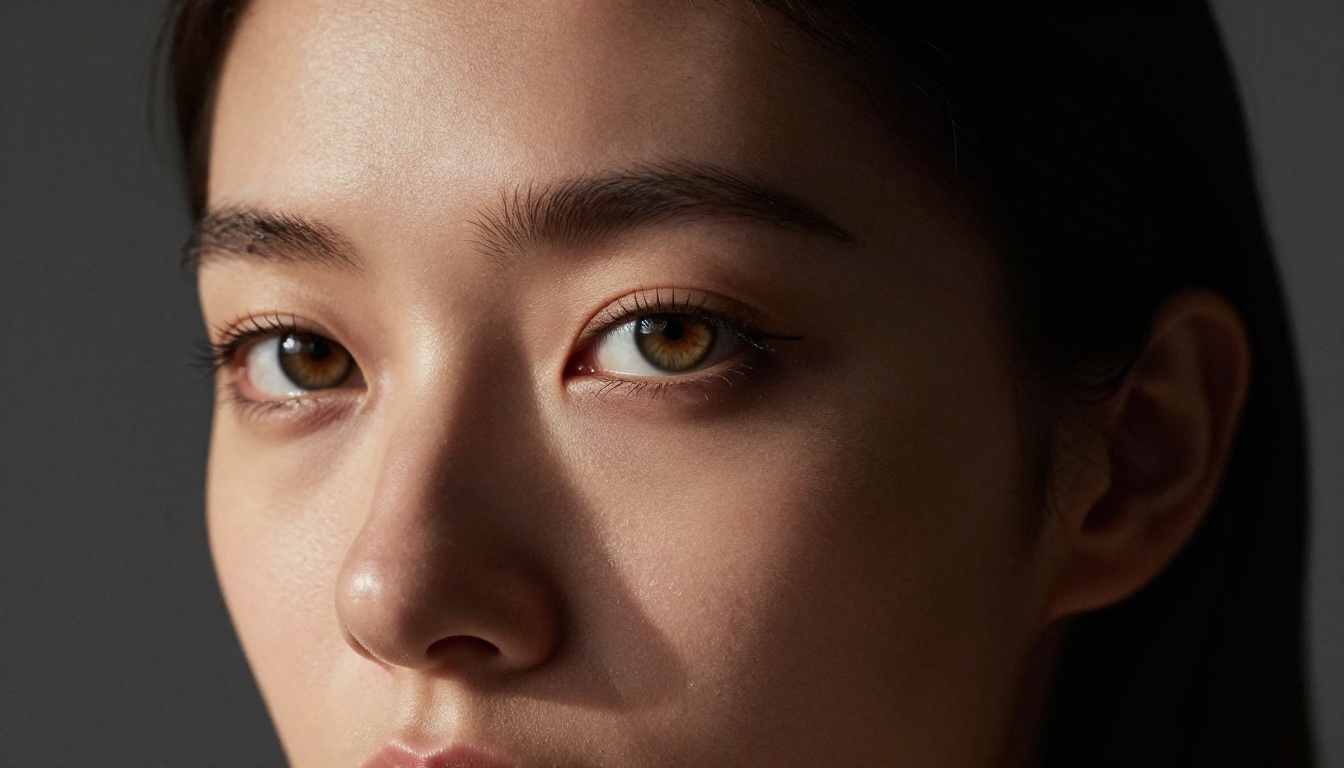
The headline number for Seedream 5 Pro is 2K output. That is 2048 pixels on the long edge, which genuinely matters for portrait work because you get enough resolution to crop tightly without losing skin texture detail.
Native 2K Output Right Away
Most models in the text-to-image space default to 1024px and require a separate upscale step to get usable resolution for print or detailed crops. Seedream 5 Pro sidesteps that entirely by generating natively at 2K. In portrait work, this means:
- Individual hair strands are visible without upscale artifacts
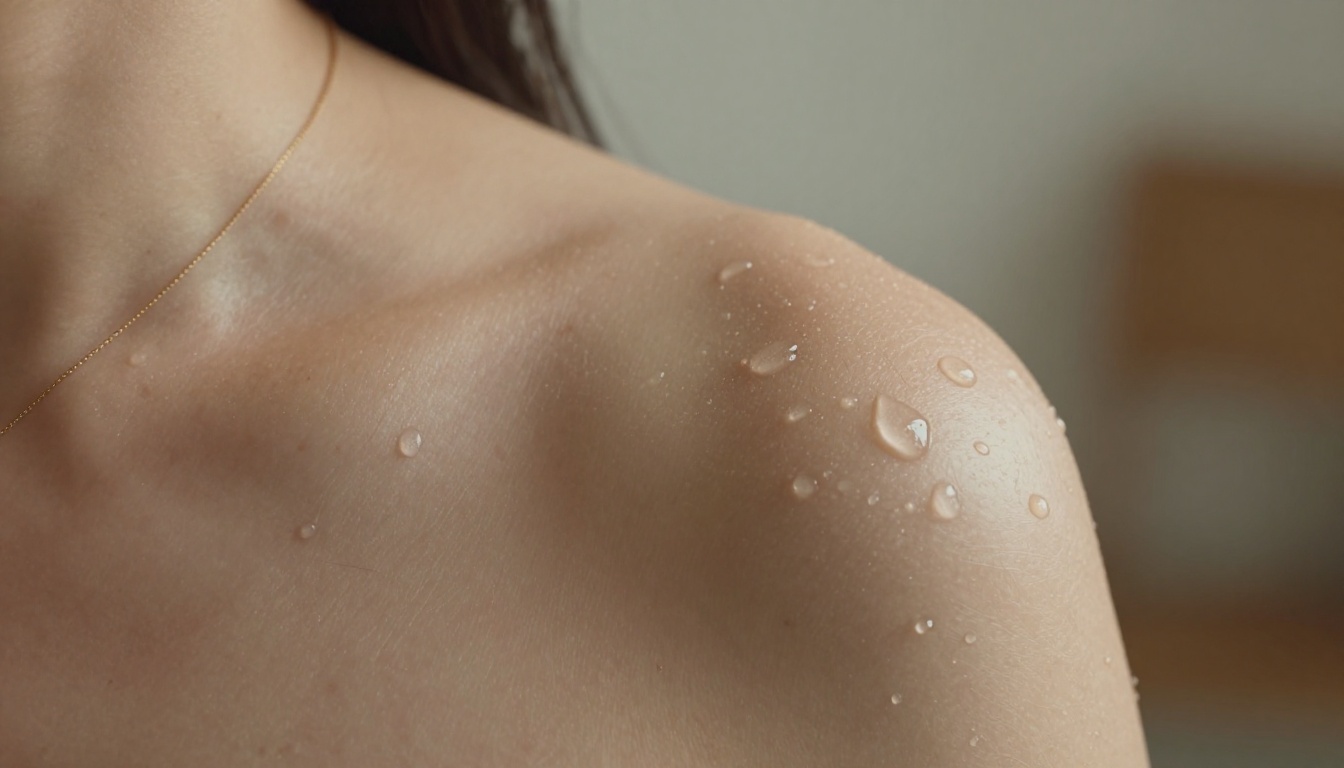
- Skin pores and fine texture resolve naturally, with no painted or plasticky appearance
- Eye detail (iris pigmentation rings, catch lights, lash separation) holds up under close examination
- Fabric weave on clothing shows thread-level texture in high-contrast light
- Background elements retain usable detail even in areas that would normally dissolve into noise at lower resolutions
For AI-generated portrait photography, this is a meaningful step up. You are not fighting the model's native resolution limitations or paying for a separate super-resolution pass.
How It Handles Portrait Realism
Seedream 5 Pro's architecture leans heavily toward photorealistic output. The model handles several common portrait failure modes well:
- Lighting coherence: Shadows fall in physically accurate positions across the face, with correct occlusion under the nose and chin
- Skin tone consistency: Avoids the plastic-skin effect that plagues many text-to-image outputs; undertone variation across forehead, cheek, and chin reads as natural
- Natural facial expressions: Results sit comfortably in a relaxed, candid range rather than over-posed or uncanny
- Hair behavior: Strands fall with gravity-appropriate weight and light interaction, reducing the helmet-hair issue common in earlier model generations
💡 Tip: For the most realistic results, include specific lighting descriptions in your prompts. "Rembrandt lighting from upper left" produces more convincing facial shadows than simply writing "dramatic lighting." The model responds well to technical precision.
The Uncensored Question
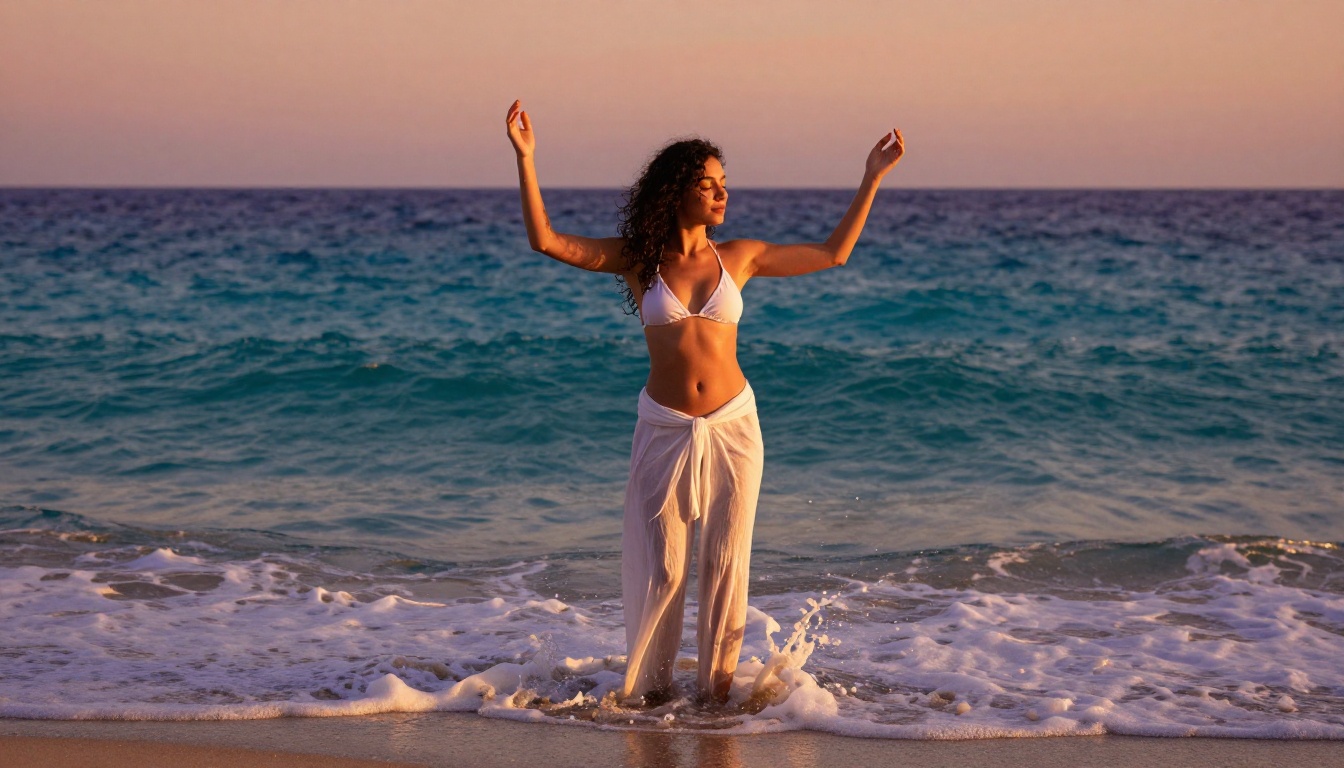
This is where the conversation gets practical. Seedream 5 Pro sits in a category of high-fidelity models built primarily for mainstream commercial use cases. That architecture choice means its safety filter is active and applied consistently across prompt categories.
What Seedream 5 Pro Allows and Blocks
An honest breakdown of content behavior on Seedream 5 Pro:
| Content Type | Seedream 5 Pro | Notes |
|---|
| Professional portraits (clothed) | Yes | Excellent output quality |
| Athletic / sportswear content | Yes | Generally permitted |
| Swimwear / bikini content | Inconsistent | Sometimes filtered or modified |
| Suggestive glamour (implied) | Often blocked | Model modifies output |
| Artistic nudity (implied) | Blocked | Prompt refused or heavily altered |
| Explicit adult content | Blocked | Hard refusal |
The model handles professional portrait prompts very well across the SFW spectrum: fashion editorial, studio photography, outdoor lifestyle portraits. Once prompts move into suggestive territory, you will encounter refusals or heavily sanitized outputs that do not match the prompt intention.
Why Seedream 4.5 Wins for NSFW Work
This distinction matters. Seedream 4.5 and Seedream 5 Pro are not the same model in terms of content policy, even though they share the ByteDance lineage and similar architectural strengths.
ByteDance restricted adult content progressively across the Seedream 5 line. Seedream 5 Lite removed NSFW support entirely. Seedream 5 Pro sits in the middle: significantly better image quality than 4.5, but with noticeably tighter content filtering that makes it unreliable for suggestive or adult portrait work.
For creators who relied on Seedream 4.5's NSFW tolerance, the upgrade path via Seedream 5 Pro is not straightforward. Seedream 4.5 remains the stronger choice for uncensored portrait generation, combining very strong realism with consistent NSFW acceptance.
Best NSFW AI Portrait Models on PicassoIA
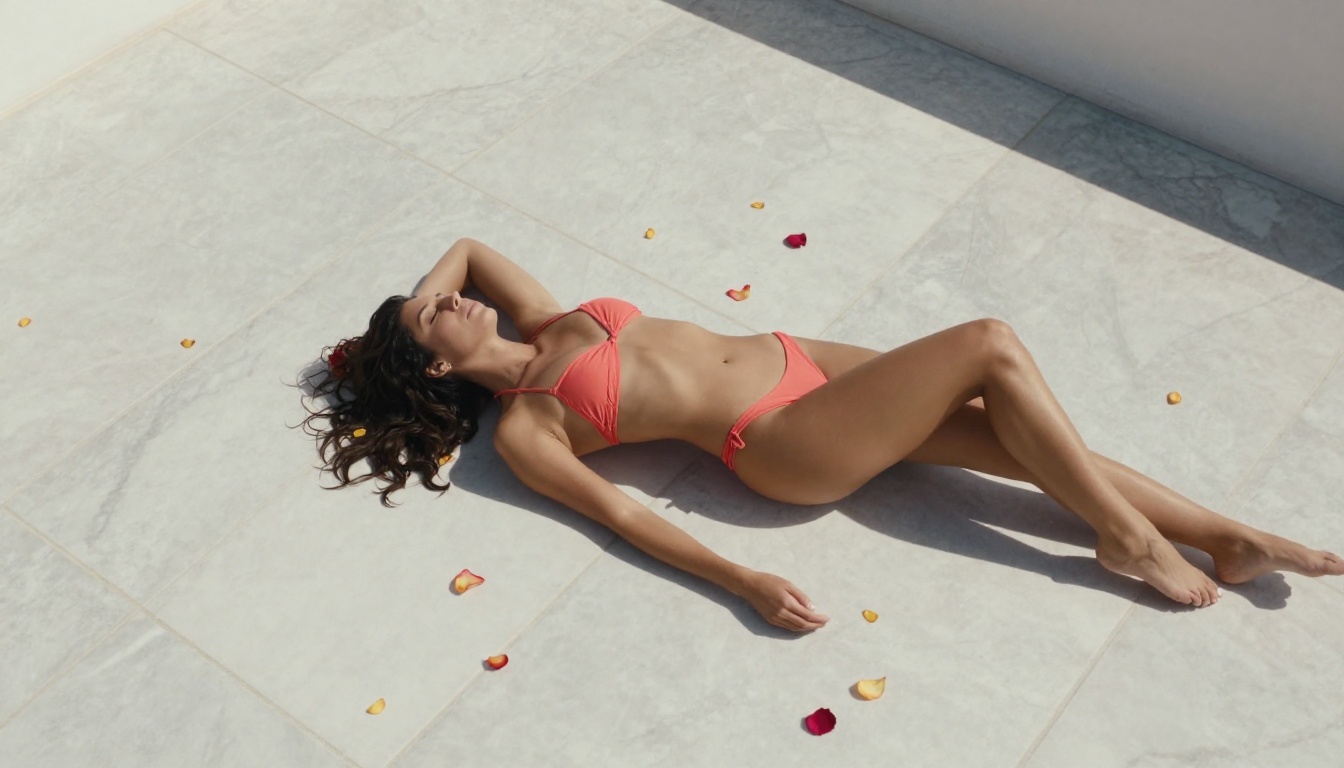
PicassoIA curates a set of models that do not impose content restrictions on adult material. If your project requires full creative freedom for portrait work, the following lineup is what you need to know.
Seedream 4.5 Leads the Pack
Seedream 4.5 is the top recommendation for uncensored AI portrait generation on the platform. It accepts adult prompts consistently, supports image editing workflows (inpainting, outpainting, prompt-guided edits), and generates in under 3 seconds. Output quality is highly realistic, with strong face coherence and accurate lighting across a wide range of portrait styles.
Advantages:
- Accepts NSFW and suggestive content without filtering
- Image editing support for iterative refinement workflows
- Under 3 second generation time, exceptional for the output quality level
- Proven reliability across fashion, glamour, and artistic portrait styles
💡 Note: The newer Seedream 5 Lite model does not support NSFW content. If you need unrestricted portrait output, stay on Seedream 4.5 rather than switching to the newer generation.
PicassoIA Image Editor Pro for Volume
PicassoIA Image Editor Pro is the second strongest recommendation, and for creators working at scale it may actually be the better choice for day-to-day production.
This is an image-to-image model, meaning it transforms an input image based on your prompt. Its defining feature is unlimited generations on Elite and Infinite subscription plans. The math is straightforward: generating 1,000 portrait variations costs nothing extra on these plans. On a per-credit model like Nano Banana 2, that same volume runs to approximately $100 in credits.
Additional advantages:
- Results in under 1 second, the fastest response time in the lineup
- Accepts NSFW content consistently
- 3 free trial generations, no credit card required, ideal for testing before committing
- Works well as a second pass over Seedream 5 Pro outputs for content flexibility
Other Strong Contenders
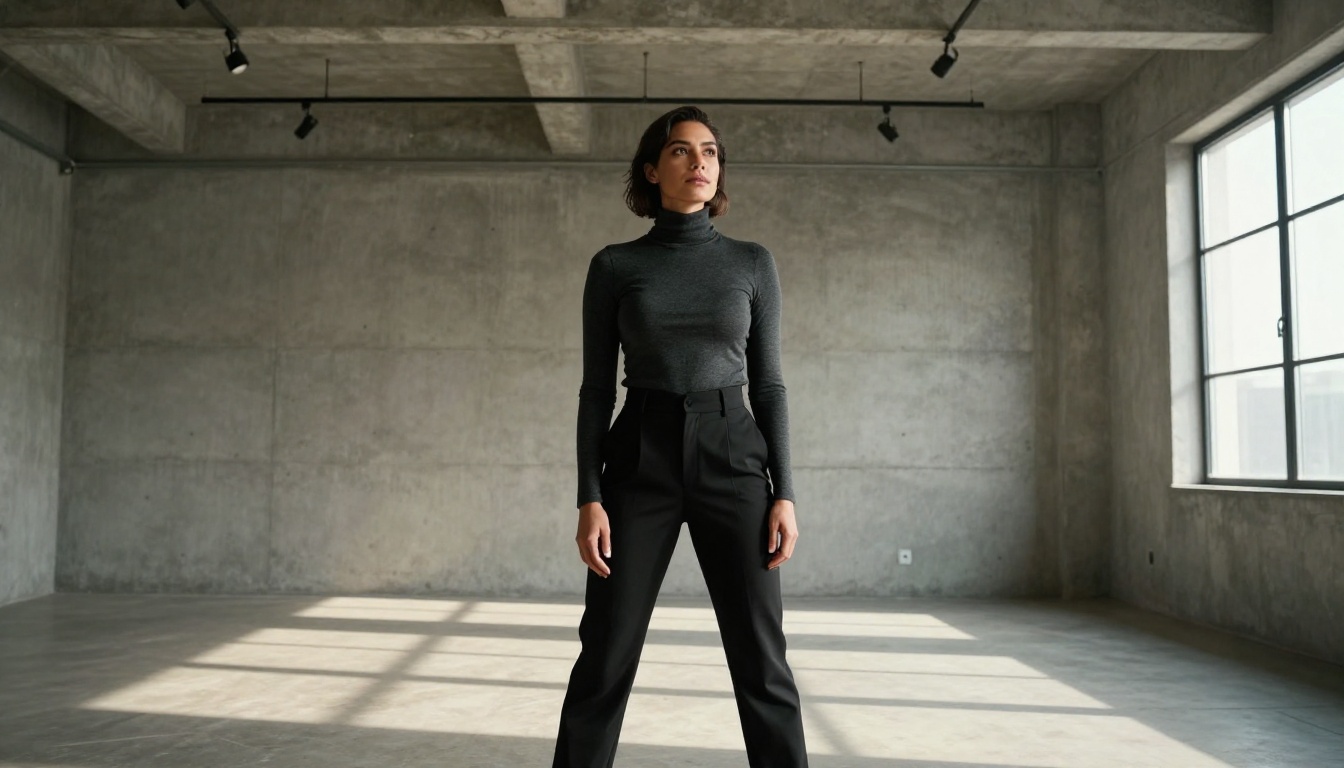
Beyond the top two, PicassoIA offers several more models worth knowing for portrait work without content restrictions:
Qwen Image 2 is open source and handles both text-to-image creation and image editing. Very detailed realism with fast generation and no restrictions on adult material.
Grok Imagine Image specializes in image-to-image transformations with a particular strength in realistic swimwear and glamour-style conversions. Strong for costume and style editing workflows.
Recraft V4 delivers very realistic text-to-image results. Text-to-image only (no editing input), but portrait photography output quality is excellent and NSFW content is accepted.
P-Image generates NSFW text-to-image content in under 1 second. When iteration speed is the priority for rapid prompt variation testing, this is the go-to model.
prunaai-wan-2.2-image provides highly realistic text-to-image output without content filters. Strong for detailed atmospheric portrait compositions with complex environmental storytelling.
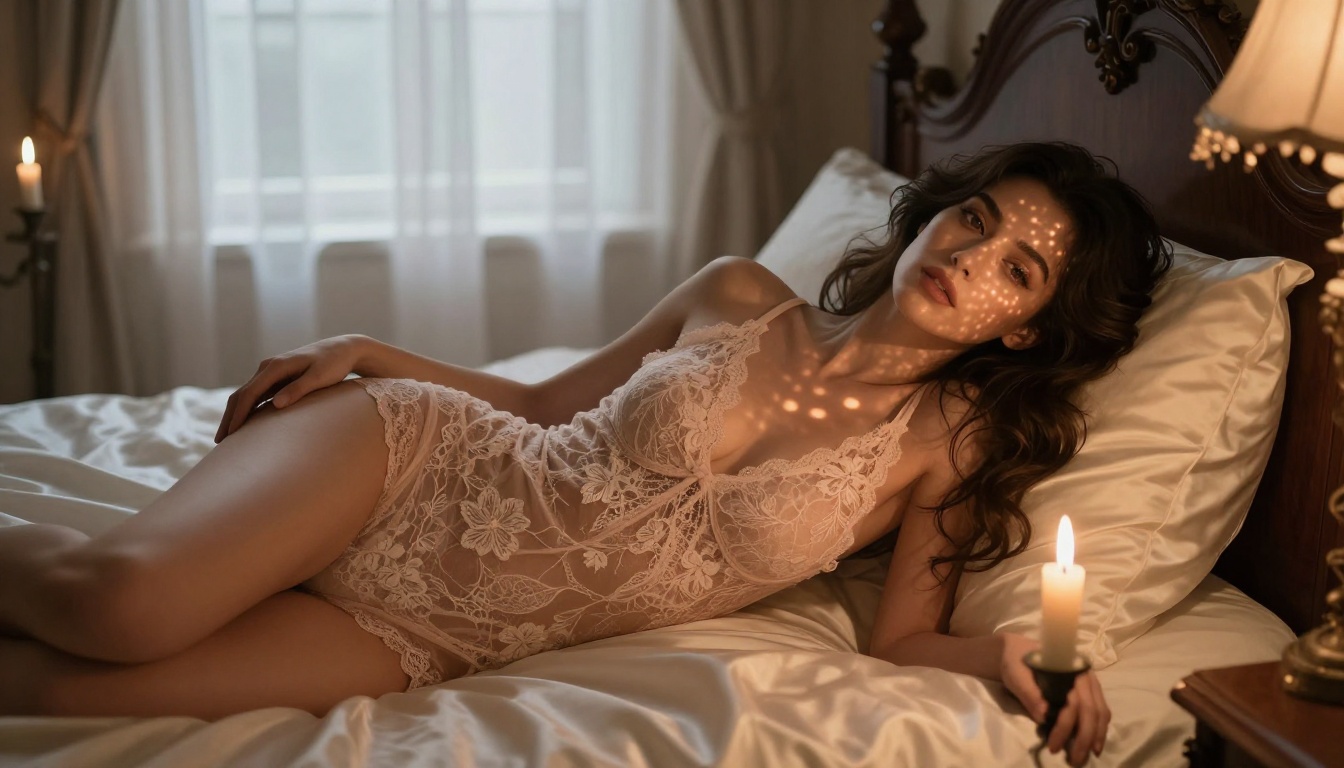
Full comparison at a glance:
Portrait Prompting That Works
Whether you use Seedream 5 Pro for its image quality or switch to an NSFW-capable model for content freedom, the prompting principles remain consistent. Effective portrait prompts are built in layers, with each layer adding specificity that narrows the generation space toward the result you actually want.
Building a Strong Portrait Prompt
The most reliable portrait prompts follow this layered structure:
- Subject: Age range, physical features, expression, body position and pose
- Wardrobe / styling: Specific fabric types, colors, cut, fit and drape details
- Environment: Location, background elements, atmospheric conditions, time of day
- Lighting: Direction, quality (hard vs. soft), color temperature, specific setup names
- Camera specs: Focal length, aperture value, shooting angle, subject distance
- Texture details: Skin quality descriptors, fabric weave specifics, surface material finishes
- Film stock: Kodak Portra 400, Cinestill 800T, Ektar 100, Fujifilm Provia 100F
Stacking all seven layers produces dramatically more consistent and realistic results than a brief description. A well-structured 60-word prompt will consistently outperform a 10-word prompt across all the models listed above.
Lighting and Camera Angle Tricks
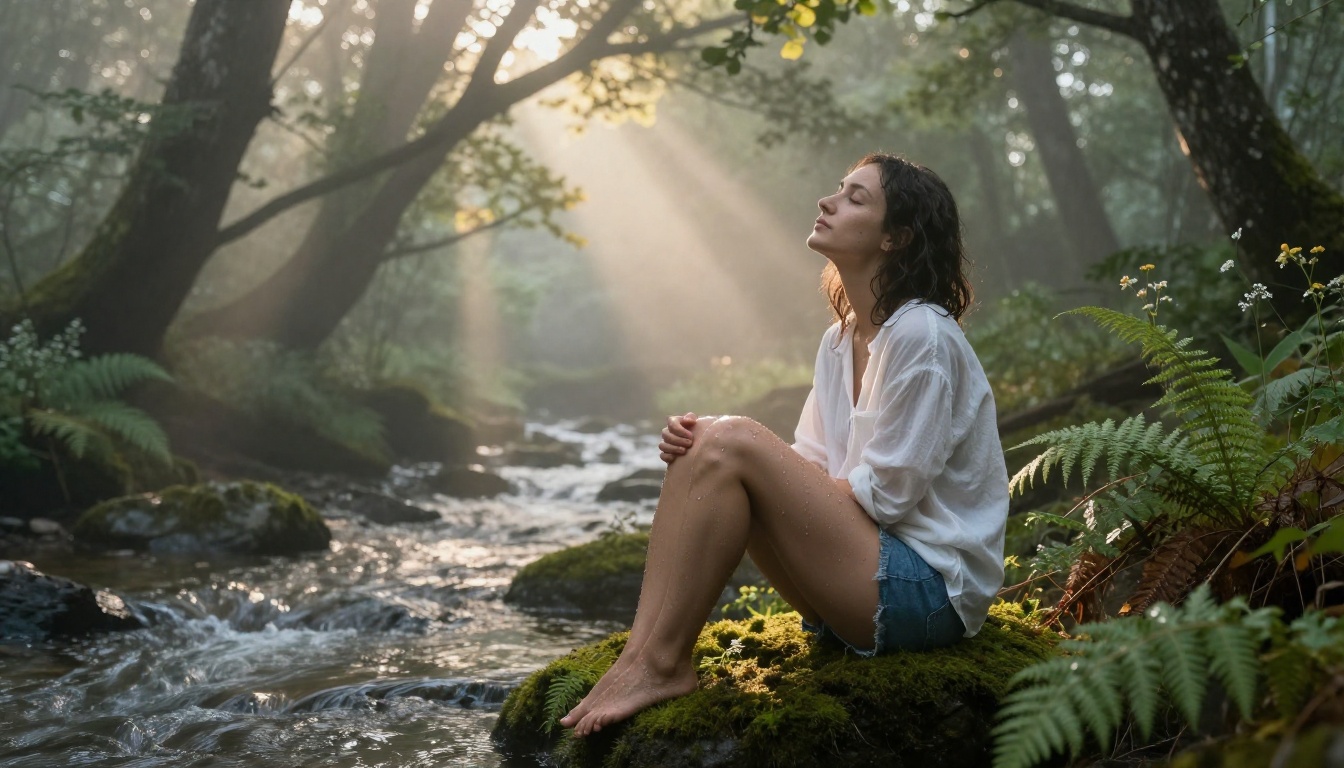
Three specific lighting setups that produce particularly strong results for photorealistic AI portraits:
Rembrandt lighting: Place the key light at 45 degrees from the subject and slightly above. Creates a triangular highlight under the shadowed eye. Prompt it as: "Rembrandt lighting from upper left at 45-degree angle, triangular highlight under right eye, strong cheekbone shadow"
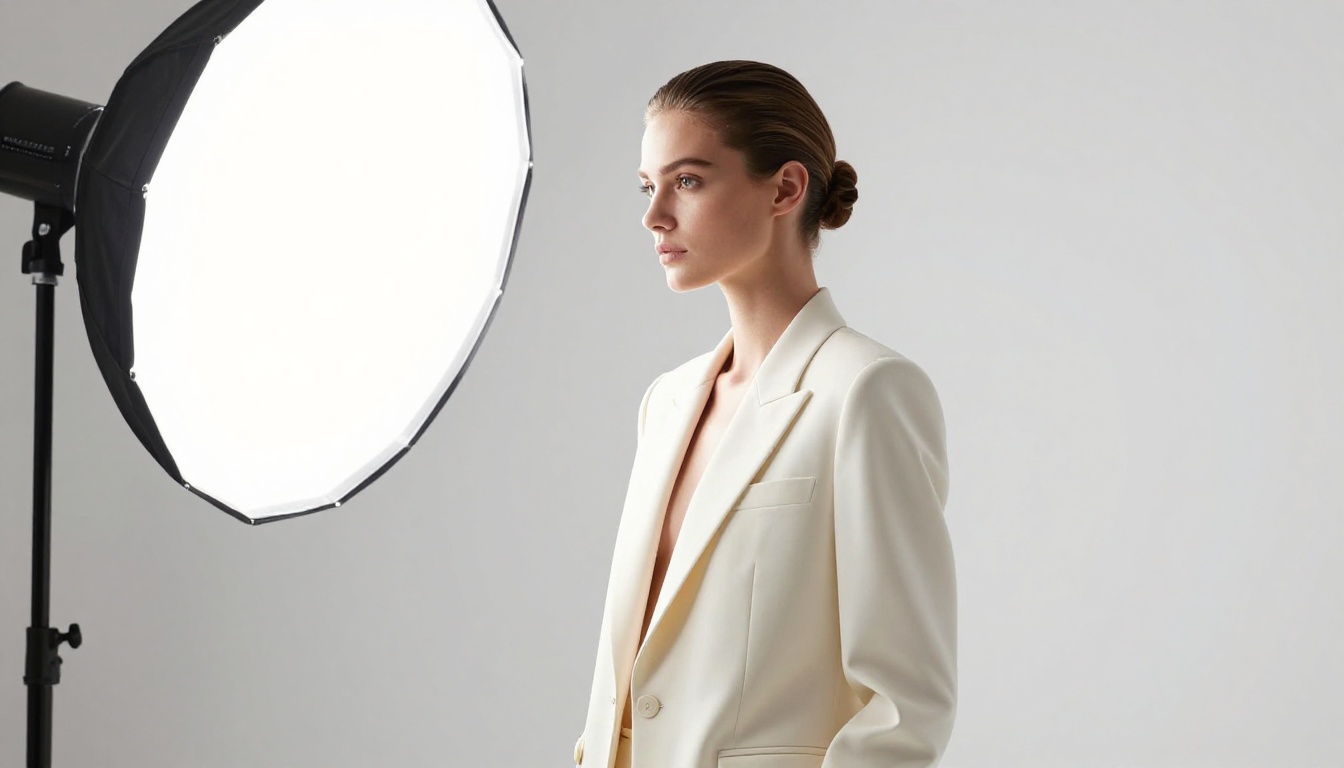
Butterfly lighting: Key light directly above and in front of the subject, creating a small shadow directly under the nose. Flattering for facial structure work. Prompt it as: "Butterfly lighting, large circular softbox directly above camera position, even fill light across both cheeks"
Golden hour rim light: Warm backlight from a low horizon creating a luminous edge around the subject's silhouette. Prompt it as: "Warm golden hour backlight at 5 degrees above horizon, orange rim light outlining the shoulder and hair, volumetric atmospheric haze"
Camera angle shapes the emotional register of a portrait in ways that prompt text cannot easily override. A low-angle shot (camera below subject, looking up) reads as authoritative and powerful. A high-angle shot (camera above, looking down) reads as intimate and vulnerable. Be deliberate in your angle choice and specify it directly in the prompt.
💡 Tip: Specifying the aperture value (f/1.4, f/1.8, f/2.8) in your prompt strongly shapes background separation. Lower f-numbers produce more subject-background contrast and creamier bokeh in the output.
Seedream 5 Pro vs Other Top Models
Where does Seedream 5 Pro sit in the current landscape? An honest comparison across the models most relevant for portrait work:
| Feature | Seedream 5 Pro | Seedream 4.5 | Recraft V4 | P-Image |
|---|
| Native resolution | 2K | ~1.3K | 1K | 1K |
| Portrait realism | Excellent | Very good | Very good | Good |
| Skin texture detail | Best-in-class | Strong | Strong | Good |
| Eye and hair detail | Exceptional | Strong | Good | Moderate |
| NSFW support | Limited | Yes | Yes | Yes |
| Generation speed | ~5s | Under 3s | Fast | Under 1s |
| Image editing | No | Yes | No | No |
Seedream 5 Pro wins clearly on image quality metrics: resolution, texture detail, and overall photorealism. For SFW portrait photography, commercial fashion editorial, lifestyle content, and projects where output quality is the top priority, it is the strongest choice currently available.
For uncensored portrait work, the NSFW-capable models are the correct tools. The content filtering in Seedream 5 Pro makes it unreliable for that use case regardless of how prompts are constructed.
Using Seedream 5 Pro on PicassoIA
Seedream 5 Pro is available on PicassoIA with no additional setup. Here is how to get the best results.
Step-by-Step Setup
- Open picassoia.com/en/collection/text-to-image/bytedance-seedream-5-pro
- Select your output aspect ratio: 16:9 for landscape compositions, 9:16 for vertical full-body or editorial portraits
- Write your prompt using the layered structure above (subject, wardrobe, environment, lighting, camera, texture, film stock)
- Set a seed value if you want reproducible variations from the same base composition and lighting setup
- Generate and review. The 2K output is delivered directly, no separate upscale step required
- For NSFW content, switch to Seedream 4.5 or PicassoIA Image Editor Pro
Parameter Tips for Best Results
Aspect ratio matters more than you might expect. Native 2K generation respects your specified ratio precisely. A 16:9 landscape portrait renders at 2048x1152, giving you excellent horizontal composition space for environmental portraits and two-subject frames.
Lock a seed for consistency. When you find a composition, lighting setup, or facial structure you like, note the seed number. Vary only the prompt elements while holding the seed to iterate on that specific look without losing its structural qualities.
Avoid contradictory descriptors. "Soft natural light" and "dramatic hard shadows" in the same prompt will produce unpredictable mixed results. Choose one lighting direction and remain consistent throughout.
Camera lens specificity improves realism. "85mm f/1.4" is more effective than "portrait lens." The model responds well to technical photographic language because that language pattern is more specific in its training data.
For maximum face detail: Describe facial features explicitly in your prompt. Eye color, eyebrow arch, lip definition, skin undertone. The model resolves described features more accurately than it infers them from vague subject descriptions.
💡 Tip: Use P-Image for rapid prompt testing at under 1 second per generation to validate your composition approach, then switch to Seedream 5 Pro for the final 2K output once you have a prompt that works.
The Verdict and What to Try Next
Seedream 5 Pro is a genuinely strong model for high-resolution photorealistic portrait photography. The 2K native output and skin texture realism are the standout qualities. For SFW editorial, fashion, and lifestyle portrait projects, it sits among the best options on the platform.
For uncensored AI portrait creation, the content filtering means Seedream 4.5 is the correct primary tool. Pair it with PicassoIA Image Editor Pro for unlimited iteration at no extra per-generation cost on Elite or Infinite plans, and you have a production-grade uncensored portrait workflow.
The best NSFW-capable models on PicassoIA for portrait work, in order:
- Seedream 4.5 - Best overall: NSFW support, under 3 seconds, image editing included
- PicassoIA Image Editor Pro - Unlimited generations, under 1 second, best for volume production
- Qwen Image 2 - Open source, detailed realism, full editing support
- Grok Imagine Image - Best for image transformation and glamour retouching
- Recraft V4 - Very realistic text-to-image, consistent NSFW acceptance
- P-Image - Fastest generation, ideal for rapid prompt iteration and testing
For creators who want to bring their portraits into motion, PicassoIA also offers NSFW-capable video models: PicassoIA Video for unlimited text-to-video clips at 720p, P-Video for text, image, or audio input at up to 1080p with the safety filter off by default, Grok Imagine Video for clips up to 15 seconds without watermarks, and LTX 2.3 Pro for the highest fidelity at up to 4K/50fps.
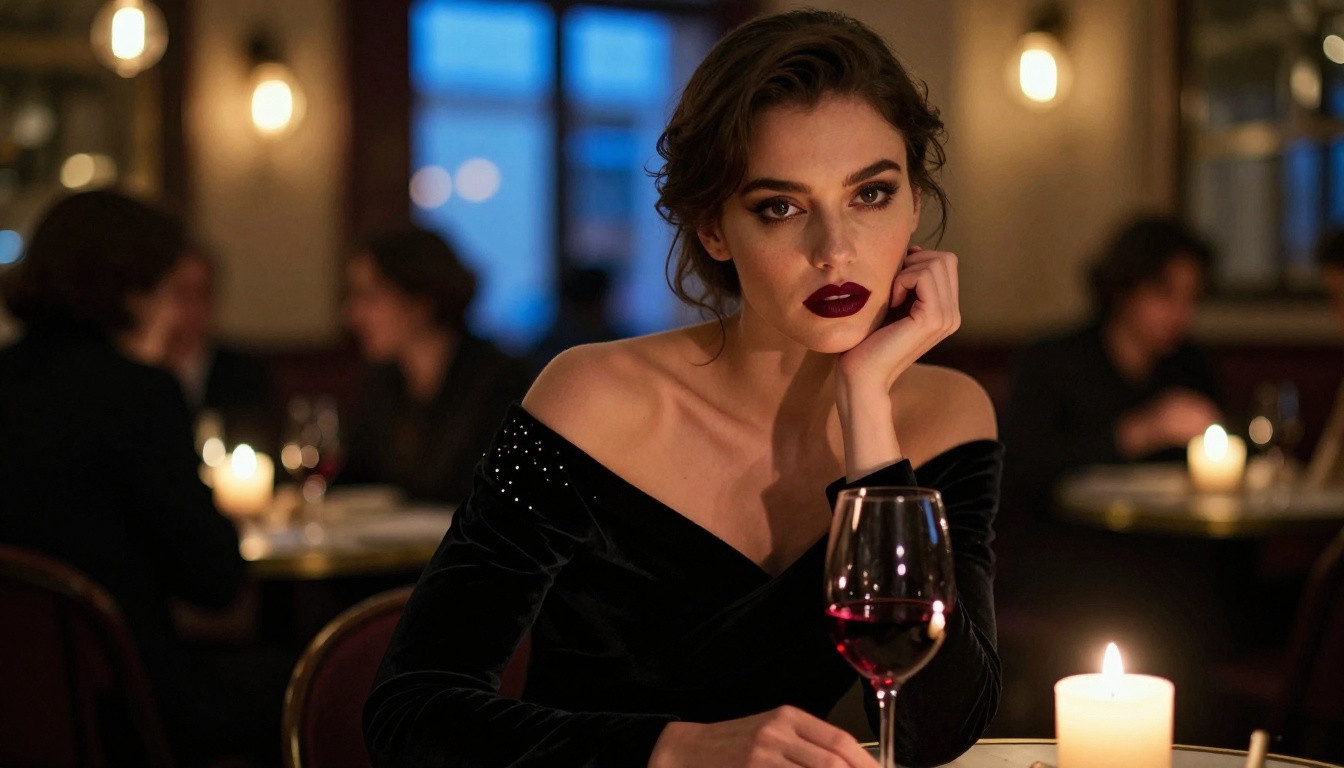
The portrait you want to create is within reach right now. Whether you reach for Seedream 5 Pro's resolution advantage for polished SFW work, or one of the uncensored models above for full creative freedom, the tools are ready. The complete model catalog, including every model referenced in this article and dozens more, is at picassoia.com/en/all-models.


