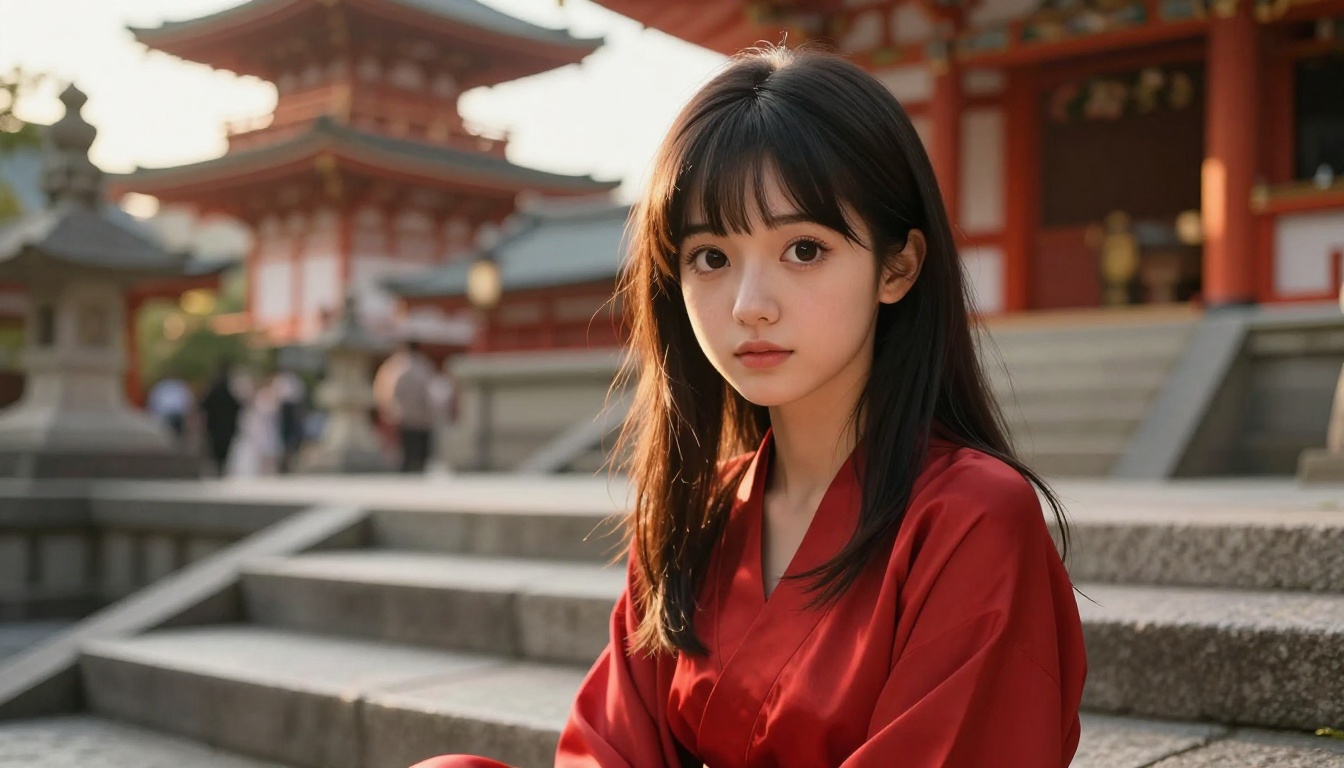
If you have spent more than ten minutes searching for an uncensored anime AI art generator with no filters and no sign-up, you already know the frustration. Half the platforms lock you out behind an account wall before you can generate a single image. The other half censor anything remotely interesting the moment you submit a prompt with any emotional or aesthetic ambition. The result is watered-down output that looks nothing like what you had in mind. That cycle ends here. There are real tools available right now that generate anime-style AI art without filters, without mandatory accounts, and without the artistic compromise that comes with over-moderated platforms. This article covers exactly which models to use, how to prompt them effectively, and how to upscale your output to professional HD quality.
Why Most Anime AI Generators Fail You
The market for AI image generators has expanded dramatically over the past two years, but quality and creative freedom have not kept pace with the number of platforms available. Most generators that appear in search results when you look for uncensored anime AI art no filters no sign-up work disappoint on at least one of those three criteria. The problem usually comes down to two consistent failures: aggressive content filtering and mandatory registration requirements.
The Filter Problem Nobody Talks About
Content filters on mainstream AI platforms are blunt instruments built on keyword matching rather than actual image understanding. Type "anime girl in a bikini" and you might get a refusal, even though that same composition appears in mainstream fashion photography, art galleries, and illustrated novels. The filters do not understand context, artistic intent, or the difference between suggestive and explicit. They trigger on flagged terms and return an error regardless of what the actual output would have looked like.
The practical result is that artists working in romance, glamour, mature aesthetics, pin-up illustration, or any creative space with a hint of sensuality get blocked out of entire creative territories. This does not only affect genuinely explicit content. It catches everything in the vicinity of it, which represents a massive portion of legitimate anime art tradition. Characters in revealing outfits, intimate scenes with no nudity, or emotionally charged compositions with physical closeness all get caught in the same net that was designed to block something else entirely.
💡 Worth noting: The best platforms for uncensored anime AI art still block genuinely harmful content. The distinction is that they do not confuse "beautiful, suggestive, and aesthetically ambitious" with "prohibited." Artistic intent matters, and the right platform respects that.
Sign-Up Walls Kill the Creative Flow
Requiring an account before generating a single image serves one primary purpose: data collection. For you as a creator, it is pure friction between your idea and its realization. You have a specific scene in mind. You want to see it rendered. Instead, you fill out a registration form, verify an email address, wait for a confirmation link, set a password, agree to terms of service, and by the time you reach the actual generator, the creative momentum that drove you there has dissipated. Worse, many platforms with mandatory sign-up then limit free users to a small number of daily generations anyway.
The best platforms for uncensored anime AI art no filters no sign-up have eliminated this entirely. Open the page, write your prompt, generate. That is the experience that actually produces creative output at volume.
Seedream 4.5: The Top Pick for Anime Art
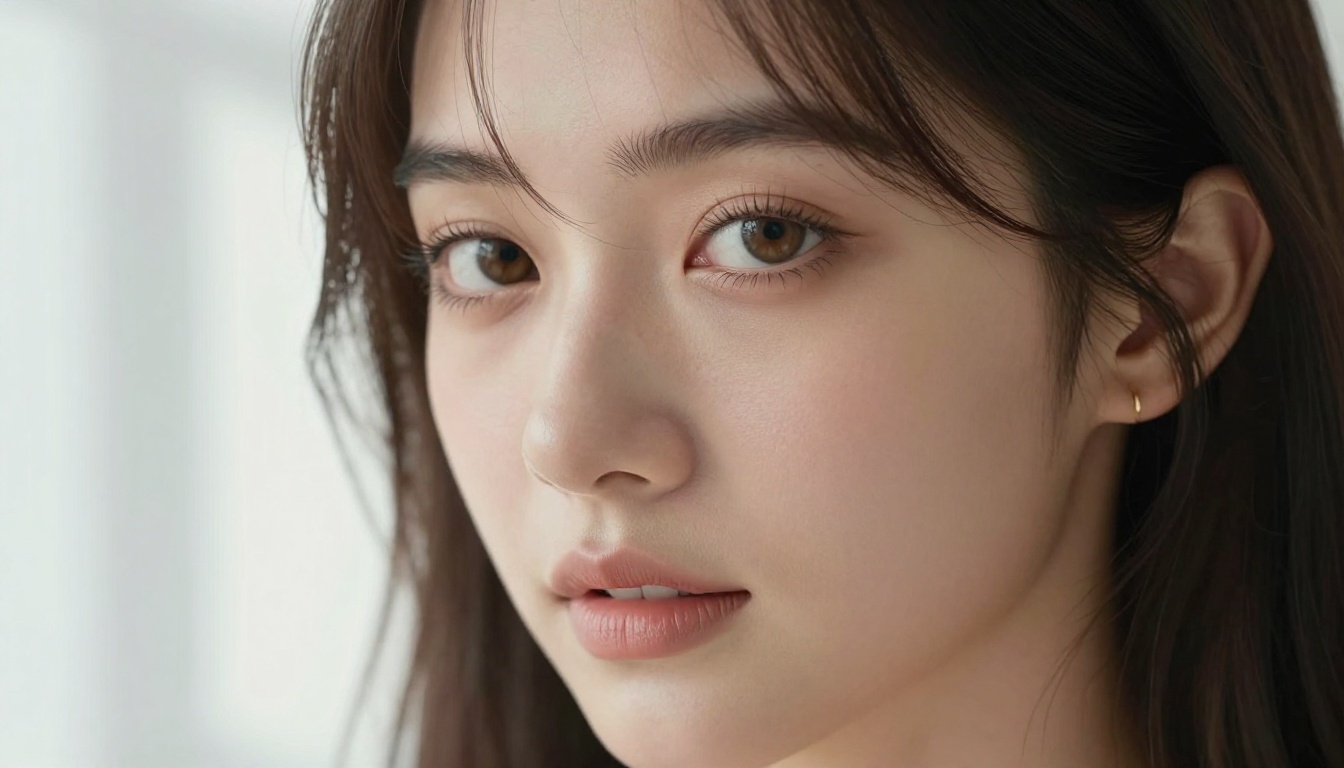
Seedream 4.5 is the model to try first for uncensored anime AI art. Developed by ByteDance and available directly on PicassoIA with no sign-up required, it produces high-fidelity images with genuine artistic depth. The output carries the visual weight of something a professional illustrator would spend hours creating, with strong character presence, detailed environmental integration, and nuanced lighting.
What separates Seedream 4.5 from earlier versions like Seedream 4 and Seedream 3 is its understanding of anime visual language at a structural level. It handles composition, lighting direction, character proportions, and facial expressiveness with nuance that the earlier iterations could not consistently achieve. Eyes land with the right scale and luminosity. Hair falls with weight and movement. Skin carries texture without looking plasticky. These are the details that separate believable anime art from the generic AI output flooding social media.
Speed That Does Not Cut Corners
One common trade-off in high-quality AI art is generation time. Models that produce stunning output often take 30, 60, or even 90 seconds per image. Seedream 4.5 breaks that pattern. It returns results fast enough to maintain a genuine creative workflow where you can iterate on prompts, refine your composition, and test different lighting approaches without sitting through loading screens between each attempt.
| Model | Output Quality | Generation Speed | Content Filters | Account Required |
|---|
| Seedream 4.5 | Excellent | Fast | Minimal | No |
| Seedream 4 | Very Good | Moderate | Minimal | No |
| Seedream 3 | Good | Fast | Moderate | No |
| Most mainstream platforms | Variable | Slow | High | Yes |
No Sign-Up, No Waiting
Access Seedream 4.5 directly on PicassoIA. No account. No email verification. No credit card. You land on the model page, write your prompt, and generate. The images belong to you.
💡 Prompt tip: Seedream 4.5 responds particularly well to detailed scene descriptions. Specify lighting direction, clothing texture, emotional expression, and camera angle for significantly better output. Vague prompts produce generic results regardless of model quality.
PicassoIA Image Editor Pro: Unlimited Everything
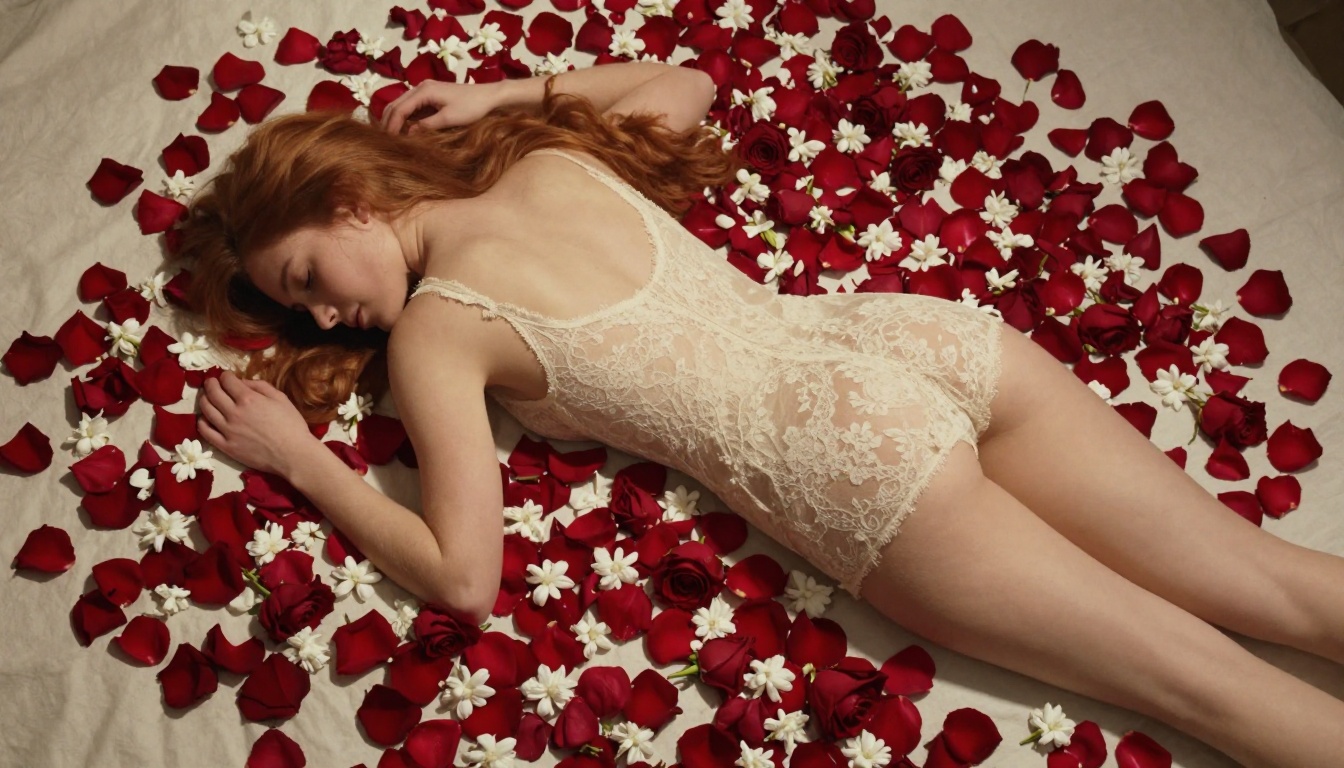
PicassoIA Image Editor Pro is the platform's most flexible tool for anime AI art at scale. While most generators cap daily usage, throttle generation speed after a few images, or require paid plans to access full quality, Image Editor Pro removes those limits entirely.
If you are working on a character series, building a visual novel, exploring dozens of costume variations for a single character, or simply want to iterate until a scene looks exactly right, this is the tool that supports that workflow without interruption.
What "Unlimited" Actually Means
Free-tier generators often advertise themselves as unlimited but bury usage restrictions in the fine print. Ten free images per day. Five per hour. Quality drops after the first few. Watermarks on everything until you pay. PicassoIA Image Editor Pro delivers what the label says. You generate as many images as your creative process requires, at full quality, with consistent speed throughout the session.
For artists generating reference sheets, exploring different character designs for a project, or testing multiple prompt variations of the same scene before committing to a direction, this matters enormously. The creative process is iterative. Any platform that limits iterations limits creativity.
Pro Controls for Serious Results
Beyond sheer volume, Image Editor Pro offers generation parameters that entry-level tools skip entirely. Aspect ratio control, style intensity tuning, seed locking for consistent character identity across multiple images, and prompt adherence balance all give you meaningful control over the output rather than gambling on a single generation and hoping for the best.
For anime AI art specifically, character consistency is critical. When you are building a character across multiple scenes or developing a series with recurring figures, you need the same face, hair, and visual identity to persist across generations. Image Editor Pro's parameter controls support that kind of structured creative work.
More Models Worth Trying
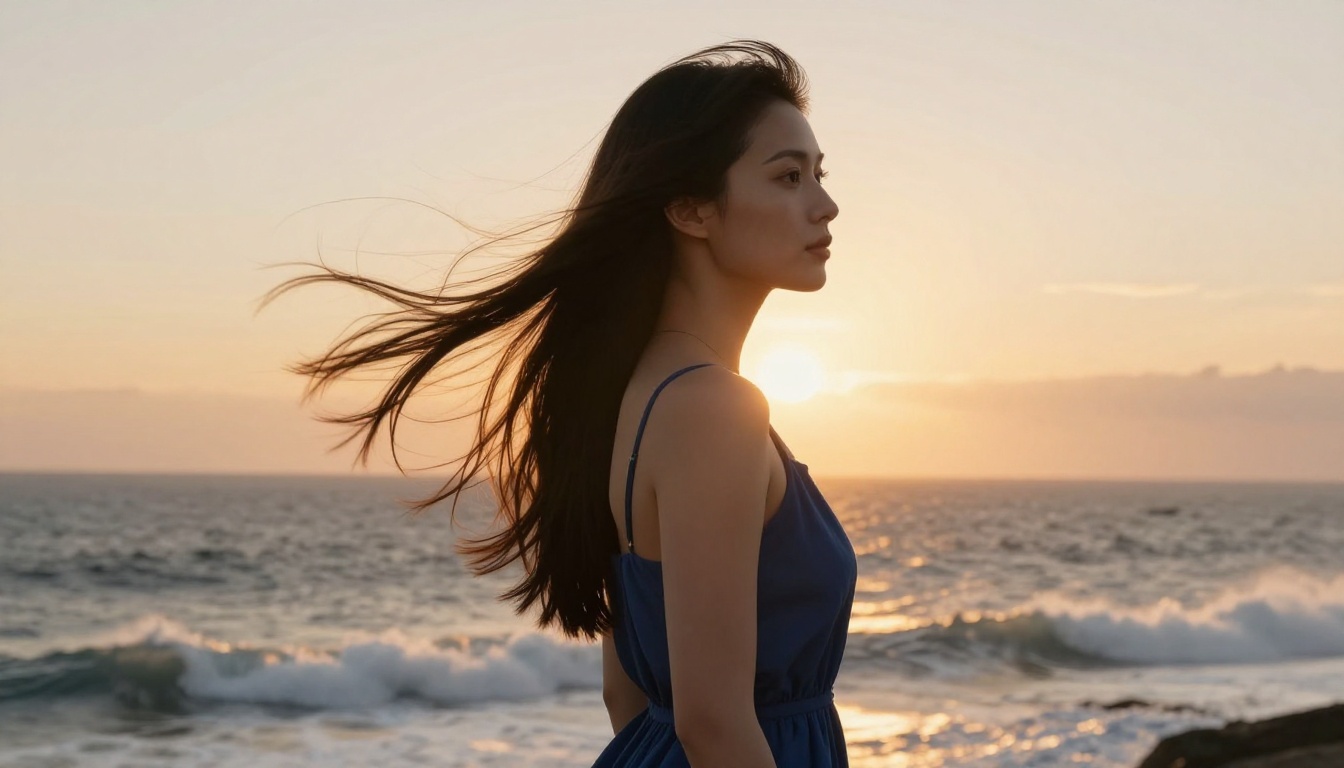
Seedream 4.5 and Image Editor Pro are the primary recommendations, but PicassoIA hosts a broader range of models that serve specific creative needs within the uncensored anime AI art space.
Flux Pro for Cinematic Quality
Flux Pro by Black Forest Labs is the benchmark for photorealistic image generation with cinematic depth. When you want anime-inspired characters rendered with the weight and texture of a film still rather than an illustrated panel, Flux Pro delivers consistently. The model handles complex lighting scenarios particularly well, including dramatic backlighting, rim-light effects on hair and shoulders, and the interplay of shadow and golden-hour warmth that defines high-end anime visual aesthetics.
Flux Dev offers similar visual character at a slightly faster generation speed, which makes it a practical choice for iteration and composition work before finalizing with Flux Pro.
Photo to Anime: Instant Conversion
The Photo to Anime model takes a fundamentally different approach. Rather than generating anime art from a text description, it converts existing photographic images into anime-style artwork. Upload a portrait, a landscape, or a reference image, and the model renders it with anime visual characteristics while preserving the original composition, proportions, and structural relationships within the scene.
This is valuable when you have a specific face, pose, or setting in mind and want anime-style output that stays true to your reference. Text prompts alone sometimes fail to capture exact visual intent. Image-to-image conversion with a strong reference gets you there more reliably.
SDXL for Stylized Variety
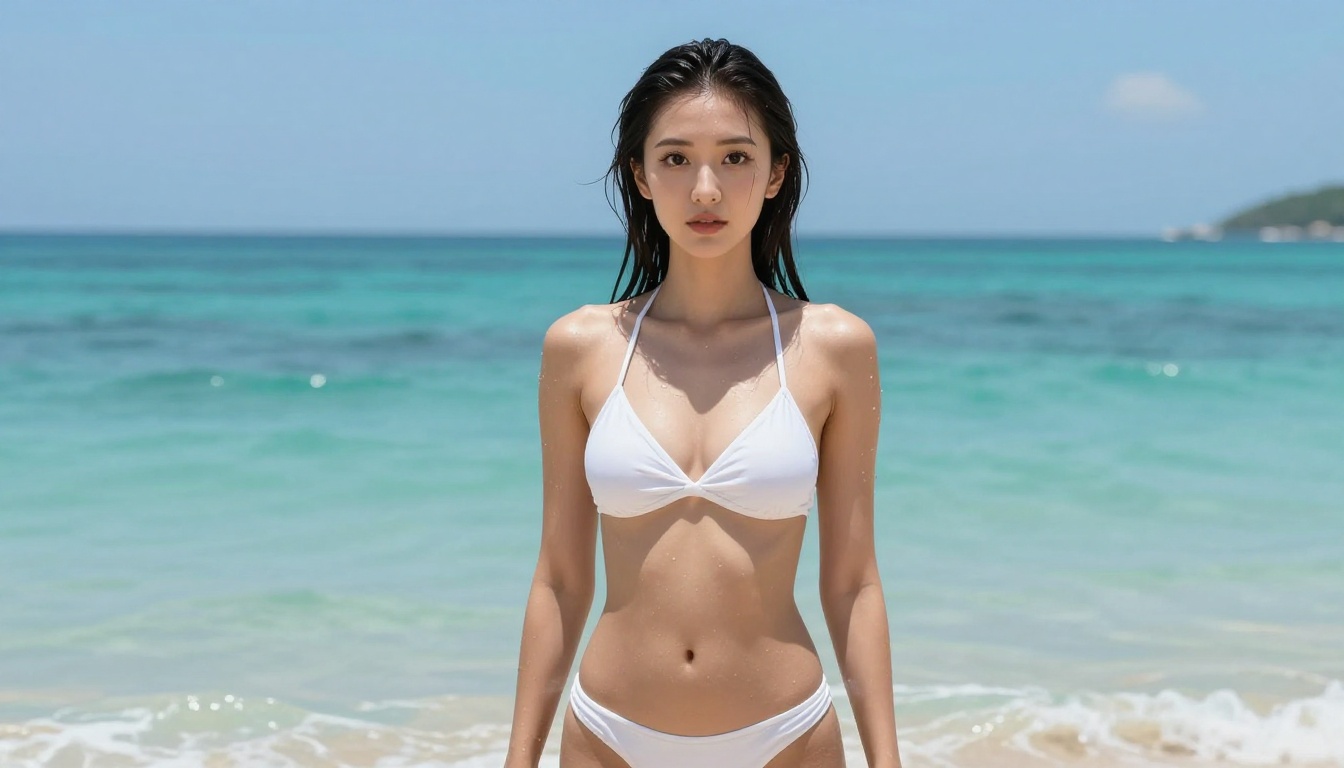
SDXL brings a different aesthetic flavor compared to Seedream and Flux. It excels at stylized anime art with bolder visual choices, stronger color saturation, and a more illustrative quality that suits certain genres better than photorealistic rendering. For shojo romance aesthetics, high-contrast action compositions, or character designs that benefit from a flatter, more graphic look, SDXL's output often aligns better with those visual conventions than models optimized for photorealism.
Writing Prompts That Actually Work
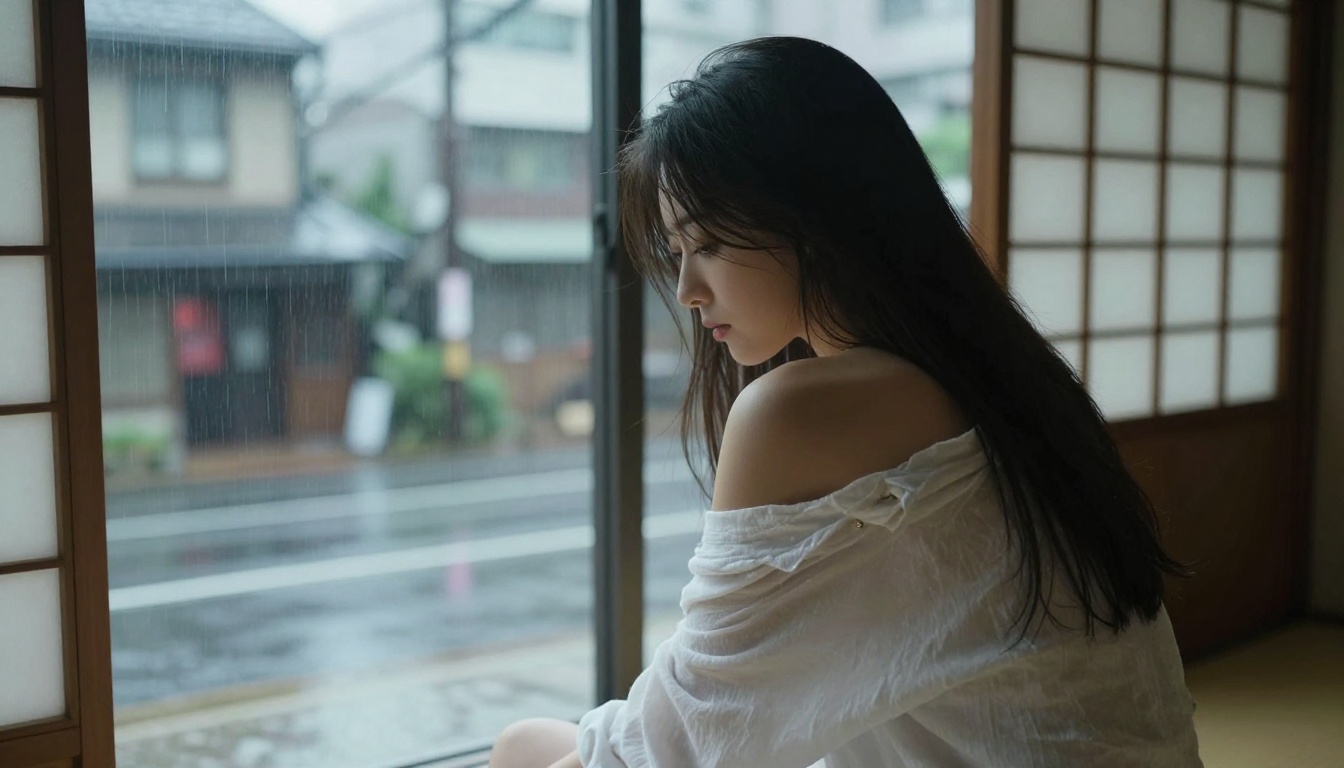
The model matters. The prompt matters more. Even the most capable uncensored anime AI art generator produces mediocre results when fed weak prompts. The majority of disappointing AI art comes down to prompts that are either too vague to give the model anything specific to work with, or structured in ways that contain internal contradictions that force the model into compromises.
The 4-Part Prompt Formula
Strong prompts for anime AI art without filters follow a consistent four-part structure that gives the model complete information about every major visual variable:
- Subject: Who or what appears in the image. Be specific about physical characteristics, expression, clothing (material, color, fit), and pose or action.
- Setting: Where the scene takes place. Interior vs. exterior, time of day, weather conditions, specific architectural elements, environmental details.
- Lighting: Direction, quality, and color temperature. "Volumetric golden hour light from the right side" produces significantly better results than "good lighting" or "nice light."
- Technical modifier: Camera details and film/rendering style. For photorealistic anime art, use specific terms: "85mm f/1.4 lens, Kodak Portra 400 film grain, 8K RAW photography."
Sample prompt applying all four parts:
Young woman with large dark expressive eyes and long black hair pulled loosely behind one ear, seated on weathered stone temple steps at dusk, wearing a flowing red silk dress with the hem pooling on the steps around her. Warm golden hour light from the right casting long soft shadows across the stone texture and her cheekbones. 85mm f/1.8 lens, shallow depth of field, Kodak Portra 400 grain, photorealistic 8K.
Words That Produce Garbage Results
Certain prompt terms reliably generate poor output regardless of which model processes them:
- "Beautiful": Too subjective. Describe what makes the subject visually striking: bone structure, lighting on skin, clothing quality.
- "Amazing": Meaningless to a model. Replace with technical quality specifiers.
- "Realistic": Better replaced with "photorealistic 8K" plus film stock references.
- "Anime style": Too broad. Specify which aspect: large eyes, specific hair movement, particular color palette.
- "High quality": Generic. "Kodak Portra 400, 85mm f/1.4, natural skin texture" communicates quality through specifics.
💡 What works instead: Replace every generic quality descriptor with a specific technical reference. "Shot on 85mm f/1.4" tells the model more about depth, focus, and aesthetic than "realistic portrait" ever could.
Upscaling Your Anime Art to HD
Raw output from even the best anime AI art generators tops out around 1024 pixels on the long edge. For most screen use and social media, that is sufficient. For printing, large-format displays, professional portfolios, or any presentation where the image fills a screen larger than a phone, you need significantly more resolution. Upscaling is the solution, and PicassoIA provides multiple tools for it, each optimized for different types of source imagery.
Crystal Upscaler for Portraits
Crystal Upscaler is specifically optimized for portrait-focused compositions. It preserves and enhances facial detail with exceptional fidelity, which makes it the right choice when your anime AI art centers on a character's face. Fine elements like individual eyelashes, subtle skin texture, hair strand separation, and the catchlights in eyes all come through sharply at 4x the original resolution. For character close-ups where a small source image becomes noticeably soft when displayed large or printed, Crystal Upscaler restores the detail the original generation compressed.
Clarity Pro for Maximum Detail
Clarity Pro Upscaler handles full-scene compositions with complex backgrounds more effectively than portrait-specific tools. When your anime AI art includes architecture, natural environments, fabric texture, or layered environmental detail throughout the frame, Clarity Pro brings every element up to professional print quality without the over-sharpening artifacts that cheaper upscalers introduce.
Other upscaling options available on PicassoIA:
- Real ESRGAN: Fast 4x upscaling suited for batch processing multiple images quickly
- Image Upscale by Topaz: Up to 6x enlargement with AI-reconstructed fine detail, the strongest option for maximum size output
Visual Effects and Style Control
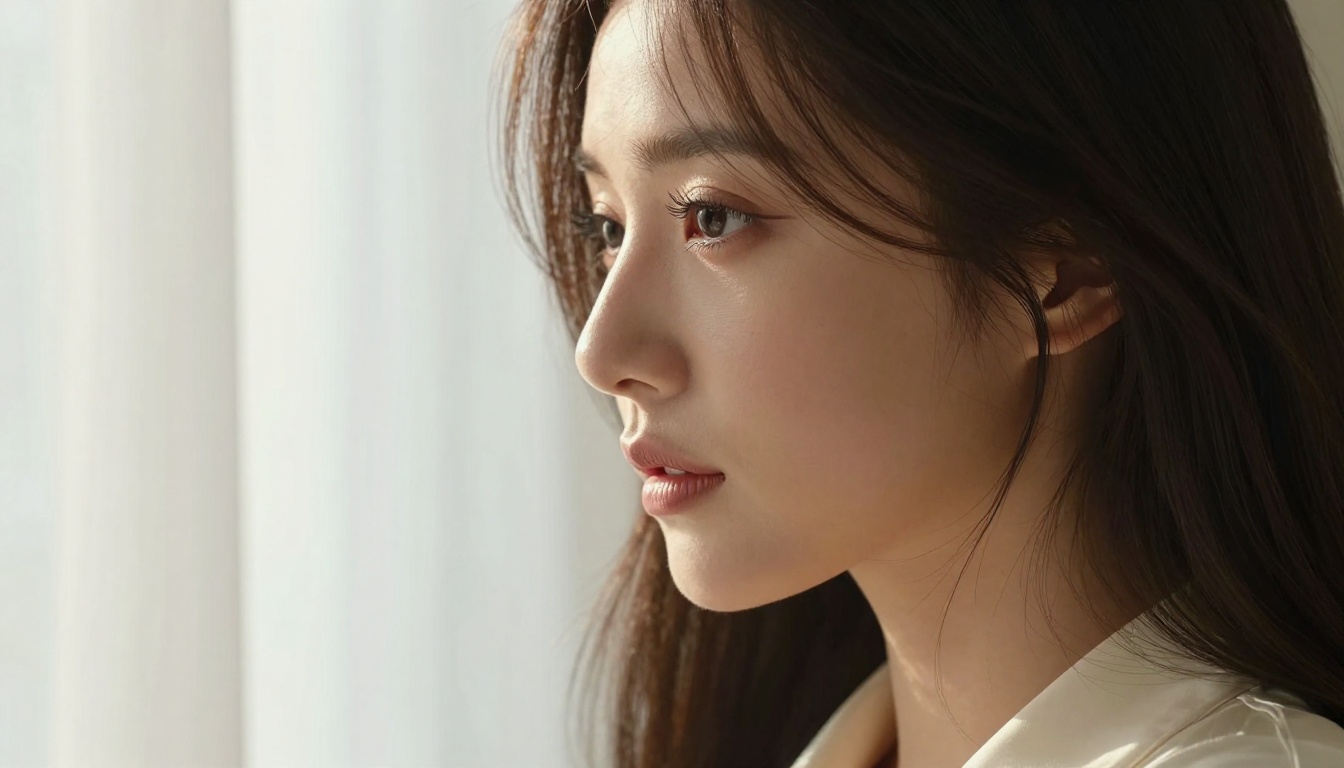
Beyond generation and upscaling, PicassoIA offers post-generation tools for refining the visual character of your anime AI art without returning to the generation stage. For creators who want precise control over the final aesthetic rather than just accepting whatever the model produces, these tools add a meaningful layer of creative control.
For anime AI art specifically, common post-generation adjustments include:
- Tone shifting: Moving from warm romantic palettes to cooler, more atmospheric tones without regenerating
- Texture refinement: Adding or reducing film grain, softening or sharpening specific detail regions
- Color grading: Applying cinematic color treatments that match specific anime visual genres, from the sun-bleached warmth of summer romance to the high-contrast cool tones of action sequences
The P-Image model from PrunaAI also deserves mention here for its strength in photorealistic character rendering that pairs well with downstream visual effects work. When you need a character image that holds up through aggressive post-processing, P-Image provides a stable, high-detail base.
Building Variety in Your Anime Art
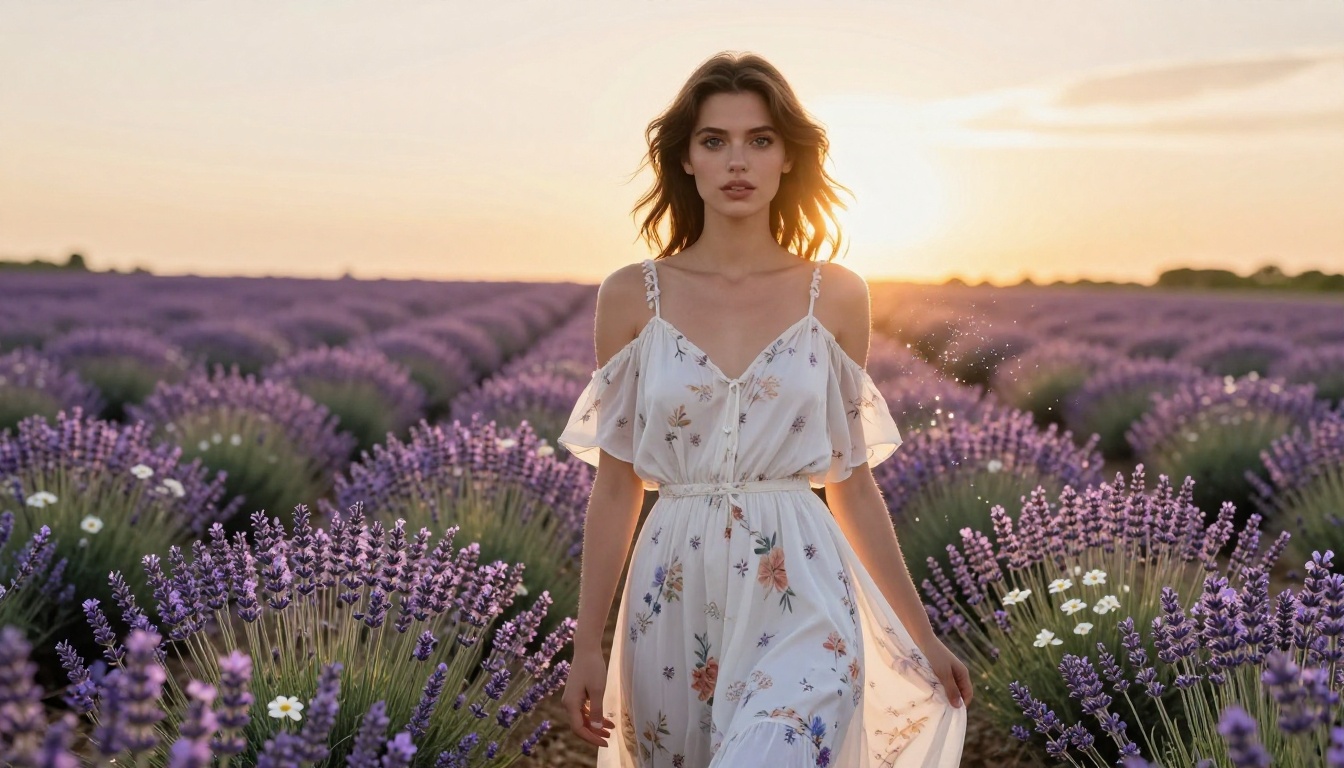
One thing that separates serious anime AI art creators from casual users is variety in output. The best artists using these generators do not produce one type of image repeatedly. They work across multiple aesthetics, genres, and settings to build a portfolio with range. This requires understanding what uncensored anime AI generators can actually produce across their full capability:
- Romantic aesthetics: Soft diffused lighting, intimate settings, delicate costume design, emotional close-up compositions
- Glamour and fashion: Sophisticated outfits with realistic fabric texture, editorial-style lighting, confident subject presence
- Fantasy settings: Characters integrated into richly detailed environments with architectural depth and natural world-building
- Contemporary realism: Modern urban settings, street fashion, natural daylight, grounded photorealistic character rendering
- Cinematic portraiture: Close-up character studies with dramatic directional lighting and strong emotional resonance
Each of these visual territories requires different prompt strategies and sometimes benefits from a different model. SDXL performs better for stylized and illustrative aesthetics. Flux Pro dominates cinematic realism. Seedream 4.5 hits the sweet spot between anime visual character and photorealistic rendering quality. Knowing which model to reach for saves time and produces better results than running every prompt through a single model and accepting whatever comes out.
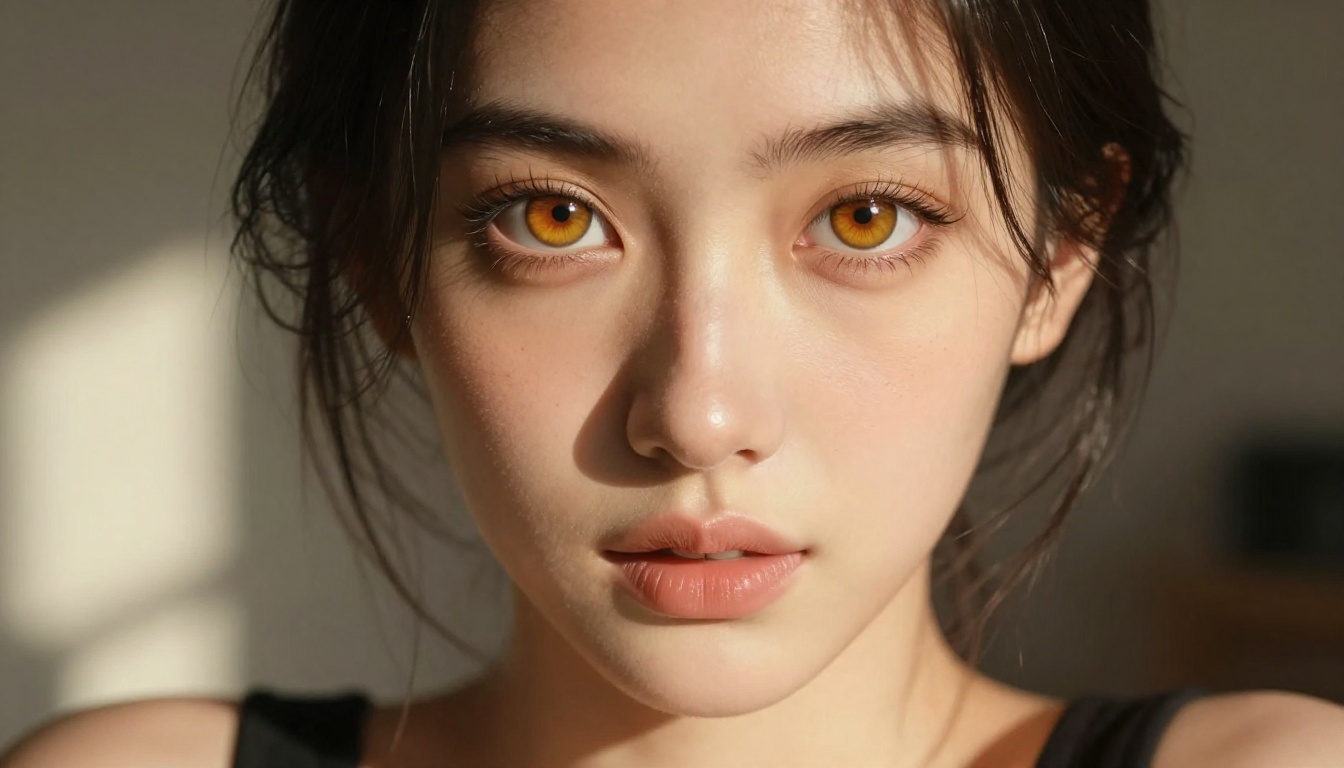
Try It on PicassoIA Now
You have the models, the prompt structure, and the post-generation workflow. The next step is to put it to use on an actual image.
Start with Seedream 4.5. Apply the four-part prompt formula from the prompting section above: subject, setting, lighting, technical modifier. If the first result is close but not quite right, refine the lighting description and subject details before switching models. Most improvements in AI art quality come from better prompts rather than model changes, and Seedream 4.5 has enough range to serve the vast majority of anime art needs.
When you have an image worth keeping, send it through Crystal Upscaler for portrait-focused output or Clarity Pro Upscaler for complex scene compositions. The quality difference between a raw AI output and an upscaled version is significant and immediately visible at normal viewing sizes.
For sustained creative work without limits, PicassoIA Image Editor Pro removes every cap and restriction that most free generators impose. No daily limits. No throttling. No watermarks compromising the final output. Just generation volume matched to whatever your project actually requires.
The complete model library is at picassoia.com/en/all-models. Every model referenced in this article is there alongside dozens more spanning text-to-image, video generation, audio tools, and visual effects. No sign-up required to browse or generate. Open it and start creating.


