If you've spent any time searching for a genuinely customizable anime male character generator, you already know the frustration. Most AI art platforms hit you with vague error messages, greyed-out options, or watered-down outputs that bear zero resemblance to what you actually wanted. That's the reality of censored AI tools, and it's why the word "uncensored" matters so much in this space. This article breaks down exactly what uncensored anime husbando customization is, which models actually deliver, and how to create the character you have in mind without fighting the platform.
What "Uncensored" Really Means in AI Art
The word gets thrown around a lot, but it has a specific meaning in the context of AI image generation.
Why Most Platforms Block the Good Stuff
Standard AI image tools are built for broad audiences. That means they apply content filters that block anything beyond a conservative baseline. You ask for a shirtless male character and get a fully-clothed result. You specify "mature" aesthetics and the output looks like a children's book illustration. The filters aren't malfunctioning. They're working exactly as designed.
The problem is that those designs don't account for legitimate creative use cases around adult anime art, character design for mature games, or personal projects that require more expressive output. When a platform blocks your prompt at the generation stage, you lose creative control before the process even begins.
💡 Quick note: "Uncensored" in this context means content without automated safety filters, not content that is illegal or harmful. Every major AI art platform still enforces terms of service around illegal content.
How Unrestricted Models Actually Work
Unrestricted models are built on the same base architectures as standard ones (Stable Diffusion variants, Flux, and similar), but they're trained or fine-tuned on datasets that include adult content without filtering it out during training. The result is a model that responds naturally to prompts describing mature aesthetics, suggestive poses, and detailed physical characteristics without rerouting your request into something bland.
The distinction matters for anime husbando creation because:
- Physical customization becomes actually customizable (body type, muscle definition, partial clothing)
- Artistic style can push further into the aesthetics that define anime male character design
- Pose and composition can reflect the character archetypes that fans actually want
This doesn't mean infinite freedom. Good unrestricted models still produce higher quality outputs when given clear, structured prompts. The model removes the wall; your prompt still does the creative work.
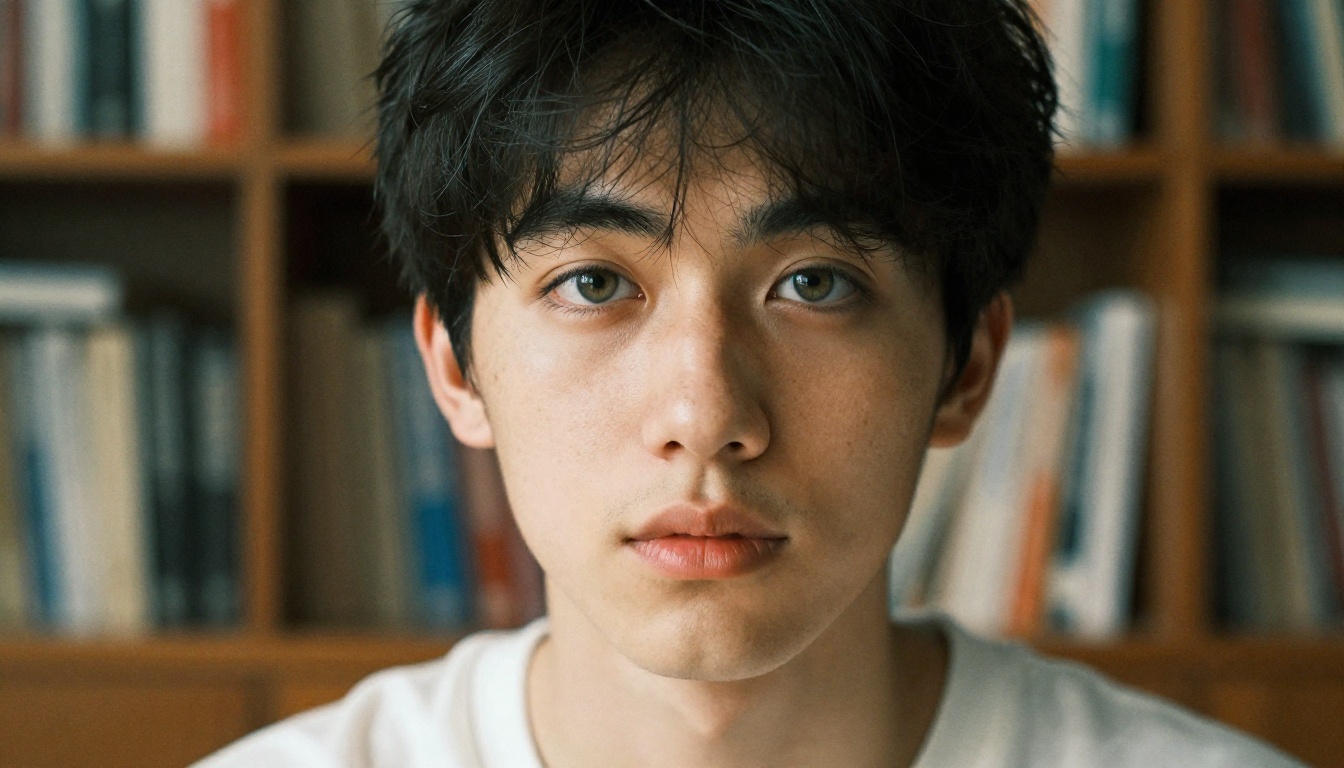
Best AI Models for Anime Husbando Art
Not every model handles anime male character generation equally well. Here's the current lineup on PicassoIA that delivers real results.
Seedream 4: The Top Choice for Adult Content
Seedream 4 is the strongest starting point for uncensored anime husbando customization right now. It generates in 4K resolution, handles both realistic and stylized anime aesthetics with equal competence, and processes explicit character prompts without triggering filter rollbacks. The model's training gives it a strong grasp of male anatomy, expressive face rendering, and the kind of lighting drama that makes anime art feel alive.
Why Seedream 4 works for this use case:
- 4K output resolution for character detail
- Responds well to specific body type and aesthetic prompts
- Handles partial or suggestive clothing naturally
- Fast generation compared to heavier models
For anything in the mature or adult anime art space, start here. Note that Seedream 5 Lite is not recommended for this use case as it applies content blocks on adult material, whereas Seedream 5 Pro and Seedream 3 remain solid alternatives when Seedream 4 is at capacity.
PicassoIA Image Editor Pro for Unlimited Runs
PicassoIA Image Editor Pro is the platform's flagship model with unlimited generation capability. That unlimited aspect matters more than it sounds. Husbando customization is an iterative process. You'll rarely hit exactly the right output on the first try, and being able to run 20, 30, or 50 variations without counting credits changes how you work.
Use Image Editor Pro when you need to:
- Run batch variations of a character concept
- Test prompt adjustments side-by-side
- Build toward a finalized character sheet over multiple sessions
Proteus v0.3 for Pure Anime Style
Proteus v0.3 is purpose-built for anime character art. If your target aesthetic leans heavily into the visual language of Japanese animation rather than photorealism, this is the model to use. It produces sharp outlines, expressive proportions, and the kind of color saturation that feels native to anime rather than approximated.
Pair it with Seedream 4 outputs by using the Qwen Image Edit Plus LoRA Photo To Anime model to convert photorealistic generations into anime-style artwork while preserving character identity.
Flux Dev for Hyper-Detailed Results
Flux Dev and Flux.1 Dev both offer exceptional detail rendering. Where Seedream 4 excels at immediate adult content responsiveness, Flux Dev handles complex prompt instructions with more precision. It's the better choice when you need:
- Specific facial feature control (eye shape, nose bridge, jawline)
- Complex outfit descriptions with fabric textures and layering
- Environmental context that reads clearly in the final image
The tradeoff is slightly longer generation time and more sensitivity to prompt structure. But the results justify the effort.
What You Can Actually Customize
The real power of uncensored anime husbando customization is the range of parameters you control. Here's what actually makes a difference.
Physical Traits That Matter
| Feature | Prompt Approach | Impact Level |
|---|
| Hair color and style | Specific: "silver hair, windswept, slight curl" | High |
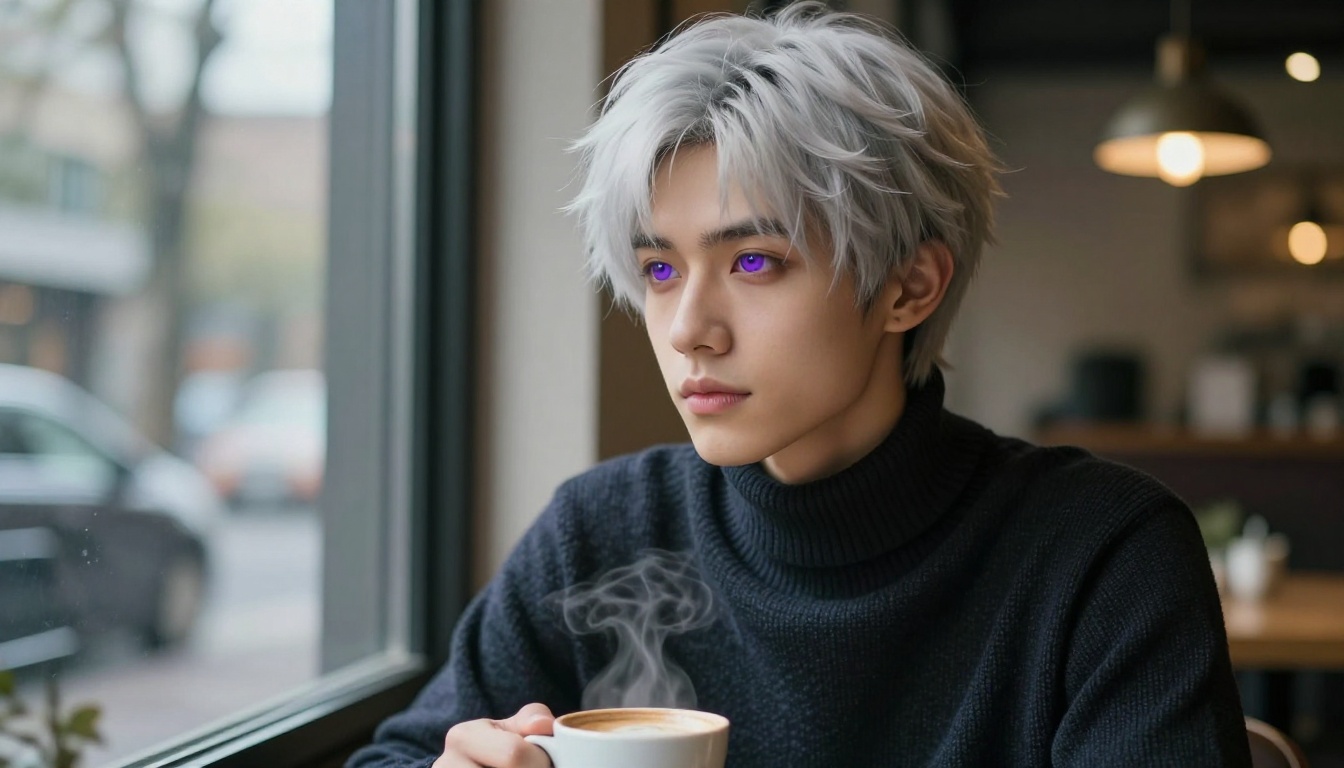
| Eye shape and color | Specific: "sharp violet eyes, heavy lashes" | High |
| Body type | Descriptive: "lean muscular build, broad shoulders" | High |
| Skin tone | Film reference: "warm olive, Kodak Portra 400 tones" | Medium |
| Facial structure | Anatomical: "strong jaw, defined cheekbones, sharp nose" | High |
Vague descriptions produce average results. The more specific you get about each physical trait, the more recognizable and consistent your character becomes across multiple generations.
Personality Through Visual Design
Anime characters communicate personality visually. The way a character holds their posture, the angle of their gaze, and the state of their clothing all carry meaning. When building a husbando prompt, consider what emotional register you want:
- Confident and assertive: Direct eye contact, upright posture, clean fitted clothing
- Mysterious and withdrawn: Averted gaze, hair partially obscuring face, darker color palette
- Warm and approachable: Slight smile, relaxed shoulders, softer colors and natural lighting
- Cool and intellectual: Neutral expression, reading glasses, composed posture
These signals don't require writing a personality description into your prompt. They come from the visual cues you describe instead.
Outfit, Style, and Setting
Clothing and environment are often underweighted in character prompts. But they do substantial work in establishing who your character is. A character in a partially unbuttoned linen shirt in a sunlit apartment reads completely differently from the same character in dark tactical gear in a dimly lit corridor.
💡 Tip: Describe fabric textures specifically. "Cotton t-shirt" gives the model less to work with than "fitted white cotton crew neck, slight stretch across the chest, natural fabric folds at the waist." The specificity translates directly into image quality.
How to Write Prompts That Deliver
Prompt quality is the single biggest variable in your output quality. The model provides the capability; the prompt determines what you actually get.
The Formula That Works
A reliable structure for anime husbando prompts follows this pattern:
[Subject + key physical traits] + [expression/pose] + [outfit detail] + [environment] + [lighting conditions] + [camera/composition] + [atmosphere/mood]
Example:
"Young man, sharp angular jaw, dark hair windswept, intense dark eyes, lean muscular build, wearing an open navy jacket over white shirt, standing at a rooftop edge at sunset, warm backlit golden hour light, low angle shot from hip level, cinematic depth of field, Kodak Portra 400 film grain, atmospheric haze"
Every element in that prompt is doing specific work. Remove any one of them and the output shifts.
Words That Actually Work
These consistently improve output quality on models like Seedream 4 and Flux 1.1 Pro:
Quality modifiers: 8K RAW photography, Kodak Portra 400, 85mm f/1.4, cinematic lighting, film grain
Male character words: defined jawline, lean muscular, broad shoulders, sharp cheekbones, athletic build
Anime aesthetic words: anime-inspired proportions, expressive eyes, stylized facial features, bishounen aesthetic
Lighting words: volumetric light, golden hour backlight, Rembrandt lighting, soft window diffusion, dramatic side light
3 Mistakes That Ruin Your Output
-
Vague character descriptions: "handsome anime man" gives the model no actual guidance. Be specific about every physical feature.
-
Forgetting lighting: The single most impactful variable you can add. Light determines texture, mood, and overall quality more than almost anything else.
-
Overloading the prompt: More than 150 words in a single prompt often produces conflicting signals. Structure it clearly with the most important details first.
How to Use Seedream 4 on PicassoIA
Seedream 4 is where most users should start for uncensored anime husbando work. Here's how to use it effectively.
Step-by-Step
- Go to Seedream 4 on PicassoIA
- In the prompt field, paste your character description using the formula above
- Set your aspect ratio based on your output need (16:9 for scene shots, 9:16 for character portraits)
- Set quality to maximum if the option is available
- Run your first generation and assess the output
- Identify what diverged from your intent (usually lighting or facial features)
- Adjust that specific element in your prompt
- Run again
Parameters Worth Tweaking
| Parameter | Recommended Setting | Why |
|---|
| Aspect ratio | 9:16 for portraits, 16:9 for scenes | Matches the composition you're prompting for |
| Steps | Higher is better for detail | More steps produce more refined output |
| CFG scale | 7-9 for balanced results | Higher values follow the prompt more strictly |
| Seed | Save seeds from good outputs | Allows re-running with small prompt variations |
💡 Pro move: When you get an output that's close but not quite right, copy the seed and change only one prompt element at a time. This lets you isolate what each change does to the final image.
The 3 Classic Husbando Archetypes
Whether you're building an original character or recreating a specific type you have in mind, most anime husbando aesthetics map to a few recognized archetypes. Each one has distinct visual requirements.
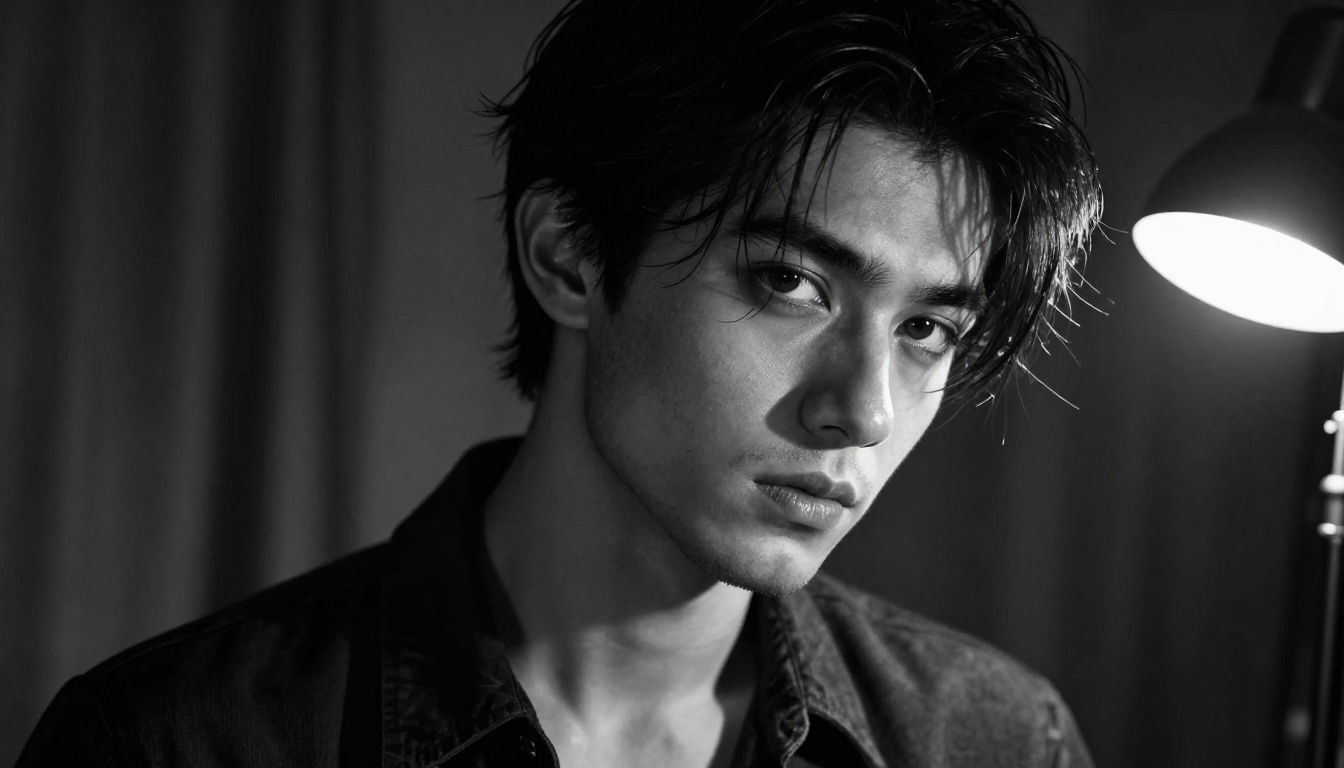
The Dark Brooding Type
This archetype features high contrast, shadow-heavy aesthetics. Think:
- Dark or black hair, often slightly disheveled
- Deep-set eyes with sharp, intense expression
- Darker color palette in clothing and environment
- Single-source dramatic lighting (Rembrandt or side-lit)
- Partially open clothing as a stylistic element
Prompt note: Use "Rembrandt lighting", "low-key cinematic", and "harsh shadow" in your lighting description for this archetype. Flux Dev handles the shadow detail particularly well.
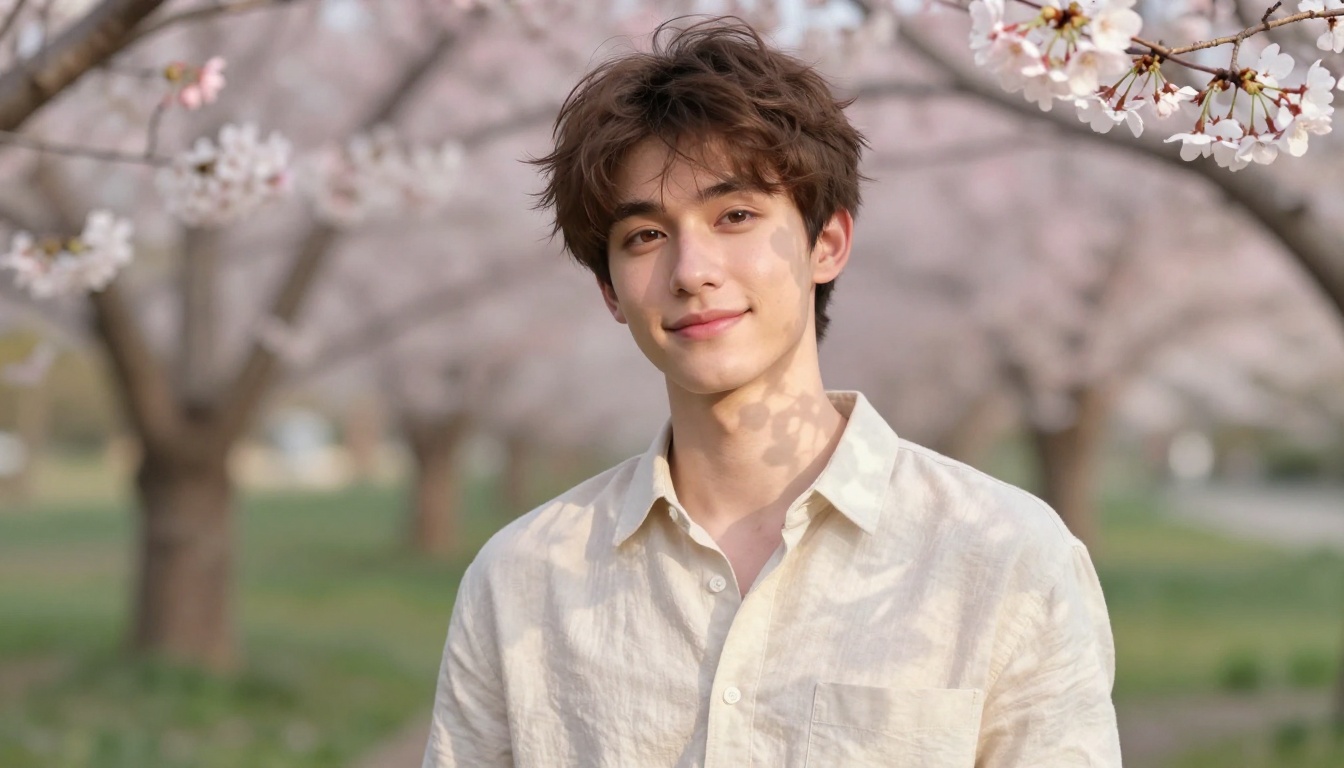
The Warm Romantic Type
Softer features, lighter color palettes, and nature-adjacent settings define this one. The visual language is about accessibility and warmth:
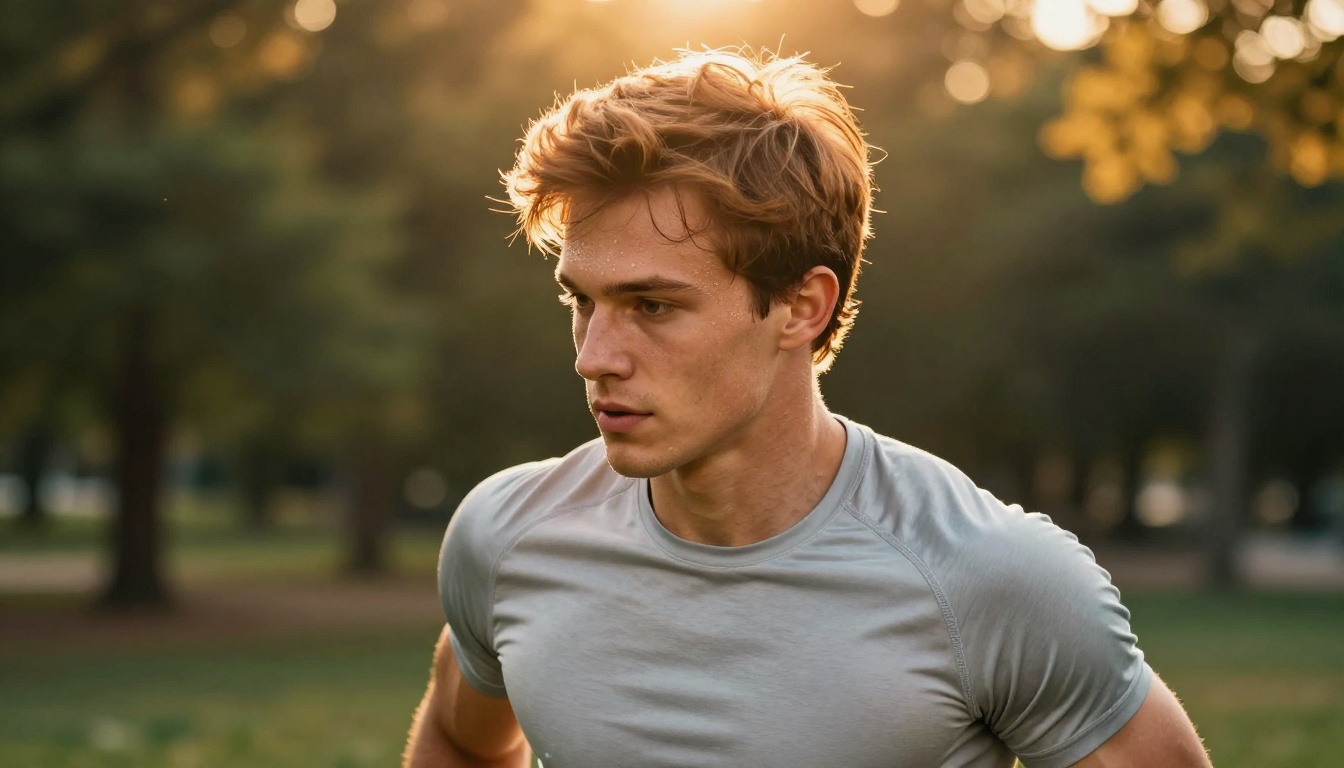
- Light brown, warm blond, or soft auburn hair
- Gentle facial expressions, warm eye colors
- Soft natural lighting from above or behind
- Floral or natural environments with bokeh
- Open, relaxed clothing in cream, white, or light colors
Prompt note: "Dappled light", "cherry blossom bokeh", and "warm afternoon diffused light" are highly effective here. Seedream 4 produces exceptionally warm skin tones for this archetype.
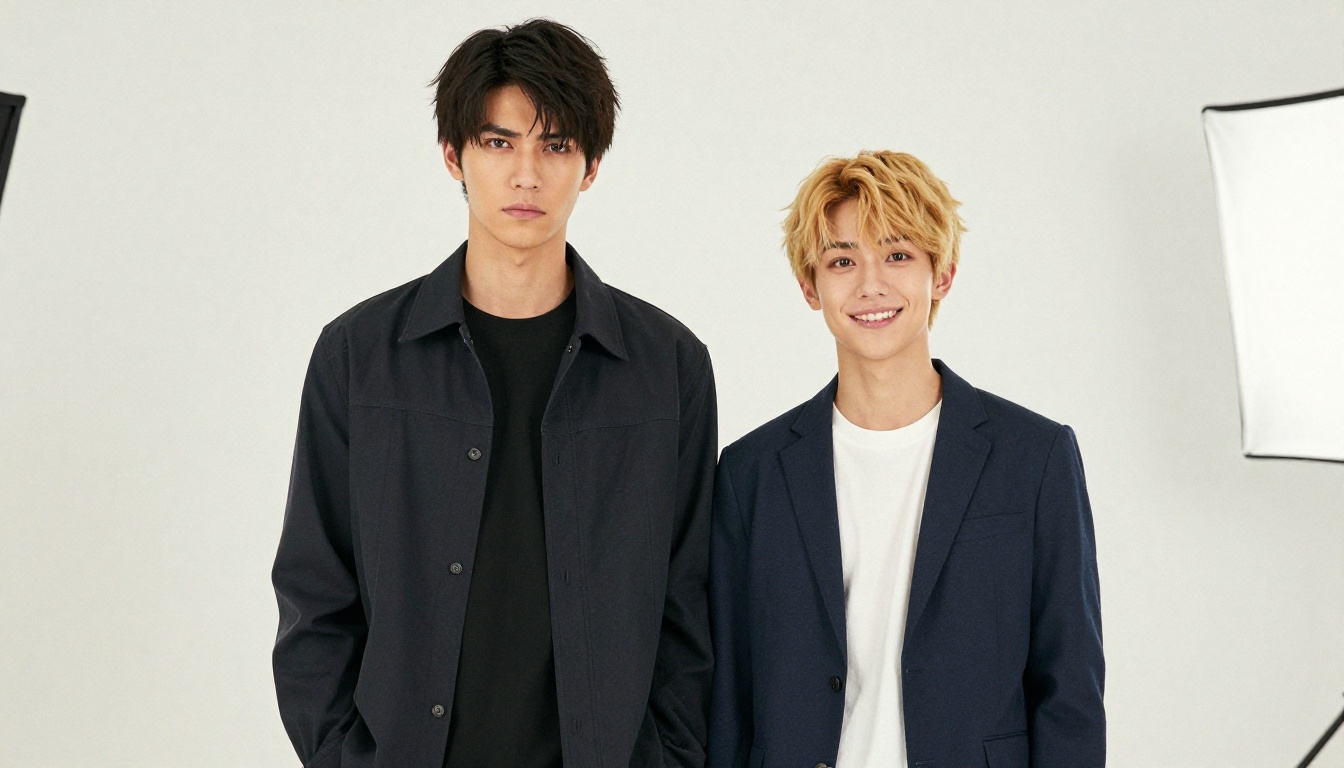
The Cool Intellectual Type
The intellectual archetype emphasizes refinement and quiet intensity:
- Neat, controlled hair (dark or light with clean styling)
- Wire-frame glasses are a strong visual signal
- Composed neutral expression with a hint of warmth
- Indoor scholarly environments (libraries, studies)
- Fitted knit sweaters, collared shirts, academic aesthetics
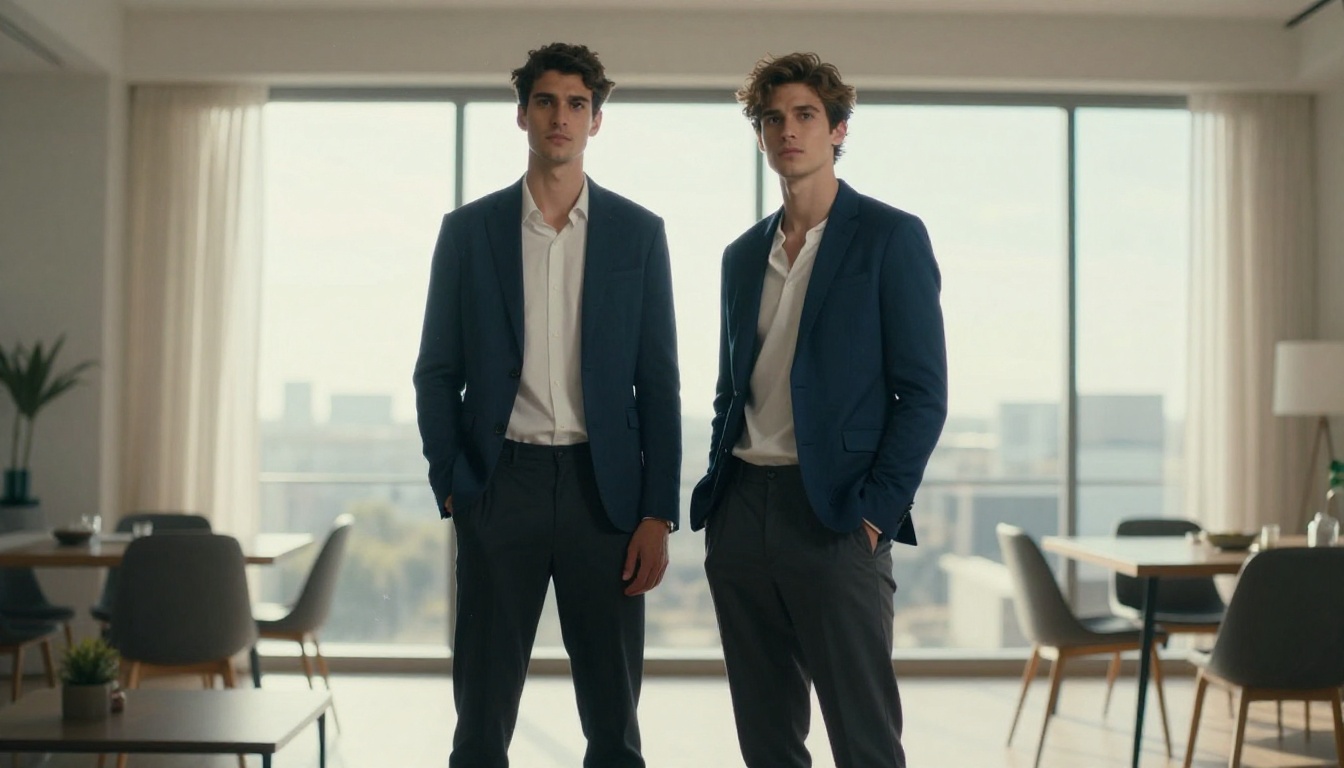
The comparison above shows how two archetypes can exist in the same visual register but read as completely different characters. That's the power of deliberate prompt construction.
Taking Your Character Further
Once you have a base character generated, the real depth of PicassoIA's customization tools opens up.
Editing and Variations
PicassoIA Image Editor Pro lets you push further without starting from scratch:
- Inpainting: Change specific parts of an existing image (swap the outfit, alter hair color, modify facial expression) without regenerating the full character
- Outpainting: Expand the canvas to reveal more of the character's body or environment
- Object Replacement: Swap clothing items or accessories in an existing generation
These tools let you iterate on a character you already like rather than rebuilding from zero every time you want a variation.

Building a Full Character Sheet
A character sheet is a collection of consistent images showing your character from multiple angles, in different outfits, and in different moods. Building one requires:
- Anchoring to a seed: Save the seed from your best base generation
- Consistent prompt core: Keep the physical description identical across all variations
- Varying only the dynamic elements: Change pose, outfit, lighting, and environment while keeping the character description locked
- Using a consistent model: Mixing Seedream 4 and Flux Schnell across a sheet produces stylistic inconsistency. Pick one model per character and stay with it.
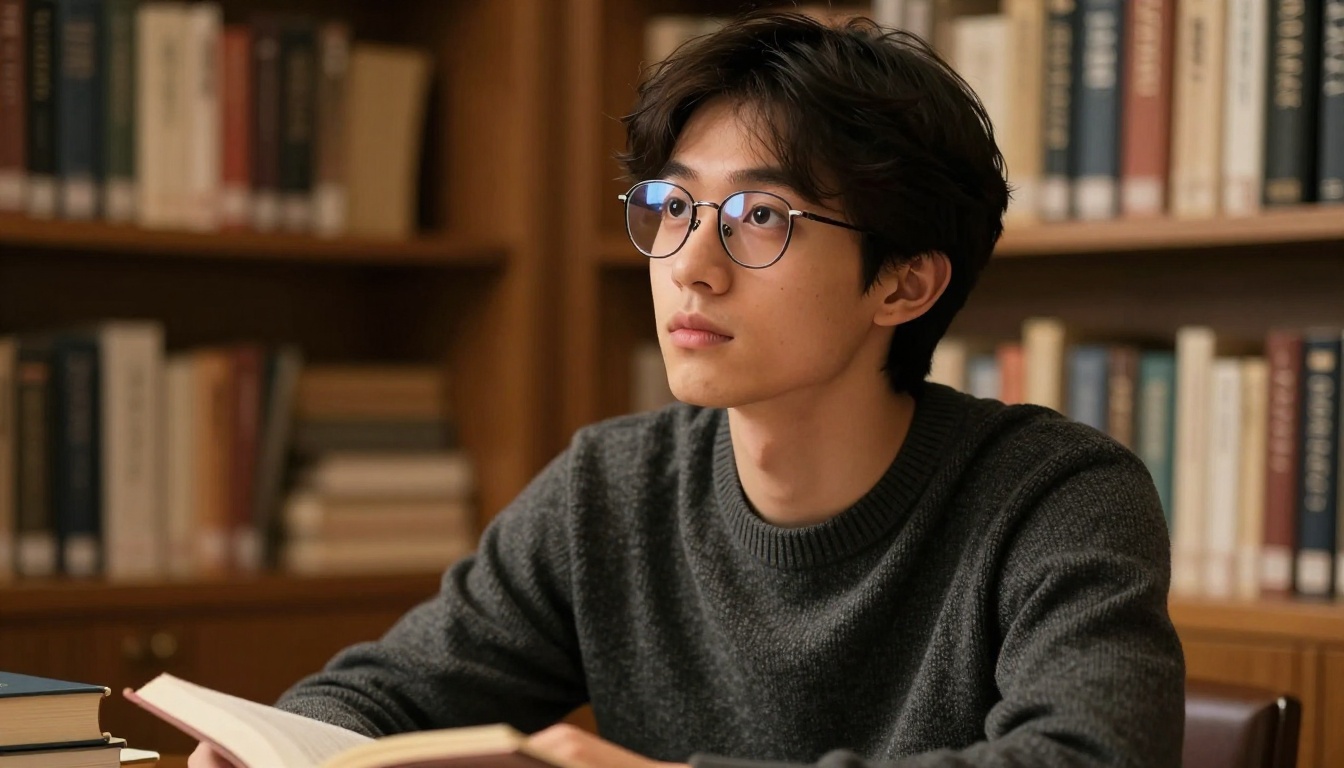
The detail work is where the difference between a good character and a great one lives. When you can describe the exact fabric of a sweater, the specific quality of light in a room, or the individual curl of a strand of hair, the model can render it. That level of specificity is what separates forgettable outputs from characters that actually feel real.
Build Yours on PicassoIA
If you're ready to stop dealing with content walls and start creating, PicassoIA has everything in one place. Start with Seedream 4 for your first uncensored generation. Switch to PicassoIA Image Editor Pro for unlimited variations once you have a concept worth developing. Add Proteus v0.3 when you want to push into pure anime illustration territory.
The platform has over 90 text-to-image models alongside editing tools, face swap, super resolution upscaling, and more. Everything you need for serious anime husbando customization is already waiting at picassoia.com/en/all-models.


