Uncensored Anime Video Generators Compared Side by Side
A side-by-side comparison of the best uncensored anime video generators available today, covering speed, quality, content freedom, and pricing. Find which AI tools respect your creative vision and deliver realistic, unrestricted anime content in seconds without hidden filters.
If you've tried more than two AI video tools for anime content, you already know the wall: every generator either watermarks your clips, blocks anything suggestive, or produces character designs that look like a filtered fever dream. The search for a real, unrestricted anime video generator that delivers consistent quality is exhausting. This comparison gives you the honest answer, covering what each tool actually does and which ones belong in a serious creator's workflow.
Why Most Anime Generators Censor Your Work
The mainstream AI market built its image and video models for broad audiences, which means aggressive safety filters by default. That is fine for corporate use cases, but it makes life difficult for anyone working on anime, illustration, or adult-themed creative projects.
The Filter Problem
Filters are not always obvious. Some platforms block explicit keywords. Others silently downgrade prompt quality when they detect certain character archetypes. A few redirect your output to a safer style without telling you. The result: you write a detailed anime scene prompt and the model returns a chibi character in a school uniform.
The tools that actually work for uncensored anime video generation either ship with content restrictions disabled by default, or give users explicit control over what gets filtered.
What "Uncensored" Really Means
"Uncensored" in the AI video context does not necessarily mean explicit content. It means the model respects your creative intent without silently rewriting your prompt, downgrading quality for adult-adjacent content, or adding watermarks that signal the platform disagrees with what you are making.
For many creators, uncensored simply means: the character looks exactly like what I described, including clothing choices, body proportions, and scene composition.
💡 The sweet spot for most anime creators is not hardcore content. It is the ability to generate mature themes, suggestive aesthetics, and character designs without a platform's filter deciding your creative direction.
The Top Contenders Right Now
After running hundreds of prompts across the leading tools, these are the generators that actually deliver on the uncensored anime promise.
Seedream 4.5: The Speed Champion
Seedream 4.5 is the current top recommendation for anyone who needs realistic anime character generation without content restrictions. It accepts adult content, supports image editing alongside text-to-image, and it is fast. Results come back in under 3 seconds, which changes how iterative your workflow can be.
What makes it stand out:
Full NSFW acceptance with no silent prompt rewrites
Image editing mode lets you refine a character's pose, outfit, or expression without starting over
Speed is genuinely exceptional: 3 seconds per image means you can A/B test character designs in real time
Outputs are photorealistic by anime standards, with skin texture, fabric drape, and lighting that behave like actual photography
One critical note: the newer Seedream 5 Lite does not support NSFW content. Stick with Seedream 4.5 for unrestricted work.
PicassoIA Image Editor Pro: Unlimited Generations
For creators who need volume, PicassoIA Image Editor Pro is in a different category. It is an image-to-image model, so you bring a source image and describe the transformation. The defining feature: unlimited generations on Elite and Infinite plans.
If you are generating 1,000 character variations for an animation project, models like Nano Banana 2 would charge you around $100 for that volume. With PicassoIA Image Editor Pro, it is included in your subscription. It returns results in under 1 second, and there is a free 3-image trial with no credit card required.
Qwen Image 2: Open Source Flexibility
Qwen Image 2 is an open-source model that handles both text-to-image and image editing. Open-source architecture means the content policy is set by the platform running it, not an upstream API provider. On PicassoIA, that means it respects adult content prompts.
The output quality trends toward detailed realism. Qwen Image 2 is especially good at skin texture and fabric detail in close-up shots, making it a strong companion to Seedream 4.5 when you need that extra level of photographic precision.
Grok Imagine Image: Outfit Transformation
Grok Imagine Image has carved out a specific niche: taking an existing image and transforming the subject's outfit in a realistic way. Upload a character reference, describe the desired outfit, and the model makes the swap while preserving facial features and overall composition.
It is not the most flexible text-to-image tool, but for creators building anime character sheets who need outfit variants, it is highly effective.
Head-to-Head: Speed and Quality
Here is how the top image generators compare across the metrics that matter most for animation pre-production:
When generating large batches of character images for an animation project, the order of tools matters:
Start with Seedream 4.5 for your character designs. The 3-second turnaround makes iterating feel instant.
Switch to PicassoIA Image Editor Pro for outfit variations once your base character is locked. Unlimited generations means zero cost anxiety.
Use Qwen Image 2 for close-up face or texture work where detail resolution matters most.
Anime Video Generators: The Real Comparison
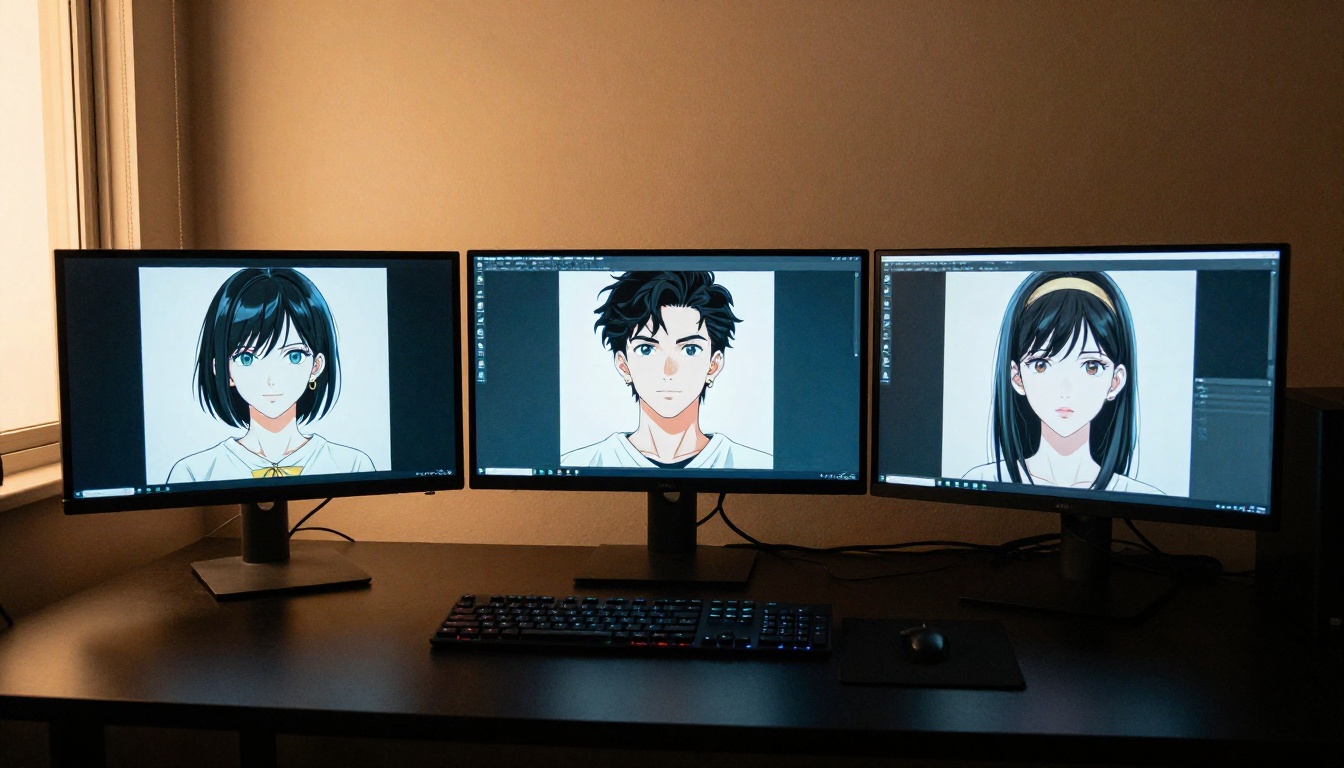
Generating still images is one thing. Turning those characters into animated clips is where the real comparison gets interesting. These are the video generators that allow uncensored anime-style content without the filter walls you hit on mainstream platforms.
PicassoIA Video: Unlimited Clips
PicassoIA Video is the first choice for creators who need video volume without watching a credit meter drain. It generates clips directly from text prompts at up to 720p, 5 seconds per clip, with no generation limit.
For anime content specifically, the model handles character movement, fabric dynamics, and scene transitions without the aggressive content filtering that blocks adult-adjacent creative work on most platforms.
P-Video: Safety Filter Off by Default
P-Video takes a different approach: its safety filter is disabled by default. That is a significant distinction. You are not working around a filter; the model processes your prompt as written.
Output goes up to 1080p (24 or 48 fps) with duration adjustable from 1 to 10 seconds. There is also a draft mode that returns a low-resolution preview instantly so you can verify the composition before committing to the full render.
💡 P-Video's draft mode is a time-saver for anime video work. Nail the character pose and scene layout at instant speed, then render the final 1080p version when the composition is right.
Grok Imagine Video: Long Clips, No Watermarks
Grok Imagine Video generates clips up to 15 seconds, significantly longer than the 5-second limit on most models. It accepts text prompts, reference images, or existing clips for re-editing, and outputs at 720p or 480p with no watermarks.
The image-to-video mode automatically matches your source photo's proportions, which is valuable when you are animating a specific character design you already generated. Its companion tool, Grok Imagine Image, makes the text-to-image-to-video pipeline seamless.
Wan 2.2 I2V Fast: Fluid Animation
Wan 2.2 I2V Fast specializes in converting static images into dynamic videos with smooth, natural animations. For anime character work, this pairing is powerful: generate your character with Seedream 4.5, then bring it to life with Wan 2.2 I2V Fast.
The "Fast" designation means lower latency, useful when you are iterating on motion style and do not want to wait minutes per preview clip.
LTX 2.3 Pro: When Quality Matters
LTX 2.3 Pro is the highest-fidelity option in this comparison. It exports at up to 4K and 50fps, professional broadcast quality. Its five modes (text-to-video, image-to-video, audio-to-video, retake, and extend) make it a full post-production tool in one interface.
For anime projects where the final output will be displayed at large scale or distributed at high quality, LTX 2.3 Pro is the right choice. The output quality is in a different tier than anything else on this list.
Not all uncensored anime generators are equal on the cost side. Here is the honest breakdown.
Free vs. Paid Access
Most models on PicassoIA offer some level of free trial access. The exceptions are premium-tier models like LTX 2.3 Pro and Grok Imagine Video, which require credits per generation.
For creators just starting, P-Image and PicassoIA Video give you a real sense of what uncensored anime generation looks like without a financial commitment. Both handle adult content prompts without filtering.
The Unlimited Generation Case
The numbers change significantly when you are working on a project that needs volume. Generating 500 character variations at typical per-image rates adds up fast. That is the scenario where PicassoIA Image Editor Pro's unlimited generation model pays for itself in the first session.
💡 If your workflow involves generating more than 100 images in a single project, the unlimited-generation model on Elite or Infinite plans is not a luxury. It is the economical choice.
How to Use Seedream 4.5 on PicassoIA
Since Seedream 4.5 is the strongest recommendation for anime character creation with unrestricted output, here is the exact workflow for getting the best results.
Seedream 4.5 responds well to structured prompts that describe character first, then outfit, then scene, then lighting:
[Character description] + [outfit or aesthetic] + [scene or setting] + [lighting or mood] + [camera angle]
For anime-style output, include references like "anime aesthetic," "soft cel-shading tones," or specific visual styles. For photorealistic anime, describe the lighting precisely. "Volumetric morning light from left" and "overcast diffuse skylight" produce noticeably better results than vague instructions like "good lighting."
Step 3: Use Image Editing for Variations
Once you have a base character you are happy with, switch to the image editing mode in Seedream 4.5. Upload your base image and describe the change:
"Change outfit to black bodysuit"
"Add longer hair with wind motion"
"Shift lighting to night scene with warm practical lights"
This preserves the character's core design while giving you outfit and scene variants without regenerating from scratch. The 3-second generation speed makes this iteration loop genuinely fast.
Step 4: Hand Off to Video
Once your character design is locked, use Wan 2.2 I2V Fast to animate it, or P-Video if you need higher resolution output up to 1080p. Both accept NSFW source images and animate them without applying retroactive filters.
Start Creating Without Limits
The honest ranking for uncensored anime video work right now:
For still image generation:
Seedream 4.5 — best all-around, fastest, most flexible
LTX 2.3 Pro — best quality, professional 4K output
Unlike most mainstream AI platforms, PicassoIA gives creators full creative freedom with uncensored, high-performance models across both image and video generation. The full catalog, including newer releases, is available at picassoia.com/en/all-models.
Try building a character with Seedream 4.5 right now. You will see in the first 3 seconds why it sits at the top of this list. When you are ready to animate, PicassoIA Video gives you unlimited clips to work with and P-Video delivers 1080p output with no credit anxiety and no filter surprises. Your creative direction stays yours.