Character artists who work with AI generators hit the same wall repeatedly. They write a detailed prompt, hit generate, and get back something that looks like the model reformulated the entire request through a content policy that stripped out the specific elements they needed. Nano Banana Pro, Google's text-to-image model available on PicassoIA, breaks that pattern in two specific ways: it gives users direct control over the safety filter through a named parameter, and it produces output at up to 4K resolution without requiring a separate upscaling step. For character artists building NSFW reference sheets, adult visual novel assets, or high-resolution portrait series, those two capabilities together represent a meaningful change in what is achievable without spinning up a private deployment.
This article covers the model's configuration from the ground up, including which safety filter setting to use for the widest range of artistic character work, how to stack reference images for consistent character output across multiple generations, and which super-resolution tools on PicassoIA push that 4K output further when print-quality dimensions are required.
What Nano Banana Pro Actually Does
Nano Banana Pro is a text-to-image model built by Google that runs on the PicassoIA platform. Unlike most publicly available generators, it exposes three parameters that directly affect the character art use case: resolution selection up to 4K, a tiered safety filter with a permissive mode, and a reference image input that accepts up to 14 source images simultaneously. Each of these sits as a configurable option inside the model interface.
4K Without a Second Step
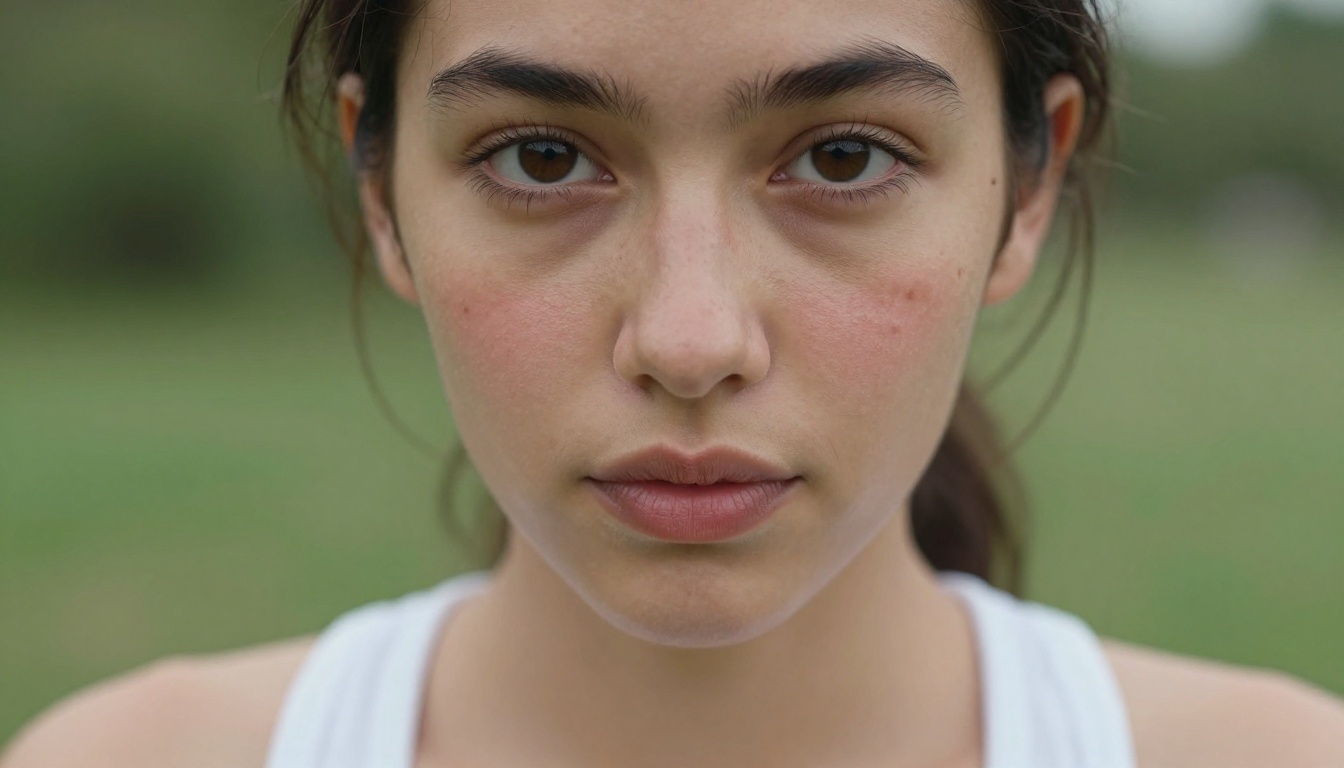
The generator defaults to 2K resolution, which produces clean output for screen-based work. Switching to 4K shifts the output to 4096px in the long dimension, which is enough for full-page print at 300dpi up to approximately 13 inches. For character reference sheets where artists zoom into fabric texture, eye detail, or hand positioning, that resolution gap between 2K and 4K is visible and meaningful.
Most tools in this space require a separate upscaling pass to reach comparable dimensions. Nano Banana Pro skips that step for projects where 4K is sufficient as a final output. For work requiring larger dimensions, such as A2 print at 300dpi, billboard mockups, or merchandise files, the PicassoIA super-resolution stack adds additional scaling on top of the 4K base.
Generation speed at 4K runs slower than at lower resolutions. Typical times range from 30 seconds to just over a minute depending on server load and prompt complexity. Plan for that cadence when generating in batches.
The Safety Filter Setting
The filter works through the safety_filter_level parameter, which accepts three values:
| Setting | Effect on character art prompts |
|---|
block_low_and_above | Strictest. Blocks most mature or suggestive prompts. |
block_medium_and_above | Moderate. Blocks some suggestive content. |
block_only_high | Most permissive. Widest range for artistic character work. |
Setting safety_filter_level to block_only_high is the configuration that makes Nano Banana Pro relevant for the character art niche it has developed around. At this setting, the model processes prompts describing suggestive scenes, implied artistic nudity, sensual atmospheres, and mature character designs at the level of a typical editorial or glamour reference without reformulating them.
The filter still declines prompts that cross into explicitly sexual territory. The model operates in the range of artistic suggestive content, not pornographic generation. Character artists working on adult visual novels, pinup-style character cards, and similar work report consistent output at this filter level for content in that register.
💡 If a specific prompt is declined even at block_only_high, try reformulating toward more atmospheric description. Describing the lighting, fabric texture, and emotional register of a scene often produces more usable results than describing the body or pose directly.
Reference Image Stacking
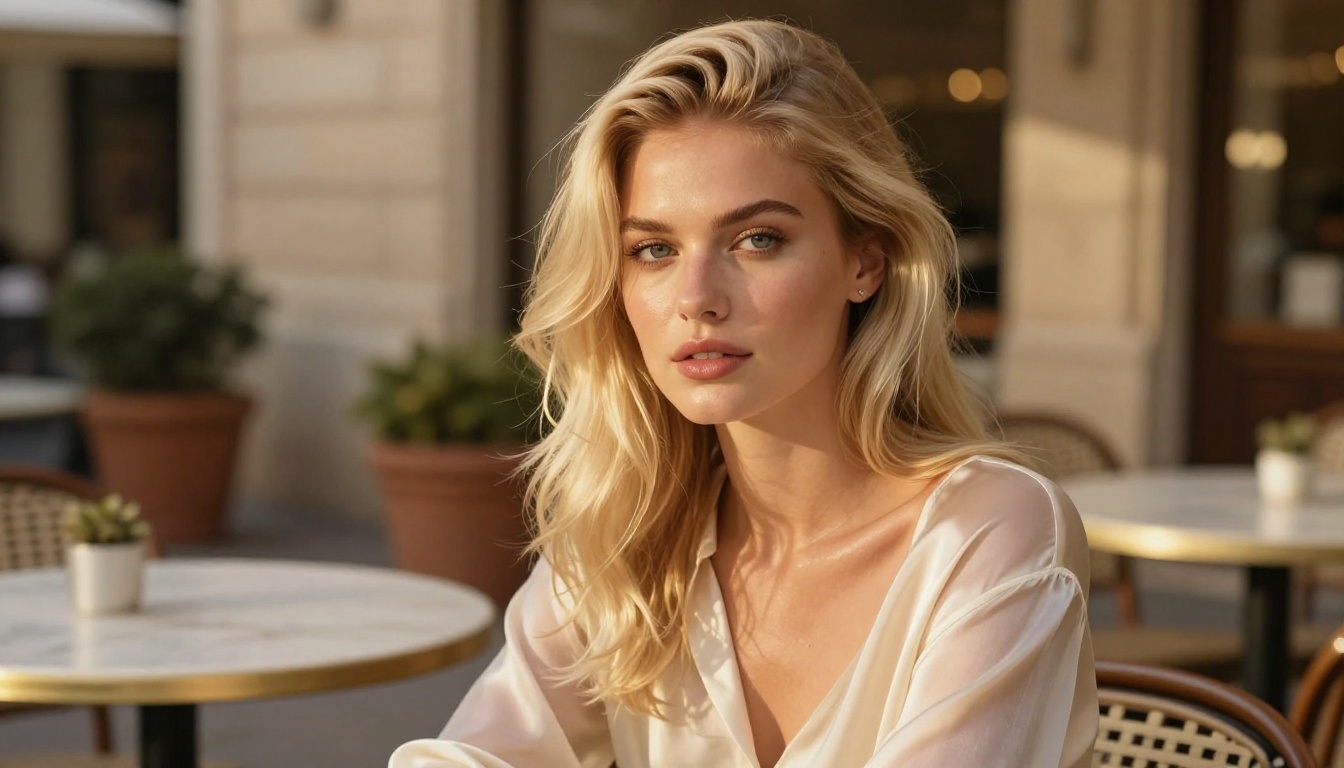
The image_input field in Nano Banana Pro accepts arrays of up to 14 images alongside the text prompt. The model reads all inputs simultaneously and synthesizes them into a single generated result.
That feature solves one of the hardest problems in character art generation: consistency across multiple images. Single-prompt generation without references produces characters that drift in appearance between outputs. Stacking 5 to 8 face references from different angles keeps the character's core features stable across 10 to 20 or more generated images, which is the scale needed for a full character reference sheet or a short illustrated sequence.
Practical stacking combinations for character work:
- 3 face angle references (front, three-quarter, profile) plus 2 body proportions references plus 2 lighting mood references
- 5 existing character illustrations plus 2 costume detail references plus 1 background reference
- 8 photographs of a real model for realistic character likeness transfer
How to Use Nano Banana Pro on PicassoIA
Nano Banana Pro is available on PicassoIA without installation or signup for initial use. The interface exposes all the model's parameters in a single screen. Here is how to configure it correctly for character art work.
Step 1: Write a Specific Prompt
Nano Banana Pro produces significantly better character art output from specific, structural prompts than from vague aesthetic directions. The model responds to explicit visual information: lighting angle, fabric type, skin detail, camera lens, character posture, and scene composition.
Compare these two prompt styles:
Less effective: "A beautiful woman in a romantic setting with great lighting"
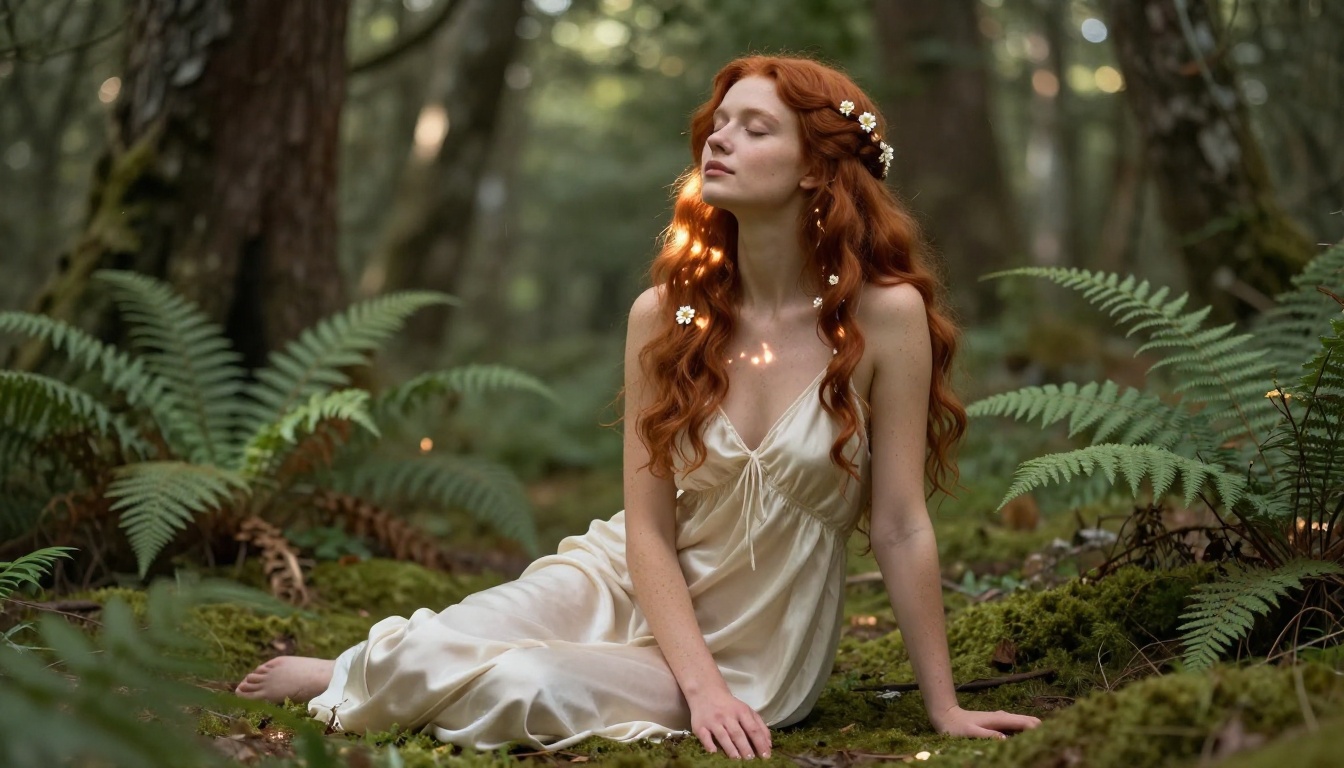
More effective: "Young woman with long copper hair, wearing a cream silk chemise, standing in a sunlit forest clearing, dappled light from oak canopy above, visible freckles on shoulders, barefoot on soft moss, eyes closed, face tilted upward, 85mm f/1.2, Fujifilm Pro 400H grain, photorealistic"
The second prompt tells the model what it can actually render: a specific lighting setup, fabric type, skin characteristic, pose, and camera configuration. That specificity translates directly into output fidelity. AI character art generators respond to what they can concretely render, not to abstract quality descriptors.
Step 2: Set Resolution to 4K
Locate the resolution dropdown in the model interface and select 4K. The model default is 2K. For character reference work, portfolio pieces, or output intended for print, 4K is the correct choice. For quick iteration or screen-only work, 2K is faster and adequate.
Step 3: Set Safety Filter to block_only_high
Find the safety_filter_level parameter and switch it to block_only_high. This is the most permissive setting the model offers. If your character prompt is artistic, mature, or suggestive rather than graphic, this setting allows it through. At the default block_low_and_above, most mature character prompts will be declined before they reach generation.
Step 4: Upload Reference Images
In the Image Input field, upload your reference images. Drag and drop or browse from local storage. The interface accepts up to 14 images. Order does not affect weighting. All references are synthesized together during generation.
Start with 4 to 6 references to test character consistency. Add more references as you identify which elements need to be locked more precisely across multiple generations.
Step 5: Pick Aspect Ratio and Output Format
For character portrait sheets: 9:16. For scene and environment compositions: 16:9. For avatar or profile-style character renders: 1:1.
Set output format to PNG for editing and upscaling work. PNG preserves all quality information without lossy compression, which matters when you intend to run the output through a super-resolution model afterward. Use JPG only when file size is the priority and no further editing is required.
The Super-Resolution Stack That Follows
Nano Banana Pro's 4K output is already high resolution, but certain projects require larger dimensions or sharper microscopic detail. PicassoIA's super-resolution category has nine models, each with different strengths for character art.
Clarity Pro Upscaler for Photorealistic Images
Clarity Pro Upscaler is built specifically for photorealistic content. It reads the texture data already present in the source image and sharpens it rather than adding invented detail. For character portraits where skin, hair, and fabric texture are already established at 4K, Clarity Pro adds precision at a finer level: individual hair strands, natural skin pores, fabric weave threads.
This is the first upscaling choice for photorealistic character outputs from Nano Banana Pro.
Crystal Upscaler for Portrait Characters
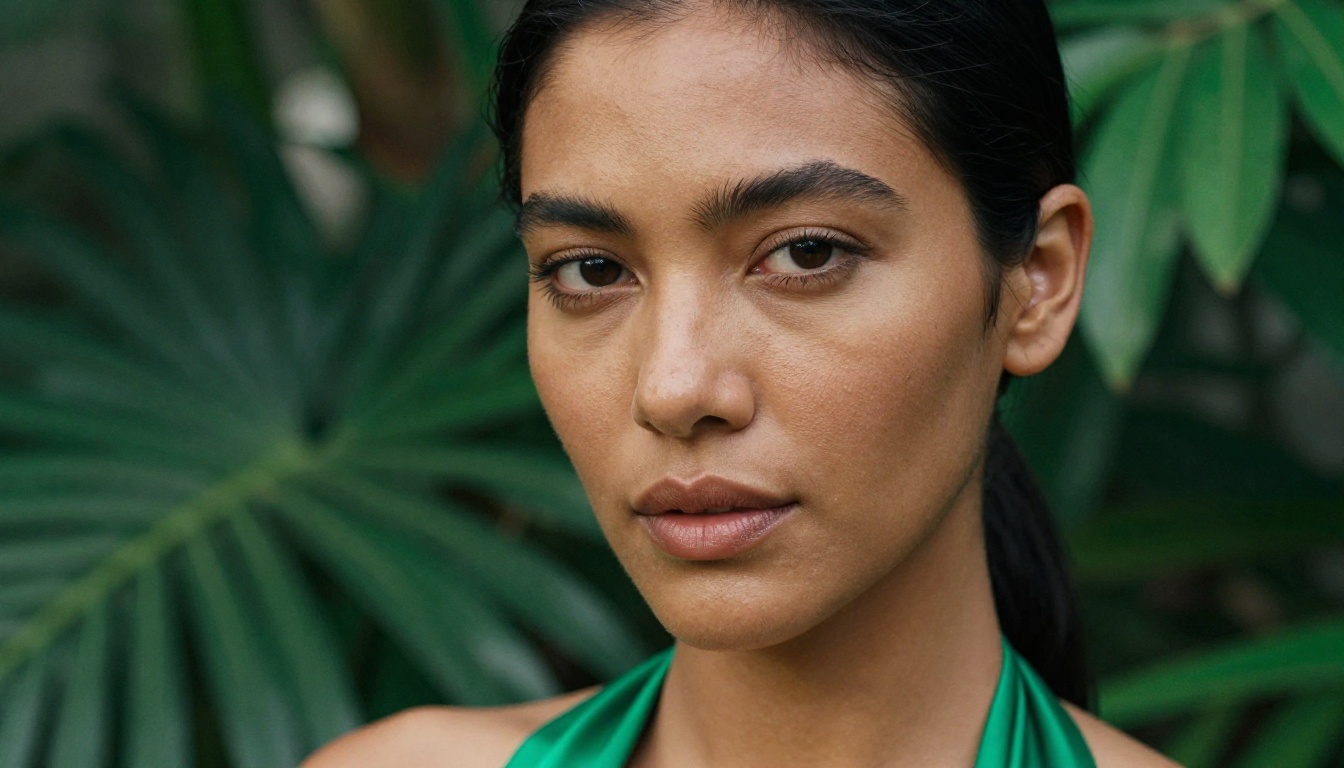
Crystal Upscaler is tuned specifically for portrait-oriented content where the face is the primary subject. For close-up character portraits, it consistently delivers stronger facial detail results than general-purpose upscalers: sharper eye clarity, more precise lip texture, finer eyebrow and eyelash definition.
When the character work is primarily head-and-shoulders or face-focused compositions, Crystal Upscaler outperforms the alternatives.
Real ESRGAN for Clean Edge Definition
Real ESRGAN handles edge definition better than photorealistic upscalers. For character art where clothing has defined outlines, where graphic design elements appear alongside the character, or where high-contrast transitions need sharpness rather than texture, Real ESRGAN is the better choice.
Artists working on character card art for tabletop or card game formats typically prefer Real ESRGAN for the edge crispness it provides on graphic elements.
Topaz Image Upscale for Maximum Dimensions
Topaz Image Upscale scales images up to 6x without visible artifacting. A 4K output from Nano Banana Pro run through this model produces a result large enough for A1-size print at 300dpi. For any character art project with large-format physical output requirements, this is the correct final step in the pipeline.
Nano Banana Pro vs Seedream 4
Seedream 4 is the other 4K text-to-image model on PicassoIA with a strong character art user base. The two models serve overlapping but distinct use cases.
When Nano Banana Pro Wins
Nano Banana Pro is the correct choice when:
- The content is NSFW or artistically mature and the
block_only_high filter setting is required
- Character consistency across multiple outputs depends on stacking many reference images (up to 14)
- Output will be further processed through upscalers and needs to be exported as PNG
- The priority is a single high-fidelity output rather than a sequence of related images
When Seedream 4 Wins
Seedream 4 is the better option when:
- The character work is safe-for-work and the priority is generating related variations quickly
- Single-sentence editing of an existing character image is part of the workflow
- A series of 10 to 15 related scene images needs to be produced in one session using the sequential generation feature
- The content does not require a more permissive safety filter level
| Feature | Nano Banana Pro | Seedream 4 |
|---|
| Max resolution | 4K | 4K |
| Safety filter control | Yes (3 levels) | No separate control |
| Reference images | Up to 14 | Up to 10 |
| Sequential generation | No | Up to 15 images |
| Single-sentence editing | No | Yes |
| Best for artistic NSFW | Yes | No |
| Watermarks | None | None |
Both models are free to use on PicassoIA without watermarks on the output.
5 Prompts That Work Right Now
These prompts run on Nano Banana Pro at block_only_high safety filter, 4K resolution. Aspect ratios noted for each.
Evening Hotel Portrait (9:16)
"Young woman with dark brown eyes, silk charcoal slip dress, seated at the edge of a king bed in a dimly lit hotel room, single bedside lamp casting warm amber light from the right, deep shadow covering left half of face, bare feet on dark wood floor, direct eye contact with camera, 50mm f/1.4, Kodak Portra 400 grain, photorealistic"
Beach Silhouette at Sunset (16:9)
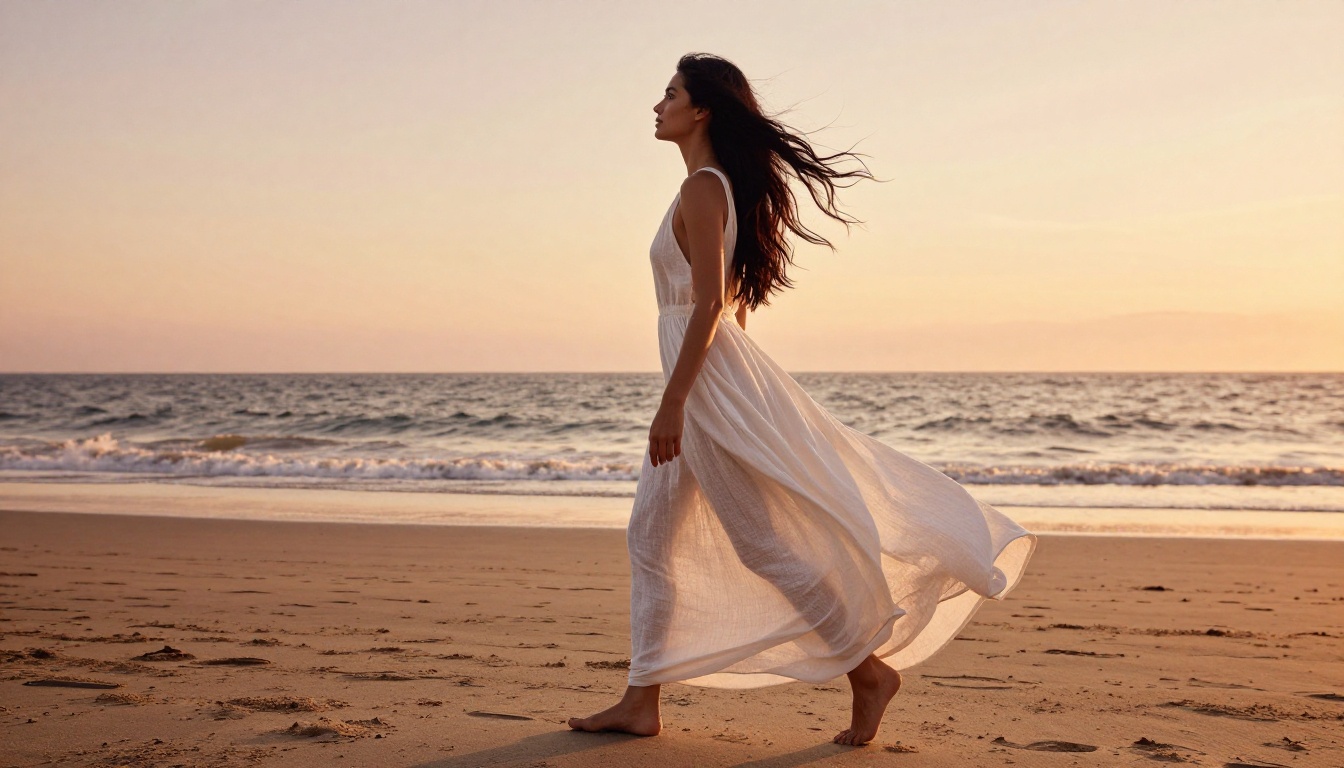
"Woman with long black hair at shoreline at sunset, white string bikini, low sun directly behind her creating warm rim halo along her silhouette and hair, calm ocean reflecting orange and pink sky, wet sand texture around bare feet, camera at hip height looking upward 15 degrees, 35mm f/2.0, natural film grain, no CGI"
Penthouse Night Scene (9:16)
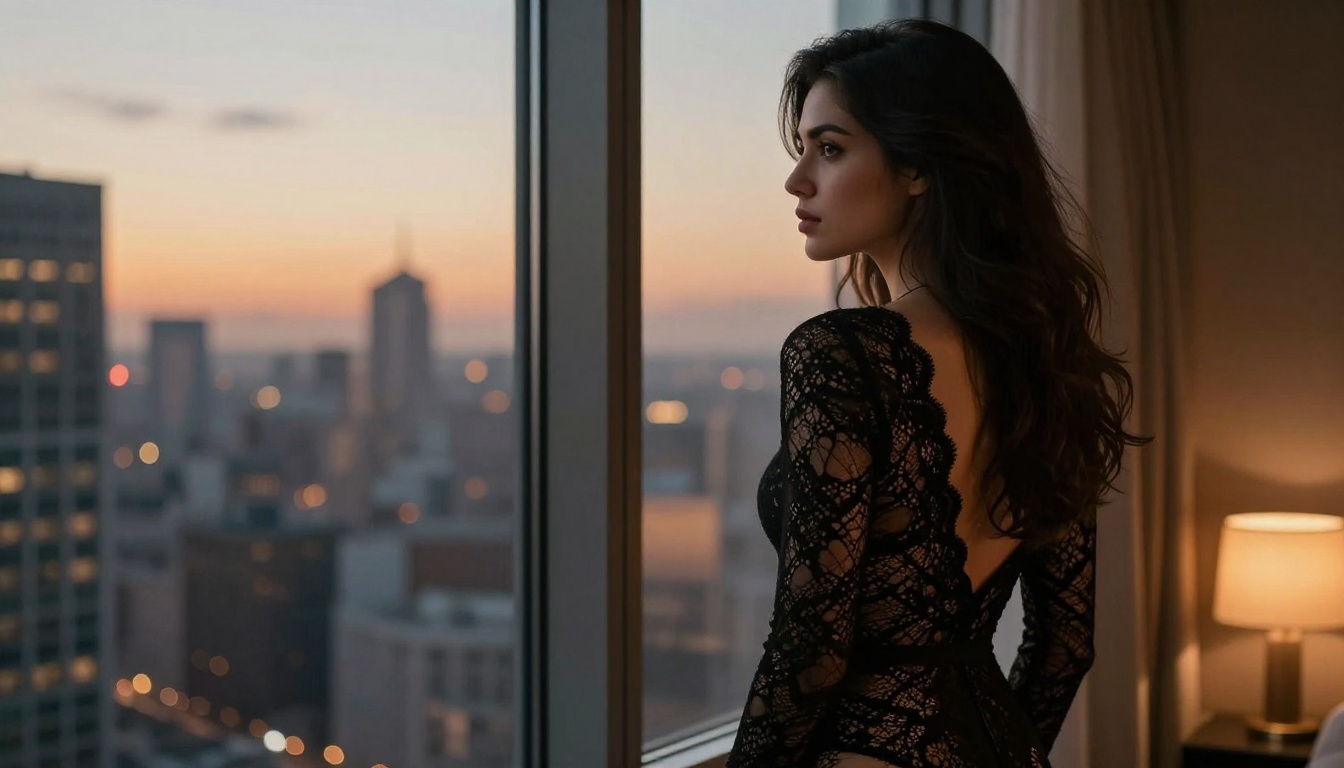
"Beautiful woman with dark wavy hair, wearing a fitted black lace bodysuit, standing at a floor-to-ceiling penthouse window at night, city lights and skyline visible through glass behind her, faint reflection of her silhouette on window surface, single warm floor lamp to the right, confident posture, 50mm f/1.4, cinematic color grading"
Forest Artistic Portrait (9:16)
"Ethereal young woman with long copper hair, loosely wrapped in a white linen cloth across her chest and draped over one shoulder, standing barefoot in a misty morning forest glade, soft ground fog at ankle level, dappled sunlight through birch canopy, faint freckles on shoulders, peaceful expression, eyes half-closed, 85mm f/1.2, Fujifilm Pro 400H grain"
Studio Full-Body Reference (9:16)
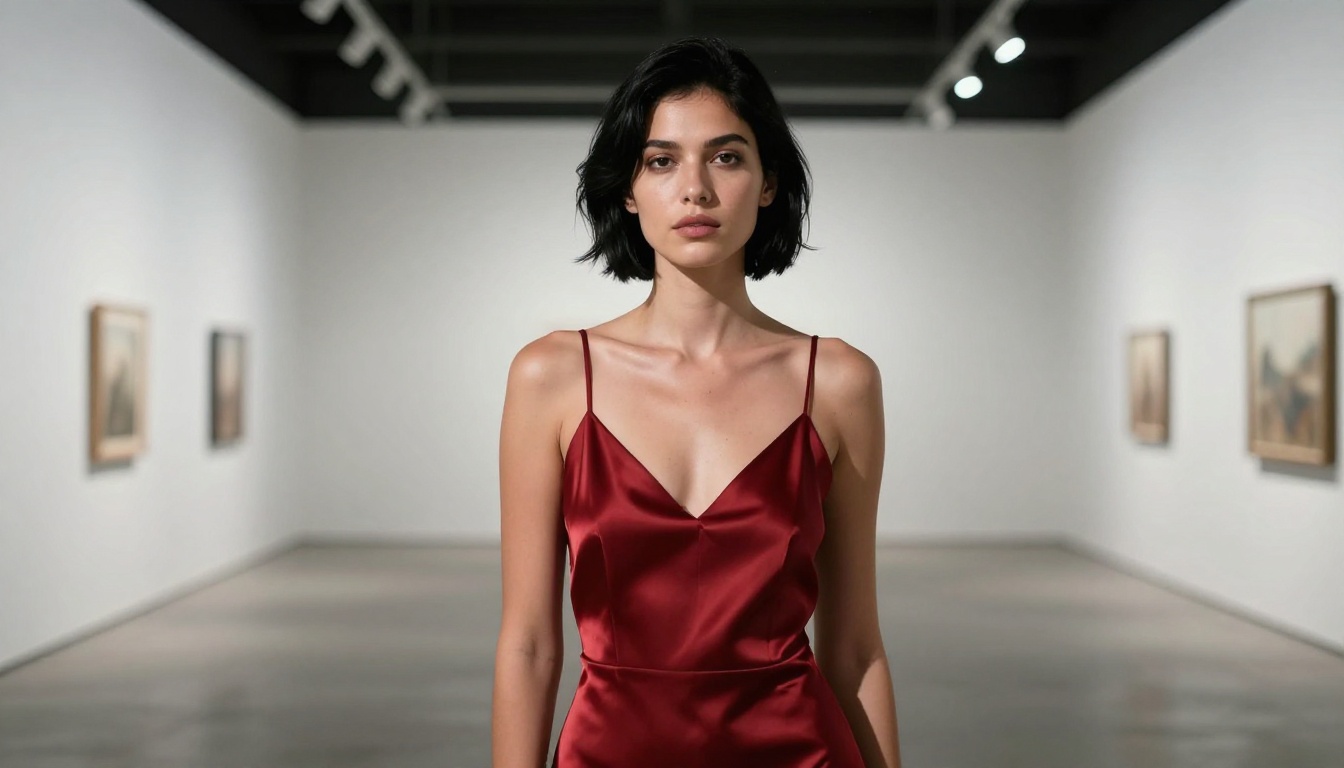
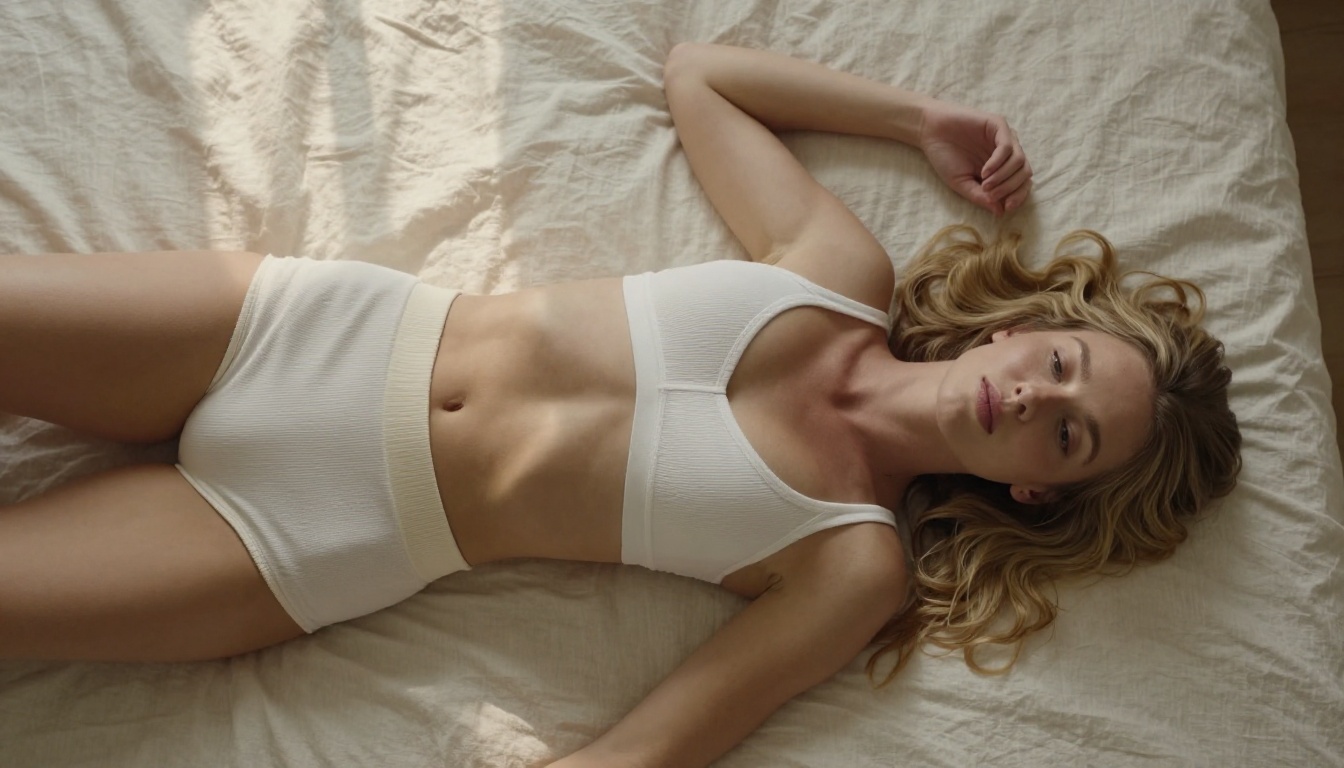
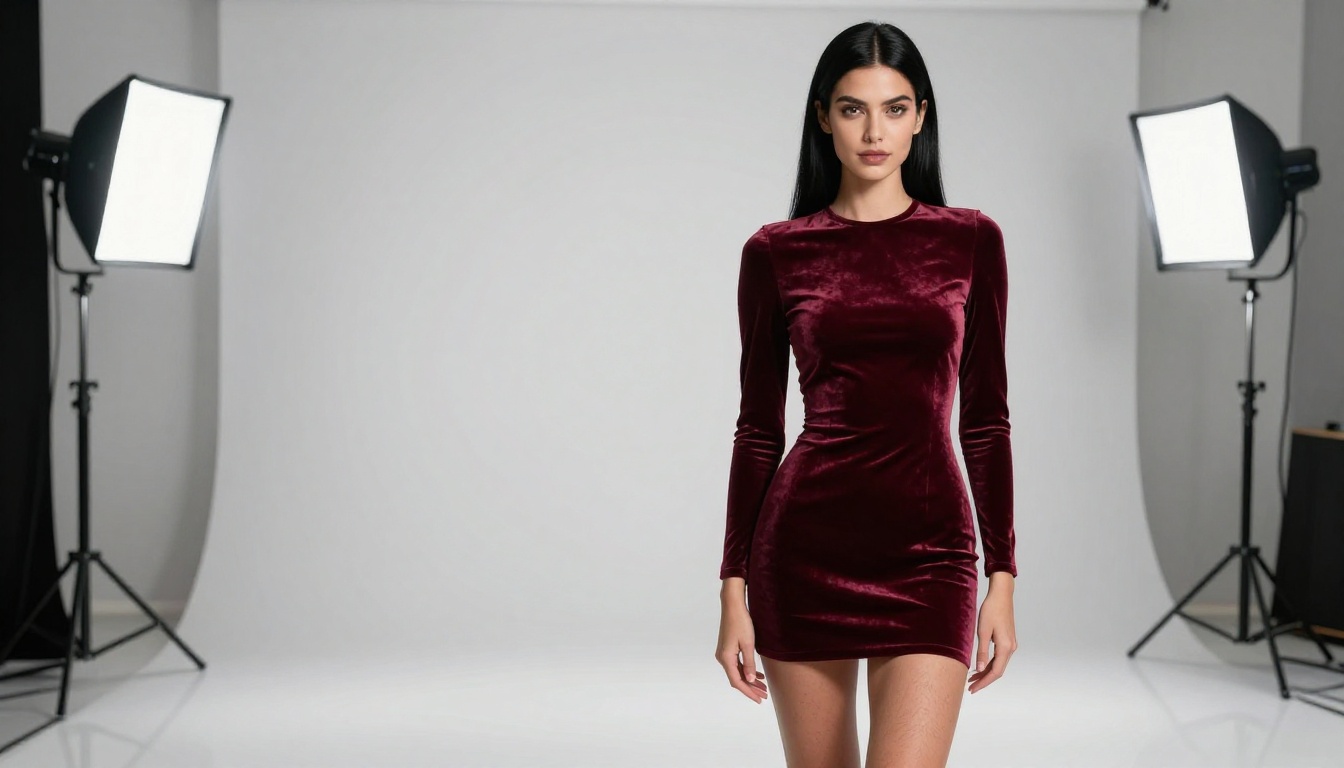
"Young woman with platinum bob haircut, wearing a cream fitted ribbed tank and high-waisted black leggings, standing in a neutral white photography studio, two equal soft box lights from each side, facing camera directly, arms slightly separated from body, full-body character reference composition, 50mm, flat neutral backdrop, no shadows on background"
What Artists Are Producing With It
The consistent output types that Nano Banana Pro has built a following around are specific and practical:
Character reference sheets for illustration projects. 4K native output means zooming into face, hands, and clothing detail without pixel degradation. Artists generating 10 to 20 reference images per character use the reference stacking feature to maintain consistent facial features across that volume.
Assets for adult visual novels and character cards. The block_only_high safety filter setting makes it usable for the type of content that populates adult visual novel scene art, character portrait cards, and illustrated story art without requiring a private deployment or local installation.
Portrait series for creative portfolios. Character artists building public-facing portfolios use the model for glamour-style editorial portraits at 4K, then run outputs through Clarity Pro Upscaler for additional detail refinement before publishing.
Merchandise and print projects. At 4K plus a 6x pass through Topaz Image Upscale, character art from Nano Banana Pro reaches dimensions suitable for poster printing, sticker sheets, and book art production.
💡 The Recraft Crisp Upscale model on PicassoIA is free and works as a rapid triage pass. Run your 4K outputs through it first to identify which generations are worth committing to deeper upscaling. Images that respond well to Recraft Crisp are strong candidates for Crystal Upscaler or Clarity Pro.
The reference image stacking feature is the capability that sets Nano Banana Pro apart for serious character work. Most artists find the safety filter first. The ones who stay discover that 14 simultaneous reference inputs make character consistency problems largely solvable without training a custom model or setting up a private LoRA pipeline.
For a full view of what is available in character-relevant AI tools on the platform, including text-to-image generators, super-resolution models, and image editing tools, the catalog is at picassoia.com/en/all-models.
Start Generating Now
Nano Banana Pro is available on PicassoIA with no installation required. Open the model, write a specific prompt describing the visual elements of the character scene you want, set resolution to 4K, flip the safety filter to block_only_high, upload reference images if you have them, and run the generation.
The output arrives as a watermark-free PNG or JPG at 4K. Take it directly into the super-resolution stack for further size and detail work, or use it as-is for screen-based projects. For artists who want to see what else is available before committing to one model, the full catalog of text-to-image generators, upscalers, and character-relevant tools is at picassoia.com/en/all-models.
The combination of native 4K output, adjustable safety filter, and 14-image reference stacking puts Nano Banana Pro in a specific position for character artists who need resolution without restriction. The workflow from prompt to print-ready file is shorter here than with any combination of separate tools, and the lack of watermarks means everything generated is immediately usable in the project it was built for.


