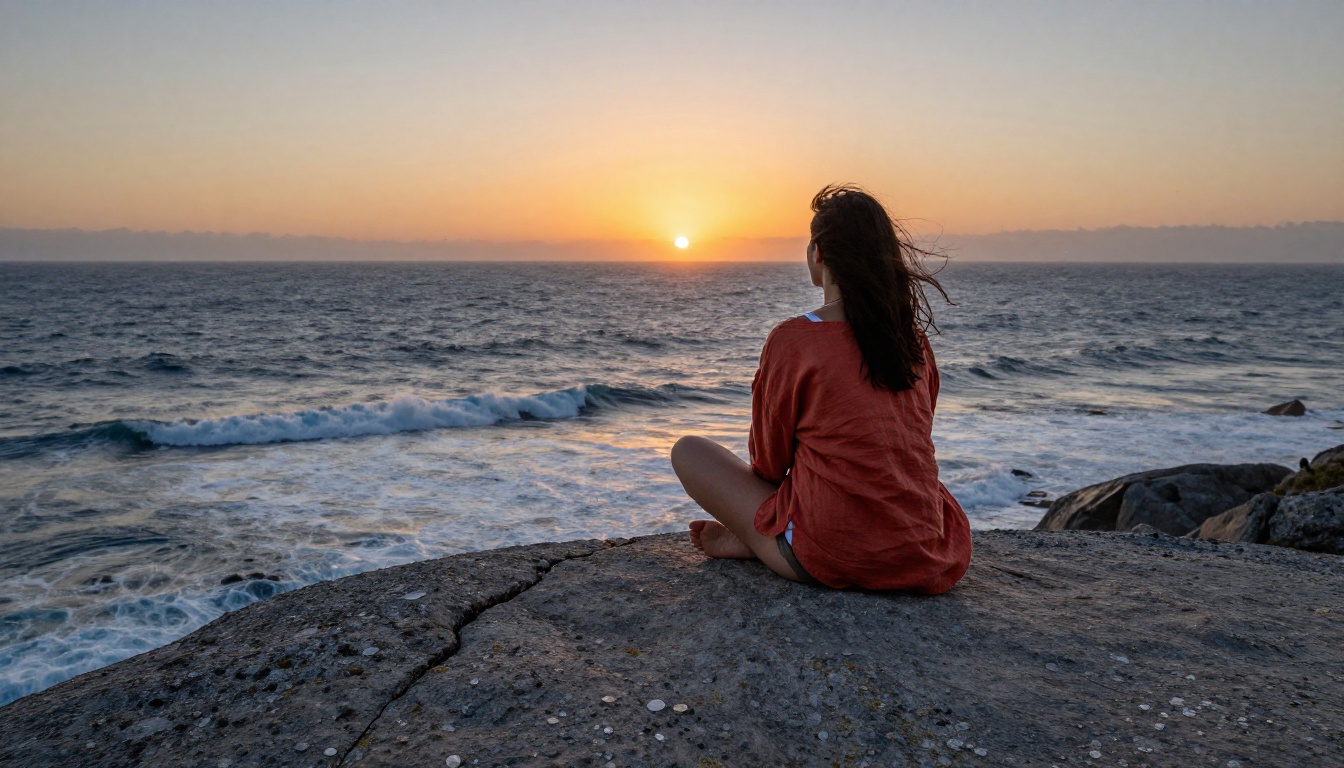
If you've spent time working with mainstream AI image tools, you already know the problem: describe a character with any edge to them and the system either softens the result into something generic or refuses outright. Seedream 5 Pro does not work that way. It generates at 2K resolution with a level of anatomical fidelity that most models cannot match, and it does so without the content filters that strip the life out of your characters. For creators working on games, illustrated fiction, film references, or personal projects, that combination changes what AI character design can actually produce.
What Seedream 5 Pro Actually Does
Seedream 5 Pro is ByteDance's flagship text-to-image model, built for photorealistic output at 2048px. Where earlier models in this family prioritized speed, this one prioritizes detail density. That difference shows immediately in skin texture rendering, hair strand separation, fabric drape behavior, and the kind of face geometry that makes a character feel like a real person rather than a composite.
The model reads long, specific prompts well and rewards the extra effort. A 70-word prompt consistently outperforms a 15-word prompt because additional specification gives the model real constraints to work within, producing more consistent and more accurate output.
2K Resolution That Changes Everything
The difference between 1024px and 2K is not just a number increase. At 2K, details appear that are invisible at lower resolutions:
- Individual skin pores across the nose, cheeks, and forehead
- Hair strand separation rather than hair treated as a single painted mass
- Fabric thread count visible in close crops of clothing
- Iris texture with visible crypts and collarette patterns
- Subsurface scattering in thin skin areas like earlobes and fingertips
- Environmental micro-details that give a location its specific sense of place
For character design work, this matters because your audience zooms in. They crop into faces, use details as references, and scrutinize proportions. Low-resolution outputs fall apart under that scrutiny. Seedream 5 Pro does not.
No Safety Filters, No Compromises
The practical difference for character design is that Seedream 5 Pro accepts detailed human descriptions without automatic refusals or the softening that mainstream tools impose. You can describe your character with full anatomical precision: body proportions, skin tone specifics, expression states, clothing choices that would trigger a refusal elsewhere.
This doesn't mean the output is uncontrolled. Quality stays high regardless of subject matter, and the output reflects your prompt closely. Creative control stays with the creator, not with the platform's content policy team.
Your First Character in 3 Steps
Getting a usable character on the first or second generation requires a structured prompt, not a casual description. The model is highly responsive to specificity, and vague prompts reliably produce vague results.
Writing Prompts That Actually Work
Every effective character design prompt contains four components, in this order:
- Subject description: Age range, physical build, skin tone, hair color and length, eye color
- Pose and expression: What is the body doing? Where does weight sit? What emotion reads on the face?
- Clothing and accessories: Fabric type, fit, color, condition, any specific details worth naming
- Environment and lighting: Where is the character? What direction does light come from? What quality is the light (hard directional, soft diffuse, backlit)?
Here is a direct comparison between a weak and strong prompt:
| Weak | Strong |
|---|
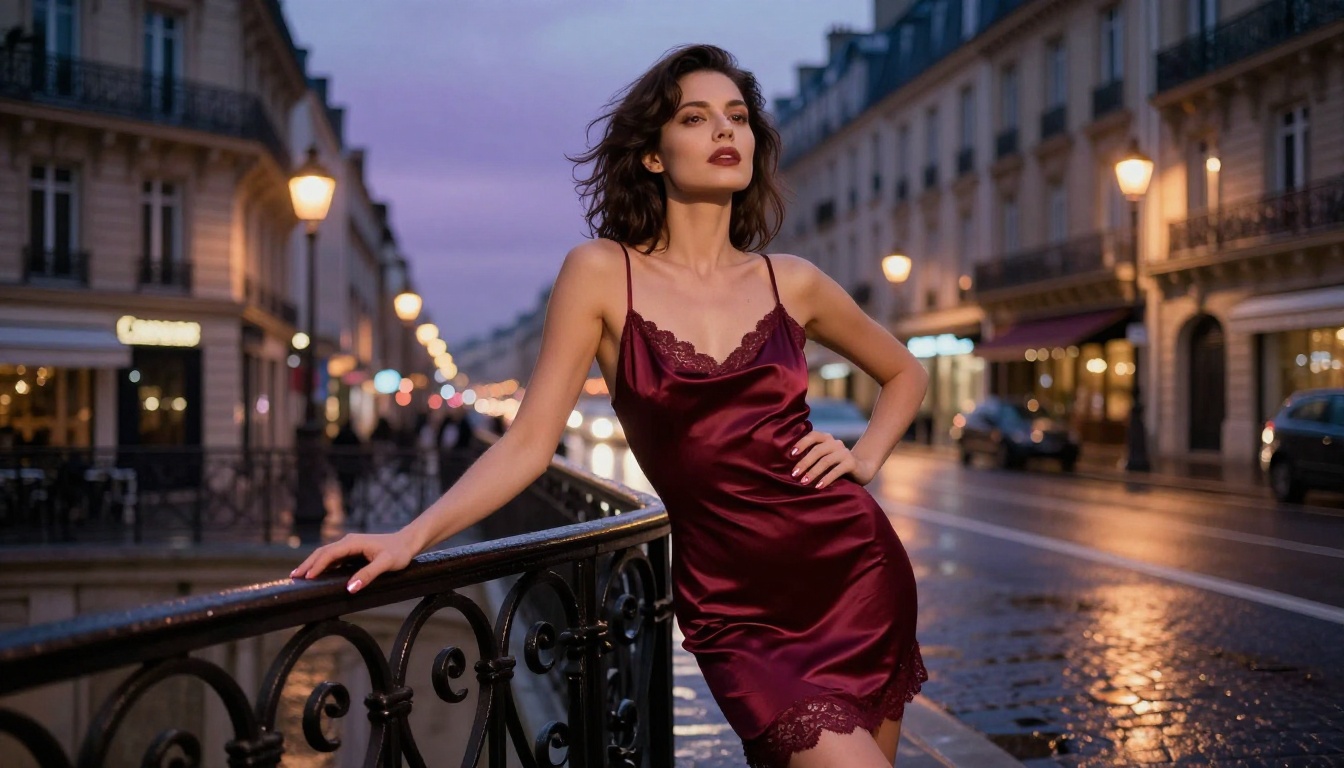
| "Beautiful woman in a city" | "Young woman, olive skin, dark wavy hair, standing on a wet cobblestone street at dusk, burgundy satin dress, rear-lit by warm amber street lamps, shot at 85mm f/1.4" |
| "Male warrior with armor" | "Broad-shouldered man, 30s, worn steel plate armor with dents on the left pauldron, blood smear on the right gauntlet, stern expression, golden hour backlight from upper-right, low angle shot at 35mm f/2.8" |
The strong versions in each case give Seedream 5 Pro the information it needs to make real rendering decisions. The weak versions leave those decisions to chance, and chance in AI image generation rarely lands where you want.
5 Mistakes That Kill Character Quality
These prompt errors account for the majority of disappointing outputs:
- Conflicting style signals: "Photorealistic digital art" tells the model to be two contradictory things simultaneously. Pick a direction and commit.
- No lighting specification: Without a named light source and direction, output is flat and lacks the depth that makes characters read as three-dimensional.
- Missing lens data: Adding "85mm f/1.4" changes how the model thinks about depth of field and subject isolation. Adding "24mm wide angle" changes perspective compression. These terms carry real meaning.
- Generic adjectives instead of descriptions: "Beautiful," "gorgeous," "stunning" carry no rendering signal. Describe the specific feature rather than evaluating it.
- No camera angle: "Woman standing" is a fact. "Woman standing, shot from knee height at 20mm" is a composition. The second produces a defined image; the first produces whatever the model decides.
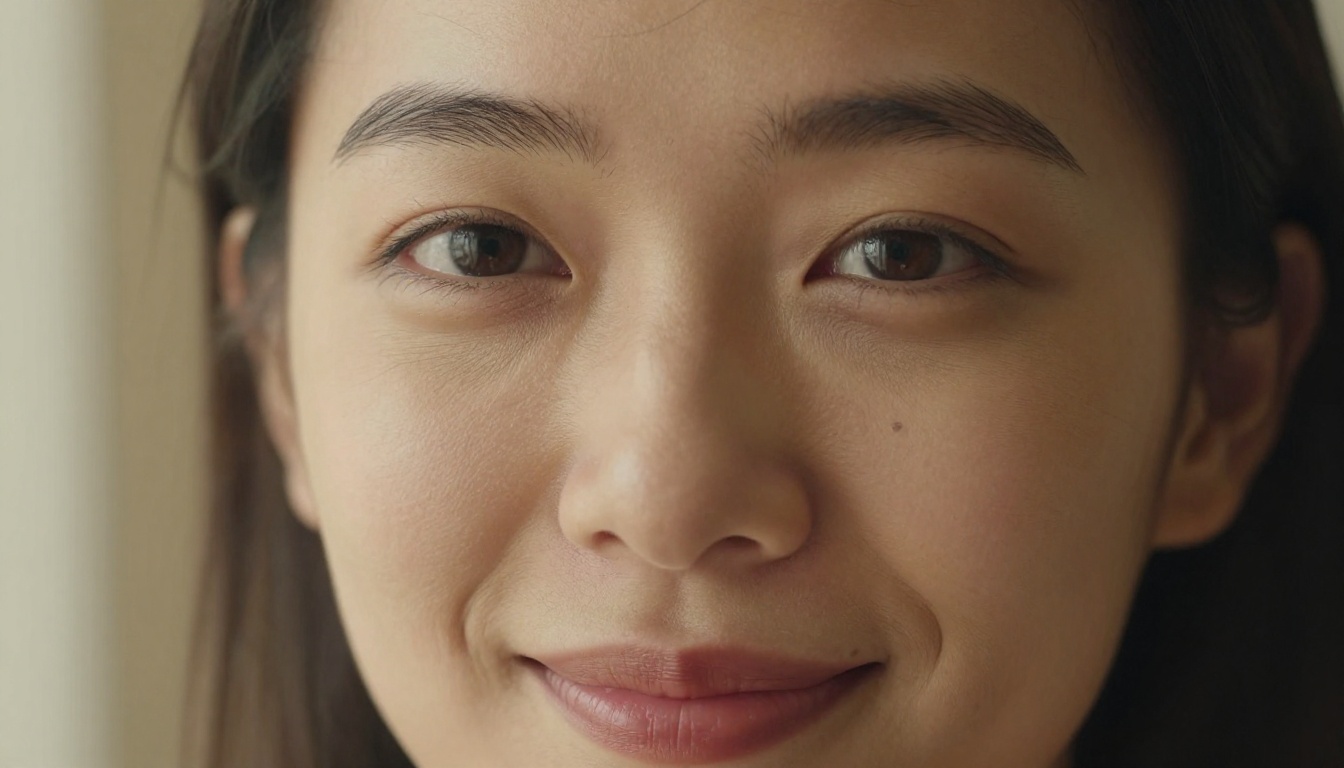
💡 Tip: Add "Kodak Portra 400, film grain, RAW photography" to any realistic portrait prompt. These three terms push Seedream 5 Pro toward photographic rendering and away from any AI painterly quality that might otherwise appear.
Character Design for Different Use Cases
The same model serves very different workflows depending on what you're building. Knowing which output type fits your project saves significant generation time.
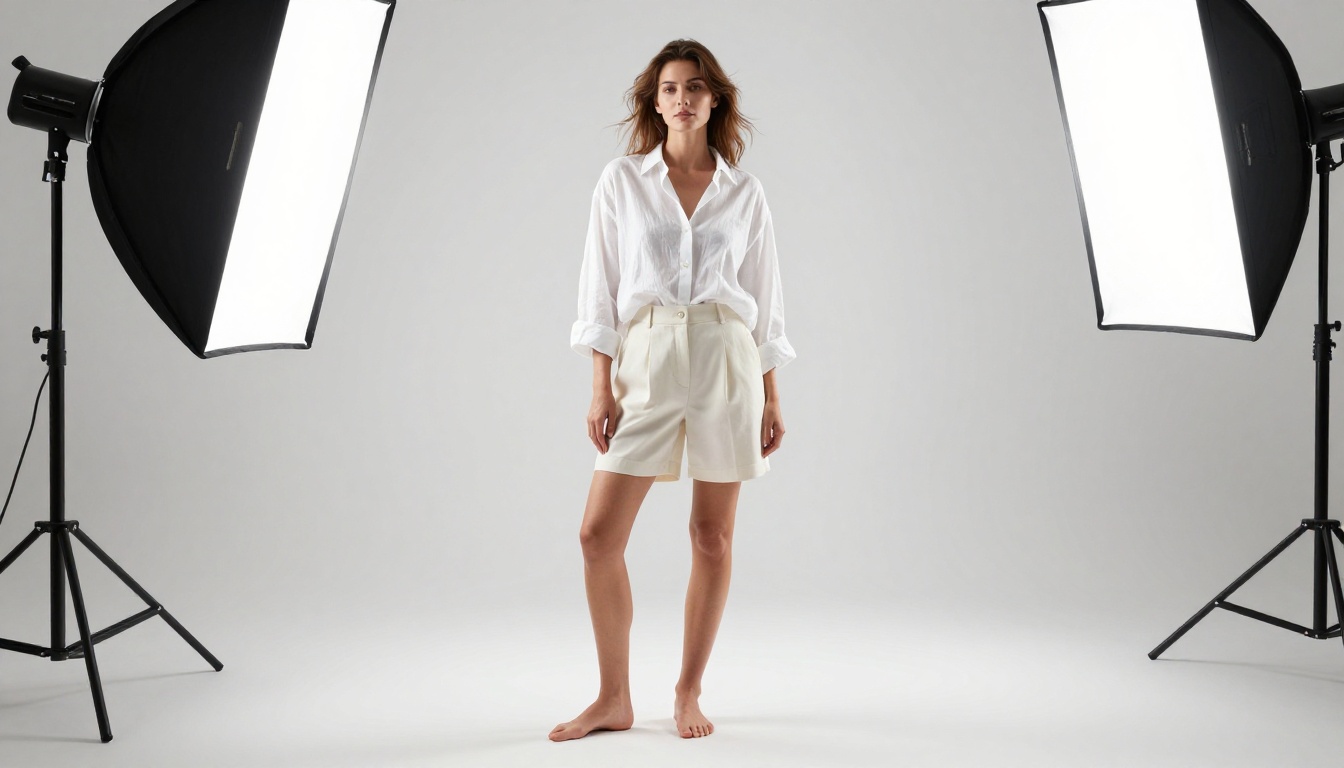
Game character references: Prioritize full-body shots at a neutral angle with clean backgrounds. Use 2:3 aspect ratio and describe clothing and equipment in detail. The 2K resolution gives concept artists enough resolution to work from directly.
Film and photography lookbooks: Prioritize environmental context and lighting specificity. The character exists within a place, so describe both with equal attention. 16:9 aspect ratio works best here.
Illustrated fiction covers: Focus on expression and pose that communicates the scene's emotional state. A character reading as alert versus exhausted versus threatening changes the entire tone of a cover.
Adult creative projects: Seedream 5 Pro accepts explicit anatomical descriptions for creators working in this space. The 2K output holds up at the detail level this audience expects.
Best Models for Character Design on PicassoIA
PicassoIA hosts a full lineup of unrestricted image models. Seedream 5 Pro leads for 2K character detail, but knowing the full stack lets you pick the right tool for each specific job.
For NSFW and unrestricted character work, the recommended order is:
- Seedream 4.5 ⭐ The top overall NSFW recommendation. Highly realistic content with image editing support in under 3 seconds. Its successor Seedream 5 Lite does not accept adult content, making 4.5 the standard for unrestricted work.
- PicassoIA Image Editor Pro Img2img with unlimited generations on Elite and Infinite plans. Need 500 character variants from a base image? They're free. That same volume on models like Nano Banana 2 would cost around $50. Results arrive in under one second, with a 3-generation free trial and no credit card required.
- Qwen Image 2 Open source, accepts full image editing prompts, very detailed realism with no content restrictions.
- Grok Imagine Image Excels at realistic image-to-image transformations, particularly clothing and styling changes on existing character images.
- Recraft V4 Text-to-image with very realistic results, solid for character concept generation from text descriptions alone.
- P-Image NSFW text-to-image in under one second. Best for rapid iteration across many prompt variations.
- Seedream 5 Pro 2K resolution character design. The right choice when maximum detail density is the requirement.
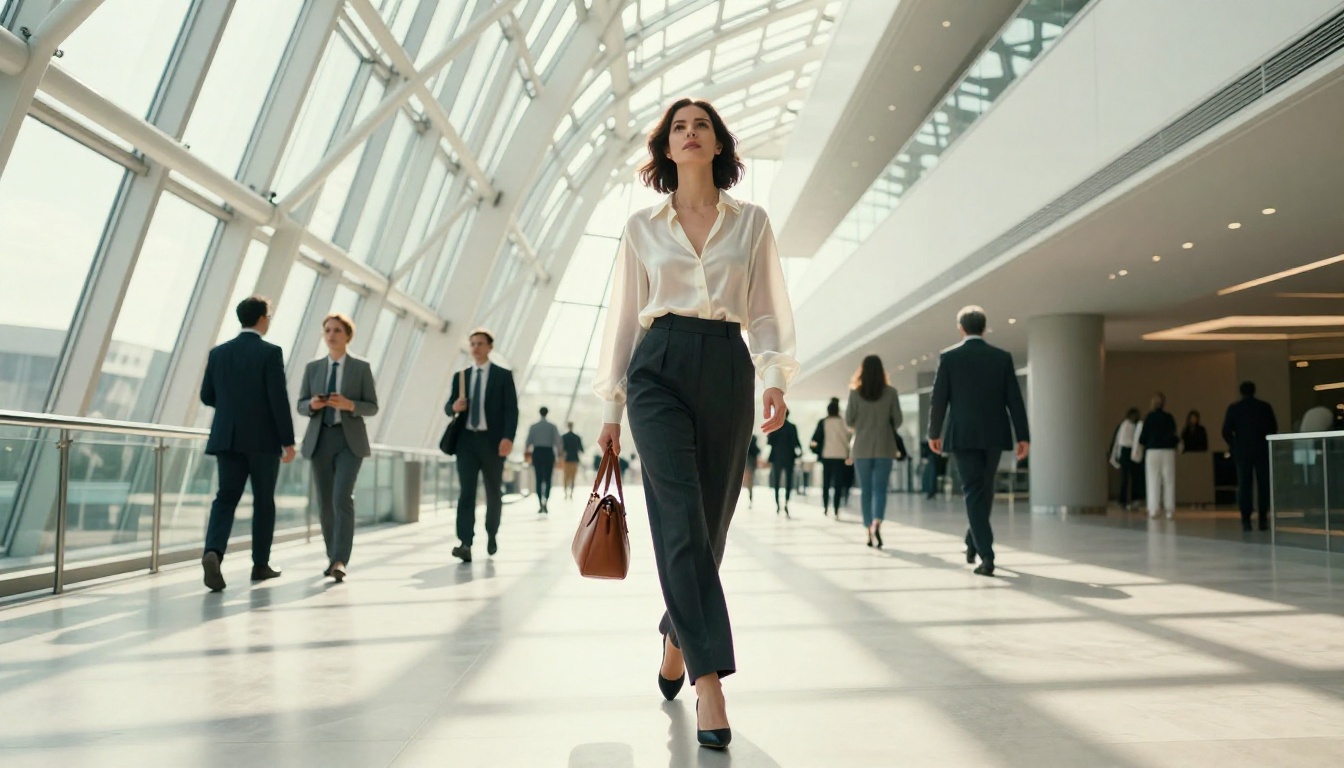
Unlike most mainstream platforms, PicassoIA gives creators full control without automatic content restrictions. The complete catalog is available at picassoia.com/en/all-models.
Facial Detail and Expression Control
The face is where character design either succeeds or fails completely. A technically perfect body with a flat, lifeless face produces a character nobody connects with. Seedream 5 Pro allocates significant capacity to facial rendering, and the output shows it when you know how to request it specifically.
Skin Texture That Looks Real
Three layers of skin detail separate photorealistic output from AI-obvious output:
Surface texture: Pores, fine hair (peach fuzz), and natural micro-imperfections like small blemishes or freckles. These details read as real when people look closely. Prompt them explicitly: "natural skin pores visible across cheeks and forehead, light peach fuzz on forearms, faint freckles across nose bridge."
Subsurface effects: The slight translucency of skin in thin areas, the rosy tinge at knuckles and earlobes, the bluish vein network visible through pale wrist skin. Add these with: "subsurface light scattering, translucent earlobe catching light, faint vein network on back of hand."
Lighting interaction: Skin scatters light slightly rather than purely reflecting it. Specular highlights on the nose tip, forehead, and cheekbones differ from those on clothing or hair. Describe skin highlight quality separately from the overall lighting setup for better accuracy.
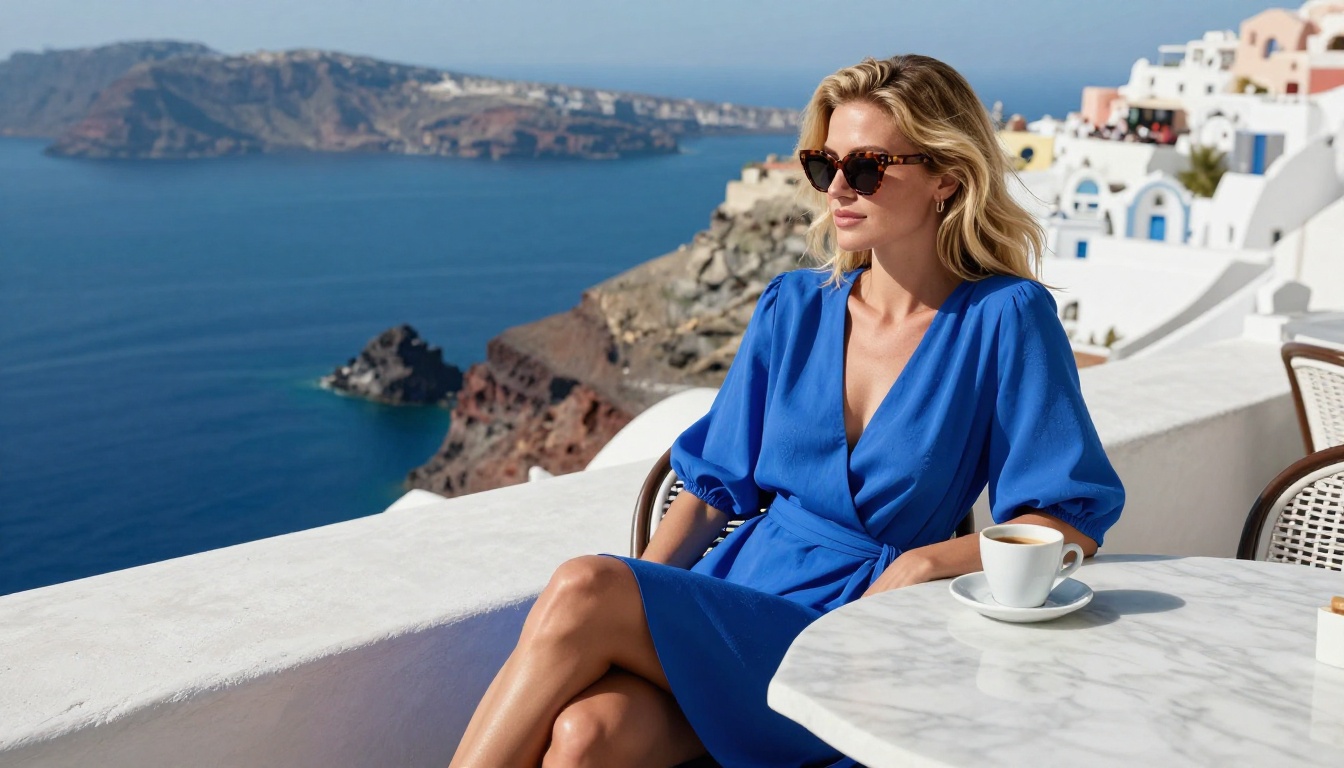
Eyes, Lips, and Micro-Expressions
Eyes carry the most expressive weight in a face and are where AI models most commonly fail. For genuinely convincing eyes from Seedream 5 Pro:
- Specify iris detail: "visible iris crypts, collarette pattern, pronounced limbal ring"
- Place the specular: "catchlight from window positioned upper-left"
- Describe lid weight: "heavy upper lid suggesting tiredness" or "wide open, slight tension at outer corners suggesting alertness"
- Name the under-eye: "faint bluish undereye circles from natural shadows, not makeup"
Lips are the second major failure point. Describe the vermilion border (the edge between lip skin and the surrounding skin), the philtrum columns above the upper lip, the natural left-right asymmetry of lip corners, and the moisture level visible on the surface. "Full lower lip with natural dryness texture at center, slight asymmetry at right corner" produces a very different result from "full lips."
Body Proportions and Pose Design
Pose is about weight distribution before anything else. A character with anatomically correct proportions but no sense of where their mass sits reads as a mannequin. The prompt needs to describe where the body is pressing down, leaning, or resisting gravity.
Low-Angle vs. High-Angle Shots
Camera angle affects perceived proportions dramatically, and that is a feature to use intentionally:
| Angle | Effect on Proportions | Best Use Case |
|---|
| Low angle (camera below subject) | Elongates legs, subject appears taller and more dominant | Authority figures, heroic poses |
| Eye level | Neutral proportions, equal visual relationship | Portraits, everyday scenes |
| High angle (camera above subject) | Shortens legs, emphasizes head, can feel intimate or vulnerable | Emotional scenes, interior moments |
| Dutch angle (tilted) | Creates dynamic tension and visual instability | Action, conflict, disorientation |
Add the angle explicitly to your prompt: "shot from below at knee height, 24mm wide angle" triggers a low-angle rendering that Seedream 5 Pro handles with consistent perspective geometry.
Clothing Physics in Prompts
Clothing that drapes, wrinkles, and moves correctly separates a real-feeling character from one that looks dressed by a system. Seedream 5 Pro responds precisely to fabric physics descriptions:
- Weight: "heavy structured wool coat" behaves differently from "thin silk blouse draped against the collarbone"
- Condition: "linen shirt wrinkled at the elbows from hours of sitting" adds life that perfectly pressed clothing lacks
- Motion state: "hem lifted slightly by a breeze from the left" gives the image a specific moment rather than a static pose
- Body interaction: "fabric pulling slightly at the shoulder seam where a bag strap crosses" shows real physical logic
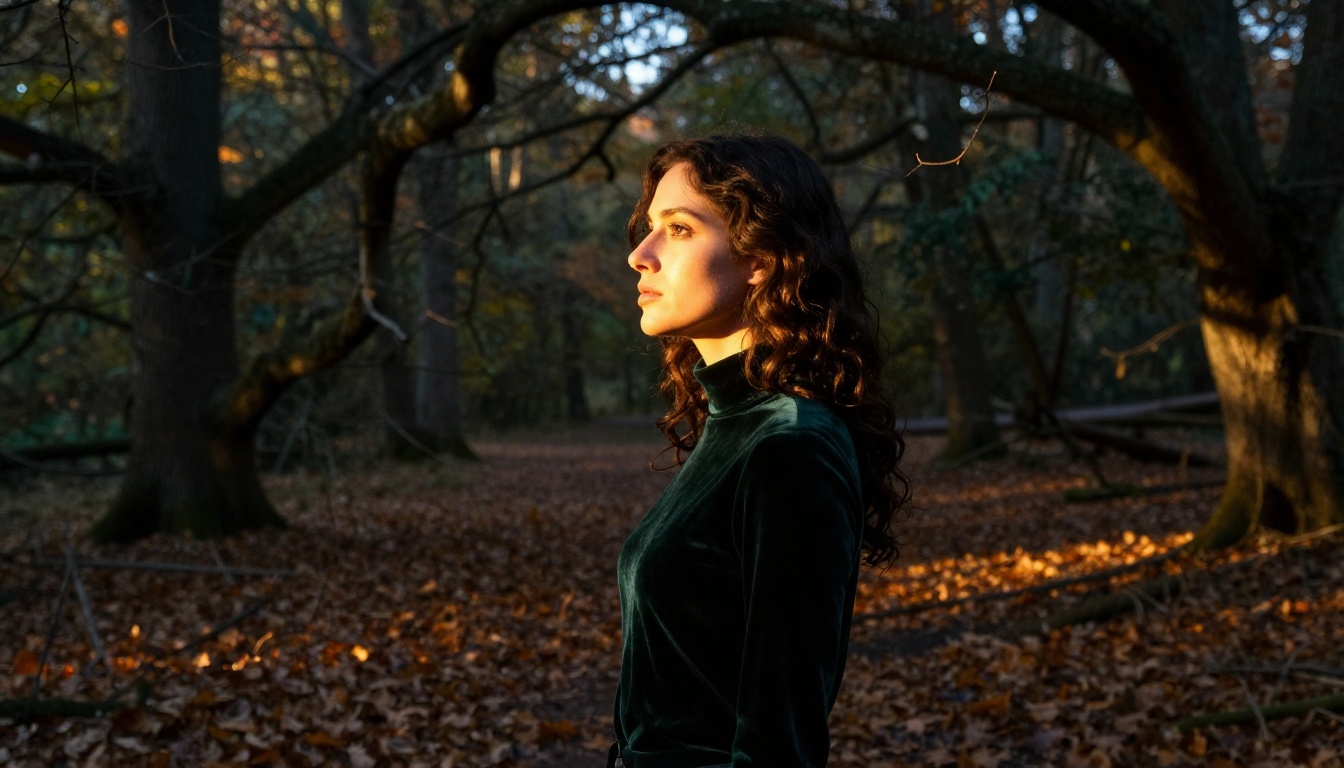
💡 Tip: Always include one physical imperfection in clothing. A button left unfastened, wrinkles from sitting, a hem that has come slightly undone. This single detail reads as real where everything-perfect reads as artificial.
Seedream 5 Pro vs. Seedream 4.5
Both models are available on PicassoIA. Choosing between them depends on your specific workflow requirement.
| Feature | Seedream 5 Pro | Seedream 4.5 |
|---|
| Output resolution | 2K (2048px) | Standard 1024px |
| Generation speed | Standard | Under 3 seconds |
| Image editing support | Limited | Full img2img editing |
| NSFW content | Yes | Yes |
| Detail density | Very high | High |
| Best for | Final renders, reference sheets | Fast iteration, image editing |
The practical workflow for most projects: use Seedream 4.5 at speed to iterate across pose, expression, and composition variations, then switch to Seedream 5 Pro for the final render at 2K once you've locked the creative direction.
How to Use Seedream 5 Pro on PicassoIA
Seedream 5 Pro is available on PicassoIA with no setup requirements and no waiting lists.
Step-by-Step Walkthrough
- Go to picassoia.com/en/collection/text-to-image/bytedance-seedream-5-pro
- Write your character prompt using the four-part structure: subject, pose, clothing, environment and lighting
- Set aspect ratio: 16:9 for scene compositions, 2:3 for portrait character sheets, 1:1 for profile images
- Click generate and wait for the 2K output
- Download the full-resolution file for use in your project or as a reference source
Parameter Tips for Better Results
Aspect ratio for character sheets: 2:3 or 3:4 gives vertical space to capture full-body proportions without cropping the head or feet. For characters that will be used as height-reference comparisons, 2:3 is the standard.
Prompt length matters: A 60-80 word prompt consistently outperforms a 15-word prompt with this model. Specificity does not constrain the output; it focuses it. More constraints produce more consistent results, not less interesting ones.
Iterating on failures: If a face comes out flat, add more facial description rather than regenerating blindly. If clothing looks wrong, add fabric physics terms. If proportions feel off, specify the camera angle and lens. The model responds to added specificity.
For NSFW character work specifically: Seedream 4.5 remains the fastest option for iteration. Use it to establish the character concept across many generations, then bring Seedream 5 Pro in for the final 2K renders. For unlimited volume on refined base characters, PicassoIA Image Editor Pro gives Elite and Infinite subscribers unlimited generations with no per-image cost.
💡 Tip: The 2K output from Seedream 5 Pro can be pushed further with PicassoIA's super-resolution tools for print-ready or large-format output that holds up at very large sizes.
Build Your Characters Now
Photorealistic 2K character design without content restrictions is not a hypothetical; it works today on PicassoIA. The resolution is real, the creative control is real, and the models are available to anyone with an account.
Start with a single character concept. Write a detailed prompt using the four-part structure described above. Generate it with Seedream 5 Pro and see what 2K photorealistic rendering looks like at the detail level most models never reach.
For speed during iteration, run variations with Seedream 4.5. For unlimited volume on polished base images, use PicassoIA Image Editor Pro. For the fastest single output in the stack, P-Image delivers results in under one second.
Every model mentioned here is available without approval processes or waitlists. The full catalog is at picassoia.com/en/all-models — pick your starting point and create the characters you've been trying to build.