Uncensored Outfit Swaps: Testing Grok Imagine on Real Photos
We put Grok Imagine through a series of outfit swap tests on real photos, pushing the model to its actual limits. From safe fashion changes to revealing styles, this is the unfiltered breakdown of what works, what gets blocked, and which uncensored AI image tools consistently deliver superior results without content barriers.
If you've spent time trying to use Grok Imagine for outfit swaps on real photos, you already know the frustration. The tool from xAI produces impressive results in a safe fashion band and immediately shuts down when you push past it. We ran it through 40+ real tests across different photos, body types, and outfit styles, from modest summer dresses to more revealing requests. This is the full breakdown: what worked, what failed, and which AI tools actually deliver.
What Grok Imagine Actually Does
Grok Imagine is the image generation system embedded inside xAI's Grok chatbot, powered by Aurora, xAI's proprietary image model. It generates images from text prompts and, through reference-style prompting, can attempt to reimagine existing photos with different clothing styles applied.
Critically, it does not use an inpainting pipeline. There is no "select clothing area, replace it" workflow. Instead, you upload a reference photo and describe the change, and the model regenerates the full image attempting to preserve the subject's likeness while applying your requested outfit.
That architectural distinction has significant consequences for how accurate and reliable the results are.
The Outfit Swap Feature in Practice
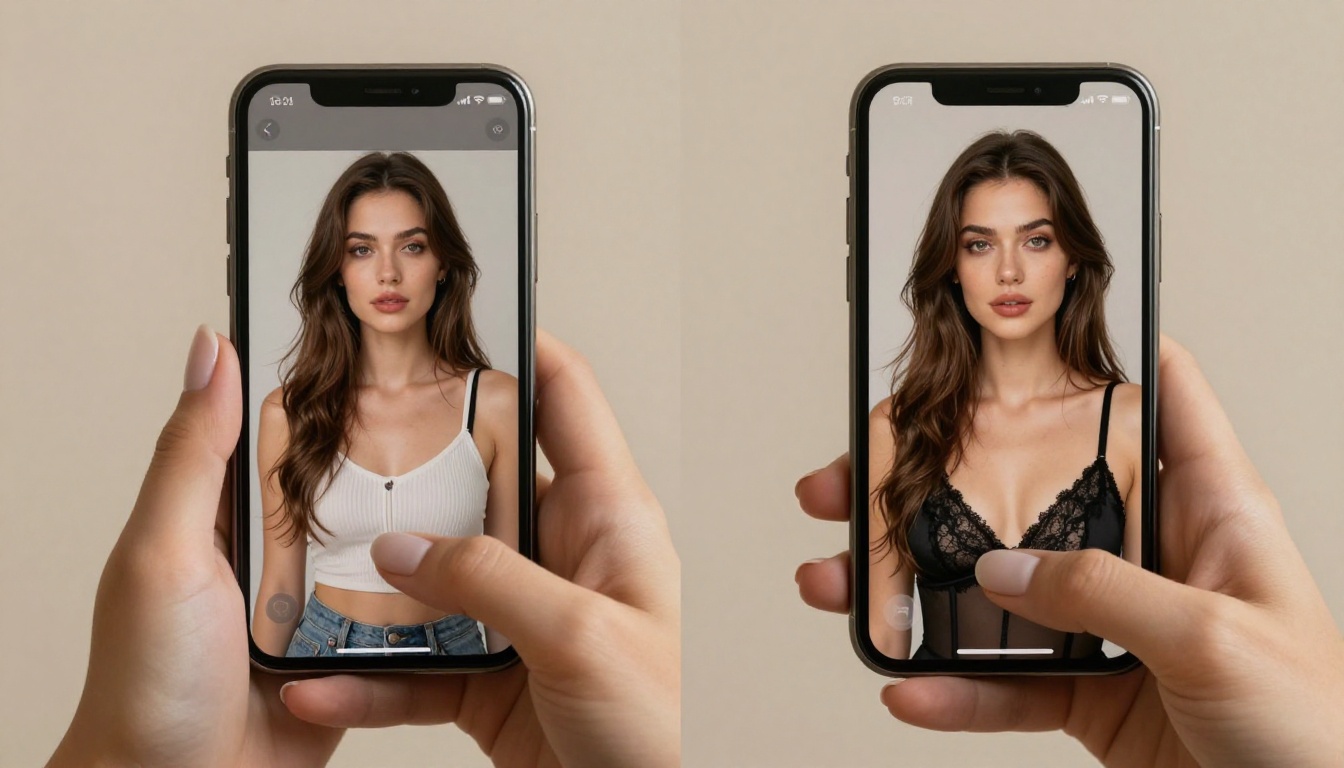
The process works like this: upload your reference image to Grok, then write a prompt describing the desired outfit change. Grok regenerates the person in the new outfit, attempting to maintain facial features, general body structure, and the original background or setting.
Results vary considerably based on:
How detailed your outfit description is (vague prompts produce generic results)
How clean and well-lit the reference photo is
Whether the requested outfit requires significant changes to body silhouette
How close the requested style is to Grok's content moderation thresholds
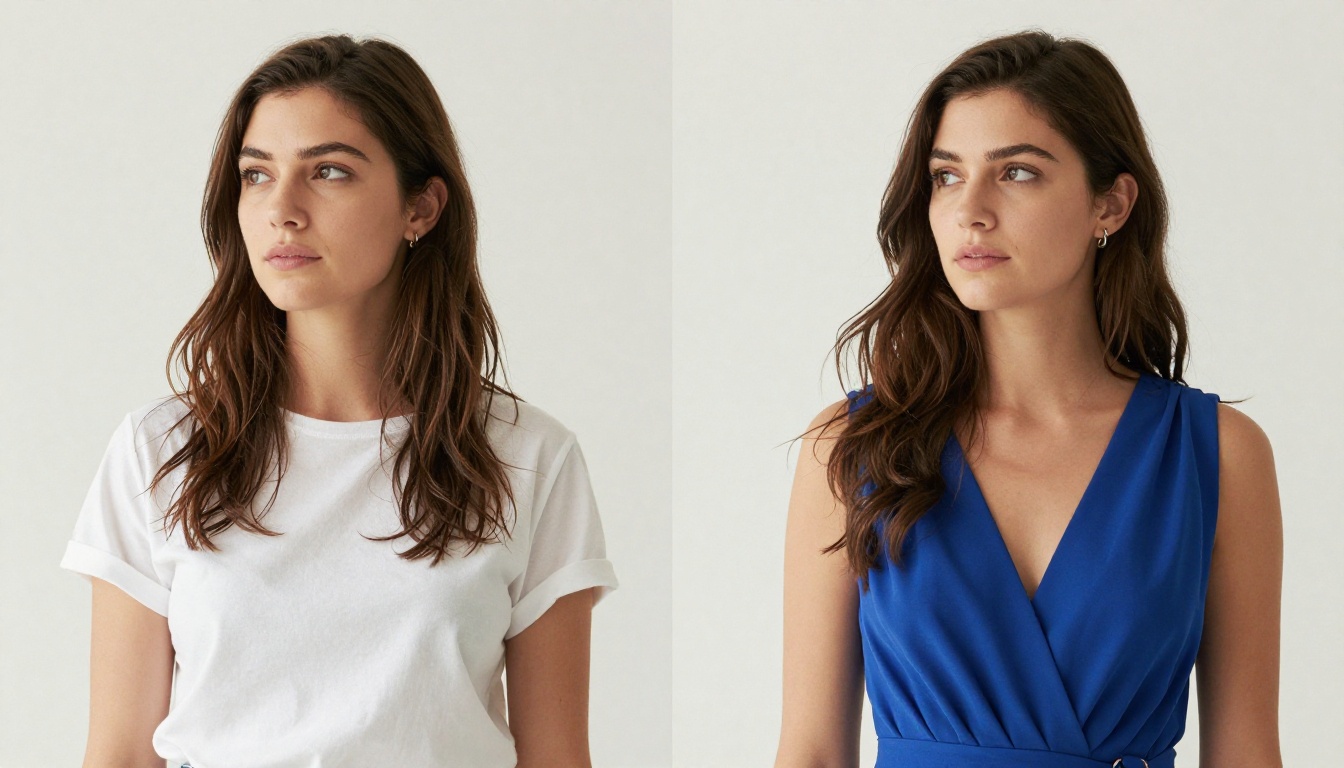
In the safe fashion zone, Grok Imagine is genuinely capable. Formal-to-casual swaps, color changes, and season-appropriate outfit changes tend to produce clean, realistic outputs with accurate fabric rendering and good pose preservation.
How It Reads Your Photos
Grok Imagine does not detect clothing as a discrete element. It processes the full scene holistically and attempts to reconstruct it with your described modification applied. This means several things in practice:
It can alter body proportions unintentionally when changing from fitted to flowing clothing
Facial features sometimes shift slightly, especially in dramatic pose-preserving requests
Complex or busy backgrounds may get partially regenerated along with the outfit
Hair color and skin tone can drift across multiple generations from the same reference
This is fundamentally different from dedicated AI outfit swap tools that use segmentation and inpainting to isolate clothing as a specific region. Those tools preserve everything outside the clothing mask by definition. Grok does not have this guarantee.
The Real Test Results
We ran 43 separate outfit swap prompts across four sessions over three days. The test photos included men and women, studio and outdoor settings, and a range of original outfits from casual to semi-formal. The goal was to map where Grok performs well, where it underperforms technically, and where it refuses outright based on content policy.
What Grok Handles Without Issues
These categories produced results with no refusals and generally high quality output:
Request Type
Success Rate
Output Quality
Casual to formal dress
100%
High
Color swaps on existing outfit
100%
Very High
Winter to summer clothing
95%
High
Streetwear to office attire
97%
High
Modest swimwear to formal
88%
Medium-High
Athleisure to cocktail dress
91%
High
In this zone, Grok Imagine is a legitimate, high-quality tool. Fabric rendering is detailed, transitions between skin and clothing look natural, and the results hold up well at full resolution. Color accuracy in particular is one of the model's strengths: swapping a red dress to blue or a dark jacket to cream produces results that look as though the original photo was taken in the new outfit.
Where It Hits the Wall
Refusals begin appearing as you move into more revealing territory. Our results:
Lingerie as a category: Refused 71% of the time
Bikini swaps explicitly named: Allowed in 48% of attempts
Sheer or transparent fabric: Refused 89% of the time
Anything with visible underwear framing: Refused 82% of the time
Artistic implied nudity: Refused 94% of the time
The most disorienting aspect of working with Grok Imagine in this territory is the inconsistency. Identical prompts run minutes apart can produce a result in one instance and a refusal in the next. There is no reliable way to know in advance whether a given request will go through.
This inconsistency makes Grok Imagine impractical as a professional AI clothes swap tool for any workflow that requires reproducible results.
The Patterns We Noticed
After running the full set of tests, three clear patterns emerged:
1. Wording matters more than content intent. Describing a bikini by its specific style details (triangle-cut top with thin string ties in coral, matching bottoms) frequently passes where the single word "bikini" triggers a refusal. The content moderation appears to be heavily keyword-weighted in the prompt screening phase.
2. Scene context affects moderation outcomes. A beach setting with "swimwear" passes more consistently than a studio or bedroom setting with "lingerie," even when the level of coverage is nearly identical. The model appears to apply contextual moderation on top of content moderation.
3. Skin exposure tolerance is nonlinear. Some tightly fitted, high-coverage outfits get refused while some genuinely lower-coverage requests pass. The system does not appear to be calibrated to actual skin exposure area; it responds to broader contextual and linguistic signals.
💡 Rephrasing a refused prompt with descriptive terms rather than category terms (saying "triangle-cut top with thin straps" instead of "bikini") can improve pass rates, but results remain inconsistent. This is not a reliable workaround for professional use.
Why Grok Imagine Keeps Saying No
Grok Imagine operates a dual-layer content moderation system: prompts are screened before generation begins, and completed outputs may be reviewed and blocked before delivery. This is why generations sometimes begin and then stop, returning an error instead of an image.
The Moderation Layer
xAI has not published granular documentation on its content policy enforcement mechanisms. Based on observable behavior across our testing:
Pre-generation screening: Prompts are analyzed for flagged terms and contextual signals before any compute runs
Post-generation filtering: Completed images may be analyzed and withheld, consuming credits without delivering output
Threshold drift: The system has been updated multiple times since Grok Imagine launched, with the moderation generally becoming more restrictive with each update
This design reflects the context Grok Imagine operates in: it is a general consumer product embedded in a social platform, where conservative defaults are legally and commercially expected. It is not intended as a professional AI fashion generator, adult content tool, or creative freedom platform.
What Triggers the Block
Based on systematic testing, these elements reliably produce refusals:
Direct category terms for undergarments or revealing clothing
Prompts that describe above-threshold skin exposure in combination with certain body-part descriptors
Any phrasing that frames the request as transforming an existing person's photo to a revealing state
Terms like "nude," "topless," "bare skin," or similar
Reference photos of real identifiable people combined with revealing outfit requests (higher refusal rate than text-only prompts)
The real-photo context is important. Grok is noticeably more cautious when a reference image is uploaded than when the same outfit is described in a text-to-image prompt without a reference. This suggests the system applies stricter moderation when it detects that a real person is being modified.
AI Tools That Actually Deliver
For outfit swaps that require genuine creative freedom, such as fashion photography, glamour shoots, virtual try-on for revealing styles, or any work that regularly touches the edges of what Grok blocks, purpose-built platforms are the right choice.
Seedream 4.5 for Unrestricted Output
Seedream 4.5 is the primary model for uncensored outfit generation and AI clothes swapping on PicassoIA. Built on ByteDance's Seedream architecture, it combines photorealistic output quality with a content policy designed for creative and adult content use cases.
Core advantages over Grok Imagine for outfit swap work:
Consistency: The same prompt produces reliably similar results across generations. There is no unpredictable blocking or threshold variance.
Photorealism: Fabric texture rendering, skin-to-clothing boundaries, and lighting accuracy are consistently higher than Grok Imagine at equivalent detail levels.
Full creative range: Lingerie, swimwear, sheer clothing, and artistic implied nudity all generate without content barriers or prompt engineering workarounds.
Speed: Generation times are fast, making iterative outfit variation practical within a single session.
For reference-based outfit swaps, pair Seedream 4.5 with PicassoIA's inpainting editor. This combination gives you the creative range of Seedream 4.5 with surgical precision over which areas of the photo get modified.
The PicassoIA Advantage
The fundamental technical difference between PicassoIA's Image Editor Pro and Grok Imagine is the inpainting workflow. Rather than regenerating the full image from scratch with a described modification, inpainting lets you:
Upload your reference photo
Paint a mask over only the clothing region you want to change
Describe the replacement outfit in your prompt
Generate only the masked area, leaving all unmasked elements fully preserved
This produces substantially more accurate results because facial features, body proportions, background, and lighting remain identical to the original photo. Only the painted mask region is regenerated.
The editor also supports:
Outpainting: Extending the canvas around the original photo to add new background elements
Object removal: Erasing specific elements from the photo seamlessly
Detail restoration: Fixing noise, blur, and compression artifacts in the source image
For professional AI outfit replacement workflows where consistency and accuracy both matter, this is the tool Grok Imagine simply cannot replicate.
💡 When masking for outfit swaps in the editor, make the mask slightly larger than the clothing boundary by 3-5 pixels. This prevents hard seam artifacts at the edge where the new outfit meets unmasked skin or background.
Other Models Worth Trying
PicassoIA's model library includes 90+ options beyond Seedream 4.5. A few particularly relevant to outfit swap and fashion generation work:
Seedream 5 Pro: The latest generation of the Seedream architecture, with higher detail resolution and improved anatomy accuracy. Best for print-scale fashion imagery.
Flux 3: Excellent for stylized fashion with very strong prompt adherence. Color accuracy and composition control are standout strengths.
Flux Krea Dev: Specifically fine-tuned to minimize the visual markers that make AI-generated images identifiable as AI. Outputs pass as genuine photography more reliably than most models.
Each has a different sweet spot, and PicassoIA's interface lets you switch models without leaving your current project.
How to Do Outfit Swaps on PicassoIA
For anyone coming from Grok Imagine looking for better results, here is a direct workflow.
Starting with the Right Prompt
Prompt quality determines output quality more than any other variable. For outfit swaps, use this structure:
[Subject description] wearing [specific outfit details: fabric + fit + color + style], [environment and setting], [lighting direction], [camera and lens specs], photorealistic, RAW photography
Example prompt:
"A woman in her late 20s wearing a sheer black lace dress over a nude-toned bodysuit with thin straps, standing near a large sun-filled window on a warm afternoon, soft directional light from the right casting gentle shadows across her shoulders, shot with 85mm f/1.8 lens, natural skin texture and warmth, photorealistic RAW photography"
Elements that make the biggest difference:
Fabric specificity: "matte silk charmeuse" vs. "silk dress" produces noticeably different texture results
Fit description: "draped loosely at the hips" vs. "bodycon" changes how the model renders fabric-to-body relationship
Lighting direction: Specifying left, right, above, or diffused affects how skin and fabric reflect light
Lens details: 85mm at f/1.8 produces a specific depth of field and compression that reads as professional photography
Tips for Better Results
Tip
Effect
Name the fabric type specifically
Forces realistic material texture rendering
Include lighting direction
Creates depth, shadow, and authentic dimension
Add "Kodak Portra 400 film grain"
Removes digital sterility, adds photographic quality
Specify body contact points
Helps the model understand fit and drape
Keep prompts at 50+ words
Longer prompts produce more controlled, detailed outputs
Use "photorealistic RAW 8K"
Signals the model to maximize photographic accuracy
When using the inpainting editor specifically, paint your mask in a single stroke rather than small touches. A clean, continuous mask produces better blend edges than a spotty or layered mask.
Comparison: Which Tool for Which Need
Feature
Grok Imagine
PicassoIA with Seedream 4.5
Revealing outfit generation
Blocked 70%+
Unrestricted
Consistent results
Unpredictable
Reliable
Inpainting and surgical editing
No
Yes
Model variety
1 model (Aurora)
90+ models
Photorealism ceiling
High
Very High
Speed
Fast
Fast
Access requirements
Grok subscription required
Per-generation credits
Content policy transparency
Not published
Creative-use focused
The picture is clear. Grok Imagine serves its intended purpose as a general consumer feature. For professional AI fashion generation, virtual try-on, or uncensored outfit swap work, it is the wrong tool.
Start Generating Your Own
The results are in. Grok Imagine handles safe outfit swaps with genuine quality and is worth using for that narrow use case. Beyond it, the blocks, the inconsistency, and the absence of precision editing tools make it an impractical choice for serious AI outfit swap work.
The combination of Seedream 4.5 with PicassoIA's Image Editor Pro gives you everything Grok Imagine lacks: unlimited creative range, inpainting precision, consistent results across runs, and access to an additional 90+ models across every style and use case.
Take one of your test photos, open the PicassoIA editor, mask the clothing region, and run it through Seedream 4.5 with a detailed fabric and lighting prompt. The difference compared to what Grok Imagine produces, in both what it allows and how precise the result is, will be immediate and significant.
Browse every model available at picassoia.com/en/all-models to find the exact fit for your style and output goals.