Use These Words for Sharper AI Images Every Single Time
The difference between a forgettable AI image and a stunning one often comes down to the exact words you type. This article breaks down the specific vocabulary for lighting, camera settings, texture, mood, and style that consistently produce sharper, more photorealistic results across all major text-to-image models.
Most people type prompts into an AI image generator the same way they would write a quick text message. A scene, a vibe, a rough description. Then they wonder why the output looks flat, blurry, or weirdly generic. The issue is not the model. It is the vocabulary. AI image generators are not mind readers. They respond to precision. Every single word carries statistical weight, pulling the model toward specific visual patterns in its training data. When you use the right words, the image sharpens. When you use vague ones, you get vague images. This is the definitive breakdown of how to use these words for sharper AI images, organized by category, with direct comparisons and actionable examples.
Why Your Words Control the Final Image
Every word is a weighted instruction
Text-to-image models do not interpret your prompt the way a human would. They tokenize your sentence, breaking it into individual units, and each token activates a cluster of visual patterns learned from millions of images. The word "photo" activates different patterns than "painting." The word "sharp" activates different patterns than "crisp" or "detailed." None of these are synonyms to the model. They are distinct signals pointing to different regions of its learned visual space.
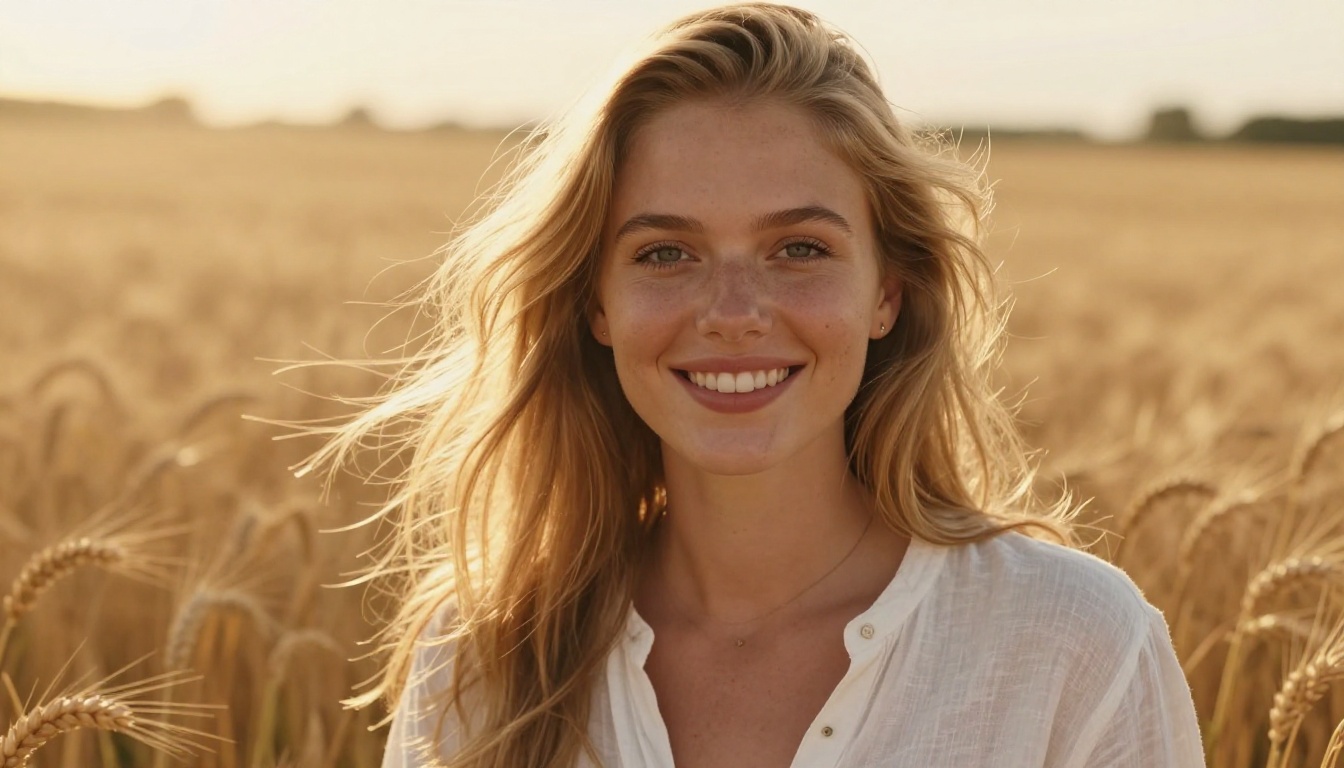
This is why "a woman in a field" produces something fundamentally different from "photorealistic 8K portrait of a woman standing in a golden wheat field, volumetric morning light, 85mm f/1.8 lens, Kodak Portra 400 film grain." Same scene. Completely different visual output. The second version is not longer because of padding. Every added word is doing real work.
The specificity gap that kills most prompts
The single biggest mistake in prompt writing is leaving the model to guess. When you write "nice lighting," the model has to average across every possible interpretation of "nice." The result is flat and middle-of-the-road. When you write "volumetric golden hour light from the left at 15 degrees above horizon," there is no ambiguity. The model matches a specific visual pattern and executes it.
💡 Rule of thumb: If a word could describe a million different things, it is doing very little work. Replace it with a word that could only describe one specific thing.
Sharpness and Detail: The Words That Actually Work
Resolution and clarity terms
These words directly signal to the model that you want a high-fidelity output. Use them consistently at the end of every prompt.
Word or Phrase
What it signals to the model
photorealistic
Photo-accurate rendering, not stylized
8K
Extreme resolution, maximum detail density
RAW photography
Unprocessed, natural camera file look
hyperdetailed
Micro-level surface fidelity
ultra-sharp focus
Zero motion blur or softness
crisp edges
Well-defined object boundaries
high fidelity
Faithful reproduction of real textures
tack sharp
Absolute sharpness, no focus drift
These words work best in combination. Stacking photorealistic 8K RAW photography hyperdetailed at the end of your prompt creates a compound signal the model has encountered thousands of times in high-quality dataset captions. It is one of the most reliable quality boosters available.
Photography clarity signals
Beyond resolution terms, certain photography-specific language communicates clarity through context. When you write DSLR, medium format, or Hasselblad, the model has been trained on thousands of images captioned with those terms. Those images are almost always technically sharp, well-exposed, and professionally composed. The camera body name carries the technical context with it.
Clarity-boosting photography terms:
DSLR photography
medium format camera
tack sharp
in-focus subject
shallow depth of field (for selective focus)
studio lighting conditions
professional photography
Lighting Vocabulary That Adds Real Depth
Lighting is the single most powerful lever for making an AI image look real. Flat lighting produces flat images. Directional, described lighting produces images with weight and atmosphere.
Direction, quality, and source
Lighting direction gives the model a physical reference point. The model has been trained on actual photographs where light sources are visible or implied, and light behaves predictably in 3D space. When you specify direction, you are not just styling the image. You are triggering the model's spatial understanding.
Lighting direction vocabulary:
light from the left or right or above
45-degree front-left main light
backlit (creates rim light and silhouette effects)
side-lit (dramatic shadows, high texture visibility)
overhead light at noon (harsh, minimal shadows)
rim light from behind
Lighting quality vocabulary:
soft diffused light (overcast, large light source)
hard directional light (strong shadows, high contrast)
volumetric light (visible light rays in air)
dappled light (filtered through leaves or structure)
catchlights in eyes (essential for portrait realism)
Time-of-day language
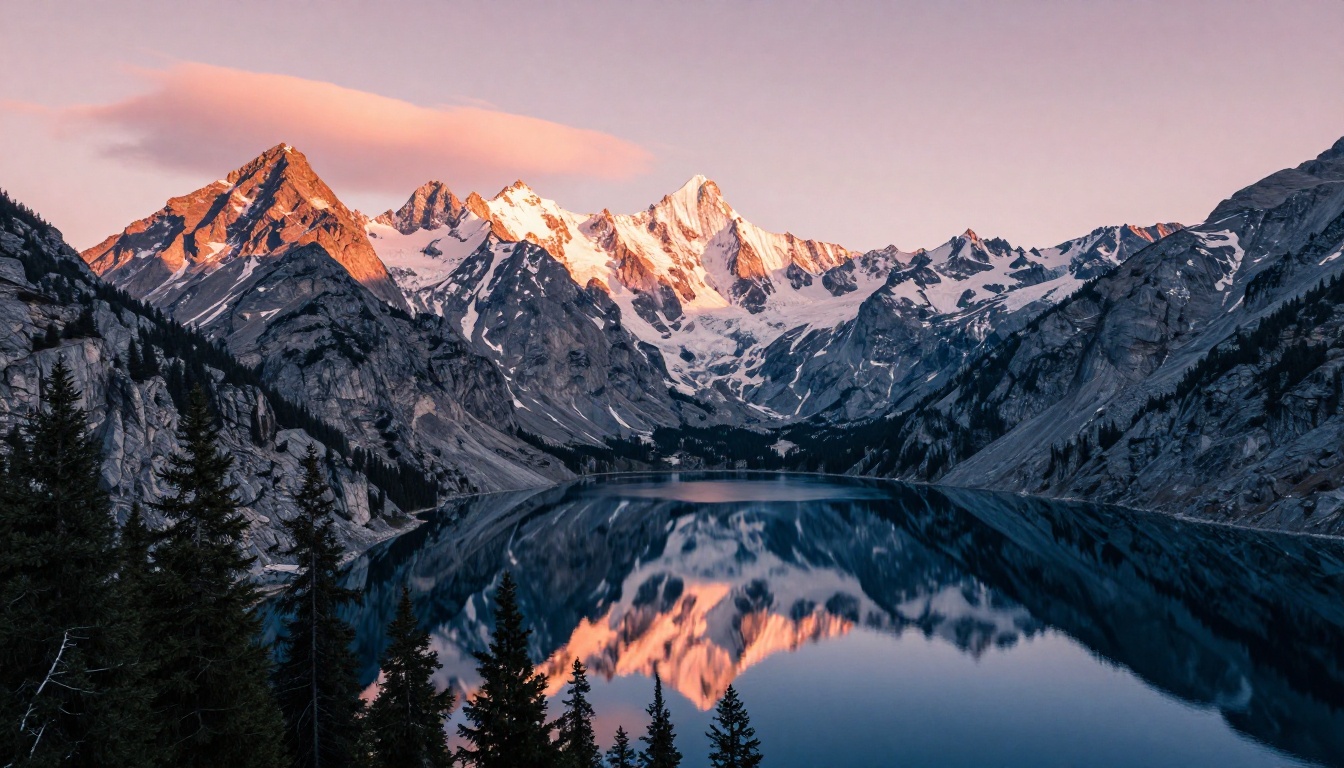
Time-of-day words are shortcuts to entire color palettes, shadow angles, and atmospheric conditions that the model knows deeply from photography training data.
Time phrase
Visual result
golden hour
Warm orange-amber tones, long shadows
blue hour
Cool blue ambient, soft transitional light
midday sun
Harsh overhead light, minimal shadows
overcast morning
Flat diffused light, muted tones
dusk
Dramatic sky, warm-to-cool gradient
magic hour
Cinematic warm backlight
overcast afternoon
Neutral, diffused, shadowless
💡 Pro move: Combine time-of-day with direction for maximum control: "volumetric golden hour light from the left, long shadows stretching across the ground plane."
Camera and Lens Words That Change Realism
Focal length and depth of field
Focal length changes how a scene is compressed, distorted, and framed. AI models have been trained on millions of photographs captioned with lens specifications. These words carry precise visual meaning that the model applies directly.
Focal length at a glance:
Focal length
Use case
14-24mm
Ultra-wide, architecture, landscapes with dramatic depth
Pair focal length with an aperture value. 85mm f/1.4 signals a completely different image from 85mm f/11. The first gives a razor-thin focus plane with creamy bokeh. The second keeps everything sharp front to back. Both can be correct — it depends on what you are describing.
Film stock and camera body names
Film stocks have incredibly specific color science, grain structures, and tonal responses. Using their names in prompts activates these visual patterns directly.
Film stocks worth adding to your prompts:
Kodak Portra 400 (warm skin tones, fine grain, natural color)
Fujifilm Provia 100F (slide film look, rich saturation)
Kodak Tri-X 400 (high-contrast black and white, visible grain)
Ilford HP5 (clean black and white, smooth midtones)
Camera body names that carry aesthetic context:
Leica M6 (candid, street, warm, intimate)
Hasselblad 500C (medium format, studio, deliberate)
Nikon F3 (journalistic, reportage, gritty)
Canon 5D Mark IV (professional, clean, versatile)
💡 These camera names tell the model not just about sharpness. They signal an entire aesthetic and photographic tradition. Leica means candid and warm. Hasselblad means deliberate and controlled.
Texture Descriptors That Add Touch to Images
Texture is what separates an image that looks real from one that looks processed. When you describe texture specifically, the model allocates visual resources to rendering it accurately instead of smoothing it over.
Skin, hair, and organic surfaces
For portraits and any scene with people, organic surface language is critical for photorealism.
High-impact texture words for skin:
visible pores
hyper-realistic skin texture
natural skin tone variations
fine hair texture on arms
natural freckles
subsurface scattering on skin
micro-detail on fingertips
For hair:
individual strand visibility
natural hair flyaways
specular highlight on hair
three-dimensional hair volume
For plants and natural materials:
visible leaf vein structure
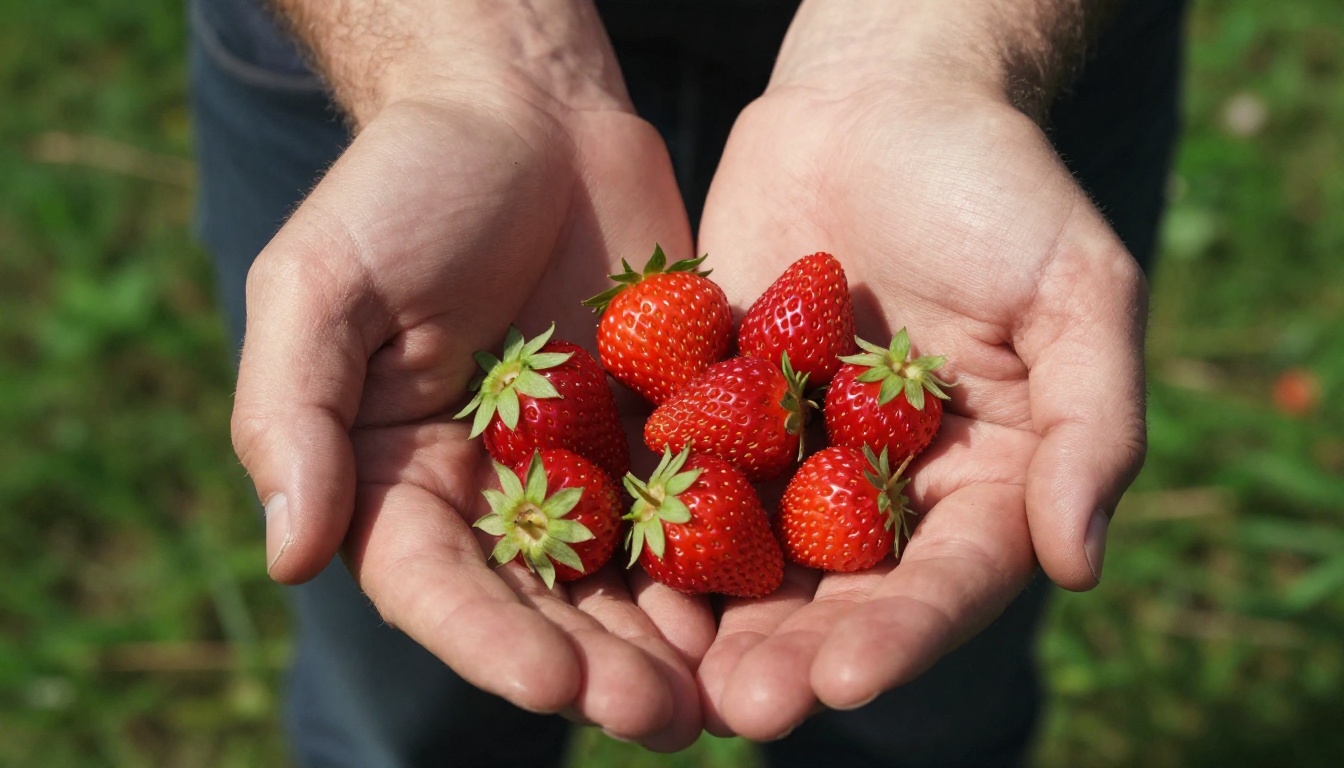
water droplet surface tension
bark grain texture
petal cell micro-texture
Fabric, metal, and architecture
Non-organic materials have their own precise vocabulary. Using it correctly adds physical credibility to the scene.
Fabric surface words:
fabric weave texture visible
linen texture
fine wool grain
subtle wrinkles in fabric
thread count visible
Metal and glass:
brushed aluminum surface
fingerprint smudges on glass
oxidized patina on copper
chrome specular highlight
Architecture and hard surfaces:
concrete pore texture
visible wood grain
plaster wall texture
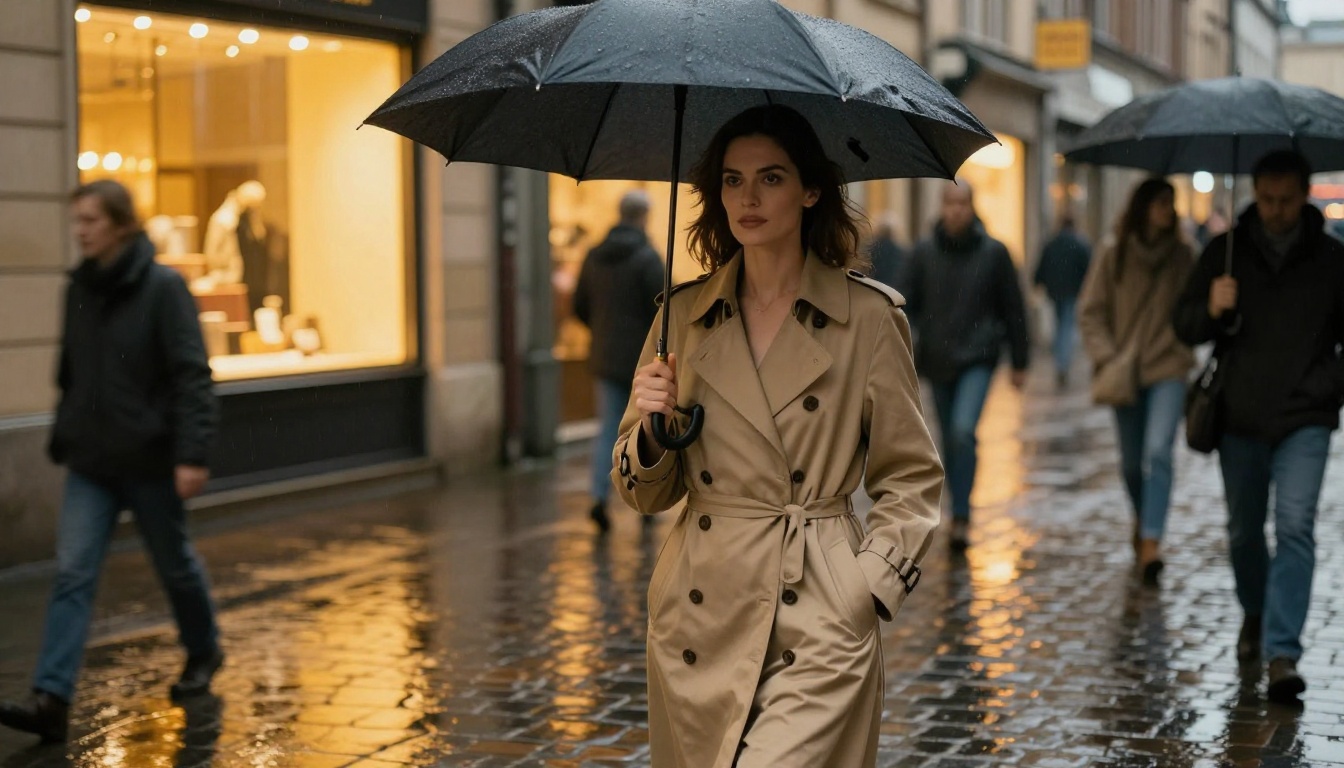
wet cobblestone reflection
Color, Mood, and Composition Words
Color grading language
Color grading terms come from film and photography post-production. They carry entire emotional and stylistic profiles that the model has internalized from film stills, editorial photography, and cinematography references.
Color grading vocabulary:
muted warm tones (earthy, cozy, nostalgic)
high-contrast black and white (editorial, dramatic)
desaturated with warm highlights (cinematic, melancholic)
teal and orange color grade (commercial film look)
These words activate the overall feel and framing of the image. They work differently from lighting or camera words because they pull stylistic patterns rather than technical ones.
💡 Pair mood words with lighting words for compound effect: "documentary style, overcast morning light, candid unposed composition" produces a completely different image from "fine art portrait, studio lighting, deliberate centered framing."
How to Use Flux Models on PicassoIA
PicassoIA hosts several powerful Flux-based models that respond exceptionally well to the vocabulary in this article. These models are among the strongest available for photorealistic text-to-image generation.
Getting started with Flux Schnell LoRA
Flux Schnell LoRA is built for fast, high-quality generation. Here is how to get the sharpest results on your first run:
Set your aspect ratio to 16:9 for cinematic results, or 1:1 for portraits.
Write your prompt using the 5-layer structure below. Start with subject, then environment, then lighting, then camera specs, then texture.
Add quality modifiers at the end of the prompt: photorealistic, 8K, RAW photography, hyperdetailed, Kodak Portra 400.
Run the generation and review. If the result is still soft, add tack sharp, ultra-fine detail, crisp edges to your next iteration.
Example prompt for Flux Schnell:
Portrait of a woman in her thirties standing at a rain-wet window, warm indoor light from the right, cool blue ambient from outside, 85mm f/1.4 lens, hyper-realistic skin texture with visible pores, fabric texture on cashmere sweater, film grain, Kodak Portra 400, photorealistic 8K RAW photography
Getting more detail with Flux 2 Klein
Flux 2 Klein 9B Base LoRA is the higher-capacity model in the Flux 2 family. It handles complex, multi-layered scene descriptions with greater compositional accuracy. For maximum detail output:
Use longer prompts with all five texture layers fully specified.
Add medium format camera to push for higher perceived resolution.
Combine volumetric light with subsurface scattering for realistic human skin in portraits.
Use Flux 2 Klein 4B Base LoRA as a faster alternative when iterating on composition before committing to a final high-quality run on the 9B model.
For users who want stylistic range alongside photorealism, Stable Diffusion 3 is also available on PicassoIA and handles descriptive prompts with strong visual consistency.
After generating, push your image even further with a super-resolution model. Google Upscaler and Real ESRGAN can take a strong generation to print-quality resolution. For portrait-specific upscaling, Crystal Upscaler is optimized for facial detail recovery.
Building Your Prompt Systematically
The 5-layer prompt formula
Random word lists produce random results. Structuring your prompt in consistent layers forces you to cover every visual dimension of the image before you run it.
[Subject] + [Environment] + [Lighting] + [Camera and Lens] + [Texture and Quality]
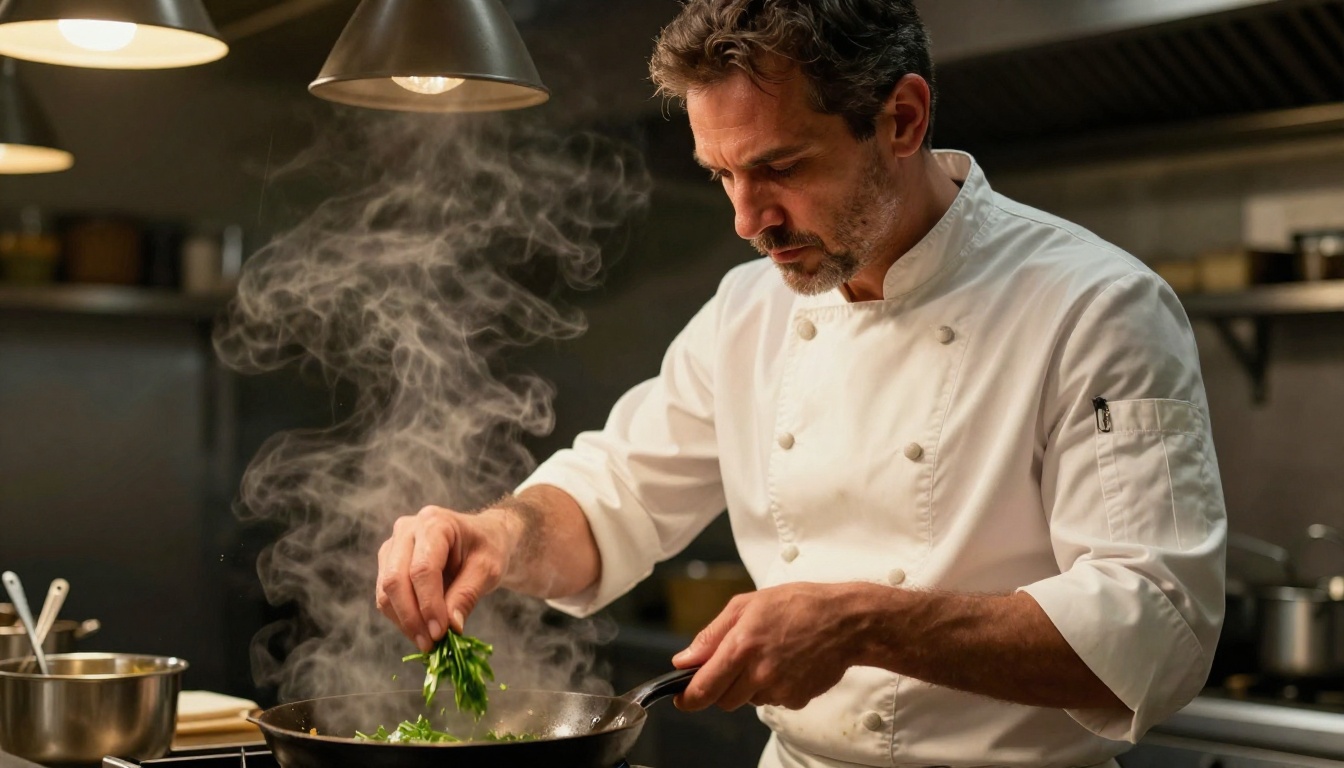
Example built layer by layer:
Layer
Content
Subject
Male chef in his forties, intense focused expression, white chef's jacket
Environment
Professional restaurant kitchen, stainless steel surfaces, steam rising from pan
Lighting
Warm amber pendant lamp overhead, dramatic downward light on face, slight fill from left
Camera and Lens
85mm f/1.8, shallow depth of field, blurred kitchen background
Texture and Quality
Hyper-realistic skin texture, visible fabric stains on jacket, photorealistic 8K, Kodak Portra 400 film grain
Assembled, this becomes one complete prompt that leaves nothing for the model to guess. Every visual dimension is specified.
Words to remove from your prompts
Some words hurt more than they help. Vague adjectives give the model nothing specific to work with and sometimes activate undesirable stylistic patterns that flatten the image.
amazing (emotional judgment, not visual description)
good quality (redundant with 8K and photorealistic)
nice (meaningless to the model)
realistic alone (weaker than photorealistic 8K RAW photography)
detailed alone (weaker than hyperdetailed, visible pores, fabric texture)
professional (too broad, specificity beats category labels)
Replace each vague adjective with a specific visual term. Instead of "beautiful woman," describe her features, the lighting on her face, and the specific environment. The model will do the rest with precision.
💡 Final calibration check: Read your prompt out loud. If any phrase could describe a thousand different images, rewrite it until it could only describe one.
Start Creating Right Now
You now have a complete vocabulary for sharper, more photorealistic AI images. The words are not magic, but they are precise, and precision is what separates a prompt that creates something memorable from one that creates noise.
The fastest way to internalize this vocabulary is to use it immediately on real images. Open Flux Schnell LoRA on PicassoIA and run the same scene three times: once with your old vocabulary, once with just the lighting and camera words from this article, and once with the full 5-layer formula. The difference will be obvious, and it will change how you write prompts permanently.
Every image you create is an experiment in visual language. The models on PicassoIA are capable of extraordinary detail and photorealism. They just need you to tell them exactly what you see.