If you have spent any part of your week digging through research papers, stitching together competitor reports, or trying to distill three different expert opinions into one coherent brief, you already understand the friction. Research is not slow because people are bad at it. It is slow because reading, filtering, and synthesizing at volume takes time that no amount of focus can fully eliminate. GPT-5.6 changes that calculation in a very concrete way. Not by doing your thinking for you, but by collapsing the distance between raw source material and actionable insight from hours to minutes.

What GPT-5.6 Does Differently
Most people who have bounced between AI models over the past two years have a mental model that goes something like this: newer model, better responses, maybe a longer context window. GPT-5.6 fits that pattern, but it also breaks a bottleneck that previous generations struggled with, which is the gap between knowing facts and reasoning through problems with those facts in real time.
Speed Without Sacrificing Depth
GPT-5.6 Luna was built for exactly this scenario. It delivers fast, accurate text replies while maintaining reasoning quality that you would normally only get from slower, heavier models. When you are running multiple research prompts in sequence, waiting three to five seconds per response adds up fast. Luna eliminates that wait.
💡 Pro tip: For tasks where you need rapid-fire research responses, for example, generating ten competitive summaries in a single session, use GPT-5.6 Luna. Its speed-to-quality ratio is unmatched for iterative research workflows.
The Context Window Advantage
Context window size is the single most underrated factor in AI research productivity. When a model can hold an entire whitepaper, a set of interview transcripts, and your working notes all at once, it can reason across all of them simultaneously. GPT-5.6 handles this without the degradation you see in older architectures where the model effectively forgets the beginning of a document by the time it reaches the end.
This matters in practice because it means you can paste in a 30-page report, ask it to compare findings with a second document you provide, and receive a synthesis that actually reflects both, not a generic summary of whichever chunks fell within the active window.

3 Research Tasks It Handles in Minutes
The theory is straightforward. The practice is where most people either get real value or waste time with prompts that are too vague. Here are three research tasks where GPT-5.6 consistently performs at a level that replaces hours of manual work.
Literature Review Synthesis
Academic researchers typically spend 15 to 20 hours assembling a literature review for a single paper. The bulk of that time is not reading, it is organizing what was read into themes, identifying contradictions between sources, and determining what the field has not yet addressed.
GPT-5.6 compresses this dramatically. Feed it five to ten abstracts or full papers and ask it to:
- Identify recurring themes across all sources
- Flag contradictions between author positions
- Summarize the state of the question being researched
- Suggest gaps that the literature has not addressed
The output is not a finished literature review. It is a structured scaffold that would have taken two to three hours to produce manually, delivered in roughly four minutes.
Competitive Intelligence Mapping
For business researchers, the equivalent workflow is competitive intelligence. This usually means reading multiple competitor websites, press releases, product pages, and market reports, then synthesizing them into a positioning matrix or SWOT analysis.
GPT-5.6 handles this by accepting raw competitor text and producing structured comparative output:
| Dimension | Competitor A | Competitor B | Your Position |
|---|
| Core offering | Feature-rich SaaS | Minimal tool | AI-powered platform |
| Target user | Enterprise | SMB | Creator economy |
| Pricing model | Per-seat annual | Freemium | Usage-based |
| Weaknesses | Onboarding friction | Limited depth | Brand awareness |
What used to require an analyst's afternoon now requires a well-constructed prompt and about eight minutes.
Data Interpretation at Scale
Research rarely stops at documents. When you have spreadsheets, survey responses, or numerical datasets, GPT-5.6 can interpret patterns, call out outliers, and generate narrative explanations of what the numbers suggest. This is not statistical analysis in the formal sense. It is sense-making at speed, which is often what a researcher actually needs before deciding whether deeper analysis is warranted.

How to Use GPT-5.6 Luna on PicassoIA
Since GPT-5.6 Luna is available on PicassoIA, there is a dedicated workflow worth walking through. This is where the speed advantage becomes most tangible for people doing iterative research sessions.
Setting Up Your First Session
- Go to GPT-5.6 Luna on PicassoIA
- Open a new conversation and paste your source material in the first message
- Follow immediately with a structured instruction that tells the model exactly what to produce, including format, depth, and angle
- Review the output, then follow up with refinement prompts rather than starting a new conversation
The key is treating the session as a persistent working document rather than a question-and-answer exchange. The model builds context as you go, so later prompts become more precise because earlier ones have already established the subject matter.
Prompt Structures That Actually Work
Vague prompts are the single biggest time-waster in AI research workflows. These get poor results:
- "Summarize this article"
- "What are the main points?"
- "Give me some insights"
These get much better results:
- "Read the following text and identify three recurring arguments, one contradiction, and one claim that lacks supporting evidence. Format as bullet points with a one-sentence explanation for each."
- "Compare the methodology section of Document A with Document B. Flag any differences in sample size, research design, or measurement approach."
- "You are a market analyst. Based on the following competitor data, write a four-sentence positioning summary targeting a B2B SaaS audience."
💡 The format instruction is not optional. Telling GPT-5.6 Luna exactly how to structure its output saves you the editing step that most people do not account for in their time estimates.
Parameter Tips for Research Tasks
GPT-5.6 Luna performs best for research when you:
- Keep system instructions brief and specific to role, for example, "You are a research assistant specializing in..."
- Break large documents into thematic chunks rather than pasting everything at once
- Use numbered lists in your prompts when you want numbered output
- Ask for sources of uncertainty: "Where in this analysis am I relying on inference rather than stated fact?"

GPT-5.6 Terra vs. GPT-5.6 Sol
GPT-5.6 Terra and GPT-5.6 Sol both serve research use cases but in distinct ways. Choosing the wrong one does not ruin your workflow, but choosing the right one shaves more time off the process.
Terra for Long-Form Documents
GPT-5.6 Terra is production-oriented, which in practice means it handles large, structured documents with consistency and clear organization in its outputs. If your research task involves processing annual reports, lengthy policy documents, technical specifications, or multi-section whitepapers, Terra maintains coherence across the full length in a way that feels deliberate rather than assembled.
Use Terra when:
- The source material exceeds 10,000 words
- You need formatted, ready-to-use output such as reports, briefs, and summaries
- The audience for the output is external or professional
Sol for Complex Reasoning Tasks
GPT-5.6 Sol is the reasoning-focused variant. It works through problems step by step, which makes it the better choice when the research task is not "summarize this" but "figure out what this means."
Use Sol when:
- You need to weigh conflicting evidence and reach a conclusion
- The research involves causal reasoning, for example, "Why did this happen?"
- You are stress-testing a hypothesis before committing to it
💡 A practical pairing: run Terra first to get a clean summary of your source material, then pass that summary to Sol and ask it to reason through the implications. Two different tools, one efficient pipeline.
Real Workflows That Save Hours
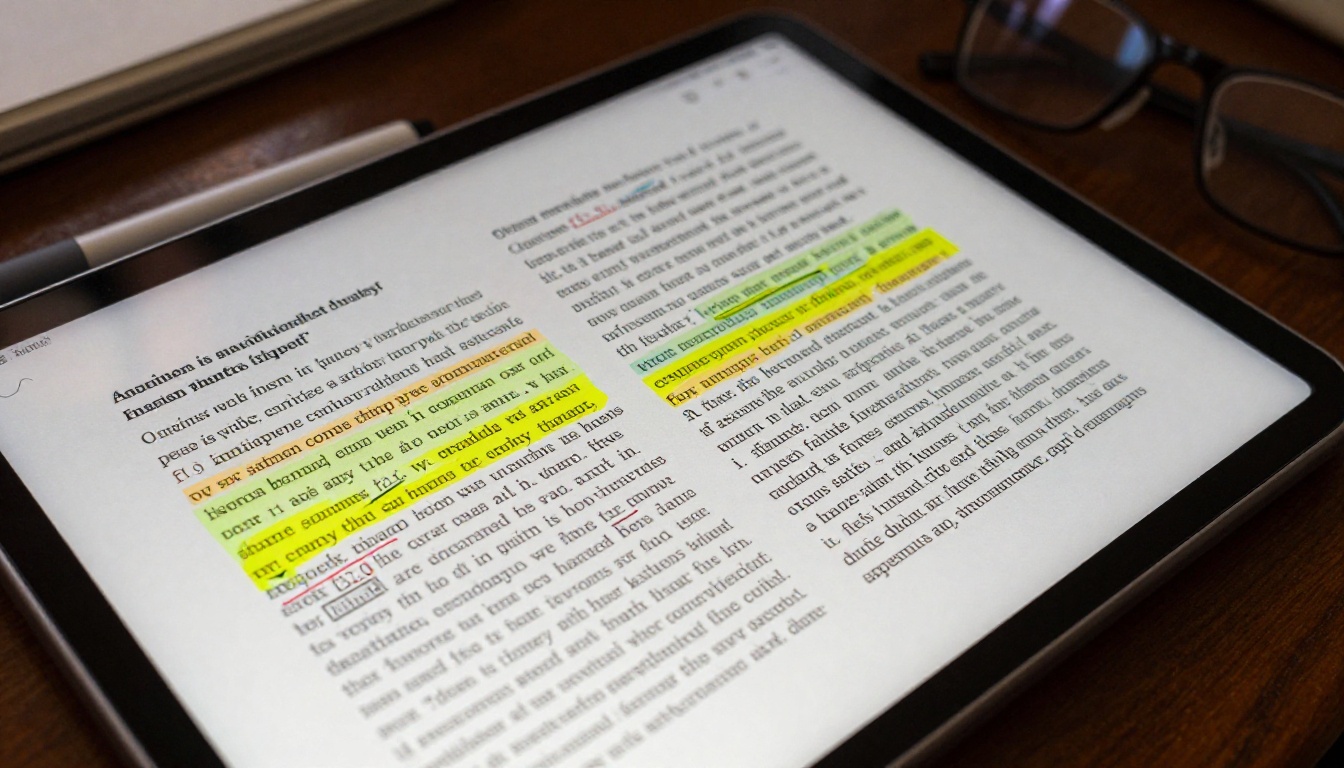
The difference between AI-assisted research and AI-accelerated research is workflow design. These two pipelines show what that looks like in practice.
Academic Research Pipeline
Total time saved: 6 to 10 hours per paper
- Source collection (unchanged, 1 to 2 hours): Identify 8 to 12 relevant papers manually
- Synthesis via GPT-5.6 Terra (20 minutes): Paste abstracts plus methodology sections, request a thematic synthesis with contradiction flags
- Gap analysis via GPT-5.6 Sol (15 minutes): Feed the Terra output back in, ask Sol to identify what the field has not addressed and where your contribution fits
- Argument structuring via Luna (10 minutes): Ask Luna to draft the outline of your literature review section based on the Sol analysis
- Human review and writing (reduced from 8 hours to 2 to 3 hours): You are now editing and expanding a structured skeleton instead of building from a blank page
Business Intelligence Pipeline
Total time saved: 4 to 6 hours per intelligence report
- Competitor data collection (1 hour): Gather text from competitor websites, press releases, product pages
- Comparative matrix via GPT-5.6 Terra (10 minutes): Request a structured comparison across six to eight competitive dimensions
- Strategic read via GPT-5.6 Sol (10 minutes): Ask Sol to interpret the matrix and identify where the market is moving and who is best positioned
- Executive brief via Luna (8 minutes): Ask Luna to write a three-paragraph executive summary in a specific tone and length
- Review and distribute (30 minutes versus 3 to 4 hours manually)

Where GPT-5.6 Falls Short
Honest assessment matters here. Using these models well means knowing where they are unreliable, not just where they are fast.
Hallucination Risks in Research
GPT-5.6 is significantly better than earlier models at staying grounded in provided source material. That does not mean it never invents. Specific risks in research contexts include:
- Citation fabrication: If you ask for sources and do not provide them, the model may generate plausible-sounding but non-existent references
- Precision errors: Statistics, dates, and proper names carry higher risk for subtle inaccuracies than conceptual claims
- Overconfident framing: The model's default tone reads as authoritative even when it is uncertain
The mitigation is consistent: always provide the source material yourself, never ask the model to recall facts it was not given, and verify any specific data points before using them in professional outputs.
When to Switch Models
GPT-5.6 is not the right tool for every research task. Consider Deepseek R1 for deep step-by-step reasoning with transparent chain-of-thought, Grok 4 for complex multi-variable problems requiring adversarial reasoning, or Gemini 3.1 Pro when your research involves multimodal material like charts, images, or mixed-format documents.

The honest version of AI research is not that GPT-5.6 replaces your judgment. It is that GPT-5.6 removes the friction between your judgment and the material you need to exercise it on. That is the actual value, and it is substantial.
Run Your Own Research Session Right Now
The workflows above are not theoretical. They are repeatable in the next 30 minutes if you sit down with a real research task and a GPT-5.6 Luna session open on PicassoIA. Start with one document, one specific question, and one structured prompt. See what comes back. Then push it further with GPT-5.6 Sol or GPT-5.6 Terra for the reasoning or formatting step that follows.
PicassoIA gives you all three GPT-5.6 variants in one place, alongside GPT-5 Pro for deeper analytical tasks, Claude Sonnet 5 for long-context coding and writing assistance, and Deepseek R1 when you need transparent reasoning chains. The full catalog is at picassoia.com/en/all-models.
Pick a real research task from your current workload, not a practice run, a real one. Run it through the pipeline described here and measure how long it actually takes. That measurement is more convincing than anything written in an article.