Most researchers don't have a skills gap. They have a time gap. The average knowledge worker spends between 4 and 6 hours per week just locating, reading, and synthesizing information before any actual original work begins. Add citation checking, cross-referencing, and report drafting to that stack, and a single research task can consume an entire workday before you've written a single original sentence.

GPT-5.6 changes that math in a concrete, measurable way. Not because it's magic, but because it removes the slowest parts of the research loop: the scanning, the skimming, the re-reads. When properly prompted, it processes, synthesizes, and structures information at a pace no human can match. This article breaks down exactly how that works, which GPT-5.6 variant fits which task, and how to run your first AI-powered research session today.
Why Research Takes This Long
Before you can speed anything up, you need to know where time actually goes. Most people assume the bottleneck is writing. It's not.
The 3 Time Traps Researchers Fall Into
1. The Tab Spiral. You open one source. That source cites two others. Each of those cites four more. Forty minutes later, you have 22 open tabs, none of them fully read, and you can't remember which one had the statistic you needed.
2. The Re-Read Loop. Dense academic papers, legal documents, or technical reports require multiple passes before comprehension clicks. A 30-page paper can eat 90 minutes before you extract three usable data points.
3. The Synthesis Stall. Even when you have all the information, stitching it into a coherent structure takes time. What connects to what? What contradicts what? What's the right order? That organizational thinking costs hours.
What Actually Happens When You Search
Traditional research is fundamentally sequential: find, read, process, note, repeat. Every step requires full cognitive attention. Large language models operate differently. They hold entire bodies of text in memory, identify relationships across them simultaneously, and return structured output in seconds. That's not a workflow improvement. It's a different mode of working entirely.
What GPT-5.6 Does Differently

GPT-5.6 is not just a faster chatbot. The architecture shift from previous GPT generations is specifically relevant for research tasks because of two capabilities that earlier models handled inconsistently.
Context Window as a Research Tool
The extended context window in GPT-5.6 means you can feed it full documents, not just excerpts. Paste in an entire 50-page technical report and ask for the three most relevant sections for your specific question. It reads them all.
For research workflows, this means:
- Feeding multiple source documents into a single prompt
- Requesting cross-source contradiction checks
- Getting a single synthesized summary instead of reading each source separately
Multi-Step Reasoning Without the Friction
Earlier GPT generations required careful prompt chaining to maintain logical coherence across multi-step reasoning tasks. GPT-5.6 handles most of this natively. You can ask it to: first summarize, then compare, then identify gaps, then suggest follow-up questions. It handles the logical dependencies between those steps without you needing to rebuild context each time.
💡 Practical tip: Frame your research prompt as a sequence of steps. "First summarize X. Then identify how it relates to Y. Then list what's still unknown." This single prompt replaces three separate research sessions.
The 3 GPT-5.6 Variants Explained
PicassoIA hosts all three GPT-5.6 variants, each optimized for a different type of research workload. Choosing the wrong one for your task is the most common mistake beginners make.
Luna: Speed for Quick Literature Sweeps
GPT 5.6 Luna is built for rapid-fire text generation. It returns fast, coherent responses ideal for initial literature sweeps where you need breadth, not depth. If you're scanning 20 abstracts to decide which 5 are worth reading in full, Luna handles that in seconds.
Best for: Initial topic scoping, abstract triage, generating research questions, quick fact verification.
Avoid it for: Deep synthesis, multi-document comparison, nuanced legal or medical research where precision matters more than speed.
Terra: Production-Ready Synthesis
GPT 5.6 Terra sits at the balance point between speed and depth. Its outputs are clean, structured, and citation-aware. When you need a research summary you can actually use in a report without heavy editing, Terra is your baseline.
Best for: Literature reviews, competitive research summaries, structured report sections, data-backed drafts.
Avoid it for: Real-time coding tasks or situations where you need step-by-step problem-solving with visible logic chains.
Sol: Complex Coding and Data Queries
GPT 5.6 Sol excels at tasks that sit at the intersection of research and technical execution. If your research involves parsing datasets, writing Python scripts to automate literature collection, or extracting structured data from unstructured text, Sol is purpose-built for that.
Best for: Research involving code, data processing, structured data extraction, API integrations for automated information retrieval.
| Variant | Speed | Depth | Best Task |
|---|
| Luna | Very Fast | Moderate | Broad sweeps, abstract triage |
| Terra | Fast | High | Reports, synthesis, summaries |
| Sol | Moderate | Very High | Data, code, structured extraction |
Real Workflows That Work
These are not hypothetical use cases. They are workflows researchers, analysts, and content teams have already deployed. Each one maps to a measurable time reduction compared to manual methods.
Workflow 1: Academic Paper Summarization
Time saved: 2 to 3 hours per session.
The manual version: download PDF, read abstract, skim introduction, hunt through results, check conclusion, take notes. Repeat for each paper.
The GPT-5.6 version:
- Copy the full text of the paper into the prompt
- Prompt Terra: "Summarize this paper's top findings in 5 bullet points. Then list the methodology used. Then identify the three biggest limitations the authors acknowledge."
- Receive structured output in under 30 seconds
Do this for 10 papers in the time it would take to read 2.
Workflow 2: Competitive Research in Minutes
Time saved: 4 to 6 hours per week.
Instead of manually visiting competitor websites, reading press releases, and piecing together market positioning, paste scraped text from multiple sources into Terra or Luna and prompt:
"I'm reviewing these three competitor product pages. Summarize each one's core value proposition in one sentence. Then compare their pricing language. Then identify any gaps none of them address."
What would take a half-day of browser work collapses into a single session.
Workflow 3: Data-Backed Report Drafts
Time saved: 3 to 5 hours per report.
Feed Sol a dataset or a structured document with numerical data. Ask it to:
- Identify the three most statistically significant trends
- Draft a 300-word narrative section explaining those trends
- Flag any data points that appear anomalous and need verification
Sol handles the technical parsing while generating readable prose. You edit. You don't draft from scratch.
GPT-5.6 vs Other Top Models
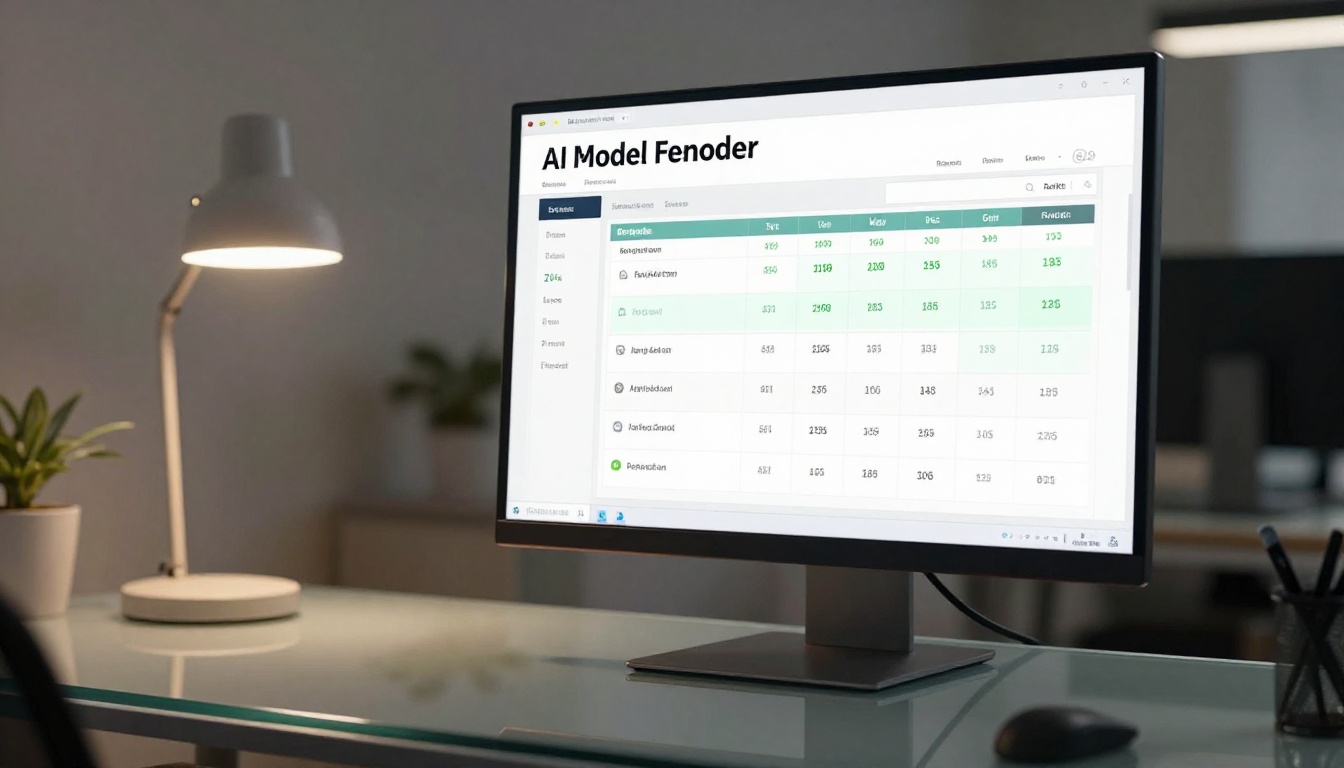
GPT-5.6 doesn't operate in a vacuum. PicassoIA also gives you access to strong research-oriented alternatives. Knowing when to reach for them matters.
| Model | Context Handling | Reasoning | Speed | Best Research Use |
|---|
| GPT 5.6 Terra | Excellent | High | Fast | Report writing, synthesis |
| GPT 5.6 Sol | Excellent | Very High | Moderate | Data queries, technical research |
| Claude Sonnet 5 | Excellent | High | Fast | Long document processing |
| Gemini 3.5 Flash | Very Good | Moderate | Very Fast | Quick fact queries |
| Grok 4 | Good | Very High | Moderate | Complex reasoning chains |
| DeepSeek R1 | Good | Very High | Moderate | Step-by-step logic verification |
| Kimi K2.6 | Good | High | Fast | Coding plus research hybrids |
The practical takeaway: for pure research synthesis, GPT-5.6 Terra is the strongest out-of-the-box choice. For deep logical reasoning where the chain of thought matters, Claude Opus 4.7 or Grok 4 are worth testing. For fast bulk processing at scale, Gemini 3.5 Flash moves fastest.
How to Use GPT-5.6 on PicassoIA

PicassoIA gives you direct browser access to all three GPT-5.6 variants with no setup, no API tokens, and no rate limits tied to a single subscription. Here's how to run your first research session.
Step 1: Pick Your Variant
Go to PicassoIA's large language models collection. Based on your task type, select one of the three variants:
Step 2: Set Up Your Research Prompt
Do not just paste a document and say "summarize." That produces a surface-level output that rarely extracts what you actually need.
Instead, use this three-part prompt structure:
Part 1: Context. Tell the model what you're researching and why. "I'm reviewing market dynamics in B2B SaaS for a competitive report targeting a mid-sized software company."
Part 2: Source. Paste the text or document content.
Part 3: Specific asks. "Summarize the 5 most relevant insights. Identify contradictions with mainstream assumptions. List 3 follow-up questions I should research next."
That three-part structure consistently outperforms generic summarization prompts by a wide margin.
Step 3: Verify and Expand
GPT-5.6 is excellent at synthesis. It is not infallible on specific facts, dates, or statistics. Always verify numerical claims against original sources. Use the AI output as a structured skeleton, not as a finished document.
💡 Research rule: If the model states a specific statistic without you providing the source, flag it and verify independently. If the statistic came from a source you fed it, you're generally safe.
3 Mistakes That Waste Your Time

Most people who try AI research tools and conclude "it didn't help much" made at least one of these three errors.
Too Broad, Too Vague
Asking "summarize AI trends" tells the model nothing about your audience, your purpose, or the depth you need. You get a generic overview that's too broad to use. Be specific: "Summarize the top 5 AI adoption barriers for enterprise procurement teams in 2025, based on the text I've provided."
Skipping Verification
AI research is a synthesis and structure tool. It is not a source of raw fact. Researchers who use outputs without verification and get burned then blame the tool. The workflow requires a verification step. Build it in.
Using One Model for Everything
GPT 5.6 Luna is fast but not always the most precise. GPT 5.6 Sol is deep but slower. DeepSeek R1 is a strong alternative for logic-heavy queries. Kimi K2.6 handles hybrid coding-plus-research tasks well. The researchers getting the best results rotate between 2 to 3 models depending on the task phase. No single model wins every use case.
Start Your First AI Research Session
The gap between researchers who use AI effectively and those who don't isn't intelligence. It's iteration. The people who've cut their research time in half didn't find a perfect prompt on day one. They ran 20 sessions, adjusted their structure, figured out which variant fits which phase of their workflow, and built a repeatable system.
That iteration now takes days, not months, because the tools are accessible. PicassoIA puts GPT 5.6 Luna, GPT 5.6 Terra, and GPT 5.6 Sol in the same interface, alongside Claude Opus 4.7, Grok 4, Gemini 3.5 Flash, and Kimi K2.6, so you can test side by side without switching platforms.
Pick one research task you have this week. Run it through Terra. Compare the time it took against your usual method. That single session will show you more than any benchmark chart.
Start at picassoia.com/en/all-models and run your first research prompt today.


