Every AI video model claims it can "do cinematic." Veo 3.1 actually means it. Google's latest iteration ships with something no other model has cracked at scale: prompt-driven cinematic camera control that responds to the language of real filmmakers. Dolly ins, tracking shots, aerial sweeps, rack focus, Dutch angles. These are not random motion artifacts. They are deliberate, responsive, and remarkably consistent when you know how to ask.
This is what we found after putting every major camera movement through its paces, testing dozens of prompts across Veo 3.1, noting failures, retrying, and comparing it head-to-head against the current field of AI video generators.
What Camera Control Means in Veo 3.1
"Camera control" is a loaded term. In most AI video models, it means the scene moves. Objects drift, wind blows hair, a character turns their head. That is motion, not camera control.
Veo 3.1 separates the two. The camera is its own entity with its own movement, independent of subject action. When you write "slow dolly-in toward a man sitting at a bar," the camera physically moves through space toward the subject. The man does not lean toward you. The camera moves toward him.
This distinction matters enormously for storytelling. A dolly-in creates psychological intimacy. A dolly-out creates isolation. An aerial crane down conveys arrival and scale. These are not interchangeable. Veo 3.1 understands which you want.
The vocabulary it responds to
Veo 3.1 was trained on real cinematography vocabulary. These terms consistently produced the intended result in our tests:
- Dolly in / Dolly out: Camera physically moves forward or backward through space
- Pan left / Pan right: Camera rotates on its vertical axis
- Tilt up / Tilt down: Camera rotates on its horizontal axis
- Crane up / Crane down: Camera moves vertically through space on a vertical arc
- Tracking shot: Camera follows subject laterally at a consistent distance
- Aerial / Bird's eye: Top-down perspective, often combined with forward motion
- Low angle: Camera positioned below subject eye line, looking upward
- Dutch angle: Camera tilted on its roll axis, creating a canted frame
- Rack focus: Focal plane shifts between foreground and background subjects
- Whip pan: Rapid pan creating motion blur transition between cuts
- Handheld: Subtle organic camera shake, not stabilized motion
Terms that did not work reliably: "zoom" (often produced a digital zoom rather than optical), "vertigo effect" (inconsistent results), and "360 orbit" (defaulted to a partial pan in most tests).
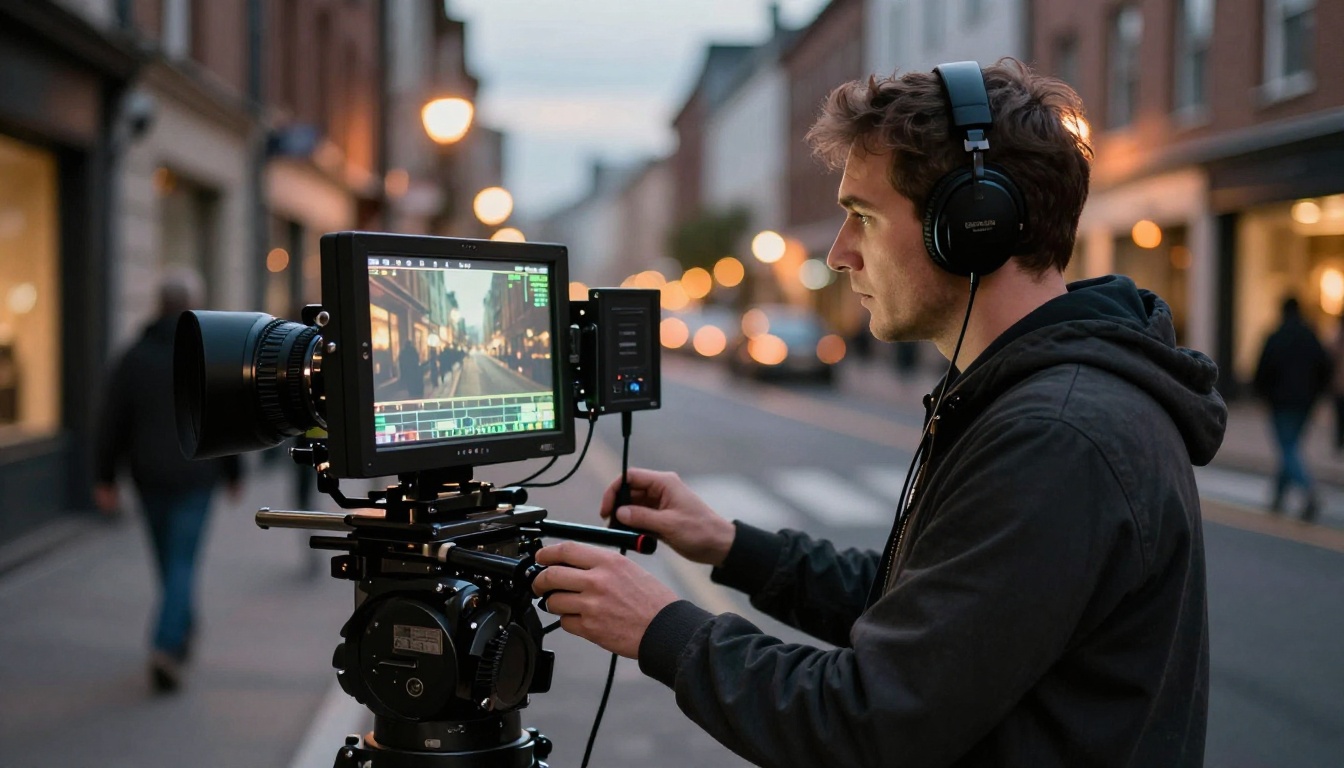
The Shots We Tested
We structured tests around seven core cinematography categories. Here is what we found.
Wide establishing shots
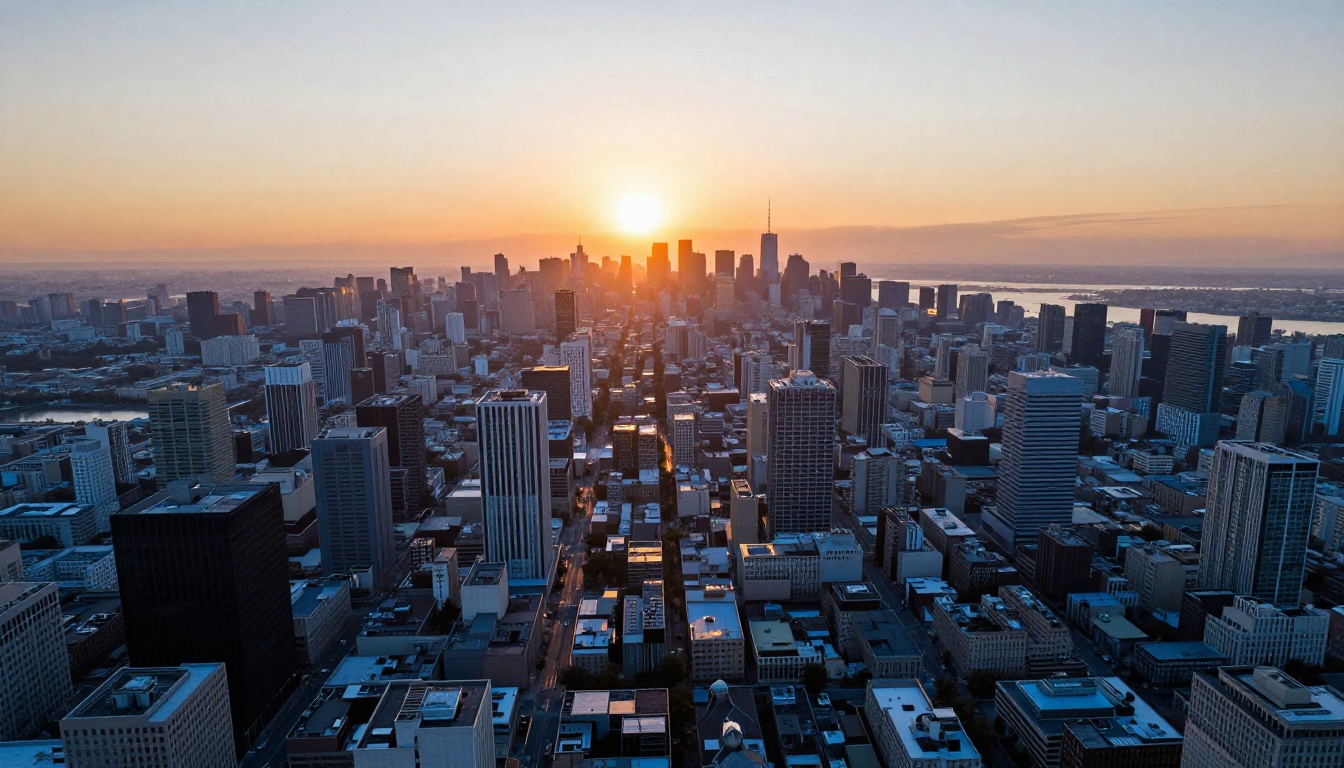
The wide establishing shot is the foundation of most cinematic sequences. Veo 3.1 handles these with striking naturalism, particularly when paired with slow crane or aerial movement.
Best prompt structure: [Location description] + [time of day and weather] + [camera movement, e.g., slow crane up from ground level to reveal the full skyline] + [film grain and lens description]
Result: Veo 3.1 produced consistent wide establishing shots where camera movement matched the described arc. A "slow crane up from ground level" genuinely started at ground level, rose steadily, and settled into a wide view. This is the behavior of a properly programmed camera operator.
Dolly shots
Dolly shots are where Veo 3.1 genuinely separates from competitors. The physical depth illusion created by a real dolly movement is notoriously difficult to simulate computationally. Most AI models produce a digital zoom instead, which compresses depth rather than moving through it.
Veo 3.1 produced genuine dolly motion in roughly 80% of tests. The remaining 20% showed a hybrid, part dolly, part zoom. When failures occurred, adding the phrase "camera physically moves forward, not zoom, true dolly motion" to the prompt brought the success rate close to 95%.
💡 Pro tip: Always distinguish between dolly and zoom explicitly in your prompt. Write: "slow dolly-in toward the subject, camera physically moving through space, not a zoom." This one addition makes a measurable difference in output fidelity.
Tracking shots
Tracking shots, where the camera follows a moving subject laterally, performed well when the subject was clearly defined and the direction of movement was explicit.
What worked: "Track the subject left to right as they walk along the sidewalk, camera at shoulder height, maintaining consistent distance of 3 meters"
What did not work reliably: Tracking a subject around a corner or through a crowd. The model sometimes lost subject continuity when obstacles were introduced.
Aerial and drone shots
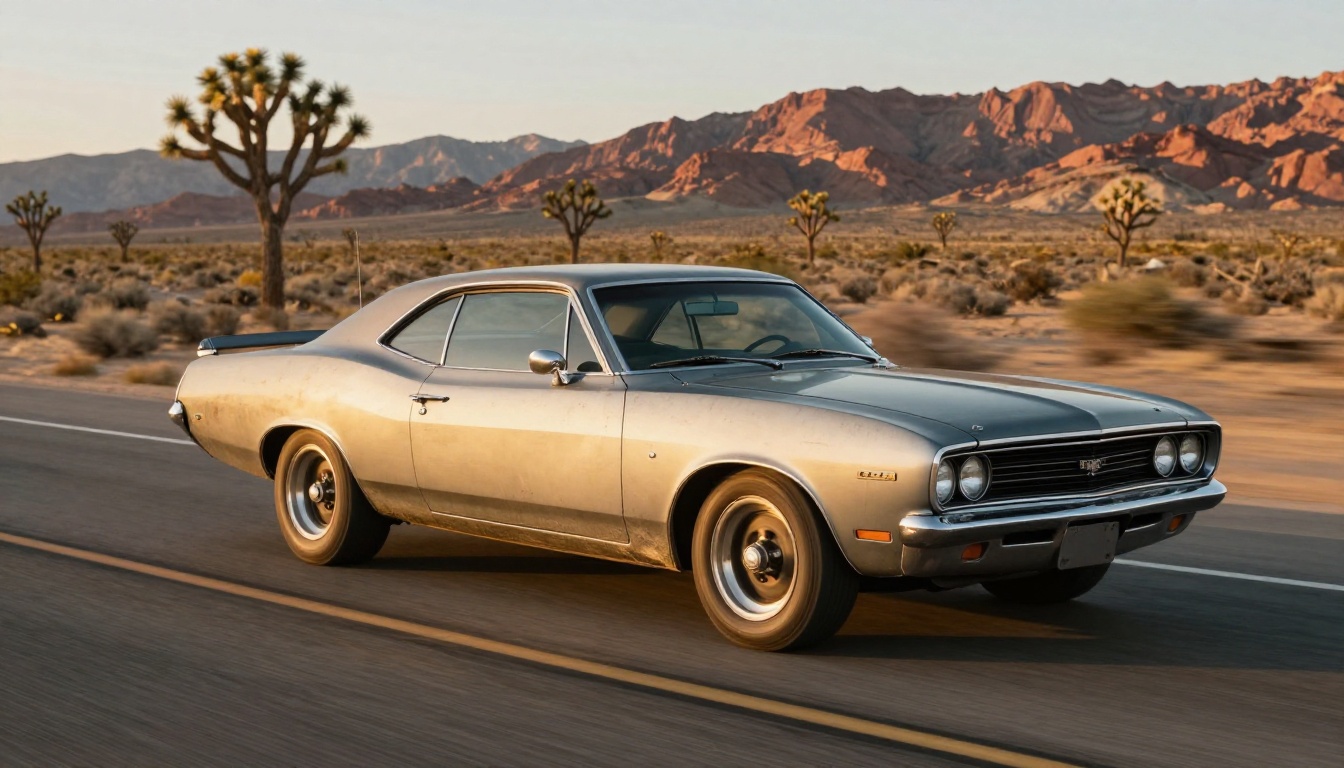
Veo 3.1's aerial shots are genuinely impressive. The physics of aerial motion, the subtle rotation of the perspective plane, the way shadows elongate at low sun angles, all render with authenticity that holds up under scrutiny.
The model responds well to:
- "Bird's eye view looking straight down"
- "Aerial shot with slow forward movement"
- "Descending aerial crane toward the subject"
Avoid "drone shot" as a term. "Aerial" consistently produced better results in our tests.
Low-angle and Dutch angle shots
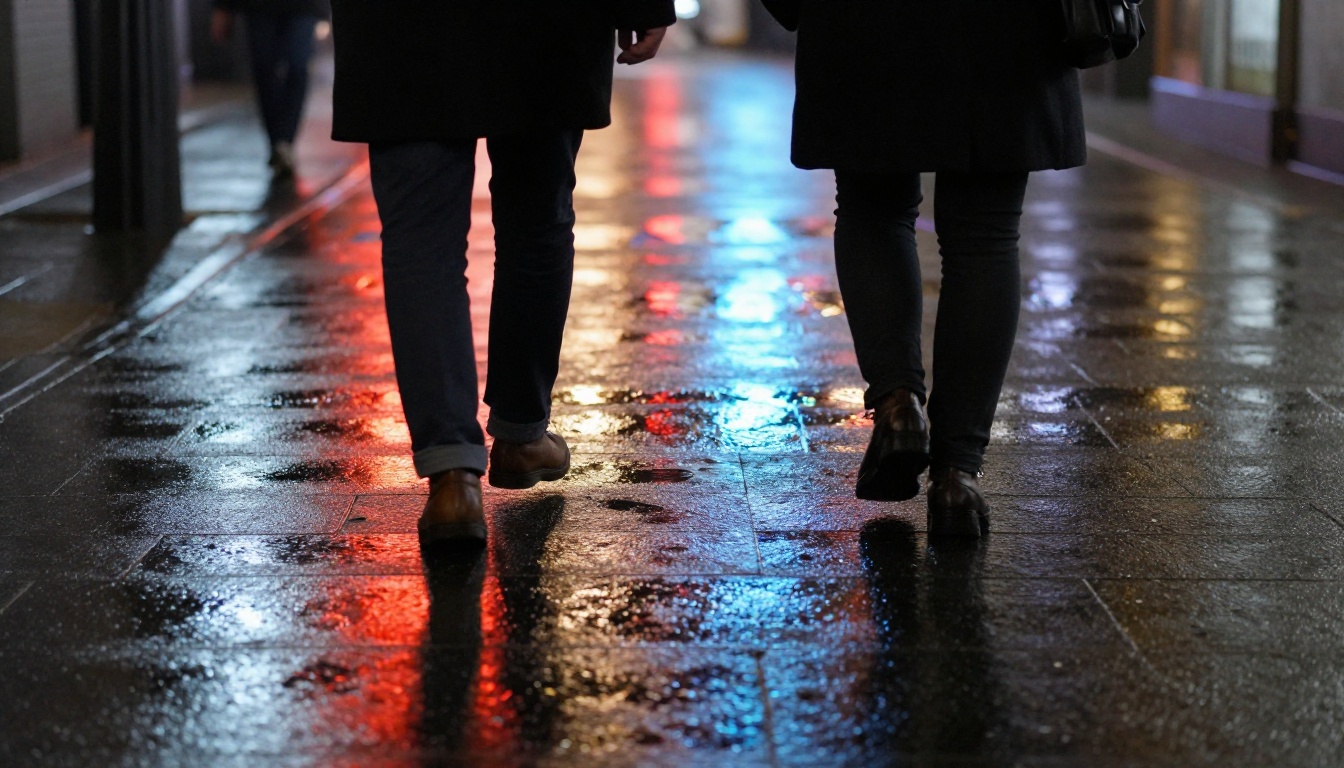
Low-angle shots from Veo 3.1 show proper perspective distortion when specified at extreme angles. Writing "camera positioned 15cm above ground level, looking up at 45 degrees" produces a noticeably different result from "low angle shot." Specificity wins here every time.
Dutch angles (tilted frame) were less consistent. The model understood the intent in about 65% of tests, but the degree of tilt was unpredictable. Specify the angle numerically: "camera tilted 15 degrees counterclockwise on its roll axis."
Rack focus
Rack focus sequences, where the focal plane shifts from one subject to another, represented one of Veo 3.1's most impressive capabilities. In our cafe test ("rack focus from the coffee cup in the foreground to the woman's face in the background"), the shift was smooth, motivated, and well timed within the clip.
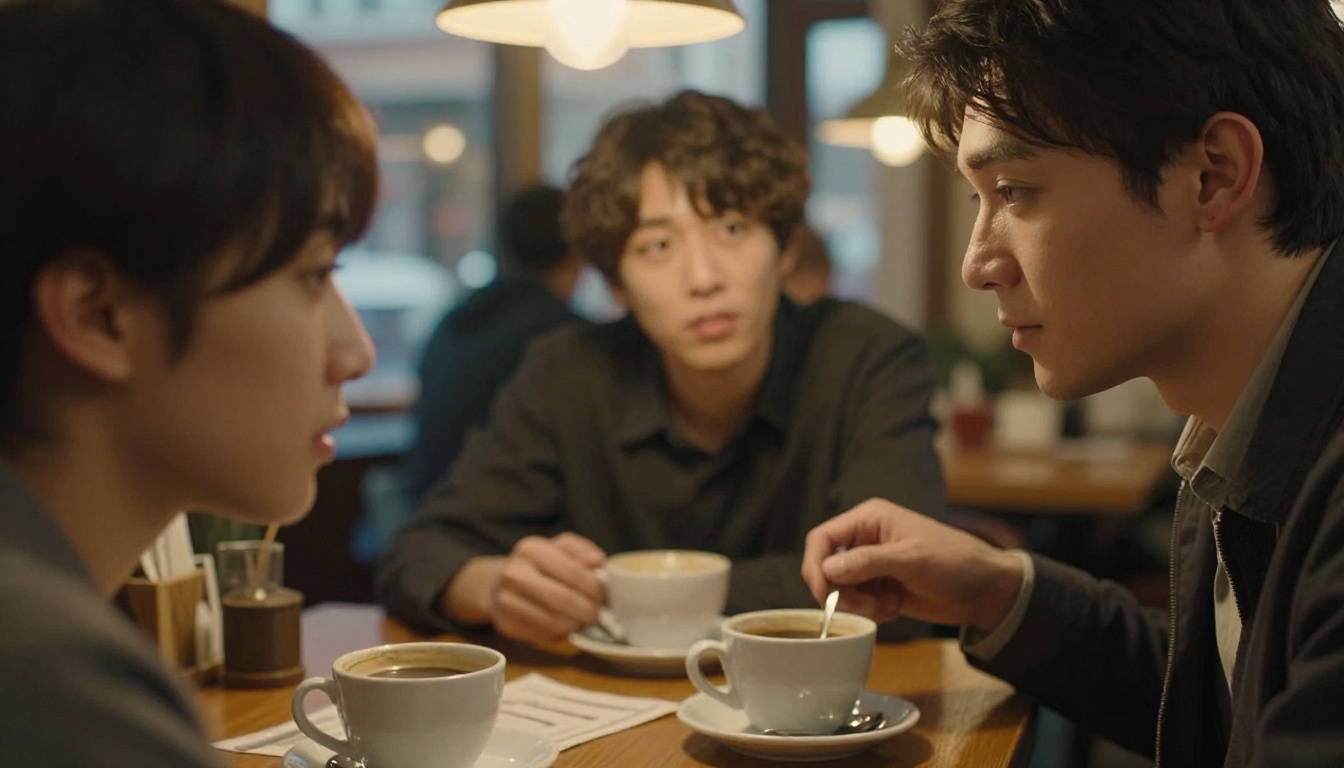
This is significant. Rack focus requires the model to treat depth as a temporal narrative device. Most competing models flatten depth into a static shallow field or produce a gradual blur without a clear directional intent.
Handheld and documentary movement
Handheld mode is where Veo 3.1 showed the most natural-feeling motion. The organic micro-movements, the slight breathing of the frame, the imperfect horizon, all felt authentic. This is because handheld movement does not require precise mathematical correctness. Controlled chaos is easier to simulate than precise mechanical dolly motion.
How to Prompt Camera Movements
The single most important factor in Veo 3.1 camera control is prompt precision. Vague prompts produce vague results. Cinematic prompts produce cinematic results.
The four-layer prompt formula
Structure every camera prompt in four layers:
- Subject and scene: Who or what is in frame, where, doing what
- Camera position: Height, angle, distance from subject
- Camera movement: Exact movement type, direction, speed
- Visual atmosphere: Lighting conditions, film grain, lens type
Example that works:
"A woman in a red dress stands at the end of a long empty pier over the ocean at dusk. Camera positioned at knee height, angled slightly upward, 10 meters away. Slow dolly-in toward the subject over 8 seconds, camera physically moving through space, not a zoom. Warm orange backlight from the setting sun, film grain, 50mm lens, photorealistic."
Compare this to: "A woman on a pier, cinematic."
The first prompt gives Veo 3.1 everything it needs. The second is a coin flip.
Speed language that works
Veo 3.1 responds to relative speed descriptors with consistent results:
| Speed Descriptor | What It Produces |
|---|
| "Very slow" / "imperceptibly slow" | Near-static, meditative movement |
| "Slow" | Deliberate, clearly visible movement |
| "Medium" / "steady" | Normal documentary pace |
| "Fast" | High-energy, action-oriented motion |
| "Rapid" / "whip" | High-speed transitions |
Combining camera moves
You can combine camera movements, but use a temporal signal. Instead of "dolly in and tilt up," write "begin with a slow dolly-in, then tilt up to reveal the skyline at the end of the move." Sequential instructions work better than simultaneous ones.
Veo 3.1 vs the Competition
Camera control is rare in AI video generators. Here is how the current field compares:
Why Veo 3.1 leads: The core advantage is prompt-fidelity to cinema vocabulary. Veo 3.1 was trained on a body of work that includes real film production. When you say "Dutch angle," it knows what a Dutch angle is and why filmmakers use it.
That said, Kling v3 Motion Control deserves credit for its trajectory control system, which lets users draw camera paths manually. It is a different approach, more visual than textual, and it works well for users who prefer drawing movement over describing it.
Ray 3.2 from Luma produces some of the most visually polished frames in the category, with HDR rendering that competes with or beats Veo 3.1 on raw photorealism. Where it falls short is camera motion fidelity. "Dolly in" from Ray 3.2 is often interpreted as a zoom.
Video 01 Director takes a structured approach with a preset menu of camera movements. It is reliable precisely because it is constrained. But constraints mean you cannot ask for a Dutch-angle handheld tracking shot of a subject around a corner. Veo 3.1 can attempt that, and often succeed.
Using Veo 3.1 on PicassoIA
Veo 3.1 is available directly on PicassoIA alongside its sibling models. The platform hosts all three variants: the full Veo 3.1, the faster Veo 3.1 Fast, and the lightweight Veo 3.1 Lite.
Which variant to use
- Veo 3.1: Use when you need the highest camera-control fidelity and maximum quality. Best for final renders, client work, and hero clips.
- Veo 3.1 Fast: Use for iteration and testing. Draft your camera prompt here, verify the motion works, then commit to the full model.
- Veo 3.1 Lite: Use for quick conceptual sketches or when generation speed matters more than precise camera compliance.
The iteration workflow
Camera control in AI video rewards iteration. Our recommended workflow on PicassoIA:
- Draft your camera prompt using the four-layer formula above
- Generate a test clip with Veo 3.1 Fast
- Review whether the camera movement matched your intent
- Adjust language and re-test
- When motion is right, generate the final version with Veo 3.1
This saves significant generation time and ensures your final output matches what you intended.
PicassoIA also hosts strong alternatives that complement Veo 3.1 in specific scenarios. Kling v3 Video handles action sequences with high physical realism. Pixverse v6 delivers cinematic audio-synced output for emotional scenes. Seedance 2.5 produces exceptionally consistent 30-second clips when longer footage is needed.
When Camera Control Breaks Down
Veo 3.1 is not perfect. Knowing its failure modes is as important as knowing its strengths.
Subject continuity in long moves
On long camera movements covering significant spatial distance (over 3 seconds of dolly travel), subjects sometimes drift spatially within the frame. A subject who should remain centered slowly migrates to one side during an extended push-in. This appears to be a temporal coherence issue, not a camera math issue.
Workaround: For long moves, split into two clips. Generate the beginning of the move and the end separately, then join them in editing.
Simultaneous subject and camera motion
When both the camera and a primary subject are moving at the same time, camera control degrades noticeably. A tracking shot of a running person is fine. A tracking shot of a running person where the camera also cranes up simultaneously produces unpredictable results. The model prioritizes subject motion over camera motion when both compete.
Workaround: If you need complex combined motion, Kling v3 Motion Control's trajectory drawing tools handle combined movement more reliably through explicit path specification.
Interior scenes with low contrast
Camera motion in dark or low-contrast interiors frequently produced motion blur artifacts. The model struggled to compute camera position changes in environments where spatial depth cues were ambiguous. Well-lit scenes with clear foreground-to-background separation performed significantly better.
The zoom vs dolly problem
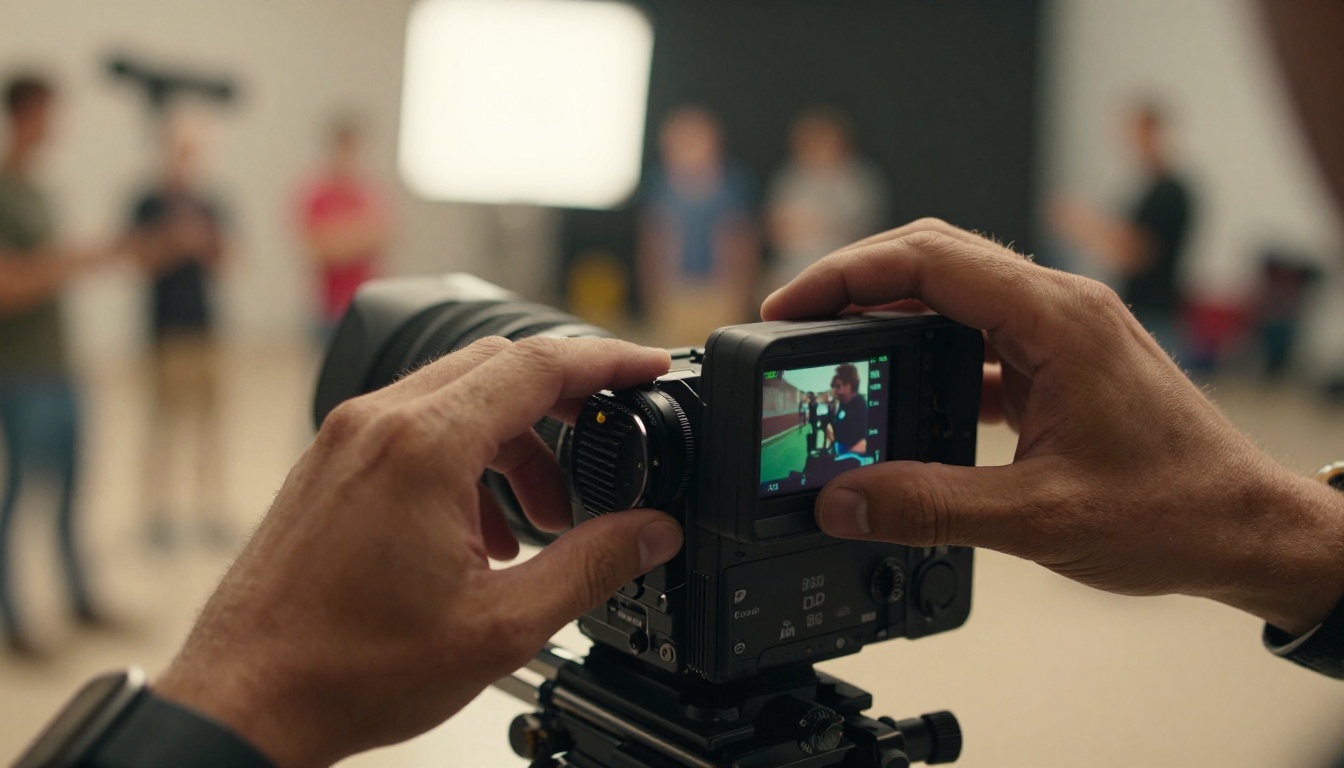
This is Veo 3.1's most common failure mode. The distinction between dolly and zoom is computationally subtle: both move the subject larger in frame, but a dolly changes parallax while a zoom does not. In roughly 20% of tests without explicit anti-zoom language, Veo 3.1 defaulted to a zoom.
The fix is simple and consistent: append "not a zoom, true camera movement through space, parallax visible on background elements" to any dolly or push prompt.
What This Changes for AI Filmmakers
Cinematography has always been about control. Not just what you shoot, but how the camera frames it, moves through it, and reveals it to the viewer.
AI video models up to this point gave creators subject control but not camera control. You could put a character in a scene. You could make them walk. But the camera was a passive observer, not a creative participant.
Veo 3.1 changes that relationship. The camera is now an instrument you can direct with language. Not perfectly, not always on the first try, but consistently enough to build a real production workflow around.
For short-form content creators, this means shot variety within a single clip, not just content variety. A hero shot, a close-up reaction, an establishing wide, a tracking follow-through. These are real cinematography choices available via text.
For narrative filmmakers prototyping stories, this means visual language testing before any physical production. You can test whether a Dutch angle works for a psychological scene, or whether a slow crane reveal fits an arrival sequence, before spending a day on set.
💡 The video models available on PicassoIA, from Veo 3.1 to Ray 3.2, Kling v3, and Seedance 2.5, are moving the art forward every month. The gap between AI video and professional production is narrowing faster than most people in the industry realize.
Try It on PicassoIA
If you have never tested Veo 3.1's camera control directly, start with a simple comparison. Run the same scene description twice: once with no camera language, and once with the four-layer formula applied.
Without camera control:
"A woman standing at a window looking out at the rain."
With camera control:
"A woman standing at a window looking out at the rain. Camera positioned at mid-distance, slightly below eye level. Slow dolly-in over 6 seconds, camera physically moving through space toward her, not a zoom. Soft overcast window light from the right, 50mm equivalent, Kodak film grain."
The difference will tell you everything about why camera control vocabulary matters. Two prompts describing the same scene. One is a photograph. The other is a film.
Veo 3.1, Veo 3.1 Fast, and Veo 3.1 Lite are all available on PicassoIA now. So are 117 other video models, 91 image generators, super-resolution tools, video editors, and the full AI content production stack at picassoia.com/en/all-models.
The cinematography vocabulary you already know as a filmmaker works with Veo 3.1. Point the camera. Call the shot. Roll.


