Short film trailers are where careers start and where audiences decide to care. They run between 60 and 90 seconds, they have to sell a story in under 30 cuts, and they typically have no budget whatsoever. That exact pressure-cooker format turns out to be precisely where Veo 3.1 for short film trailers shines brightest.
Google's Veo 3.1 is not just an iterative bump from Veo 3. It represents a material shift in how AI video handles the two things trailers live or die by: cinematic motion fidelity and native synchronized audio. Indie filmmakers who have been quietly using it since its release are already publishing polished-looking work that audiences mistake for traditionally shot productions. This article is about why that's happening and how you can replicate it.
What Veo 3.1 Actually Does
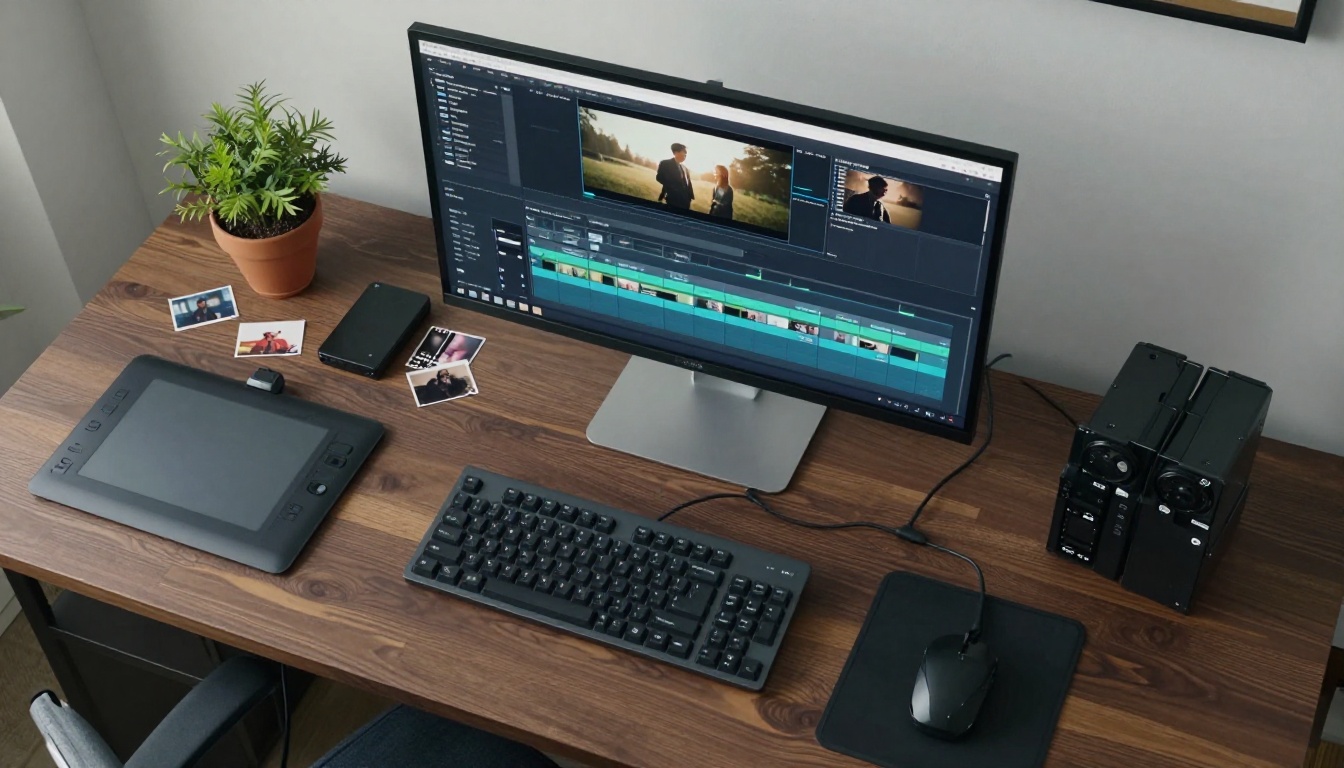
At its core, Veo 3.1 is Google DeepMind's flagship text-to-video model trained on a massive corpus of professional film and television footage. Unlike earlier generation models that treated video as a sequence of independently rendered frames, Veo 3.1 reasons across time. It knows that a camera panning across a face should produce consistent skin tone, consistent ambient light direction, and consistent motion blur on moving elements throughout the duration of the clip.
The result is video that doesn't "float." Objects feel heavy. Hair responds to implied wind. Cloth drapes naturally as characters move. For anyone who spent time coaxing older models to not produce melting hands or flickering backgrounds, this is not a small thing.
The Architecture Behind the Output
The model operates at 1080p natively and generates clips between 5 and 8 seconds. That sounds brief, but a standard film trailer contains between 25 and 40 individual shots, most of which are under 3 seconds. At 5-8 seconds per generation, Veo 3.1 actually gives you more footage than you will use per shot.
The prompt interpreter inside the model is trained on cinematic language. Phrases like "rack focus from foreground to background," "handheld Dutch angle," or "wide establishing shot with foreground interest" are not just decorative words. They produce measurably different outputs. This means your experience writing shot lists translates directly into prompting skill. The vocabulary you already have as a filmmaker is the same vocabulary the model responds to.
Native Audio Changes Everything
The version history matters here. Veo 3 introduced synchronized audio. Veo 3.1 refined it considerably. The model now generates ambient sound, room tone, environmental effects, and in some cases dialogue-adjacent vocal sounds that sync to mouth movements in the output. For trailer work, this matters because scratch audio gives editors a foundation to build on immediately rather than starting from silence.
💡 Pro tip: Even if you plan to replace the audio in post, Veo 3.1's generated room tone tells you a lot about whether your visual prompt succeeded. A clip that sounds wrong usually looks wrong too.
Why Trailers Get the Most From It
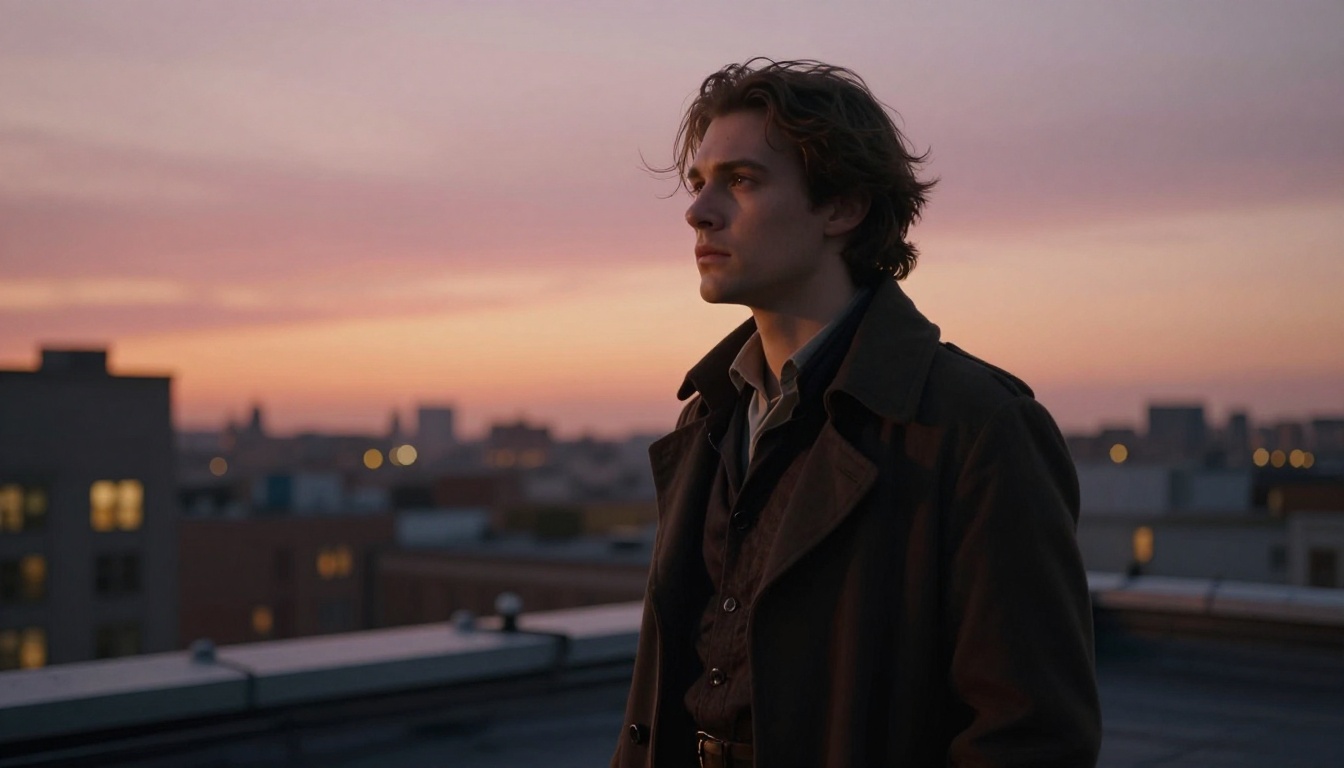
AI video models have a consistent weakness: they degrade over time. Ask one to generate a 30-second clip of continuous action and you will likely see temporal drift, character inconsistency, or background artifacts emerging around the 15-second mark. Short film trailers sidestep this problem completely.
Short Clips Beat Long-Form AI Video
The standard short film trailer structure plays directly to Veo 3.1's strengths. You need:
- Establishing shots (2-3 seconds): wide angles, location, world-building
- Character introduction (1-3 seconds): close-ups, reactions, implied backstory
- Tension beats (1-2 seconds): action, conflict, impact frames
- Title card sequence: static or minimal motion, typography over black
Every one of those is a short, self-contained clip. You generate them independently and assemble them in sequence. The model's temporal consistency window never gets stressed because no single clip needs to last long enough to drift.
This also means if a clip doesn't work, you throw it out and regenerate. The iteration cost is low. Compare that to trying to reshoot a practical scene where locations, actors, equipment, and schedule all have to align again. With Veo 3.1, a new generation takes under two minutes.
Genre Flexibility in Practice
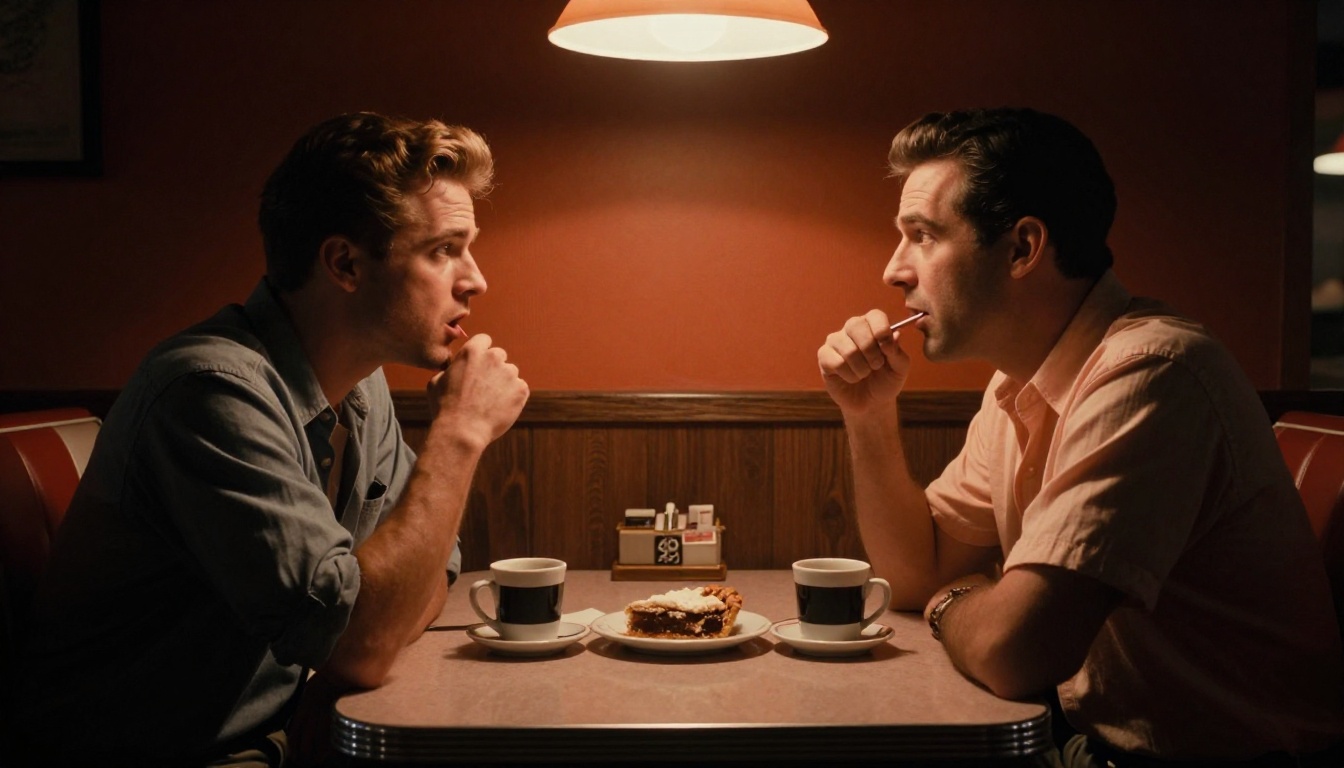
One of Veo 3.1's less-discussed strengths is how well it handles tonal range. The model was trained on footage spanning drama, thriller, romance, documentary, and period pieces. That variety shows clearly in its outputs.
A prompt for a quiet domestic drama produces genuinely quiet, static-camera footage with soft natural light and restrained implied performances. A prompt for a thriller produces aggressive handheld movement, tight angles, and harsh practical lighting. The model does not need you to be explicit about tone if you describe the environment and situation correctly. It infers what the scene should feel like from context.
For indie short film trailers, this is significant. You may be working on a story set in 1970s rural America, a near-present-day urban thriller, or a slice-of-life drama in a hospital corridor. Veo 3.1 reads all of those contexts from your prompt and adapts its visual language accordingly, without you specifying a genre tag.
The Cinematic Quality Leap
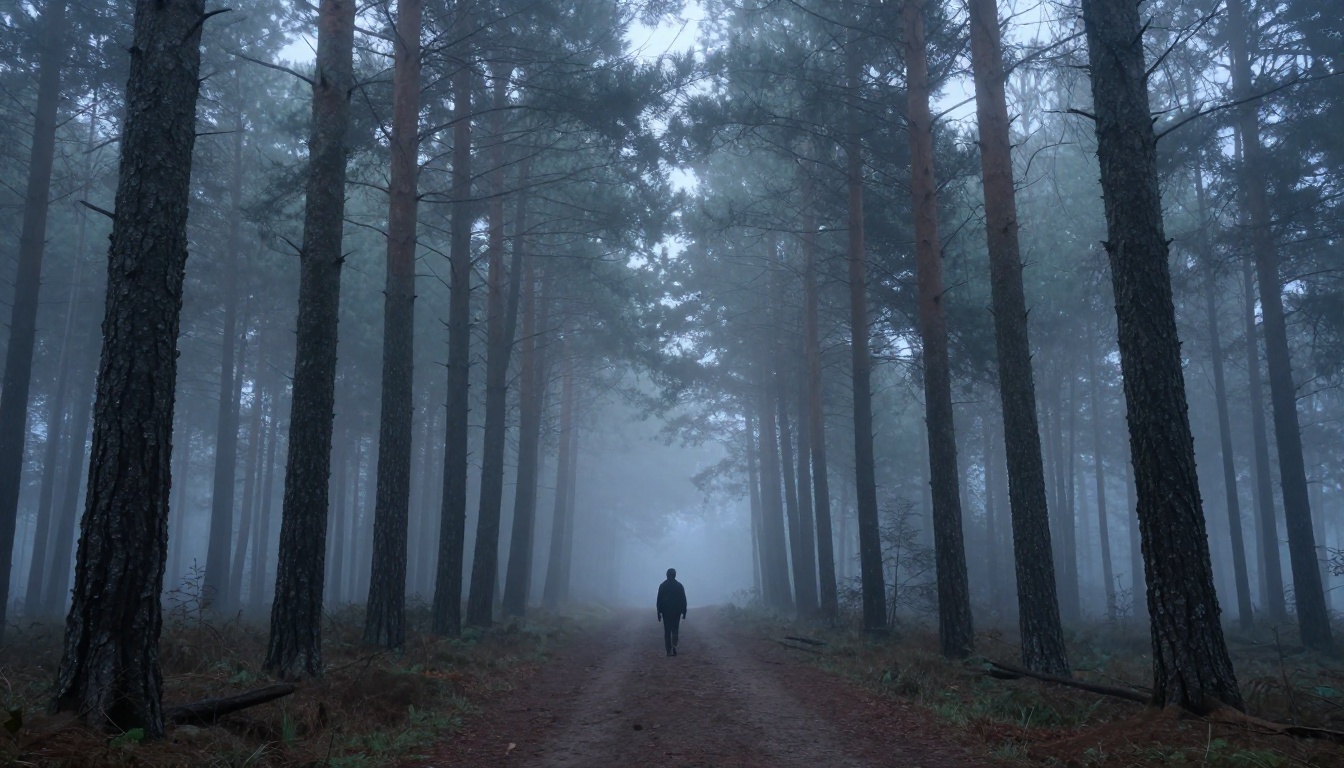
The word "cinematic" has been used so often in AI marketing that it's almost meaningless now. So let's be specific about what it means in the context of Veo 3.1 and what it means for short film trailer production.
Motion Realism vs. Earlier Models
The benchmark that matters most for filmmakers is not resolution or processing speed. It's secondary motion: everything that moves because something else is moving. Hair responding to head turns. Jacket fabric shifting during a gesture. Leaves disturbed by a walking figure. Steam rising from a coffee cup in the background of a conversation.
Earlier text-to-video models, including Veo 3, had inconsistent secondary motion. Objects in the background sometimes failed to respond to implied wind. Hair would move in ways disconnected from head direction. Fabric would behave like rigid plastic.
Veo 3.1 handles secondary motion with enough consistency that it stops being something you have to work around. In side-by-side outputs with Seedance 2.5, Ray 3.2, and Kling v2.6, Veo 3.1 consistently produces more physically coherent secondary motion in scenes involving actors and environmental elements.
How It Holds Up at 1080p
Veo 3.1 generates natively at 1080p. Veo 3.1 Fast and Veo 3.1 Lite offer speed and cost tradeoffs at lower resolutions.
For trailer work specifically, 1080p matters. Film festival submissions for short films increasingly require 1080p or 4K delivery. A trailer generated at 480p will look soft or pixelated when fullscreened at a festival screening, even on a small monitor. Veo 3.1's native 1080p output means you can publish directly to Vimeo or submit without upscaling artifacts.
💡 Practical note: Use Veo 3.1 Lite for first-pass concept shots to validate your prompt language, then switch to the full Veo 3.1 for final delivery clips.
Workflow from Script to Trailer
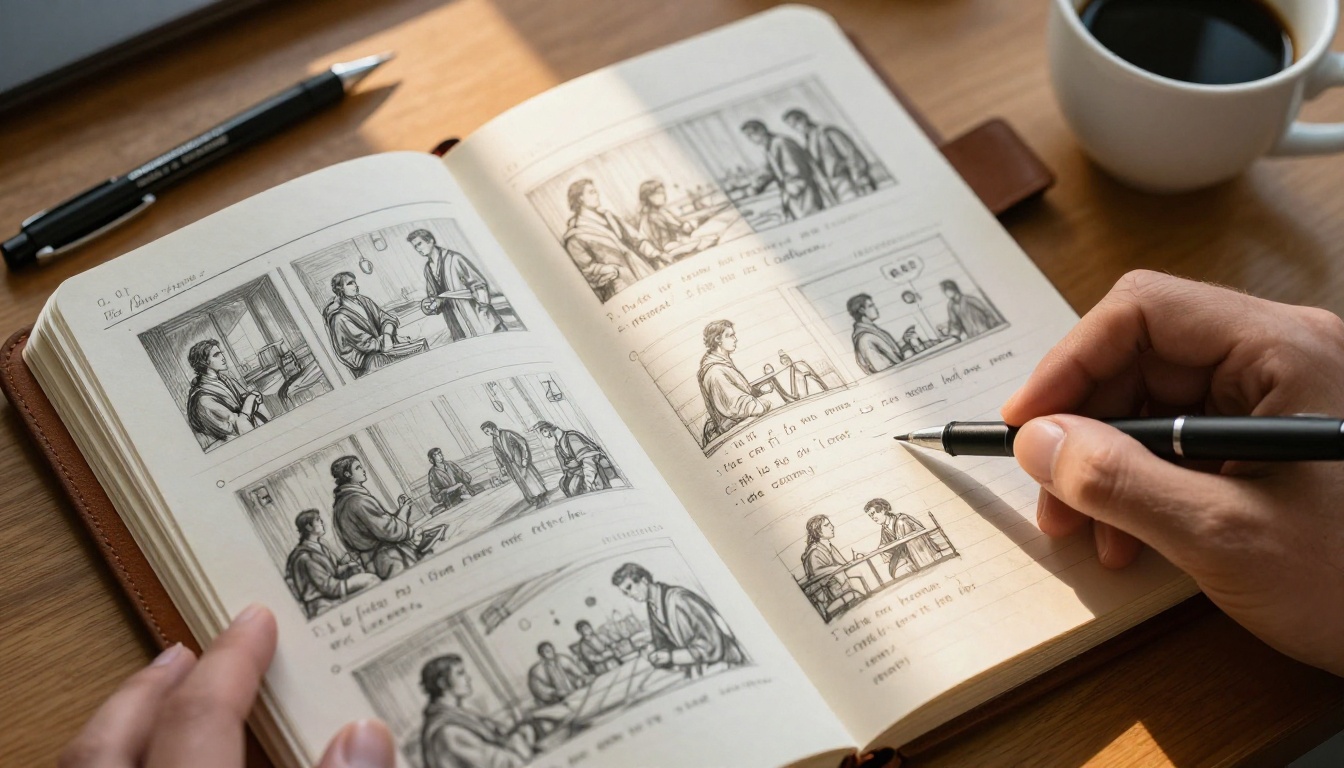
Most AI video tutorials focus on prompting tricks. The real leverage in trailer production with Veo 3.1 is in the pre-prompt workflow, before you type a single word into the generator.
Structuring Your Prompts Like Shot Lists
A professional director doesn't walk onto set and start improvising. They arrive with a shot list: a precise description of every angle, lens focal length, character position, and lighting condition for every moment in the scene. That discipline translates directly to Veo 3.1 prompting.
A weak prompt: "A man walking through a forest looking scared"
A shot-list style prompt: "Medium close-up from slightly below eye level, 50mm lens, a man in his 30s in a dark green coat walking quickly through a dense pine forest at dusk, head turning left and right, shallow depth of field on the background trees, overcast cool light from above, visible breath in cold air, handheld camera with subtle organic motion"
The second prompt is 65 words. It specifies lens, focal length, character description, action, location, lighting, atmospheric detail, and camera behavior. Veo 3.1 uses all of that information. Outputs from prompts like that are almost always usable within 2 generations. Vague prompts can take 10 or more attempts to produce something worth keeping.
The shot-list framework also forces you to think visually before you generate. If you cannot describe the shot clearly in words, you probably don't have a strong visual concept yet. The prompting process becomes a pre-visualization tool.
Sequencing Clips for Emotional Impact
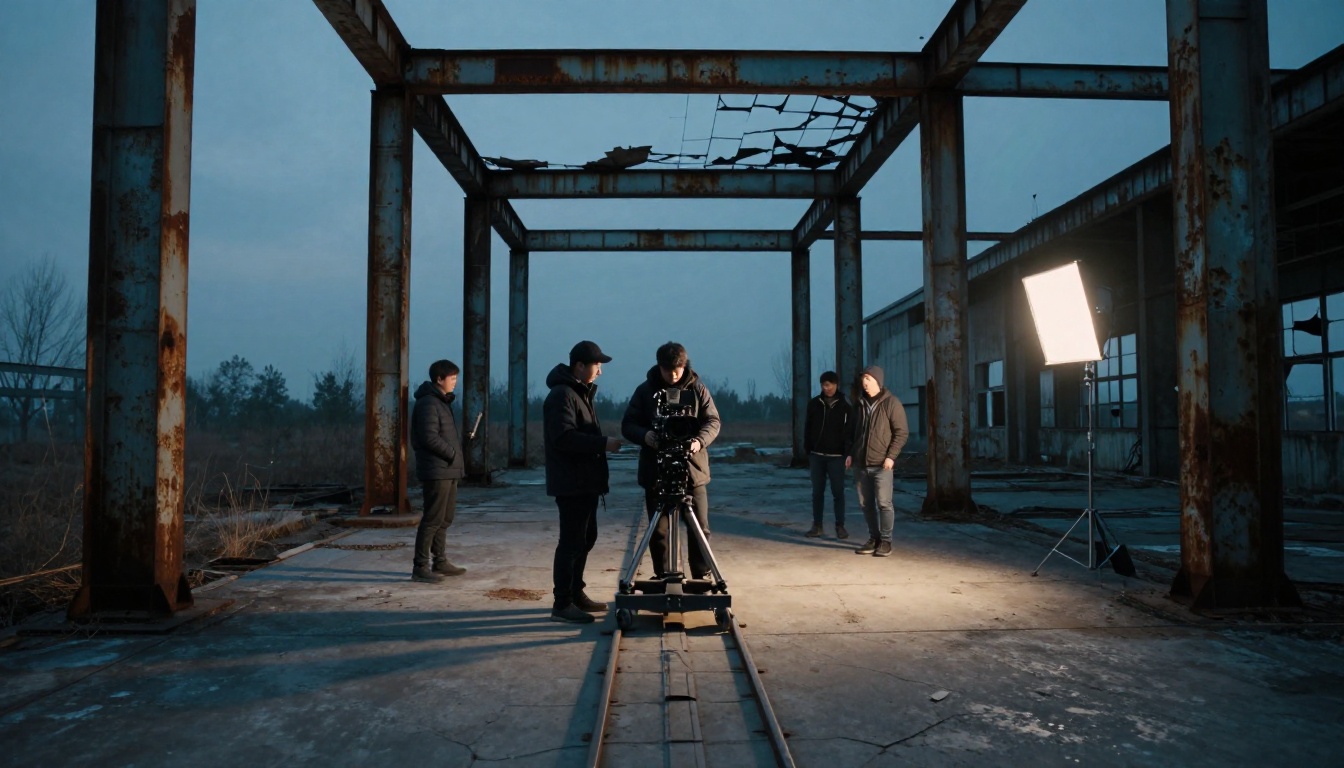
Generating 20 great clips means nothing if they cut badly together. Trailer editing follows a specific emotional rhythm that has evolved over decades of film marketing. That structure is what separates a polished trailer from a tech demo.
The classic structure runs like this:
- Tone establishment (first 10 seconds): slow cuts, wide shots, ambient audio, world-building
- Rising tension (next 20-30 seconds): pace increases, cuts get shorter, close-ups replace wides
- Peak impact (midpoint): the fastest edit sequence, the most intense imagery
- Pause and reframe (after the peak): a quiet moment that repositions the story stakes
- Final title and punch (last 5-10 seconds): logo, title, distribution info
When you batch your Veo 3.1 generations, organize them by this structure before you edit. Generate your wides first, then your close-ups, then your action beats. Having footage sorted by emotional weight makes the editing significantly faster.
How to Use Veo 3.1 on PicassoIA
PicassoIA puts the entire ecosystem of top-tier AI video models in one place with no proprietary lock-in and no installation requirements. Veo 3.1 is available there alongside Veo 3.1 Fast and Veo 3.1 Lite, so you can switch between quality tiers without changing your workflow.
Step-by-Step from Prompt to Export
Step 1: Write your shot list. Before opening PicassoIA, write out every shot you need for your trailer. List angle, lens, subject, action, environment, and lighting for each one. Be specific. Aim for at least 15-20 shots so you have room to discard underperformers.
Step 2: Open Veo 3.1 on PicassoIA. Navigate to the text-to-video section and select Veo 3.1 from the model list. The interface is straightforward: prompt field, aspect ratio, duration, and resolution controls.
Step 3: Set your parameters. For short film trailers, 16:9 aspect ratio and 1080p resolution are the correct defaults. Set duration to the maximum available, typically 8 seconds, so you have more footage to trim in the edit.
Step 4: Generate in batches. Run all your wide establishing shots first, then character shots, then action beats. Download and label each batch before moving to the next. Naming files descriptively, such as 01-forest-wide-establishing.mp4, saves significant time later.
Step 5: Cull and regenerate. Expect roughly a 50-60% acceptance rate on first generation. Regenerate anything that doesn't meet your visual standard. This is a normal part of the process, not a failure.
Step 6: Add score and sound design. Veo 3.1's native audio works well as a scratch track reference, but most trailers will use licensed or original score in the final cut. Import your clips into your editing software and layer audio over the generated video.
Which Version to Pick
| Scenario | Recommended Model |
|---|
| Festival submission trailer, final quality | Veo 3.1 |
| Social media teaser or rough cut | Veo 3.1 Fast |
| First concept pass or budget-constrained run | Veo 3.1 Lite |
| Highest absolute quality with audio, no time pressure | Veo 3.1 |
Veo 3.1 vs. Other Top Models
Choosing Veo 3.1 for every generation is not always the right answer. Different models have different strengths, and building a trailer sometimes means mixing outputs from multiple generators for the best result.
| Model | Best For | Resolution | Audio |
|---|
| Veo 3.1 | Cinematic drama, secondary motion | 1080p | Native |
| Seedance 2.5 | Long clips, character action | 1080p | Native |
| Ray 3.2 | HDR scenes, vivid color | 1080p | No |
| Kling v2.6 | Widescreen, slow motion | 1080p | No |
| Wan 2.7 T2V | High-resolution landscape shots | 1080p | No |
| Sora 2 | Complex compositions, physics | HD | Yes |
| LTX 2.3 Pro | Fast 4K output | 4K | No |
| Gen 4.5 | Precise camera movement control | 1080p | No |
A practical hybrid approach: use Veo 3.1 for your narrative close-ups and dialogue-adjacent shots where motion physics and skin tone matter most, and use Kling v2.6 or Ray 3.2 for wide landscape shots where vivid color and cinematic scope take priority. The resulting mix often looks more varied and natural than using a single generator throughout.
3 Common Mistakes to Avoid

Most problems with AI-generated short film trailers come from a small number of recurring errors. Avoiding them early saves significant iteration time.
1. Generating before you have a structure.
The most expensive mistake is generating clips without knowing where they go in the edit. You end up with beautiful footage that doesn't cut together. Write your shot list first. Know the purpose of every clip before you generate it. Each shot needs a reason to exist in the sequence.
2. Using identical framing for every shot.
AI video beginners tend to default to medium shots from eye level for everything. The result is a trailer that feels flat regardless of how good individual clips look. Vary your angles deliberately. Include at least two wide establishing shots, two extreme close-ups, and one aerial or high-angle shot in any 90-second trailer. Variety in framing is what creates visual rhythm.
3. Ignoring audio when selecting takes.
When reviewing Veo 3.1 outputs, filmmakers often mute the generated audio and evaluate only the visual. This is a mistake. The audio contains timing information that affects how a clip will cut. A clip with a natural ambient sound peak at frame 45 will cut differently than one that is flat throughout. Watch and listen to every clip before deciding whether to keep it.
Start Making Your Trailer Today
AI-generated short film trailers are no longer a novelty or an experiment. They are a real production tool that significantly reduces the gap between a filmmaker's vision and what they can actually put on screen without a budget.
Veo 3.1 sits at the top of that toolkit right now because it handles the cinematic language of short film trailers better than any other available model. Its combination of temporal consistency, native synchronized audio, 1080p output, and deep responsiveness to shot-list style prompting makes it the most reliable path from script to finished trailer material.
PicassoIA puts Veo 3.1, Veo 3.1 Fast, and Veo 3.1 Lite alongside more than 117 other text-to-video models in a single interface. That matters because the best trailer you can make is almost always a hybrid: the right model for each shot type, assembled in an edit that no single generator could produce alone.
Start with your shot list. Write five shots for your opening sequence. Generate each one. See which ones surprise you. The distance between the scene in your head and the clip on screen is shorter now than it has ever been.
Try Veo 3.1 on PicassoIA, then pull in Kling v2.6, Seedance 2.5, or Wan 2.7 T2V for the shots that need something different. Browse the full library of over 117 video models at picassoia.com/en/all-models and build the trailer you actually had in mind.


