Google's Veo 3.1 is not a quiet update to an already capable system. It arrives as the first version of the Veo series to open the door to NSFW video generation at full 1080p resolution, with native synchronized audio baked in from the first frame. For creators who have watched mainstream AI video platforms reject prompt after prompt the moment content steps outside the strictly safe zone, Veo 3.1 represents something concrete: a powerful model with fewer content walls. This article breaks down exactly what it does, how to use it on PicassoIA, and which companion models give you the most realistic results when the subject matter calls for something more daring.
What Veo 3.1 Actually Is
Google's Veo series has progressed fast. Veo 1 set the foundation, Veo 2 sharpened motion coherence and added longer clips, and Veo 3 introduced native audio synthesis, turning silent clips into full audiovisual moments. Veo 3.1 builds on all of that. It is Google's most capable text-to-video model to date, available on PicassoIA as both Veo 3.1 and Veo 3.1 Fast, which trades a small fraction of quality for significantly faster generation times.
How It Differs from Veo 3
The jump from Veo 3 to Veo 3.1 is best understood through three lenses: content policy, motion coherence, and audio quality. On the content policy front, Veo 3.1 is the model where restrictions were loosened enough to allow suggestive and adult-oriented content in controlled environments, specifically on platforms that have opted into that permission level. On motion coherence, limb movement is markedly smoother and the flickering hands issue that plagued earlier generations is significantly reduced. On audio, the synchronization between generated visuals and ambient or dialogue audio is tighter throughout the clip.
Native Audio and 1080p Output
Every clip Veo 3.1 produces comes with audio generated from the same prompt. You do not add sound in post. If your prompt describes a woman walking along a rainy cobblestone street, the model generates rainfall ambiance, footstep rhythm, and the distant rumble of city traffic, all in sync with the visuals. Output resolution is 1080p, and Veo 3.1 Lite offers a faster, lighter variant for creators who need quick iterations before committing to a full render.
The NSFW Capability in Veo 3.1
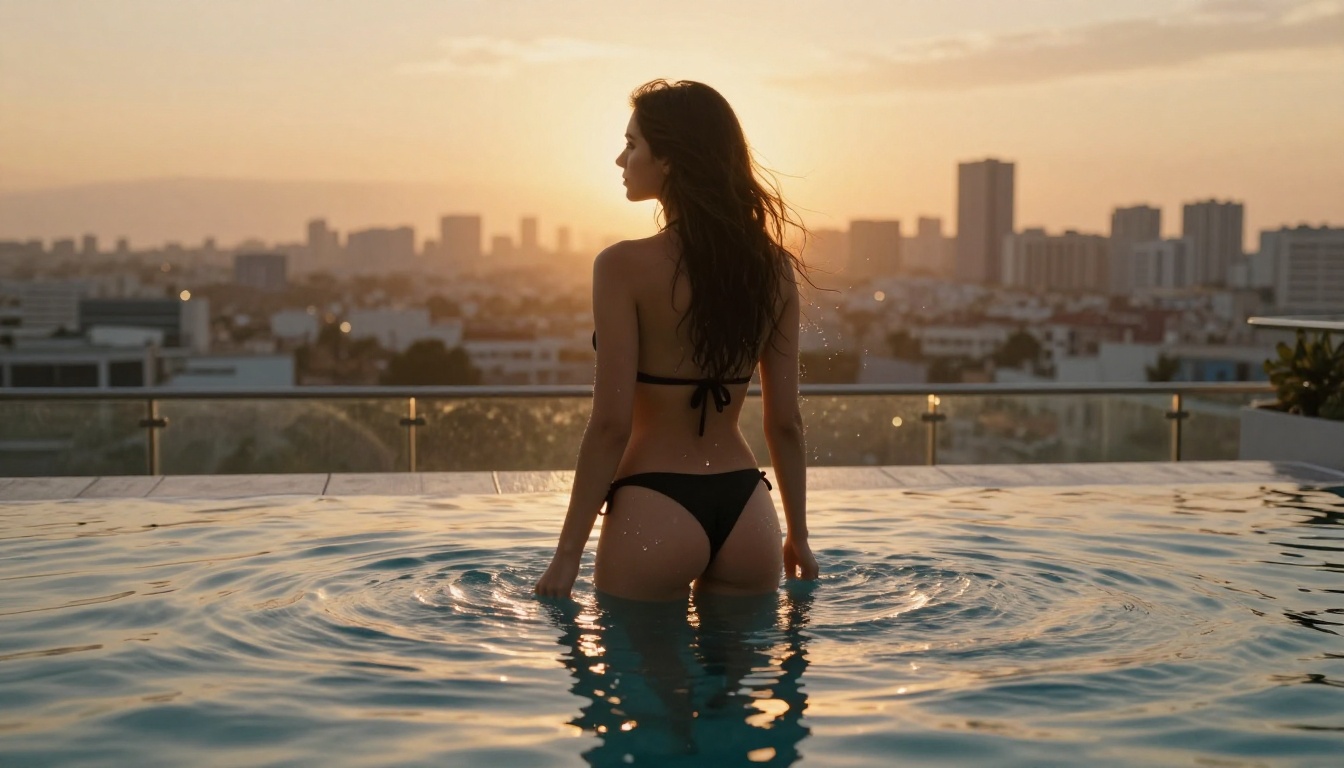
The conversation around NSFW AI video tends to conflate two very different things: explicit pornographic content, and suggestive, mature, or adult-themed content that stops short of explicit material. Veo 3.1 supports the latter. It will generate bikini-clad figures, intimate portraits, suggestive scenarios, glamour-style content, and scenes with artistic nudity where the context is clearly aesthetic rather than pornographic.
What the Model Will and Won't Generate
Here is the practical reality of what Veo 3.1 handles:
- Glamour and fashion content with revealing or form-fitting clothing
- Suggestive scenarios in domestic, outdoor, or travel settings
- Intimate but non-explicit couples content
- Artistic body imagery with implied rather than shown nudity
- Adult-themed storytelling with mature visual language
What it still blocks:
- Explicit sexual acts or pornographic scenes
- Content involving minors in any ambiguous context
- Non-consensual scenarios described directly in prompts
💡 Prompting tip: Veo 3.1 responds far better to descriptive, cinematic language than to blunt adult keywords. Describe the mood, lighting, wardrobe, and setting. "A woman in a sheer slip dress walking through a candlelit room, slow-motion dolly shot" will produce significantly better results than a direct content label.
Why This Changes Things for Creators
Most mainstream AI video platforms enforce strict content policies that reject mature content at the prompt level. A model like Veo 3.1, available on a platform that does not add an additional filter layer, means creators working in legitimate adult content, boudoir photography, artistic film, subscription-based content production, or mature storytelling can actually use state-of-the-art video AI without a constant fight against the moderation system. The creative ceiling rises substantially when the tool stops second-guessing the creator.
How to Use Veo 3.1 on PicassoIA
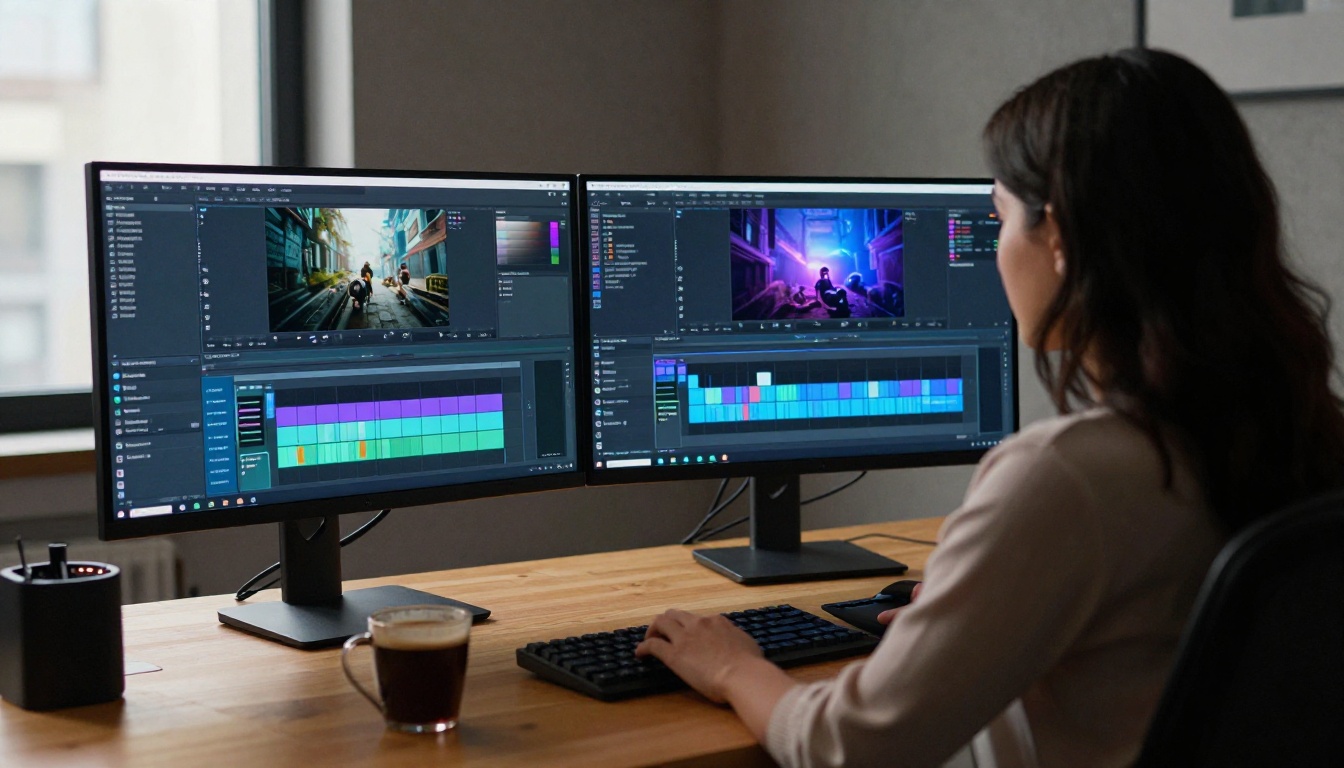
PicassoIA gives you access to Veo 3.1 directly in your browser, no API key required, no complex setup. Here is the step-by-step workflow from prompt to finished clip.
Step 1: Choose your model
Navigate to Veo 3.1 on PicassoIA. If you want faster generation at a slight quality trade-off, use Veo 3.1 Fast for drafts and reserve the standard version for your final outputs.
Step 2: Write a cinematic prompt
Structure your prompt as a scene description, not a content label. Include the subject, environment, lighting, camera movement, and mood. Long-form prompts consistently outperform short ones with Veo 3.1.
Step 3: Set your output preferences
Select 1080p resolution. Veo 3.1 generates 5-second clips at 24fps. The native audio option is on by default. Leave it on unless you plan to replace the audio in post-production.
Step 4: Generate and iterate
Run your first generation. If the motion does not feel right, adjust the camera movement language in your prompt. Veo 3.1 is highly responsive to specifics like "slow dolly-in," "handheld follow shot," or "static wide angle with gentle camera breathing."
Prompts That Work
| Content Type | Prompt Example |
|---|
| Glamour fashion | "close-up of a woman in a silk slip dress, candlelit room, slow camera pan left" |
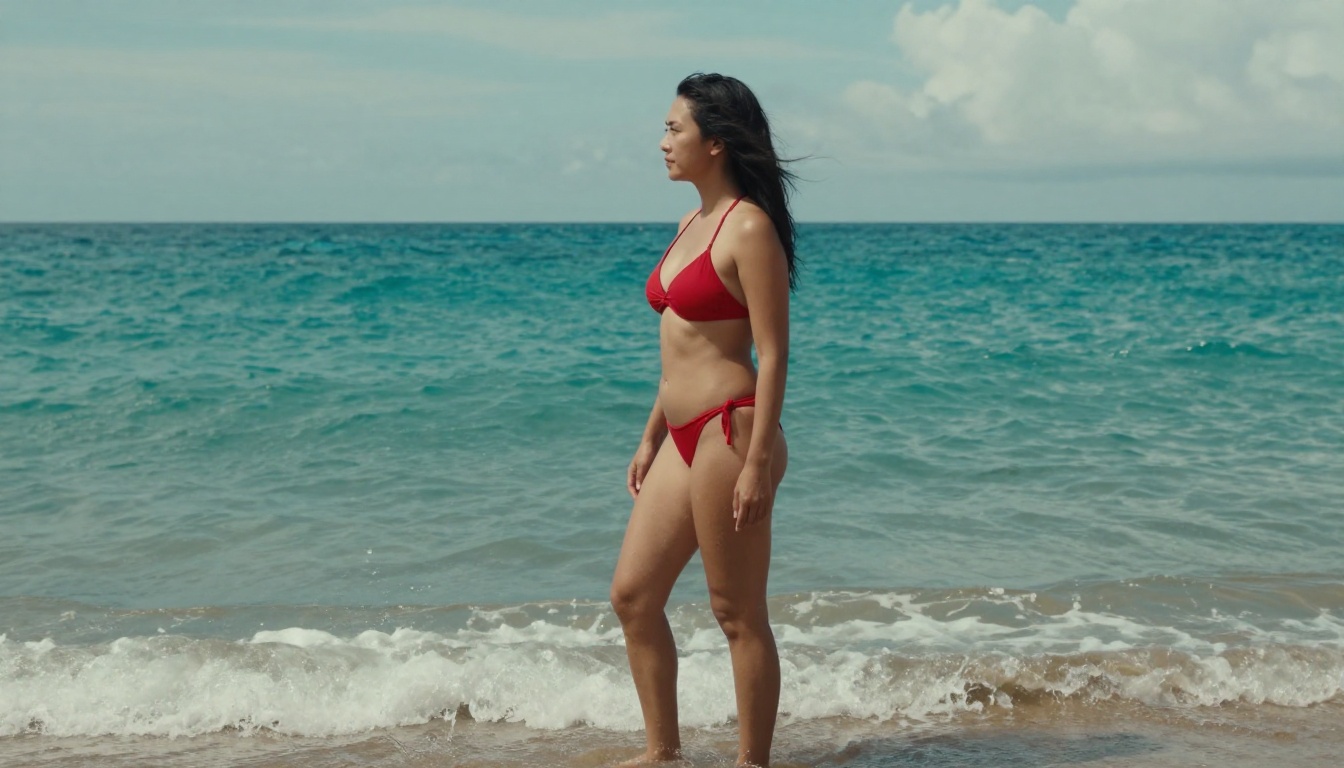
| Outdoor lifestyle | "woman in a bikini walking along a sunset beach, wide tracking shot, golden hour light" |
| Intimate portrait | "medium shot of a woman reading in bed, soft morning light, gentle camera drift" |
| Artistic atmosphere | "slow dolly toward a woman at a rain-streaked window, city blur behind, soft backlight" |
| Boudoir aesthetic | "woman sitting at a vanity mirror, warm low lamp, minimal movement, shallow depth of field" |
Top NSFW Video Models on PicassoIA
Veo 3.1 is the headline, but PicassoIA has a full stack of video models that accept mature content. Depending on your use case, you may want a faster turnaround, a longer clip, or a different visual aesthetic.
| Model | Resolution | NSFW | Best For |
|---|
| Veo 3.1 | 1080p | Yes | Premium NSFW video with native audio |
| Veo 3.1 Fast | 1080p | Yes | Fast iteration before final render |
| P-Video | Up to 1080p | Yes | Safety filter off by default, adjustable length |
| PicassoIA Video | Up to 720p | Yes | Unlimited generation, no usage caps |
| Grok Imagine Video | 720p / 480p | Yes | Clips up to 15 seconds, no watermarks |
| LTX 2.3 Pro | Up to 4K / 50fps | Yes | Highest fidelity, retake and extend editing |
| Seedance 2.0 | 1080p | Yes | Text-to-video with built-in audio |
P-Video deserves a specific mention for NSFW workflows. Its safety filter is disabled by default, and it accepts text, image, or audio as input. Duration runs from 1 to 10 seconds across seven aspect ratios. Use draft mode to preview the first pass instantly before committing to a full render.
PicassoIA Video is the option for creators who need volume. If you are generating dozens of clips for a content pipeline, it offers unlimited video generation at up to 720p, 5 seconds per clip, at no per-generation cost on Elite or Infinite plans.
LTX 2.3 Pro from Lightricks is the highest-fidelity option in the catalog. It exports at up to 4K at 50fps with five generation modes including retake, which replaces a short segment without re-rendering the whole clip, and extend, which appends new footage to the start or end of an existing clip.
The Best NSFW Image Models Too
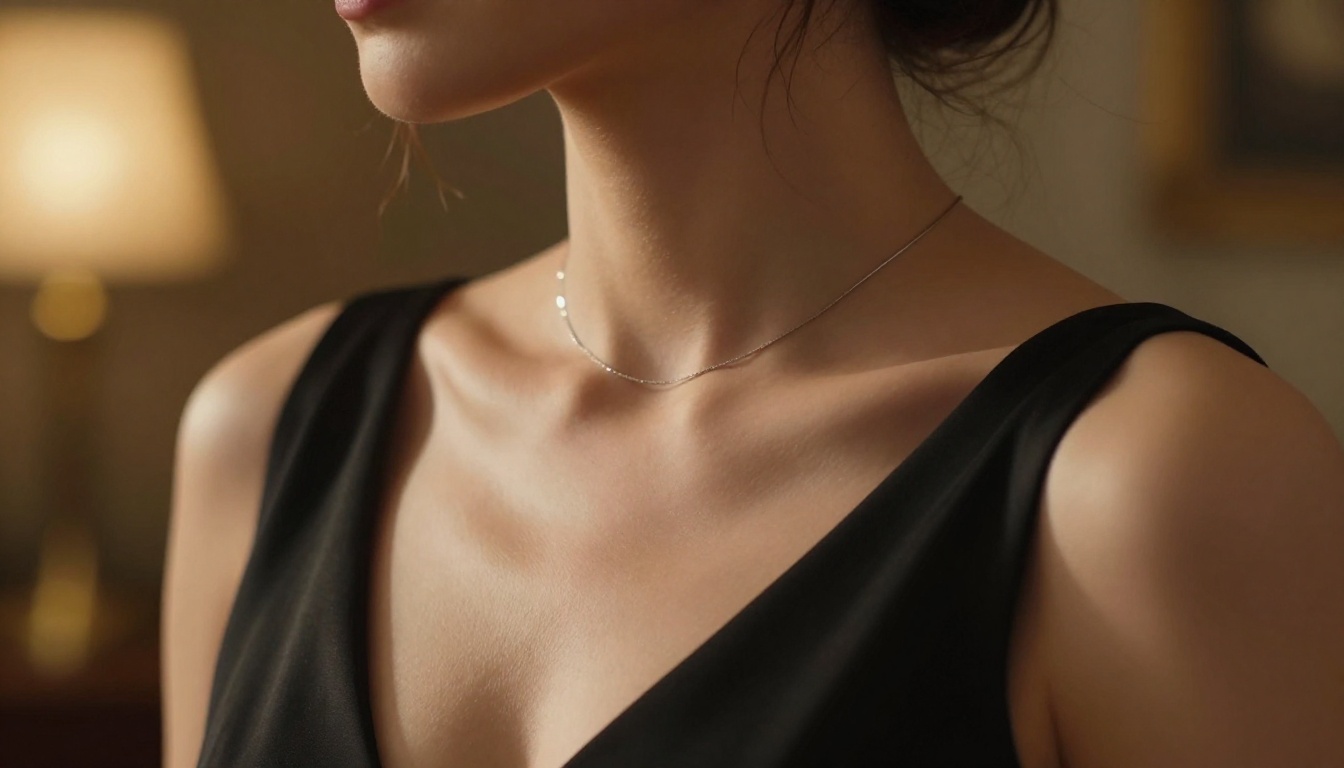
Strong video starts with strong source imagery. Even when using a pure text-to-video workflow, generating a reference image first and using image-to-video gives you far more control over the final result. Here are the best NSFW image models on PicassoIA, in recommended order.
Seedream 4.5: The Top Pick
Seedream 4.5 ⭐ is the best overall NSFW image model on the platform. It accepts mature content, supports image editing in the same interface, and generates results in under 3 seconds. The realism is exceptional: natural skin texture, accurate lighting, and none of the uncanny-valley stiffness that shows up in lesser models. For any creator starting with a reference image before animating it through Veo 3.1, this is where the workflow begins.
💡 Important: Seedream 5 Lite does not support NSFW content, even though it is the newer version. For adult-oriented generation, Seedream 4.5 is the correct choice.
More Options at Every Budget
PicassoIA Image Editor Pro is the choice for volume. Elite and Infinite plan subscribers generate without limits: 1,000 images at no extra cost, where the same output on some other models would cost around $100. It accepts NSFW content, returns results in under a second, and includes a 3-generation free trial with no credit card required.
Qwen Image 2 is open source, which means it edits or creates any image in seconds with very detailed realism and no content filters blocking the output.
Grok Imagine Image realistically converts any reference image to a bikini or swimwear variation. Its companion, Grok Imagine Video, is already a top NSFW video pick for clips longer than 5 seconds.
Recraft V4 handles text-to-image only, but the photorealistic quality is strong for styled portraits and fashion imagery that feeds directly into image-to-video workflows.
P-Image generates NSFW content from text in under 1 second. When you need high volume at maximum speed, this is the fastest option in the catalog.
Unlike many mainstream AI platforms, PicassoIA gives creators full creative freedom with uncensored, high-performance models across both image and video generation.
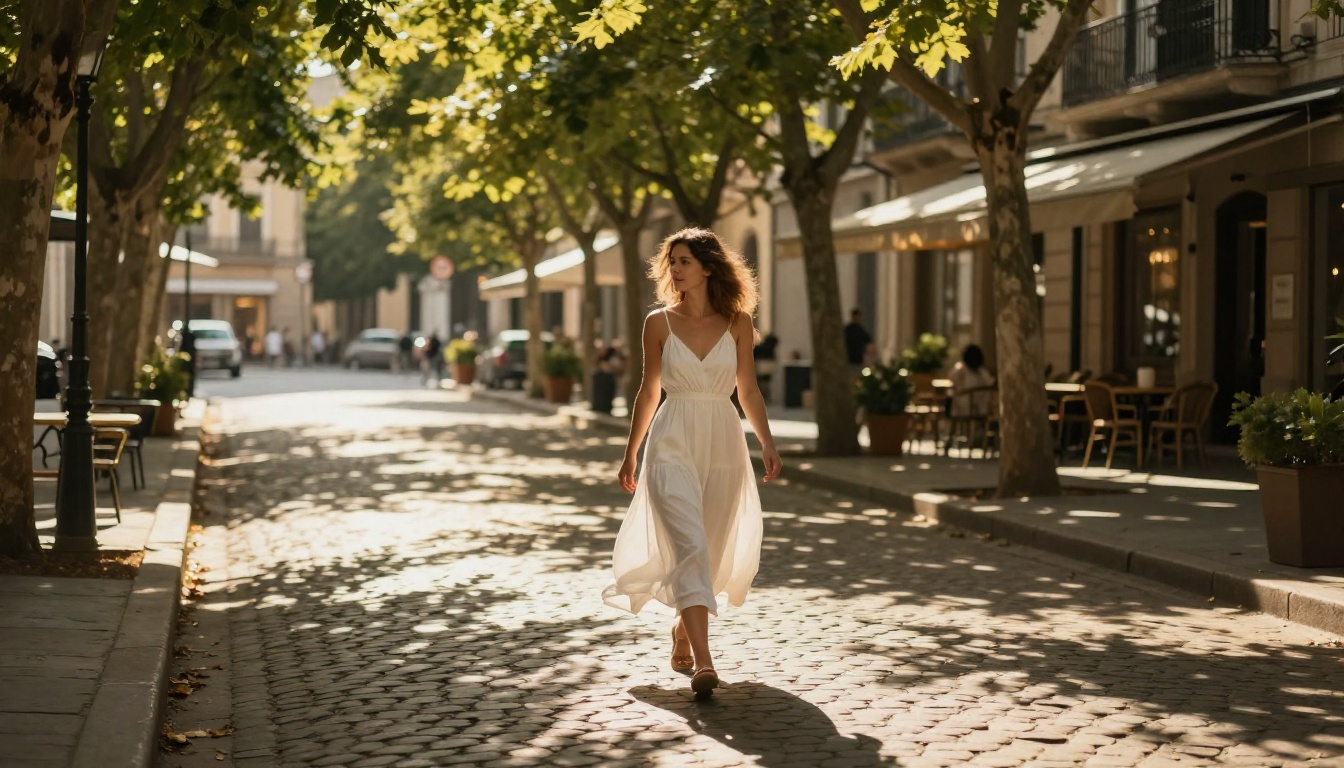
Veo 3.1 vs Other Top Video Models
Choosing between Veo 3.1 and other leading video models depends on what matters most: raw quality, speed, clip length, or cost per generation.
The case for Veo 3.1 over Kling v3 for NSFW content is clear: Kling still imposes partial content filters even on mature-opted platforms, while Veo 3.1's policy on PicassoIA is more permissive. The case for LTX 2.3 Pro is fidelity: when you need 4K resolution and frame-accurate editing tools, nothing else in this list competes.
Seedance 2.0 is worth flagging as a fast, audio-native alternative to Veo 3.1 with comparable NSFW permissiveness. If generation speed is the priority and 1080p with built-in audio is the requirement, Seedance 2.0 sits right alongside Veo 3.1 as a viable daily-driver model.
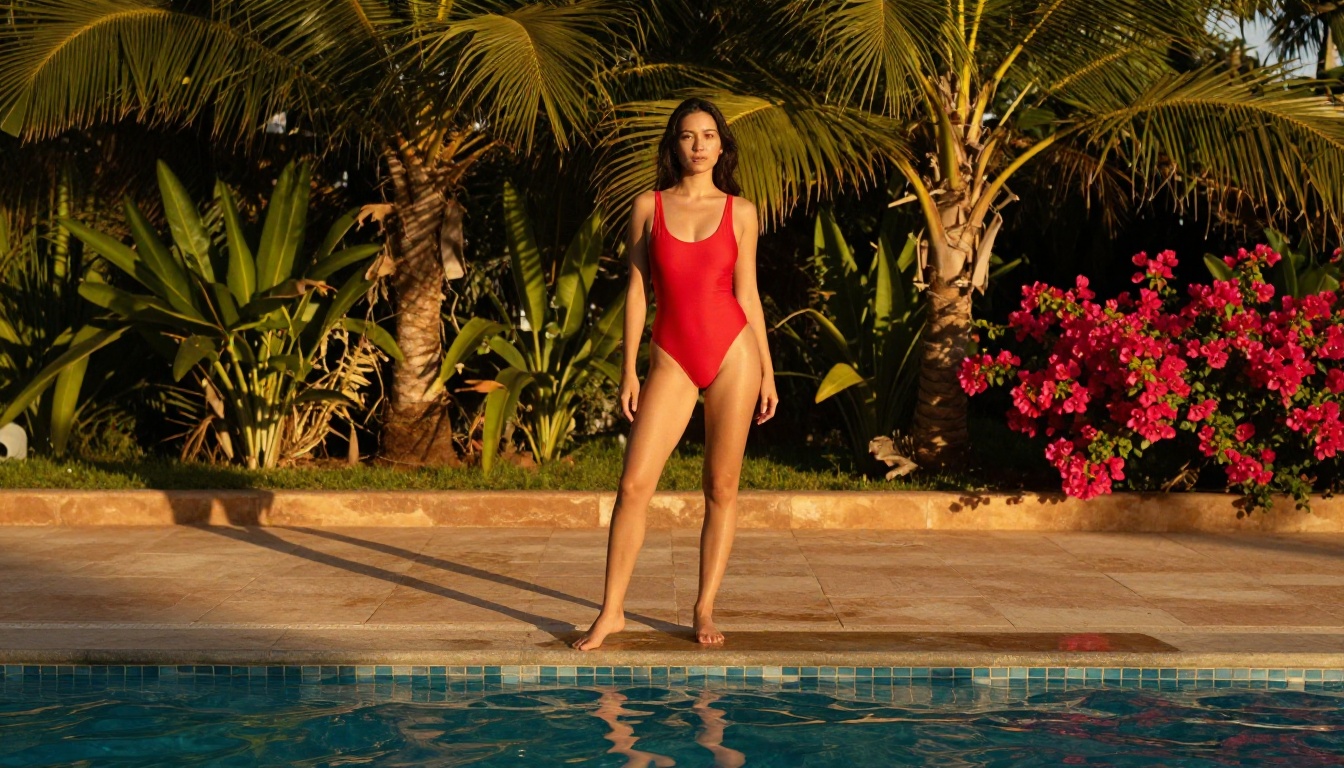
What Your Output Actually Looks Like
Expectations matter. Veo 3.1 is genuinely impressive, but there are specifics worth knowing before investing time in a complex prompt.
Resolution and Motion Quality
At 1080p, Veo 3.1 outputs are clean, detailed, and largely artifact-free. Fine texture on fabric, natural skin detail, and realistic hair movement are well-handled. Camera movement prompts work reliably: "slow dolly-in," "pan left," and "handheld follow" all produce recognizable, usable results. Where the model still has room to grow: complex multi-person interactions, very fast motion sequences, and sustained direct eye contact over more than 2 seconds.
The audio layer is often underestimated. A Veo 3.1 clip with well-described ambient audio feels dramatically more cinematic than one where audio was left as an afterthought. Spend as much time on your audio description as your visual description.
3 Common Mistakes
1. Overloading the prompt with content labels
Veo 3.1 is a cinematic model. Describing the visual qualities of a scene works better than naming the content category. "A woman in a sheer linen robe at a sunlit bedroom window, camera slowly pushing in" produces better results than a direct content description every time.
2. Skipping the reference image step
For specific-looking subjects, generating a reference image first in Seedream 4.5 and using image-to-video gives you subject consistency that pure text-to-video cannot guarantee. If a particular look, face, or wardrobe matters, build the image first.
3. Ignoring audio in the prompt
Veo 3.1 generates audio from the same prompt. If you do not include audio context, the audio output will be generic. A simple addition like "light jazz playing softly in the background, rain on glass outside" meaningfully improves the final clip.
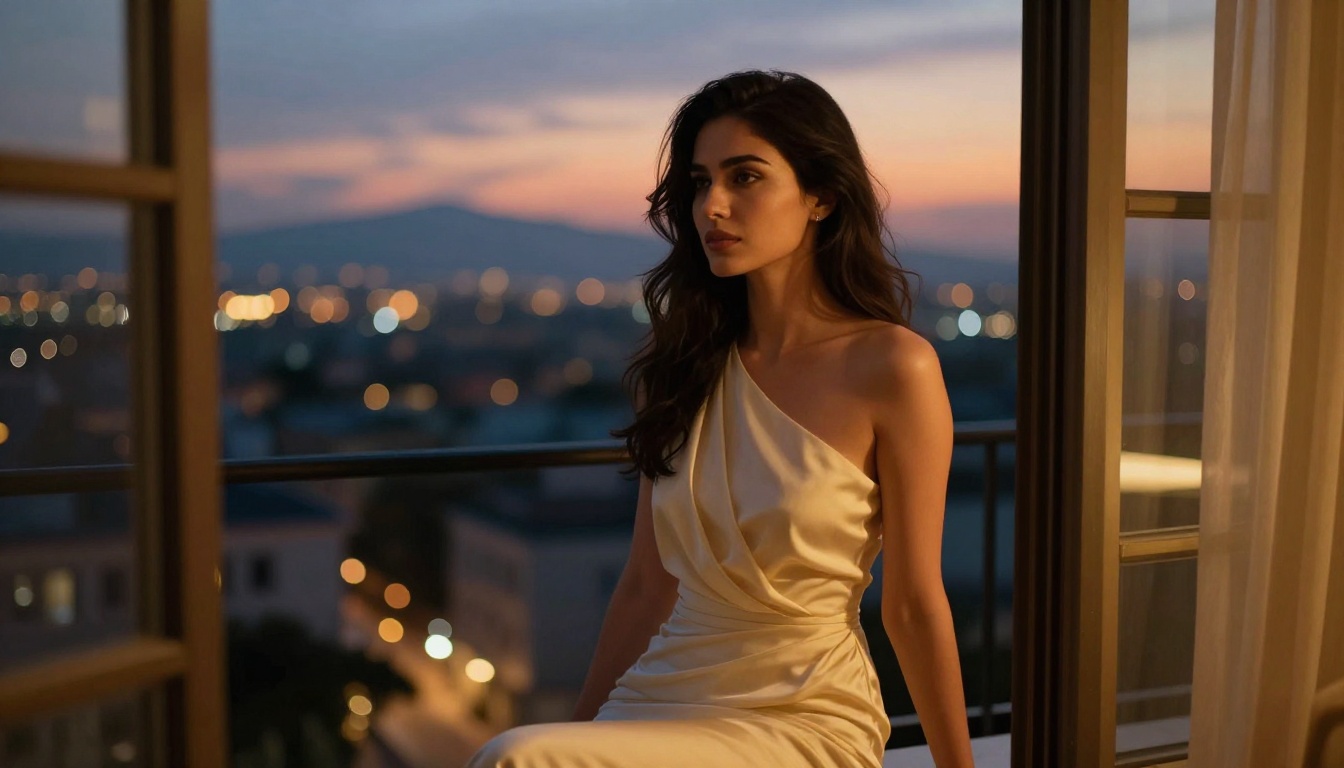
Models Worth Watching
The NSFW AI video space is moving faster than almost any other category in generative AI right now. A few models on PicassoIA are worth keeping on your radar beyond the headline picks.
Pixverse v5 is closing the quality gap fast, particularly for short-form lifestyle and fashion-adjacent content. Kling v2.6 has improved its motion physics significantly in recent iterations. Grok Imagine Video remains one of the strongest options for NSFW clips extending past the 5-second mark, with support for up to 15 seconds and no watermarks on output.
On the image side, the pipeline combining Seedream 4.5 for source frame generation with P-Video or Veo 3.1 for animation is currently producing the most consistent, high-quality NSFW results available on any platform without restrictive filters.

Create Your Own Without the Friction
The models are live, the platform is open, and Veo 3.1 is available right now on PicassoIA. If you have been working on platforms that reject every third prompt and make adult-adjacent creative work harder than it needs to be, this is a real alternative built for creators who need creative latitude, not corporate moderation.
The workflow is straightforward: generate your source image in Seedream 4.5, animate it through Veo 3.1, and use PicassoIA Image Editor Pro for unlimited image variants when volume is the requirement. Every model is available in-browser with no API setup, no local installation, and no per-image costs on the right plan.
The full catalog of NSFW-capable models, including everything covered in this article, is at picassoia.com/en/all-models. Start there, pick the model that fits your output goal, and generate without the friction.