Veo 3.1 Pro: Features and Best Use Cases for AI Video in 2027
Veo 3.1 Pro from Google DeepMind brings native audio synthesis, 1080p output, and sharp prompt fidelity to AI video generation. This article breaks down what makes it different from previous Veo versions, how it compares to top competitors, its best real-world use cases, and how to start creating with it today.
Google DeepMind's Veo 3.1 Pro arrives at a moment when the AI video generation space has never been more crowded or more capable. After Veo 3 set an early benchmark for cinematic realism and native audio integration, Veo 3.1 Pro sharpens nearly every edge that mattered to serious creators: output resolution, prompt fidelity, temporal coherence across longer clips, and audio synchronization that finally sounds intentional rather than incidental. If you have been watching the text-to-video space and wondering which model deserves your attention in 2027, this is the deep dive you need.
What Veo 3.1 Pro Actually Is
Veo 3.1 is Google DeepMind's current flagship in the Veo model family, sitting above Veo 3.1 Fast and Veo 3.1 Lite in terms of raw output quality and prompt adherence. It builds directly on the foundation established by Veo 3 but introduces architectural refinements that show up clearly in the final output.
The "Pro" designation is not just a marketing tier. It signals a specific set of trade-offs: higher fidelity at the cost of generation time. Veo 3.1 Fast is optimized for iteration and rapid prototyping. The Pro variant prioritizes final-quality output: richer color depth, finer motion detail, and audio that is composed alongside the visual rather than layered on top after the fact.
Beyond the Veo 3 Baseline
Veo 3 introduced native audio synthesis as a genuine breakthrough. For the first time, you could generate a clip of rain on a corrugated iron roof and hear the rain without additional post-production. Veo 3.1 takes that capability and makes it more reliable: audio timing is tighter, ambient soundscapes are more spatially accurate, and dialogue (where specified in prompts) syncs to on-screen mouths with substantially less drift.
The improvements from Veo 2 to Veo 3 were primarily about visual quality. The jump from Veo 3 to 3.1 Pro is primarily about consistency. The model holds complex scenes together across a full clip in ways that earlier versions could not.
The Pro Tier Explained
Feature
Veo 3.1 Lite
Veo 3.1 Fast
Veo 3.1 Pro
Max Resolution
720p
1080p
1080p
Native Audio
Partial
Yes
Yes, refined
Prompt Fidelity
Standard
High
Highest
Generation Speed
Fastest
Fast
Moderate
Temporal Coherence
Basic
Good
Excellent
💡 For social media and rapid concept testing, Veo 3.1 Fast delivers strong results in less time. Reserve the Pro variant for output that will be seen by an audience.
Core Features Worth Knowing
Native Audio in Every Clip
Every clip generated by Veo 3.1 includes audio by default. This is not a background music track pulled from a library. The model synthesizes audio that is physically coherent with the scene: footsteps on the correct surface material, ambient sound at the correct distance, environmental reverb matching the depicted space.
This matters enormously for professional use. The audio-first philosophy means you are working with a clip that is ready to drop into a timeline, not one that needs extensive audio design before it is usable.
What Veo 3.1 Pro's audio handles well:
Natural ambiences (rain, wind, crowds, traffic)
Mechanical sounds (engines, machinery, tools)
Music that fits the scene mood when specified in the prompt
The Pro variant outputs at full 1080p resolution, which puts it squarely in broadcast-viable territory. Fine texture detail, facial skin visible in close-ups, fabric weave patterns, and background environmental complexity all hold up in a way that 720p output simply cannot match.
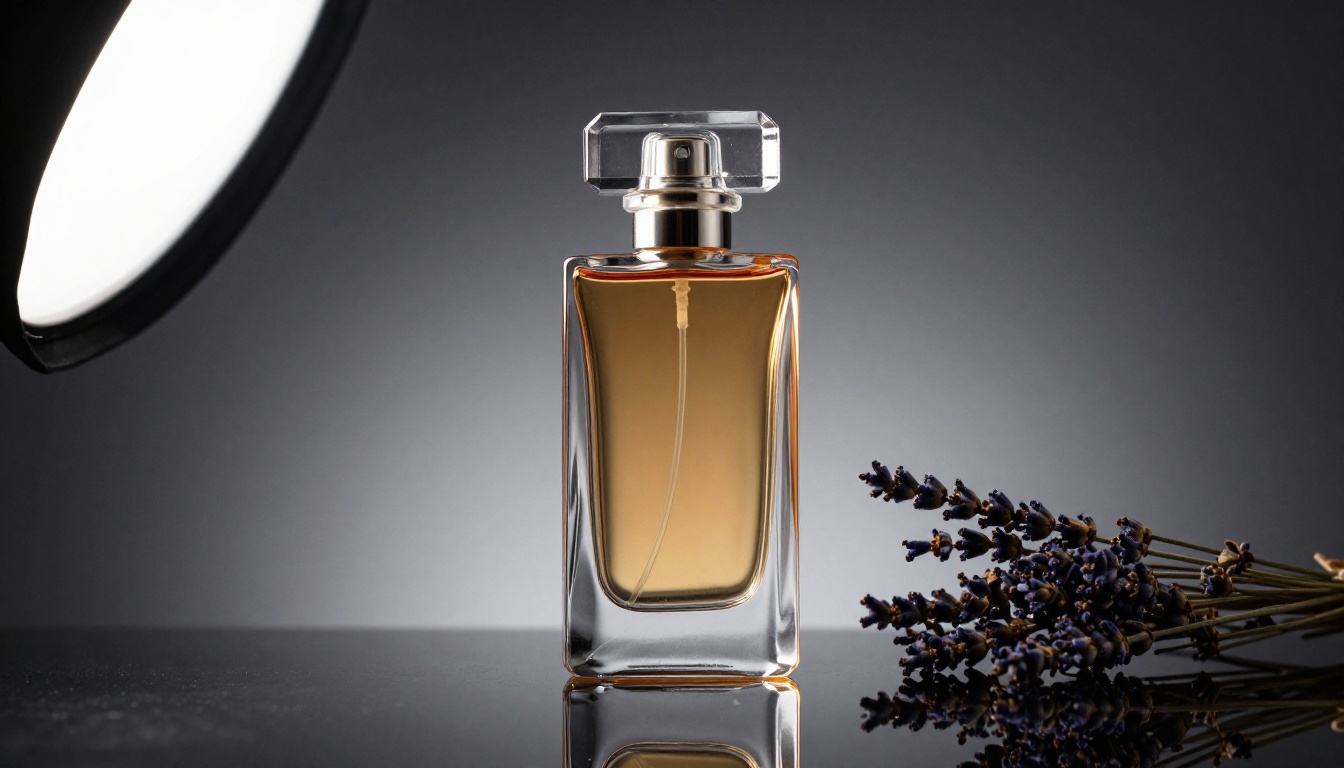
For product content and advertising specifically, this is the baseline that most brands require. A 720p render of a luxury product close-up loses the detail that justifies the brand's premium positioning. At 1080p, the cut glass, the stitching, the material grain, all of it reads correctly.
Prompt Fidelity That Holds
Earlier text-to-video models had a tendency to interpret prompts loosely. You would specify a particular camera angle, a specific lighting condition, or a defined subject action, and the model would produce something adjacent to your intent but not quite there. Veo 3.1 Pro narrows that gap significantly.
Where the improvement shows:
Camera directions (low-angle, aerial, close-up, tracking shot) are consistently honored
Lighting specifications (golden hour, overcast, studio lighting, single practical light) hold across the full clip duration
Subject actions described in detail are reflected accurately in motion
This predictability is what separates a production tool from a creative toy. When you can reliably produce what you describe, the model becomes a real part of a professional workflow.
Temporal Coherence at Scale
Temporal coherence refers to the model's ability to maintain consistent visual logic across the entire duration of a clip. Earlier AI video models would produce clips where a character's clothing subtly changed mid-clip, or a background element would flicker in and out of existence. Veo 3.1 holds scene elements stable across the full generation window.
This extends to lighting. If you specify late afternoon window light entering from the left, the shadow direction and quality remain consistent from frame one to the final frame. For any clip intended to be cut together with other footage, this predictability is not optional; it is required.
Veo 3.1 vs the Competition
Side-by-Side: Veo 3.1 vs Sora 2 vs Kling v3
The text-to-video landscape in 2027 has three credible flagship-tier options: Veo 3.1, Sora 2 Pro, and Kling v3. Each has a different strength profile.
Criterion
Veo 3.1 Pro
Sora 2 Pro
Kling v3
Native Audio
Yes (strongest)
Yes
Limited
Prompt Fidelity
Highest
High
High
Physics Simulation
Strong
Strong
Excellent
Cinematic Motion
Excellent
Very Good
Very Good
Generation Speed
Moderate
Moderate
Fast
Best For
Audio-rich content
Long narrative
Action and motion
Veo 3.1 wins on audio. If your content depends on sound, whether that is a product video with ambient atmosphere, a short documentary clip, or social content with environmental audio, it is the clear choice.
Kling v3 holds a genuine edge in physics-accurate motion, particularly for fast-moving subjects and complex physical interactions. Sora 2 Pro excels in longer narrative arcs with consistent character appearance across scenes.
The practical takeaway: none of these models replaces the others entirely. Professional workflows in 2027 use more than one model depending on the job. Worth noting too: Seedance 2.0 from ByteDance is a strong contender in the audio-synced video space and worth having in your toolkit alongside Veo 3.1.
Best Use Cases Right Now
Short-Form Social Content
Short-form platforms have moved decisively toward video with audio. Silent B-roll does not perform the way it once did. Veo 3.1 is particularly well-suited to generating the atmospheric B-roll that social creators need: a coffee cup steaming in a sunlit window with the right ambient sound, a city street with pedestrian noise, a product being opened with satisfying packaging sounds.
For social creators, the practical workflow looks like this:
Write a scene description as your prompt
Generate the concept with Veo 3.1 Fast to test it quickly
Render the final version with Veo 3.1 for publication
Drop it directly into your edit, audio included
The time savings compared to shooting and recording live B-roll are significant, and the output quality is high enough that audiences will not register it as AI-generated in a casual scroll context.
Product Demos and Ad Spots
Product visualization is one of the clearest commercial wins for Veo 3.1. The model's ability to hold fine texture detail at 1080p, combined with precise lighting control via prompt, makes it viable for showing products in idealized environments that would cost significantly more to produce with a physical shoot.
A fragrance brand can specify a crystal bottle on an obsidian surface with a single softbox from the upper left. A furniture brand can place a chair in an aspirational living room setting with correct afternoon light. The output is not identical to a $10,000 product photography session, but it is close enough for social advertising, email campaigns, and digital assets.
💡 For product content, be specific about surface materials, lighting source position and quality, and background depth. Veo 3.1 Pro responds well to detailed environmental specifications.
Film Previs and Storyboarding
Film pre-visualization has historically required either an animatic cut from illustrated storyboards or a rough-cut from production footage. Veo 3.1 opens a third path: generating photorealistic video previs from shot descriptions.
For a director preparing for a shoot, this is genuinely valuable. You can describe a complex tracking shot through a location and generate a rough representation of what it would look like without spending budget on a location scout or early production day. The temporal coherence of the Pro variant is what makes this workable; the camera movement and shot composition hold together in a way that earlier models could not sustain.
This use case also extends to pitch decks and treatment presentations, where showing a client a video representation of a planned scene is far more persuasive than describing it in text or showing illustrated storyboards.
Educational and Tutorial Videos
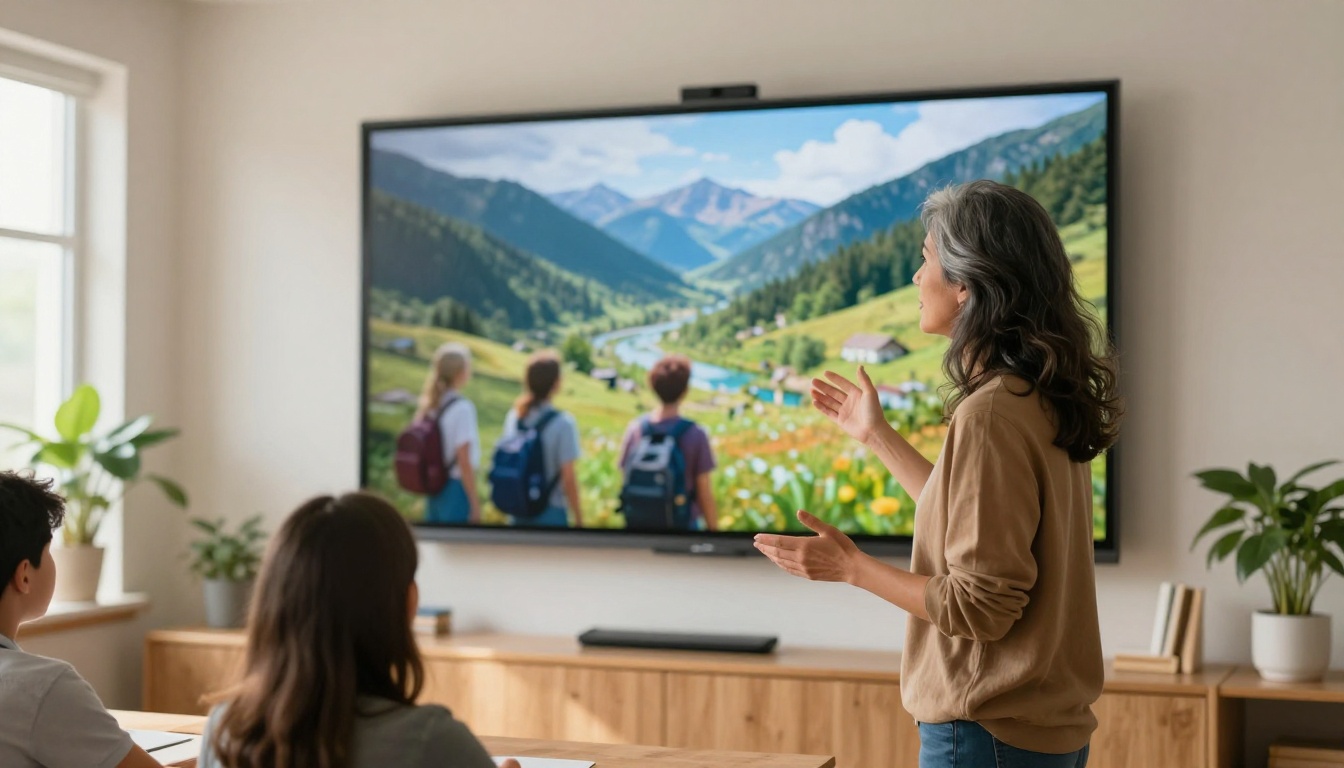
Educational content creators face a consistent problem: explaining abstract or physical processes that are expensive or impossible to film directly. Veo 3.1 can generate illustrative video of historical events, scientific processes, geographic locations, and physical phenomena with enough fidelity to be genuinely instructive.
The native audio capability adds a layer that is particularly useful in educational contexts. A clip of a storm system approaching a coastline with realistic wind and rain audio is more impactful than the same clip in silence. A clip illustrating a mechanical system in motion can include the correct mechanical sounds.
One constraint worth noting: Veo 3.1 generates plausible representations, not guaranteed accurate ones. For scientific content, generated clips should be treated as illustrations, not authoritative simulations.
Music Videos and Visual Albums
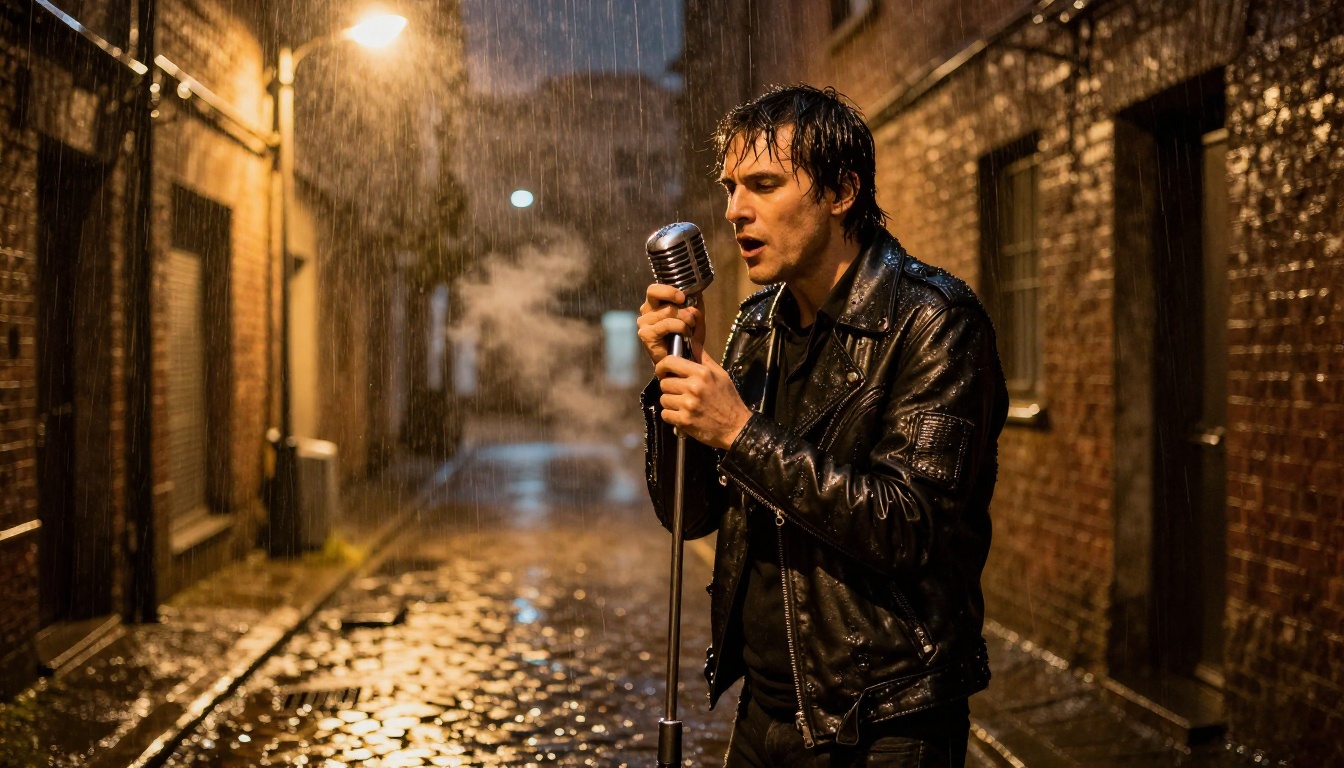
Independent musicians with limited production budgets can generate visually sophisticated music video footage with Veo 3.1. The model's strength in atmospheric and cinematic shots makes it particularly suited to the moody, visually driven content that performs well for music artists.
The most effective approach is treating Veo 3.1 as a B-roll and atmosphere generator rather than expecting it to hold a consistent character across multiple clips. Generate compelling location and mood shots, intersperse with live performance footage, and the result is a polished visual piece at a fraction of traditional production cost.
How to Use Veo 3.1 on PicassoIA
PicassoIA has Veo 3.1 available directly, so you can start generating without managing API credentials or technical setup. Here is the practical workflow.
Step 1: Pick Your Veo 3.1 Variant
PicassoIA offers three tiers of Veo 3.1:
Veo 3.1: The standard Pro-quality model. Best for final-quality output.
Veo 3.1 Fast: Faster generation with slightly reduced fidelity. Best for iteration and concept testing.
Veo 3.1 Lite: Fastest option at 720p. Best for quick concept visualization.
For anything you plan to publish, start with Veo 3.1. Use Veo 3.1 Fast to test your prompt before committing to the Pro render.
Strong prompt: "A woman in her 30s in a camel trench coat walking through a narrow cobblestone alley in the rain, single overhead street lamp casting warm tungsten light on wet stone, shot from a low angle as she approaches, 35mm lens, moody and cinematic atmosphere with ambient rain sounds"
The model responds to specificity. The more precisely you describe the scene, the closer the output will match your intent.
Step 3: Adjust Parameters
In PicassoIA, you can adjust:
Duration: Longer clips give you more to work with but increase generation time
Aspect ratio: 16:9 for landscape content, 9:16 for vertical social formats
Seed: Fix a seed to reproduce a result with slight prompt variations
Step 4: Download and Use Your Video
Once generated, the clip downloads as a standard video file with audio embedded. It is ready for your video editor (Premiere, DaVinci Resolve, Final Cut) without any additional audio setup.
Prompt Tips That Actually Work
What Veo 3.1 Responds To Best
Specific lighting descriptions: "single practical lamp from the left casting warm amber light with visible dust particles" outperforms "warm lighting"
Camera language: "low-angle tracking shot following the subject at knee height" gives the model clear direction
Material descriptions: "worn leather jacket with visible cracking on the collar" produces more realistic texture detail than "leather jacket"
Sound specifications: "with the ambient sound of a busy coffee shop, espresso machine in the background, low conversation murmur" pulls the audio in the right direction
Common Mistakes to Avoid
Contradictory instructions: Asking for both "bright midday sun" and "moody dark atmosphere" confuses the model
Vague character descriptions: Underspecified subjects produce inconsistent character appearance across the clip
Forgetting audio intent: If you want specific audio, include it in the prompt; the default audio is contextually generated but may not match your vision
Too many subjects: Veo 3.1 handles one to three subjects well; more than that risks visual confusion in the output
Start Creating with Veo 3.1 Today
Veo 3.1 Pro represents the most capable version of Google DeepMind's video generation line to date. Its combination of 1080p output, native audio synthesis, and reliable prompt fidelity makes it genuinely useful across a wide range of professional applications. From social content and product advertising to film previs and music visuals, the use cases are real and the output quality is there.
The fastest way to see what it can do is to try it. Veo 3.1 is available on PicassoIA alongside Veo 3.1 Fast and Veo 3.1 Lite, so you can match the variant to your specific need without leaving the platform. Write a strong prompt, pick your resolution tier, and generate your first clip. The gap between your concept and a finished video with audio has never been smaller.