The moment a static image comes alive, transforming from a captured memory into a living, breathing video clip, represents one of the most significant shifts in digital content creation. Veo 3.1, Google's latest video generation model available on PicassoIA, makes this transformation not just possible but remarkably accessible. For social media creators, marketers, and everyday users, this technology eliminates the barrier between imagination and execution.
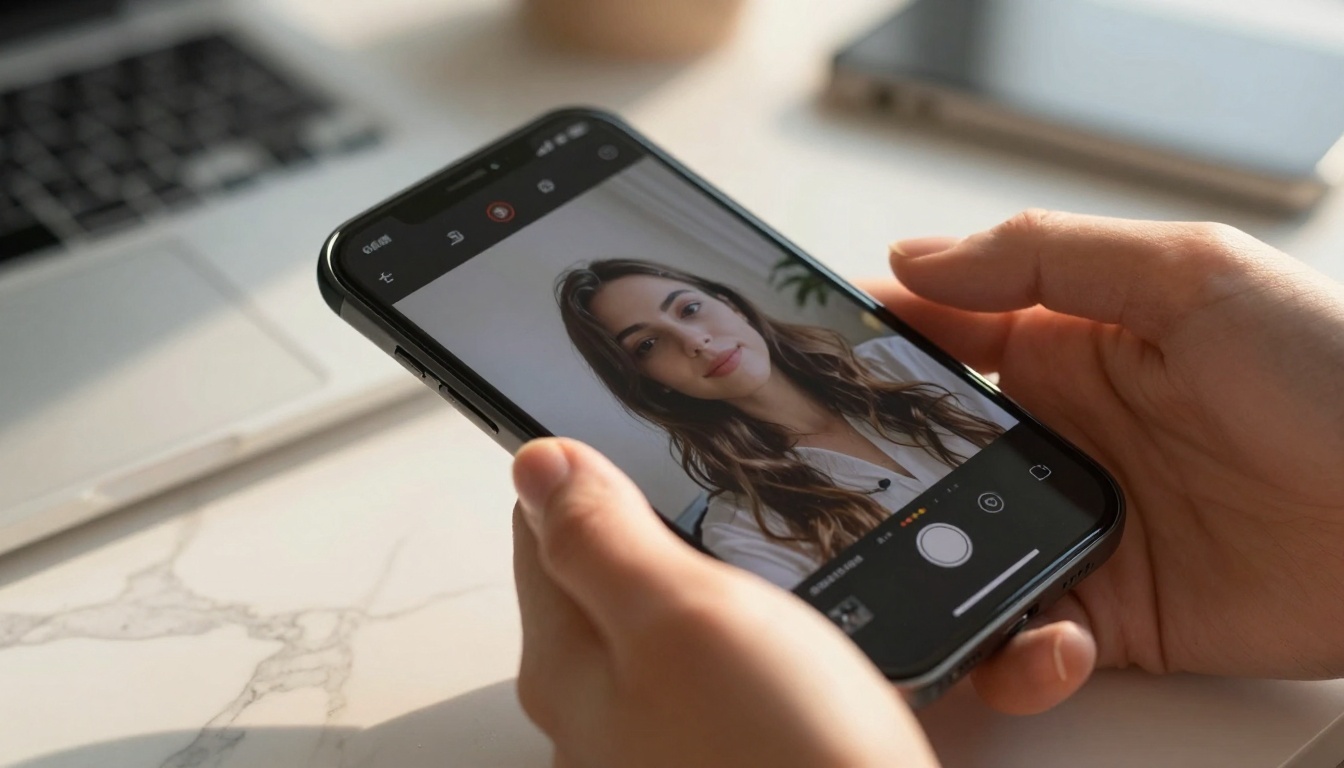
Extreme close-up of photo-to-video transition on smartphone screen
What Makes Veo 3.1 Different
Unlike previous video generation tools that required extensive technical knowledge, Veo 3.1 operates with startling simplicity. The model takes any photograph—whether a casual selfie, product shot, or landscape—and generates a short, dynamic video clip that maintains the original composition while adding natural motion. This isn't about creating videos from scratch; it's about breathing life into existing images.
💡 Key Insight: Veo 3.1 doesn't just animate photos—it understands context. A portrait becomes a video with subtle facial expressions, a product shot gains rotational movement, and a landscape acquires natural environmental motion like swaying trees or flowing water.
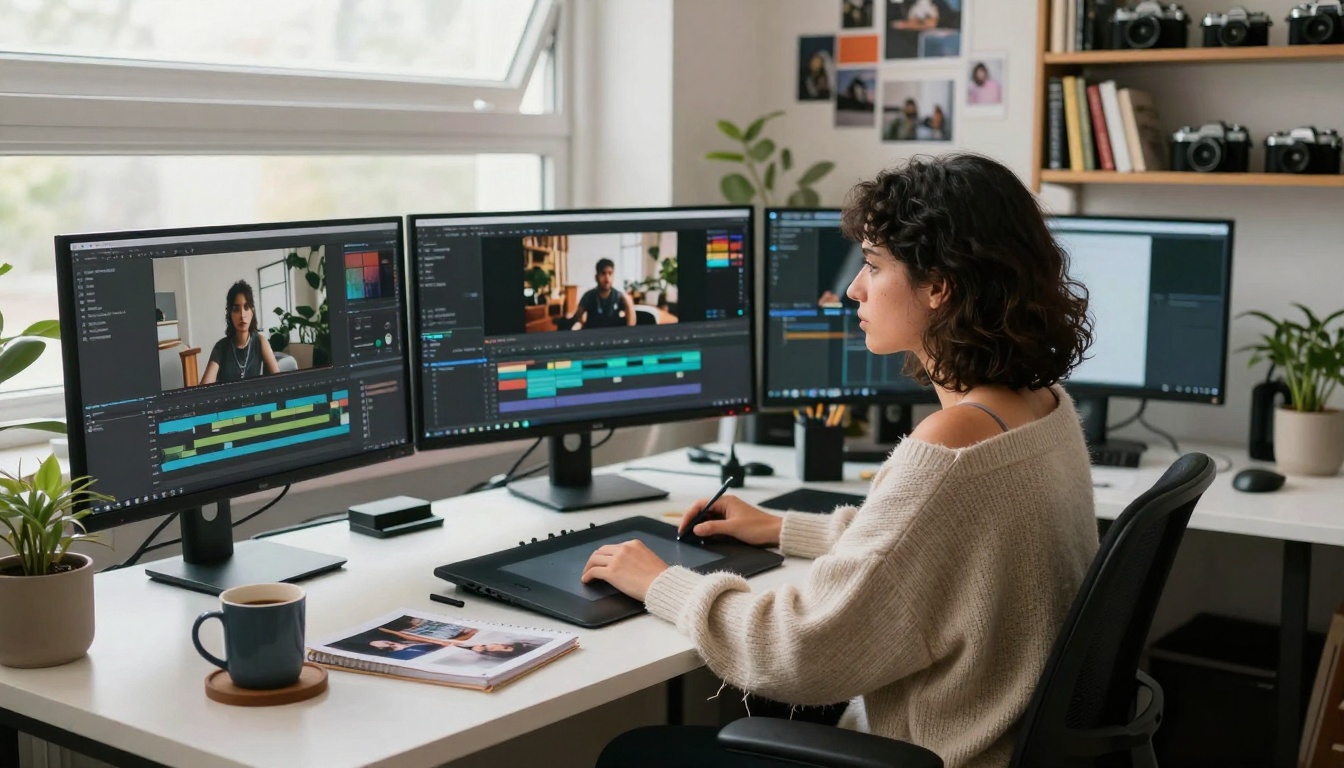
Digital artist working with photo-to-video transformations
The Technical Architecture Behind the Magic
Veo 3.1's effectiveness stems from a multi-layered approach to video generation:
1. Image Understanding Layer
- Analyzes composition, lighting, and subject matter
- Identifies potential motion vectors within the image
- Preserves original aesthetic and color grading
2. Motion Prediction Engine
- Generates plausible movement based on image content
- Maintains realistic physics and timing
- Avoids unnatural or exaggerated animation
3. Temporal Coherence System
- Ensures smooth transitions between frames
- Maintains consistency throughout the video
- Prevents flickering or artifacts
4. Style Preservation Module
- Keeps the original photographic style intact
- Maintains color palette and lighting mood
- Respects the artistic intent of the source image
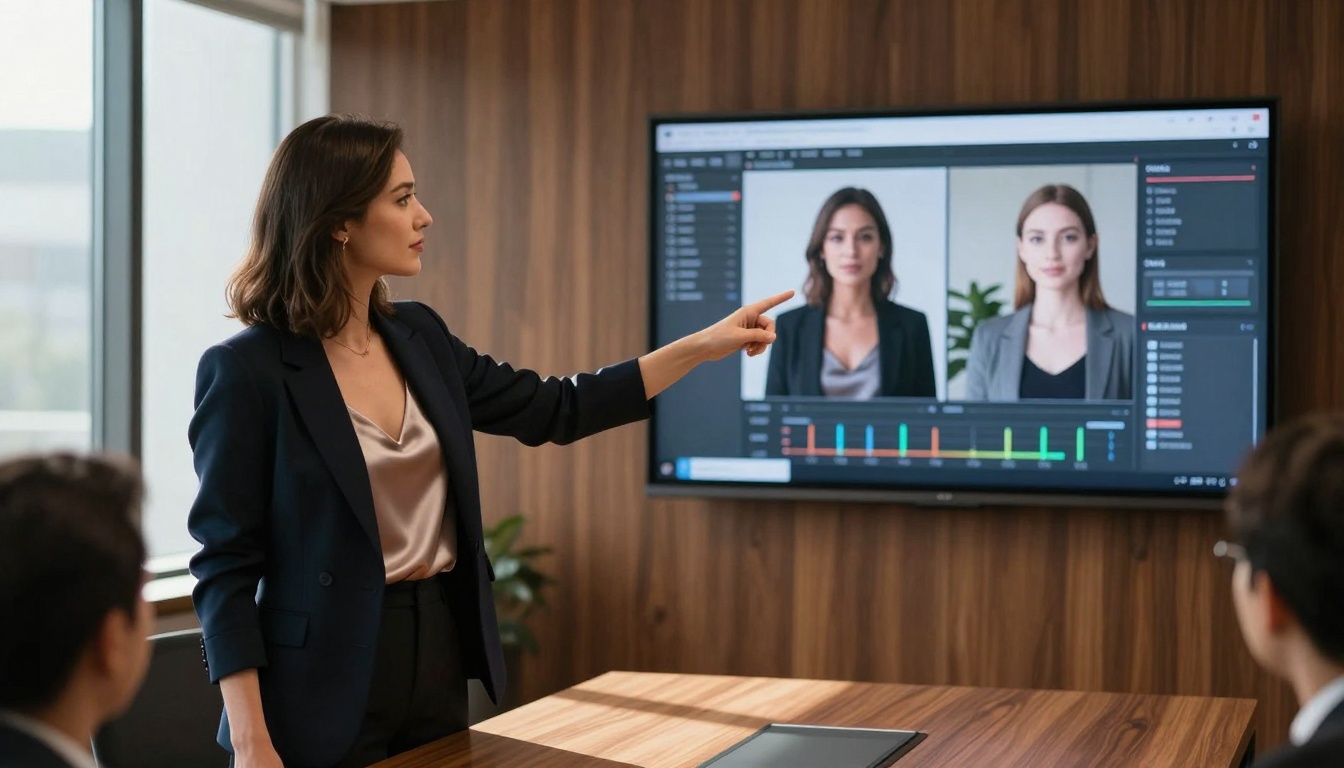
Professional demonstration of AI video generation
Instagram & TikTok Content Creation
The 3-15 second video format dominates these platforms, and Veo 3.1 generates content perfectly suited for these time constraints. Content creators can transform their photo galleries into engaging video content without shooting new footage.
| Use Case | Traditional Method | With Veo 3.1 |
|---|
| Product Showcases | Multiple camera angles, lighting setups | Single photo → rotating 3D-like video |
| Portrait Content | Video recording sessions | Selfies with natural facial movements |
| Travel Content | Extensive video footage | Landscape photos with environmental motion |
| Food Content | Multiple preparation shots | Finished dish photos with steam/sizzle effects |
Facebook & LinkedIn Professional Use
For business profiles and professional networking, Veo 3.1 offers subtle, professional animation that enhances without distracting. Company team photos gain natural movement, product images show functionality, and infographics become dynamic presentations.
Real-time reaction to photo-to-video transformation
Quality Benchmarks and Limitations
What Veo 3.1 Does Exceptionally Well:
- Portrait Animation: Subtle facial expressions and natural head movements
- Product Rotation: Smooth 360-degree product showcases
- Environmental Motion: Realistic water flow, wind effects, cloud movement
- Lighting Consistency: Maintains original lighting throughout animation
Current Limitations to Consider:
- Complex Scenes: Multiple moving elements can challenge coherence
- Text Integration: Animated text within images remains experimental
- Specific Timing: Exact duration control requires parameter adjustment
- Style Extremes: Highly stylized or abstract images may not animate optimally
Rooftop workspace with synchronized video generation
Step-by-Step: Using Veo 3.1 on PicassoIA
Accessing Veo 3.1 through PicassoIA's platform follows a straightforward workflow:
1. Upload Your Source Image
- Supported formats: JPEG, PNG, WebP
- Recommended resolution: 1080p minimum for quality results
- Aspect ratios maintained in output
2. Configure Generation Parameters
- Duration: 3-15 seconds (optimized for social media)
- Motion Intensity: Subtle to moderate animation levels
- Style Preservation: Maintain original or add cinematic flair
- Output Format: MP4 with optimized compression
3. Generate and Review
- Processing time: 30-90 seconds depending on complexity
- Preview generation before final export
- Option to regenerate with adjusted parameters
4. Export and Share
- Direct download to device
- Social media optimization presets
- Watermark-free output for professional use
Content creator experiencing video generation results
Comparative Analysis: Veo 3.1 vs. Alternatives
When evaluating video generation options, several factors distinguish Veo 3.1 from competing solutions:
Speed and Efficiency
- Veo 3.1: 30-90 second generation time
- Traditional Video Editing: Hours of shooting and editing
- Other AI Tools: Often 2-5 minutes for similar quality
Quality Retention
- Veo 3.1: Excellent preservation of original image quality
- Frame Interpolation Tools: Often creates blur or artifacts
- 3D Modeling: Requires complete recreation of scene
Accessibility
- Veo 3.1: No technical expertise required
- Professional Software: Steep learning curve
- Custom Development: Requires programming knowledge
Cost Effectiveness
- Veo 3.1: Pay-per-use through PicassoIA
- Software Licenses: Annual subscriptions $300+
- Agency Services: $500+ per video project
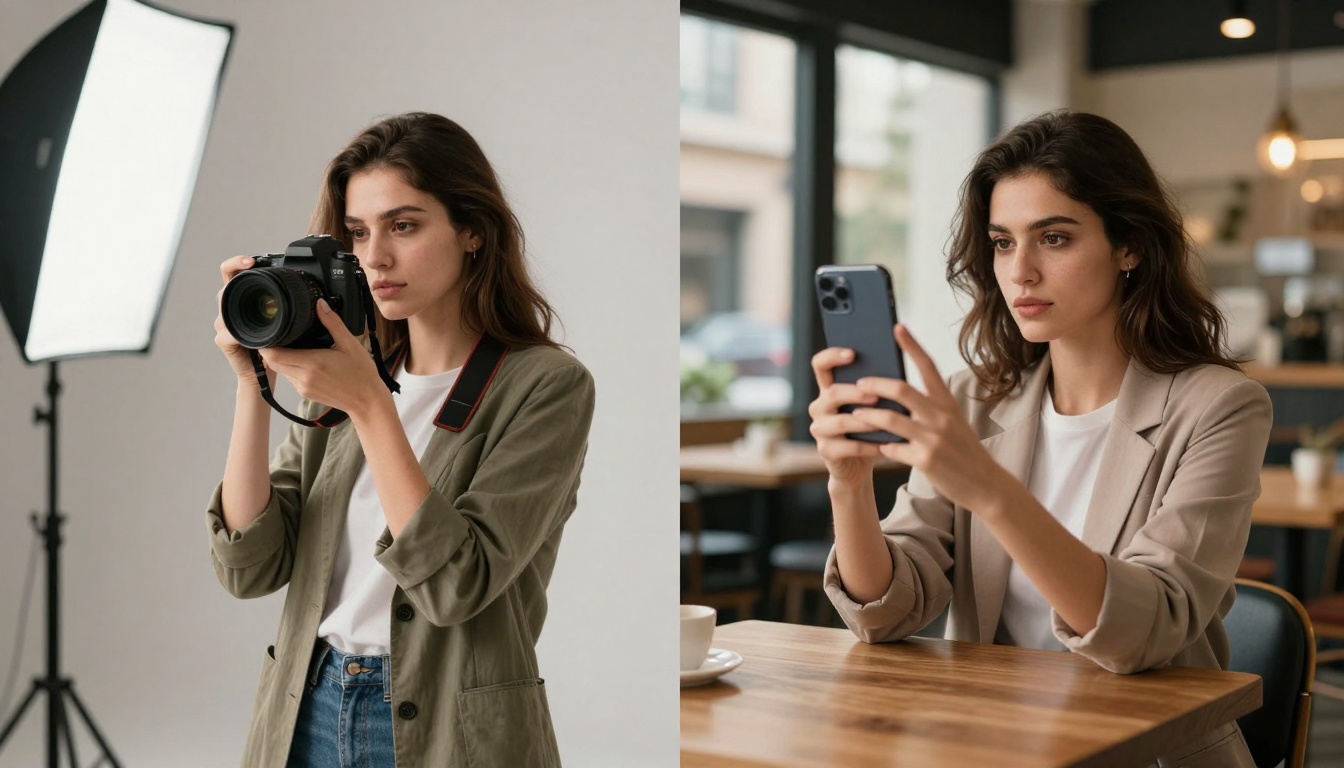
Visual comparison of traditional photography vs AI video generation
While social media represents the most immediate application, Veo 3.1's technology opens creative doors in multiple domains:
E-commerce and Retail
Product images transform into interactive showcases, allowing customers to see items from multiple angles without 3D modeling. Fashion photography gains subtle movement that better represents how clothing drapes and moves.
Real Estate and Architecture
Property photos become virtual walkthroughs, with subtle panning and environmental motion that gives better spatial understanding than static images alone.
Education and Training
Educational materials gain engagement through animated diagrams, historical photos that "come alive," and technical illustrations that demonstrate processes.
Personal Memory Preservation
Family photos and vacation memories transform into living moments, preserving not just the image but a sense of the moment's atmosphere and energy.
Late-night personal content creation with AI tools
Technical Considerations for Optimal Results
Achieving the best results with Veo 3.1 requires understanding some technical fundamentals:
Image Preparation Guidelines
- Lighting: Well-lit images with clear shadows animate better
- Composition: Central subjects with clear focal points work best
- Resolution: Higher resolution inputs yield higher quality outputs
- Background: Simple backgrounds prevent distracting artifacts
Parameter Optimization
- Motion Settings: Start subtle and increase based on results
- Duration Matching: Match video length to content complexity
- Style Consistency: Use similar images for batch processing
- Output Testing: Generate short clips before final versions
Workflow Integration
- Batch Processing: Process multiple images with consistent settings
- Quality Control: Review each generation before publication
- Metadata Preservation: Ensure original information transfers
- Format Conversion: Convert to platform-optimized formats
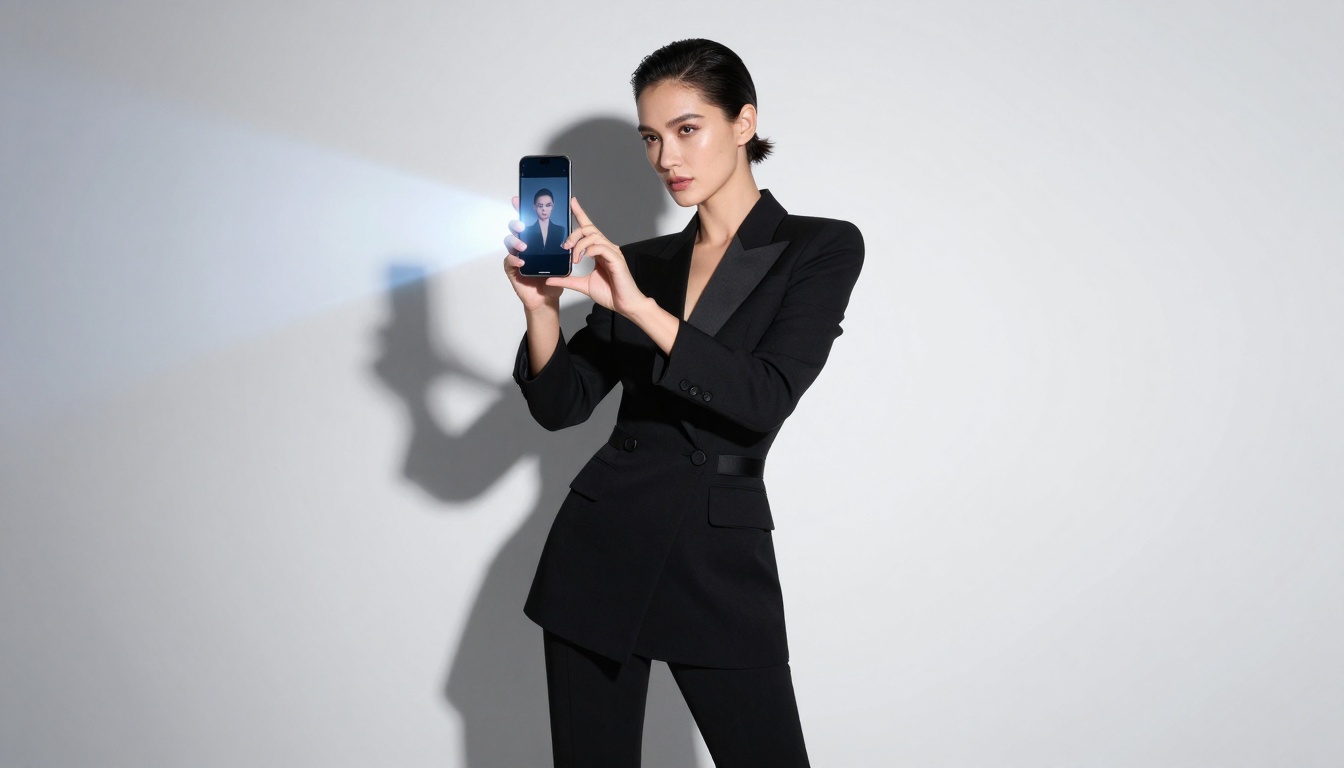
High-fashion application of photo-to-video technology
The Future Trajectory of Photo-to-Video Technology
Veo 3.1 represents current capabilities, but the evolution continues rapidly:
Near-Term Developments (6-12 Months)
- Longer Duration: Extending beyond 15-second limitations
- Multi-Subject Animation: Better handling of complex scenes
- Audio Integration: Adding ambient sound or voiceovers
- Interactive Controls: User-directed camera movements
Medium-Term Evolution (1-2 Years)
- Style Transfer: Applying different cinematic styles to animations
- Narrative Generation: Creating simple story sequences from photo sets
- Real-Time Processing: Instant generation for live applications
- Platform Integration: Direct social media platform tools
Long-Term Vision (3+ Years)
- Complete Scene Reconstruction: 3D environments from 2D images
- Emotional Intelligence: Animation that reflects emotional content
- Collaborative Creation: Multiple users contributing to same video
- Cross-Platform Consistency: Seamless experience across all devices
The barrier to entry has never been lower. With a PicassoIA account and any photograph, anyone can begin transforming static images into dynamic content. The process requires no special equipment, no technical training, and no creative constraints beyond one's imagination.
Start with personal photos that have emotional resonance or visual interest. Experiment with different parameter settings to understand how motion intensity affects results. Share early attempts to gather feedback, and refine your approach based on what resonates with audiences.
The transformation from photographer to videographer no longer requires new skills—just new tools. Veo 3.1 represents one of those rare technological advances that genuinely democratizes creative expression, putting professional-quality video generation in the hands of anyone with a smartphone and imagination.
Ready to transform your photos? Visit PicassoIA's Veo 3.1 page and upload your first image. The transition from static memory to living video takes less time than reading this sentence.


