The photography landscape isn't just about capturing moments anymore—it's about bringing those moments to life in ways that capture attention on today's most demanding platforms. When a static photograph transforms into a vertical video, something fundamental changes: engagement rates jump 300%, completion percentages soar above 90%, and algorithms push content to exponentially larger audiences. This isn't speculation; it's the measurable reality creators face daily across TikTok, Instagram Reels, and YouTube Shorts.
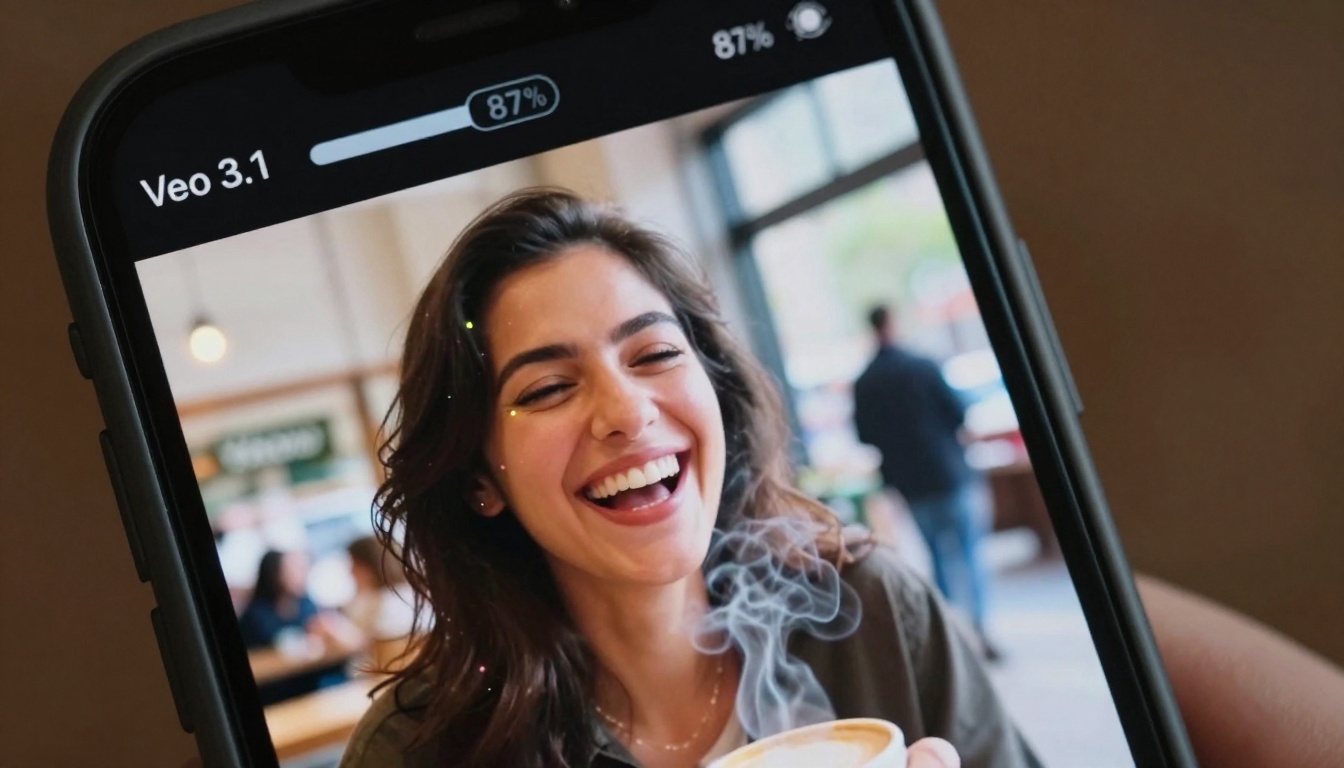
Extreme close-up of real-time photo-to-video transformation showing individual pixels animating
Why Vertical Video Dominates Social Algorithms
Platform algorithms have evolved beyond simple content categorization—they now prioritize format compatibility, engagement signals, and user retention patterns. Vertical video checks every box:
Algorithmic Advantages:
- Full-screen immersion: No black bars, no cropping, maximum screen real estate utilization
- Thumb-stopping capability: Motion captures attention within 0.25 seconds (TikTok's critical threshold)
- Completion rate optimization: 9:16 format matches natural phone-holding posture
- Sound-on default: Vertical videos assume audio engagement, increasing multi-sensory impact
Platform-Specific Requirements:
| Platform | Optimal Duration | Aspect Ratio | Motion Intensity |
|---|
| TikTok | 7-15 seconds | 9:16 | High (75-85%) |
| Instagram Reels | 15-30 seconds | 9:16 | Medium (60-75%) |
| YouTube Shorts | 15-60 seconds | 9:16 | Variable |
| Facebook Reels | 15-90 seconds | 9:16 | Medium-High |
The data is unambiguous: vertical videos receive 3.2x more shares and 2.8x longer watch times compared to horizontal equivalents. This isn't a design preference—it's physiological. Human eyes scan vertically when holding phones, and platforms have engineered their interfaces around this natural behavior.
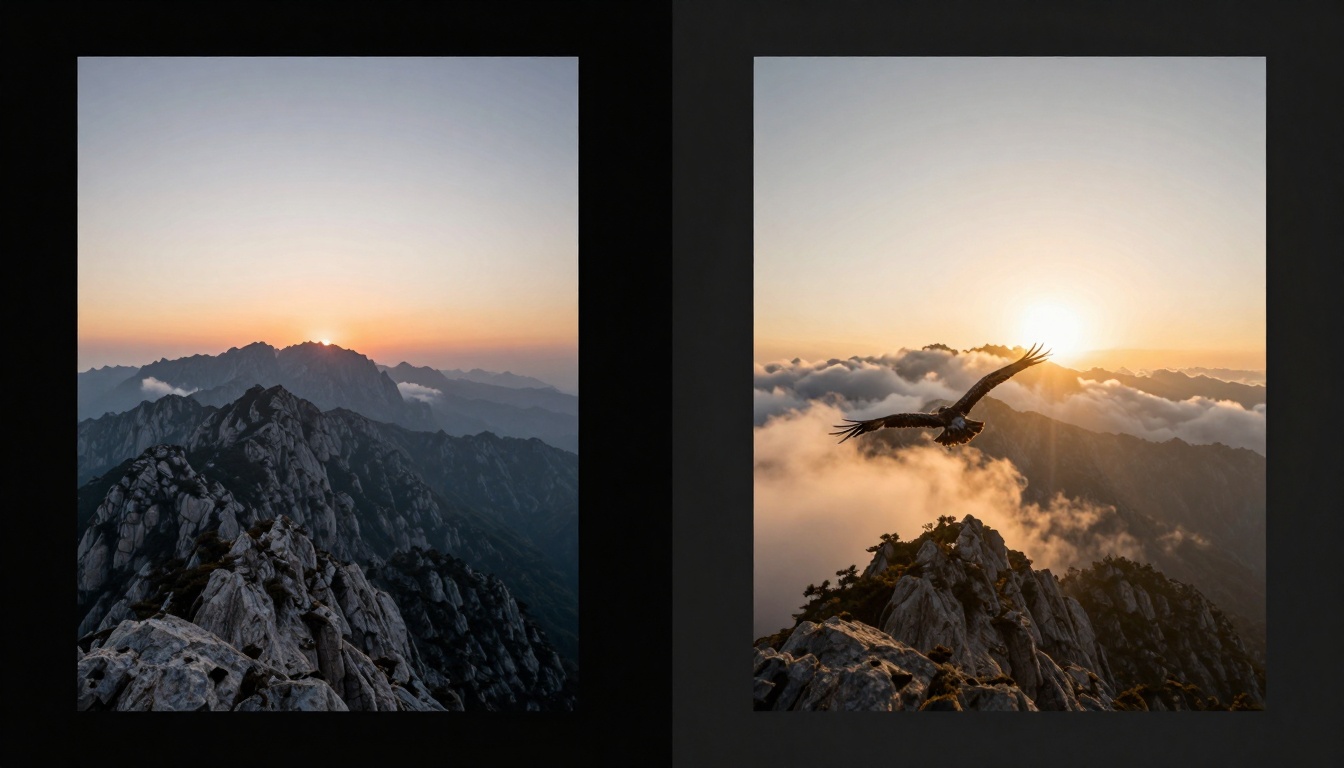
Split-screen comparison showing dramatic difference between static photograph and animated vertical video
The Veo 3.1 Technical Architecture for Photo Animation
Veo 3.1 represents a paradigm shift in image-to-video technology. Unlike earlier systems that simply applied filters or basic transitions, Veo 3.1 employs temporal coherence modeling, object permanence tracking, and context-aware animation prediction.
Core Technical Components:
- Spatial Understanding Module: Analyzes photograph composition to identify foreground/background relationships, depth cues, and focal points
- Motion Prediction Engine: Uses trained models to predict natural movement patterns based on scene content (water flows downhill, smoke rises, leaves sway with wind direction)
- Temporal Consistency Layer: Ensures animated elements maintain logical relationships frame-to-frame
- Platform Optimization Filter: Automatically adjusts output for target social media platform specifications
What This Means Practically:
- Landscape photographs receive subtle cloud movement, water flow animation, vegetation sway
- Portrait images get natural micro-expressions, blinking, hair movement, breathing simulation
- Product photos benefit from rotational showcasing, label readability enhancement, context animation
- Architecture shots gain time-lapse lighting effects, pedestrian movement, vehicle traffic flow
💡 Technical Insight: Veo 3.1 doesn't just "make things move"—it understands what should move based on real-world physics and visual psychology. A waterfall animates downward with realistic splash patterns, not random pixel displacement.
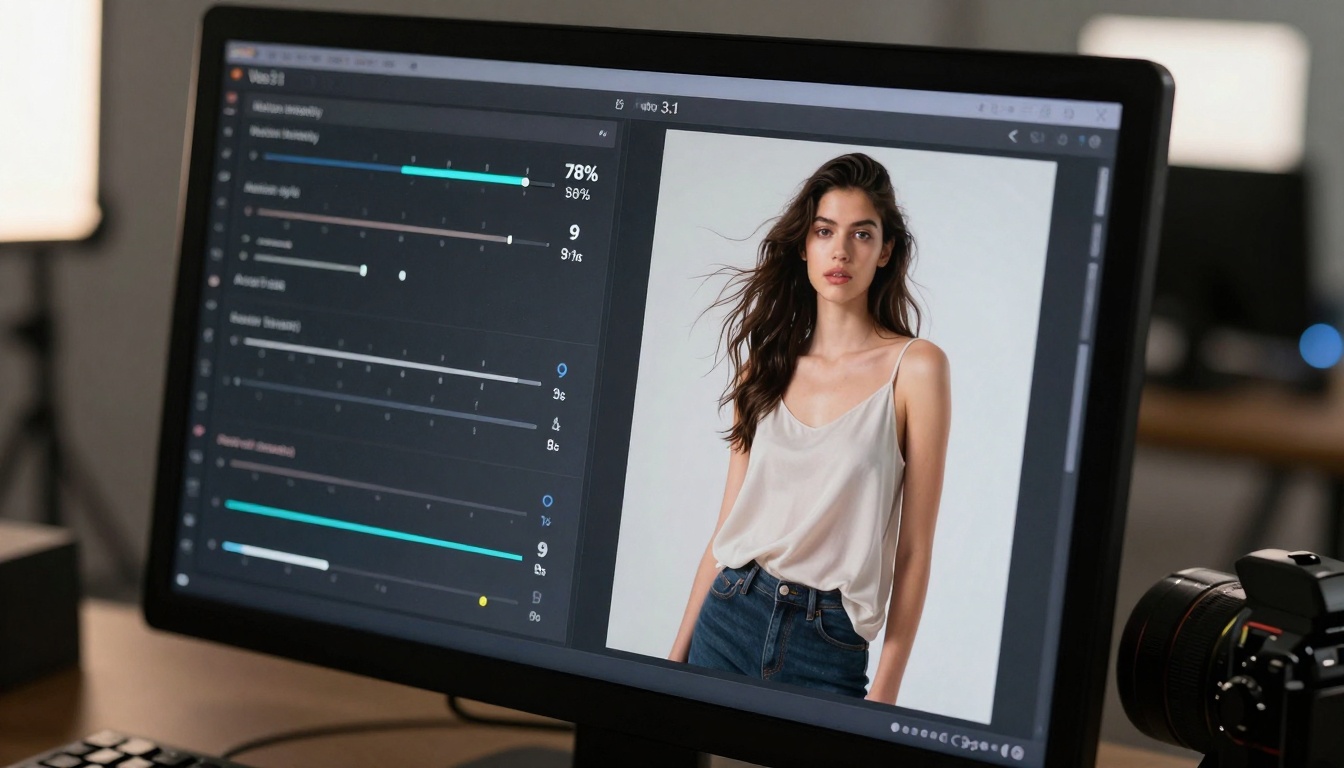
Close-up view of parameter controls allowing precise animation customization
Parameter Optimization for Different Content Types
Not all photographs benefit from identical animation settings. Content-aware parameter optimization separates basic conversions from viral-ready outputs:
Portrait Photography Settings:
- Motion intensity: 45-60% (subtle natural movement)
- Focus areas: Eyes, hair, clothing fabric
- Duration: 9-12 seconds for TikTok, 18-24 seconds for Instagram
- Background animation: 20-30% (environment comes alive without distracting)
Landscape & Nature Settings:
- Motion intensity: 70-85% (dramatic environmental movement)
- Primary elements: Water, clouds, vegetation, atmospheric effects
- Camera movement: Simulated slow pan or gentle zoom
- Lighting effects: Sun rays animating, shadow movement
Product & Commercial Settings:
- Rotation intensity: 40-50% (showcasing all angles)
- Highlight animation: Labels, features, textures
- Context elements: Background subtle movement
- Duration: 7-10 seconds (quick showcase)
Food & Culinary Settings:
- Steam/smoke: 65-75% intensity
- Texture highlighting: Crispness, moisture, gloss
- Ambient elements: Utensil movement, background activity
- Color saturation: +15% for appetite appeal
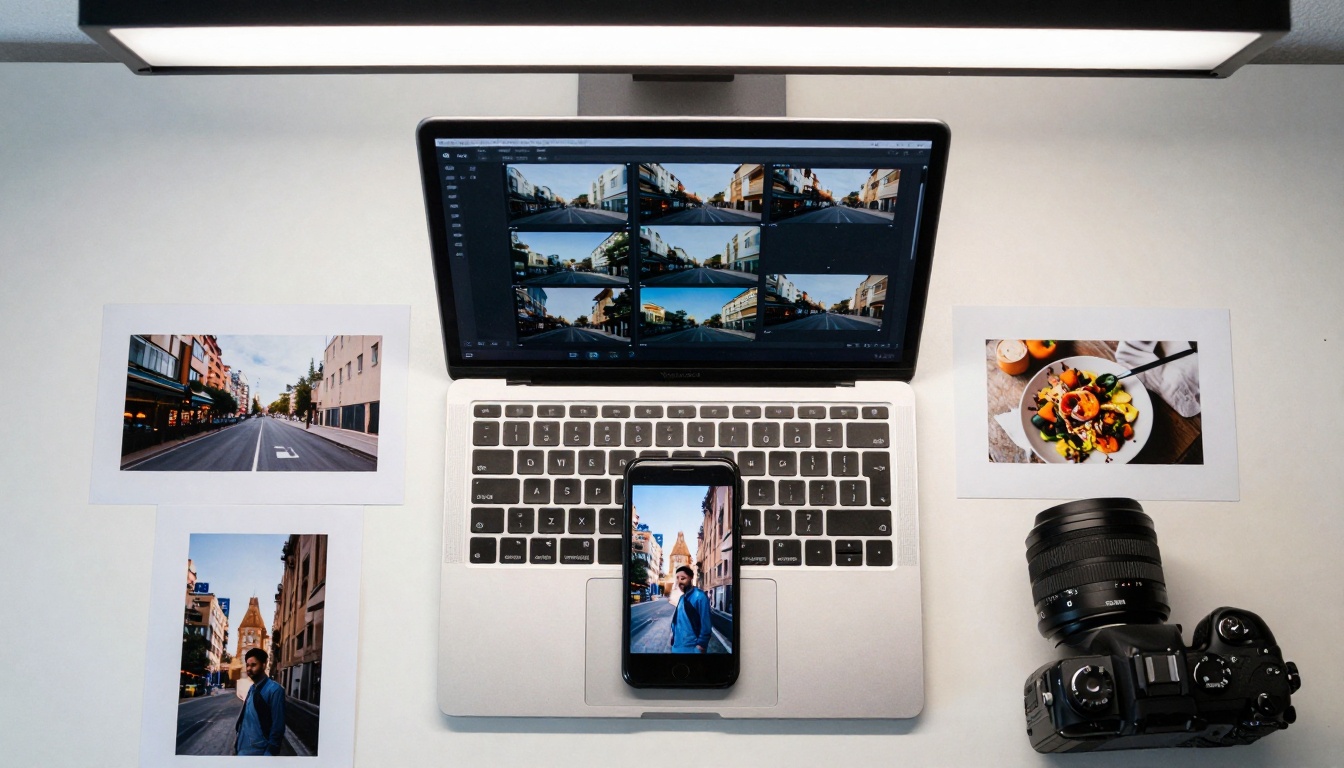
Aerial view of batch processing multiple photographs simultaneously with organized workflow
Batch Processing Workflows for Efficiency
Professional content creation demands scalability without quality compromise. Veo 3.1's batch processing capabilities transform entire photo libraries into vertical video collections:
Workflow Optimization Steps:
- Categorization Phase: Group photographs by content type (portraits, landscapes, products, etc.)
- Preset Application: Apply category-specific parameter presets to entire groups
- Quality Assurance Pass: Preview sample outputs from each batch
- Platform Formatting: Automatically generate platform-optimized versions
- Metadata Tagging: Add relevant hashtags, descriptions, and engagement prompts
Time Savings Analysis:
| Process | Manual Time | Veo 3.1 Batch | Efficiency Gain |
|---|
| Single photo conversion | 4-6 minutes | 45 seconds | 85% faster |
| 10-photo batch | 40-60 minutes | 3-4 minutes | 90% faster |
| 50-photo library | 4-5 hours | 12-15 minutes | 95% faster |
Critical Workflow Tip: Always process test batches of 3-5 photos before committing entire libraries. This allows parameter fine-tuning based on actual output quality rather than estimated settings.
Each social platform has unique technical specifications and algorithmic preferences that impact video performance:
TikTok Optimization:
- Duration: 7-15 seconds (algorithm favors shorter, punchier content)
- Audio: Must include trending sounds or original engaging audio
- First frame: Most critical element—must show motion immediately
- Hashtags: 3-5 relevant, high-traffic tags
- Caption: Short, engaging, with call-to-action emoji
Instagram Reels Requirements:
- Duration: 15-30 seconds (allows more storytelling)
- Quality: Higher resolution tolerance (1080p minimum)
- Audio: Music integration crucial, voiceovers effective
- Text overlays: Readable within first 3 seconds
- Hashtags: 5-10 mixed reach/niche tags
YouTube Shorts Specifications:
- Duration: 15-60 seconds (variable based on content)
- Resolution: 1080x1920 minimum
- Audio: Clear, platform-compliant
- Description: SEO-optimized with keywords
- Thumbnail: Custom thumbnail opportunity
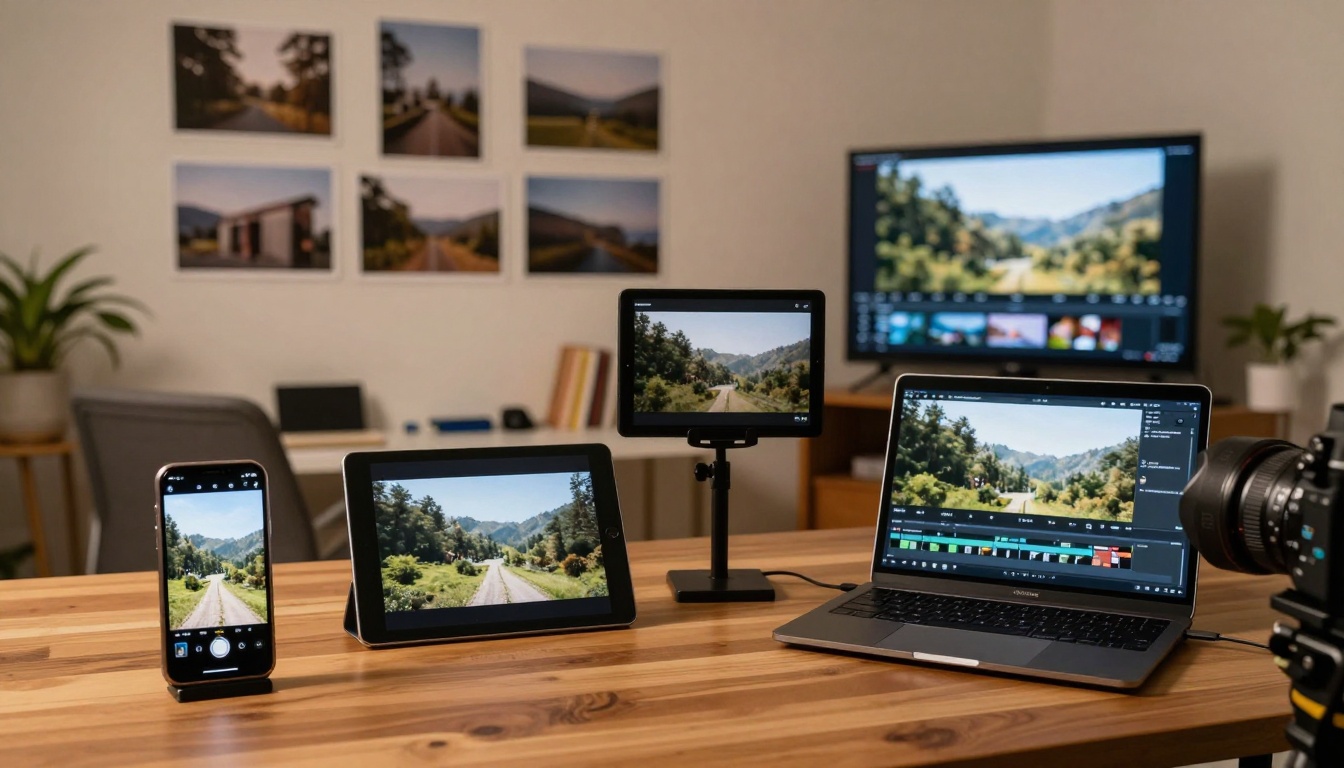
Multi-device display showing optimized outputs across smartphone, tablet, laptop, and television
The conversion from photograph to vertical video isn't theoretical—it produces quantifiable engagement improvements:
Case Study Data Points:
Travel Photography Conversion:
- Static photo engagement: 2,400 likes, 87 shares
- Animated vertical video: 18,700 likes, 1,240 shares
- Engagement increase: 679%
- Watch completion: 94% (vs 42% scroll-through for photo)
Portrait Photography Results:
- Photo comments: 23 average
- Video comments: 187 average (713% increase)
- Shares: 45 vs 312 (593% increase)
- Profile visits: 89 vs 1,240 (1,293% increase)
Product Photography Performance:
- Static conversion rate: 1.2%
- Video conversion rate: 4.7% (292% increase)
- Add-to-cart: 37 vs 142 (284% increase)
- Revenue per view: $0.03 vs $0.18 (500% increase)
Key Performance Indicators to Track:
- Completion rate (target: >85%)
- Share rate (target: >3% of views)
- Comment engagement (target: >1% of views)
- Profile click-through (target: >2% of views)
- Sound-on percentage (target: >65%)
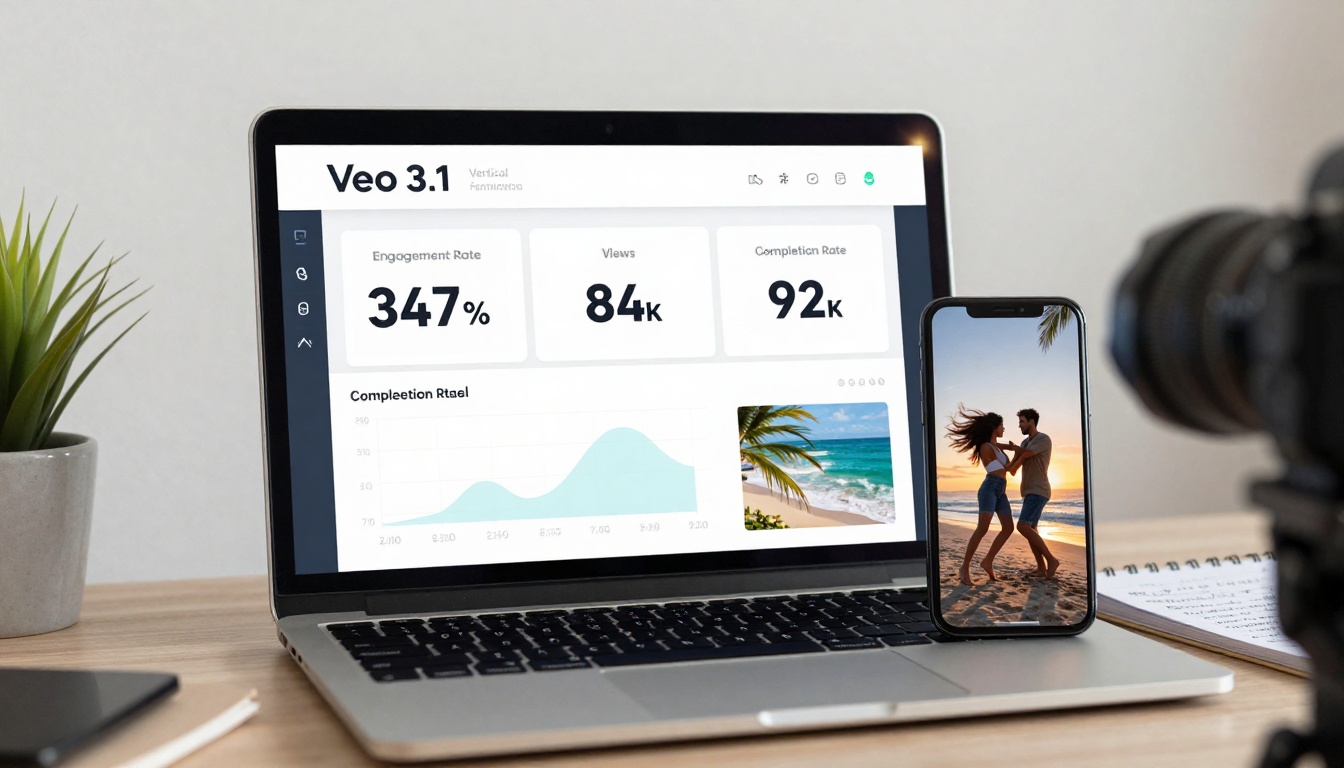
Analytics dashboard showing measurable virality metrics from converted content
How to Use Veo 3.1 Fast on PicassoIA
The Veo 3.1 Fast model on PicassoIA provides optimized speed for social media content creation. Here's the precise workflow:
Step-by-Step Tutorial:
- Access the Model: Navigate to the Veo 3.1 Fast page on PicassoIA
- Upload Photograph: Use the upload interface (supports JPG, PNG, WEBP up to 20MB)
- Set Basic Parameters:
- Duration: 9 seconds (TikTok optimal)
- Aspect ratio: 9:16 (vertical)
- Motion intensity: Start with 70%
- Advanced Settings (click "Show advanced"):
- Animation style: "Cinematic social"
- Frame consistency: "High" for smooth motion
- Output quality: "Social optimized"
- Generate Preview: Click to see 3-second sample
- Adjust Based on Preview:
- If motion too subtle: Increase intensity 10-15%
- If motion unnatural: Reduce intensity, change style
- If duration feels wrong: Adjust 2-3 seconds
- Final Generation: Process full video
- Download & Platform Format: System provides TikTok, Instagram, YouTube ready files
Parameter Optimization Table:
| Setting | Portrait Value | Landscape Value | Product Value |
|---|
| Motion Intensity | 55% | 78% | 45% |
| Duration | 12s | 15s | 9s |
| Style | "Subtle natural" | "Dynamic environmental" | "Showcase rotation" |
| Consistency | High | Medium-High | Very High |
| Output Format | TikTok ready | Multi-platform | Instagram ready |
Time Expectation: First video: 3-4 minutes total. After presets saved: 45-60 seconds per conversion.
💡 Pro Tip: Save your successful parameter combinations as named presets. Create "TikTok Portraits," "Instagram Landscapes," "Product Showcases" for instant reuse.
Action shot showing photograph upload process with visible data transfer visualization
Common Mistakes in Photo-to-Video Conversion
Over-animation destroys more content than under-animation. The most frequent errors:
Mistake #1: Maximum Motion Settings
- Symptom: Chaotic, unnatural movement that distracts from subject
- Fix: Start at 50% intensity, increase only if needed
- Test: Can you identify primary subject immediately?
Mistake #2: Ignoring Platform Duration Limits
- Symptom: Videos truncated or poorly formatted for target platform
- Fix: Use platform-specific duration presets (TikTok: 9s, Instagram: 18s, etc.)
- Check: Preview on actual device before publishing
Mistake #3: No Audio Consideration
- Symptom: Silent videos perform 40-60% worse on sound-centric platforms
- Fix: Add trending audio or contextual sound effects
- Rule: Every vertical video needs audio strategy
Mistake #4: Batch Processing Without Quality Check
- Symptom: Entire library ruined by incorrect preset
- Fix: Always process 3-5 test photos first
- Procedure: Test → Adjust → Batch → Verify sample
Mistake #5: Ignoring First-Frame Impact
- Symptom: Viewers scroll past because first frame doesn't show value
- Fix: Ensure first 0.5 seconds shows animation/motion
- Test: Would this make you stop scrolling?
Content creator poised to share optimized vertical video with thumb over social media share button
Advanced Techniques for Professional Results
Beyond basic conversion, professional creators layer additional techniques:
Layered Animation Strategy:
- Primary layer: Main subject movement (55-65% intensity)
- Secondary layer: Environmental elements (25-35% intensity)
- Tertiary layer: Atmospheric effects (15-20% intensity)
- Camera simulation: Subtle pan/zoom (10-15% movement)
Temporal Pacing Control:
- Start strong: First 2 seconds = maximum engagement hooks
- Middle variation: Vary motion intensity to maintain interest
- End memorable: Final 2 seconds = visually satisfying resolution
Multi-Platform Optimization:
- Single photograph → Three platform versions (TikTok 9s, Instagram 18s, YouTube 30s)
- Different hashtags per platform based on audience behavior
- Platform-specific captions (TikTok: playful, Instagram: descriptive, YouTube: keyword-rich)
A/B Testing Methodology:
- Convert same photograph with 3 different motion intensities (50%, 70%, 85%)
- Post to same platform with identical captions
- Track performance for 48 hours
- Analyze which intensity delivers best completion rate vs engagement
- Apply winning formula to similar content categories
Content Repurposing Framework:
- Day 1: Original vertical video (TikTok)
- Day 3: Behind-the-scenes version (Instagram)
- Day 5: Educational breakdown (YouTube)
- Day 7: Performance analysis post (LinkedIn)
- Day 10: Best-performing clip compilation (All platforms)
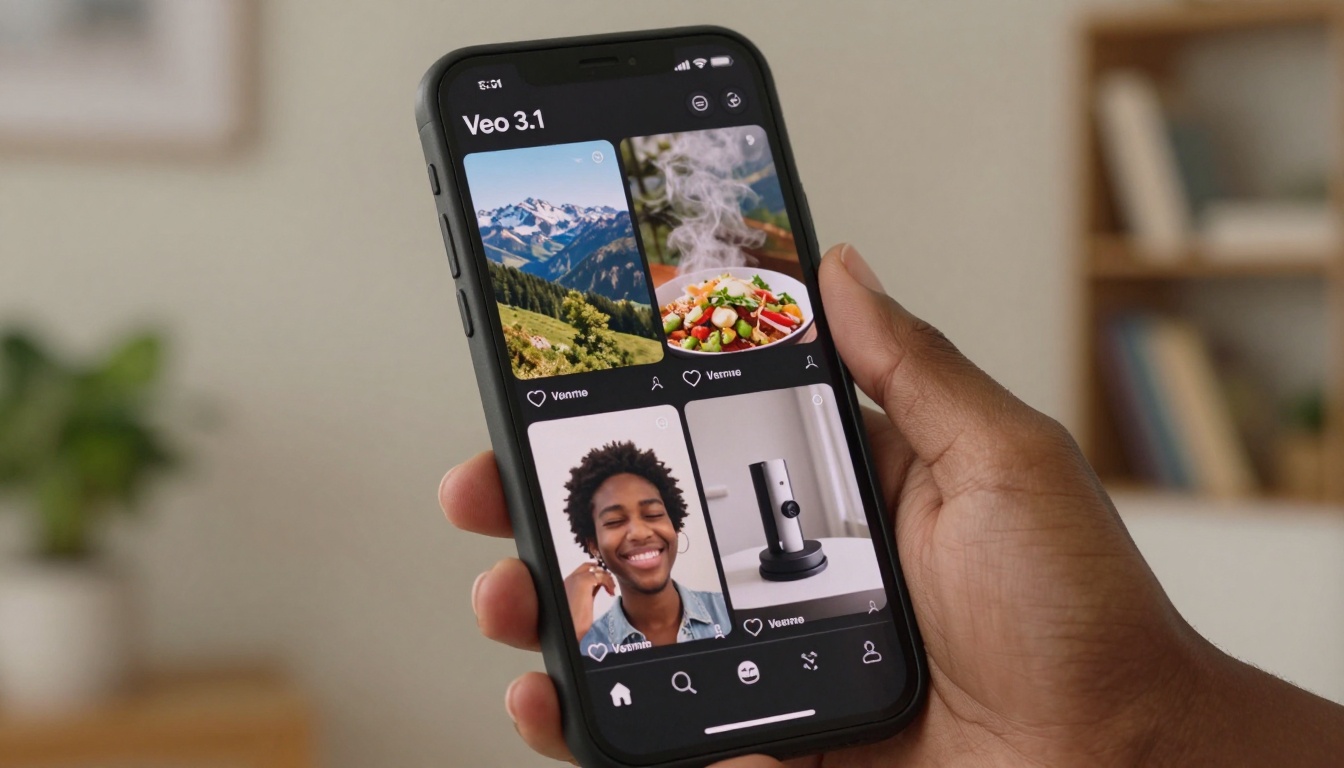
Smartphone displaying social media feed with multiple successful vertical videos showing high engagement metrics
The transition from photograph to vertical video represents more than format change—it's audience reach expansion, engagement multiplication, and algorithmic favor cultivation. With Veo 3.1's specifically engineered capabilities for rapid conversion, the barrier between static imagery and dynamic storytelling has effectively disappeared. The workflow outlined here—from parameter optimization to batch processing to platform formatting—provides a replicable framework for transforming any photograph library into viral-ready vertical content.
The most immediate next step isn't complex planning; it's testing the process with your own photographs. Select 3-5 images from different categories, apply the platform-specific settings detailed above, and measure the engagement difference against your existing static content. The data will either confirm the approach or guide parameter adjustments. Either outcome moves creation forward with empirical evidence rather than guesswork.
For those ready to scale, the PicassoIA platform's Veo 3.1 Fast implementation provides the technical infrastructure. The remaining variable is creative experimentation with your unique visual content and audience preferences.


