Vertical video is no longer a mobile afterthought. It is the dominant format on every major platform, and the demand for AI-generated 9:16 content has never been higher. Veo 3.1 from Google is the latest answer to that demand, and it does something most AI video models still cannot: it treats portrait-mode output as a first-class citizen, not a cropped version of a widescreen clip.
What Veo 3.1 Actually Is
Veo 3.1 is Google's third-generation AI video model, built for high-fidelity video synthesis from text prompts. Where earlier versions focused primarily on cinematic 16:9 output, this iteration brings expanded support for vertical formats, tighter motion coherence in short clips, and built-in audio synthesis that does not require post-processing.
The model sits in a lineup that also includes Veo 3.1 Fast for rapid iterations and Veo 3.1 Lite for lighter workloads. Each variant serves a specific use case, but the flagship Veo 3.1 is the one you reach for when quality is non-negotiable.
The Native Audio Difference
Most text-to-video tools generate silent clips that require separate audio work. Veo 3.1 generates synchronized ambient audio, sound effects, and in some cases dialogue directly from the prompt. For social video, this is significant. A clip of rain on a city street should sound like rain on a city street, and Veo 3.1 delivers that without extra steps.
This matters especially for TikTok and Reels, where autoplay audio is on by default and sound-off content performs measurably worse in watch-time data.
1080p at 9:16
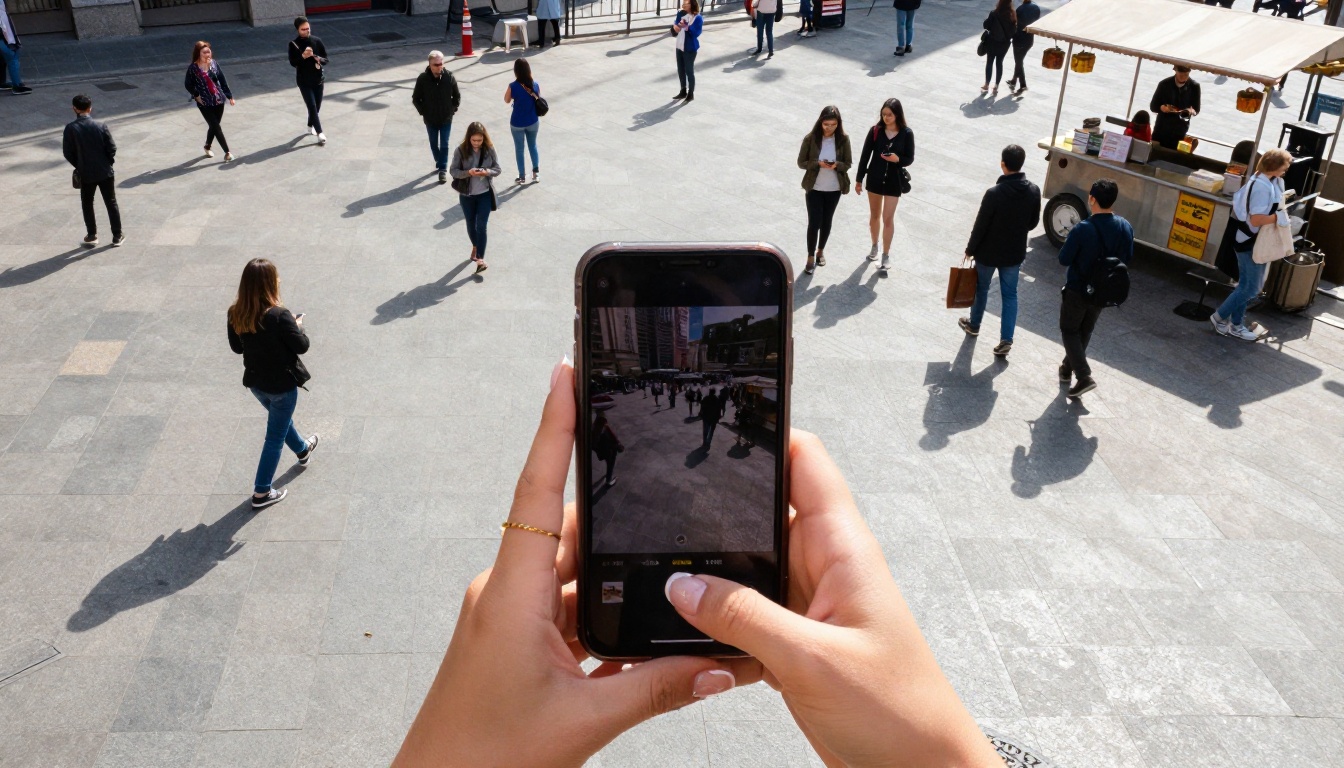
The output resolution is 1080p at the 9:16 aspect ratio, which matches the native display format for Instagram Reels, TikTok, YouTube Shorts, and Snapchat. There is no need to crop or reformat. What you generate is what you publish.
Why Vertical Video Changed Everything
Portrait-orientation video has gone from a beginner's mistake to the correct choice for social distribution. That shift happened fast and it was driven by one thing: the way people actually hold their phones.
The Numbers Behind Portrait Content
Instagram Reels generate significantly higher reach than standard feed posts. TikTok was built exclusively for 9:16 from day one. YouTube Shorts crossed 70 billion daily views. The format is not trending, it is established, and it rewards content created in portrait mode rather than adapted from widescreen.
AI-generated video that natively outputs 9:16 skips the adaptation problem entirely. There are no black bars, no awkward crops, no subject cut off at the edges. The composition is built for the format from the start.
9:16 vs 16:9 on Social
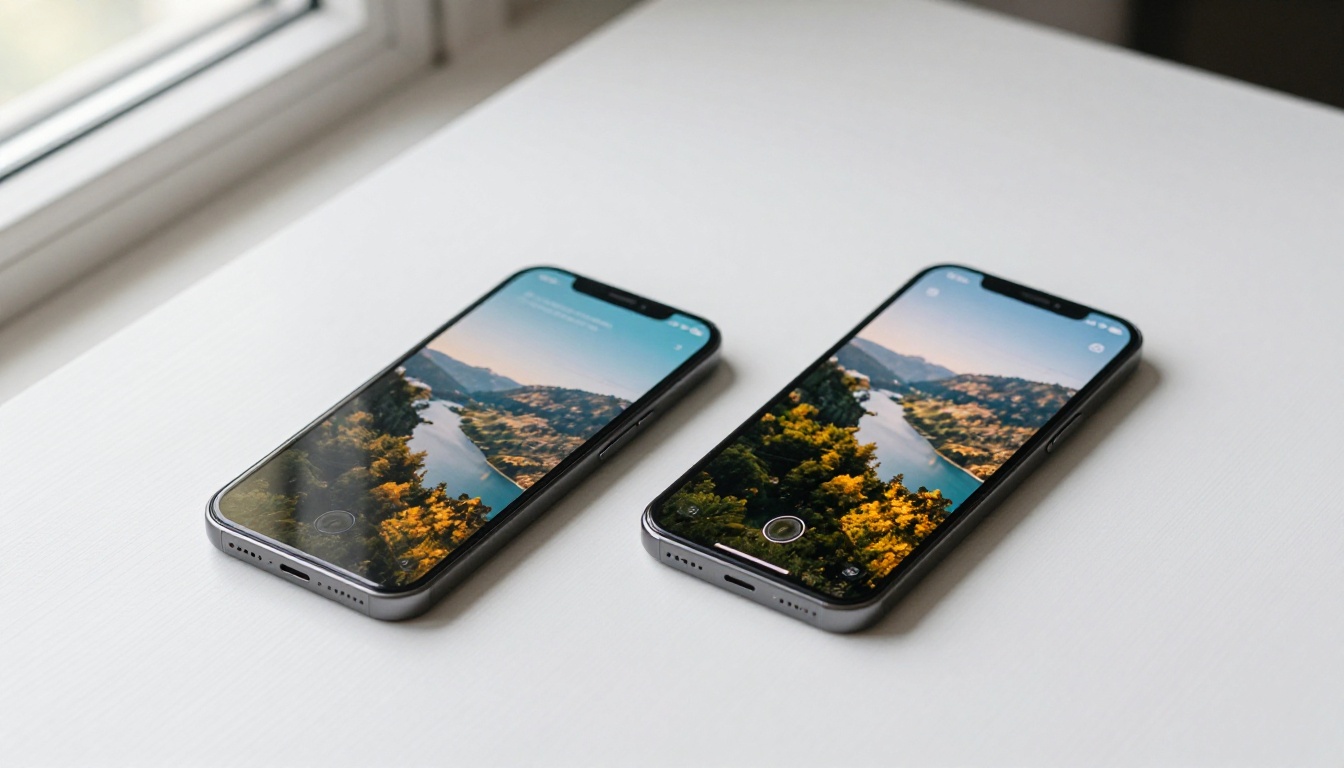
The performance difference between native vertical content and repurposed landscape content is visible in retention data. Viewers on mobile hold the phone vertically, and a vertical video fills their screen. A letterboxed 16:9 clip occupies less than half of it. For short-form content where the first two seconds decide whether someone scrolls past, that screen real estate is not a small detail.
Worth knowing: Platforms algorithmically favor content that keeps users watching full-screen. Native 9:16 content has a structural advantage before a single view is counted.
Veo 3.1 vs Veo 3 vs Veo 2
Google's Veo lineup has moved fast. Veo 2 was already strong for cinematic output. Veo 3 added native audio. Veo 3.1 refines both and adds better handling of the 9:16 format with improved subject tracking in vertical compositions.
| Feature | Veo 2 | Veo 3 | Veo 3.1 |
|---|
| Native Audio | No | Yes | Yes, improved |
| 9:16 Output | Limited | Yes | Optimized |
| Resolution | 1080p | 1080p | 1080p |
| Motion Coherence | Good | Very Good | Excellent |
| Prompt Following | Strong | Strong | Stronger |
The Upgrade That Matters Most
The most practical improvement from Veo 3 to Veo 3.1 is in how the model handles vertical framing. Earlier versions sometimes produced awkward headroom or cut subjects at the knees in portrait-oriented prompts. Veo 3.1 handles the composition more naturally, placing subjects where they belong in a tall frame.
This is especially relevant for prompts describing people, which is the majority of social video content. Fashion, fitness, cooking, travel, lifestyle, all of these categories require a model that understands how humans look in a portrait-format frame.
When to Use Which Version
For polished content where you have time to iterate: Veo 3.1.
For fast drafts and concept tests: Veo 3.1 Fast.
For lightweight or low-credit use cases: Veo 3.1 Lite.
For older projects already in a pipeline: Veo 3 Fast remains solid.

How to Use Veo 3.1 on PicassoIA
PicassoIA provides direct access to Veo 3.1 without any API setup, account registration at Google, or waitlists. The workflow is straightforward.
Step 1: Open the Model Page
Go to Veo 3.1 on PicassoIA. You will see the prompt input and parameter options directly on the page.
Step 2: Write Your Prompt
Your prompt should describe the subject, the action, the environment, and the mood. For social video, also specify the aspect ratio or framing intent in the prompt itself. Example:
"A woman in a coral sundress walks through a sunlit outdoor market, vendors and colorful produce in the background, vertical portrait framing, golden afternoon light, cinematic, photorealistic"
The more specific the description of movement, the better. Vague prompts like "girl at a market" produce generic results. Describing the pace of the walk, the light direction, and the background depth gives the model what it needs.
Step 3: Set the Format Parameters
Select 9:16 aspect ratio. Select 1080p resolution if the option is available. Duration of 5-8 seconds is optimal for social clips that will be looped or stitched.
Step 4: Generate and Review
Generation takes between 30 seconds and 2 minutes depending on queue. Once ready, preview the clip in the browser before downloading. Check the subject framing, the motion coherence, and the audio sync if your prompt requested sound.
If the first result is not what you need, regenerate with a refined prompt rather than trying to fix it in post. The model responds well to iteration.
Writing Prompts That Work
The prompt is the most important variable. Veo 3.1 is capable, but it performs at its ceiling only when the prompt is specific.
3 Prompt Structures That Perform
Structure 1: Subject + Action + Environment + Light + Style
"A barista in a white apron pours latte art into a ceramic cup, close-up of hands, warm cafe interior with soft ambient lighting, portrait framing, cinematic, photorealistic"
Structure 2: Mood + Subject + Movement + Setting
"Joyful, a young woman spins in a flower field at sunset, slow motion, wide shot transitioning to medium shot, warm golden light, vertical video format"
Structure 3: Scene + Camera Movement + Detail
"A busy night market in Southeast Asia, camera slowly tilts upward from street food stalls to a neon-lit sky, handheld feel, vertical orientation, humid atmospheric haze"
What to Avoid
- Conflicting instructions: Do not ask for both a wide establishing shot and a close-up in the same clip. Pick one.
- Overloaded prompts: More than 80 words rarely improves results. Cut anything that does not describe a visible element.
- Absent orientation cues: If you want 9:16, say so in the prompt. "Vertical framing" or "portrait orientation" signals the composition intent.
Worth noting: Describe motion explicitly. "A woman walks" is weaker than "A woman walks slowly, arms at her sides, heels clicking on tile." The model renders what you describe, not what you imagine.
Other AI Video Models Worth Trying
Veo 3.1 is the strongest option for vertical social video right now, but it is not the only one. Depending on your content type, some alternatives are worth knowing.
For Speed
Veo 3.1 Fast is the obvious first choice for drafts. Beyond the Veo family, Seedance 2.0 from ByteDance is fast, outputs 1080p with audio, and handles human subjects well. For near-instant previews, LTX 2.3 Fast delivers 4K output quickly.
For Quality
When quality is the priority and render time is secondary, Kling v3 Omni Video produces cinematic results with strong motion control. LTX 2.3 Pro generates 4K clips with high detail fidelity. Pixverse v5 is another solid option with reliable vertical format support and sharp 1080p output.
Each of these models is available on PicassoIA with the same no-setup access as Veo 3.1.

What Real Creators Are Making
The use cases for AI vertical video have expanded well beyond experimental content. Creators are shipping this to real audiences across every major social platform.
Travel Content
Short travel clips are one of the highest-performing formats for AI-generated video. A prompt describing a narrow alley in Lisbon, a ferry crossing in Istanbul, or a dawn market in Bangkok can produce a convincing atmospheric clip in under two minutes. Combined with a real voiceover or caption, the content functions as a ready-to-publish social post.
For travel content, specificity is what separates forgettable clips from ones that hold attention. City name, time of day, weather, and one or two distinctive visual details. "A morning fish market in Osaka, vendors in rubber boots, wet stone floors, mist in the air, vertical format" produces something with a genuine sense of place.
Fashion and Lifestyle
Fashion is another category where Veo 3.1 performs well. A clip of a model in a specific outfit, in a specific setting, in portrait framing can be generated in minutes and used for mood boarding, product previews, or social content. The model handles fabric texture and natural movement at this resolution.
Lifestyle content, morning routines, coffee rituals, apartment tours, all follow the same approach. The 9:16 format and the visual style align naturally with what platform audiences expect.
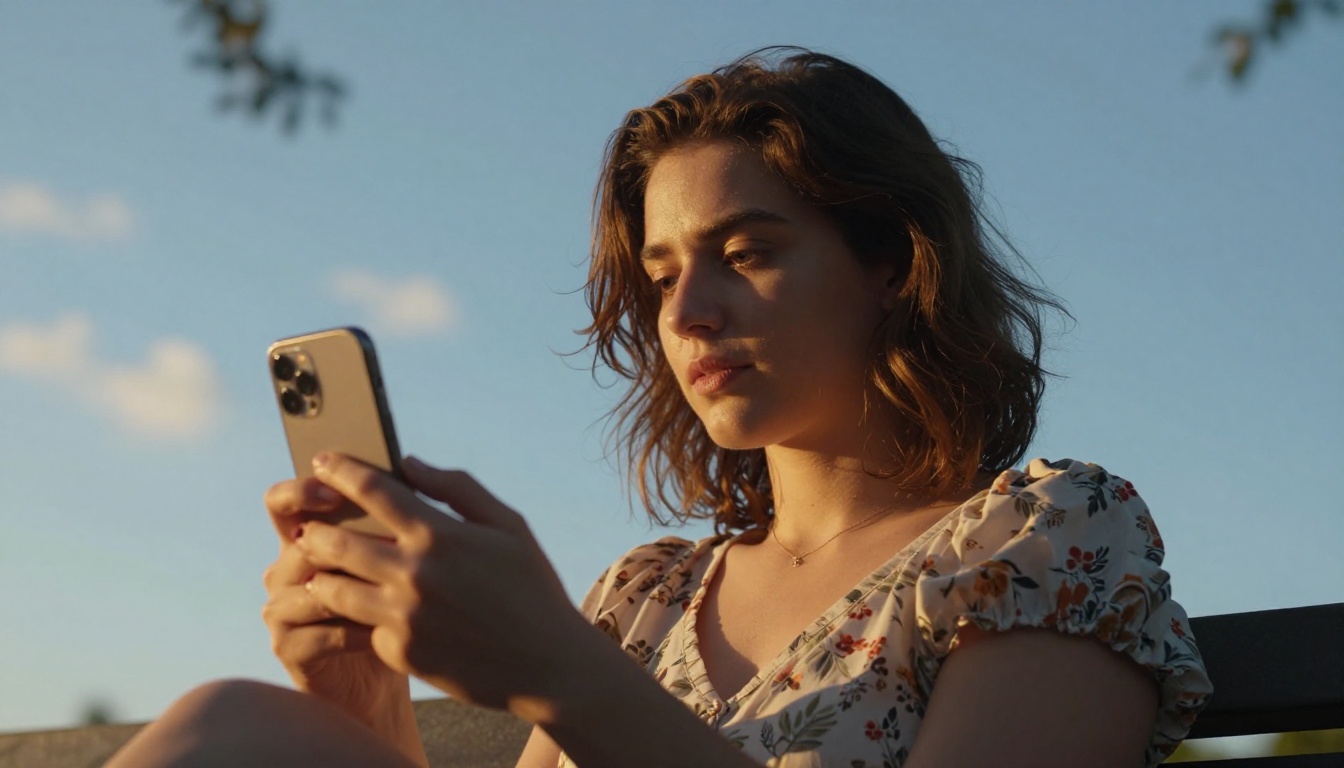
The practical question for most creators is whether to generate in 9:16 natively or generate in 16:9 and crop. The answer, with Veo 3.1, is always native.
When the model knows the aspect ratio during generation, it composes the scene for that ratio. Subjects are positioned for a tall frame. Depth of field, lighting direction, and environmental elements are arranged for how the viewer will see them on a phone screen. A post-generation crop of a 16:9 clip often removes contextual elements that were placed at the sides of the frame.
Worth remembering: Generate vertically, not laterally. The model does better work when it knows what it is making from the start.

Before generating, it helps to know the targets for each platform:
| Platform | Format | Resolution | Max Duration |
|---|
| TikTok | 9:16 | 1080x1920 | 60 min |
| Instagram Reels | 9:16 | 1080x1920 | 15 min |
| YouTube Shorts | 9:16 | 1080x1920 | 3 min |
| Snapchat | 9:16 | 1080x1920 | 60 sec |
| Pinterest | 9:16 | 1080x1920 | 15 min |
Veo 3.1 outputs at 1080x1920 natively, matching every platform in this table without any resizing step.
Start Generating Your First Reel
Producing social video with AI is faster than it has ever been, and the quality has risen to a point where AI output is competitive with produced content for many categories. Veo 3.1 handles the format, the audio, and the resolution. Your job is the prompt.
Start with a single, specific scene. Write it the way you would describe a photograph to someone who has not seen it. Include the subject, the action, the setting, the light, and the orientation. Run it on Veo 3.1, review the result, and adjust one variable at a time.
PicassoIA gives you access to Veo 3.1, Veo 3.1 Fast, Veo 3.1 Lite, and dozens of other models in the same interface. If one model does not give you what you need, the next one is one click away. The platform is the fastest way to find what works for your specific content category.
Go make something vertical.