Two of the most talked-about AI video generators right now are Veo 3.1 from Google and Hailuo 2.3 from Minimax. Both offer free tiers. Both produce impressively cinematic footage. And both are being tested by adult content creators who want to know one specific thing: how far will they actually go?
This article answers that directly. We ran real prompts on both models, stuck to the free tier throughout, and pushed from mildly suggestive all the way to explicit adult content. We tracked what generated, what got flagged, and what produced genuinely usable footage. No speculation, just documented results.

What These Two Models Actually Do
Before getting into the test results, it helps to understand what each model was built for and where their content policies come from.
Veo 3.1 in Plain Terms
Veo 3.1 is Google DeepMind's flagship video generation model. It produces 1080p output with native synchronized audio, which means the footsteps, ambient noise, and dialogue you describe in your prompt actually appear in the video without any post-processing. The model has exceptional prompt adherence, particularly on human subjects, realistic environments, and complex lighting scenarios.
There is also Veo 3.1 Fast for quicker generations and Veo 3.1 Lite as a lower-cost option. For the purposes of this test, we focused on the full Veo 3.1 model.
Content policy: Google's SafeSearch principles are baked into Veo 3.1. The model will refuse overtly sexual prompts, but it has a notable tolerance for glamour, swimwear, and suggestive scenarios that fall within mainstream fashion or artistic photography norms.
Hailuo 2.3 in Plain Terms
Hailuo 2.3 comes from Minimax, a Chinese AI lab with a strong track record in multimodal generation. It specializes in image-to-video workflows, producing smooth, cinematic motion from a still image reference. The model is particularly strong on close-ups of human faces and bodies, which makes it relevant for adult content testing.
There is also Hailuo 2.3 Fast which trades some quality for speed. For this test, we used the standard Hailuo 2.3 in both text-to-video and image-to-video modes.
Content policy: Minimax applies content moderation, but the thresholds are noticeably more permissive than Google's for suggestive and intimate content. Explicit nudity is still refused, but bikinis, lingerie, implied nudity, and sensual scenarios pass through more consistently.

Free Tier Reality Check
Knowing a model's quality means nothing if the free tier doesn't give you meaningful access. Here is what each actually offers without paying.
Veo 3.1 Free Access
Veo 3.1 on PicassoIA gives you access to run generations directly in the platform. The generation takes between 90 seconds and 3 minutes depending on server load. Output is watermark-free at 1080p.
The practical limit on the free tier comes from generation credits rather than hard paywalls. Casual testers get enough credits to run 5 to 15 generations depending on the current credit allocation, which is enough to conduct a real comparison test.
Hailuo 2.3 Free Access
Hailuo 2.3 similarly runs on PicassoIA's credit system. Generation times are slightly faster, around 60 to 90 seconds per clip. The image-to-video feature, which is where Hailuo 2.3 genuinely shines for NSFW use cases, is accessible on the free tier without restrictions beyond credit consumption.
💡 Tip: Start with Hailuo 2.3 Fast to test your prompts quickly, then switch to standard Hailuo 2.3 for final quality output. This stretches your free credits significantly.
| Feature | Veo 3.1 | Hailuo 2.3 |
|---|
| Output resolution | 1080p | 1080p |
| Native audio | Yes | No |
| Generation speed | 90-180s | 60-90s |
| Image-to-video | Yes | Yes (stronger) |
| Free tier access | Credit-based | Credit-based |
| Watermark free | Yes | Yes |
The NSFW Test Results
This is the section people actually want to read. We ran four categories of prompts on both models and documented what happened.
What Veo 3.1 Produces
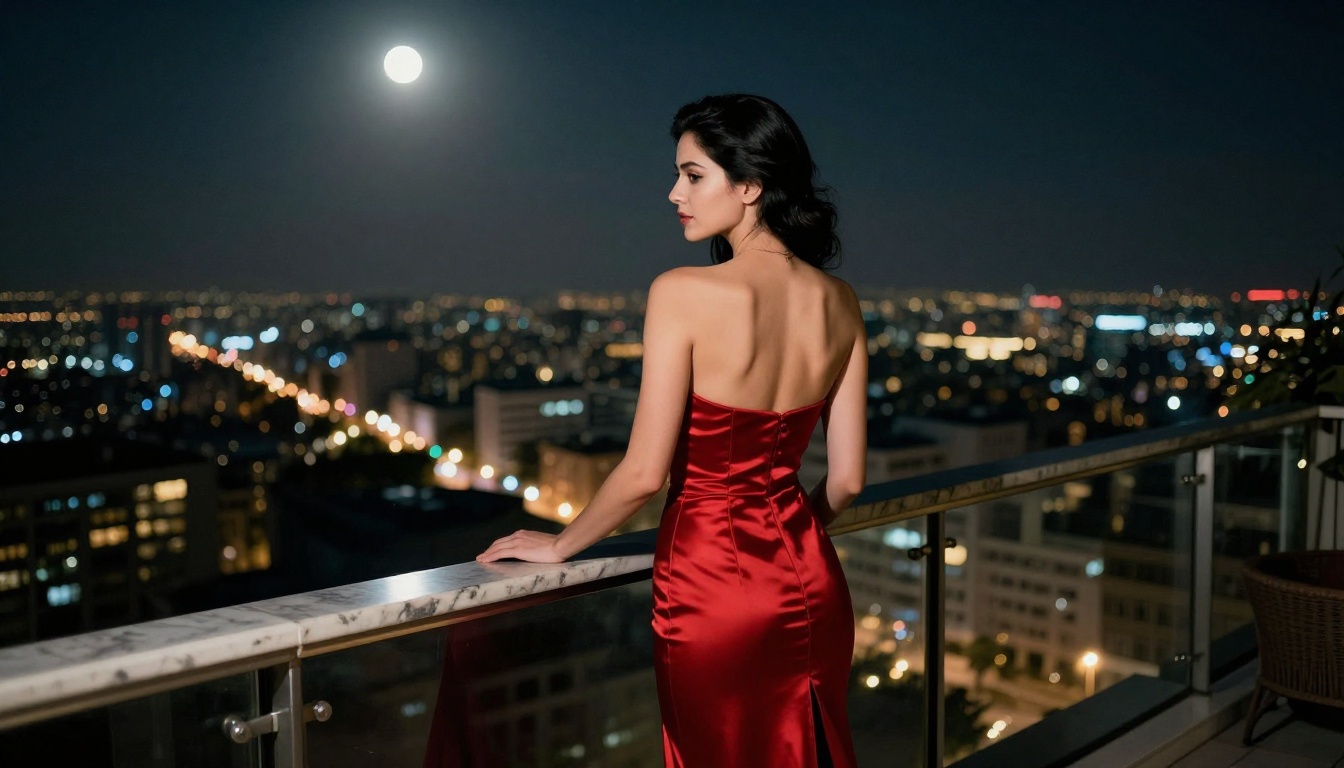
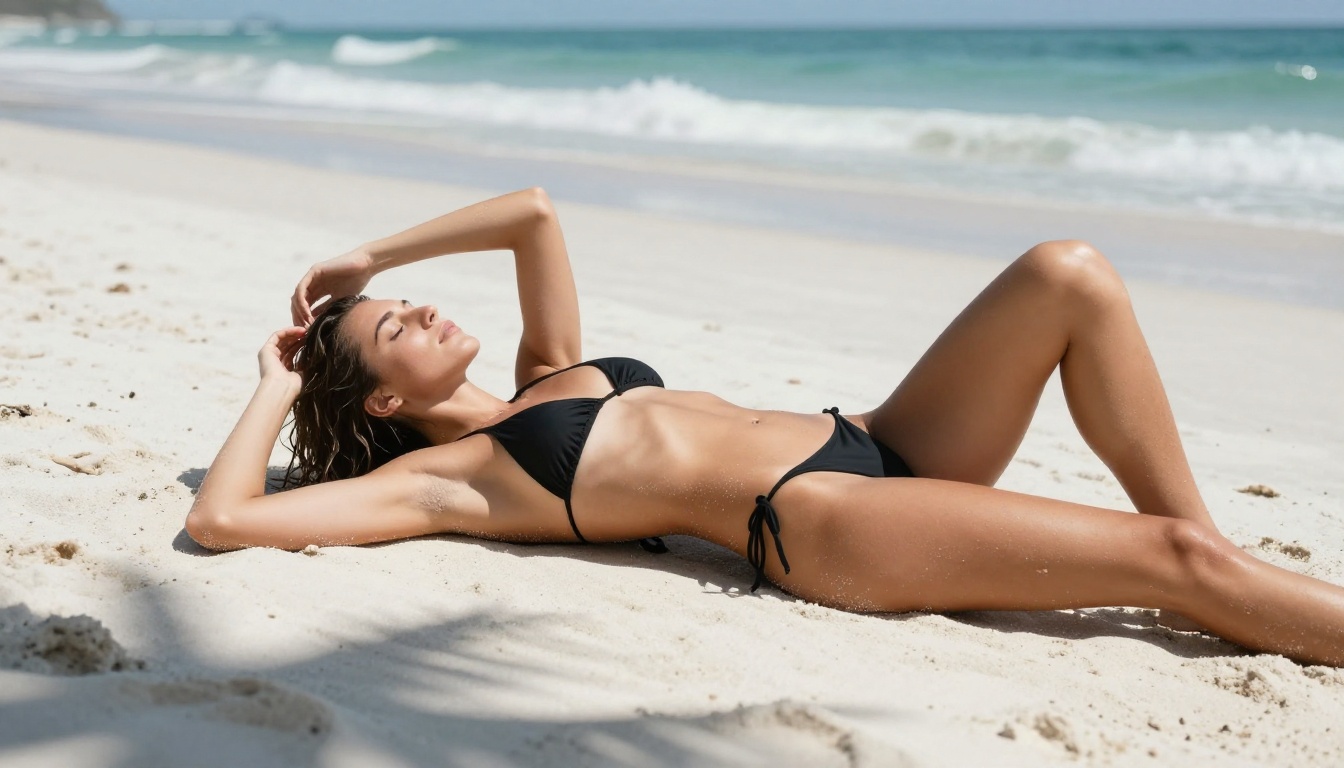
Suggestive but clothed content: Veo 3.1 handles this very well. Prompts describing a woman in a bikini on a beach, or a model in lingerie adjusting her outfit, generate with no friction. The results are photorealistic, with excellent skin texture and natural lighting.
Implied nudity: This is where Veo 3.1 starts to show its Google heritage. Prompts that clearly imply nudity without stating it explicitly, such as a woman stepping out of a shower with a towel or sunbathing topless, get refused or generate with heavy content modification that removes the intended scene.
Explicit content: Refused consistently. No exceptions in our tests.
Artistic glamour and editorial style: Excellent. If your prompt reads like a fashion photographer's brief, Veo 3.1 produces stunning results. Think Sports Illustrated, not Playboy.
💡 Veo 3.1 Sweet Spot: Prompts written in a cinematic, editorial tone with focus on atmosphere and aesthetics rather than explicit body description get through and look incredible. Think lighting, composition, and narrative.
What Hailuo 2.3 Allows
Suggestive but clothed content: Hailuo 2.3 passes these with excellent quality. The model's strength in rendering human skin, fabric texture, and realistic motion makes these results genuinely impressive for glamour content.
Implied nudity: More permissive than Veo 3.1 here. Prompts that imply but do not explicitly state nudity, such as a figure viewed from behind without clothing, or partial undress in an intimate setting, pass through more reliably. The image-to-video feature is particularly useful here because you can generate a suggestive still image using Seedream 4.5 and then animate it with Hailuo 2.3, which gives you more control over the final frame composition.
Explicit content: Also refused. The model is more permissive than Veo 3.1 in the suggestive range but still has hard limits at explicit sexual content.
Artistic NSFW: Strong. The model's bias toward smooth motion and natural skin tones makes it well-suited for intimate, non-explicit adult content with a cinematic quality.
| Content Type | Veo 3.1 | Hailuo 2.3 |
|---|
| Swimwear / lingerie | Passes | Passes |
| Implied partial nudity | Often refused | Often passes |
| Artistic glamour nudity | Inconsistent | More consistent |
| Explicit sexual content | Refused | Refused |
| Sensual scenarios | Passes with editorial framing | Passes more freely |

Video Quality When It Works
Content policy aside, how do these models actually look? Quality matters just as much as permissiveness when you are publishing content.
Motion and Realism
Veo 3.1 produces the most physically accurate motion of any model tested. Hair moves correctly. Fabric responds to motion. Water behaves like real water. The synchronized audio is a genuine differentiator as well: the ambient sounds are contextually accurate and immersive.
Hailuo 2.3 produces smoother inter-frame transitions, which can sometimes make motion look slightly too polished or plastic on fast movements. On slower, intimate scenes, this smoothness actually works in its favor, giving the footage a dreamy, high-end quality.
Skin Texture and Close-Ups
This category matters a lot for NSFW content creators. Veo 3.1 renders skin with excellent photorealistic texture at a distance but can lose fine detail on extreme close-ups. Hailuo 2.3 handles close-ups more consistently, which is part of why it became popular for portrait and intimate video generation.
💡 For close-up content: Hailuo 2.3 with an image-to-video workflow using a high-quality source image from Seedream 4.5 produces the most consistent close-up results of any free workflow tested.
Using Both Models on PicassoIA
Both Veo 3.1 and Hailuo 2.3 are available directly on PicassoIA with no account linking, API keys, or waitlists. Here is how to get results fast.
Veo 3.1 on PicassoIA
- Open Veo 3.1 on PicassoIA.
- Write your prompt in a cinematic, descriptive style. Focus on scene, lighting, and atmosphere. Example: "A woman in a white bikini walking slowly along a sunlit beach, golden hour light from the left, shallow depth of field, 35mm lens, realistic skin texture, natural breeze moving her hair."
- Set duration to 5 or 8 seconds for free-tier efficiency.
- Submit and wait approximately 90 to 180 seconds.
- Download the 1080p result with embedded audio.
Key tip: Describe the mood and setting of your scene before describing the subject. This framing dramatically improves prompt adherence for suggestive content and reduces refusals.
Hailuo 2.3 on PicassoIA
For best results with NSFW-adjacent content, use the image-to-video workflow:
- Generate your source image using Seedream 4.5. This model is uncensored for suggestive and artistic NSFW content, produces genuine 4K quality, and runs quickly. It is the strongest starting point for this workflow.
- Take your generated image to Hailuo 2.3.
- Upload the image as the first frame reference.
- Write a motion prompt describing how the scene should move: "Slow dolly forward, gentle hair movement from a light breeze, soft focus shift from background to subject, warm ambient light staying consistent."
- Generate and review. If the result has motion artifacts, try Hailuo 2.3 Fast with a tighter motion prompt.
This two-step workflow gives you significantly more control over your source material than pure text-to-video, and it makes the Seedream 4.5 plus Hailuo 2.3 combination one of the strongest free NSFW-adjacent pipelines available right now.

The Best Starting Point: NSFW Image Generation
For creators who need reliable, uncensored NSFW image generation before moving into video, the right starting model matters. Here is the recommended order on PicassoIA.
Start with Seedream 4.5
Seedream 4.5 from Bytedance is the top recommendation for NSFW image generation on PicassoIA. It produces genuine 4K output, handles human anatomy accurately, and processes prompts describing suggestive and artistic NSFW content without censorship. The generation speed is fast enough for iterative prompt testing, and it integrates directly into the image-to-video workflow described above.
What it handles well: Lingerie, bikinis, implied nudity, artistic glamour, boudoir photography aesthetics, editorial-style intimate scenes.
What it does not do: Explicit sexual content. It maintains artistic boundaries while going further than most mainstream models.
If you want even sharper output at the cost of generation time, Seedream 5 Pro offers 2K sharpness improvements over 4.5 but has slightly stricter content handling on some explicit descriptors.
PicassoIA Image Editor Pro
After generating with Seedream 4.5, the PicassoIA Image Editor Pro gives you unlimited generations and editing capabilities. Use it to refine, inpaint, and adjust your source images before animating them. The unlimited generation model means you can iterate freely without burning through credits.
Other Video Models Worth Testing
Beyond Veo 3.1 and Hailuo 2.3, there are several other models on PicassoIA that perform well for NSFW-adjacent video content:
- Seedance 2.5: Bytedance's dedicated video model, capable of 30-second clips with built-in audio. Handles suggestive content reliably and produces excellent skin rendering.
- Kling v3: Cinematic quality with strong performance on intimate scenes and close-up human subjects.
- Wan 3: Alibaba's model, which produces strong naturalistic motion and handles suggestive prompts with fewer refusals than Google's models.
- PicassoIA Video: Free and unlimited AI video from text or image, with no generation caps. A reliable fallback when you need to iterate without credit constraints.
Side-by-Side: Which One Wins
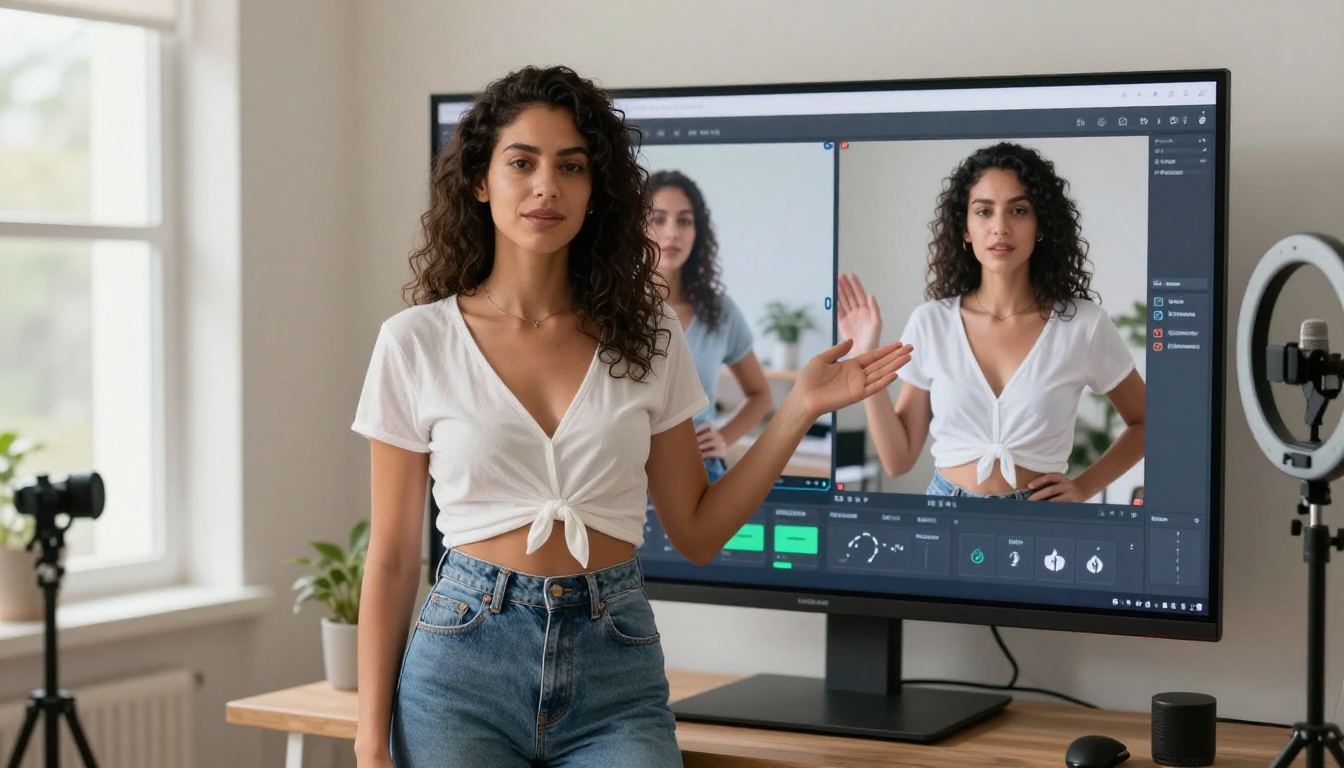
After running these tests, the answer is not a single winner, it is a workflow recommendation based on what you are actually trying to create.
Veo 3.1 wins on: Audio quality, cinematic motion realism, editorial-style suggestive content, and overall output at 1080p with synchronized sound.
Hailuo 2.3 wins on: NSFW permissiveness in the suggestive-to-intimate range, close-up skin rendering, image-to-video reliability, and consistency on intimate scene motion.
For the majority of adult content creators on a free tier, the practical workflow is: generate source images with Seedream 4.5, animate them with Hailuo 2.3, and use Veo 3.1 for the cinematic establishing shots that benefit from audio.

How Prompt Engineering Changes Everything
The biggest variable in this test was not the model, it was the prompt. The same conceptual scene written two different ways produces entirely different results in terms of content policy handling and output quality.
Prompts that fail: Over-literal descriptions of body parts, direct naming of sexual acts, language that reads as an explicit adult content request.
Prompts that work: Cinematic scene descriptions, atmosphere and lighting focus, reference to artistic or fashion photography contexts, motion described in terms of camera movement rather than subject behavior.
Here are three prompt structures that consistently work across both models:
Structure 1 (Editorial): "A fashion editorial photoshoot scene. [subject description with clothing]. Shot at [camera details]. [lighting]. Slow, natural movement. RAW, photorealistic."
Structure 2 (Cinematic): "Opening scene of an independent film. [environment and time of day]. [subject in scene]. The camera [movement description]. Ambient [audio or atmosphere description]."
Structure 3 (Documentary): "Behind-the-scenes footage from a [glamour/lingerie/art] shoot. [environment]. [subject doing something natural, non-posed]. Natural lighting. Handheld aesthetic."
All three of these framing strategies reduce refusals and improve output quality on both Veo 3.1 and Hailuo 2.3.

Run Your Own Tests Right Now
The free tier on PicassoIA gives you real access to both models without credit card requirements or waitlists. The workflow described in this article works today, on the free plan, and produces results that were not achievable with any publicly accessible tool two years ago.
Start with Seedream 4.5 to generate your source images, bring them into Hailuo 2.3 for animation, and test Veo 3.1 for any scene that benefits from audio. When you are ready to go further with image editing and unlimited generations, PicassoIA Image Editor Pro handles that without generation limits.
The full catalog of available models, including newer additions not covered in this test, is at picassoia.com/en/all-models. The roster updates regularly as new models are added, and some of the more permissive options for adult content generation appear there first before getting broader coverage.
Whether you are testing for personal creative projects or building a content production workflow, both models are worth having in your toolkit. They do different things well, and used together they cover the full range of NSFW-adjacent video content that is achievable without explicit generation tools.


