The AI video race just got serious. Google's Veo 3.1 and OpenAI's Sora 2 Pro are the two models everyone in creative production is talking about right now, and for good reason. Both generate cinematic footage from plain text prompts. Both include native audio. Both handle complex scenes with impressive coherence. But they're optimized differently, and those differences show up in exactly the situations that matter most. This is a real breakdown of what each model actually does well, where each one falls short, and how to decide which one belongs in your workflow.
Two Titans, One Choice
The text-to-video space has consolidated fast. A year ago there were dozens of scrappy models all competing for relevance. Today, Veo 3.1 and Sora 2 Pro sit at the top of a very crowded field, and the distance between them and the competition is significant. What's less obvious is the distance between the two of them.
What Veo 3.1 Brings
Veo 3.1 is Google's flagship text-to-video model, building directly on the already-strong Veo 3 foundation. The 3.1 update refined three core capabilities: audio realism, physical motion coherence, and prompt fidelity at longer durations. The model generates 1080p video with synchronized audio, meaning dialogue, ambient sound, and music emerge from the same generation pass as the visuals. No post-processing. No layering.
Google also offers Veo 3.1 Fast for rapid iteration and Veo 3.1 Lite for lighter workflows. The standard model is what you want when quality is the only priority.
What Sora 2 Pro Brings
Sora 2 Pro is OpenAI's professional-tier video model. It's a rebuilt architecture from the original Sora release, with major improvements in multi-scene composition, character consistency across shots, and handling abstract creative prompts. Where the base Sora 2 handles standard prompts reliably, the Pro variant unlocks longer durations, higher resolutions, and finer control over cinematic style.
💡 Both models generate audio natively in a single pass, an advantage that separates them from the majority of the field. Tools like Seedance 2.5 and Kling v3 have added audio capabilities, but the spatial accuracy and depth of native audio here is in a different tier.
Video Quality Side by Side
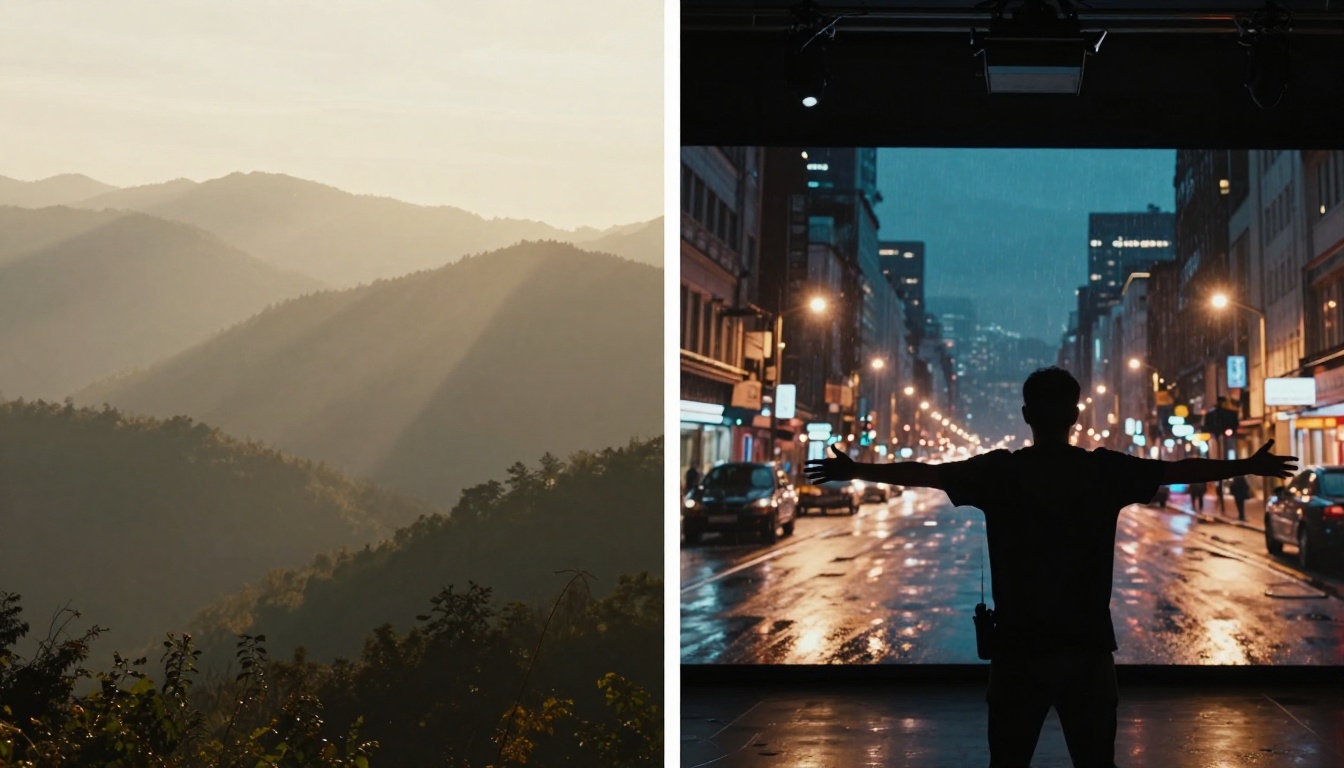
This is where most people want a definitive answer, and it's also where context matters most. Both models produce output that was simply impossible 18 months ago. But they carry distinct visual signatures.
Motion Realism and Physics
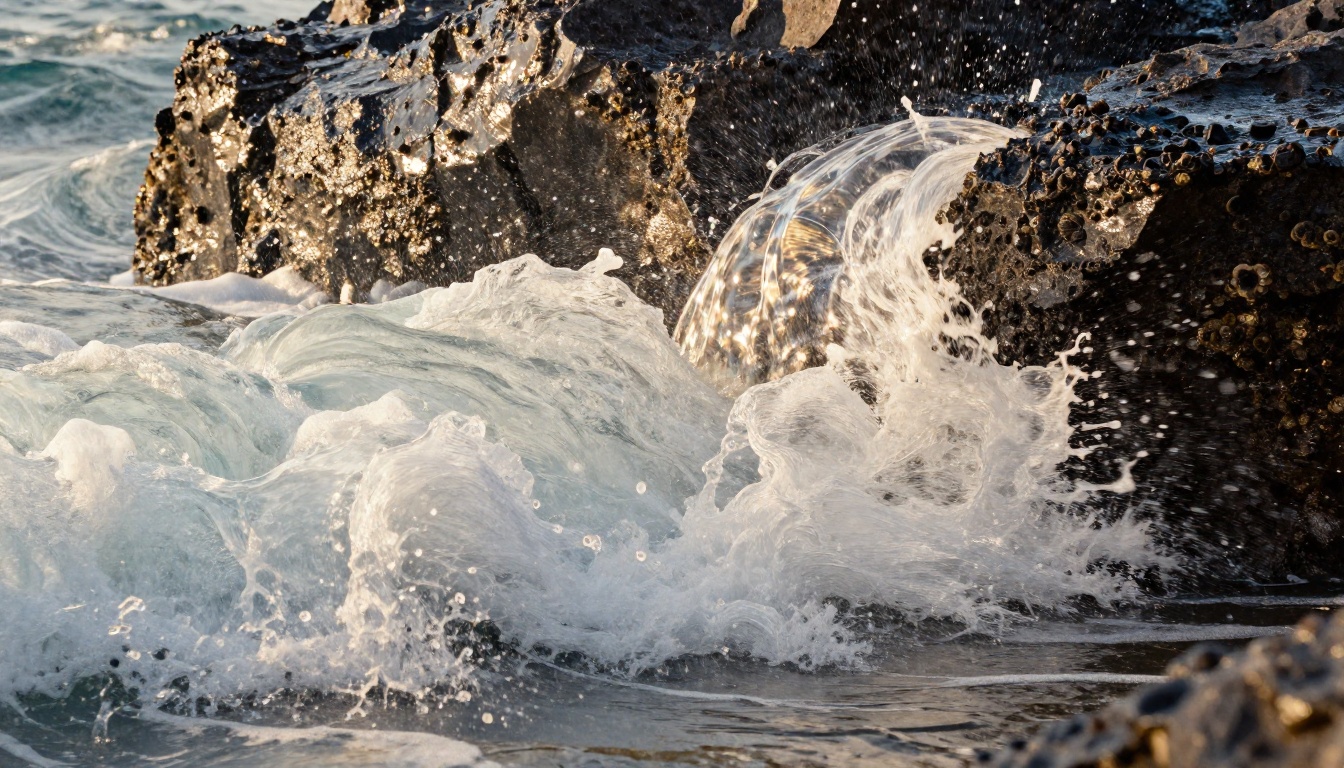
Veo 3.1 has a clear edge in physical simulation. Water, smoke, fabric, and hair behave with an accuracy that reads as genuinely real. Google trained Veo 3.1 on extensive real-world physics data, and it shows in every scene where natural forces are at play. A wave crashing against rocks, leaves falling through sunlight, the way a coat moves in wind: these aren't approximated. They're simulated with the kind of granularity that holds up on a large display.
Sora 2 Pro excels at object-level consistency across cuts. If you're generating a sequence where a specific character interacts with specific props across multiple shots, Sora 2 Pro maintains that continuity far better. This matters enormously for narrative and commercial content.
| Factor | Veo 3.1 | Sora 2 Pro |
|---|
| Physics realism | Excellent | Very Good |
| Character consistency | Good | Excellent |
| Camera motion accuracy | Excellent | Very Good |
| Scene coherence over time | Very Good | Excellent |
| Natural lighting simulation | Excellent | Very Good |
Color Grading and Visual Detail
Veo 3.1's color science leans toward cinematic naturalism: warm shadows, clean highlights, the kind of grade you'd see on a well-shot feature film. It doesn't oversaturate and it doesn't push contrast artificially. The result feels like footage from a high-end cinema camera.
Sora 2 Pro applies a slightly more stylized visual treatment by default, with more vivid color separation and elevated contrast. For social content and brand video, this tends to look immediately polished. For narrative or documentary-style work, you may prefer Veo 3.1's more neutral baseline.
Native Audio - Who Does It Better
Audio is now a defining battleground in AI video. The era of generating silent clips and adding audio as a separate step is over for anyone using a top-tier model.
Veo 3.1 Audio Generation
Veo 3.1's audio is its single most impressive differentiator. Google built a joint audio-video generation system: the model doesn't treat sound as supplementary. It treats audio as part of the same output space as the visuals. The result is spatial sound that genuinely tracks the scene. A car passing from left to right pans in the audio channel. Dialogue spoken in a reverberant room carries the reverb of that specific space. A crowd scene produces the textured hum and murmur of an actual crowd.
For ambient sound, there is no better model in this comparison. A rain scene sounds like rain, not like a rain effect layered over footage. The granularity is remarkable.
Sora 2 Pro Sound Design
Sora 2 Pro's audio tends toward production-ready polish rather than raw naturalism. Dialogue is crisp and immediately intelligible. Music, when prompted, sounds composed rather than procedurally assembled. The model also responds to specific audio direction in the prompt more precisely than Veo 3.1. If you write "sparse piano over city ambience with a low rumble of distant thunder," Sora 2 Pro will interpret and execute that instruction with more fidelity.
💡 For audio-forward content including music videos, brand spots, and dialogue-driven scenes, Sora 2 Pro's audio output tends to land in a more immediately usable state.
Prompt Accuracy and Creative Control
Following Complex Instructions
Both models have moved well past the era of dropping half the prompt and generating something vaguely related. But they interpret prompts differently.
Veo 3.1 is strong at literal prompt execution: if you describe a specific camera angle, specific lighting conditions, and a specific subject, you'll get exactly that. The model reads prompts with a precision that rewards detailed writing. Technical cinematographers tend to prefer it for this reason.
Sora 2 Pro leans toward creative interpretation: it might adjust a composition slightly to make it more visually dynamic, even without being explicitly asked. For creatives who want genuine collaboration from their tool, this is genuinely valuable. For technical directors who need exact specifications executed reliably at scale, Veo 3.1 is the more dependable choice.
| Use Case | Better Tool |
|---|
| Precise camera angle control | Veo 3.1 |
| Abstract concept visualization | Sora 2 Pro |
| Nature and environment scenes | Veo 3.1 |
| Narrative multi-shot sequences | Sora 2 Pro |
| Brand and product video | Both |
| Music video | Sora 2 Pro |
| Documentary style | Veo 3.1 |
| Social content and short clips | Both |
Long-Form Video and Scene Consistency
Longer generations reveal an important split. Veo 3.1 maintains visual fidelity over extended durations but can lose character identity when the scene involves multiple actors or objects across a long clip. Sora 2 Pro maintains character and object identity better across longer sequences but can show slight motion inconsistencies toward the end of extended clips.
For truly long-form projects, smart workflows generate shot-by-shot with either model and use Ray 3.2 or LTX 2.3 Pro for shorter connective shots between key scenes.
Speed, Cost, and Availability

Generation Time Compared
At 1080p for an 8-second clip, approximate generation times break down as follows:
- Veo 3.1: 90 to 120 seconds average
- Sora 2 Pro: 75 to 100 seconds average
Sora 2 Pro is marginally faster at the same quality tier. For rapid concept iteration, Veo 3.1 Fast cuts generation time by roughly 40% at a slight quality trade-off. For teams that need pure throughput with acceptable output, Hailuo 02 and Wan 2.7 T2V are worth considering, though they operate at a different quality ceiling.
Pricing and Access
Both models are available on PicassoIA with no subscription required. Per-generation billing is significantly more cost-effective than going through the respective first-party APIs directly, particularly for teams running high volumes.
The practical advantage is having access to every model under one platform. If you're testing Pixverse v6 against Veo 3.1 against Sora 2 Pro for the same brief, you run all three without managing separate API credentials, billing dashboards, and rate limits for each provider.
💡 117+ text-to-video models in one place, including both Veo 3.1 and Sora 2 Pro, accessible from a single account.
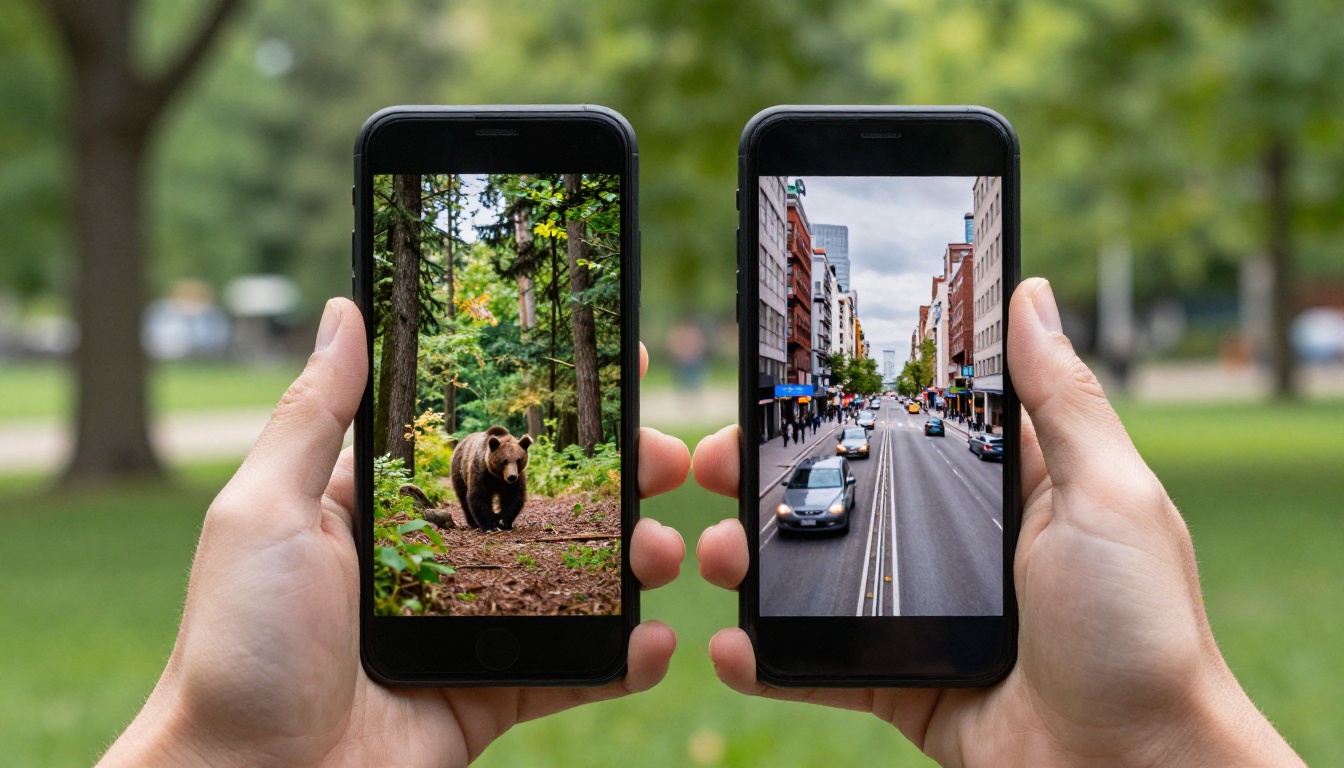
Social Media and Short Clips
For TikTok, Instagram Reels, YouTube Shorts, and similar short-form content, the differences between these models matter less than the speed of your production cycle. Both produce excellent results.
Reach for Sora 2 Pro when:
- You're producing style-forward, visually dynamic content
- You want audio that sounds polished and immediately usable
- You're running a fast-paced social content pipeline and need creative flexibility
Reach for Veo 3.1 when:
- You're producing nature, travel, or documentary-adjacent content
- Spatial audio accuracy is critical to the clip
- You need consistent, literal prompt execution across a large batch
Cinematic and Commercial Work
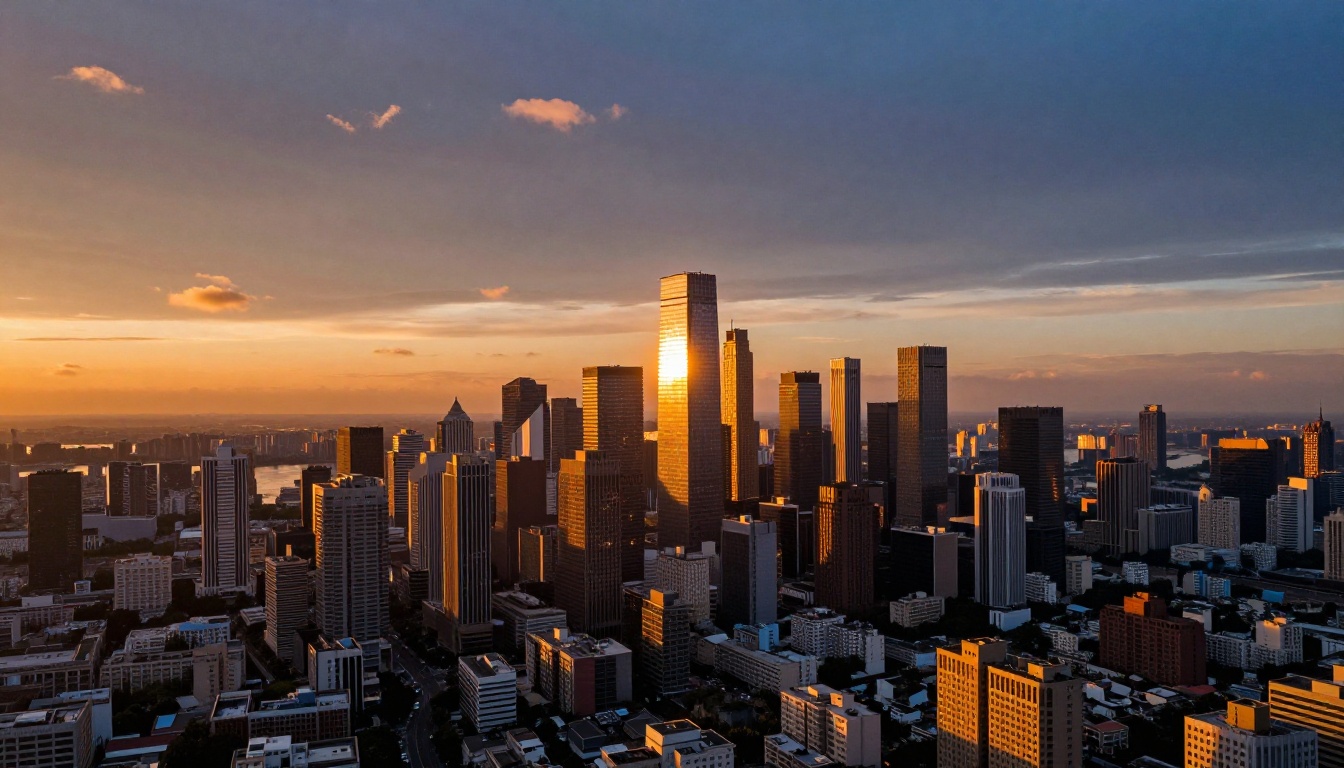
For commercial production, feature pre-visualization, and high-end branded content, professional workflows increasingly use both models in tandem:
- Veo 3.1 for location scenes, natural environments, and any shot requiring photorealistic physical simulation
- Sora 2 Pro for character-driven scenes, product hero shots, and narrative sequences requiring consistent object identity

The storyboard-to-video pipeline is where these tools reshape what's possible for small teams. Sketch your shot list, generate each shot, pick the best result across two or three generations, and assemble. What once required a substantial crew now requires one person with a structured prompt sheet and a few focused hours.
How to Use Veo 3.1 on PicassoIA
Veo 3.1 is available on PicassoIA with no setup required. Here's what produces the best results:
Step 1: Write a structured prompt
Use this structure: [Camera angle] + [Subject and action] + [Environment] + [Lighting] + [Audio description]
Example: "Low angle shot of a woman walking through a sunlit wheat field, warm golden hour light, gentle wind moving the wheat, soft ambient birdsong and breeze"
Step 2: Set your resolution
Select 1080p for commercial and final-quality work. Use 720p for rapid concept validation.
Step 3: Include audio cues directly in the prompt
Since Veo 3.1 generates audio natively, your audio intent belongs in the prompt. Be specific: "the crunch of gravel underfoot", "distant traffic and city hum", "sparse piano melody in a reverberant hall."
Step 4: Generate multiple outputs per shot
Run two to three generations per shot. The stochastic nature of diffusion models creates significant variation between runs. Never stop at the first result.
Step 5: Use Veo 3.1 Fast for concept validation
When testing a new prompt, Veo 3.1 Fast cuts generation time substantially. Once the prompt is validated, switch to standard Veo 3.1 for the final high-quality output. Veo 3.1 Lite works well for non-critical supporting clips where budget is a constraint.
How to Use Sora 2 Pro on PicassoIA
Sora 2 Pro is available at full resolution and duration range on PicassoIA. Here's what gets the best output:
Step 1: Write narrative, scene-based prompts
Sora 2 Pro responds exceptionally well to storytelling-style prompts. Instead of pure description, frame your prompt as a scene in motion:
"A detective steps into a rain-soaked alley at midnight, collar turned up, scanning the doorways. A cat knocks over a tin can nearby. He freezes and looks down the alley."
Step 2: Specify character descriptors consistently across every shot
When building a multi-shot sequence with the same character, use consistent descriptors in every prompt. Sora 2 Pro leverages these repeated descriptors to maintain visual identity across your shot library.
Step 3: Direct the audio explicitly
Sora 2 Pro's audio responds well to explicit instruction: "the rain creates a constant white noise, punctuated by distant thunder and the sound of water running through a street gutter."
Step 4: Reserve the Pro tier for premium deliverables
The base Sora 2 model handles most standard tasks at lower cost. Use Sora 2 Pro specifically when you need maximum resolution, longer duration, or the highest level of prompt fidelity for a final deliverable.

The Real Winner Depends on Your Work
After running both models across many different briefs and output types, the honest answer is: they aren't substitutes for each other. They're complements with different strengths that reward different workflows.
If you're forced to pick one, here's the shortcut:
- Production-grade naturalism, physics simulation, and environmental audio: choose Veo 3.1
- Character consistency, narrative flexibility, and polished audio output: choose Sora 2 Pro
- Speed with a reasonable quality ceiling: Veo 3.1 Fast
- Cost-conscious generation at volume: Sora 2
The good news: you don't have to commit to one. On PicassoIA, both are available alongside more than 115 other options, including Seedance 2.5, Kling v3, Ray 3.2, and LTX 2.3 Pro. You can run the same prompt through every model on your shortlist without managing separate accounts, API credentials, or billing relationships.
The fastest way to find out which tool wins for your specific brief: generate the same prompt in both and see which result you'd actually use. That's what the platform is built for.
Start creating at picassoia.com/en/all-models.


