The first time you watch a Veo 3 Pro clip, something feels off. Not wrong, just too good. The camera pans with weight behind it. A coat catches a breeze at exactly the right moment. Water reflects light the way it does when you're actually standing there, not sitting in front of a screen. Veo 3 Pro makes cinematic AI videos in seconds, and calling it "impressive" undersells what's actually happening here.
This is not another passable text-to-video model. It is the first AI video generator where the word cinematic applies without caveats. Directors, creators, marketers, and storytellers who have spent months waiting for AI video to feel real now have their answer.
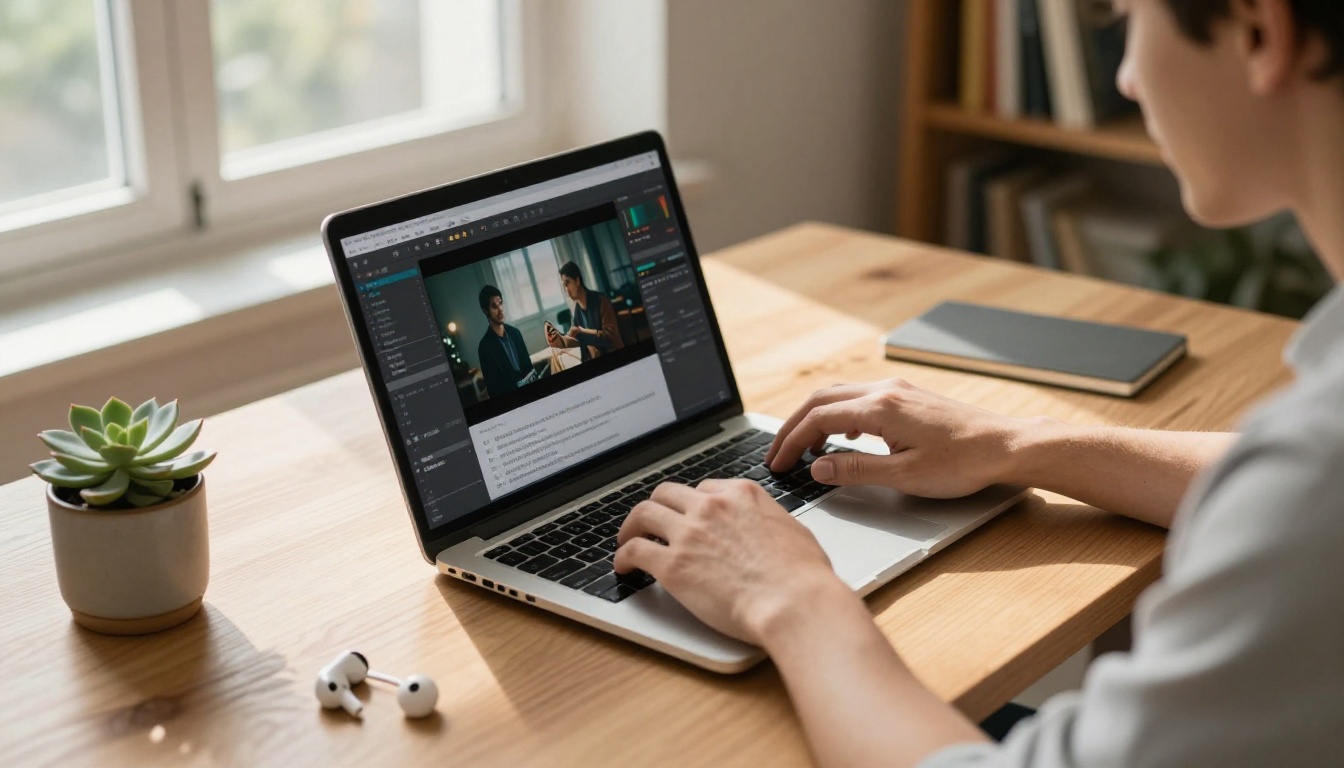
What Veo 3 Pro Actually Does
Google's Veo 3 model is built on a video diffusion architecture trained on a massive dataset of high-resolution footage with accurate motion labels, physical simulation data, and real-world cinematography references. The result is a model that doesn't just render moving pixels. It understands motion.
When you type a prompt like "a woman walks through rain-soaked cobblestone streets at night, shallow depth of field, warm lamplight reflecting off wet stone", Veo 3 doesn't guess what that should look like. It renders it with the same spatial logic a cinematographer would use to set the shot.
The Prompt-to-Video Pipeline
The pipeline from text to finished video is remarkably short:
- Write your prompt (subject, action, environment, lighting, camera style)
- Select your output settings (duration, resolution, aspect ratio)
- Generate — results arrive in seconds to under a minute depending on clip length
- Download and use immediately
No keyframe setup. No timeline scrubbing. No rigging. Just text in, film out.
Native Audio Synced to Motion
One of the biggest surprises in Veo 3 is its native audio generation. Unlike models that ship silent video and force you to dub audio separately, Veo 3 generates ambient sound that is physically synced to on-screen motion. Footsteps match the walking pace. Rain audio builds as the shot pushes in through a window. Fire crackles in time with the visible flames.
💡 Tip: Describe the sound environment explicitly in your prompt. "The distant sound of passing traffic" or "wind through pine trees with birdsong" will steer the audio generation as powerfully as it steers the visual.

Why the Quality Jumps So Far
The gap between Veo 3 Pro and earlier AI video models is not incremental. It is structural. Three specific capabilities set it apart from anything that came before.
Physics-Aware Motion Rendering
Previous text-to-video models could render motion, but the physics were often wrong in subtle ways. Hair would flow in a direction inconsistent with the wind. Liquid would deform in non-Newtonian ways. Cloth would clip through surfaces. Veo 3 eliminates most of these artifacts through physics conditioning, where the model learns the actual behavior of materials under real-world forces.
Water splashes with viscosity. Fabric drapes with weight. Smoke rises, disperses, and catches light in volumes. These are not small details. They are the difference between footage that reads as real and footage that reads as synthetic.
4K-Ready Output with Film Grain
Veo 3 outputs at resolutions that hold up at full-screen playback on large monitors and projectors. Combined with its optional film grain simulation, the footage gains the textural quality of actual photographic media. This matters enormously for storytelling. Grain carries emotional information. It signals warmth, age, authenticity.
You can pair Veo 3 output with AI video upscaling tools for additional resolution work and stabilization if your workflow demands broadcast-quality delivery.
Temporal Consistency Over Long Clips
Older AI video models would "drift" over the course of a clip. A character's face would subtly change. A background building would shift position between frames. Veo 3 maintains temporal consistency throughout its output duration, meaning characters, objects, and environments stay coherent from the first frame to the last.
This makes Veo 3 output directly usable in professional editing pipelines without extensive corrective work.
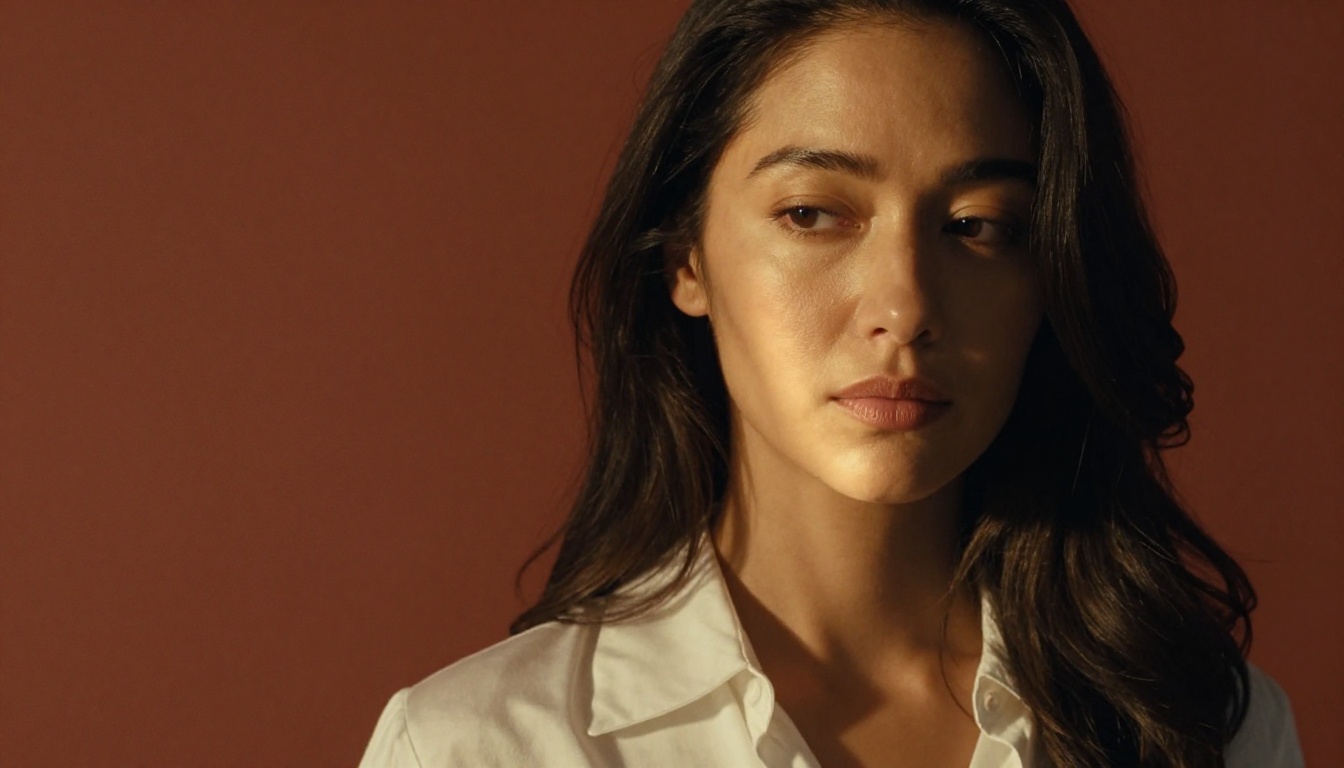
Veo 3 Pro vs. the Competition
The AI video space is crowded. Here is how Veo 3 measures up against the other serious models available today:
The native audio column is decisive for storytelling workflows. Every other model in this tier requires a separate audio production step. Veo 3 skips that entirely.
💡 Note: Veo 3.1 and Veo 3.1 Fast are the latest iterations of the Veo series, offering refinements in prompt adherence and character consistency over the base Veo 3.
Real-World Results Across Scene Types
The proof of any AI video model is not the benchmark. It is what happens when you give it a real prompt with no preparation.
Landscapes and Natural Environments
Vast natural environments are where Veo 3 does something no other model consistently matches: it renders atmospheric depth. Fog settles into valleys with visual weight. Forest canopies filter sunlight through layers of leaves with realistic dappling. Ocean waves build, crest, and break with correct hydrodynamic behavior.
The color science is also calibrated for naturalistic output rather than the oversaturated look that plagues many AI image and video generators. Skies read as real skies, not as HDR composites.
Portraits and Character Motion
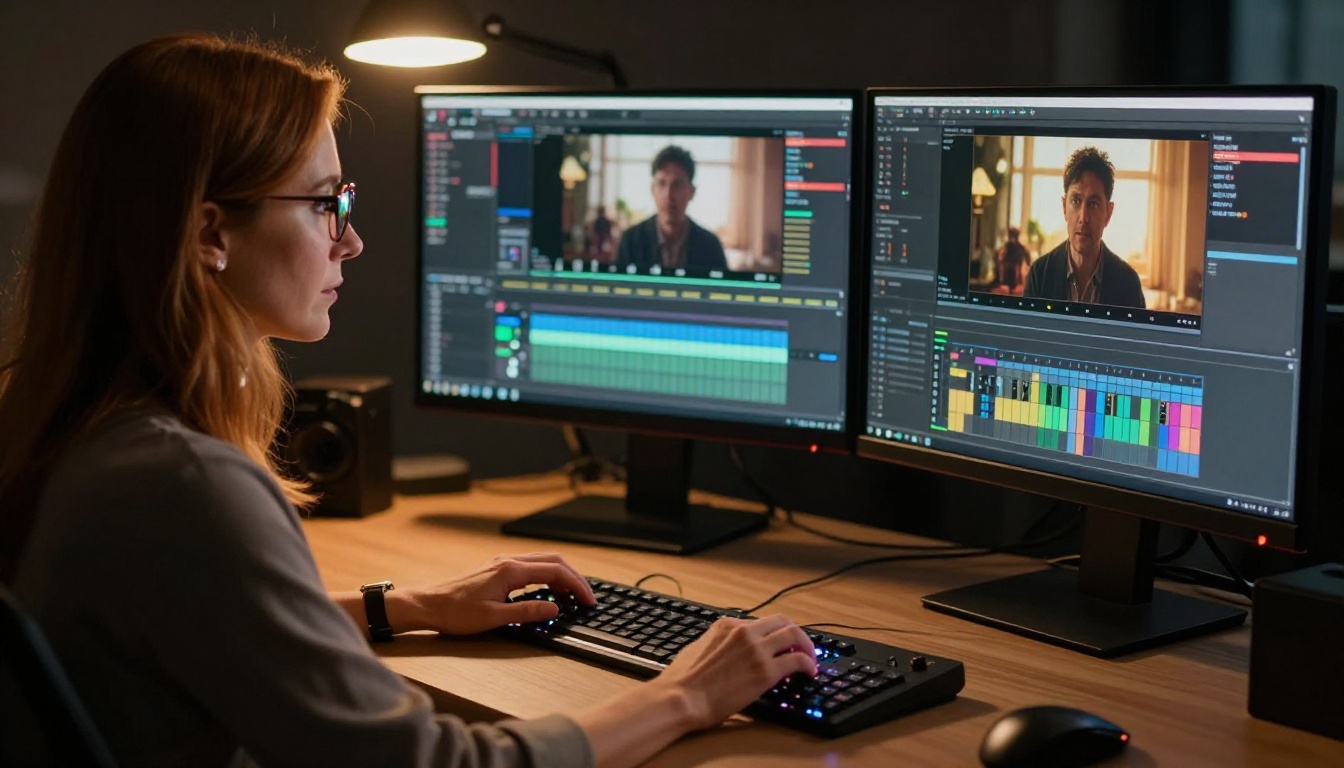
Character work has historically been the hardest problem in AI video. Veo 3 handles it better than any previous model, particularly for subtle emotional expression. A character looking down, breathing slowly, blinking at a natural rate: these micro-motions contribute enormously to perceived realism, and Veo 3 renders them without any special prompting.
Skin texture under motion, particularly around the eyes and mouth, no longer breaks into artifacts at common resolutions. Hair physics during movement, often a tell-tale sign of synthetic video, holds up under normal conditions.
Urban and Architectural Footage
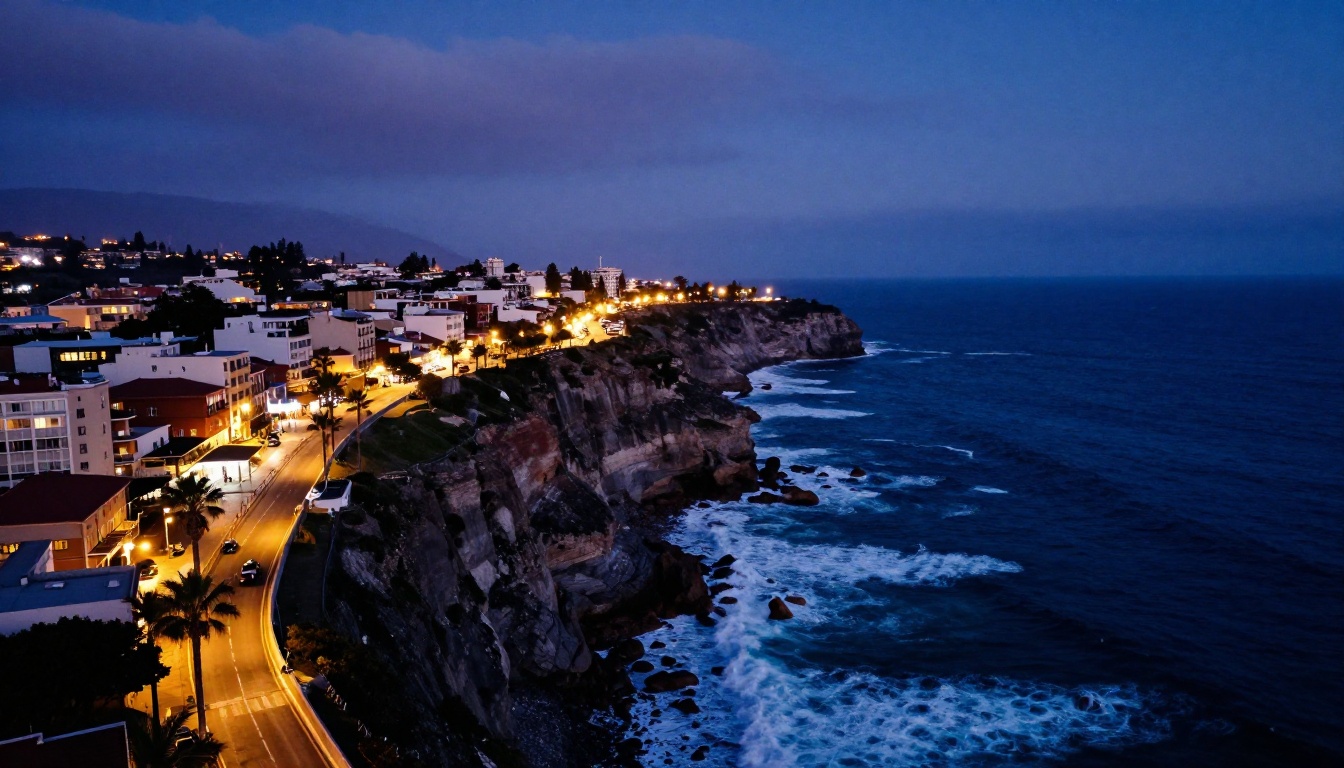
City scenes stress-test perspective consistency and lighting logic simultaneously. A street corner at night has hundreds of light sources, reflections on wet pavement, neon signs spilling color into shadows. Veo 3 handles these scenes with a coherence that makes the output directly usable as establishing shots, B-roll, or atmospheric cutaways.
How to Use Veo 3 on PicassoIA
PicassoIA gives you direct access to Veo 3, Veo 3 Fast, Veo 3.1, and Veo 3.1 Fast through a clean, browser-based interface with no local hardware requirements. Here is exactly how to produce your first cinematic AI clip.
Step 1: Write a Strong Prompt
The quality of your output is directly proportional to the precision of your prompt. Use this structure as a starting framework:
[Subject] + [Action/Behavior] + [Environment] + [Lighting Conditions] + [Camera Style]
Example: "A young woman in a red wool coat walks slowly through a fog-covered forest at dawn, weak morning light filtering through bare branches, shot handheld from a low angle tracking her movement, shallow depth of field"
Avoid vague adjectives like "beautiful" or "amazing." Replace them with specific cinematographic descriptions: "Rembrandt lighting from the upper left," "shallow depth of field with foreground bokeh," "push-in dolly movement."
Step 2: Configure Your Settings
On PicassoIA, navigate to Veo 3 or Veo 3.1 in the text-to-video category. Core settings to configure:
- Duration: 5-8 seconds is the sweet spot for social content; 10-16 seconds for establishing shots
- Aspect ratio: 16:9 for cinematic widescreen, 9:16 for Reels and short-form vertical, 1:1 for square formats
- Seed: Set a specific seed if you want to iterate on a shot while keeping its basic composition stable
Step 3: Iterate Fast with Veo 3 Fast
Veo 3 Fast is particularly valuable during the iteration phase. Generate 3-4 rapid variants at lower quality to lock in composition and motion, then run a final high-quality pass with the winning prompt on the full Veo 3 model.
💡 Workflow tip: Keep a text file of your best-performing prompts. Cinematic prompt patterns are highly reusable across different subjects and settings. A great lighting description for a forest scene will work equally well in a desert or urban environment.
5 Prompts Worth Testing Right Now
These prompts are structured specifically for Veo 3 and have been tested for strong cinematic output:
1. The Golden Hour Field
"Lone figure walking toward camera through a vast golden wheat field at magic hour, warm backlighting creating a halo effect around their silhouette, wide-angle 24mm shot, slow dolly push, rich film grain texture"
2. Rain-Slicked City Night
"Empty cobblestone street at night after rain, lamplight reflecting off wet stones in long orange streaks, a taxi passes slowly in the far background, static low-angle shot, no characters in foreground, atmospheric fog"
3. Ocean at Sunrise
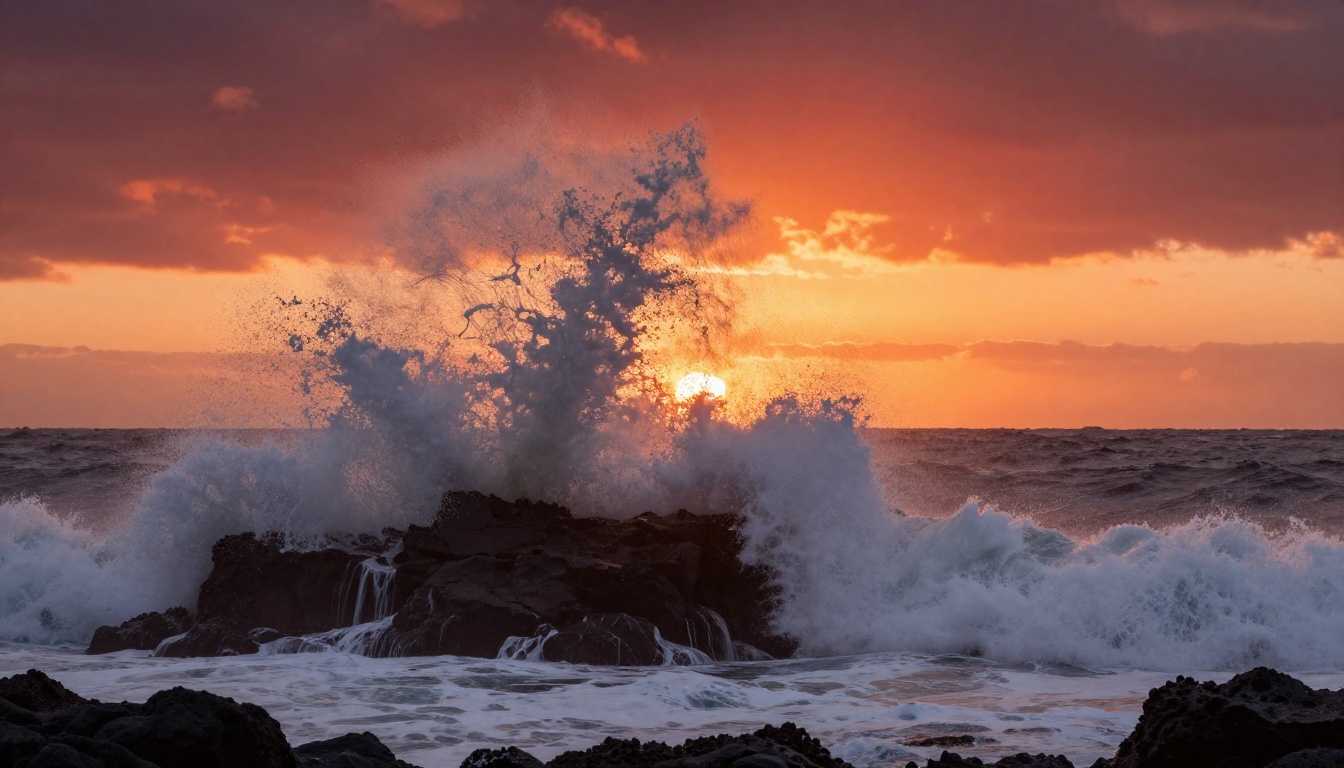
"Close-up of ocean waves breaking over dark volcanic rocks at sunrise, deep crimson sky, fine spray catching light in slow motion, 85mm telephoto compressed perspective, handheld with subtle shake"
4. Character Dialogue Setup
"Two people at a cafe table in soft afternoon light, close two-shot, shallow depth of field, natural window light from the left, warm terracotta walls, neither person moving, atmospheric stillness"
5. Aerial Mountain Reveal
"Slow aerial push over a mountain ridge at dawn revealing a vast valley below, volumetric morning mist filling the valley floor, cool blue shadows giving way to warm sunlit peaks, birds flying in the mid-distance"
What You Can Build With It
The applications go well beyond novelty. Veo 3 is already being used in production workflows across several industries.
Social Content in Minutes
Social video at scale requires a constant stream of fresh visual assets. With Veo 3, a single creator or small team can produce 10-15 polished video clips per hour that would previously require a full production day with a crew. The economic impact of this capability is significant for content teams, agencies, and independent creators.
For vertical formats, Veo 3 Fast in 9:16 aspect ratio generates scroll-stopping cinematic footage that competes directly with professional shot content.
Short Film Pre-visualization
Film pre-visualization is traditionally expensive. Storyboards communicate composition but not motion. Animatics communicate timing but not visual quality. Veo 3 fills the gap between these two stages, allowing directors to produce high-quality moving visual references before any crew is hired.
A director can iterate through 20 different interpretations of a scene in an afternoon, communicating visual intent to producers, directors of photography, and financiers with footage that actually looks close to the finished product.
Product Showcases
E-commerce and brand marketing have a near-infinite appetite for product video content. Veo 3 can generate aspirational lifestyle footage, product-in-environment shots, and atmospheric brand films from text prompts in seconds. Paired with PicassoIA's image generation tools for still assets, brands can produce full visual campaigns without booking a single shoot day.
The real power in using Veo 3 through PicassoIA is the surrounding ecosystem. You are not generating video in isolation. You have access to a full production toolkit in the same platform.
Image-to-Video workflows: Generate a still with any of PicassoIA's 91 text-to-image models, then animate it with Veo 3.1. This gives you precise control over the initial frame composition before the motion begins. You decide exactly what the first frame looks like, then let the model bring it to life.
Audio and Music: Once your footage is ready, PicassoIA's AI music generation tools let you score it without leaving the platform. Text-to-speech tools handle any narration requirements. The full post-production audio chain is accessible in one place.
Video Upscaling and Restoration: If you want to push the output resolution further or stabilize a shot, the AI video upscaling tools on PicassoIA handle resolution boosts and restoration. You can take Veo 3 output and push it through super-resolution workflows for broadcast or large-format projection delivery.
Effects and Stylization: PicassoIA's 500+ video effects library adds stylistic overlays, grading presets, and motion effects that can be applied to Veo 3 output without exporting to an external editor. Lipsync tools round out the toolkit for any content requiring spoken dialogue synced to generated footage.
This end-to-end workflow, from prompt to finished, scored, upscaled, and stylized video, is what makes the platform genuinely useful rather than a single-function generator.
Make Your First Cinematic Clip Today
The barrier between "I want to make a film" and "I am making a film" has never been lower. Veo 3 eliminates the production gap that kept ambitious visual storytellers from executing on their ideas. You do not need a camera, a crew, a location, or a budget. You need a clear vision and a precise prompt.
PicassoIA gives you direct access to Veo 3, Veo 3 Fast, Veo 3.1, Veo 3.1 Fast, and dozens of other leading video models through a single interface. Start with one of the prompts in this article, see what the model produces, then build from there.
The footage you generate today could be in a client pitch tomorrow. The concept you test this afternoon could become the reference reel for your next production. Pick a scene you've been imagining and run it. The model will surprise you.
Try Veo 3 on PicassoIA now and produce your first cinematic AI video in under a minute.


