When Google announced Veo 3 and OpenAI launched Sora 2 Pro, the video creation landscape shifted overnight. Both platforms promise to transform text prompts into cinematic video, but approach the challenge from fundamentally different perspectives. Understanding these differences matters because your choice affects everything from visual style to production workflow.

Veo 3 and Sora 2 Pro share the same core capability: generating video from text descriptions. But how they achieve this and what they prioritize creates distinct user experiences.
Veo 3: Cinematic Naturalism
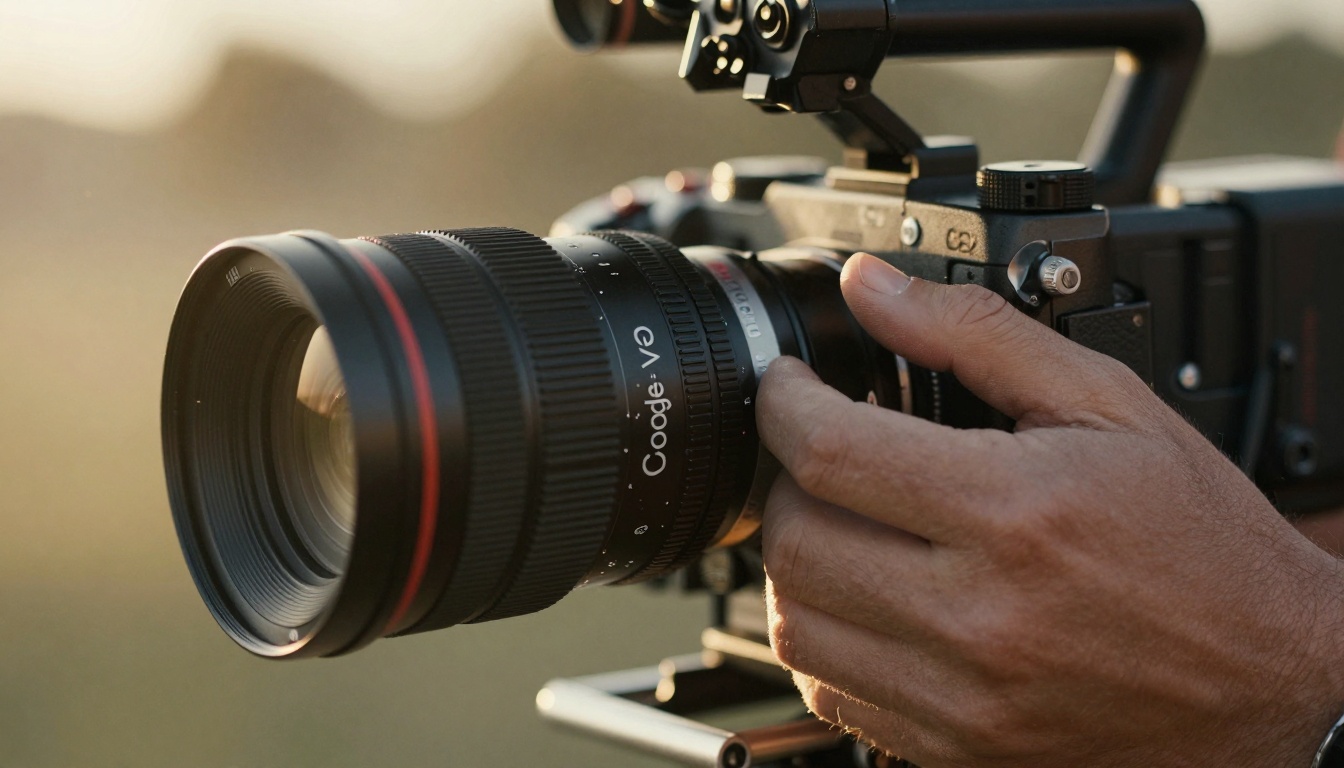
Google's Veo 3 focuses on creating videos that feel like they were shot with actual cameras. The platform emphasizes:
- Natural motion physics with subtle imperfections
- Cinematic lighting that mimics real-world conditions
- Organic texture rendering with film grain and natural noise
- Warm color grading reminiscent of professional cinematography
The result feels less like computer-generated imagery and more like footage you might have captured yourself. This matters for creators who want their AI-generated content to blend seamlessly with traditional footage.
Sora 2 Pro: Clinical Precision
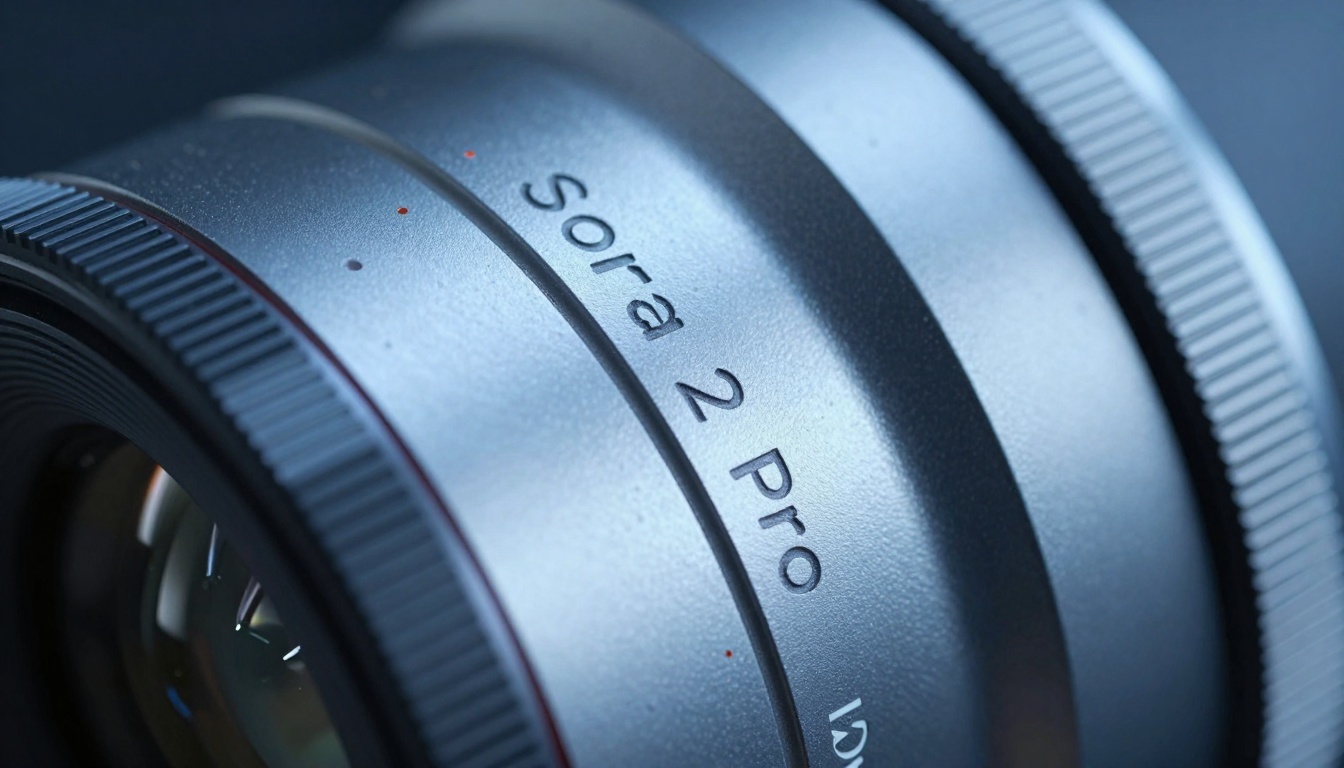
OpenAI's Sora 2 Pro takes the opposite approach, prioritizing:
- Hyper-realistic detail with perfect clarity
- Precise motion physics without organic imperfections
- Clinical lighting that highlights every detail
- Cold, analytical color grading for maximum visibility
This creates videos that feel technically perfect but sometimes lack the warmth of traditional cinematography. For technical demonstrations, product visualization, or scientific content, this precision becomes a strength rather than a limitation.
Technical Specifications Side-by-Side
| Feature | Veo 3 | Sora 2 Pro |
|---|
| Maximum Resolution | 1080p at 30fps | 4K at 60fps |
| Video Length | Up to 60 seconds | Up to 120 seconds |
| Motion Handling | Natural with organic imperfections | Perfect physics simulation |
| Texture Quality | Film-like with grain | Hyper-detailed without noise |
| Color Science | Warm, cinematic palette | Neutral, analytical palette |
| Parameter Controls | Basic cinematic adjustments | Advanced physics controls |
| Integration | Google ecosystem native | API-first with broad compatibility |
| Processing Speed | 2-5 minutes per video | 5-10 minutes per video |
The table reveals the fundamental trade-off: Veo 3 offers faster, more cinematic results while Sora 2 Pro provides higher technical specifications with longer processing times.
Workflow Integration Differences
How each platform fits into existing production workflows determines practical usability.
Veo 3 Workflow Experience
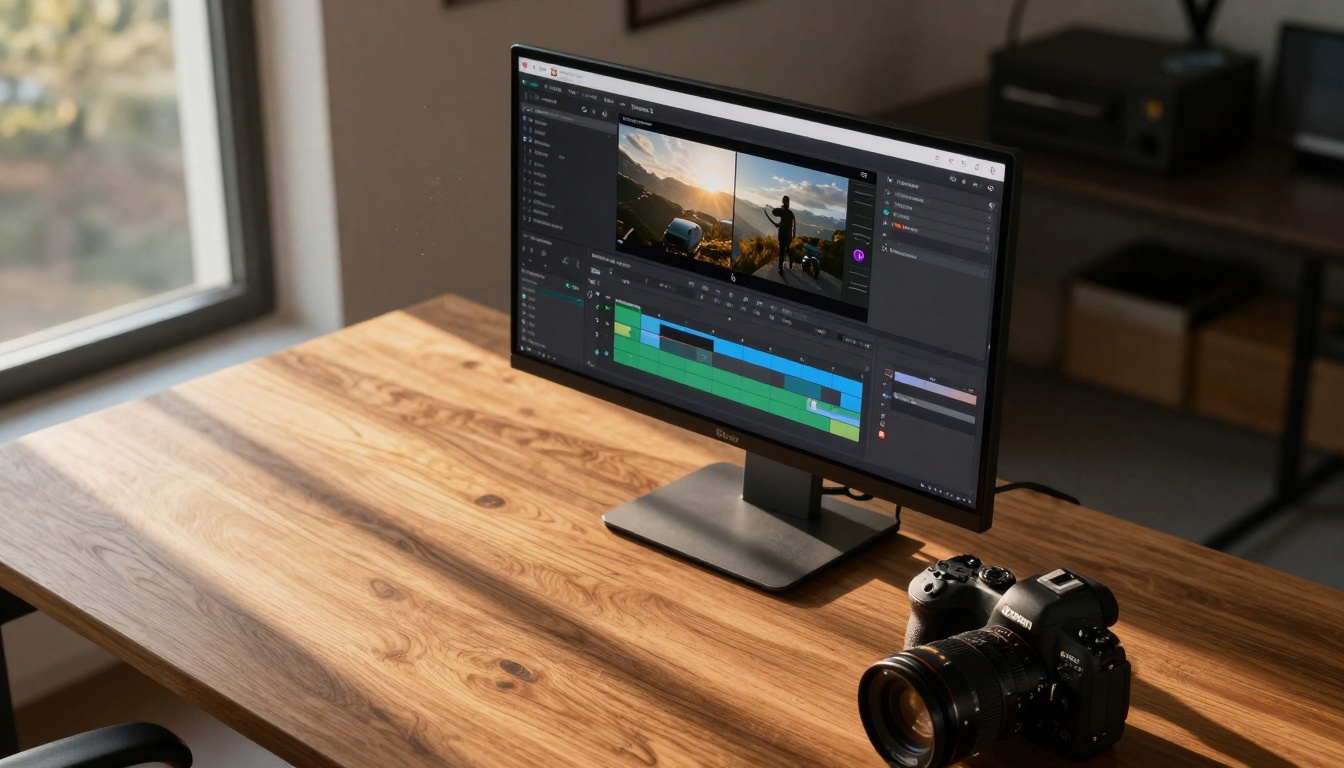
Veo 3 integrates seamlessly with Google's ecosystem:
- Direct interface through Google's creative tools
- Automatic cloud storage in Google Drive
- Native compatibility with YouTube upload workflows
- Simple parameter controls focusing on creative rather than technical adjustments
💡 Practical Tip: Use Veo 3 when you need quick social media content that blends with existing footage. The cinematic quality means less color grading work in post-production.
The platform assumes you want results quickly without extensive technical tweaking. This works well for content creators, marketers, and social media teams who prioritize speed over absolute perfection.
Sora 2 Pro Workflow Experience
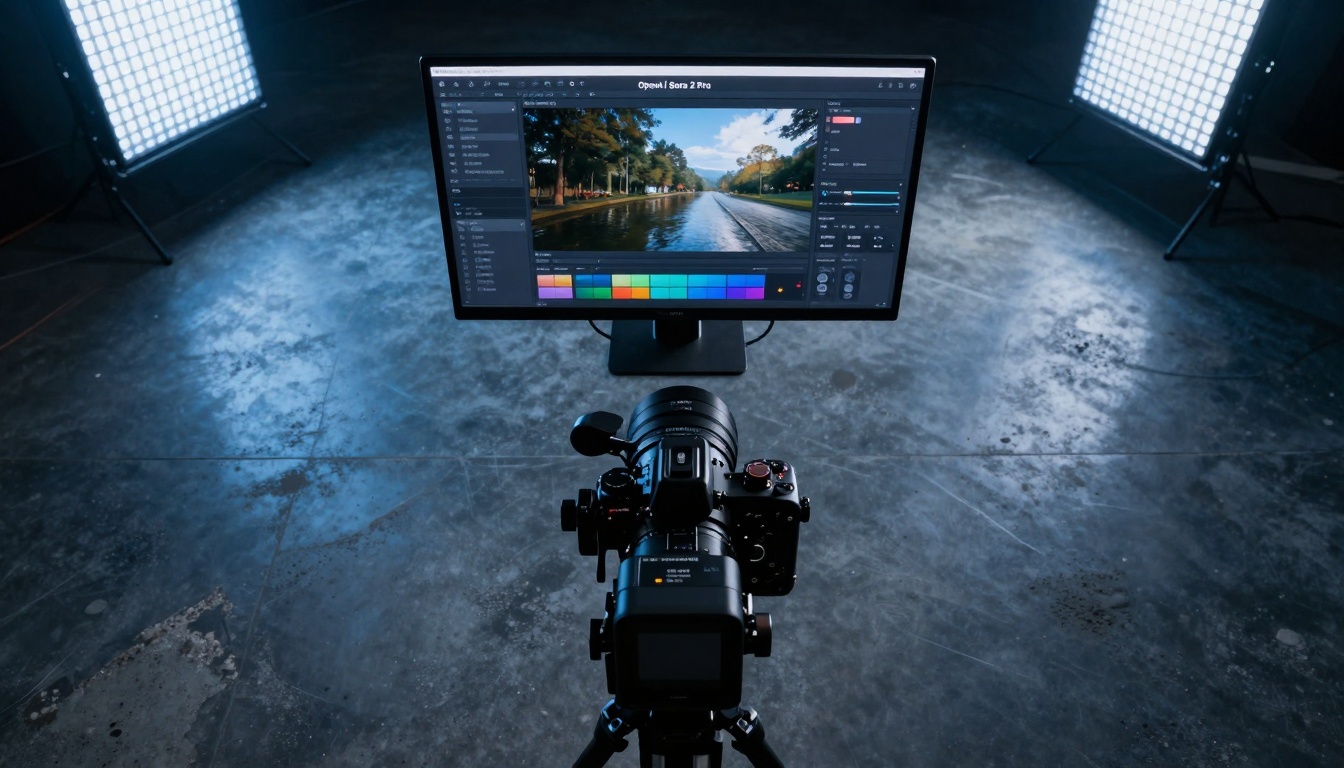
Sora 2 Pro follows an API-first approach:
- Programmatic access through REST API
- Custom integration with existing editing software
- Advanced parameter controls for technical precision
- Flexible output formats for professional pipelines
💡 Practical Tip: Choose Sora 2 Pro for technical demonstrations where visual accuracy matters more than cinematic warmth. The hyper-realistic detail serves scientific and technical content perfectly.
This workflow suits studios, technical animators, and professionals who need to integrate AI generation into complex production pipelines. The learning curve steeper, but the control granular.
Cost and Accessibility Considerations
Both platforms use different pricing models that affect who can use them effectively.
Veo 3 Pricing Structure
- Free tier with limited generations per month
- Professional tier at $29/month for unlimited 1080p generation
- Enterprise tier with custom pricing for studio workflows
- No credit system - flat monthly fee for unlimited use
The flat fee model works for consistent content creators who generate videos regularly. You know your monthly cost regardless of output volume.
Sora 2 Pro Pricing Structure
- Credit-based system ($0.10 per second of generated video)
- Volume discounts for large-scale production
- Enterprise contracts with dedicated resources
- API usage billed per request
The credit system favors occasional users and studios with variable production volumes. You only pay for what you generate, making it cost-effective for projects with unpredictable needs.
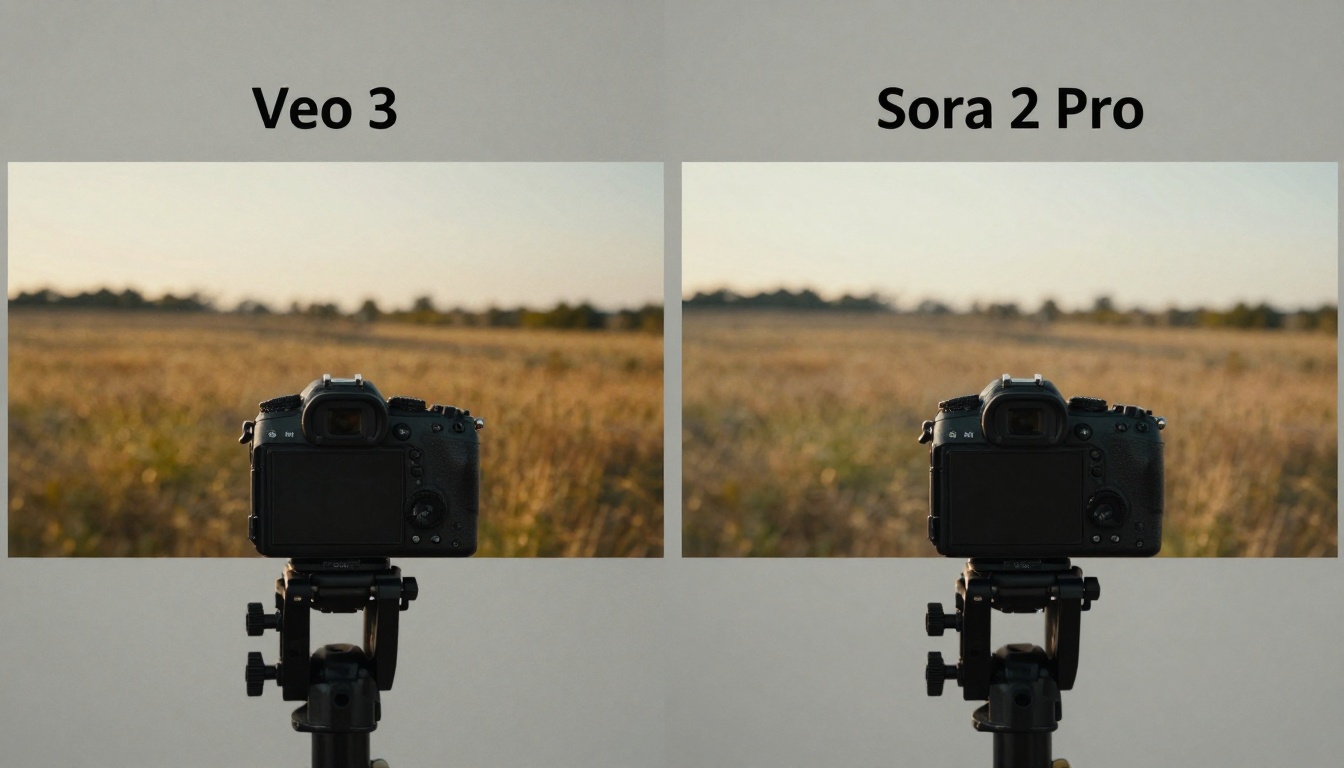
Quality Comparison: Frame-by-Frame Analysis
Looking at actual output reveals subtle but important differences.
Motion Quality Differences
Veo 3 motion characteristics:
- Natural motion blur during camera pans
- Slight imperfections in object movement
- Organic easing in and out of motion
- Subtle camera shake simulation
Sora 2 Pro motion characteristics:
- Perfect physics simulation
- No motion blur unless specifically requested
- Mechanical precision in movement
- Stable camera with no shake
These differences matter depending on your content type. Veo 3's organic motion works for narrative content, while Sora 2 Pro's precision serves technical animation.
Visual Texture Comparison
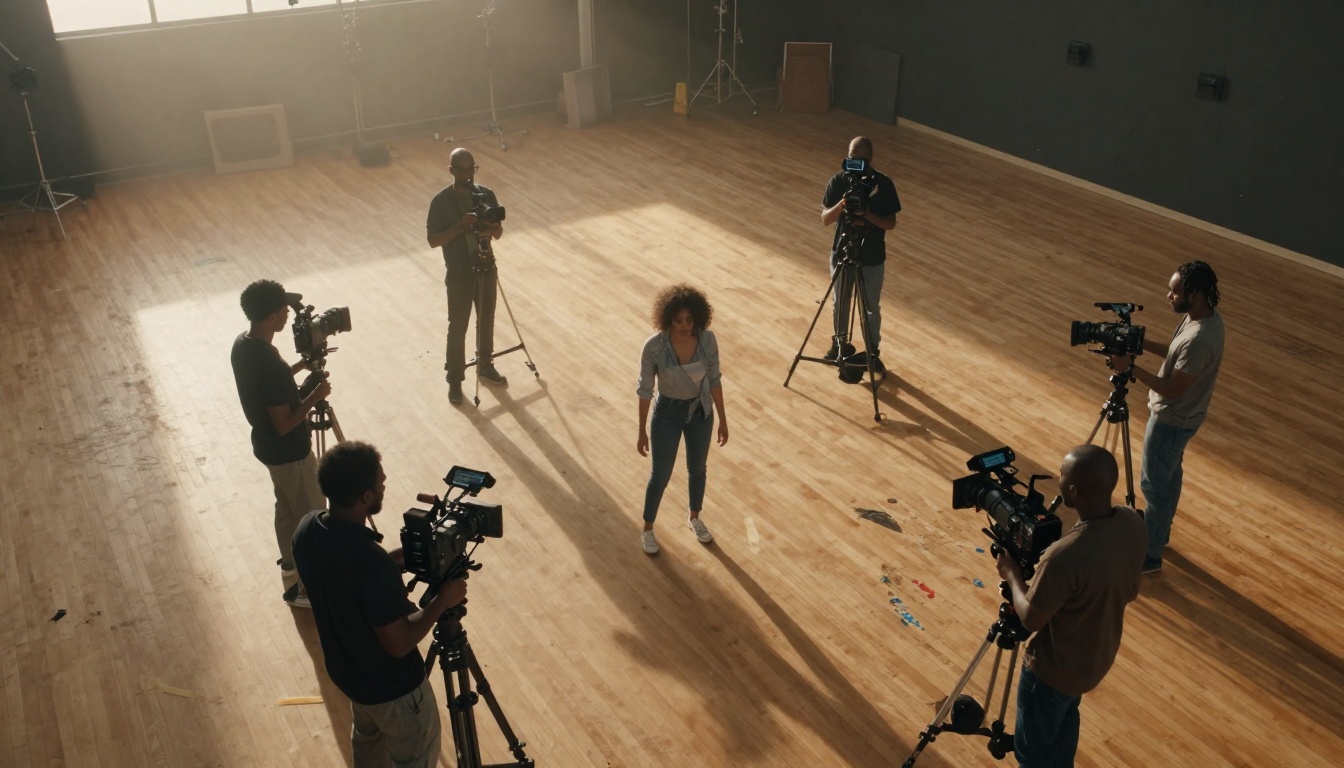
Veo 3 texture rendering:
- Film grain simulation
- Natural noise patterns
- Softened edges for cinematic feel
- Warm color temperature bias
Sora 2 Pro texture rendering:
- Hyper-detailed surface textures
- Perfect edge clarity
- Neutral color accuracy
- Clinical lighting without diffusion
The texture difference becomes most apparent in close-up shots. Veo 3 creates the feel of professional cinematography, while Sora 2 Pro achieves technical perfection.
Understanding your specific needs determines which platform serves you better.
Social Media Content Creation
For TikTok, Instagram Reels, YouTube Shorts:
Veo 3 advantages:
- Faster generation (2-5 minutes)
- Cinematic quality requiring less post-production
- Seamless YouTube integration
- Natural look that blends with phone footage
When to choose Veo 3: Daily social media content, vlog-style videos, lifestyle content
Professional Video Production
For commercials, corporate videos, product demos:
Sora 2 Pro advantages:
- 4K resolution for professional deliverables
- Advanced parameter controls for technical precision
- API integration with professional editing software
- Hyper-realistic detail for product visualization
When to choose Sora 2 Pro: High-budget commercials, technical product demos, scientific visualization
Narrative and Storytelling
For short films, narrative content, cinematic projects:
Veo 3 advantages:
- Cinematic color grading built-in
- Natural motion that feels human-directed
- Film grain and texture for artistic feel
- Warm lighting that supports emotional tone
When to choose Veo 3: Short films, artistic projects, emotionally-driven content
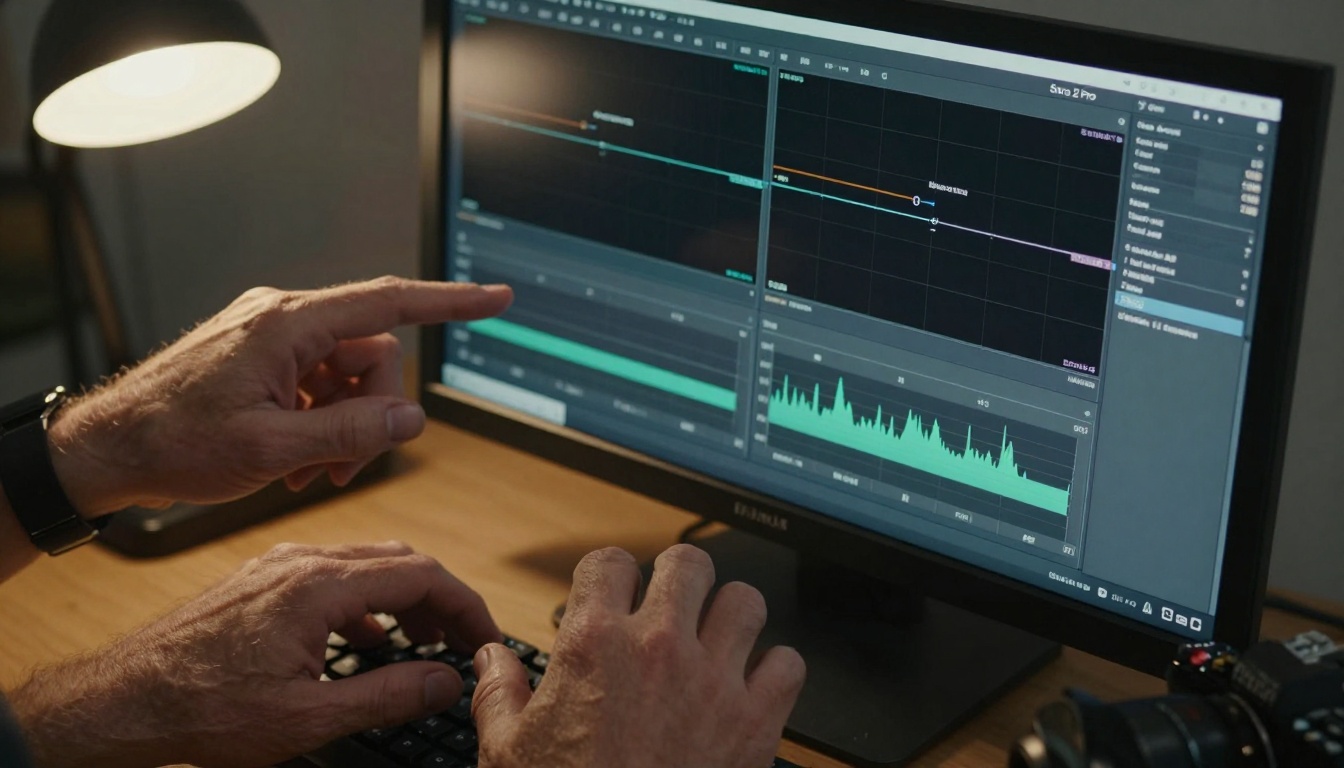
Parameter Control and Customization
How much control you need affects platform choice significantly.
Veo 3 Control Parameters
Available adjustments in Veo 3:
- Cinematic style (choose from preset looks)
- Motion intensity (subtle to dramatic)
- Color temperature (warm to cool bias)
- Texture intensity (soft to detailed)
- Duration control (15-60 seconds)
The controls focus on creative decisions rather than technical precision. This suits creators who want beautiful results without technical complexity.
Sora 2 Pro Control Parameters
Available adjustments in Sora 2 Pro:
- Physics simulation parameters (gravity, friction, elasticity)
- Lighting direction and intensity (precise control)
- Camera parameters (focal length, aperture, sensor size)
- Material properties (reflectivity, transparency, texture)
- Motion curves (bezier control over movement)
These technical controls appeal to animators, technical directors, and professionals who need specific visual outcomes.
Both models exist within the PicassoIA ecosystem, offering unique advantages.
Veo 3 on PicassoIA
Access Veo 3 through PicassoIA at https://picassoia.com/en/collection/text-to-video/google-veo-3.
PicassoIA integration benefits:
- Unified billing with other AI tools
- Consistent interface across different models
- Cross-model workflow (generate images with Flux, then animate with Veo 3)
- Community examples and prompt sharing
Sora 2 Pro on PicassoIA
Access Sora 2 Pro through PicassoIA at https://picassoia.com/en/collection/text-to-video/openai-sora-2-pro.
PicassoIA integration benefits:
- Combined usage with GPT models for script generation
- Integration with video editing tools
- Professional workflow templates
- Enterprise support options
Real-World Production Scenarios
Let's examine specific situations where the choice becomes clear.
Scenario 1: Daily Social Media Agency
Agency producing 20+ social videos daily for multiple clients.
Recommended: Veo 3
- Speed matters for volume production
- Cinematic quality works across different content types
- Flat monthly pricing predictable for budgeting
- Minimal post-production reduces workload
Scenario 2: Technical Product Company
Company creating detailed product visualization videos.
Recommended: Sora 2 Pro
- Hyper-realistic detail shows product features accurately
- Technical controls ensure precise representation
- 4K resolution for professional deliverables
- API integration with existing technical documentation
Scenario 3: Independent Filmmaker
Creator producing narrative short films with limited budget.
Recommended: Veo 3
- Cinematic warmth supports emotional storytelling
- Natural motion feels director-driven
- Film texture creates cohesive visual style
- Affordable for independent budgets
Advanced creators sometimes use both platforms for different aspects of the same project.
Hybrid workflow example:
- Generate establishing shots with Veo 3 for cinematic warmth
- Create technical product shots with Sora 2 Pro for precision
- Edit together in traditional editing software
- Apply consistent color grading across all footage
This approach leverages each platform's strengths while maintaining visual consistency through post-production.
Future Development and Roadmap
Both platforms continue evolving with different priorities.
Veo 3 Development Direction
Google focuses on:
- Improved cinematic quality
- Faster generation times
- Better integration with Google ecosystem
- More creative controls (director styles, genre presets)
Sora 2 Pro Development Direction
OpenAI prioritizes:
- Higher resolution outputs (8K target)
- More advanced physics simulation
- Broader API capabilities
- Enterprise workflow integration
Making Your Decision
Choosing between Veo 3 and Sora 2 Pro comes down to answering specific questions about your needs:
Ask yourself:
- Speed vs. quality: Do you need results quickly (Veo 3) or maximum quality regardless of time (Sora 2 Pro)?
- Cinematic vs. technical: Does your content benefit from artistic warmth (Veo 3) or clinical precision (Sora 2 Pro)?
- Workflow integration: Do you prefer simple creative tools (Veo 3) or technical API integration (Sora 2 Pro)?
- Budget model: Does flat monthly pricing (Veo 3) or pay-per-use (Sora 2 Pro) fit your production volume?
- Output requirements: Do you need 1080p social content (Veo 3) or 4K professional deliverables (Sora 2 Pro)?
The right choice depends entirely on your specific production needs, technical requirements, and creative goals.
Before committing to either platform, PicassoIA makes testing straightforward:
- Create free accounts for both Veo 3 and Sora 2 Pro on PicassoIA
- Generate the same prompt with both platforms using your credits
- Compare outputs side-by-side for your specific use case
- Evaluate workflow integration with your existing tools
- Calculate costs based on your projected monthly usage
This hands-on testing provides the clearest understanding of which platform serves your specific needs better.
Final recommendation: Start with Veo 3 if you prioritize speed, cinematic quality, and social media content. Choose Sora 2 Pro if you need technical precision, professional resolution, and advanced control parameters. For many creators, maintaining access to both platforms provides maximum flexibility for different types of projects.
The video generation landscape continues evolving rapidly. Both Veo 3 and Sora 2 Pro represent significant advances, each with distinct advantages. Your specific needs determine which tool delivers better results for your video content creation.


